A:AnswerPush your phone audio to receiver via Bluetooth, or have the displays audio out connected to the receiver inputs and make sure to change the appropriate settings on the app.
A:AnswerIt should automatically update when you go through the initial setup. Unless you cancelled the update or decided you would install the update at a later time
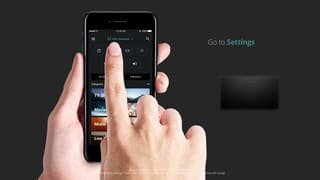
A:AnswerOne way you might be able to check is on the phone app. Go to Settings > System > System information > Display Information > Then you should be able to find the current Resolution and Vertical Frequency and HDR.