Questions & Answers
- Model:
- M55-D0
- |
- SKU:
- 4989100
Highly rated by customers for: Picture Quality, HDR, Color
Page Showing 61-73 of 73 questions
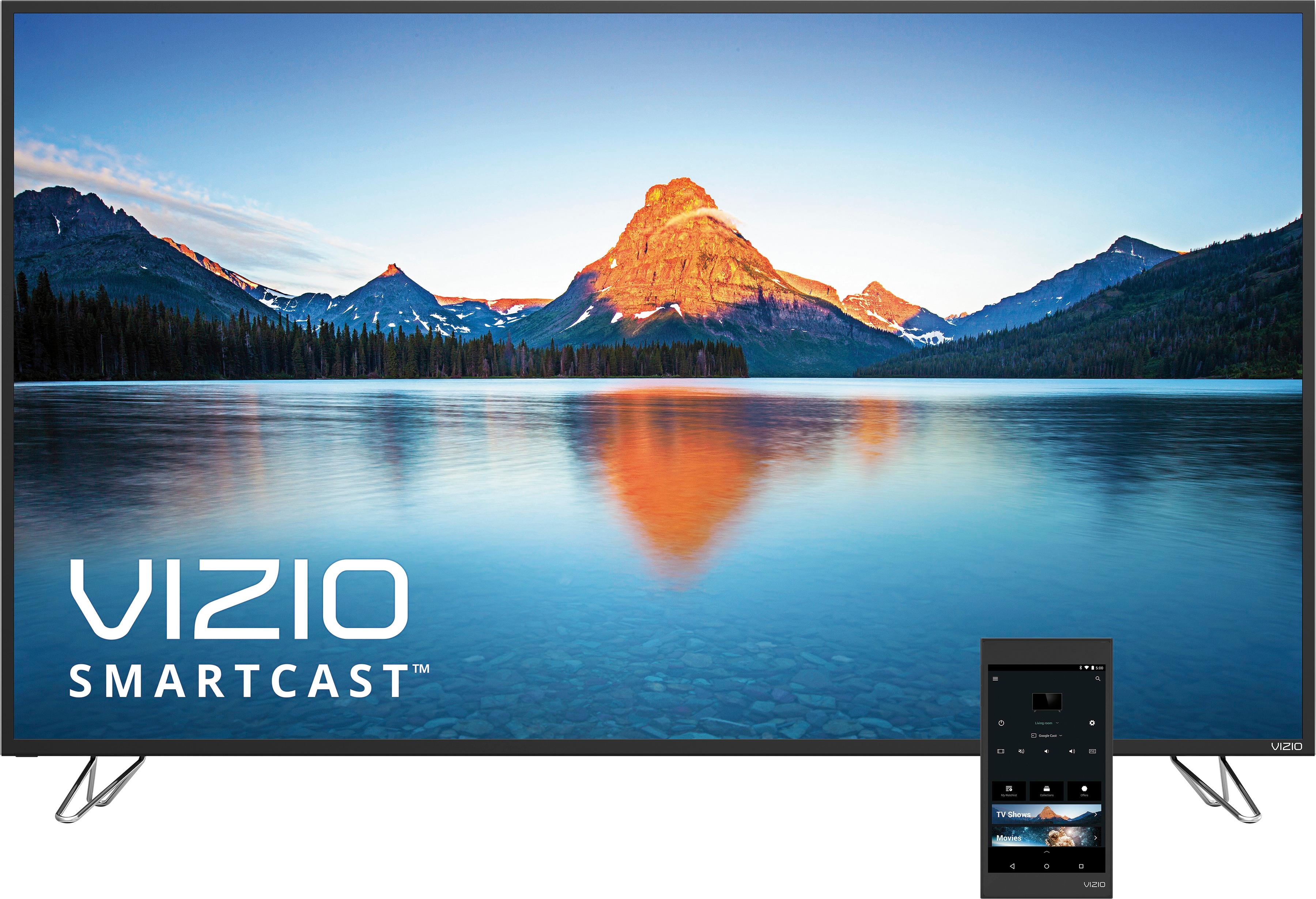
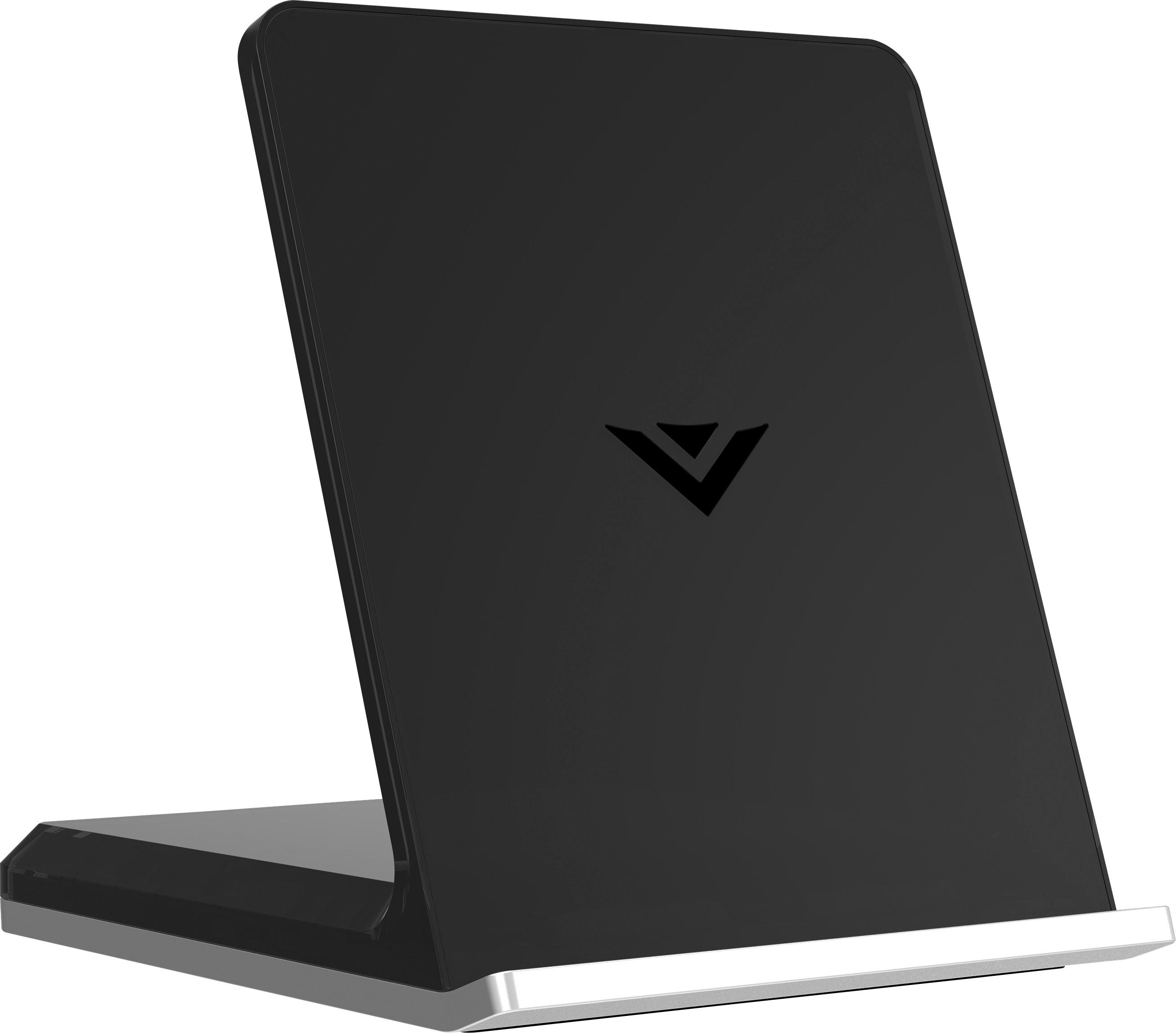
Q: QuestionDoes this TV come with the tablet remote?
Asked by Benji.
- A:Answer yes it does
Answered by computermama
Q: QuestionCan you use your cable remote to turn the tv off and on?
Asked by Hoodges.
- A:Answer Yes, if your cable remote is universal. Also works with Direct TV Remote.
Answered by David
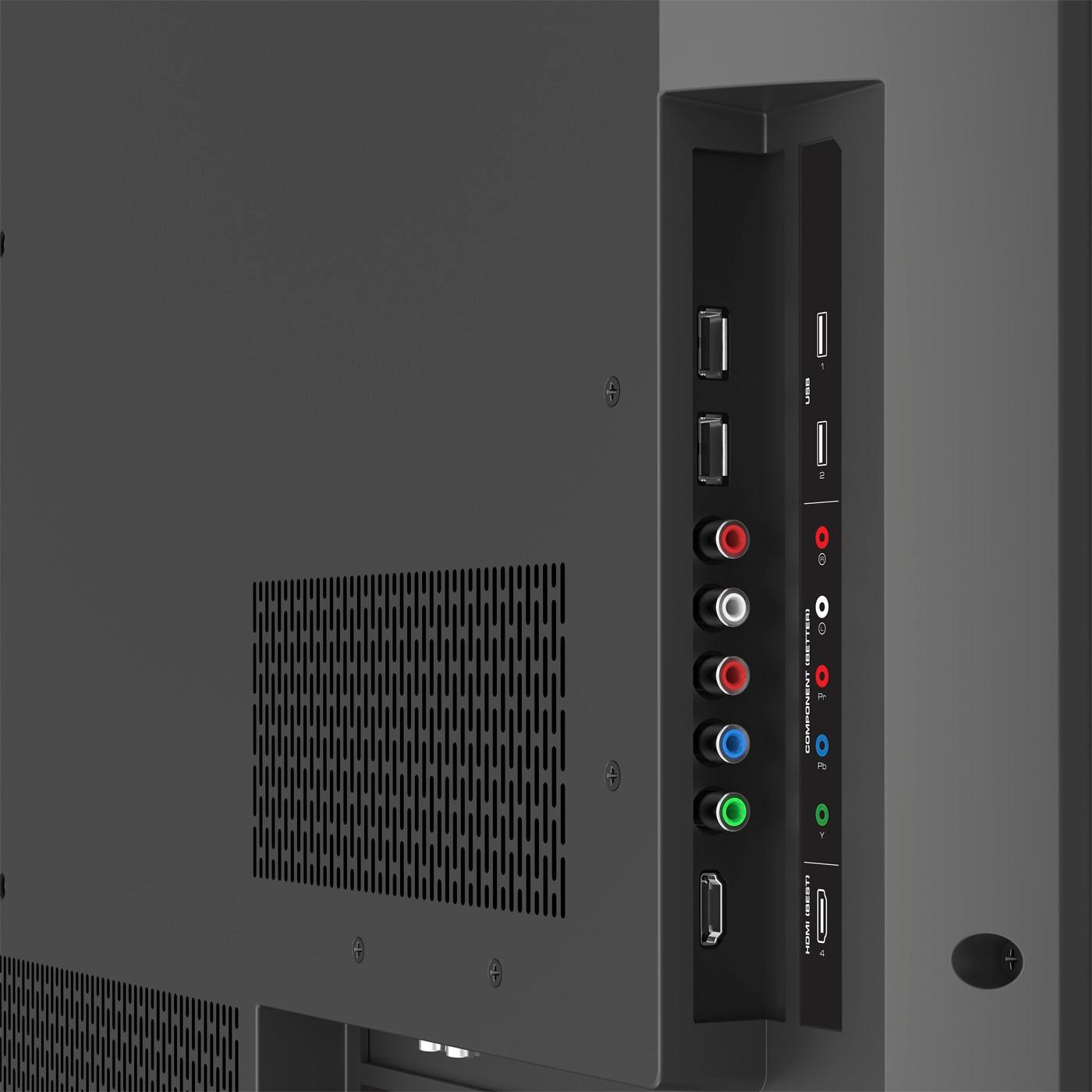
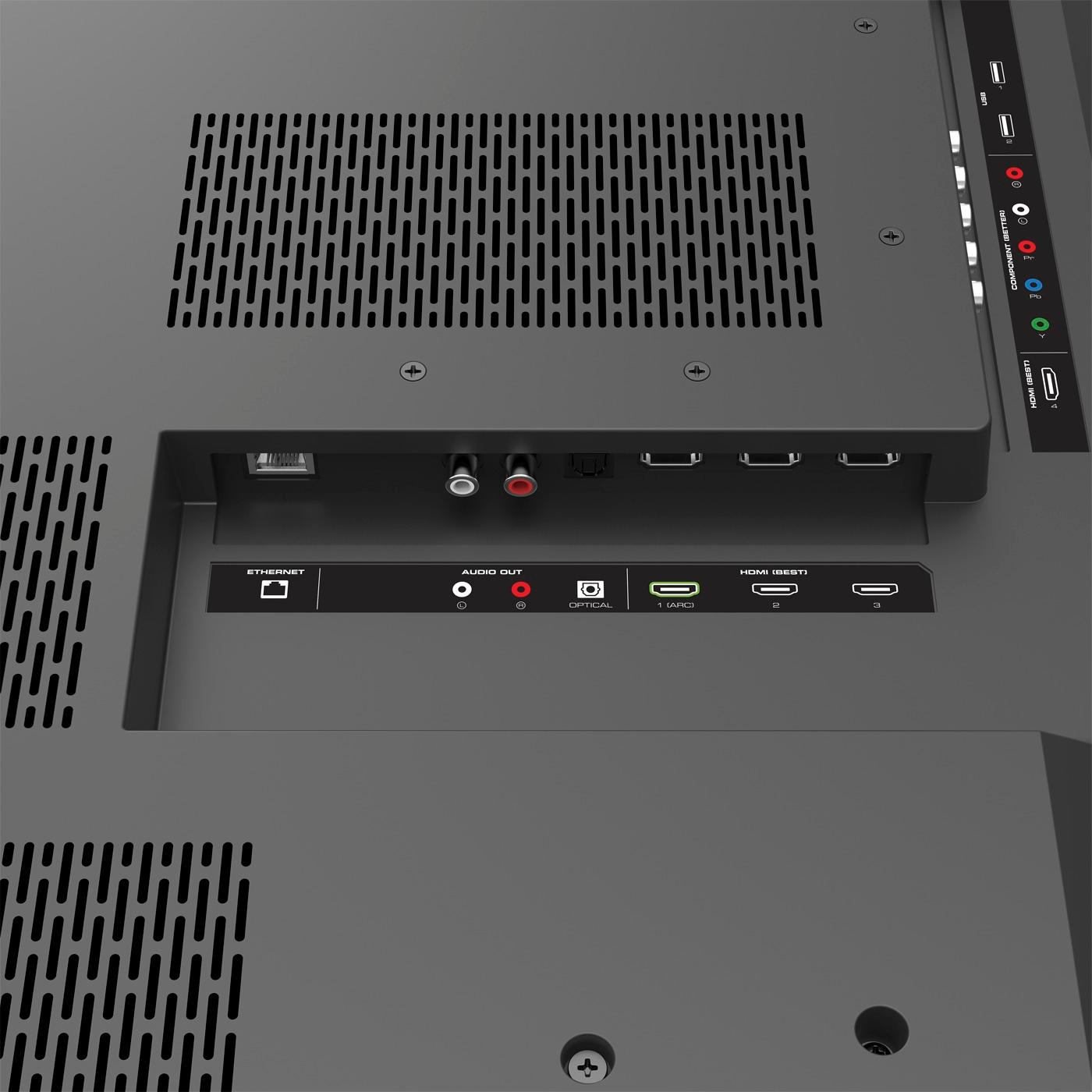
Q: QuestionPurchased the M55-DO vizio model back in July. To get ready for the Xbox one x release. Hooked everything up did everything I'm supposed to setupwise in the hdmi-1slot. And it still does not give me 2160p res option. And no option for hdr???
Asked by Rkalani.
- A:Answer We would love to speak with you directly about your experience to see if we can help in any way. Please contact our customer support team at 877-878-4946
Answered by VIZIO

Q: QuestionI need the manual to help set up the tv resolution, color,etc. The picture is not clear.
Asked by June.
- A:Answer You can access your user manual on Vizio's support website, here: http://cdn.vizio.com/documents/m50d1/um-m50d1.pdf. Please ensure that you are using an HD source to achieve the best picture quality. If you still need help, Geek Squad offers ISF-certified TV calibrations to ensure you are getting the best picture possible. You can learn more by clicking on the recommendations here, visiting your local store, or by calling 1 (800) 433-5778.
I would recommend:
Answered by FeyBBY
Q: QuestionOur tv can't find our wi-fi network any more. How can we reconnect to wi-fi?
Asked by tootall.
- A:Answer We'd like an opportunity to take a look at this issue. Please contact our award-winning U.S.-based customer support team at 877-878-4946 Monday thru Friday from 7am to 11pm and Saturday and Sunday from 8am to 6pm CST. We also have Chat and E-mail support on support.vizio.com if you would prefer.
Answered by VIZIO

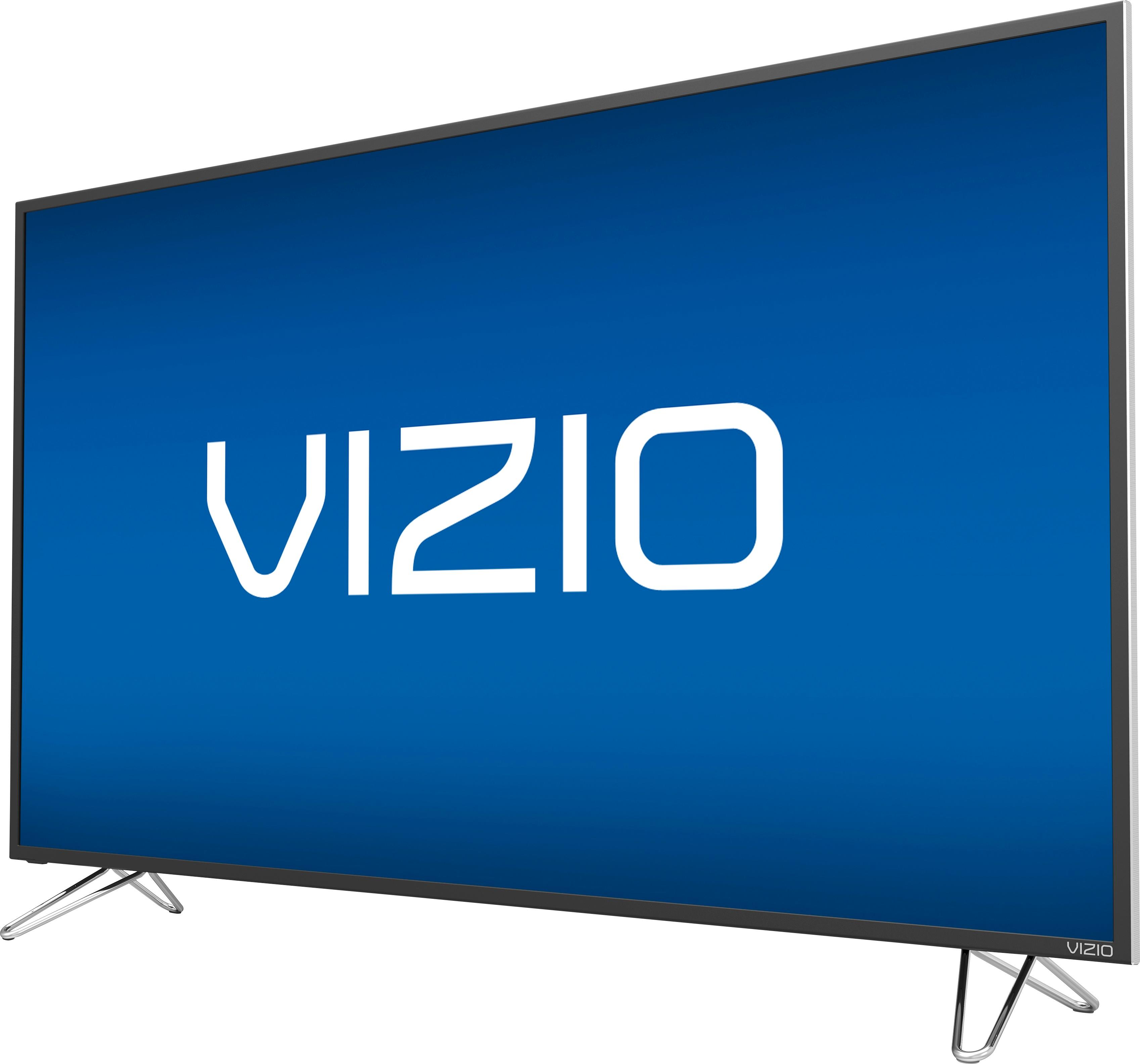
Q: Questionare the speakers at the bottom so sound comes out in front of the tv?
Asked by Anonymous.
- A:Answer The speakers on this model are downward facing. Thanks! -Randal
Answered by VIZIO

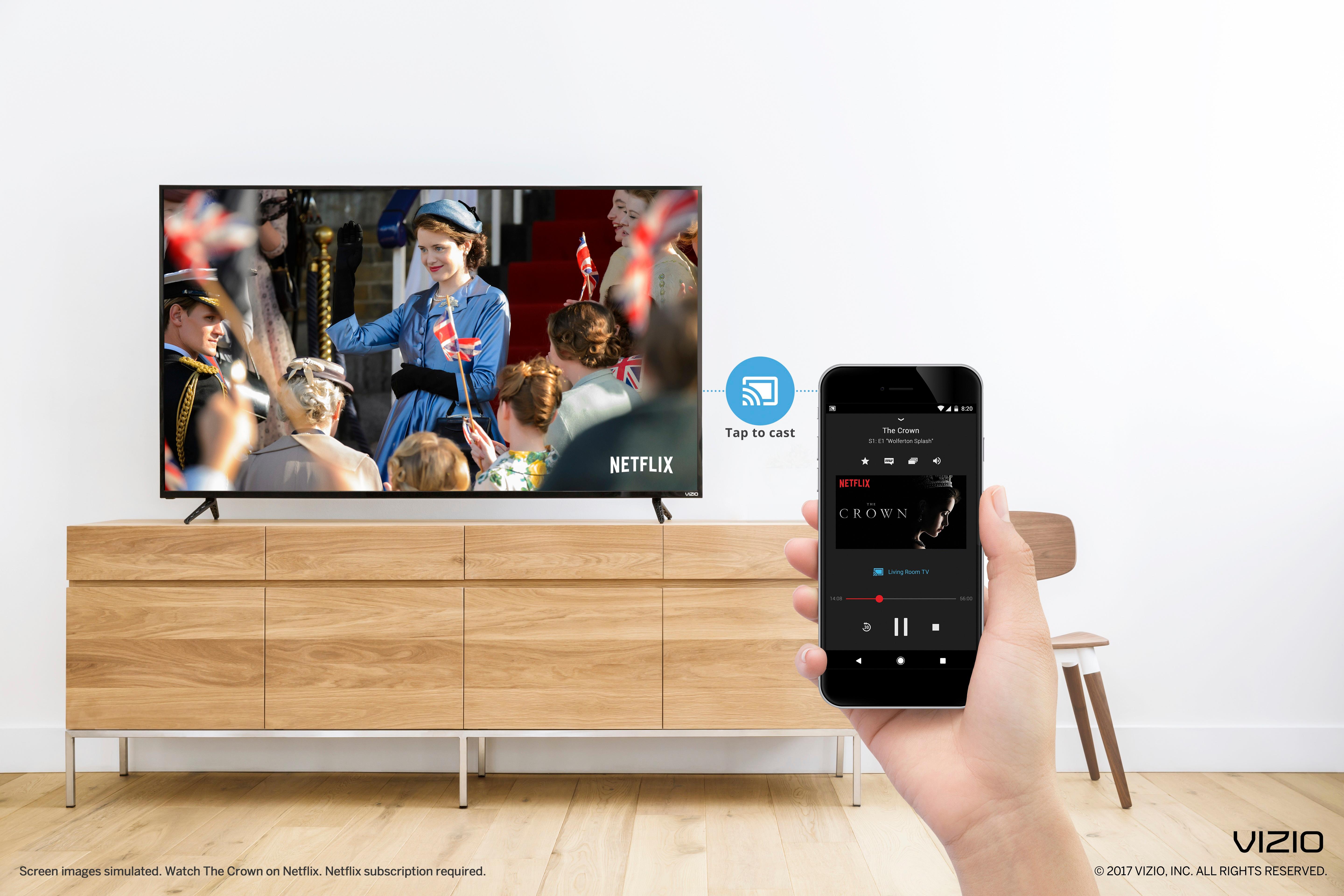
Q: QuestionJust bought this product yesterday, but unable to get youtube to stream in 4K. It says 4K in the icon for the video and reads as 4K, but recently returning a 4K tv for this one, I can clearly tell it's not showing the content in 4K. help plz?
Asked by Troubledbuyer11.
- A:Answer Native or "true" 4K streaming can only be done if youtube is broadcasting that video in 4K or if that video was uploaded in perfect 4K quality. Typically uploading videos to youtube get degraded in quality. If you want to see genuine 4K, I suggest you purchases a 4K movie from Best Buy. I have a 4K HDR tv and the Xbox One S, I am upscaling my bluray 1080p Game of Thrones to 4K and it looks spectacular. Hope this helps... Also make sure all settings for 4K are on. Your television might be a 4K tv that is still set to only show 1080p picture
Answered by GamerKramer
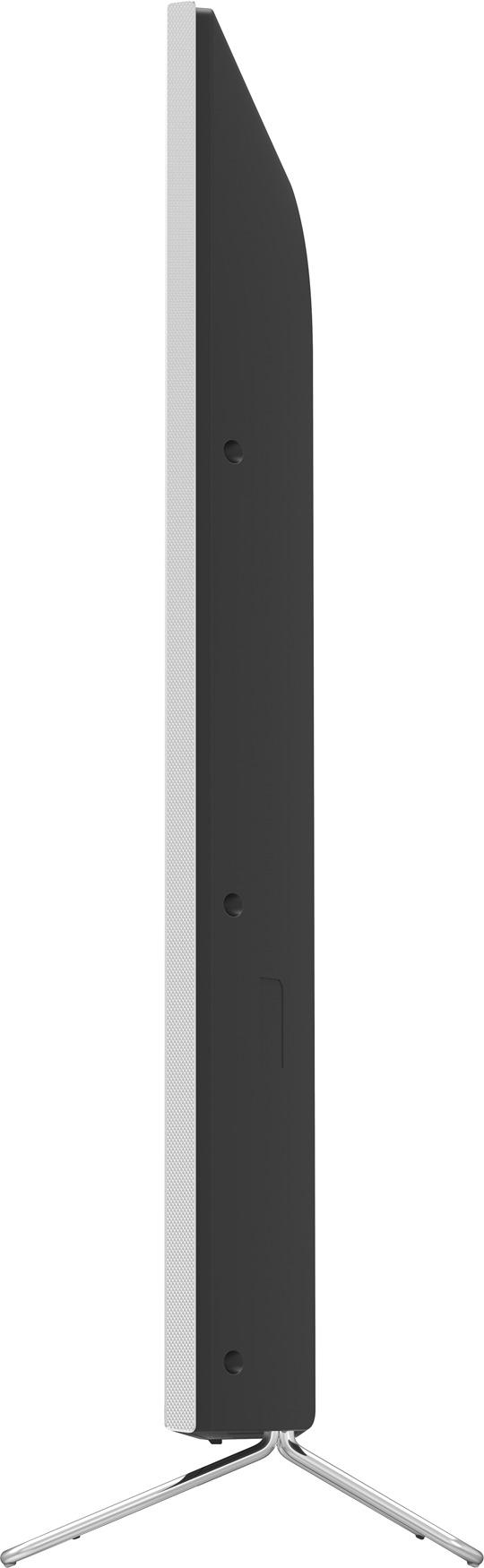
Q: QuestionIf you mount this tv on the wall, does it result in diminished sound quality since its speakers are located on the rear? In other words, with a wall mount, are external speakers a must-have for this tv?
Asked by Oreland.
- A:Answer Thank you for a great question on our SmartCast™ M55-D0! The speakers are rear-facing, but are designed to work perfectly in all situations, either standing on the stand, or being wall-mounted. They project audio in a way to create a room-filling experience. If you have any questions or concerns, we encourage you to reach out to our Support team at 844.254.8088. Thanks again and have a great day! -Collin
Answered by VIZIO

Q: QuestionIs anybody having problems with hdr10 on Xbox one s
Asked by Buzzkill1118.

- A:Answer What kind of problems are you having? I had some issues at start, but I think I troubleshooted all of my concerns.
Answered by GamerKramer
Q: QuestionI recently purchased a M55-D0 55" 4k UHD tv. I have seen the info about the HDR10 update for these displays. Mine has done the update. However, I am still not seeing HDR. I am running thru a 4k HDR capable A/V reciever to HDMI 1.
Asked by PWPhoto.
- A:Answer I'm not 100% if this is the right answer to your question, but I have this exact same model and was able to get it working. There is a default setting you need to switch to active or on from its default setting of not being active. Use the Vizio SmartCast App (either on the included tablet or another mobile device of yours you've downloaded it to) and then click on the menu icon in the top left. Scroll down the side menu that pops up and tap on Device Settings. If your mobile device you're using has connected with your TV you'll see your TV listed there, and tap on the name. The screen that loads from there will have an option called Input Settings toward the bottom. Tap on that, then tap on the HDMI-1 option. Regardless of anything you should see the "Full UHD Color" option with the on/off switch next to it. If your device you're running your video media from is plugged into HDMI 1 and is on you should be able to toggle the Full UHD Color option on and off. I hope that helps! I just did that for mine today. Best of luck!
Answered by Kevbot4
Q: QuestionThe specs say that this is a 120 HZ refresh rate tv. Why do some people insist that it is 60 HZ?
Asked by onthelookoutforatv.
- A:Answer They're talking about 2 different things. The unit has the 120 hz processor, which is what you're really looking for and what they all try to disguise with words like refresh rate.
Answered by ElOso
Q: QuestionIs this 60 hz or 120hz
Asked by Neto.
- A:Answer This tv is 60hz native refresh the 60 inch tvs on up have a 120hz refresh
Answered by Facehurtz
Most-viewed items
- $299.95$299.95The price was $449.99
- $89.99$89.99The price was $229.99
- $42.99$42.99The price was $59.99
- Ultimate Deal$299.00$299.00
- New Limited Time Deal$1,299.99$1,299.99
- Ultimate Deal$159.99$159.99