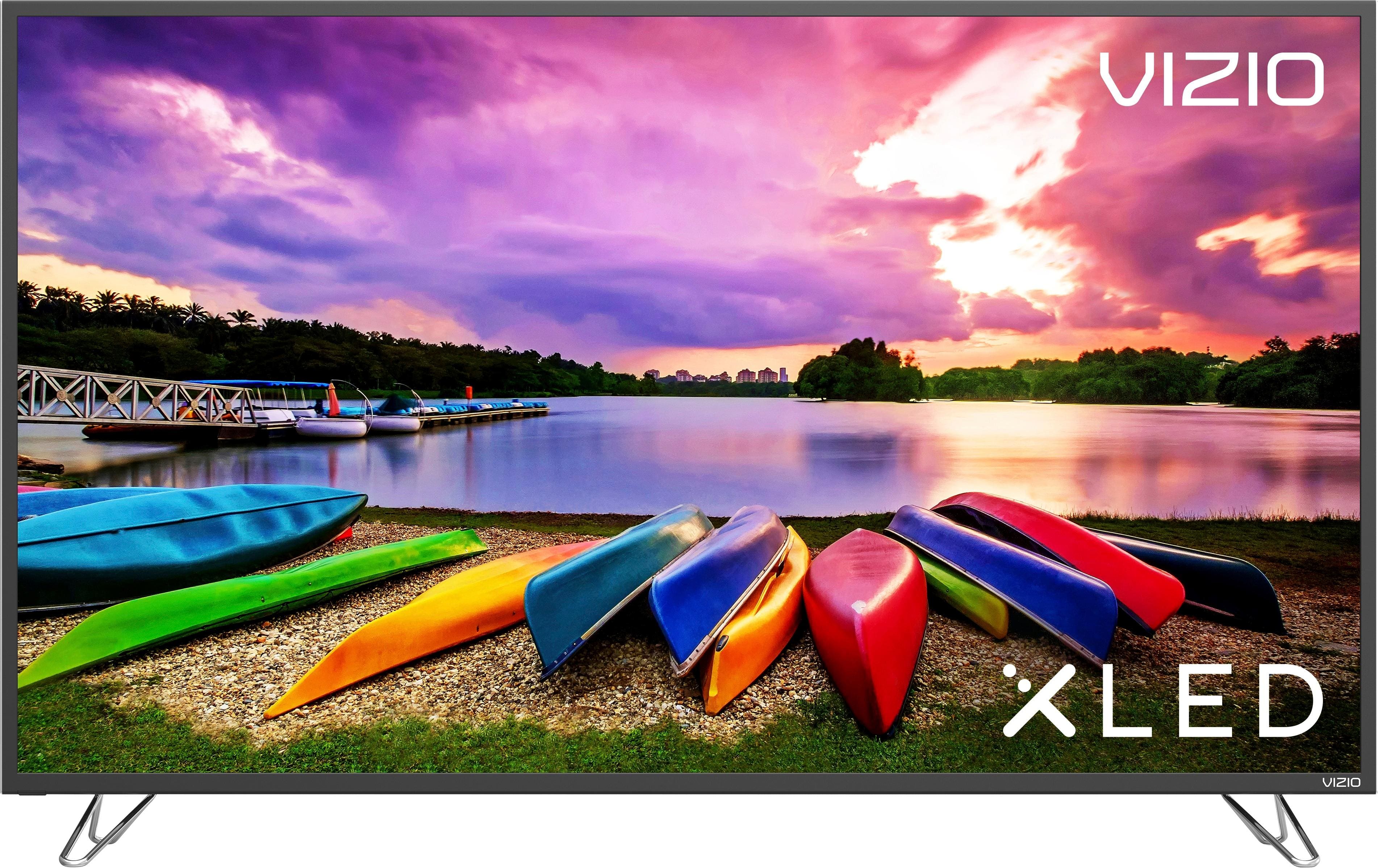
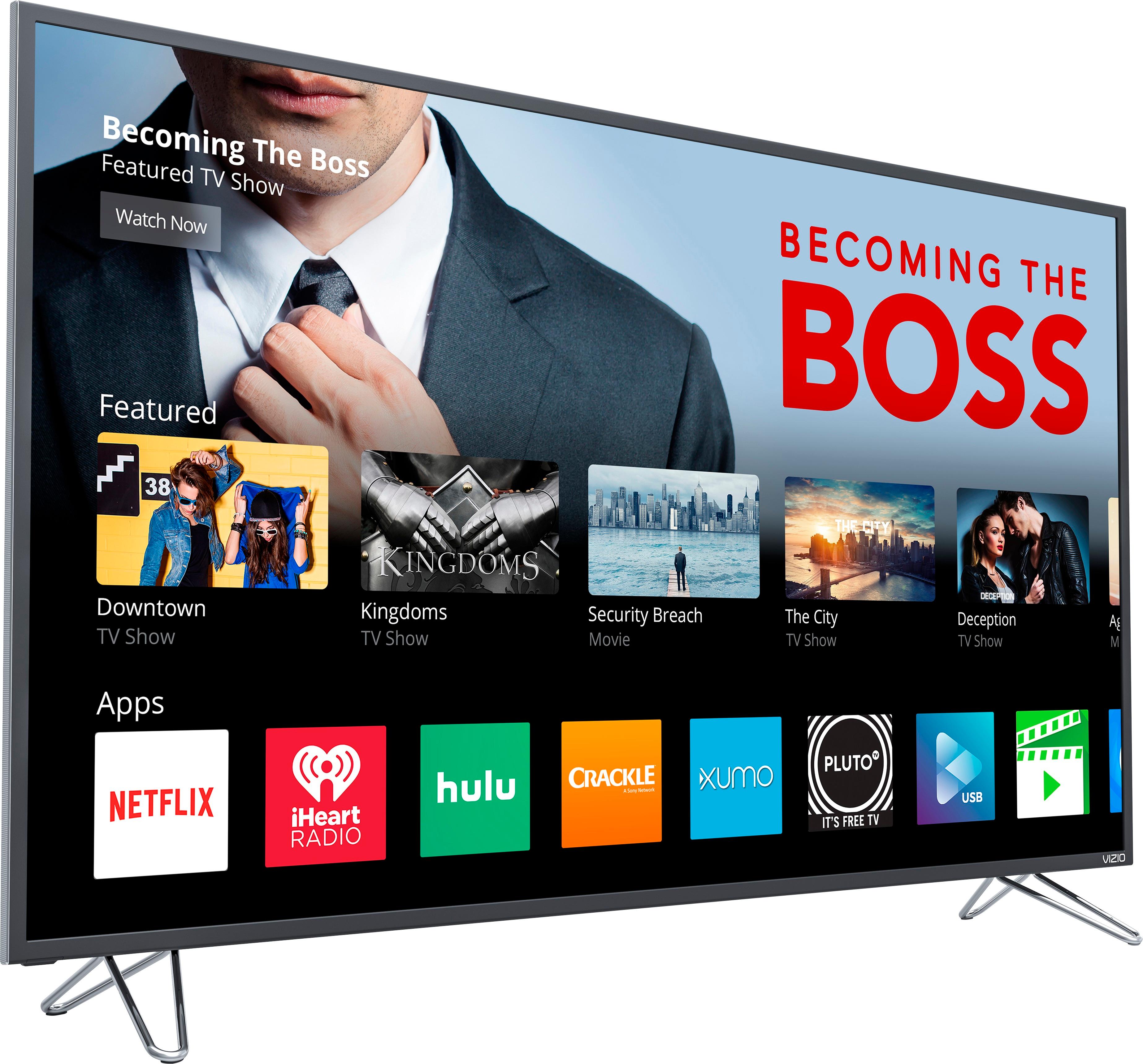
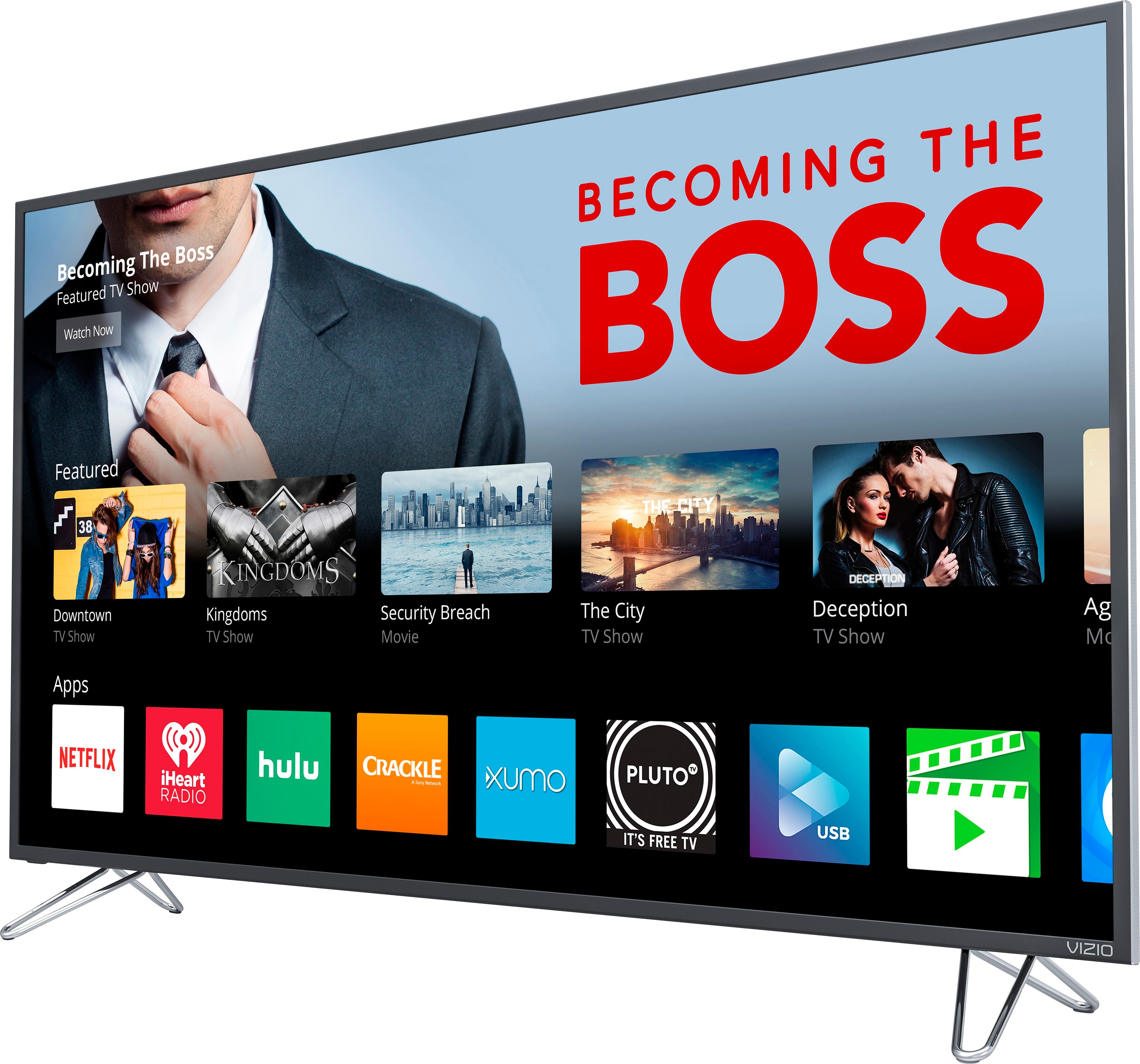
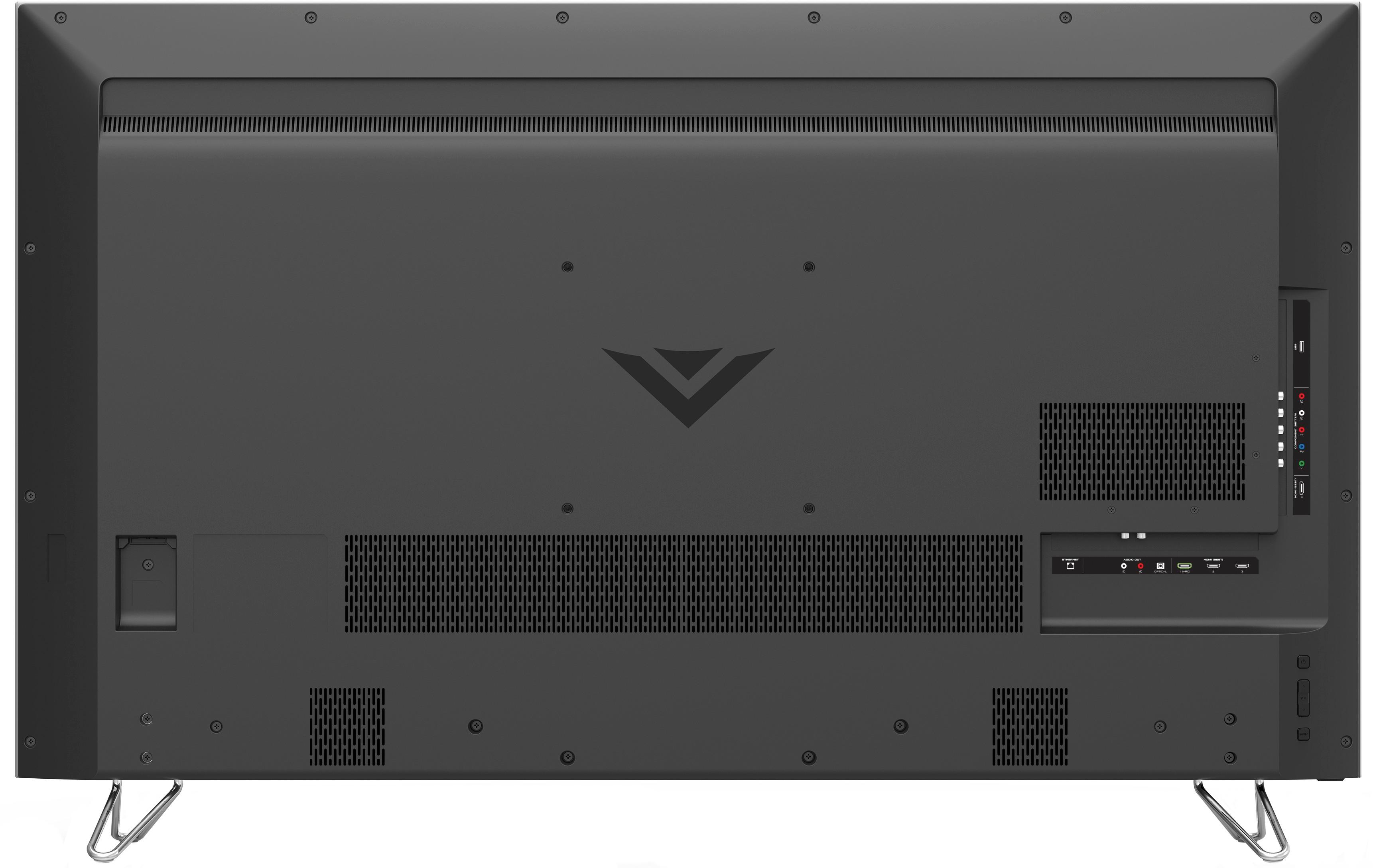
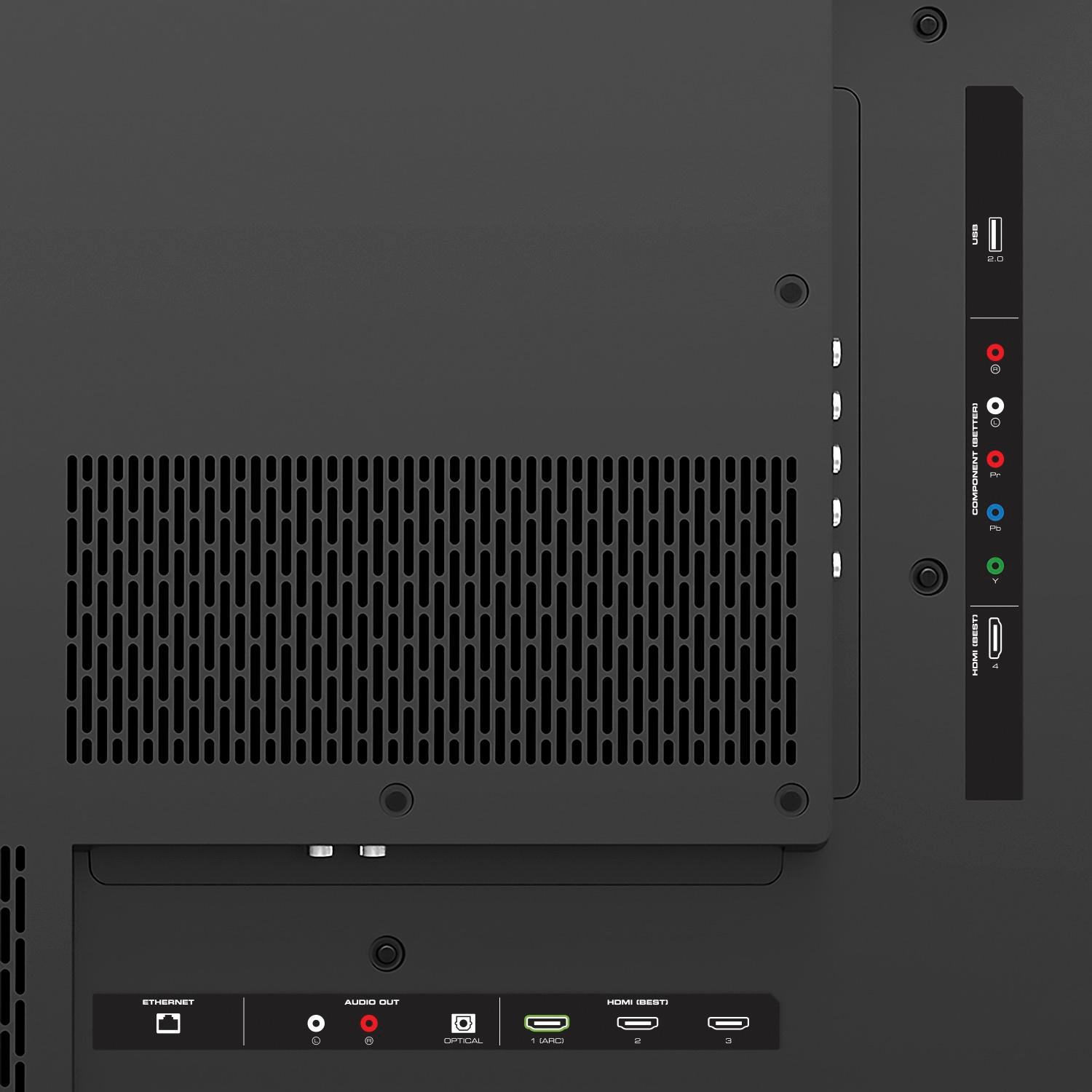
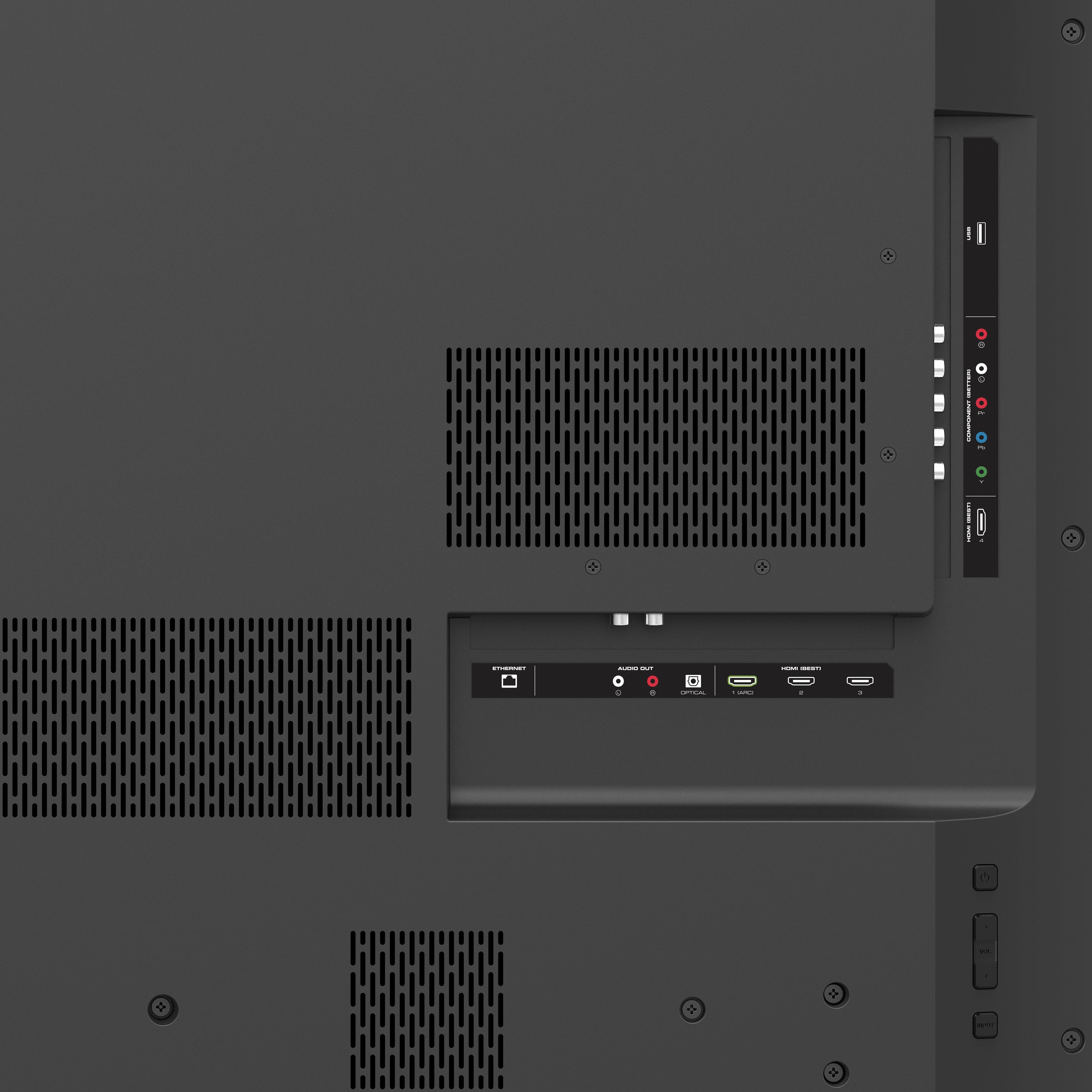
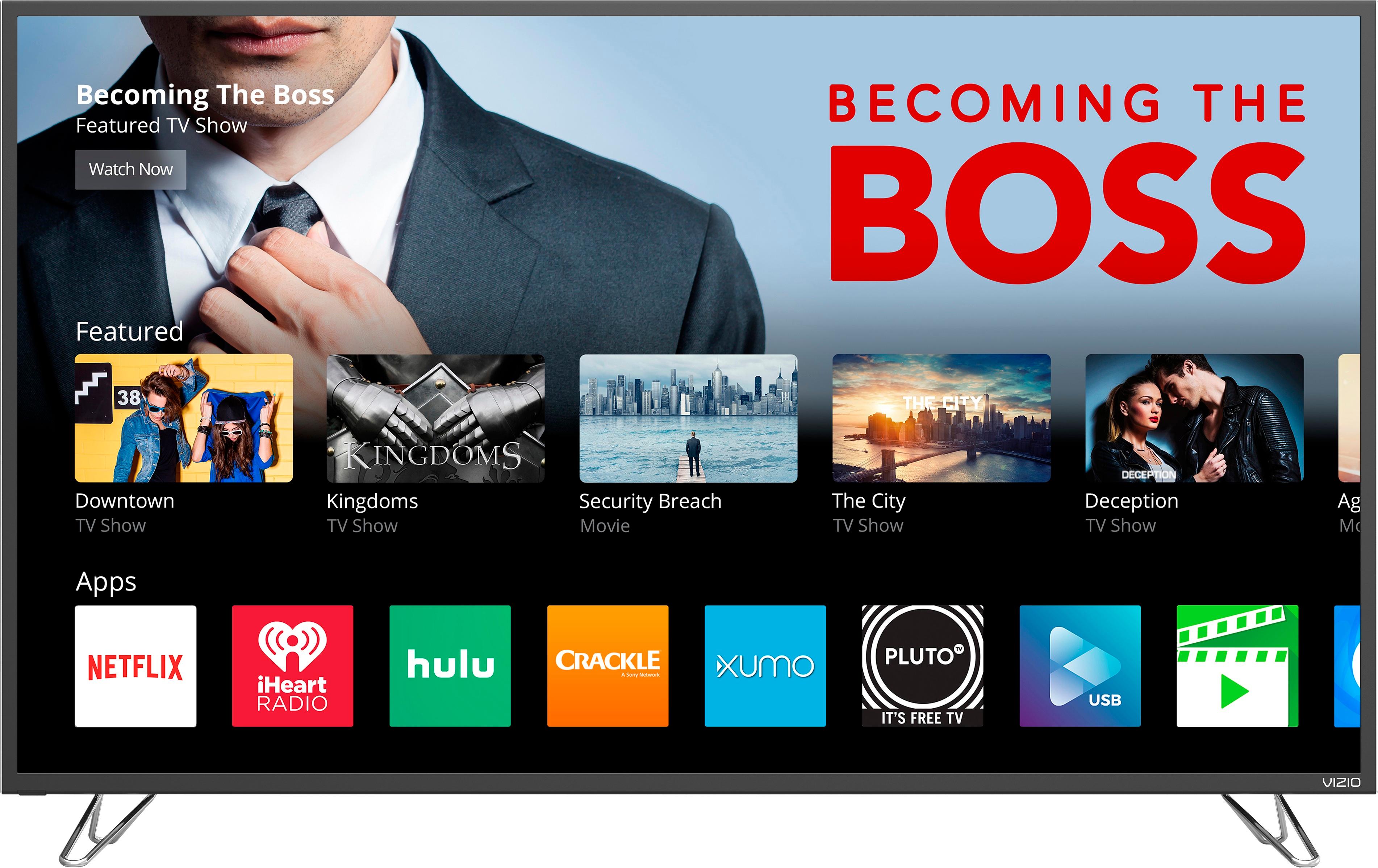
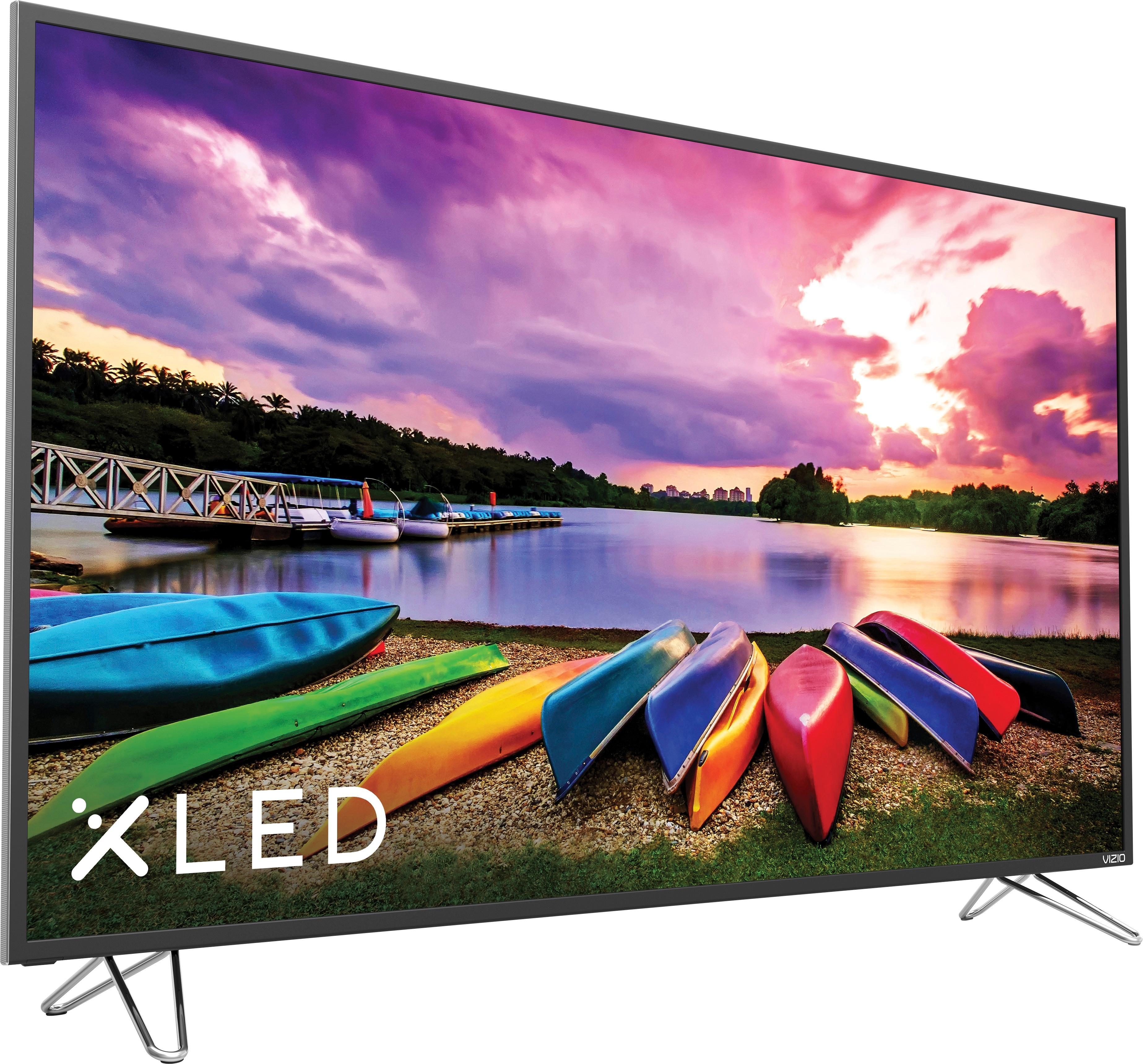
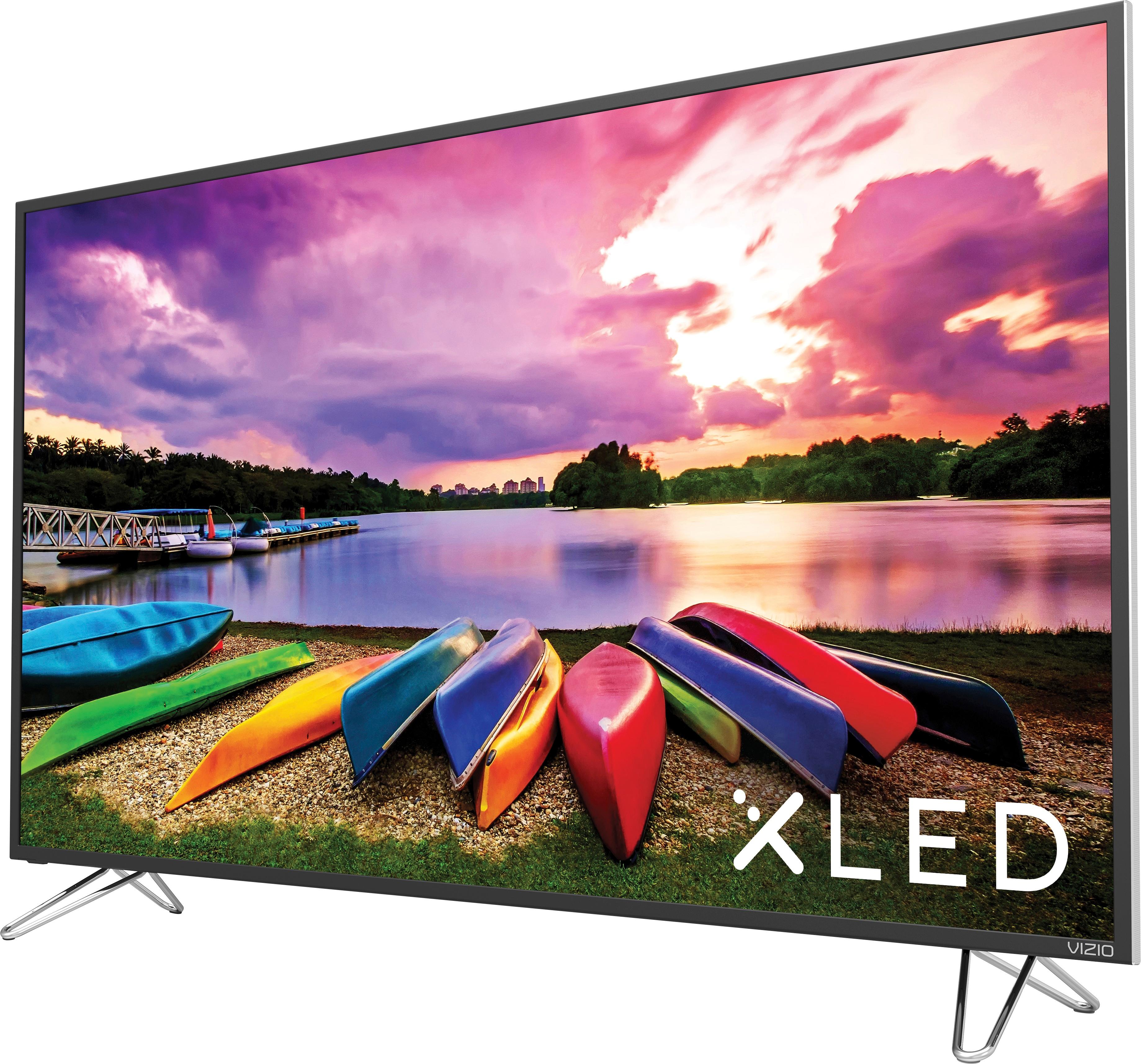
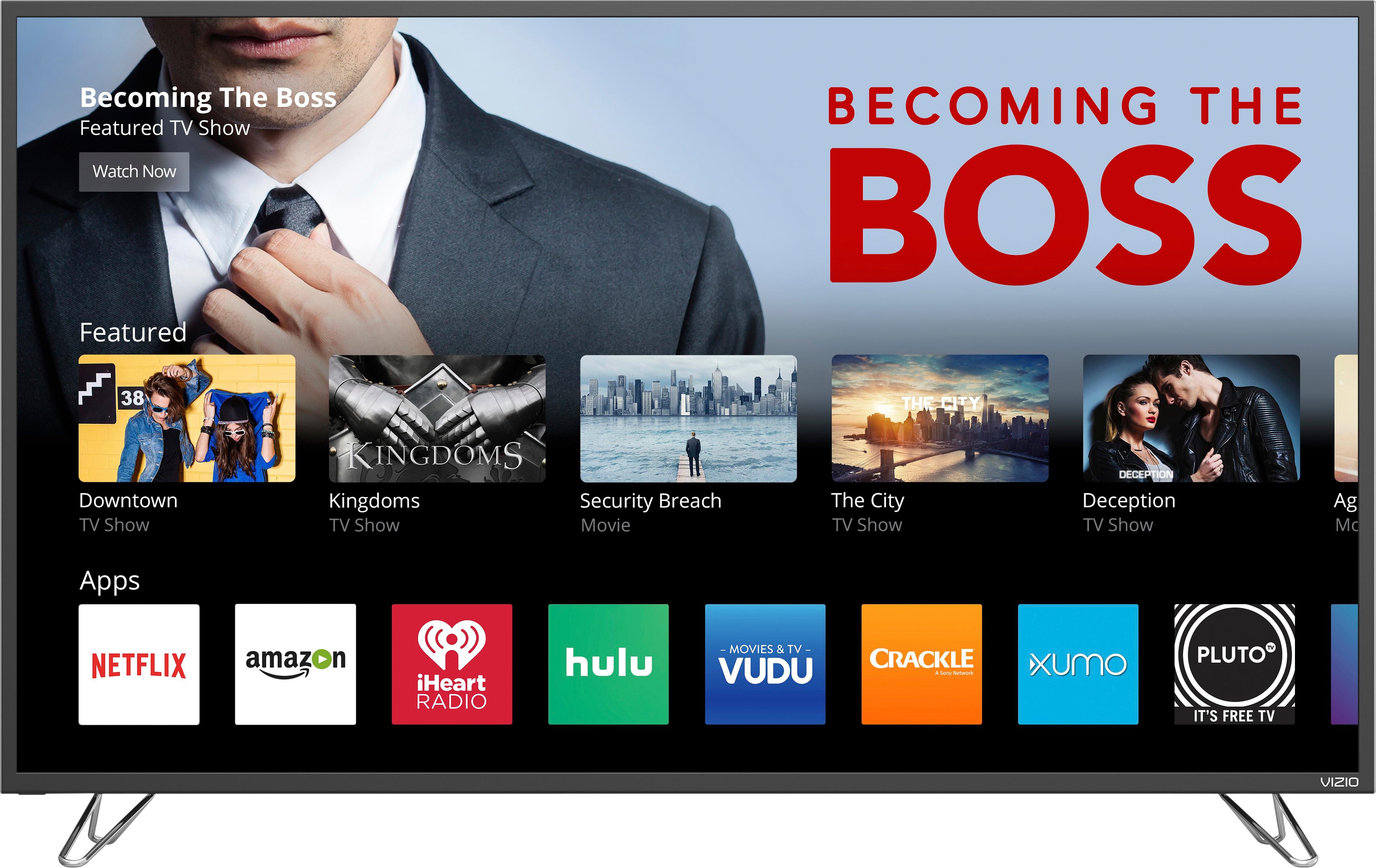
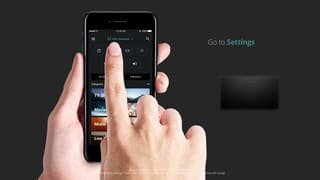
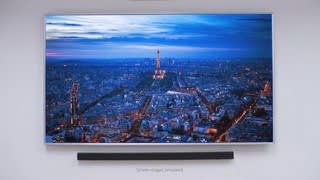
A:Answer To get the best possible picture, we'd recommend making sure you're watching HD (720p, 1080i, 1080p) or 4K (2160p) content. We'd also recommend using an HDMI cable to get the highest possible resolution. If you'd like to adjust the picture settings, press the menu button on the remote, and choose the 'Picture' option. You can choose between several pre-set picture modes, or adjust individual settings like brightness, sharpness, and color.