A:AnswerRefresh rate 120 Hz native; 240 Hz effective. Tested very good at limiting motion blur.
See https://www.cnet.com/news/ultra-hd-4k-tv-refresh-rates/
Most TVs have actual (native) refresh rates of half of their advertised ClearMotion, TruMotion, or whatever marketing term they use to disguise their actual 60 Hz refresh rates.
A:AnswerOn the remote press Menu the scroll down to Audio. Press Ok. Scroll down to Volume Control Display. Press right-hand directional on the remote to change setting to “On”.
A:AnswerThis set doesn't have Bluetooth capability built-in. That's something Id have liked to have available, as well, but the picture quality and performance is so much better than most sets anywhere near this price point, I'm satisfied, nonetheless.
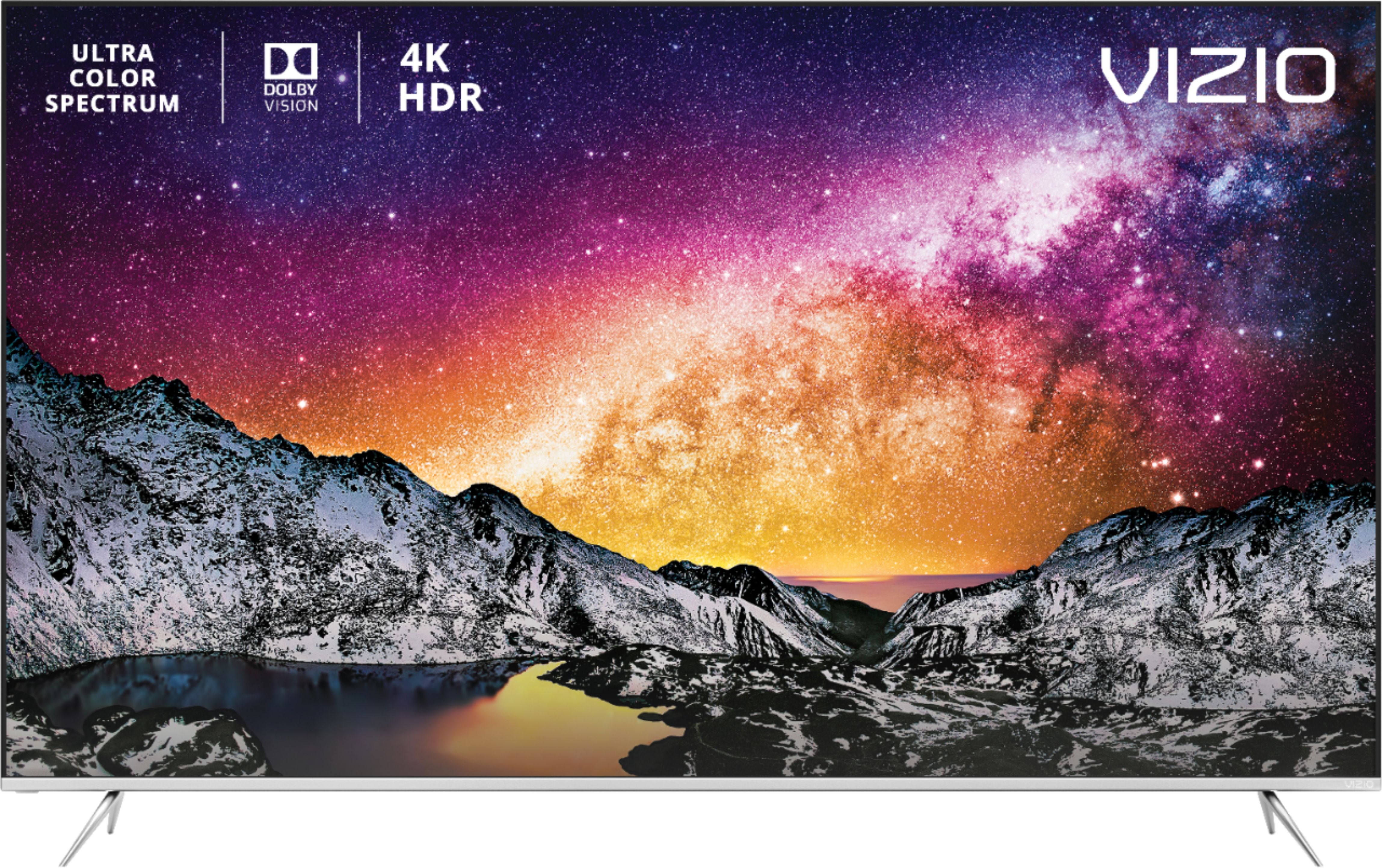
A:AnswerThe TV is great.bit viewing angles aren't good.slightly off axis starts to deteorate.but not anywhere as bad as the tcl 4 series I had before the vizio.
A:AnswerI don’t think you’ll find a “dumb” TV anymore with a great picture (and picture processing). Buy the best TV you can afford and hook up your existing equipment to it.
A:AnswerTry turning off the speakers in the Audio menu and set the Digital Audio Out to “Auto” or “PCM”.
If you still don’t get sound try “Dolby D” or “Bitstream” options.