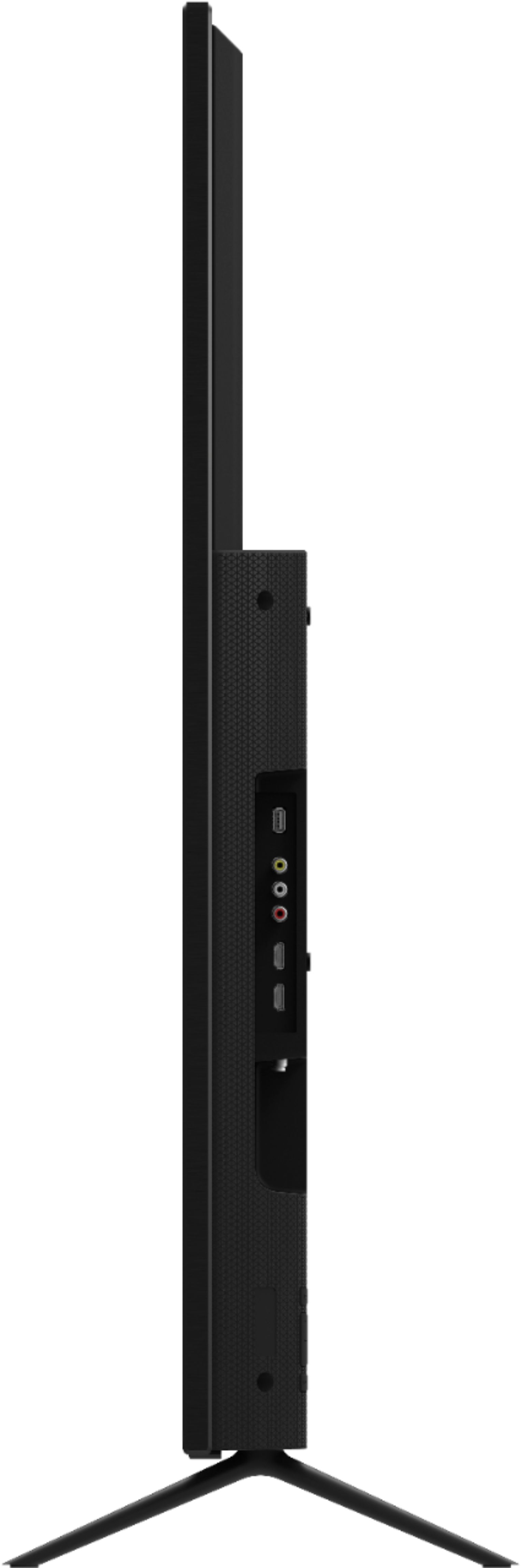
A:Answer According to the manual
Connecting a device — AUDIO CABLE TYPES
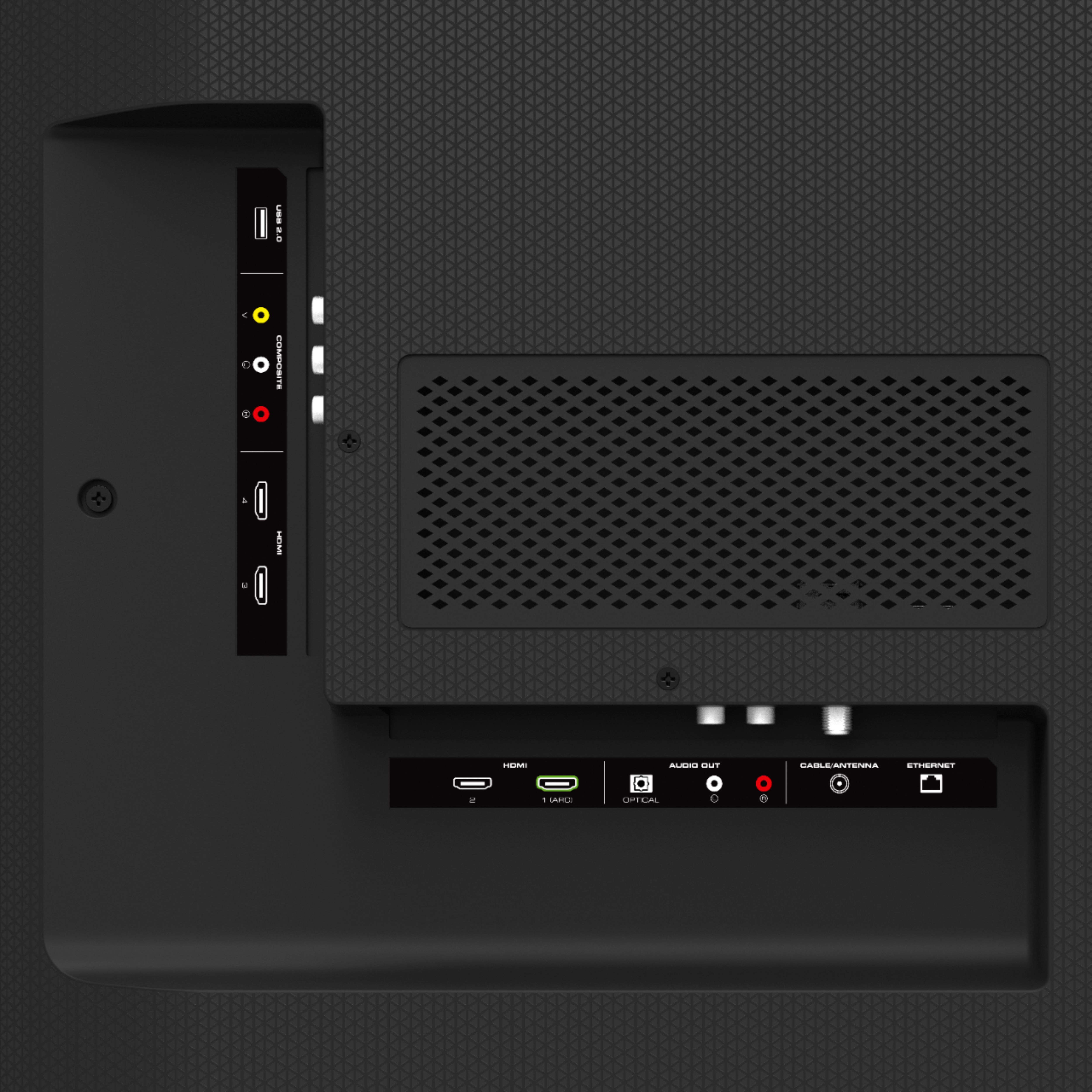
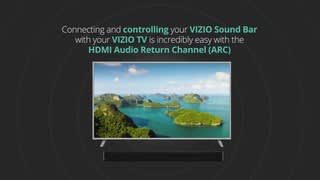
Your TV can be output sound to an audio device, such as a receiver or sound bar .
1 . Verify that your device has an audio port that matches an available port on the TV (optical, RCA, etc) .
2 . Connect the appropriate cable (not included) to the TV and the device .
3 . Turn the TV and your device on
The above states that the TV will output all audio via RCA and the Optical. Usually, this means that like optical, the volume is controlled by the device that is hooked to it since it is just line voltage sent via RCA. If you dont go into the tv's audio menu, and turn off the TV speakers you will get audio from the TV and through RCA at the same time. The auto setting really only seems to work when connected via HDMI to an AV receiver or soundbar and ARC is enabled.