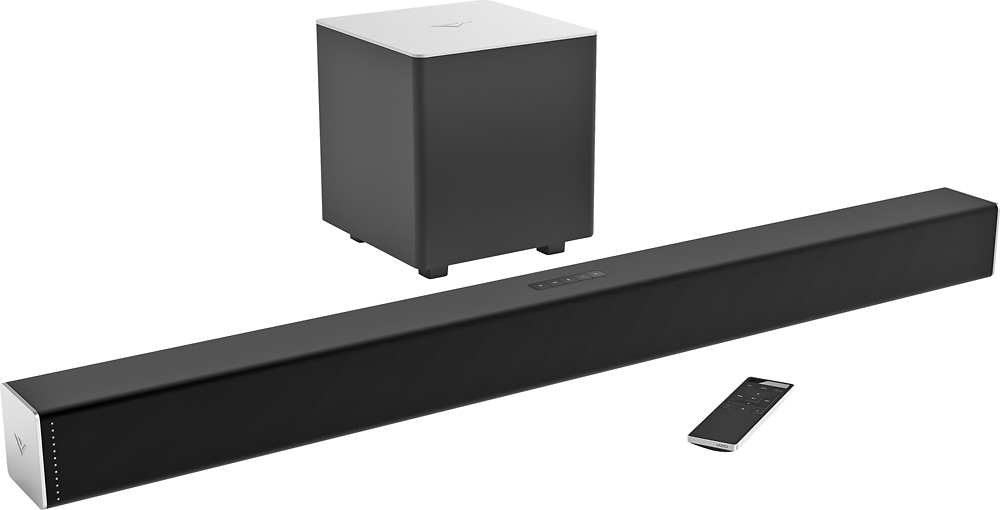
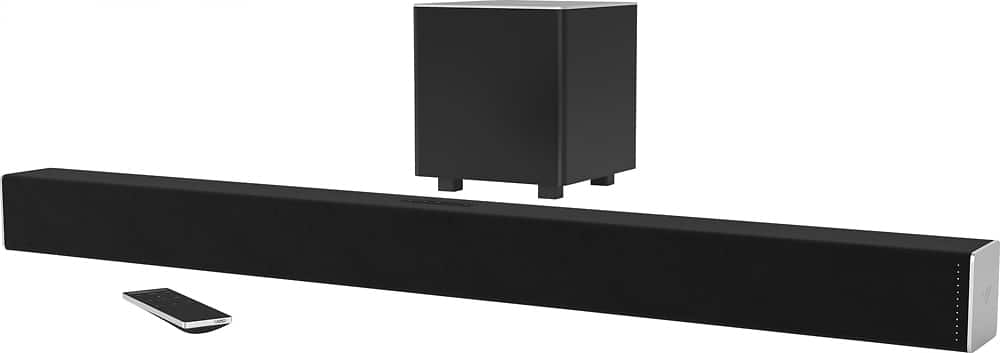
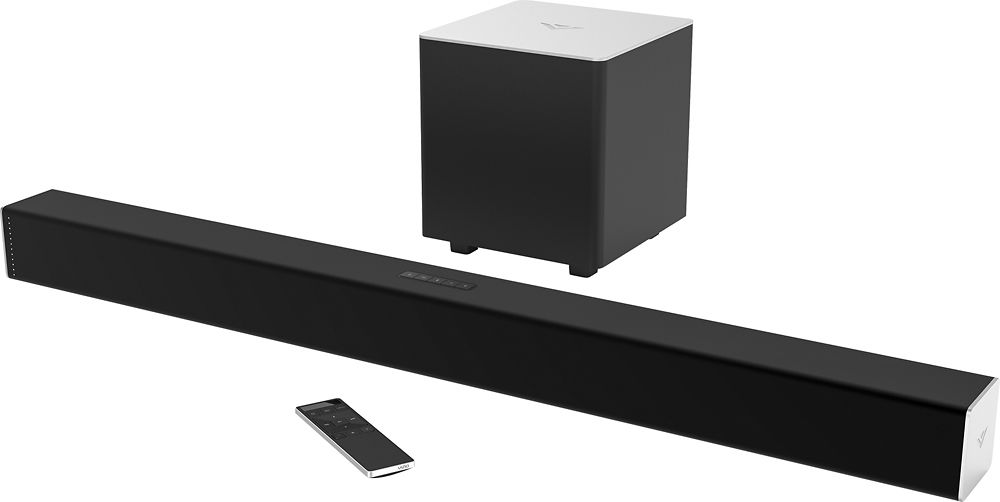
A:AnswerSeems common to me. Apparently producers don't think it is worth bothering with for content that is primarily dialogue. Ensure Night Mode is off though, as it seems to drop the sub level by about 70%.
A:AnswerVIZIO is super annoying about this and won't publish the wattage but rather the SPL (Sound Pressure Level) which is 101dB. I contacted them about this and was told that they do not know what the wattage is (complete bs). Wish I could provide an answer but unfortunately the answer doesn't exist (hopefully Vizio reads this and publishes the actual hardware specs and not just the runtime performance).
A:AnswerThat could definitely work; I've done the same with my XBOX One. I plugged the XBOX into the soundbar's HDMI in, then the soundbar to the TV with another HDMI cable. I think, though, that either setup would work.
Another option would be to leave the TiVo conncected to the TV and run an optical cable from the TV to the soundbar.
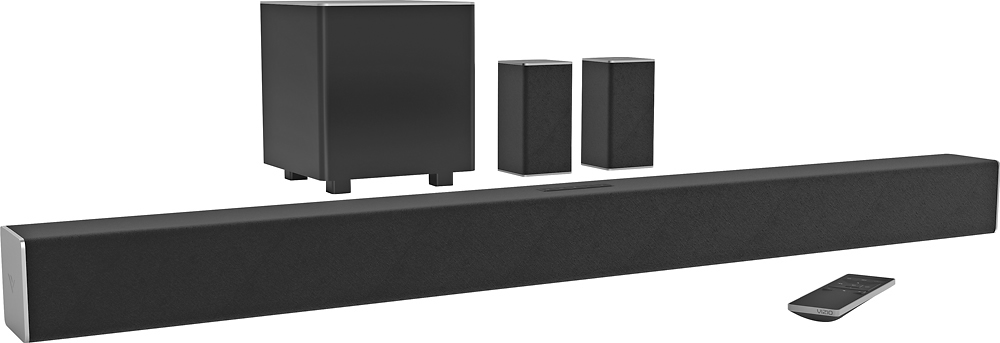
A:AnswerYou should be able to use longer speaker cables if needed without degrading the sound quality of your rear speakers. As long as you don't need hundreds of feet of speaker wire you should be fine.
I hope this was helpful.
A:AnswerYou should be able to. It just depends on how your terminals are set up. Chances are you have terminals on the wall where your TV is located to send the audio signals to the terminals on the rear wall of the room for the rear surround speakers. If this is the case, you'll want to locate the sub by the TV since this is where the rear surround speakers plug into. From the sub you'll connect your speaker wires to the terminals on the wall for your left and right rear speakers. From the rear wall terminals you will connect to your rear L and R speakers.
The speaker connections on the sub and the rear speakers on the Vizio system are RCA. If your wall terminals are the "quick connect" kind that accept bare speaker wire, simply snip the supplied speaker wires leaving an RCA at on end and the bare wires at the other. Only snip enough to get from the sub to the wall terminals and from the wall terminals to your L and R rear speakers so you don't have tons of extra wire to hide. After you snip each wire, you should have 4 speaker wires with an RCA at one end and bare wire at the other. Strip back enough wire on the bare end to insert into your wall terminals for each connection you need to make. The RCA ends go to the sub and the L and R rear speakers respectively.
I hope this is helpful.
A:AnswerYes, surround encoding is transmitted via HDMI. My entire system is connected to the sound bar via HDMI (DirecTV Mini Genie box, Sony Blue-ray, Roku 3) and I have had no issues not hearing discreet surround sound from my system from any of the 3 sources.
I hope this was helpful.
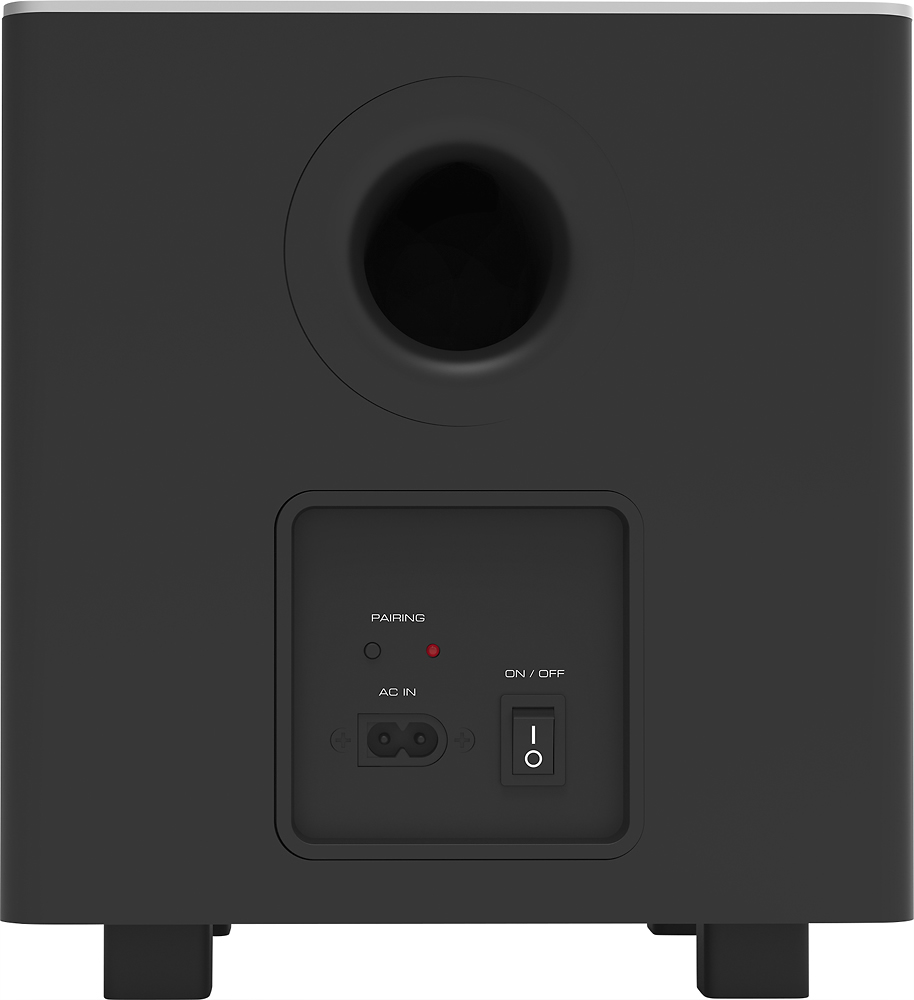
A:AnswerThe subwoofer of the system has rca connections for the satellite speakers.
As long as your older system's rear speakers have rca connections you could plug them into the new systems subwoofer.
the newer subwoofer links to the newer soundbar via bluetooth. so i don't know if your older sub would pair to the newer soundbar.