A:Answeryes
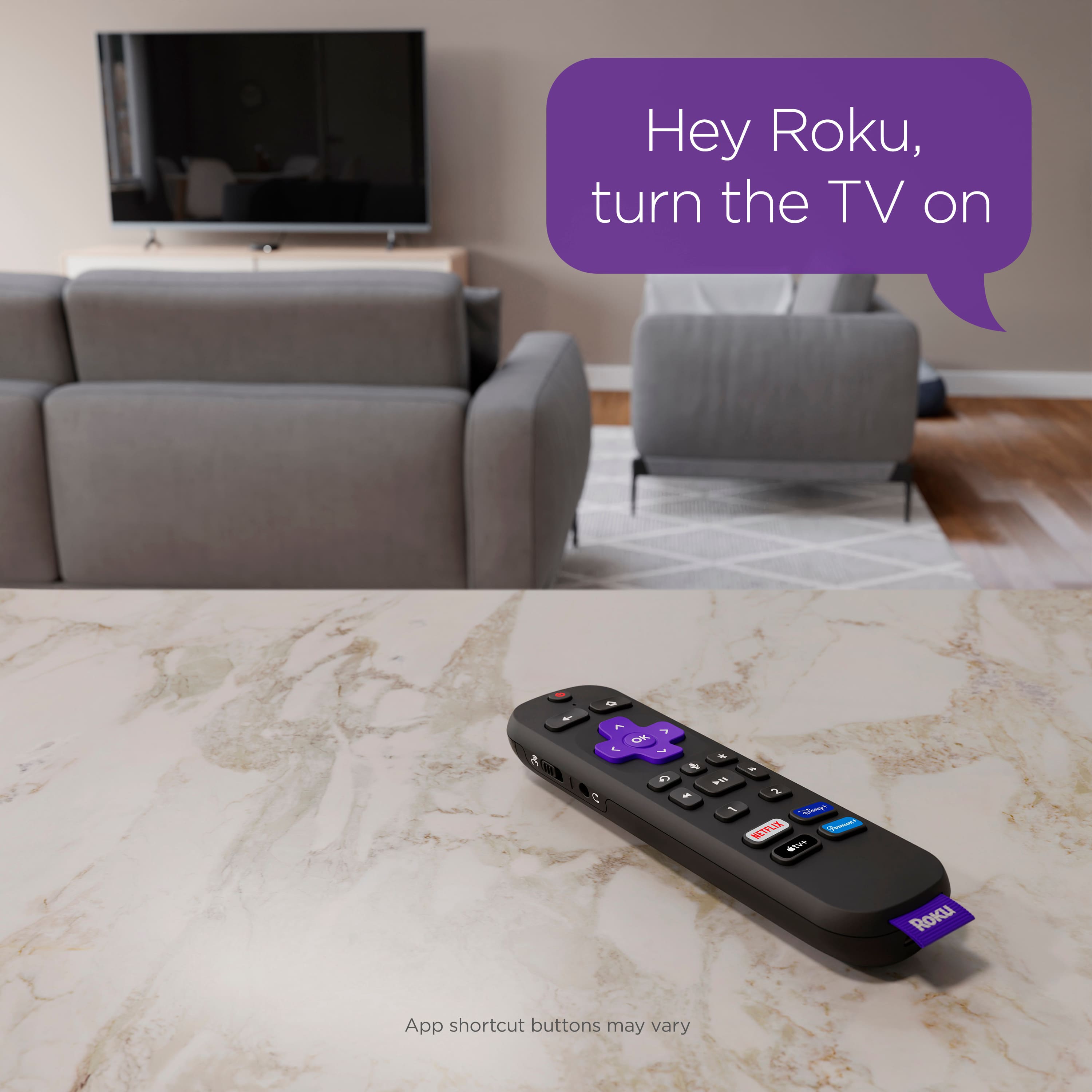
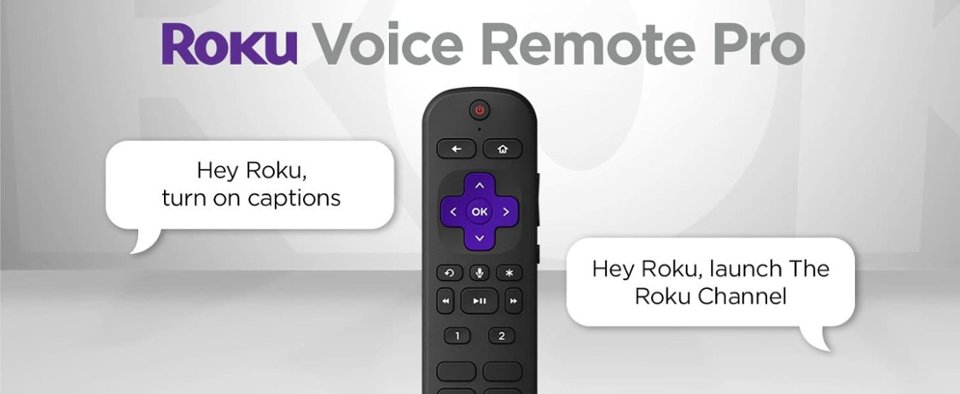
for regulay tv channels you can say "hey Roku channel 7" and it will select it or "Hey Roku NBC"
For Roku channels the same process applies 'Hey Roku channel 747"
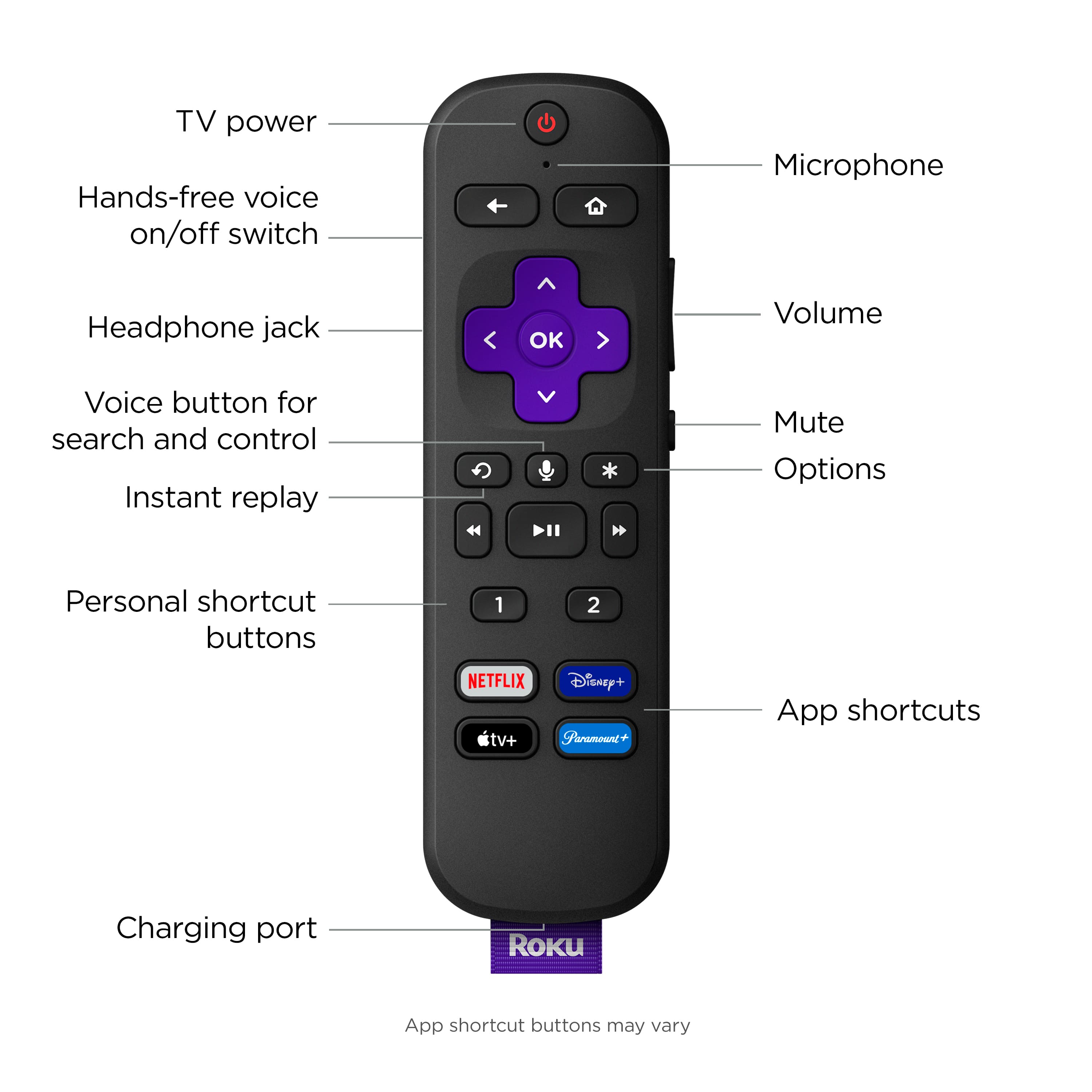
A:AnswerHello Fritter! If you have a Roku TV, you can utilize the Roku Voice Remote Pro headphone jack with a gaming console for private listening. Please note: Microphones will not work. If you are connected to a Roku Streaming player, the Private Listening feature will only work with audio being played directly from the Roku device and not the gaming console.
A:AnswerHi BoulderHiker! To set up your Roku voice remote pro, it must be connected to your Roku streaming player through a wireless discovery process known as pairing. To pair your Roku voice remote pro you can manually initiate the process with a press and hold of the pairing button until the status light begins to flash. The pairing button and status light are located on the back of the Roku Voice Remote Pro.