A:AnswerBert - The VTech CS6619 does not have a data port for you to plug in your fax machine. You need to install the fax machine on a different phone jack to function.
Thank you,
-VTech Support
A:AnswerHi - The VTech CS6619 does not have a port for a corded headset. The said feature is available on the 2-line phone model DS6251-3.
Thank you,
-VTech Support
A:AnswerHi Jeanie,
If you subscribe to caller ID service, the day, monthe and time are set automatically with each call, you can also set them manually.
1. Press MUNUE when the handset is not in use
2. Scroll to Set date/time and then press SELECT
3. Use the dialing keys (0-9) to enter the month (MM), date (DD) and year (YY)
then press SELECT
4. Use the dialing keys (0-9) to enter the hour (HH) and minute (MM)
then press > or ^ to choose AM or PM
5. Press SELECT to save, hope this helps, Paula
A:AnswerI am the guy who posted the original question. Two answers have come back saying this will not work, but it does.
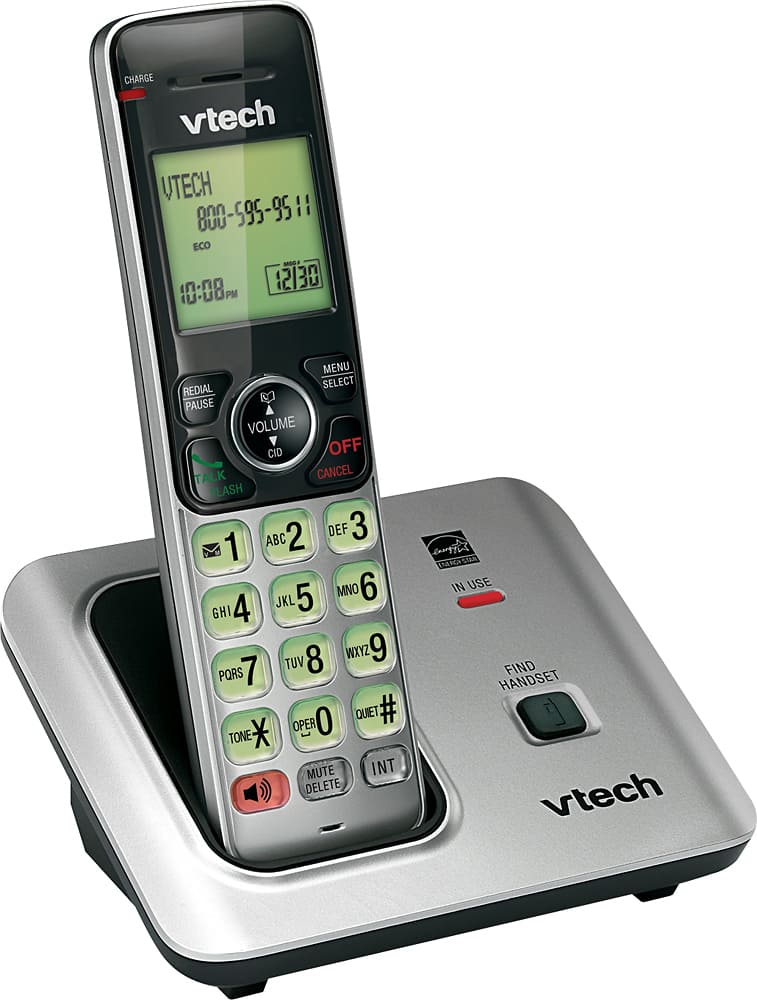
The trick is you have to leave the battery cover off the remote units when you seat them on the CS6709 base unit to register them. When the battery cover is on, the units will not seat well enough to register. Take that cover off and leave the battery hanging out and play with alignment and the phones do seat and register. Intercom feature works fine, all the units ring with incoming calls.
A:Answergwendoline - A manual is packed with the phone. Often it is a basic manual. Complete manuals can be accessed at vtechphones.com. Make sure you have your model number. Thanks!
A:AnswerHi - The VTech CS6619 can be used as an extension unit as long as it is connected on a separate jack. Thank you for your interest! ~VTech Support