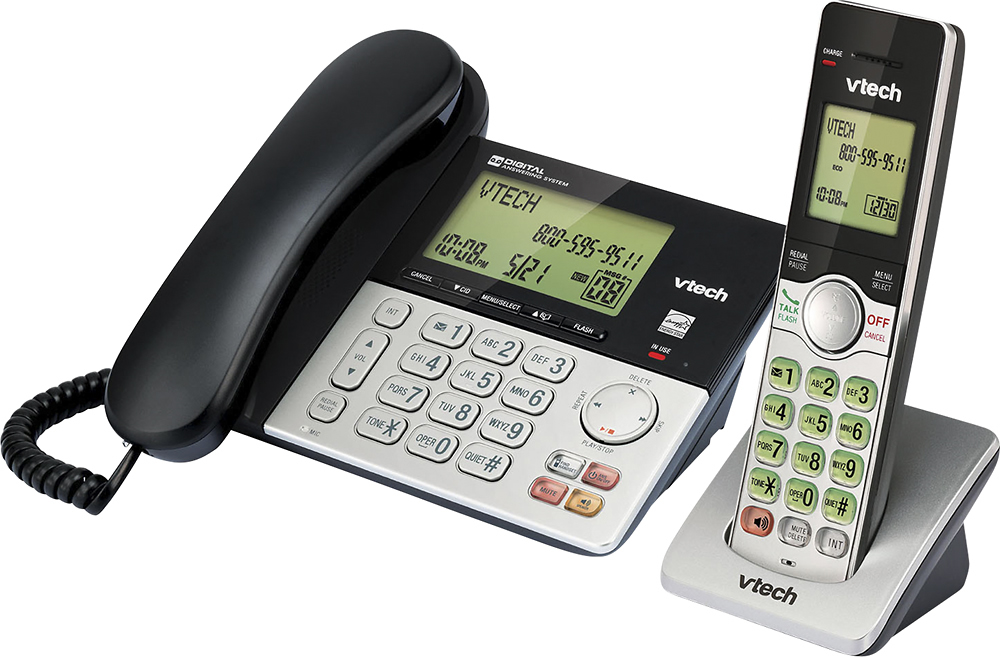
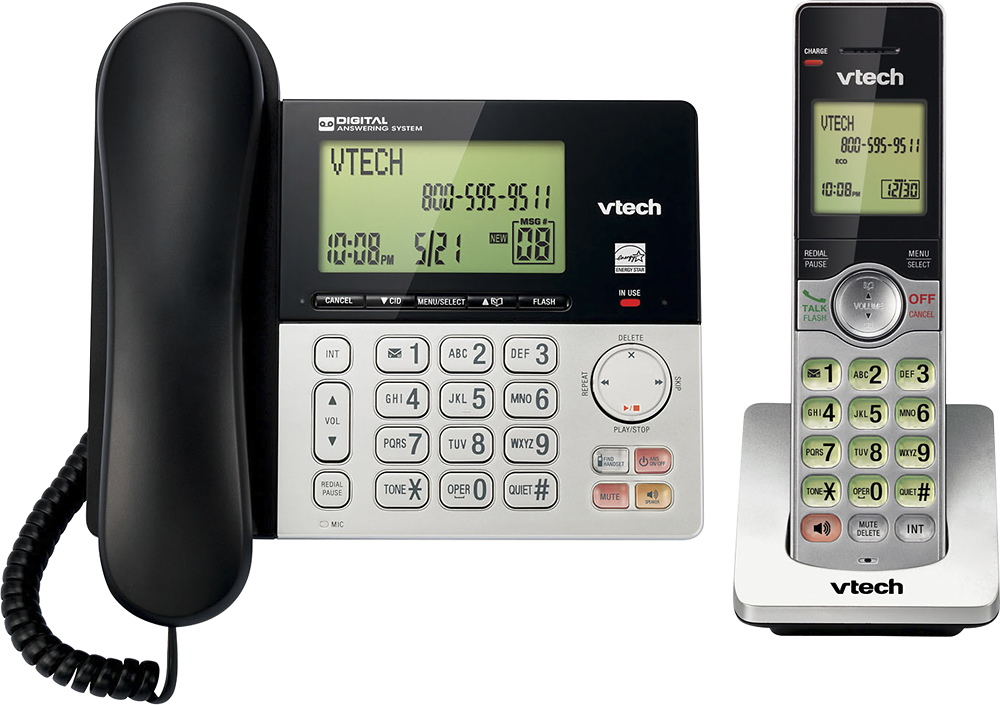
A:AnswerCowGirl - Range varies from one environment to another, and can never be predetermined. VTech DECT 6.0 cordless phones have excellent range potential, so buy with confidence.
A:AnswerHi - The cordless handset of the VTech CS6949 uses a 2.4V 300mAh Ni-MH rechargeable battery. You can contact our Customer Support at 1-800-595-9511 to get assistance in getting the compatible battery. We are open from 9:00 AM to 4:00 PM, Mondays through Fridays.
Thank you,
-VTech Support
A:AnswerHi - There is no available corded telephone base that has no built in answering machine. Instead, you can turn off the said feature for it not to record incoming messages.
Thank you,
-VTech Support
A:AnswerHi - Yes, the VTech CS6949 comes with a wall mount bracket. However, you still need a standard wall mount plate for wall mounting. The wall plate is available in most retail stores.
Thank you,
-VTech Support
A:AnswerHi - The backlight on the VTech CS6949 is not adjustable. If you are still having issues with the unit, you can contact our Customer Support at 1-800-595-9511. We are open from 9:00 AM to 4:00 PM, Mondays through Fridays.
Thank you,
-VTech Support
A:AnswerHi - We are sorry to hear that you are having issues with the VTech CS6949. You may need to reset the telephone system by disconnecting the AC power to the telephone base and the battery on the cordless handset. Wait for 1 minute before reconnecting the AC power and battery, then test the unit again. If this does not help, please contact our Consumer Sales and Service Center between the hours of 9:00 AM and 4:00 PM Monday through Friday at 1-800-595-9511.
Thank you,
-VTech Support
A:AnswerLisa - Here's how you can change the number of rings before the answering machine on the VTech CS6949 answers a call.
1. Press MENU when the phone is not in use.
2. Press the arrow down button to scroll to Answering sys, and then press SELECT.
3. Press the arrow down button to scroll to Ans sys setup, and then press SELECT.
4. Press the arrow down button to scroll to # of rings, and then press SELECT.
5. Press the arrow down button to choose 2, 3, 4, 5, 6 or Toll saver, and then press SELECT.
Thank you,
-VTech Support
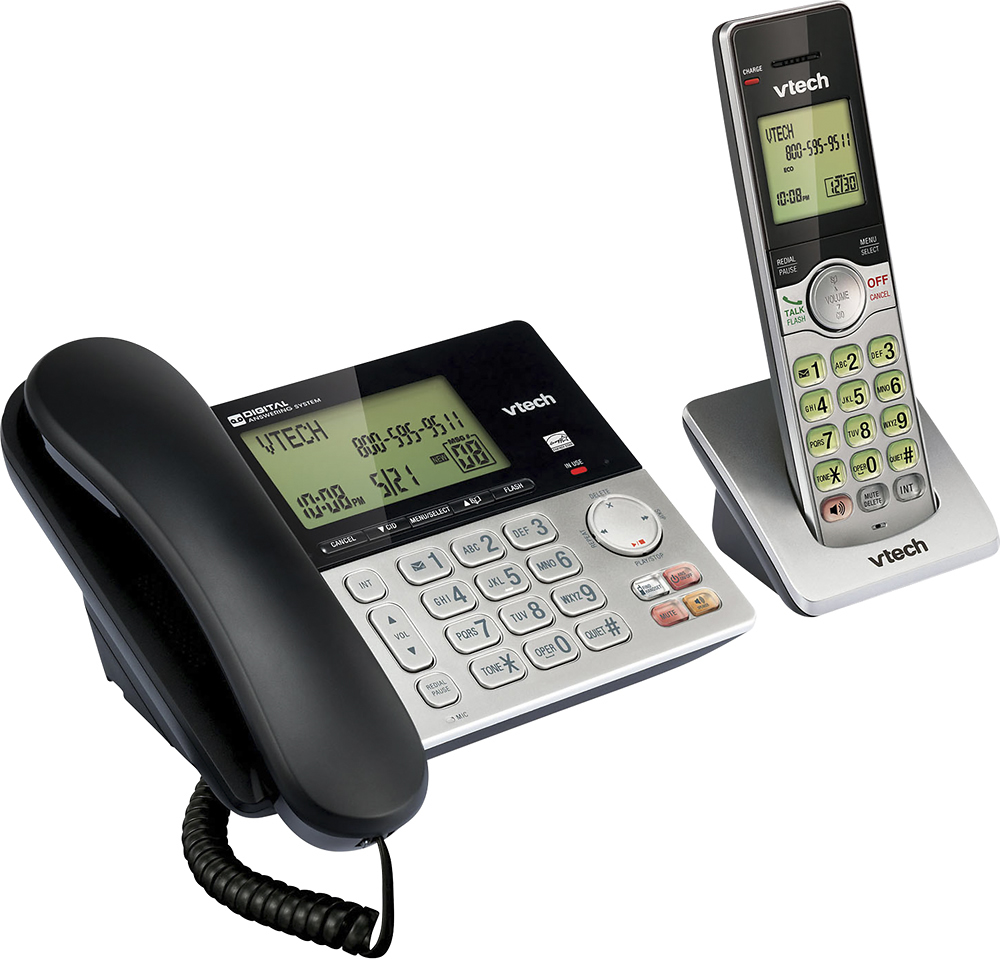
A:AnswerAlex - The VTech CS6949 does not come with a HOLD feature. Instead, you can mute the call by pressing the MUTE button on the cordless handset.
Thank you,
-VTech Support