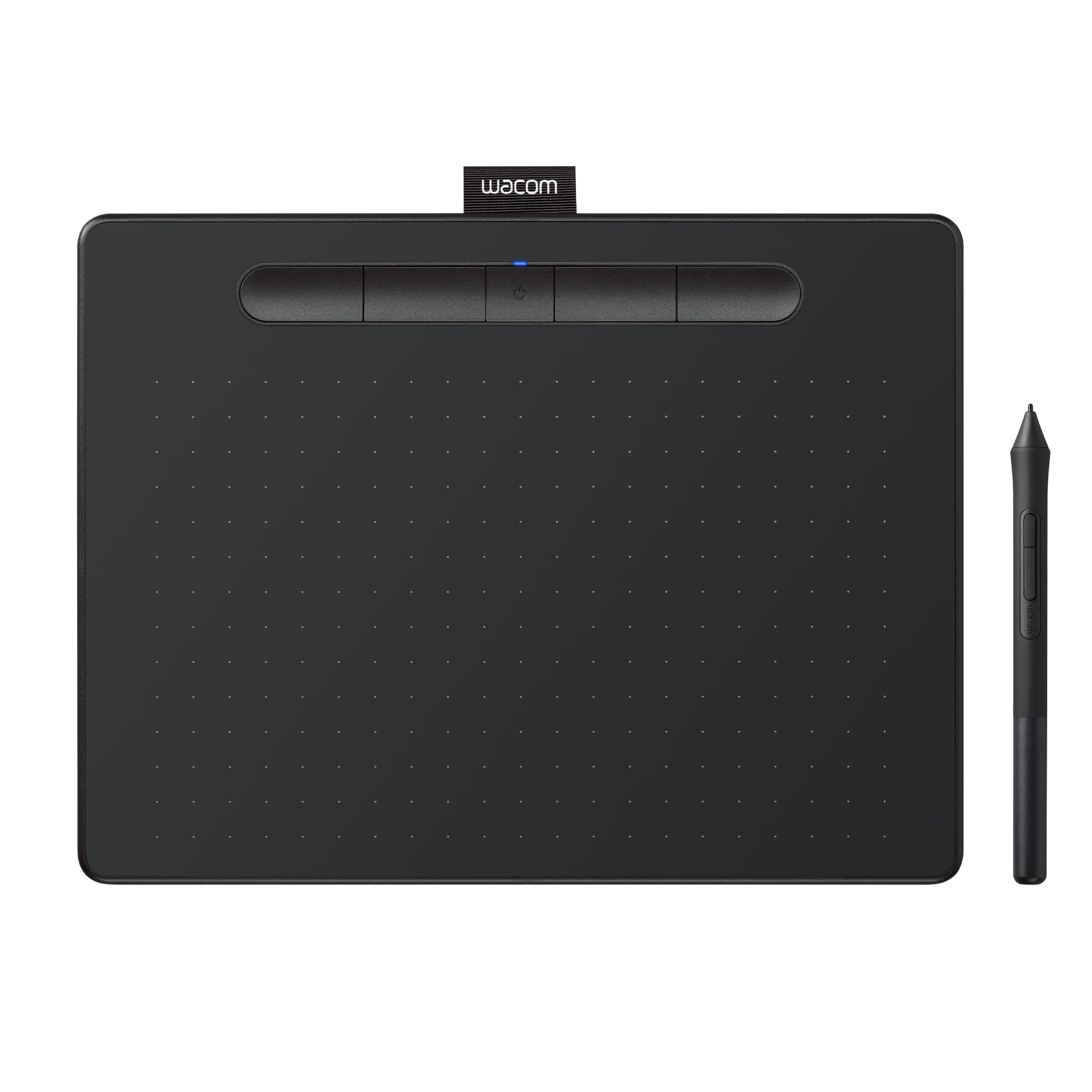
A:AnswerDEPENDS ON THE APP OR SOFTWARE YOUR USING IT WITH , I USE CORELDRAW MOST OF THE TIME , AND THE THE EDITING TOOLS FOR IT IS ON THE TOP AND ON THE SIDE , YOU USE THE PEN LIKE YOU WOULD USE YOUR MOUSE , YOU CAN BE A LOT MORE ACCURATE WITH THE PEN AND TABLET , I USE IT FOR PHOTO EDITING AND GRAPHICS DESIGN AND IT WORKS GREAT !
A:AnswerCONTACT WACOM CUSTOMER SERVICE , THEY WILL SEND YOU AN EMAIL WITH THE SERIAL NUMBERS , I HAD THE SAME PROBLEM , I FORGET WHAT I WAS DOING WRONG , BUT THEY WILL HOOK YOU UP !
A:AnswerYes, if you have a whiteboard app, or are screen sharing PowerPoint, OneNote, Paint or some other app that allows the pad to take over the mouse. Some video conf platforms include their own whiteboard. Zoom, BigBlueButton for example. Pen did not work with Cisco Webex app.
A:AnswerOn the Best Buy website scroll down below the product information and click on "From the Manufacturer". There is lots of information including a photo of an iPhone connected to the tablet. If you have a tablet with Bluetooth capability then you can connect without a cord.
A:AnswerThis is to be used with a Desktop or laptop running either Windows 7 and above or Mac 10.11 and above. It does not work as a standalone. Hope that helps. Best
A:AnswerYes you can use the usb the tablet comes with to connect to your PC/Laptop or Get the one that has built in Bluetooth to wirelessly connect to the Computer.
A:AnswerYes they come Bluetooth preferred and the cable to charge. This item is fantastic and feel like anyone should get one for beginners. Or intermediate level. The other two larger pads are considered advanced. In my opinion.
A:AnswerThank you for asking. This is an input device to be used with a Window or Mac based computer and cannot be used as standalone. There's no drawings to be saved in the tablet, you will be working with software in your computer.
Hope that helps!. Best