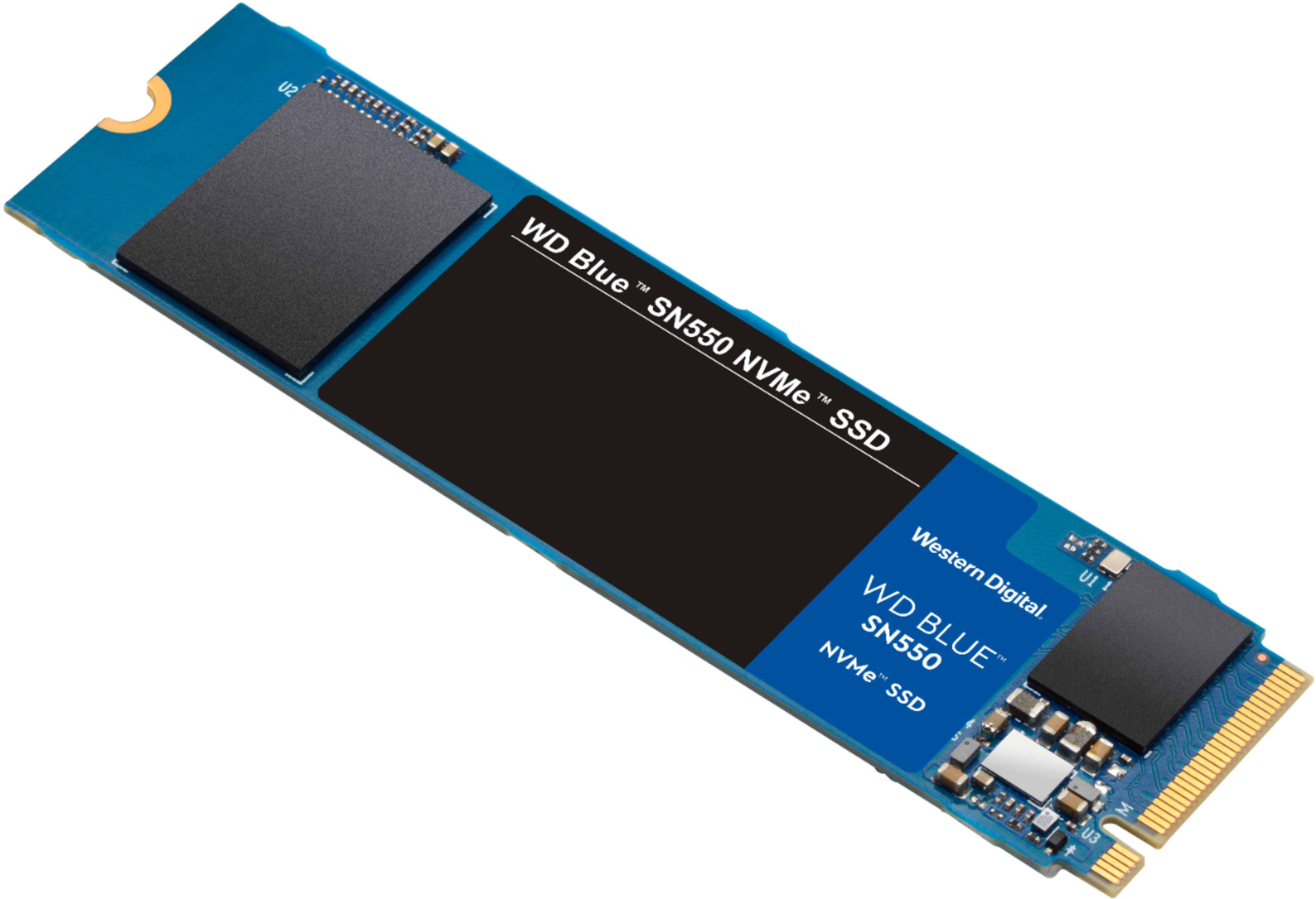
A:AnswerHi BigJohn, The WD Blue SN550 NVMe SSD can deliver up to 4 times the speed of SATA SSDs. Whether you’re working, creating or processing large amounts of data, take advantage of this powerful internal drive’s high speeds to do more, faster. Moreover, we recommend you to please contact to your host device support to check whether the drive will fit and support. In order to know more about the drive refer to the link: https://products.wdc.com/library/SpecSheet/ENG/02-01-WW-04-00050.pdf -Need Help? Please see our "'Contact Us" page for information.
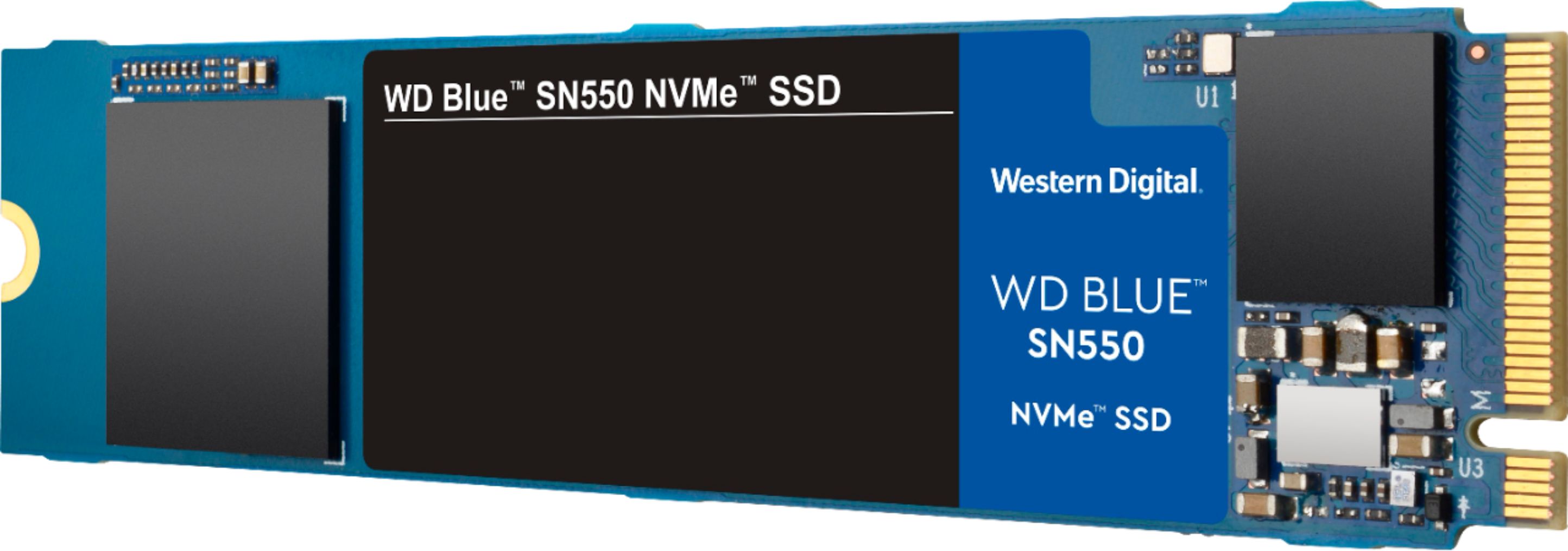
A:AnswerYes, if your PC has an extra cable. Your HHD will have 1 cable from the power supply and 1 (smooth, flat) cable from the motherboard. You'll need another cable from the motherboard. If you want to use your existing OS, your Windows PC can use WD's included Acronis software (a download from WD's website) to clone your HHD to the new drive. You'd then swap the motherboard attachments of the cables, hoping that you won't have to change the computer's bootup routine. Now your PC will boot 50 times faster (or so it will seem) and you can use your old HHD for storage.
A:AnswerHi bigjack75707, Thank you for showing your interest in the WD SSD. In Order to know the compatibility. I would request you to please contact the Motherboard or computer manufacturer. Need Help? Please see our "'Contact Us" page for information.