A:AnswerNO, it's just a big empty drive. You create the folders and put things where you want them unless you're using some software program on your computer to send your pictures there.
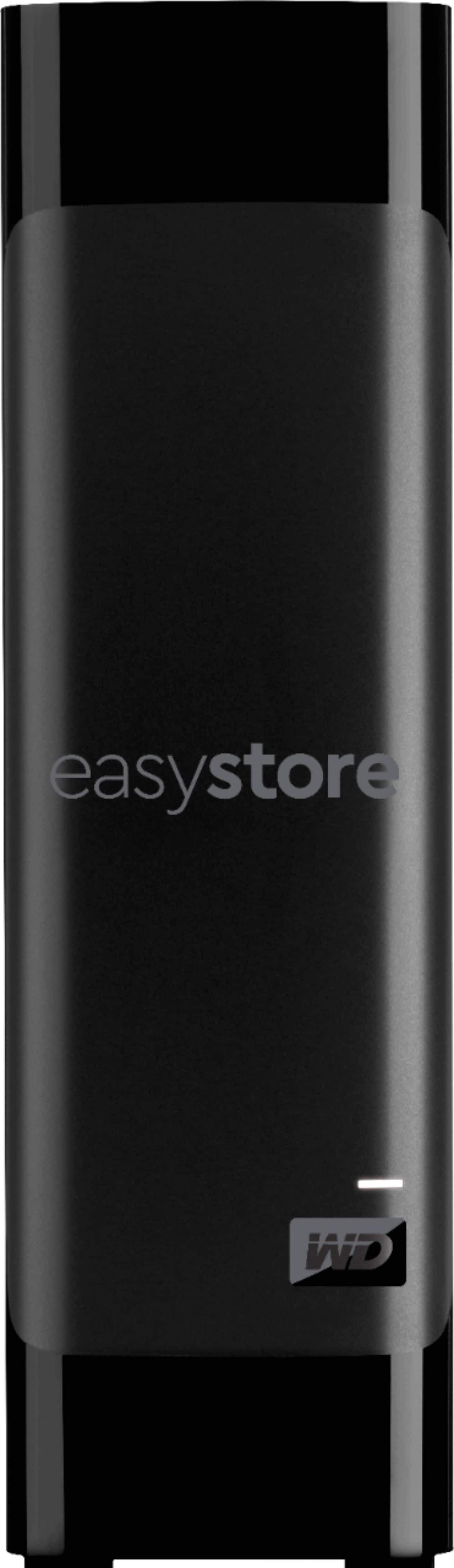
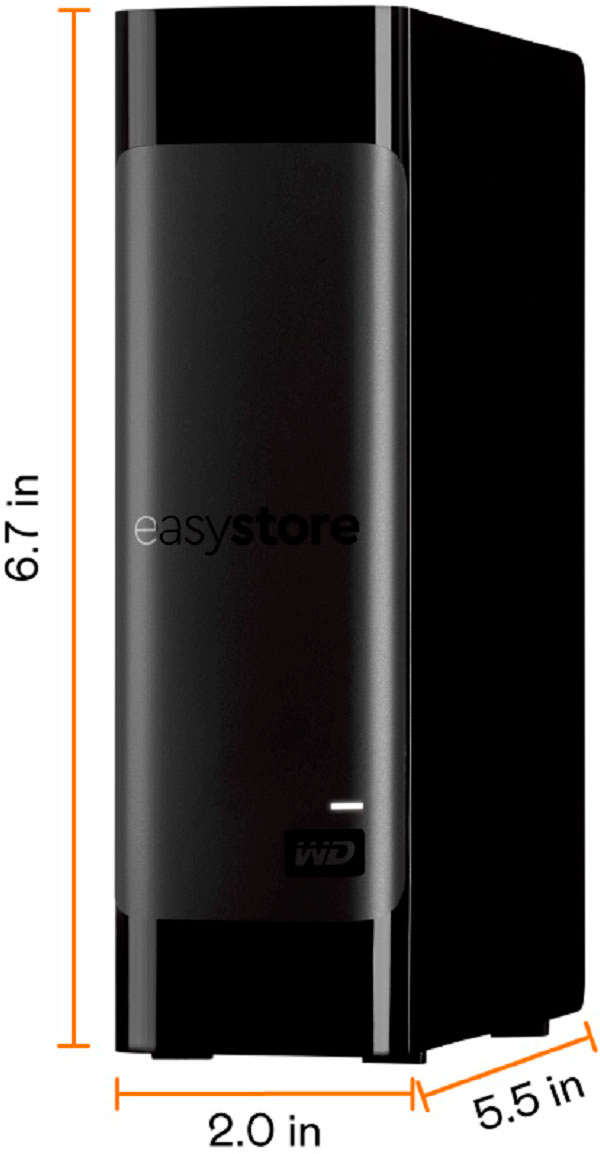
A:AnswerHi Krome, With up to 18TB of storage, the WD easystore desktop drive is a high-capacity storage device that offers fast data transfer rates, is both USB 3.0 ready and USB 2.0 compatible. However, you can try to use a USB Type A to Type C adapter or cable. We suggest you to please checkout our range of wireless drives on WD website. -Need Help? Please see our "'Contact Us" page for information.
A:AnswerHi mark, Please know that we ship the all new drives. You can buy the product online & you will always get a new product with a complete mentioned warranty. Need Help? Please see our "'Contact Us" page for information.
A:AnswerHi Erik, Please be informed that the WD Easystore drive is a plug and play device tested and designed for Windows and Mac computers for seamless operation. To know more about the drive refer link- http://products.wdc.com/library/AAG/ENG/4078-705144.pdf -Need Help? Please see our "'Contact Us" page for information.
A:AnswerSince you don't specify a platform, I'm assuming your son will be playing those games on a PC. If that assumption is correct, then yes, this drive will work for those games without a problem. It'll load a little slow (I was only able to get 300 MBs windows average read speed from the drive with it attached to a USB 3.0 hub) but they will work.
Hope this helps!
A:AnswerHi DHman, Please be informed that the WD Easystore Drive is a plug and play device tested and designed for Windows and Mac computers/laptops for seamless operation. The drive ships with a USB 3.0 Type-A Interface. Refer the below link to know more about the drive- http://products.wdc.com/library/AAG/ENG/4078-705144.pdf Need Help? Please see our "'Contact Us" page for information.
A:AnswerThe drive will work with a MacBook Pro but you'll need to either format the drive for the Mac after you connect it (it comes formatted NTFS out of the box) OR install an NTFS driver on your MacBook.
If you choose the format route, please bear in mind that there is software for the Mac that's included on the drive in the form of a DMG package (even though the drive is formatted for Windows). You should try to grab that software before you format the drive if you think you'll need it.
Hope this helps!
A:AnswerHi ladyjo, This information can be shared over the call. This way we can provide you best customer support. Moreover, please refer to the link given below and you can go through the user manual.
http://products.wdc.com/library/UM/ENG/4779-705169.pdf
Need Help? Please contact us at: Phone: (https://t.co/4tEu1E0hVa) Email: (https://t.co/5bQq1l63Dn)
A:AnswerIt better be because I purchased mine for just that reason. I have spent well over 30k in iTunes and have a CD collection that now numbers over 1500, not including my Box Sets. My wife just walked in and does not about these numbers. And the numbers are not inflated.
A:AnswerI don't own a ps4 but am fully familiar with it. It should be fully compatible and doing some digging I found a couple cases of people using a 10 and 12tb external hard drive with their ps4. Hope that helps.