Deals Worth GiftingShop now

Skip to content
Gift Ideas
Main Content

Questions & Answers

Your price for this item is $69.99
Page Showing 421-440 of 731 questions
  • QuestionIs this compatible with Xbox one?

    Asked by Em.

    • Answer Yes, just plug and play. Very easy to use.

      Answered by BobbyII

  • QuestionDoes it work with PS4?

    Asked by Abdulaziz.

    • Answer Yes, it will work with PS4.

      Answered by CommunityAnswer

  • QuestionIs this compatable with playstation 4

    Asked by Mike.

    • Answer yeah you can format to anything that takes usb

      Answered by chriss56

  • QuestionDoes it work on HP?

    Asked by Khloe.

    • Answer yes

      Answered by BCope22372

  • QuestionCan I use it on two different computers? Back up each computer.

    Asked by Mike.

    • Answer Yes as long as both computers can read it. For Apple and PC use EX FAT as formatting. for system images like Time machine. not for different operating systems like Apple and Windows. Apple uses Journaled for this and Windows wont read it. you may partition this drive to work on both though.Just use different formats.

      Answered by BCope22372

  • QuestionWill this work with a playstation 4?

    Asked by parker.

    • Answer I have a external drive by seagate that I use for my PS4. So this should work just fine too. You’ll have to format the drive though.

      Answered by Customer

  • QuestionCan this be connected to Roku television?

    Asked by 1Bea.

    • Answer Yes, this can be connected to Roku television.

      Answered by CommunityAnswer

  • QuestionIs this good to use to store games for my gaming laptop?

    Asked by Dan.

    • Answer You can store games on it. However, you are limited on data speed through USB ports. So, for fast paced games, this may not be a wise choice.

      Answered by BCope22372

  • QuestionHow long will this item be on sale for?

    Asked by Frankman.

    • Answer I bought this drive this past winter. 2020 and it was on sale then.

      Answered by Unlimitedone

  • QuestionCan you use this with PS4?

    Asked by Mudflap73.

    • Answer Yes, works just fine with a ps4

      Answered by Curt

  • QuestionWILL THIS WORK WITH XBOX ONE

    Asked by EISA5.

    • Answer it should

      Answered by BCope22372

  • QuestionCan this be used for a PS4 ?

    Asked by Rey.

    • Answer Yes, this can be used for a PS4.

      Answered by CommunityAnswer

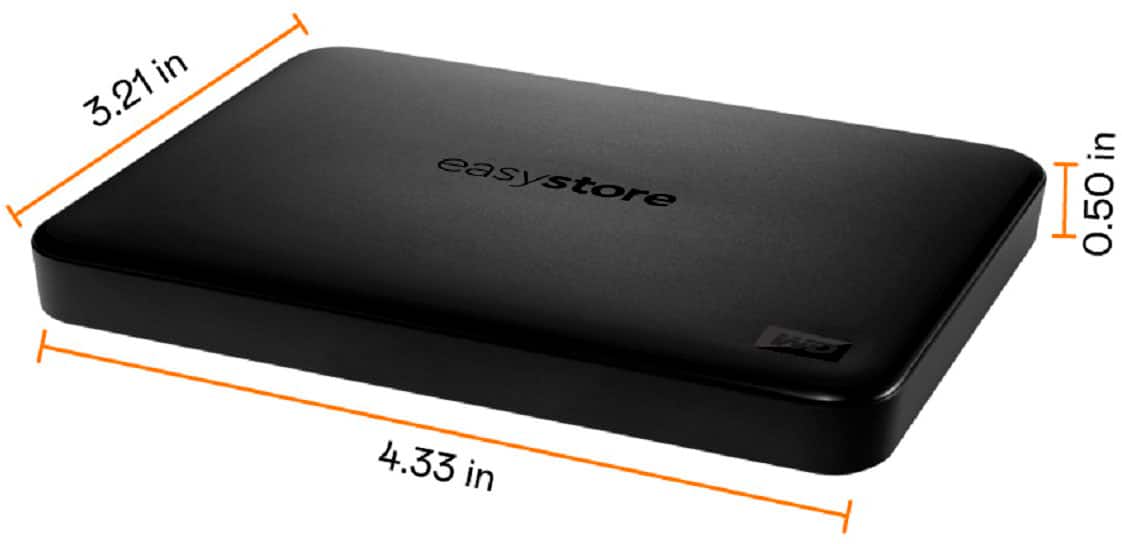
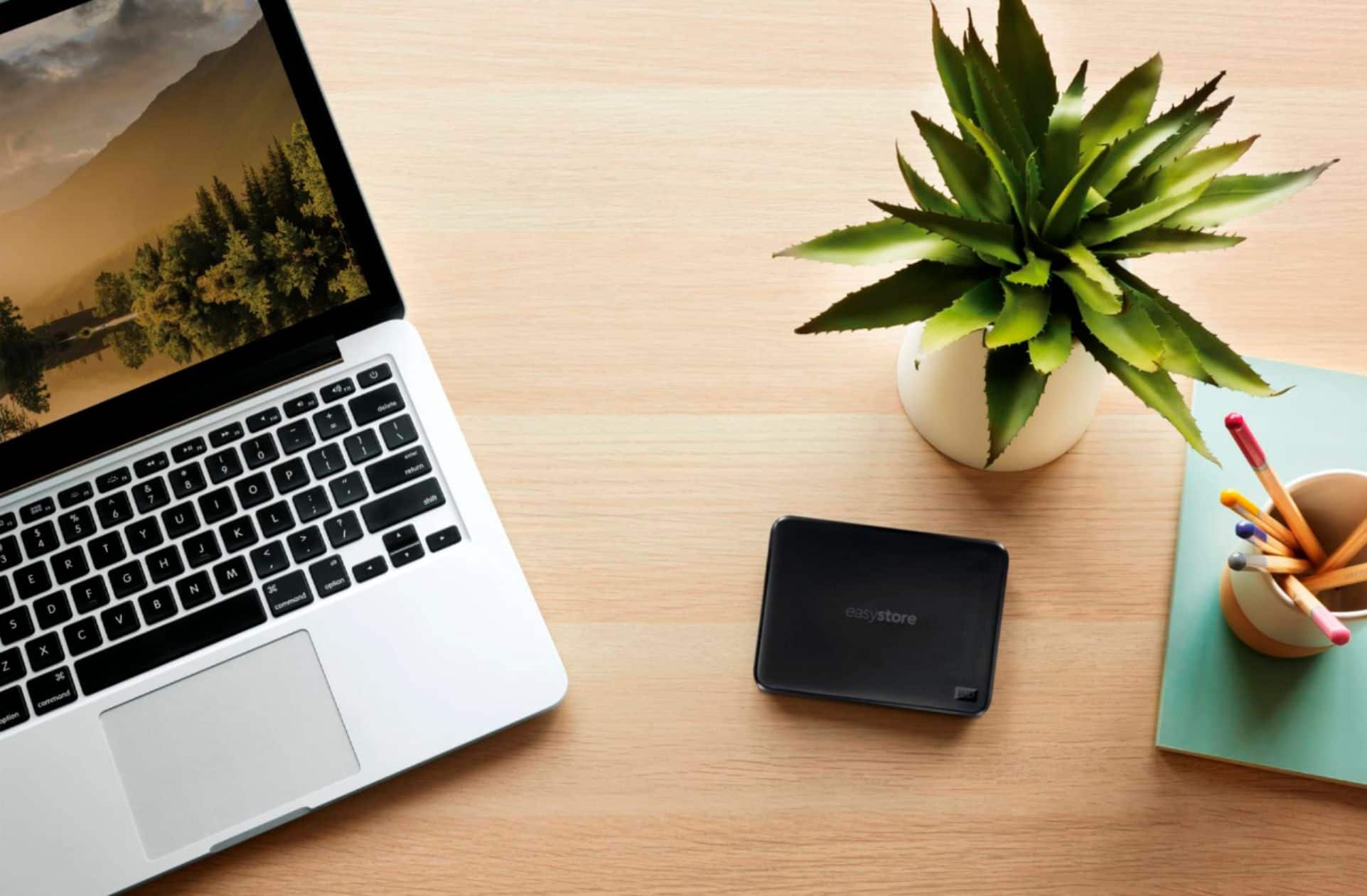
  • QuestionThe specifications give the height and width but not the length. What is the Length of this?

    Asked by Jphotoguy.

    • Answer it is a square 1 half inch high

      Answered by BCope22372

  • QuestionWill this work for a PlayStation?

    Asked by PlayStation4.

    • Answer Yes. The PS4 will recognize it and help you get it formatted to external storage.

      Answered by RSIV

  • QuestionWill this work with a Chromebook, It does have USB3.0

    Asked by Anonymous.

    • Answer Yep

      Answered by HughJass

  • QuestionCan I use with Samsung galaxy tab s5e?

    Asked by Hane4.

    • Answer should work correct USB adapter

      Answered by BCope22372

  • QuestionWD - Easystore 1TB External USB 3.0 Portable Hard Drive How to reformat for my Mac computer??? Step by step please

    Asked by JackD.

    • Answer Go to “Disk Utilities”—found either inside the “Launchpad”, or in your “Dock.” Click on the “Utilities” icon. It will display more icons, in alphabetical order. Click on “Disk Utilities” when it launches, it’ll display all disks connected, and/or Internal. (There’ll be two of each: The drive itself, and any other formatted segment, in hierarchical order). Find the drive by its (technical) name. Click on the top hierarchical icon, when it displays, move the arrow to the horizontal menu, over the display (the App’s, not the Mac’s). It’ll say: First Aid; Partition; Erase; Mount; etc...; DO THE FOLLOWING: 1- Click “First Aid” (run it, just to ensure the new drive is in fact, as it should); When done: 2- (There will be two choices you must make: a. The WD has its own partitioning software—but it is not necessarily a “must.” Myself, I prefer to copy those existing files, to a USB Stick, (just in case you later change your mind); 3- Once you’ve copied it elsewhere, Click “Erase;’ (You’ll be given choices whether the “1-Pass”; “7-Pass”; or “35-Pass”, (the latter, being the deepest erase you can have; it is also the one which takes the longest). Once the erasing is done— 4- Click on “Partition,” and decide how much of the drive you wish to have formatted, or not; 5- (If you Choose more than 1 partition; within the drive’s constraints, name them; 6- Depending on the level of flexibility, portability, and compatibility with other Devices you’ll need from this drive, You must choose which Kind of Formatting you wish; 7- Once chosen, follow the directions to their completion. Hope this helps. A NOTE: IF you’re a new Mac User, I’d recommend keeping “K.I.S.S.” in mind, follow it according to your skill level. Macs have inherently very sophisticated device features—not all of which are advisable for newbies—thence my KISS warning. Best of Luck.

      Answered by reikisage

  • QuestionWill it work with xbox one

    Asked by Anonymous.

    • Answer Yes any usb3.0 will work with your Xbox but the Xbox will reformat it so you won't have the full TB

      Answered by Miche

  • QuestionCan you plug this into the ps4 to expand memory?

    Asked by MomINneed.

    • Answer Absolutely. That's why I bought mine. Works flawlessly

      Answered by BeanCracken

  • QuestionDoes it work with xbox one?

    Asked by Alec.

    • Answer Since this is a USB connection, this will work just fine with XBOX One. It's also tiny enough so it wont take up space. The hard drive relies on a USB connection for power (ex. Turn the XBox on, the external drive comes on. Turn off XBox, drive turns off. Nice feature so the drive is not constantly running 24/7) You might have to format the drive for the XBox, if so, it is extremely simple. You can find step by step videos on YouTube by searching "xbox one external hard drive setup."

      Answered by Junior