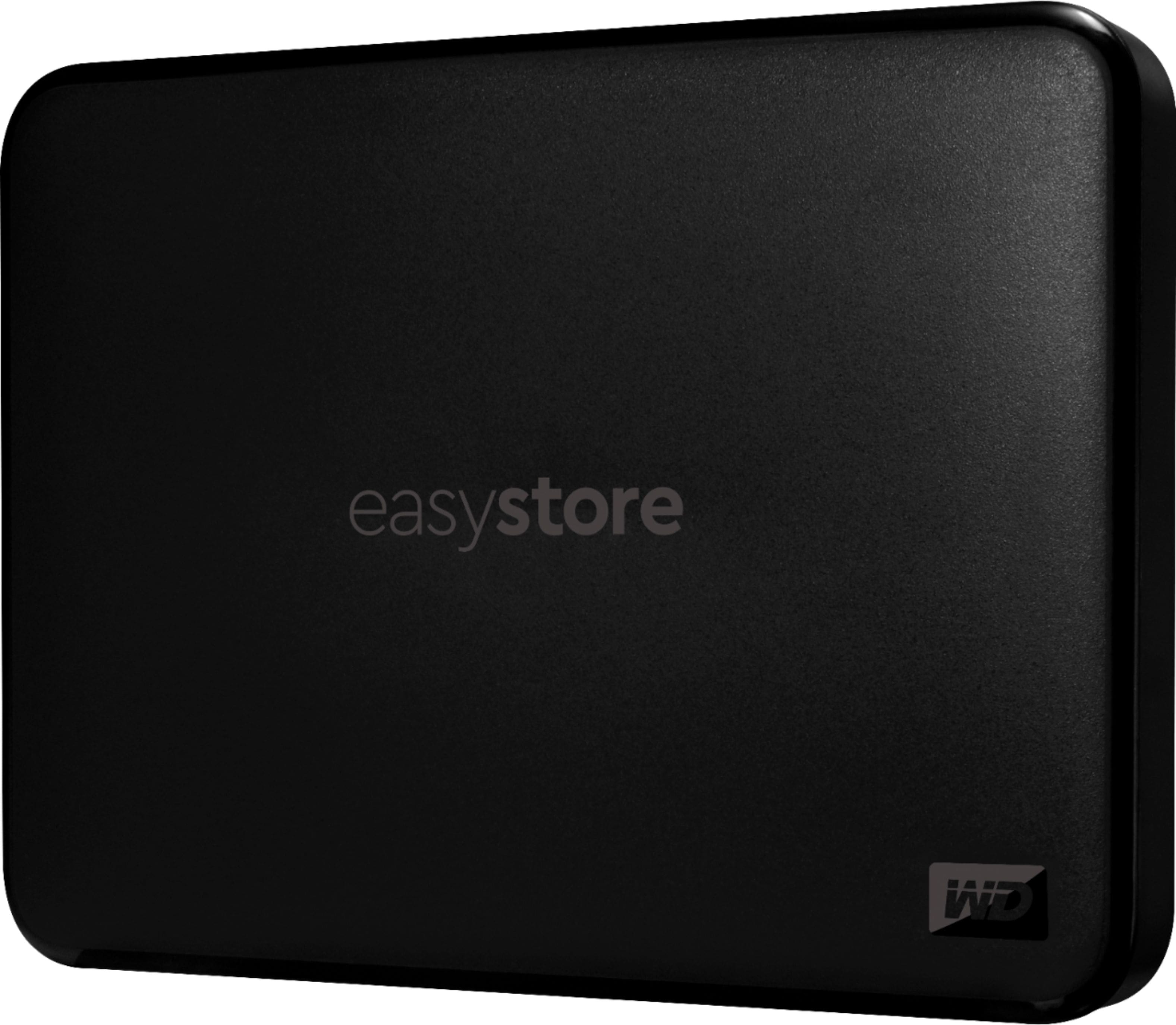
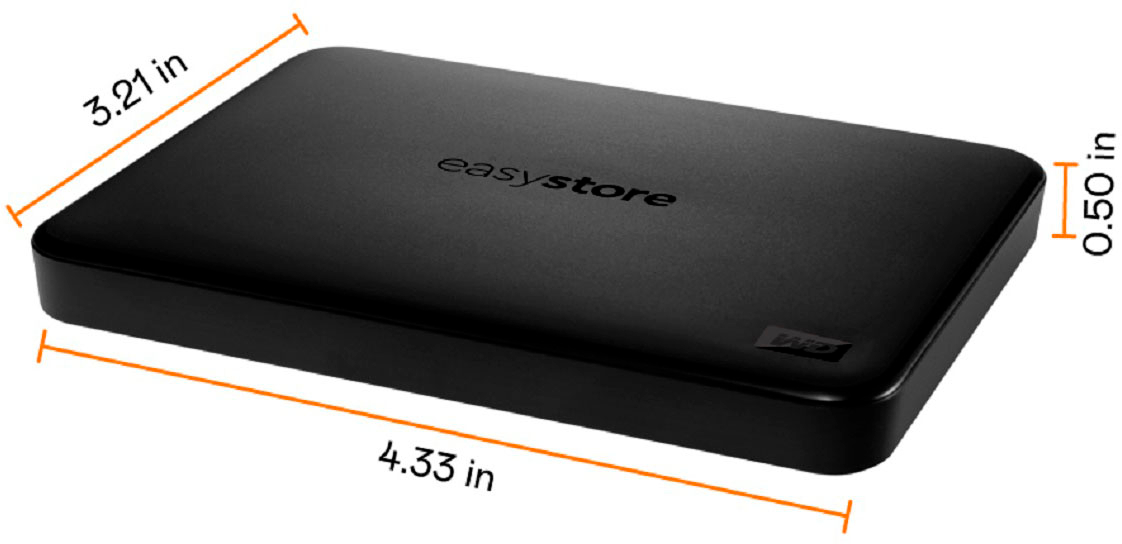
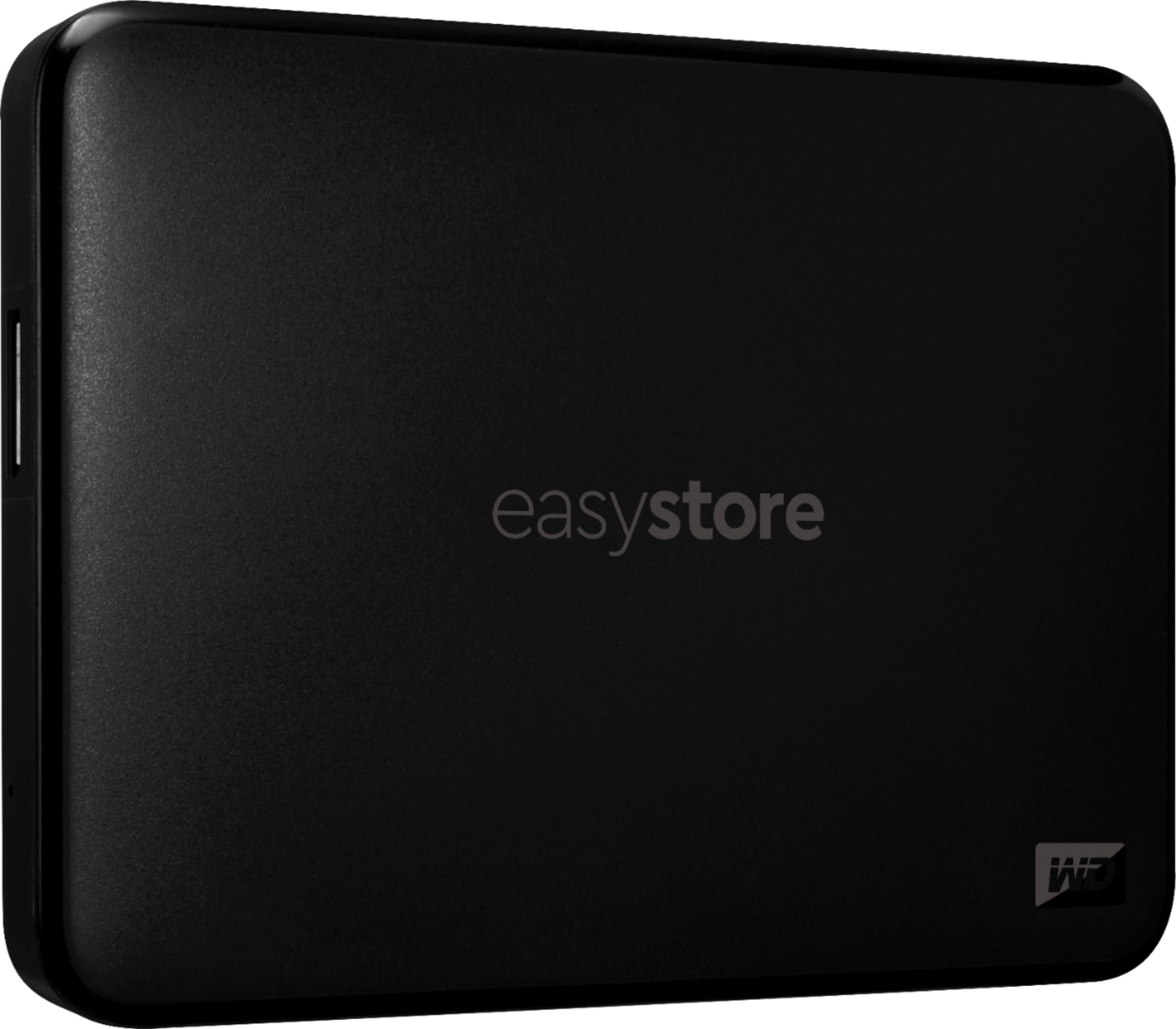
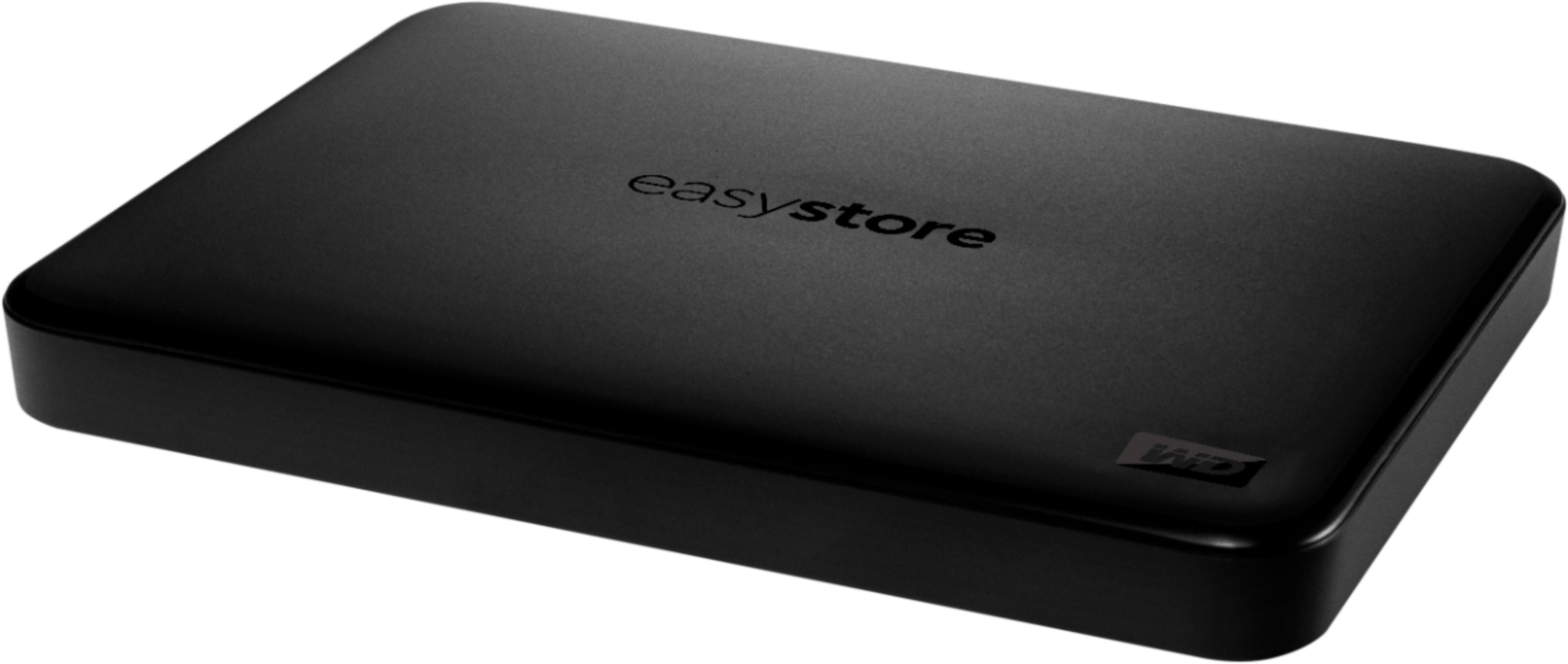
A:AnswerHello, Please be informed that as per the mentioned query the drive has the enough space to transfer this much amount of data. For more information about the drive please refer to the link: http://products.wdc.com/library/AAG/ENG/4078-705145.pdf
A:AnswerHello, Please be informed that the WD Easystore Portable drive is a plug 'n' play device tested and designed for Windows and Mac computers for seamless operation. You can store the games but not play directly from the external drive. We recommend you to please check with your host device vendor for more compatibility information, Moreover we suggest you to check out our WD_Black Series of drives for PS5. For more information about the drive please refer to the link: http://products.wdc.com/library/AAG/ENG/4078-705145.pdf
A:AnswerHello IMac, Please be informed that the WD EasyStore Portable Hard Drive is a plug-and-play device designed and tested for Windows and macOS. Please know that the device is ready for Windows computers out of the box but can be formatted using the HFS+J file system for use with macOS 11+. For more information about the drive, see the link: http://products.wdc.com/library/AAG/ENG/4078-705145.pdf -Need help? Please see our "'Contact Us'" page for details.
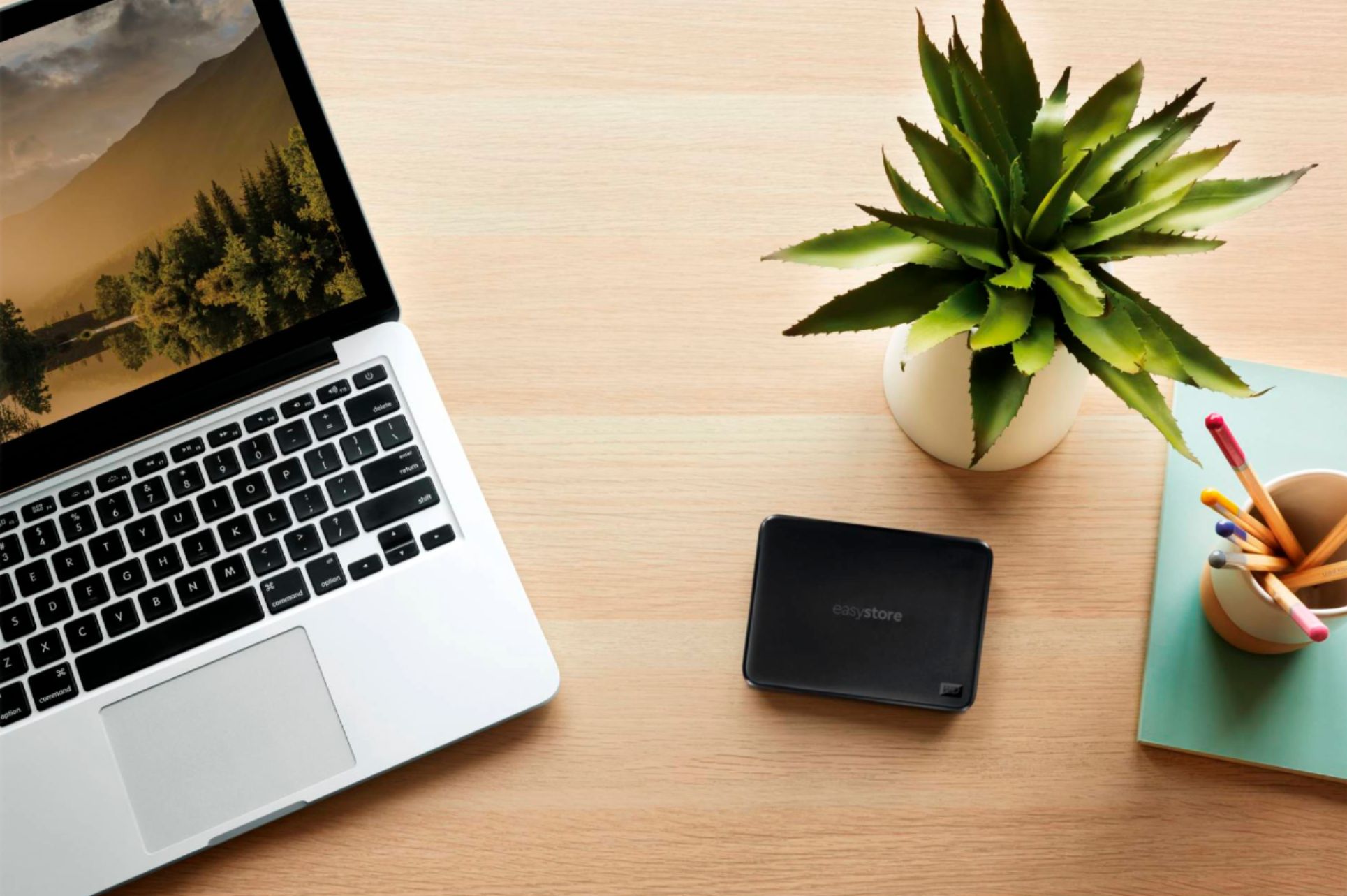
A:AnswerHello, Please be informed that the WD Easystore Portable Hard Drive is a plug 'n' play device and the drive comes with Portable hard drive, SuperSpeed USB-A cable (5Gbps) and Quick install guide. For more info about the drive, refer to the link: http://products.wdc.com/library/AAG/ENG/4078-705145.pdf -Need Help? Please see our "'Contact Us" page for information.
A:AnswerHello JennD, Please be informed that the Easystore Portable hard drive is designed and tested for Windows and macOS computers. We have not tested the drive on mobile devices or an iPad. We recommend to use computer to backup the phone to the drive. For more info about the drive, refer to the link: http://products.wdc.com/library/AAG/ENG/4078-705145.pdf -Need Help? Please see our "'Contact Us" page for information.
A:AnswerHello,
Yes, the WD Easystore external hard drive is compatible with the Steam Deck. You can easily expand your storage by connecting the WD Easystore to your Steam Deck, allowing you to store more games, media, and files
A:AnswerYes. Just used a 1 TB version bought 2020 on a Windows 11 laptop. Plug and Play. (I just "cut & pasted" [copied] a lot of folders from flash drives....)
A:AnswerHello Linda, Please be informed that the WD Easystore Portable Hard Drive is a plug 'n' play device and the drive comes with Portable hard drive, SuperSpeed USB-A cable (5Gbps) and Quick install guide. For more info about the drive, refer to the link: http://products.wdc.com/library/AAG/ENG/4078-705145.pdf -Need Help? Please see our "'Contact Us" page for information.
A:AnswerYes you can. I did the same thing. I have 17 of this and they are all full . That’s how much media I have. They never fail. They always work. I even store them all in a plastic lid container that is shoe box size. Just always eject them properly from your pc .
A:AnswerHello, Please be informed that we would recommend our customers to choose WD purple drive for DVR/ NVRs. We have tested WD Easystore drive on Windows and Mac computers for seamless operation. For more information about WD Easystore portable hard drive: http://products.wdc.com/library/AAG/ENG/4078-705145.pdf -Need Help? Please see our "'Contact Us" page for information.
A:AnswerHello, Please be informed that the WD Easystore Portable drive is a plug 'n' play device tested and designed for Windows and Mac computers for seamless operation. Moreover, you can store the games but not play directly from the external drive. We recommend you to please check with your host device vendor for more compatibility information. http://products.wdc.com/library/AAG/ENG/4078-705145.pdf -Need Help? Please see our "'Contact Us" page for information.
A:AnswerHello, Please be informed that the WD Easystore drive is a plug 'n' play device tested and designed for Windows and Mac computers. The easystore portable drive is both USB 3.0 ready and USB 2.0 compatible and comes with USB 3.0 Type-A Interface. In order to know more about the drive refer to the link: http://products.wdc.com/library/AAG/ENG/4078-705145.pdf -Need Help? Please see our "'Contact Us" page for information.
A:AnswerHello Jay, Please be informed that the WD Easystore Portable drive is a plug 'n' play device tested and designed for Windows and Mac computers for seamless operation. Moreover, you can store the games but not play directly from the external drive. To know more about the drive please refer to the link: http://products.wdc.com/library/AAG/ENG/4078-705145.pdf -Need Help? Please see our "'Contact Us" page for information.
A:AnswerHello Tom, Please be informed that Western Digital drives are not tested with the vendor end of life operating systems and are optimized for more recent versions of OS. -Need Help? Please see our "'Contact Us" page for information.
A:AnswerHello, Please be informed that the WD Easystore drive is a plug 'n' play device tested and designed for Windows and Mac computers. The easystore portable drive is both USB 3.0 ready and USB 2.0 compatible and comes with USB 3.0 Type-A Interface. We recommend you to please contact your host device vendor support to check whether the drive will support. In order to know more about the drive refer to the link: http://products.wdc.com/library/AAG/ENG/4078-705145.pdf -Need Help? Please see our "'Contact Us" page for information.
A:AnswerHello, We would like the opportunity to gather more information to isolate the issue and to assist you directly or we request you kindly open a support ticket at: https://support-en.wd.com/app/askweb to elaborate on the issue and, our support team will get in touch with you at the earliest. -Need Help? Please see our "'Contact Us" page for information.
A:AnswerHello RickeyD, Western Digital does not have any in-house data recovery service in order to recover the files from the affected/non-functional hard drives. You may need to contact a Data Recovery company to recover the data. If there are no backups or second copy of the data on an different device or location and data recovery is required, please contact one of our Data Recovery Partners or refer to link : https://www.westerndigital.com/support/store/warranty-services/data-recovery -Need Help? Please see our "'Contact Us" page for information.