A:AnswerNo. Compressed files (e.g. zip format) are different than encrypted data/drive. Since the drive ships formatted as NTFS, I am sure the drive can be encrypted. Try the WD Security application from WD support
A:AnswerTo me it sounds like what you are trying to save is preventing you from trying to more it, because it may belong to someone else who may have shared with you only to see it?
A:AnswerHello Rdl, Please be informed that the WD Easystore Portable Hard Drive is a plug 'n' play device designed and tested for Windows & macOS. It has connectivity with USB 3.0 devices as well as backward compatibility with USB 2.0 devices. We have not tested the drive with mobile devices, so we recommend you to move the data from phone to Drive using your computer. For more info about the drive, refer to the link: http://products.wdc.com/library/AAG/ENG/4078-705145.pdf -Need Help? Please see our "'Contact Us" page for information.

A:AnswerI had no issues with it on my Mac. I used the NTFS software that came with it, and it works well. You can also reformat the drive if you don't want to use the NTFS software.
A:AnswerI had this problem initially on my iMac. Finally used the USB connection directly into an open port on the iMack and it worked, rather than having it attached through a USB powered hub.
A:AnswerHello, Please be informed that the WD Easystore External Hard Drive is a plug 'n' play device designed and tested for Windows & macOS. You could use this to store flies, docs, pictures, games etc. Please refer to the link to know more about the drive: http://products.wdc.com/library/AAG/ENG/4078-705145.pdf -Need Help? Please see our "'Contact Us" page for information.
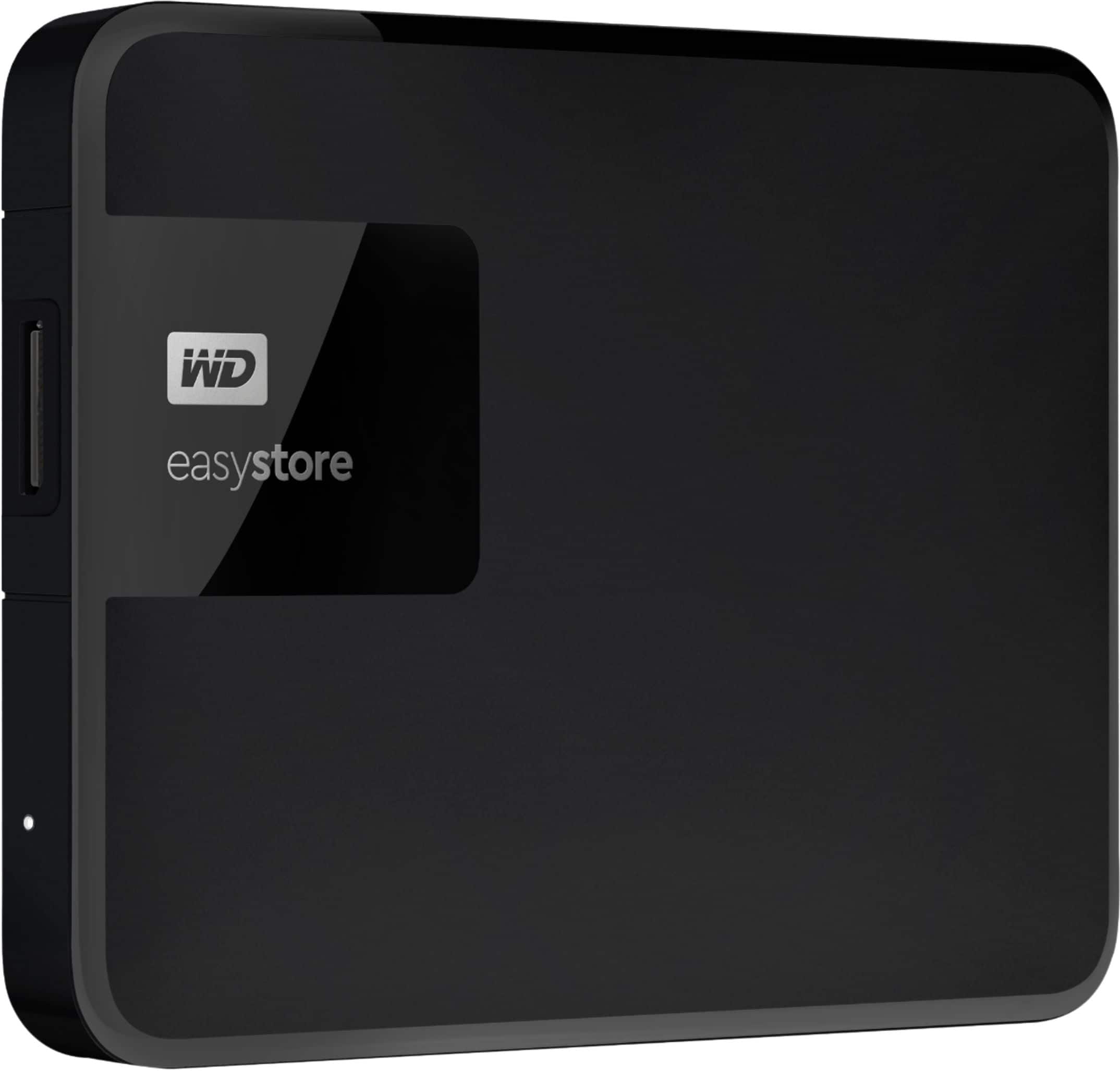
A:AnswerJust plug it in and computer should name a file for the folder. Mine was H. It w as pretty simple. I think it should retain games but read first