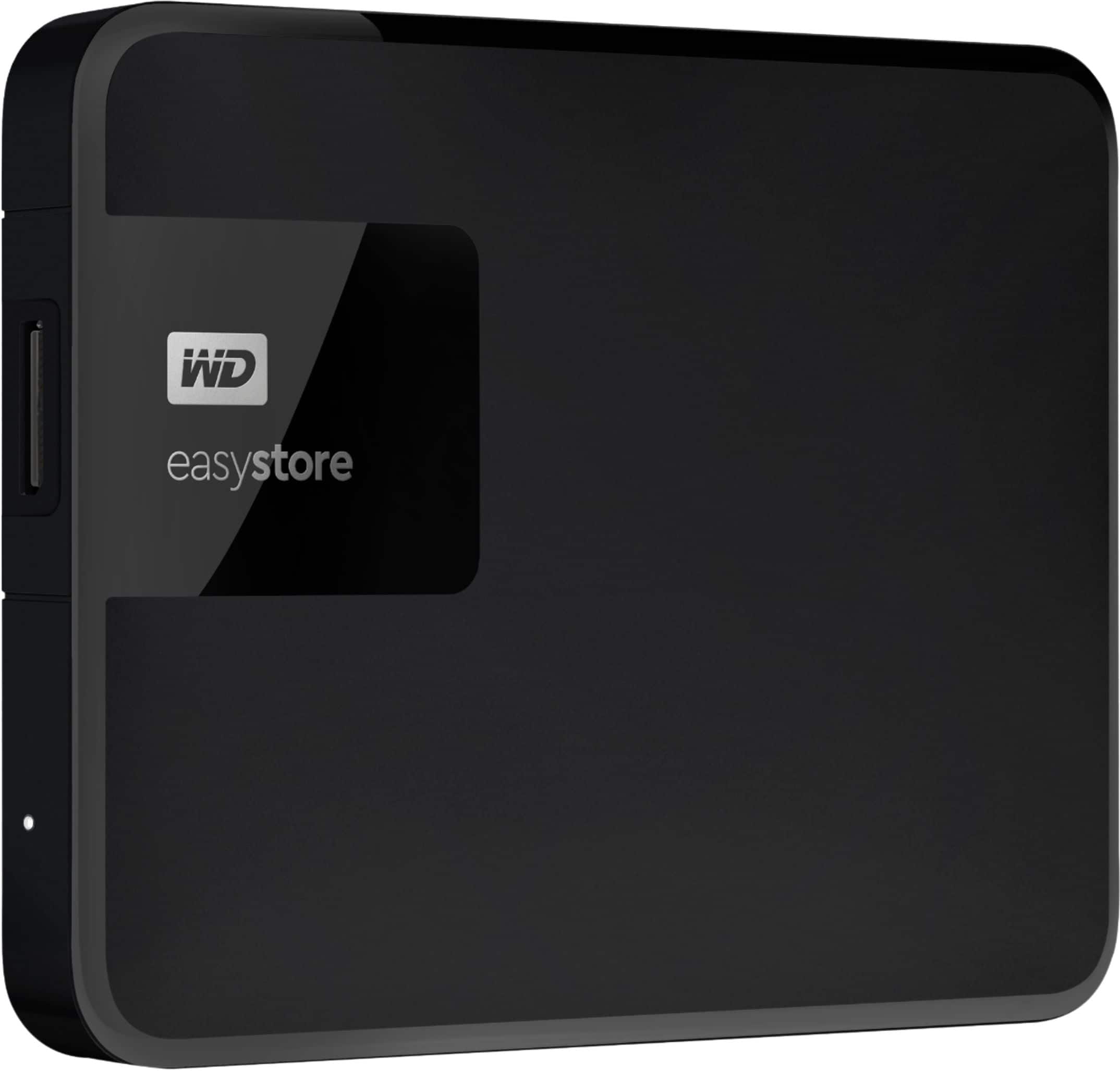
A:AnswerHello Jane,Please be informed that the WD Easystore drive is a plug 'n' play device tested and designed for Windows and Mac computers. The easystore portable drive is both USB 3.0 ready and USB 2.0 compatible and comes with USB 3.0 Type-A Interface. We recommend you to please contact your host device vendor support to check whether the drive will support. In order to know more about the drive refer to the link: http://products.wdc.com/library/AAG/ENG/4078-705145.pdf -Need Help? Please see our "'Contact Us" page for information.
A:AnswerHello Seabass, Sony added support for external USB hard drives on the PS5 with their April 2021 update. However, due to PS5 restrictions, games can only be played off the console’s internal SSD. As such, external USB storage hard drives only function as a faster way to hot-swap games and data on or off the PS5’s internal storage. -Need Help? Please see our "'Contact Us" page for information.

A:AnswerGot it, worked like a charm, now my sat receiver isn't crashing anymore, must have been overloading rcvrs internal memory.Always had good results with WD drives.
A:AnswerHello, Please be informed that the WD Easystore Drive is a plug 'n' play device tested and designed for Windows and Mac computers. The drive ships along with a USB 3.0 cable and uses USB 3.0 Type-A interface. We recommend you to please contact your host device vendor support to check whether the drive will support. For more info on the drive, refer to the link: http://products.wdc.com/library/AAG/ENG/4078-705145.pdf -Need Help? Please see our "'Contact Us" page for information.
A:AnswerPartly
I use a device called Qubii Pro and their related phone app
While charging do an Auto backup to a Micro mini chip, which fits a standard SD card
Then drop all to the external storage device
A:AnswerHello Emma, Please be informed that the WD Easystore Portable Hard Drive is a plug 'n' play device tested and designed for Windows and Mac computers for seamless operation. Moreover, the drive comes formatted NTFS for Windows 10 and 8.1 and compatibility may vary depending on user’s hardware configuration and operating system. However, in order to use the drive for macOS you can reformat the drive with macOS supported HFS+J file system by using this link: https://support-en.wd.com/app/answers/detail/a_id/3879 . Critical: The instructions in the article above are designed to help repartition and format a hard drive. This process is Data Destructive and cannot be undone. Once the process begins, ALL THE DATA ON THE DRIVE WILL BE LOST! -Need Help? Please see our "'Contact Us" page for information. -Need Help? Please see our "'Contact Us" page for information.
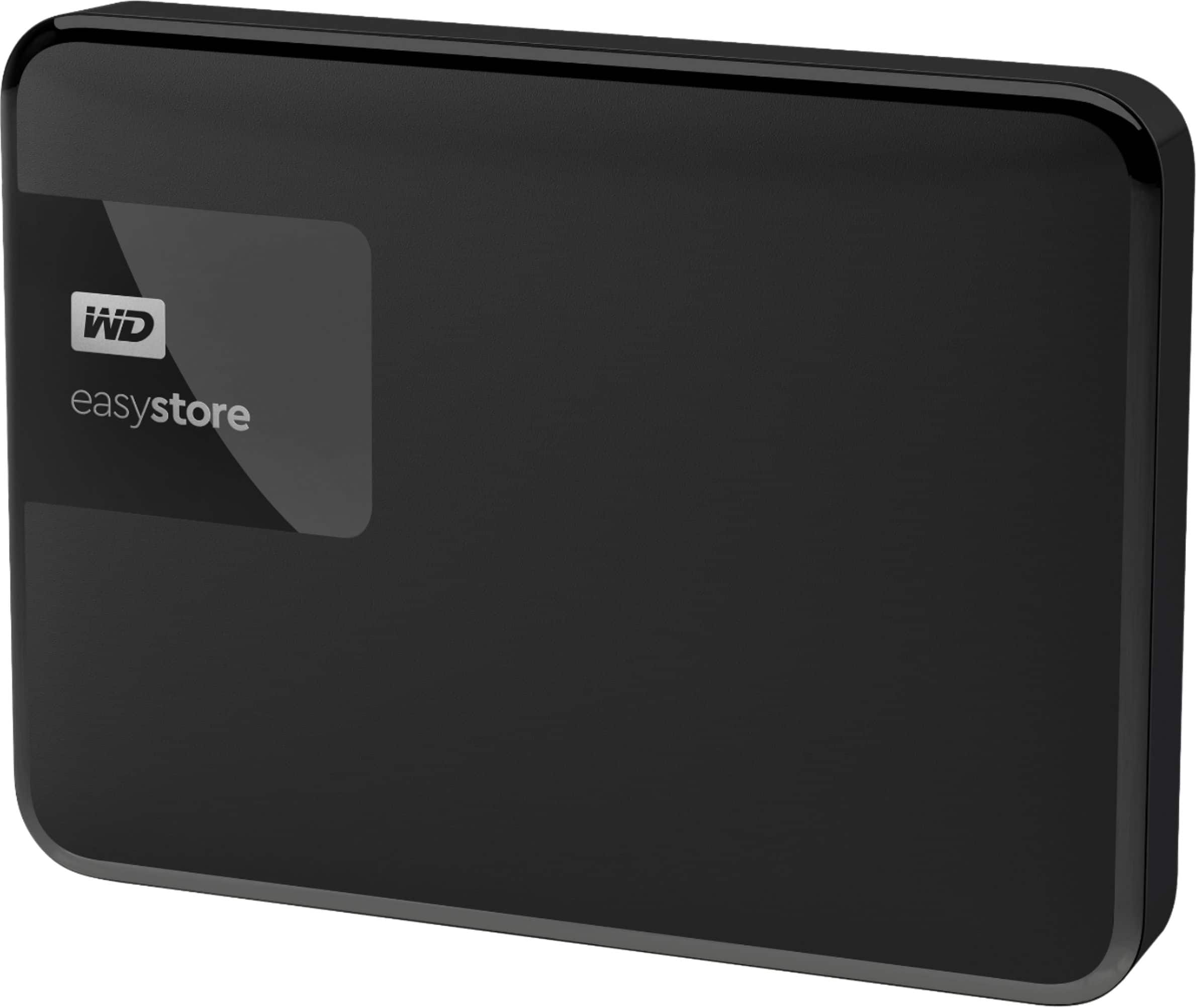
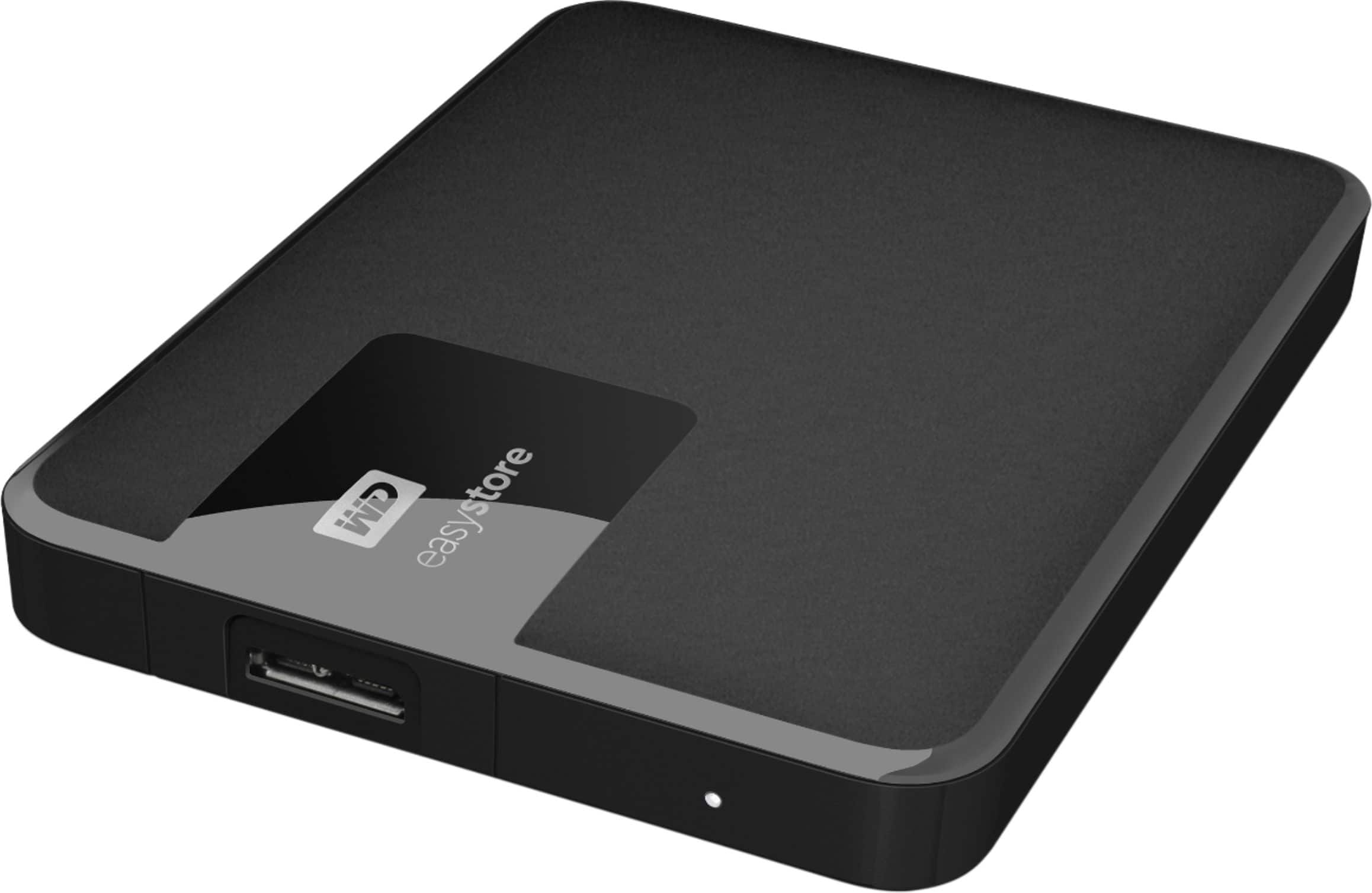
A:AnswerHello Mark,Please be informed that the WD Easystore Portable Hard Drive is a plug 'n' play device and has connectivity with USB 3.0 devices as well as backward compatibility with USB 2.0 devices. The drive comes with USB 3.0 Type-A Interface.You need to buy a Type-A To Type -C Converter or cable.For more info about the drive, refer to the link: http://products.wdc.com/library/AAG/ENG/4078-705145.pdf -Need Help? Please see our "'Contact Us" page for information.
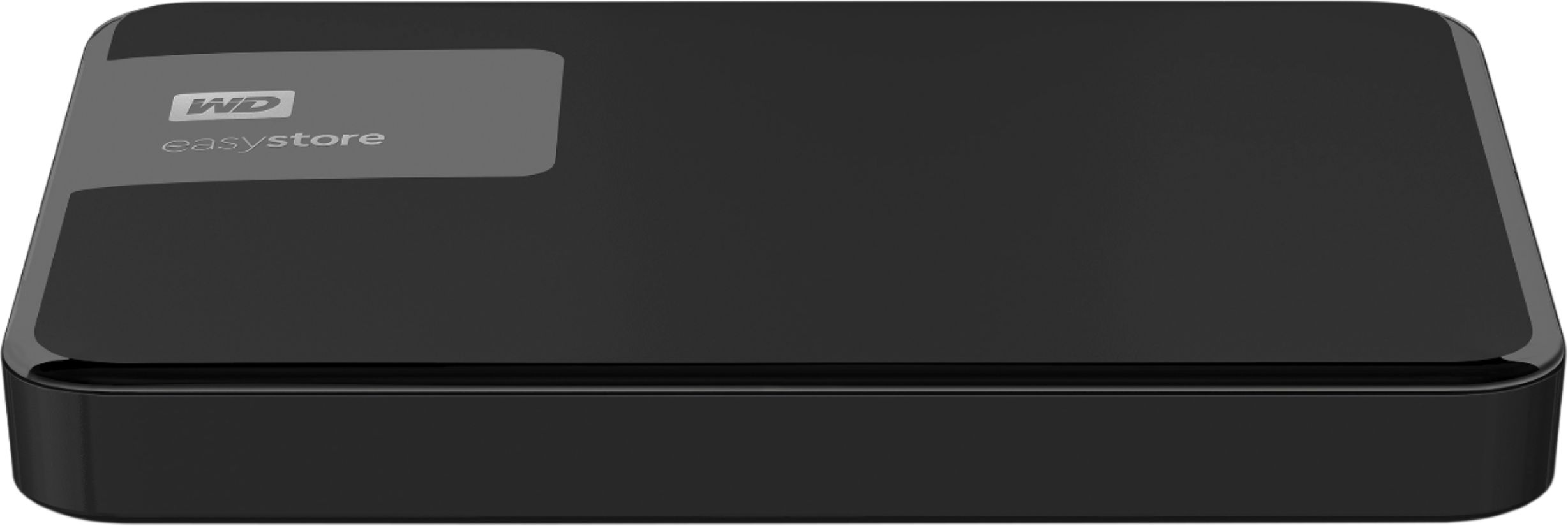
A:AnswerHello Jojo, Please be informed that the WD Easystore Portable Hard Drive is a plug 'n' play device and has connectivity with USB 3.0 devices as well as backward compatibility with USB 2.0 devices. The drive is designed and test for Windows and Mac computers. For more info about the drive, refer to the link: http://products.wdc.com/library/AAG/ENG/4078-705145.pdf -Need Help? Please see our "'Contact Us" page for information.
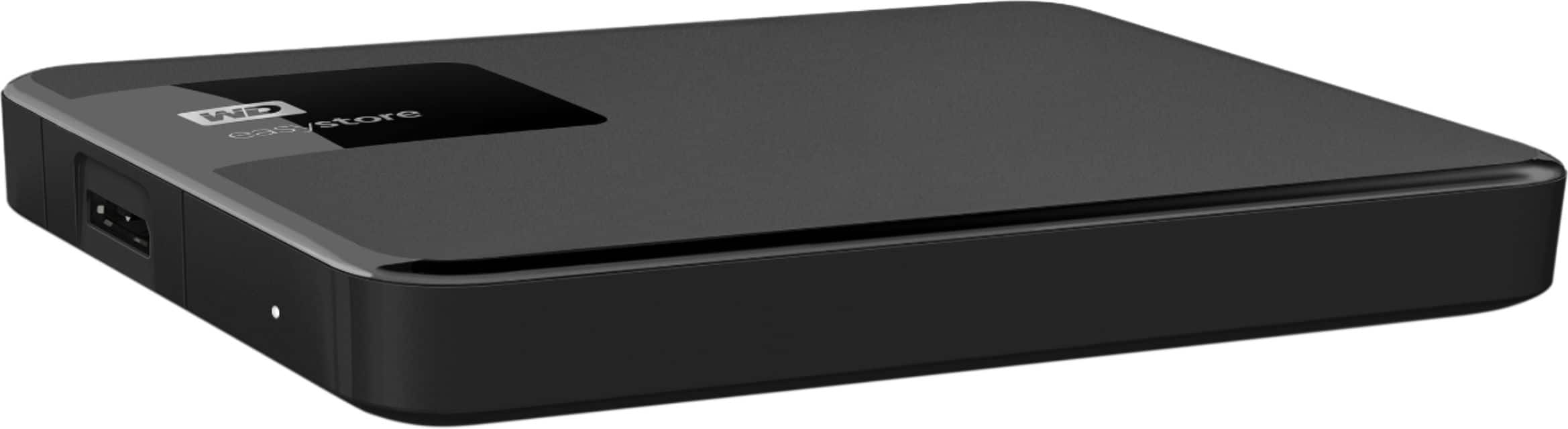
A:AnswerHello Oldschool1,Please be informed that the WD Easystore Drive is a plug 'n' play device tested and designed for Windows and Mac computers. These drive are for Windows and Mac to be used as external storage only.The drive ships along with a USB 3.0 cable and uses USB 3.0 Type-A interface.Please also check with your PC/Laptop vendor whether drive will fit and support the host device.For more info on the drive, refer to the link: http://products.wdc.com/library/AAG/ENG/4078-705145.pdf -Need Help? Please see our "'Contact Us" page for information.
A:AnswerIf hooking up to PS4 you have option to use as external storage or if set up for storage for pa4 it won’t work work with any other device or console
A:AnswerHello Naina, Please be informed that the WD Easystore Portable Hard Drive is a plug 'n' play device and has connectivity with USB 3.0 devices as well as backward compatibility with USB 2.0 devices. The drive is designed and test for Windows and Mac computers. However, the drive will work with chrome book also. For more info about the drive, refer to the link: http://products.wdc.com/library/AAG/ENG/4078-705145.pdf -Need Help? Please see our "'Contact Us" page for information.

A:AnswerHello ,Please be informed that Western Digital drives are not tested with the vendor end of life operating systems and are optimized for more recent versions of OS. -Need Help? Please see our "'Contact Us" page for information.

A:AnswerHello,Please be informed that the WD Easystore Portable Hard Drive is a plug 'n' play device and has connectivity with USB 3.0 devices as well as backward compatibility with USB 2.0 devices. The drive comes with USB 3.0 Type-A Interface. We have not tested the drive on mobile devices. We recommend to use computer to backup the phone to the drive. For more info about the drive, refer to the link: http://products.wdc.com/library/AAG/ENG/4078-705145.pdf -Need Help? Please see our "'Contact Us" page for information.

A:AnswerHello Johnny, Sony added support for external USB hard drives on the PS5 with their April 2021 update. However, due to PS5 restrictions, games can only be played off the console’s internal SSD. As such, external USB storage hard drives only function as a faster way to hot-swap games and data on or off the PS5’s internal storage. -Need Help? Please see our "'Contact Us" page for information
A:AnswerHello bestbuycustomer15yearsago, Thanks for showing your interest in WD Products. Please refer to the link given below to know more about the drive. http://products.wdc.com/library/AAG/ENG/4178-705765.pdf and http://products.wdc.com/library/AAG/ENG/4078-705145.pdf Need Help? Please see our "'Contact Us" page for information.

A:AnswerHello bradyn, Please be informed that the WD Easystore Drive is a plug 'n' play device tested and designed for Windows and Mac computers. The drive ships along with a USB 3.0 cable and uses USB 3.0 Type-A interface. We recommend you to please contact your host device vendor support to check whether the drive will support. For more info on the drive, refer to the link: http://products.wdc.com/library/AAG/ENG/4078-705145.pdf -Need Help? Please see our "'Contact Us" page for information.
A:AnswerHello,Please be informed that the WD Easystore drive is a plug 'n' play external portable drive tested and designed only for Windows and Mac computers. Compatibility may vary depending on the user’s hardware configuration and operating system. To know more about the drive please refer to the link: http://products.wdc.com/library/UM/ENG/4779-705168.pdf -Need Help? Please see our "'Contact Us" page for information.
A:AnswerHi, Please be informed that the WD Easystore Portable Hard Drive is a plug 'n' play device and has connectivity with USB 3.0 devices as well as backward compatibility with USB 2.0 devices. The drive comes with USB 3.0 Type-A Interface. We have not tested the drive on mobile devices. We recommend to use computer to backup the phone to the drive. For more info about the drive, refer to the link: http://products.wdc.com/library/AAG/ENG/4078-705145.pdf -Need Help? Please see our "'Contact Us" page for information.
A:AnswerHi, Please be informed that the WD Easystore Drive is a plug 'n' play device tested and designed for Windows and Mac computers. The drive comes with a USB 3.0 cable and uses USB 3.0 Type-A interface. We recommend you to please contact your host device vendor support to check whether the drive will support. For more info on the drive, refer to the link: http://products.wdc.com/library/AAG/ENG/4078-705145.pdf -Need Help? Please see our "'Contact Us" page for information.