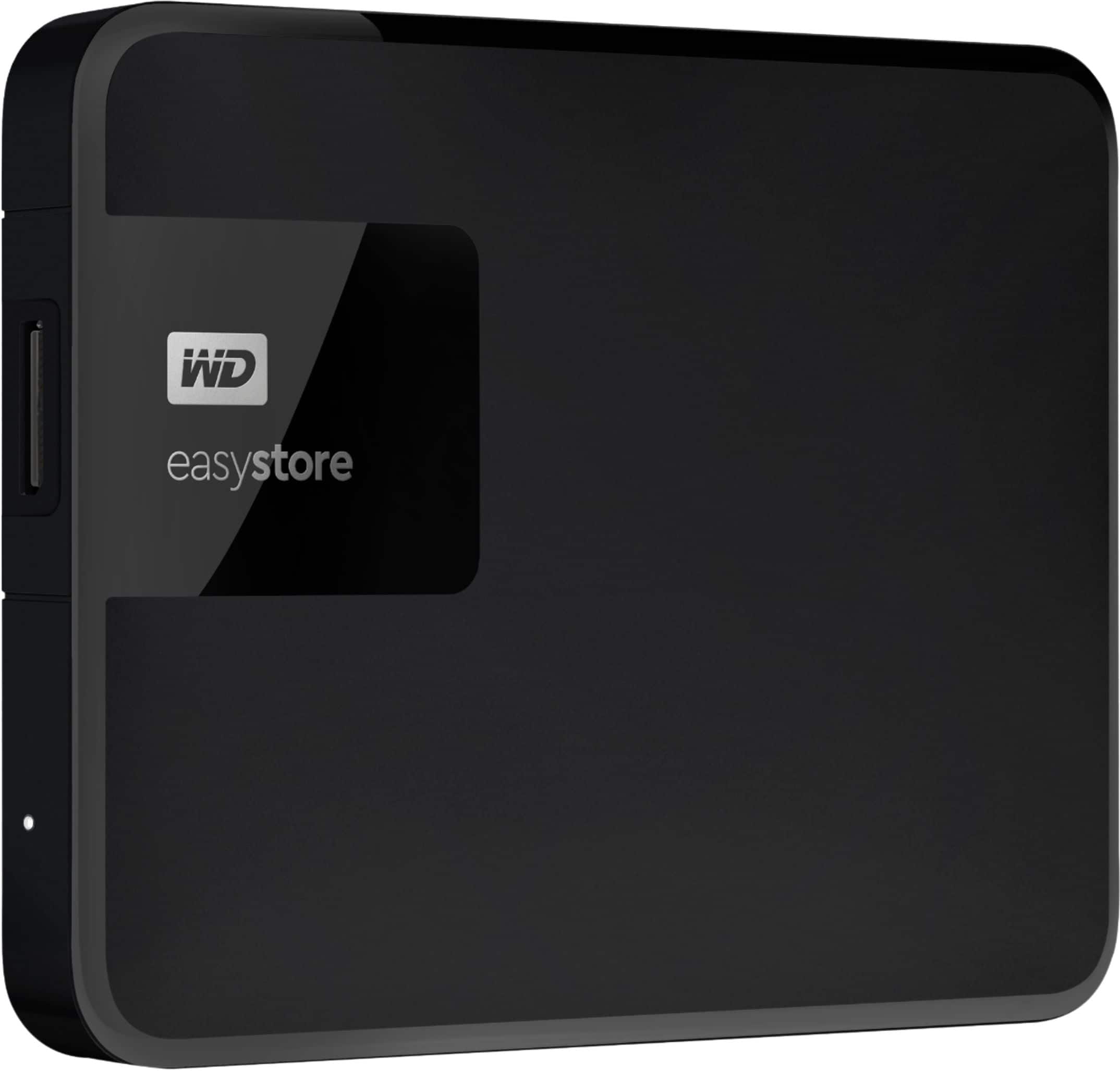
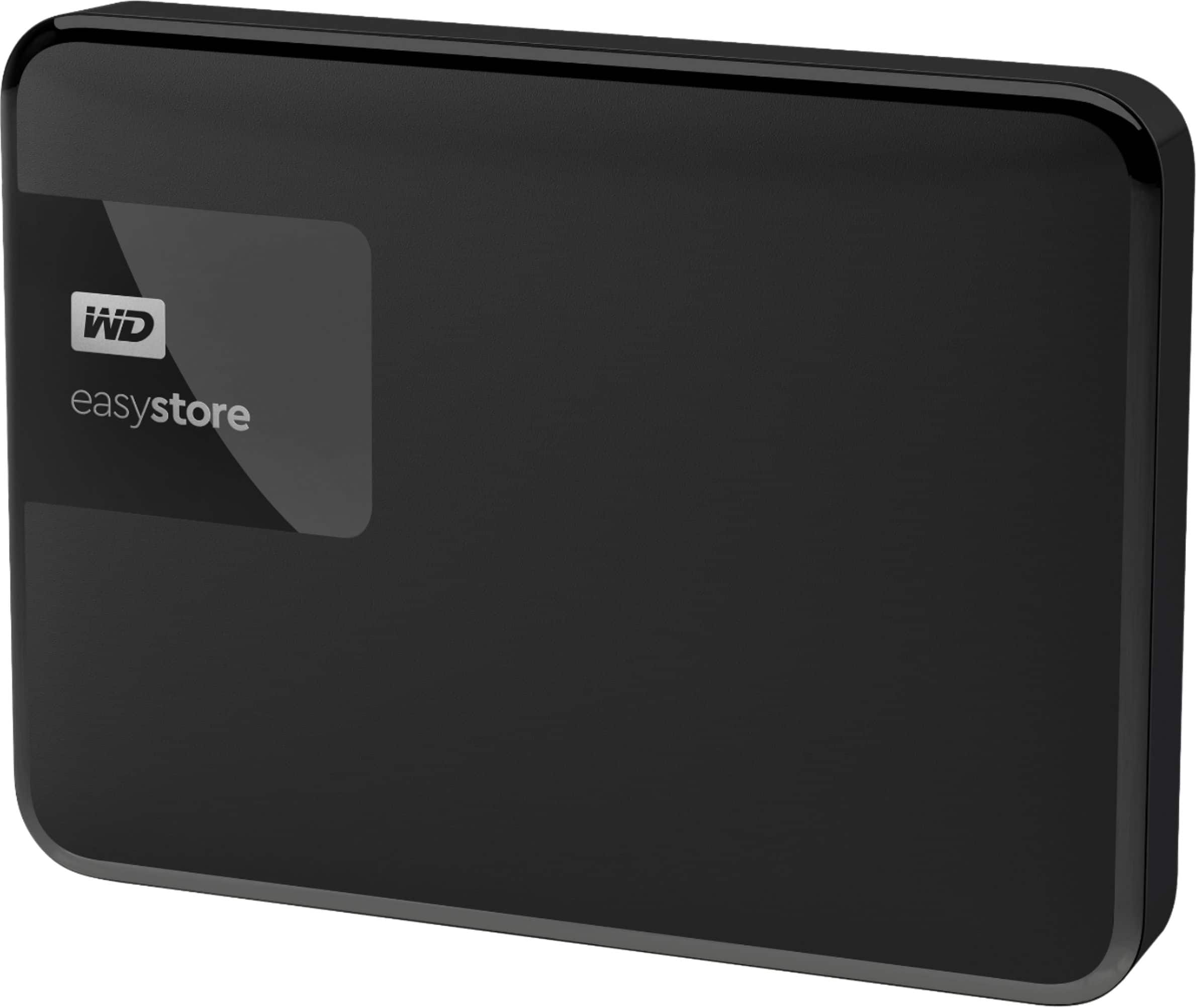
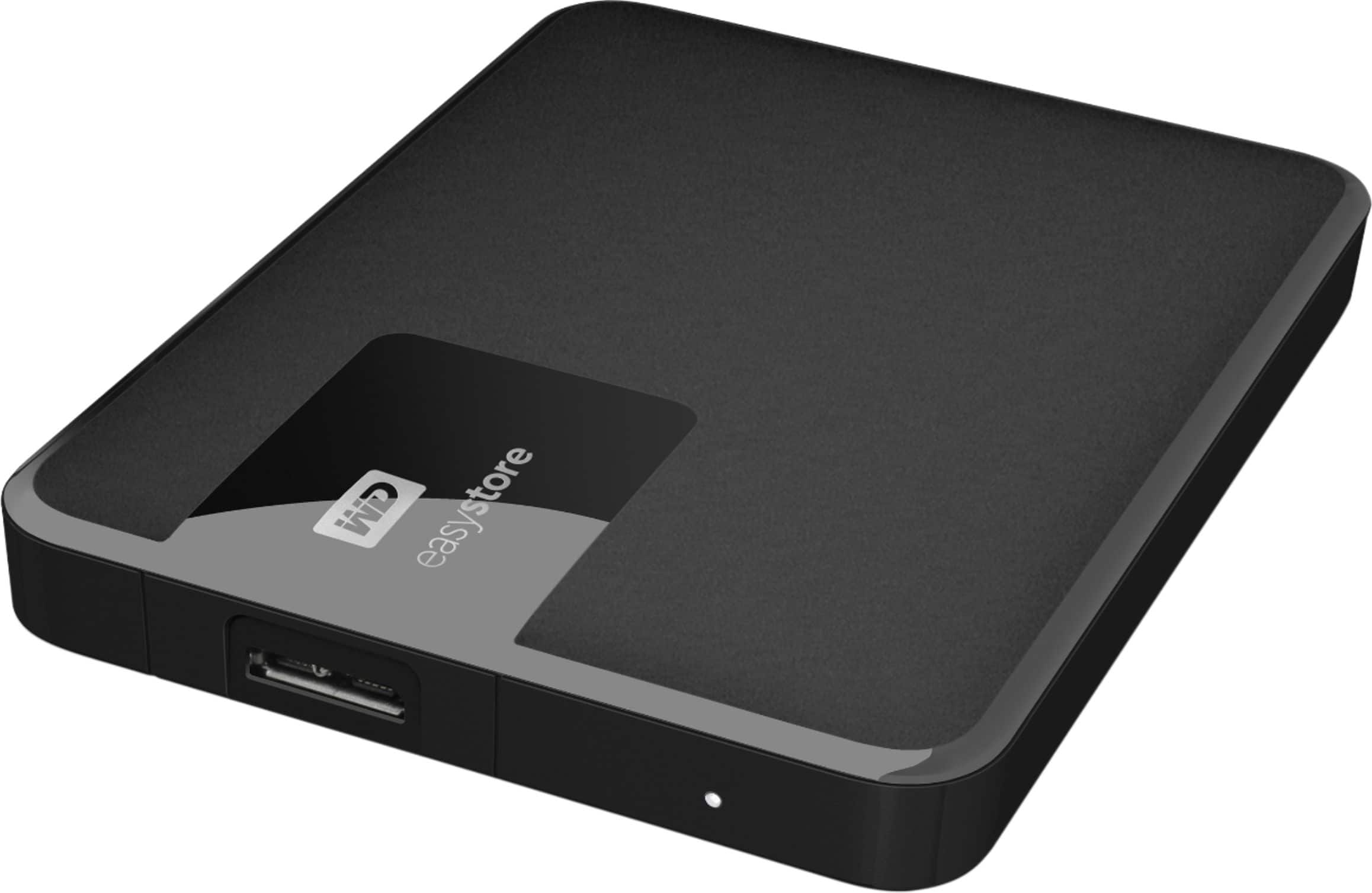
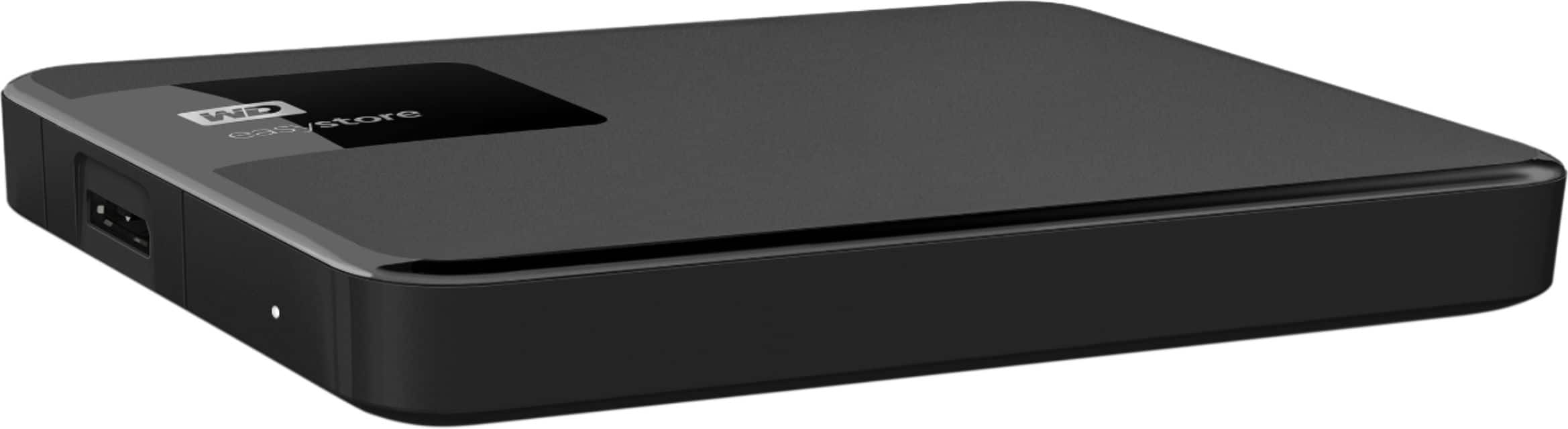
A:AnswerHi EricDLS, Thank you for showing your interest in WD Easystore drive. Please know we have tested these drives on windows OS and mac OS. In order to check the compatibility, we would suggest you to please contact to your Host device manufacturer. Need Help? Please see our "'Contact Us" page for information
A:AnswerHi samy, Thanks for showing your interest in WD Easystore device. Please refer to the link given below https://support-en.wd.com/app/answers/detail/a_id/13652. Need Help? Please see our "'Contact Us" page for information.
A:AnswerHi dduck, We would recommend you to please contact to your motherboard or Host device manufacturer. Need Help? Please see our "'Contact Us" page for information
A:AnswerHi BenU,
Please know we have not tested this drive with Acronis backup software. Please refer to the link for User Manual. http://products.wdc.com/library/UM/ENG/4779 Need Help? Please see our "'Contact Us" page for information.
A:AnswerHi,
Yes, it will work in USB 2.0.
The USB 3.0 interface supports interface transfer rates up to 10 Gb/s.
USB 3.0 is backward compatible with USB 2.0. A USB 2.0 interface supports
interface transfer rates up to 480 Mb/s
Need Help? Please see our "'Contact Us" page for information.
A:AnswerHi Gknee,
The WD EasyStore portable hard drive comes preformatted for Windows computer. The hard drive can be reformatted in the supported file system for Mac OS by following simple steps mentioned in the link mentioned below: Reformatting Required for Mac OS Compatibility: https://support-en.wd.com/app/answers/detail/a_id/3879 Need Help? Please see our "'Contact Us" page for information
A:AnswerHi Hellojello4444,
WD Easystore Portable External Hard Drive is a plug and play drive having USB 3.0 (USB 2.0) interface designed and tested to work with Windows and Mac computers.
"How to Partition and Format a WD Drive on Windows and macOS":
https://support-en.wd.com/app/answers/detail/a_id/8200
Need Help? Please see our "Contact Us" page for information.
A:AnswerHi Chuck,
Please note windows 7's support is EOL from Microsoft, you may experienced a few issues. Please refer to the link mentioned below to know more about this drive. https://shop.westerndigital.com/en-us/products/portable-drives/wd-my-passport-usb-3-0-hdd#WDBYVG0010BBK-WESN Need Help? Please see our "'Contact Us" page for information
A:AnswerHi EasilyConfused,
Please know this drive comes with WD Backup software plan. In order to get data backed up automatically you need to setup WD backup software. Please refer to the link mentioned below to set up the a Back up plan per your preferences. "How To Backup Files Using WD Backup" https://support-en.wd.com/app/answers/detail/a_id/3653 "WD Backup Online User Guide and Solutions" https://support-en.wd.com/app/answers/detail/a_id/12279 Need Help? Please see our "'Contact Us" page for information
A:AnswerHi Age80Rookie,
The WD My Easystore external hard drive comes pre-formatted for Windows computer. The hard drive can be reformatted in a supported filesystem for Mac OS. Please refer to the link mentioned below for more information. Reformatting Required for Mac OS Compatibility: https://support-en.wd.com/app/answers/detail/a_id/3879 Need Help? Please see our "'Contact Us" page for information.
A:AnswerHi Chip,
Thanks for showing your interest in WD Easystore drive. We have tested this drive only with windows and macOS.
Refer to the link mentioned below to know more about the drive.
http://products.wdc.com/library/AAG/ENG/4078-705145.pdf
Need Help? Please see our "'Contact Us" page for information
A:AnswerHi Drizzy Thank you for showing your interest in the WD Easystore drive. Please know this drive ships ready to use with Windows. For more information refer to the link mentioned below. http://products.wdc.com/library/AAG/ENG/4078-705145.pdf. We have tested this drive only with MacOS and WindowsOS. You can use this drive with your PS4 by reformatting the drive into the compatible file system but we do not recommend. Moreover, you can reconsider the WD My Passport for Gaming for ps4. Need Help? Please see our "'Contact Us" page for information
A:AnswerHi Todaf,
Thanks for showing your interest in WD Easystore hard drive. You can set up password on this drive using the Windows encryption features. For more information you can contact to Microsoft.
Need Help? Please see our "'Contact Us" page for information.
A:AnswerHi Messy,
Please know WD My Easystore preformatted for Windows computer and tested only with macOS and WindowsOS. For more information you can refer to the link mentioned below. http://products.wdc.com/library/UM/ENG/4779-705168.pdf Need Help? Please see our "'Contact Us" page for information.
A:AnswerHi Mike,
Yes, The USB 3.0 interface supports interface transfer rates up to 10 Gb/s.
USB 3.0 is backward compatible with USB 2.0. A USB 2.0 interface supports
interface transfer rates up to 480 Mb/s.
Need Help? Please see our "'Contact Us" page for information
A:AnswerHi KP,
Yes, you can copy the data from your PC to this drive this drive is enabled to work on both mac and PC.
The hard drive needs to be reformatted in a supported filesystem that is ExFAT format. Please refer to the link mentioned below to know how to reformat the external hard drive. How to Format a WD hard drive to exFAT or FAT32 File System: https://support-en.wd.com/app/answers/detail/a_id/20821/kw/exfat Need Help? Please see our "'Contact Us" page for information
A:AnswerHi Coyote,
Please know windows 7 is EOL from Microsoft. Please refer to the link mentioned below in order to know about this drive. You may use this with Windows 7 computer, but we do not recommend.
http://products.wdc.com/library/AAG/ENG/4078-705145.pdf
Need Help? Please see our "'Contact Us" page for information
A:AnswerHi Charles, Thank you for showing your interest in the WD Easystore drive. In Order to know the compatibility. I would request you to please contact the Motherboard or computer manufacturer.
A:AnswerYes, it’s basically a really large usb drive. You can plug into multiple machines to transfer files (as long as the computer recognizes the file format). In your situation transferring between MacBook and iMac, should have no problems at all. Enjoy