
A:AnswerI am no expert with computers but have a basic knowledge and was able to reformat very easily. I can not remember exact details but I believe it walks you through the process and took less than 5 minutes.
A:AnswerIt was strongly recommended only to keep files and components of programs on the hard drive. For instance, I would not load Microsoft Word onto the hard drive, but I might load templates I created from Word onto the hard drive. Hope this helps.
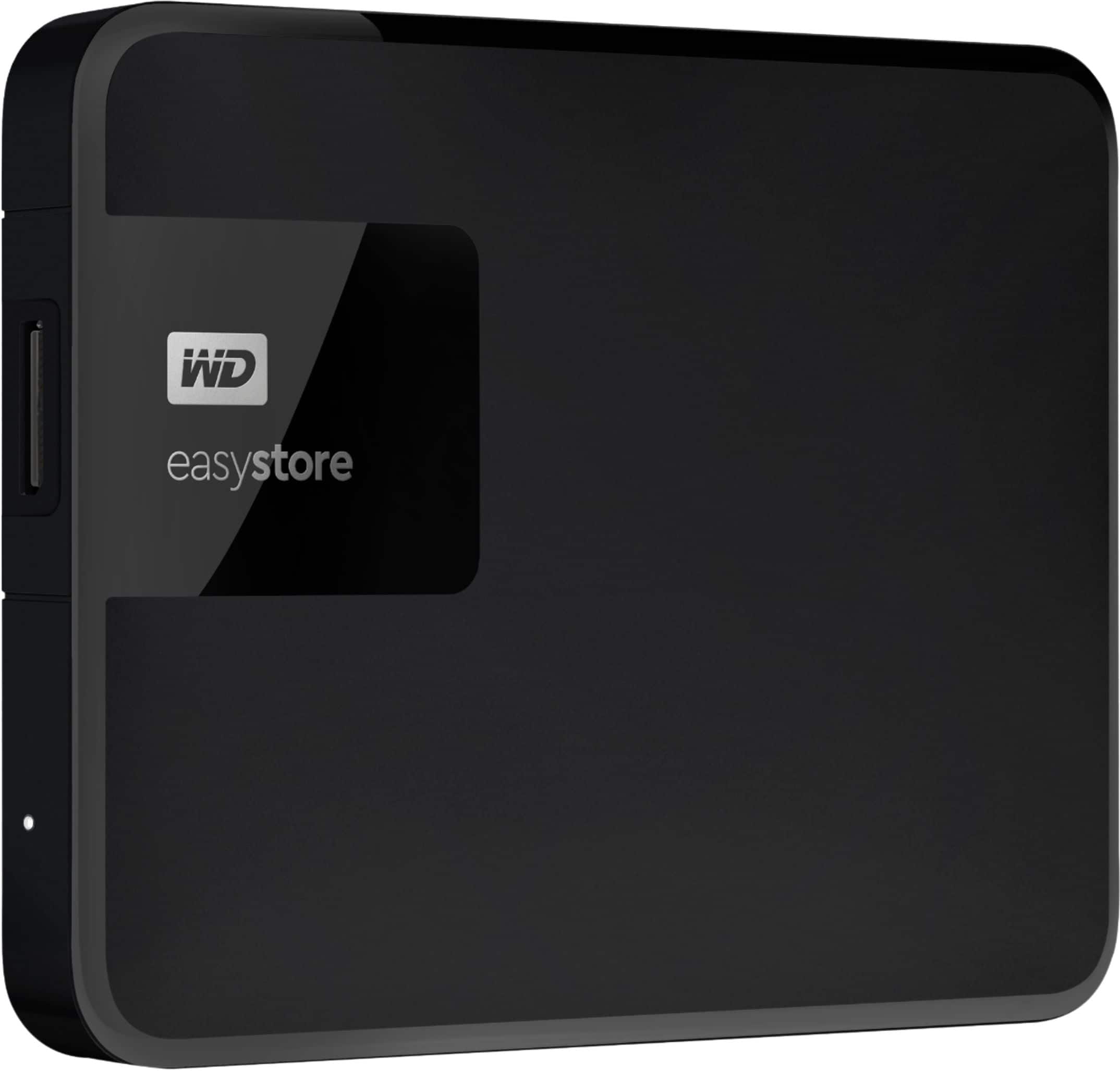
A:AnswerYes, you can connect the external drive to a usb cable and connect it to your computer. Then you will be able to access all the data on the external drive.
A:AnswerCheck to make sure the drive is formatted NTFS. Please note that NTFS formatting will only work with certain Windows OS, but if you have anything remotely current, it shouldn't be an issue. Once the drive is formatted NTFS you should have no issues wth large files.
A:AnswerI know Dish always says you have to use a 2TB or smaller external HDD and one that has its own power source that isn't powered through the USB port, but I have used 3TB (with it's own power cord) and a 4TB that's powered by USB as well as USB flash drives and have never had a problem.
I've used Seagate (most of them), Toshiba, WD, and even SanDisk USB flash drives; so I don't think brands matter.
Here's a link concerning your Dish DVR: https://my.dish.com/support/products/vip/features/dvr/manage/ehd
You can give it shot and if it doesn't work, you can always use it for something else. It never hurts to have a second backup drive. Once you have a hard drive fail on you and you lose family pics and important documents, superfluous backups seem essential.
A:AnswerI'm not sure I understand the question. You should be able to transfer photos as videos to your phone provided you can connect the device cable to your phone. You should also be able to upload files in a similar manner.