A:AnswerHello,
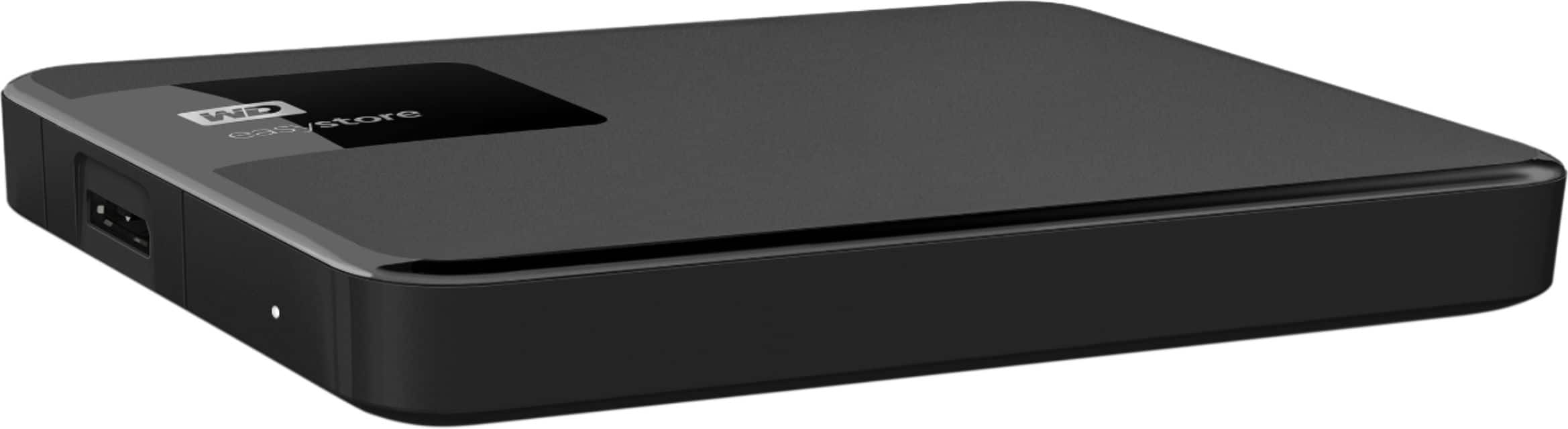
I bought this (great) easystore external drive for a new Dell Windows 10 PC that I bought around Thanksgiving, 2019. I also have an older Dell that is still running windows XP so I plugged the easystore into that PC and everything worked fine. You should be good to go and bestbuy has a nice return policy in case there is some glitch for you.
Happy New Year.
A:AnswerYou certainly can. I do between an iMac and PC (windows 10). just check beforehand how to format then there is nothing else to do. It will swap between the two.
A:AnswerYes! Just turn your Xbox on, plug it in, and it should be recognized instantly. It should then ask you to format and name the HDD, and once that is done, you can start moving games. It’s works just fine and works well.
A:AnswerYes, but it must be formatted before anything can be stored in it. Just plug it in and allow the Xbox to walk you through the steps to format the disk space.
A:AnswerIt will be tricky if you want to use this external drive to boot from, that is hold your operating system. However you will be able to play your games from it as any other USB drive. Boot up first then this drive is the same as any other drive just a different drive letter.
A:AnswerYes it is. I am a mac user and I had to reformat the drive to work on a mac. It came PC ready. You should be good to use it on either platform.
A:AnswerGo to manufacture website and get original drivers for drive may need to format and then reload original device drivers . hope this helps you out