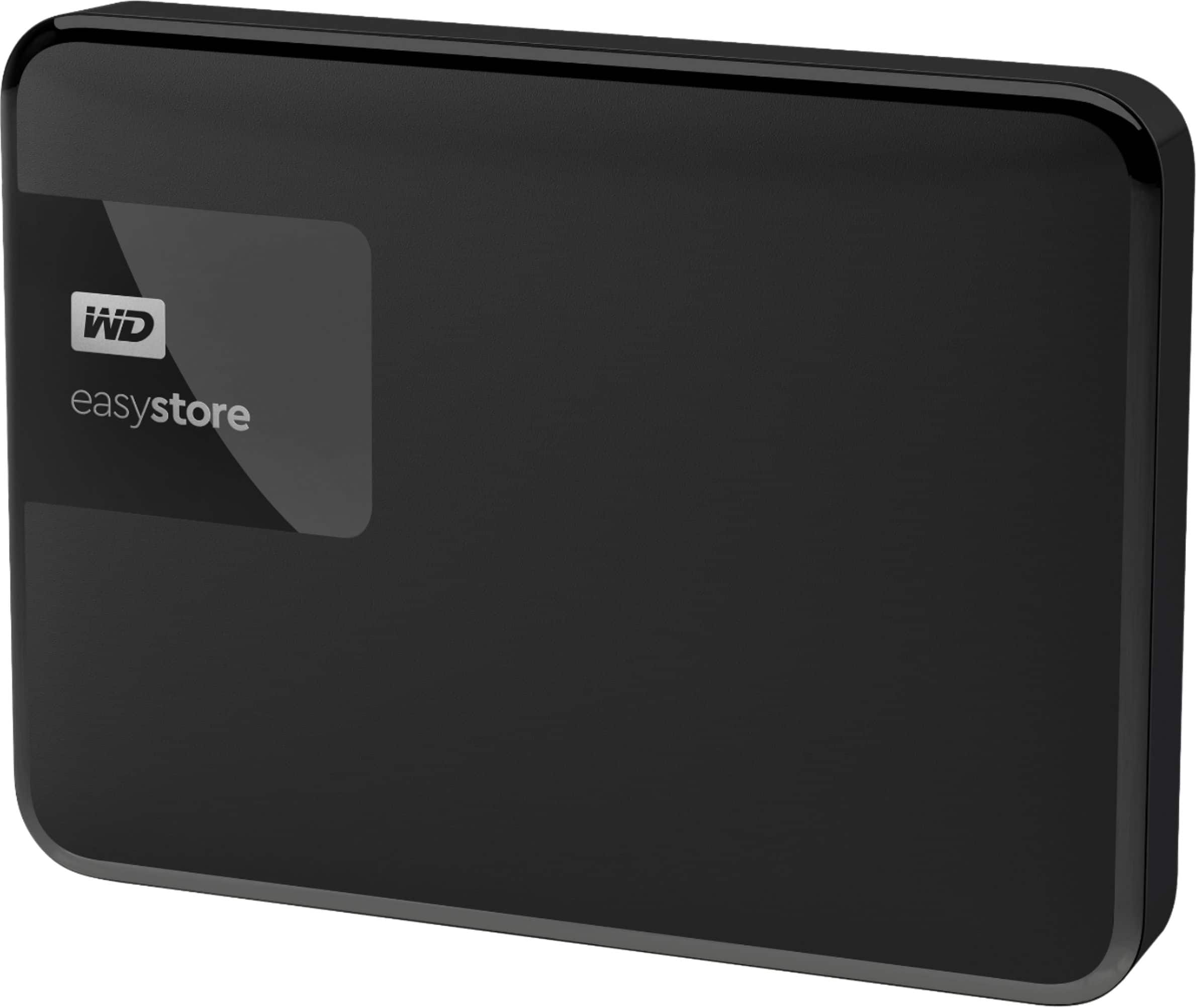
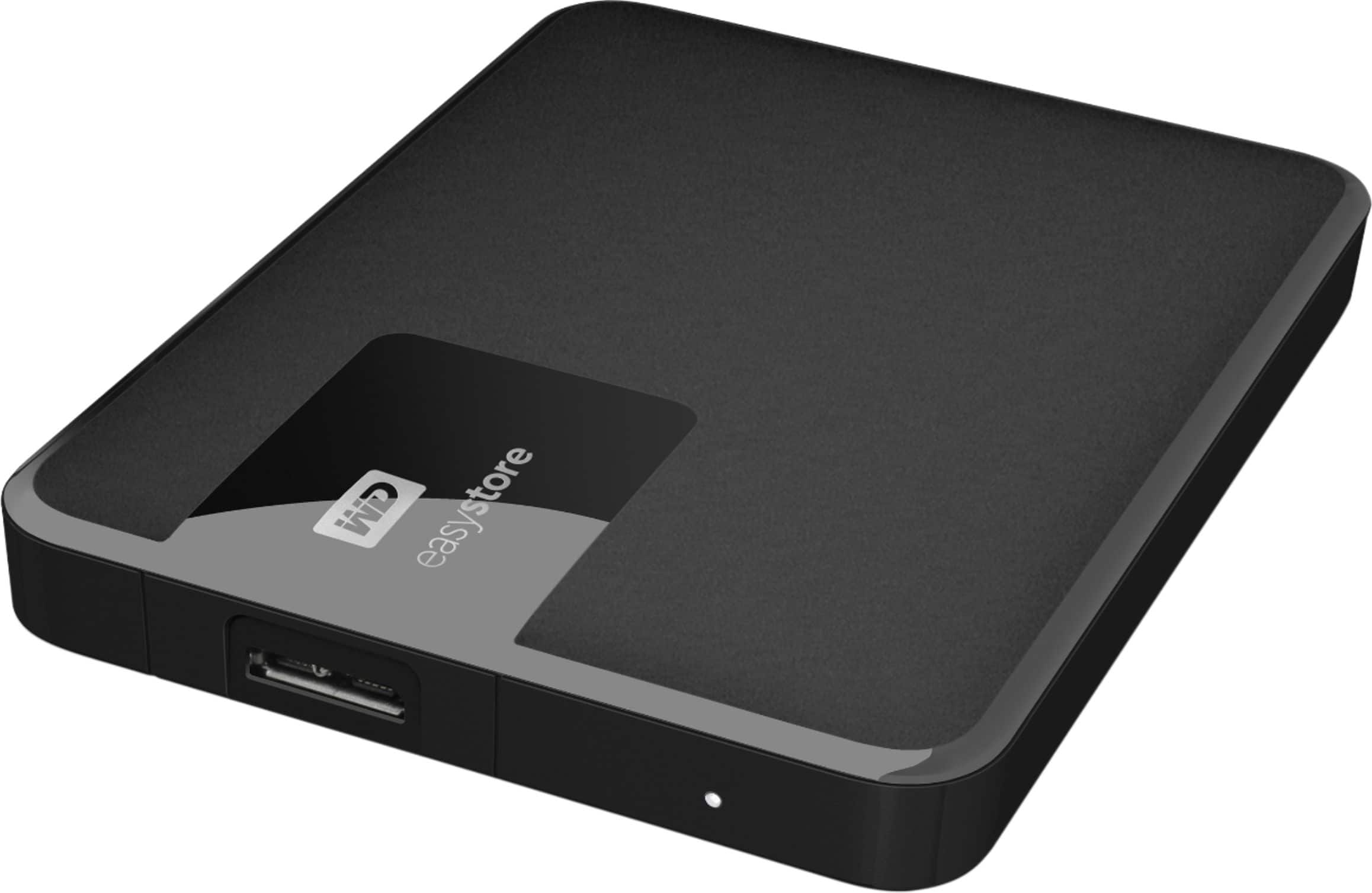
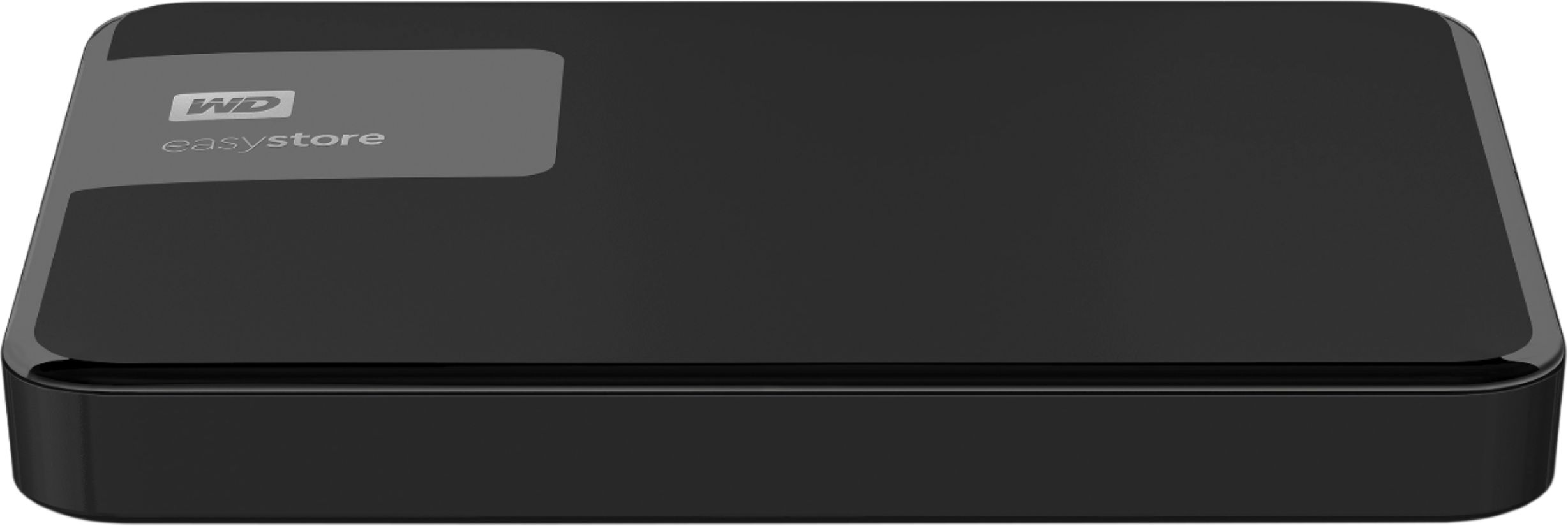
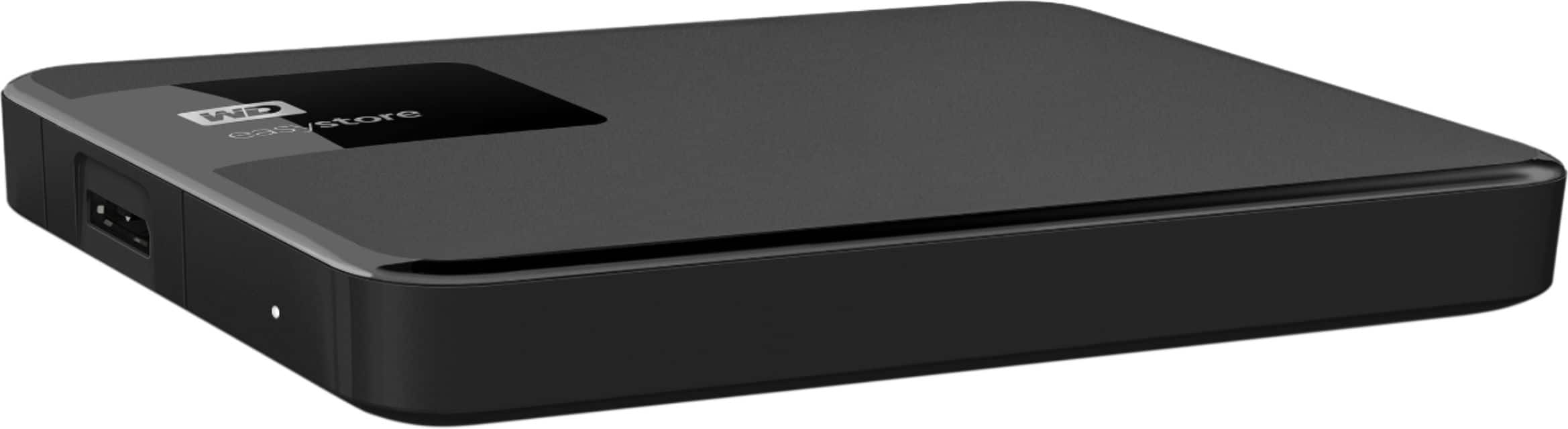
A:AnswerHi Jun9x, Please be informed that WD Easystore is a plug 'n' play hard drive tested and designed for Windows and Mac computers. In order to know more about the drive refer to the link: http://products.wdc.com/library/AAG/ENG/4078-705145.pdf -Need Help? Please see our "'Contact Us" page for information
A:AnswerHi Doug, Please be informed that the WD Easystore drive comes equipped with WD Backup software for windows & Time Machine for macOS. WD Backup is an application which automatically stores a copy of your files, photos, and documents with on premise backups to a WD drive as primary storage. It can also restore previous backups to your computer. WD Backup keeps up to 5 older versions of each file. To know more about the WD Backup software refer to the link: https://support-en.wd.com/app/answers/detail/a_id/12279 -Need Help? Please see our "'Contact Us" page for information
A:AnswerHi UskxxW0rldW1de, Please be informed that the WD Easystore drive is a plug 'n' play External Hard Disk Drive. The drive ships with a USB 3.0 cable and uses USB 3.0 Type-A interface. To know more about the drive please refer to the link: http://products.wdc.com/library/AAG/ENG/4078-705145.pdf -Need Help? Please see our "'Contact Us" page for information.
A:AnswerHi SonsofAbyss, Please be informed that the WD Easystore drive is a plug 'n' play device tested and designed for Windows and Mac computers for seamless operation. However, the drive works well with the gaming console. Moreover, for PS4 and PS5, you can consider the WD Gaming Drive. Please refer to the link mentioned below to know more about the WD Gaming Drive. http://products.wdc.com/library/AAG/ENG/4078-705139.pdf -Need Help? Please see our "'Contact Us" page for information

A:AnswerHi Marito, Please be informed that in order to assist, it would be helpful to have a little bit more information. Please get in touch with our customer service team to elaborate the issue. Need Help? Please see our "'Contact Us" page for information.
A:AnswerHi Wadgod, Please be informed that the WD Easystore Drive is a plug 'n' play device tested and designed for Windows and Mac computers/laptops for seamless operation. For more info refer to the link: http://products.wdc.com/library/AAG/ENG/4078-705145.pdf -Need Help? Please see our "'Contact Us" page for information.
A:AnswerHi Doby, Please be informed that the WD Easystore drive is a plug and play external portable drive tested and designed only for Windows and Mac computers for seamless operation. Please check with your host device vendor support whether the drive will fit and support the device. To know more about the drive please refer to the link: http://products.wdc.com/library/AAG/ENG/4078-705145.pdf -Need Help? Please see our "'Contact Us" page for information.
A:AnswerHi Minerva, Please be informed that the WD Easystore drive is a plug and play external portable device tested and designed for Windows and Mac computers for seamless operation. Moreover, for PS4 and PS5, you can consider the WD Gaming Drive. Please refer to the link mentioned to know more about the WD Gaming Drive and its compatibility. http://products.wdc.com/library/AAG/ENG/4078-705139.pdf -Need Help? Please see our "'Contact Us" page for information
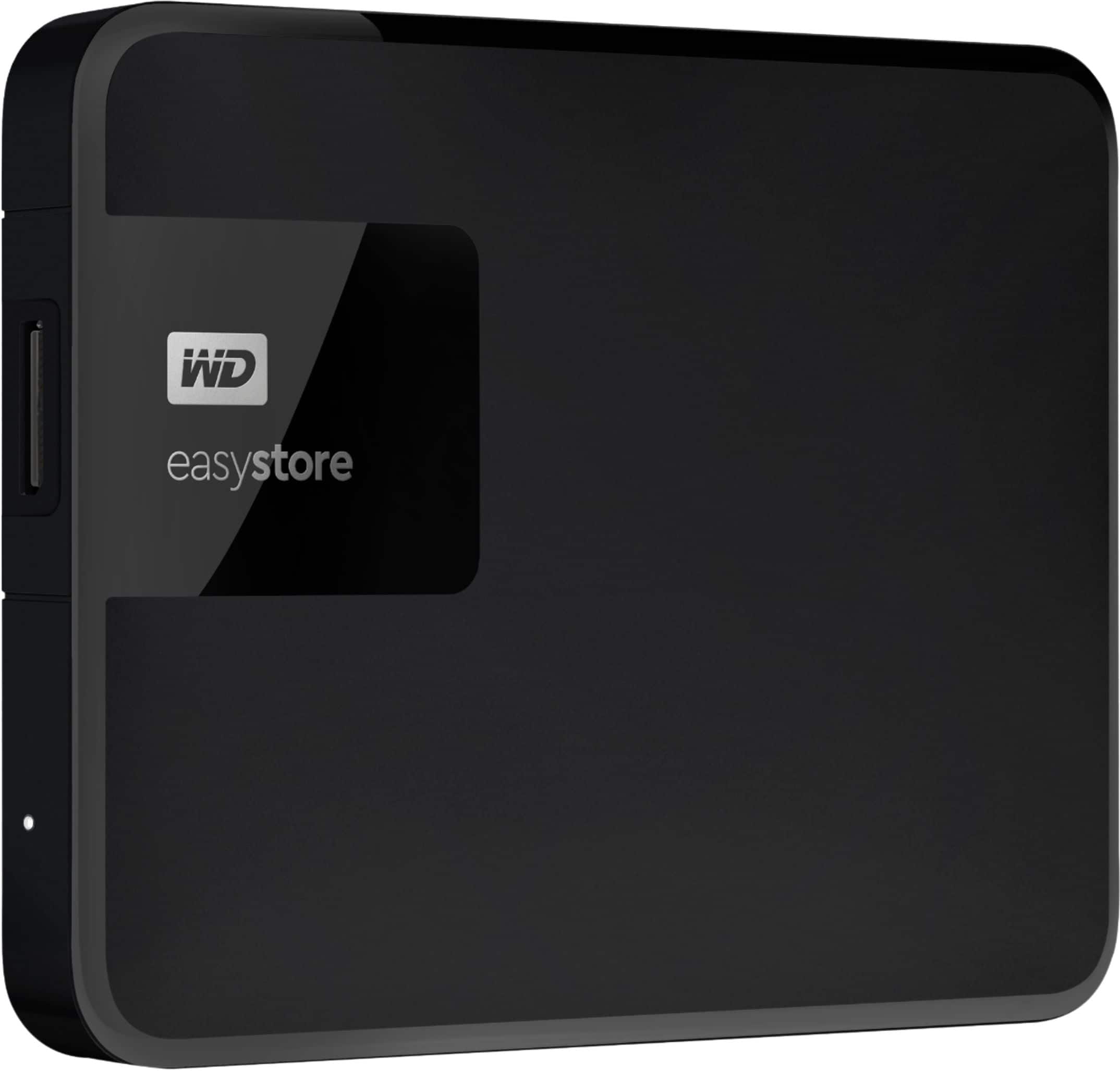
A:AnswerHi sub, Please be informed that the WD Easystore drive is a plug and play device. Moreover, the drive supports Data Recovery. For more info about the drive refer the below link- http://products.wdc.com/library/AAG/ENG/4078-705145.pdf Need Help? Please see our "'Contact Us" page for information.
A:AnswerHi Ashley, Please be informed that the WD Easystore drive is a plug and play device tested and designed for Windows and Mac computers for seamless operation. The drive comes pre formatted for Windows OS. The drive must be reformatted to make it work with a TV. Need Help? Please see our "'Contact Us" page for information.
A:AnswerHi Gamer, Please be informed that the WD Easystore drive is a plug and play device tested and designed for Windows and Mac computers for seamless operation. However, you may use the drive with your Xbox one. To know more about the drive refer link- http://products.wdc.com/library/AAG/ENG/4078-705145.pdf -Need Help? Please see our "'Contact Us" page for information.
A:AnswerHi SINGSBASS, Please be informed that the WD Easystore drive is a plug and play device tested and designed for Windows and macOS computers for seamless operation. Yes, you can backup two computers in the single drive. The backup application will make separate backup folders in the drive. To know more about the drive refer to the link: http://products.wdc.com/library/AAG/ENG/4078-705145.pdf -Need Help? Please see our "'Contact Us" page for information.
A:AnswerYes it is. Plug it in to your USB port and it shows up on your desktop. Using it for backups according to your systems directions or for additional storage is straightforward.
A:AnswerHi, Please be informed that the WD Easystore drive is a plug and play device tested and designed for Windows and Mac computers for seamless operation. However, Western Digital drives are not tested with the vendor end of life operating systems and are optimized for more recent versions of OS.Need Help? Please see our "'Contact Us" page for information.
A:AnswerHi, Please be informed that the WD Easystore drive is a plug and play device tested and designed for Windows and Mac computers for seamless operation. Western Digital drives are not tested with the vendor end of life operating systems and are optimized for more recent versions of OS.Need Help? Please see our "'Contact Us" page for information.
A:AnswerHi, Please be informed that the WD Easystore drive is a plug and play device tested and designed for Windows and Mac computers for seamless operation. However, Western Digital drives are not tested with the vendor end of life operating systems and are optimized for more recent versions of OS.Need Help? Please see our "'Contact Us" page for information.
A:AnswerHi Moe,
The WD Easystore drive is a plug and play Hard Disk Drive tested and designed for Windows/Mac computers for seamless operation.
Need Help? Please see our "'Contact Us" page for information.