Questions & Answers
- Model:
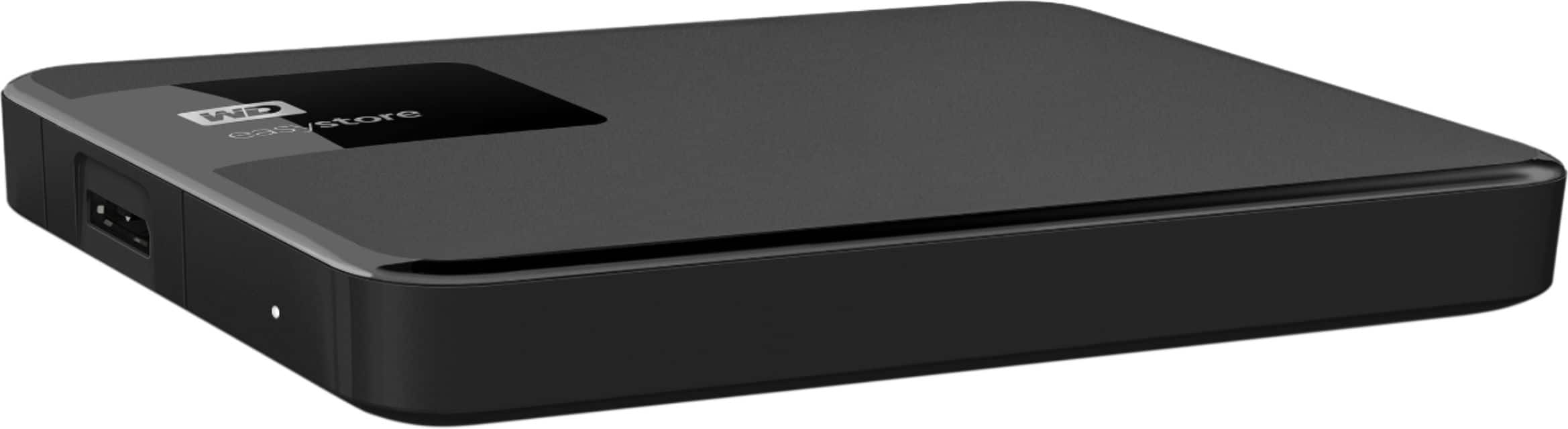
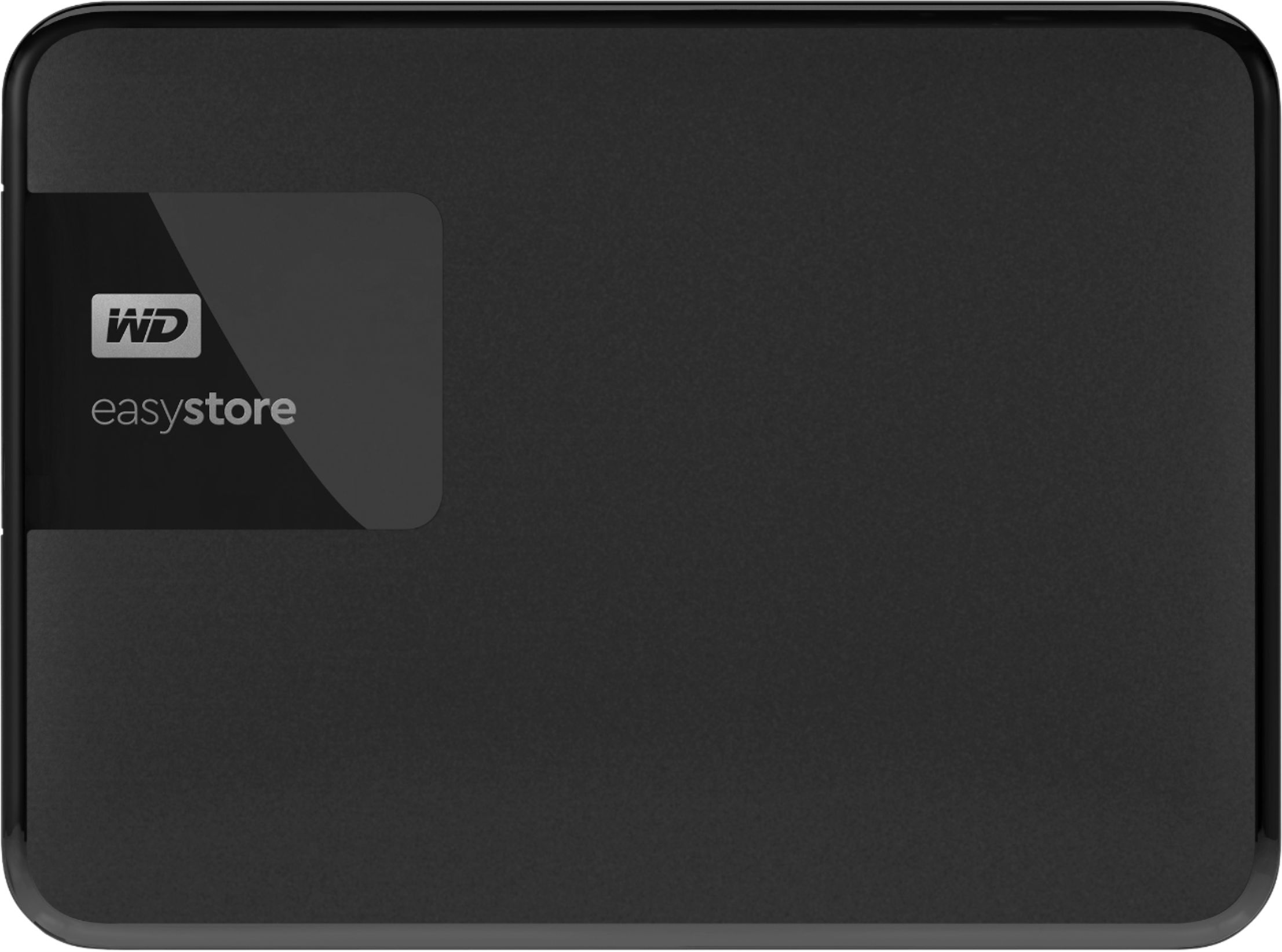
- WDBKUZ0020BBK-WESN
- |
- SKU:
- 5792402
Q: QuestionWill this work with Time Machine and Mac OS 26?
Asked by JoeC.
- A:Answer Hi JoeC, Please be informed that WD Easystore External drive comes preformatted in NTFS format for Windows OS, However, In order to use the drive for macOS you can reformat the drive to APFS file system compatible on Mac by using this link: https://support-en.wd.com/app/answers/detailweb/a_id/8200/ Please be informed that reformatting is a data destructive process, please backup the data from the drive before reformatting it. For Time Machine backup and restore from MacOS to WD External Drive please refer to the link: https://support-in.wd.com/app/answers/detailweb/a_id/18952/ If you are facing any issue, please open a support ticket at https://support-en.wd.com/app/ask/session, the customer support team will contact you as soon as possible.
Answered by Western Digital Team
Q: QuestionCan an external drive be used with an android phone?
Asked by PatriciaH.
- A:Answer I dont see why not. But the one issue you will have is finding an adapter for the cable, which is normally USB A
Answered by CarlosB
Q: QuestionIs this device connected to the cloud. does it require a subscription to use?
Asked by tbh62.
- A:Answer No prescription is required for use. They do have some cloud options for data recovery and data backup. They only give you a small amount of space to begin with, more space will cost.
Answered by CarlosB
Q: Questionis this compatible with gaming laptops and pcs?
Asked by buford.
- A:Answer yes i use it everyday
Answered by Cole
Q: QuestionHow do we move photos from an iPhone to this device?
Asked by Rmac.
- A:Answer Through your computer.
Answered by Bill
Q: QuestionWhat is the function of the USB external Hard drive?
Asked by Jackson.
- A:Answer To move or make copies of files from a computer to this hard drive for a backup or temporary storage or to even move to a different computer. The files can be moved back to the computer if you want to do that.
Answered by CarolD
Q: QuestionDoes this work with 10 gen IPad?
Asked by GothicCheese.
- A:Answer Hi , Please be informed that the WD Easystore External drive is a plug 'n' play device tested and designed for Windows and Mac computers. We have not tested the drive on mobile devices or an iPad. We recommend you to use the computer to move the data from the phone to the drive. To know more about the drive please refer to the link: http://products.wdc.com/library/AAG/ENG/4078-705145.pdf
Answered by Western Digital Team
Q: QuestionHow do I install?
Asked by Andyr.
- A:Answer Plug it into any USB-A 3.0+ port
Answered by Garrett
Q: Questioncan you back up your computer on a external hard drive
Asked by kat.
- A:Answer yes
Answered by CarolD
Q: Questionis this WD - Easystore 2TB External USB 3.2 Gen 1 Portable Hard Drive compatible with windows 11?
Asked by Anonymous.
- A:Answer yes
Answered by CarolD
Q: QuestionCan this be used with an Android Tablet
Asked by MrBee.
- A:Answer Hi MrBee, Please be informed that the Easystore Portable hard drive is designed and tested for Windows and macOS computers. We have not tested the drive on mobile devices or an Android Tablet. We recommend to use computer to backup the phone to the drive. For more information about the drive, Please refer to the link: http://products.wdc.com/library/AAG/ENG/4078-705145.pdf
Answered by Western Digital Team
Q: Questionis this external drive pre-formatted?
Asked by Oldguy.
- A:Answer Hi, The WD Easystore 2TB External USB 3.2 Gen 1 drive comes pre-formatted in the NTFS file system, making it ready for immediate use with Windows.
Answered by Western Digital Team
Q: QuestionI have a gaming pc that the hard drive died on. Would I be able to use this as my primary hard drive for the pc?
Asked by Dalton.
- A:Answer What is the use booting a computer from a device that needs to send slower data then an internal hard drive, can accidentally get unplugged and data corruption. Buy a internal hard drive larger than what you had and you would be surprised how easy it is to swap a couple cables and be able to see where only 2 cables are attached.
Answered by Deldave
Q: QuestionCan this portable hard drive be used to transfer programs and files from a Windows 10 PC to a new Windows 11 PC?
Asked by Flesbule.
- A:Answer Thank you for your query. Yes, the WD Easystore 2TB External USB 3.2 Gen 1 Portable Hard Drive can be used to transfer files and programs from a Windows 10 PC to a Windows 11 PC. If you have further questions, kindly open a support ticket at (https://support-en.wd.com/app/askweb)
Answered by Western Digital Team
Q: QuestionIs this hard drive compatible with PS5 console?
Asked by Ced.
- A:Answer Yes it's a marketing gimmick to make you pay a higher price. They all are compatible. Just make sure you match the usb tranfer rate of the marketed ones. This is USB 3.2 Gen 1 which will give you a transfer speed that matches the speed your PS5 can output.
Answered by Deldave
Q: QuestionWhich WD external hard drive? Can you use to back up iPhone pictures?
Asked by Anonymous.
- A:Answer Any USB hard drive. Just take your iphone and with a USB cable with the end connectors that match your iphone and your computer. When you attach it to your computer windows will recognize your iphone and ask for permission to transfer your photos. You will usually see a message to acknowledge your permission on your iphone and the windows photo app or the program you choose will start downloading your pictures to the cloud, but you can also download to a folder on your computer. Also, your iphone will show up alongside other drives in window file explorer. You can also access your photo files by right clicking your Iphone to get access to your photo files. Drag and drop the photo folders to an external USB drive attached to your computer.
Answered by Deldave
Q: Questionwill this work on my pc and can i unplug it and still have access to the games on it?
Asked by Anonymous.
- A:Answer Hi, Thank you for your query. Yes, the WD Easystore 2TB External USB 3.2 Gen 1 Portable Hard Drive will work on your PC. However, to access games, the drive needs to be connected to the PC. If you unplug it, the games will no longer be accessible until the drive is reconnected. If you have further questions, kindly open a support ticket at https://support-en.wd.com/app/askweb.
Answered by Western Digital Team
Q: QuestionWill this external hard drive work with an Xbox S?
Asked by JJ.
- A:Answer Hi, Please be informed that the WD Easystore external drive is a plug 'n' play device tested and designed for Windows and Mac computers. The drive comes with both USB 3.0 ready and USB 2.0 compatible. Please check with the manufacturer vendor whether the WD drive will fit and support the host device. For more information about the drive, please refer to the link: http://products.wdc.com/library/AAG/ENG/4078-705145.pdf
Answered by Western Digital Team
Q: QuestionIs this drive efat or ntsf?
Asked by Anonymous.
- A:Answer Hi, The WD Easystore 2TB External Hard Drive typically comes pre-formatted with the NTFS file system, making it compatible with Windows. However, it can be reformatted to exFAT for use with both Windows and Mac systems. If you have further questions, kindly open a support ticket at https://support-en.wd.com/app/askweb.
Answered by Western Digital Team
Most-viewed items
- $189.99$189.99The price was $399.99
- $139.99$139.99The price was $189.99
- $449.99$449.99The price was $649.99
- $209.99$209.99The price was $299.99