Questions & Answers
- Model:
- WDBBGB0040HBK-NESN
- |
- SKU:
- 11021735
Q: Questioncan i partition the drive so i can use 2 different OSs?
Asked by jclay35.
- A:Answer Hi jclay35, Thanks for showing your interest in the WD My Book drive. The Drive comes equipped with social media and cloud storage import, password protection and perfectly paired with WD Backup or Time Machine. Moreover, the drive comes formatted exFAT for out-of-the-box compatibility with Windows and Mac. Refer to the link to know more about this drive. http://products.wdc.com/library/AAG/ENG/4178-707230.pdf -Need Help? Please see our "'Contact Us" page for information
Answered by Western Digital Team
Q: QuestionApproximately how many photos can you store on this device
Asked by Barb.
- A:Answer Sorry, I have not used it for that purpose. However, you can check the size of 1 photo and then divide that into 4 TB to get a rough approximation.
Answered by Anonymous
Q: QuestionHow secure is this device? Who else outside the home can access it if internet is used on the device?
Asked by Gozmo.
- A:Answer Hi Gozmo, Thanks for showing your interest in the WD My Book drive. The Drive comes equipped with social media and cloud storage import, password protection and perfectly paired with WD Backup or Time Machine*, My Book desktop storage helps keep your files safe. Refer to the link to know more about this drive. http://products.wdc.com/library/AAG/ENG/4178-707230.pdf -Need Help? Please see our "'Contact Us" page for information
Answered by Western Digital Team
Q: QuestionIs this backup drive compatible with a PC from 2010 where I will have to use a USB C to USB A cable?
Asked by Anonymous.
- A:Answer as long as you have a usb port it should work fine
Answered by Debiiiiii
Q: QuestionIs this MyBook 4TB External USB 3.0 Hard Drive use SSD or is this a hard drive that is used for storage. I assume the optional size 4TB, 2TB, 6TB etc. have the same technology for this model?
Asked by nonya.
- A:Answer This is not a SSD (solid state drive) but a mechanical hard drive with a large capacity. This kind of drive is much less expensive that a SSD and probably a better archival location for important documents and photos. Each of the various sizes have the same technology.
Answered by MikeManager
Q: Questionwill i be able to play videos saved to this drive if plugged into my samsung tv model LN52B750U1fxza?
Asked by none.
- A:Answer Documentation indicates it plays "movie" files, so you may be able to play them. Do take note that not all video file types may not be supported (CODEC licensing and current popularity of the video file format). Certain file type may not play. Most current "standard" video files should work okay, but if the file is corrupted or improperly converted from another format, or has DRM protection the file nay not play. Subtitle and SAP may be problematic if the file is not formatted in supported fashion. If converting a DVD or Blu-Ray title to video, as a backup, additional software is required. Examples of such software include AnyDVD, CloneBD, CloneDVD2 (for optical discs) and AnyStream (to capture Netflix and Amazon Prime streams).
Answered by LarryPCInfo
Q: QuestionI download movies for a shut in friend, what is the speed 2.0-3.0 ?
Asked by Apodyosis.
- A:Answer This drive uses the faster speed of USB3 if it is connected to a faster USB port (labelled 'SS') on your computer.
Answered by MikeManager
Q: QuestionSo, can you save things to this remotely? Like saving a file or video to iCloud from your phone? Or does your phone or computer have to be plugged in to this device in order to save it on there?
Asked by DevMich.
- A:Answer It is not wireless You must have it plugged to your computer. There are wireless external drives available
Answered by allancorona
Q: QuestionMust I reformat the WD-My Book 4TB USB 3.0 hard drive to operate with Catalina 10.15.6?
Asked by JACK.
- A:Answer Hi JACK, Yes, the WD My Book drive comes pre-formatted for Windows computer. The hard drive can be reformatted in the supported file system for Mac OS by following simple steps mentioned in the link mentioned below: Reformatting Required for Mac OS Compatibility: https://support-en.wd.com/app/answers/detail/a_id/3879 Need Help? Please see our "'Contact Us" page for information.
Answered by Western Digital Team
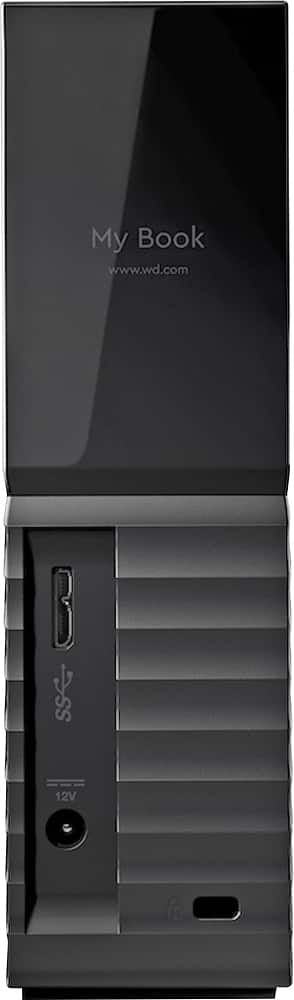
Q: Questionwhat is the output of the WD My Book 4tb Desktop Hard drive dc adapter? [I unplugged everything from my computer and ixed up the three adapters: My Book; My Passport and Sabrent.]
Asked by rick.
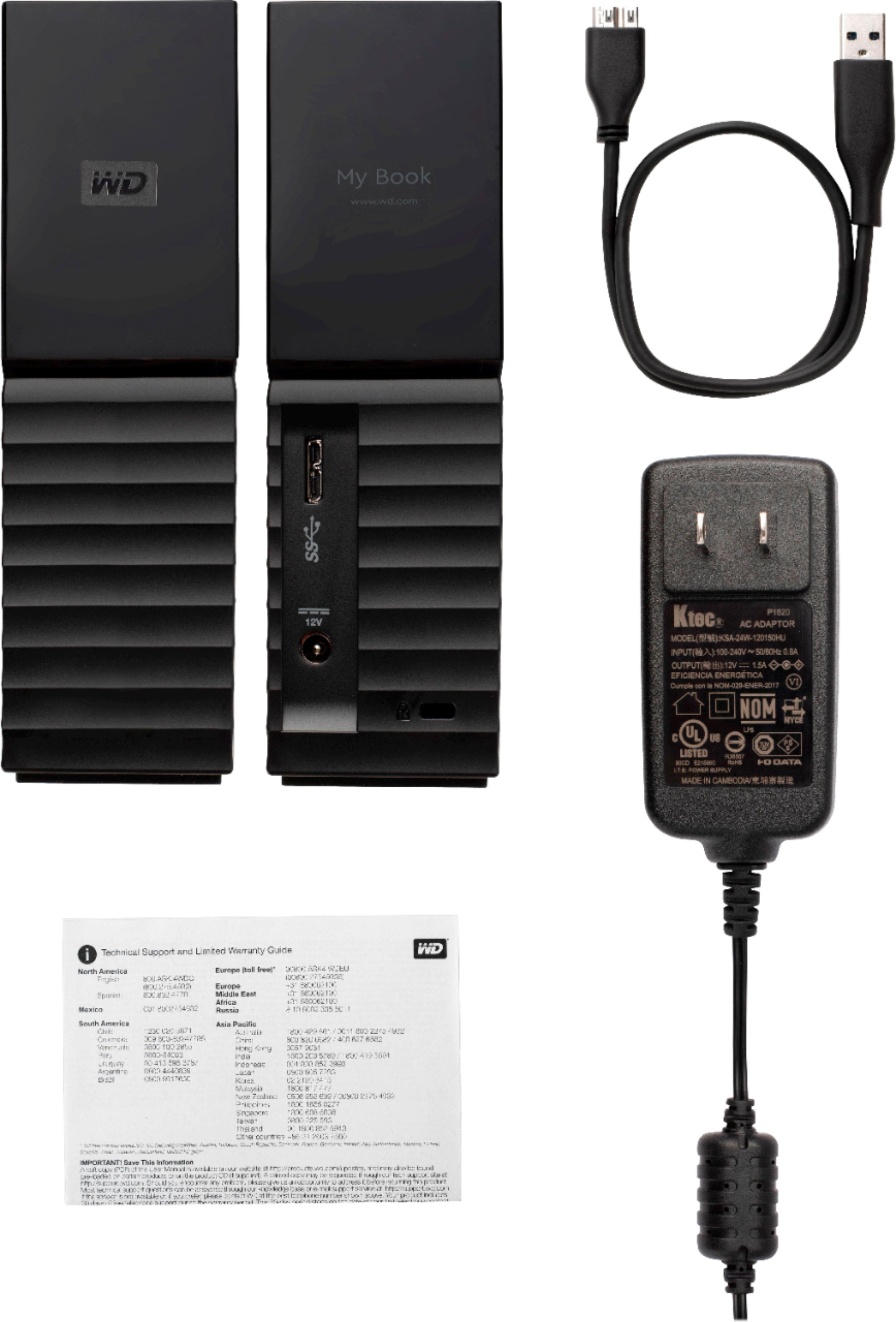
- A:Answer mine is labeled as Ktec and output says 12V, 1.5A. Good luck -- been there, too.
Answered by twilly
Q: Questiondoes this hard drive require internet access
Asked by cherrypicker4146.
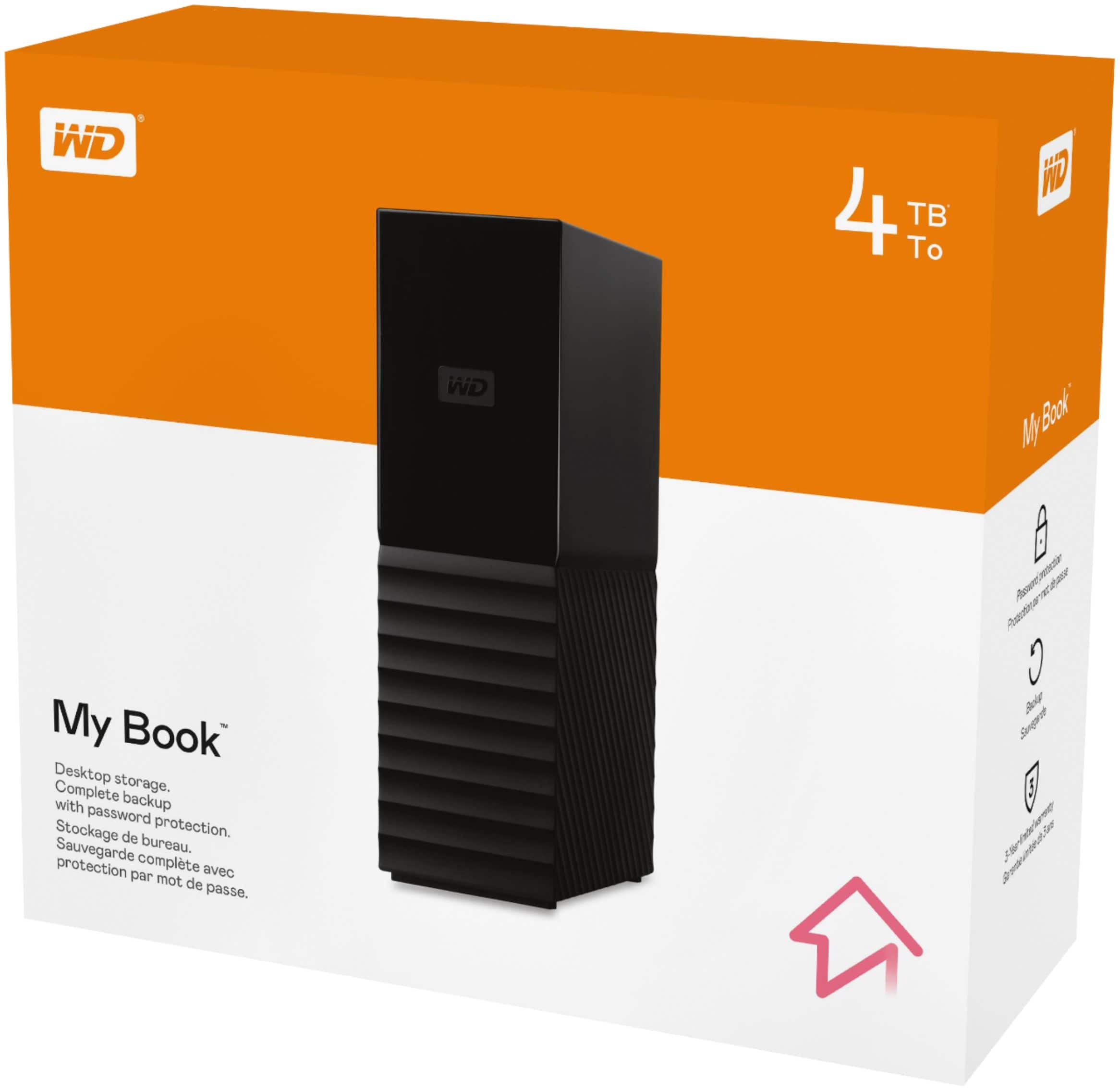
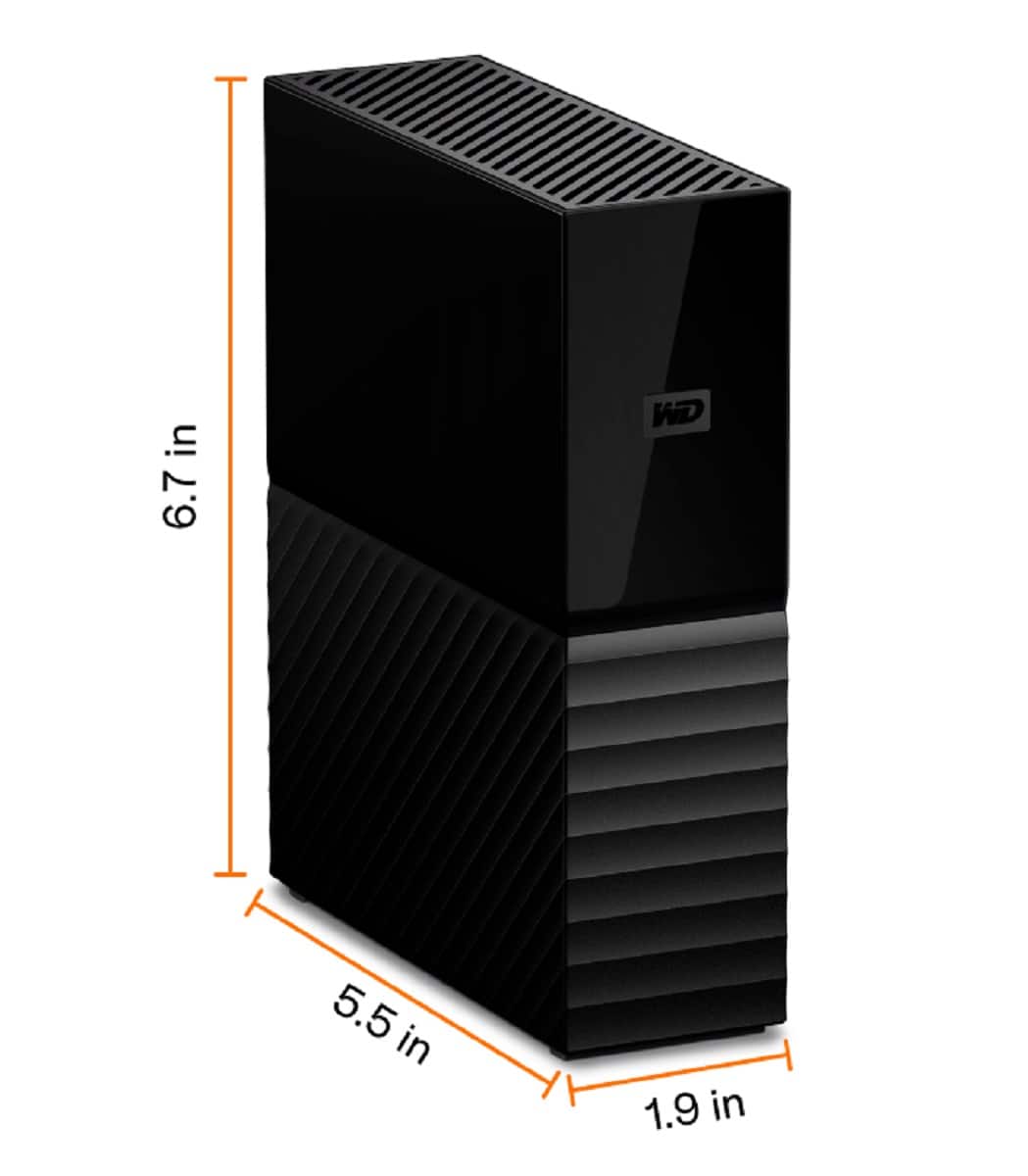
- A:Answer Hi cherrypicker4146, No. it does not. The My Book is an external drive (DAS). The My Book™ drive is trusted desktop storage designed to complement your personal style with a massive amount of space to store your photos, videos, music and documents. Equipped with social media and cloud storage import, password protection and perfectly paired with WD Backup™ or Time Machine™, My Book desktop storage helps keep your files safe. Please refer to the link given below to know more about this drive. http://products.wdc.com/library/AAG/ENG/4178-707230.pdf Need Help? Please see our "'Contact Us" page for information.
Answered by Western Digital Team
Q: QuestionDoes this work with HP 6305 Pro Desktop PC
Asked by Anonymous.
- A:Answer Yes. With three USB 3.0 ports in the back of the system (as well as two USB 2.0, which are really good for keyboard and mouse only), this drive should function quite well attached to that PC. Make sure the port you connect it to on the back has a blue plastic guide in the middle (the standard for USB 3.0) and you should be good.
Answered by EdE502
Q: QuestionCan I transfer my movies from my dish hopper to this
Asked by Thbama.
- A:Answer Hi Thbama, Please be informed that the WD My Book drive is a plug and play device tested and designed only for Windows and Mac computers for seamless operation. Need Help? Please see our "'Contact Us" page for information.
Answered by Western Digital Team
Q: QuestionI'd like to use this as my main storage device for media files. If I buy two of them, can I hook one up to the other to automatically back up the files I load onto the first?
Asked by GCDC.
- A:Answer Not sure, it is a single usb connection to the computer. Possibly with a splitter it will back up to two external hd's?
Answered by Brian
Q: QuestionWill this drive work on a WD MYCLOUD EX2 Ultra as a backup drive for the two MyCloud internal drives via the MyCloud USB ports? Does the drive need to reformatted beforehand?
Asked by Jack03.
- A:Answer Hi Art, Yes, it does. In order to know how to transfer the data from My Cloud EX2 Ultra device to an external drive(the WD My Book) please refer to the link given below. https://support-en.wd.com/app/answers/detail/a_id/20227 Need Help? Please see our "'Contact Us" page for information
Answered by Western Digital Team
Q: Questiondoes this work with a Tablo DVR?
Asked by donnyg.
- A:Answer Yes, but with one important note. Get an externally powered USB hub to connect between the Tablo and the drive. Seems to want that extra bit of power to show up on the Tablo interface.
Answered by EdE502
Q: Questionwill this work with iMac OS Sierra 10.12.6?
Asked by wylzc.
- A:Answer Hi wylzc, Thanks for showing your interest in wd My Book drive this drive is compatible with macOS. Reformatting will be required for macOS. Please refer to the link mentioned below to reformat the drive. "Reformatting Required for Mac OS Compatibility" https://support-en.wd.com/app/answers/detail/a_id/3879 Also refer to the link mentioned below to know more about the WD My Book. http://products.wdc.com/library/UM/ENG/4779-705157.pdf Need Help? Please see our "'Contact Us" page for information.
Answered by Western Digital Team
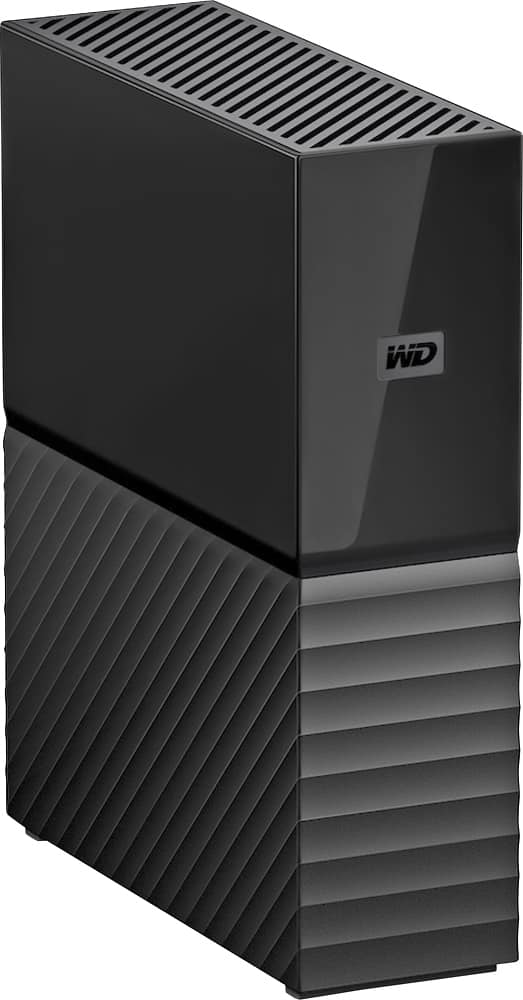
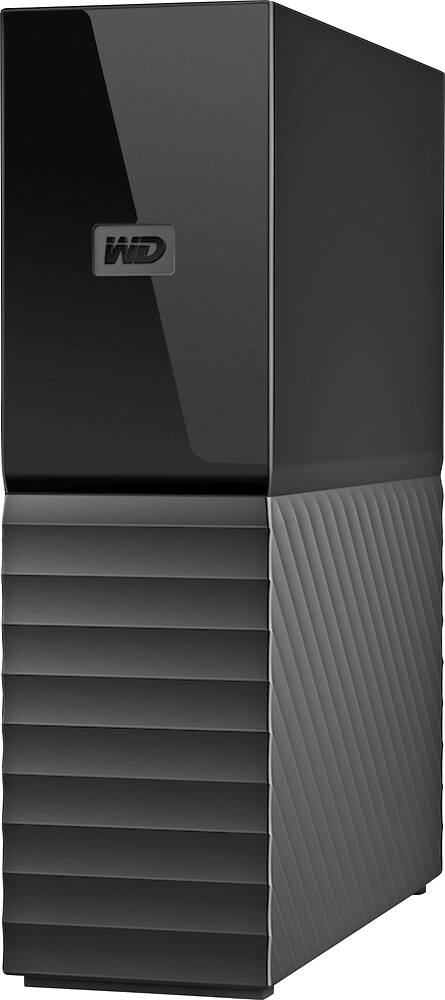
Q: QuestionIs this a tower for a computer
Asked by Son777.
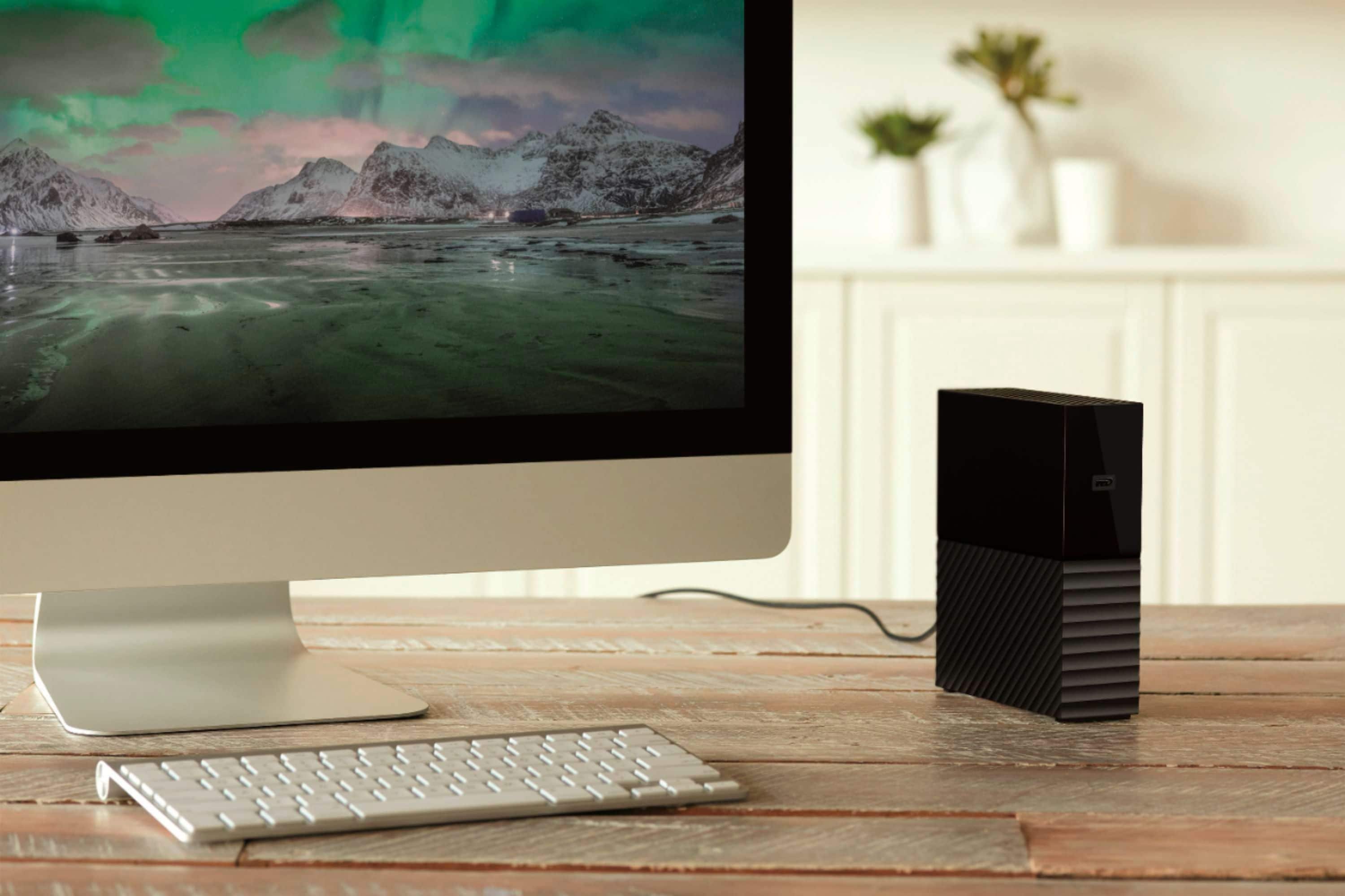
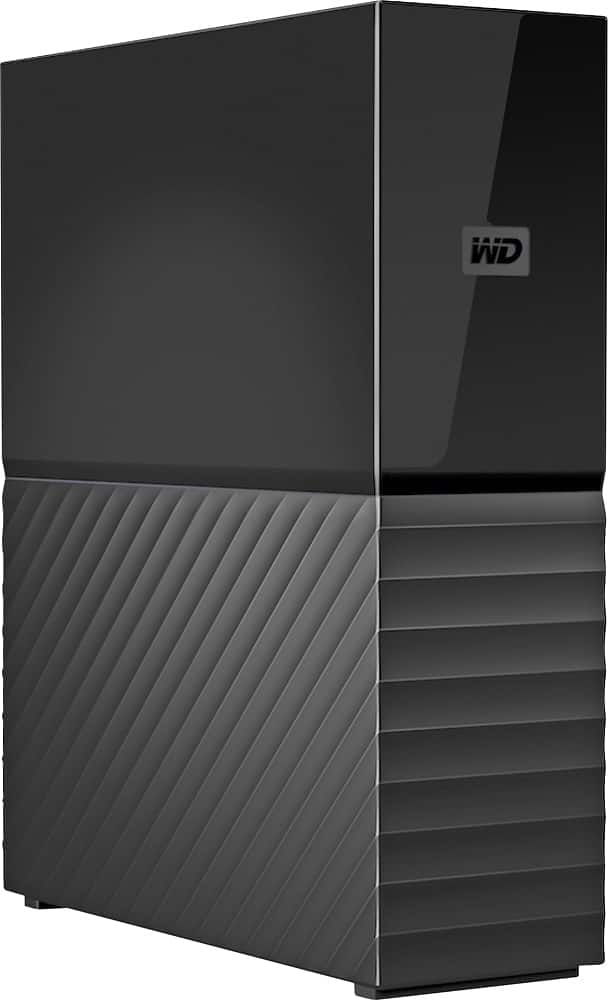
- A:Answer Hi Son, The WD My book desktop is an external hard drive which helps you to extent your computer's storage capacity. Please refer to the link mentioned below to know more about this drive. http://products.wdc.com/library/AAG/ENG/4178-707230.pdf Need Help? Please see our "'Contact Us" page for information.
Answered by Western Digital Team
Q: QuestionIf I wanted to put pictures directly from my iPad or iPhone would I be able to do that?
Asked by Jack.
- A:Answer Hi Jack, The WD My Book external hard drive is designed to be used with Windows and Mac computers. We will recommend connecting the hard drive and mobile to a computer to transfer the data. Need Help? Please see our "'Contact Us" page for information
Answered by Western Digital Team
Q: QuestionCan this hard drive be used with work from home jobs?
Asked by Money.
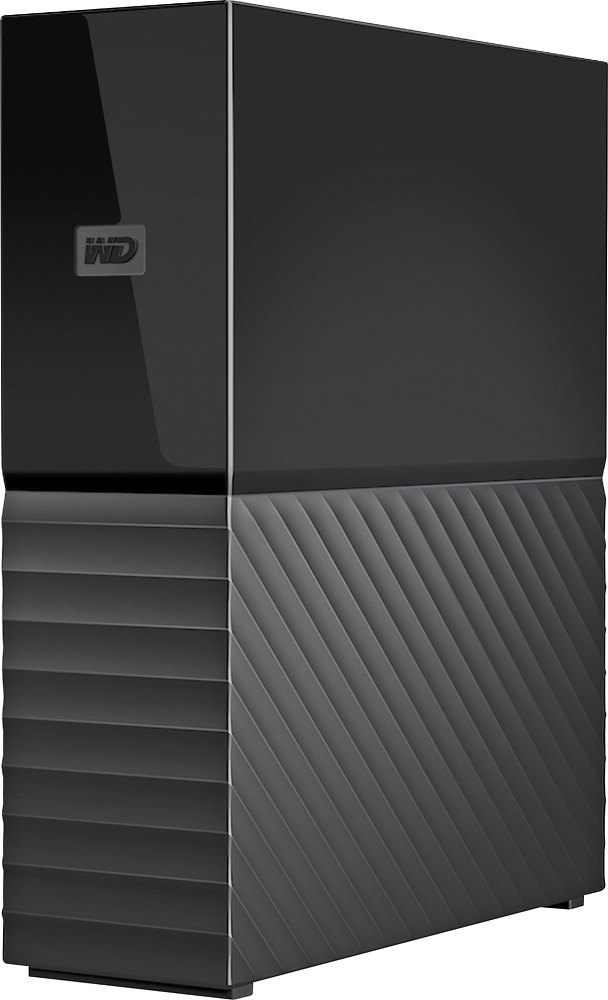
- A:Answer Hi Money, Thanks for showing your interest in WD My Book Drive. Please know the My Book™ drive is trusted desktop storage designed to complement your personal style with a massive amount of space to store your photos, videos, music and documents. Equipped with social media and cloud storage import, password protection and perfectly paired with WD Backup™ or Time Machine™, My Book desktop storage helps keep your files safe. With this drive you will get a list of features: • Auto backup with included WD Backup software and Time Machine compatibility* • Password protection with hardware encryption • Included WD Discovery™ software for social media and cloud storage import • Easy to use • Trusted storage built with WD reliability etc. Protection:- Password Protection with Hardware Encryption The My Book device’s built-in 256-bit AES hardware encryption with WD Security™ tools helps keep your content private and safe. Just activate password protection and set your own personalized password. For quick, convenient access, you can set WD Security to automatically unlock the device on your computer, saving you the hassle of keying in your password every time. Conclusion: You can use this drive for your purpose. Please refer to the link mentioned below to know more about this drive. http://products.wdc.com/library/AAG/ENG/4178-707230.pdf Need Help? Please see our "'Contact Us" page for information.
Answered by Western Digital Team
Best-selling external hard drives
- Black Friday Deal$59.99Your price for this item is $59.99
- $74.99Your price for this item is $74.99$79.99The comparable value for this item is $79.99
- $69.99Your price for this item is $69.99
- Black Friday Deal$239.99Your price for this item is $239.99
- Black Friday Deal$109.99Your price for this item is $109.99
- Black Friday Deal$269.99Your price for this item is $269.99
- Black Friday Deal$109.99Your price for this item is $109.99
- $74.99Your price for this item is $74.99$84.99The comparable value for this item is $84.99
- $79.99Your price for this item is $79.99$89.99The comparable value for this item is $89.99
- Black Friday Deal$149.99Your price for this item is $149.99
- $74.99Your price for this item is $74.99
- $144.99Your price for this item is $144.99
- Black Friday Deal$89.99Your price for this item is $89.99
- $289.99Your price for this item is $289.99$389.99The comparable value for this item is $389.99
- $164.99Your price for this item is $164.99$169.99The comparable value for this item is $169.99
- Black Friday Deal$149.99Your price for this item is $149.99
- Black Friday Deal$249.99Your price for this item is $249.99
- $169.99Your price for this item is $169.99
- $139.99Your price for this item is $139.99
- $229.99Your price for this item is $229.99