A:AnswerIt works well with my 4-tuner Tablo DVR so it would seem to be worth trying on a Tivo. If it doesn't work BB is good about returning things you aren't happy with.
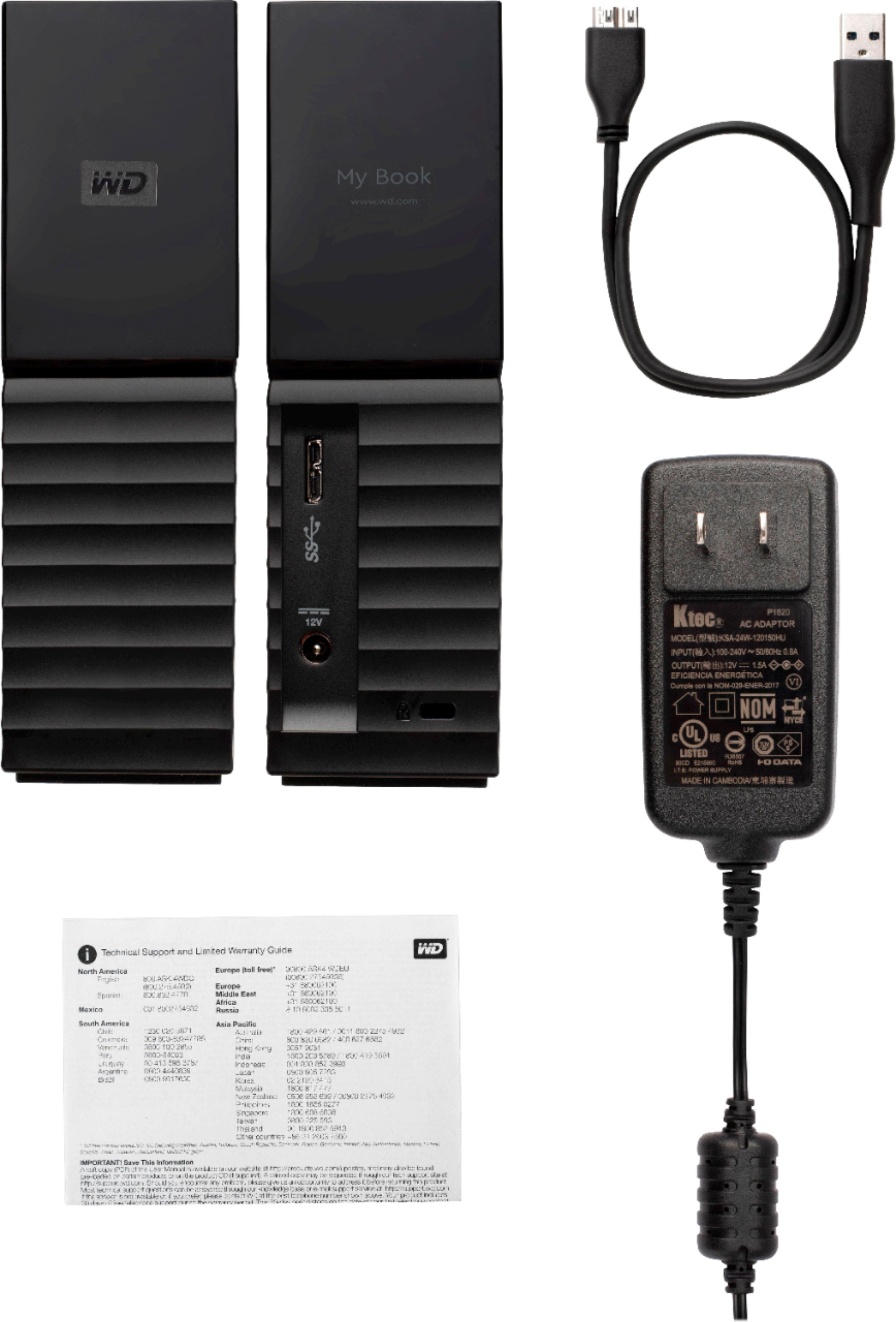
A:AnswerHello GoldDragon, Please be informed that My Book drive is not an user serviceable drive. For more information about the drive refer to the link: http://products.wdc.com/library/AAG/ENG/4178-707230.pdf .Please see our "'Contact Us" page for information.
A:AnswerHello,Please be informed that the WD My Book External is a plug 'n' play device tested and designed for Windows and Mac computers for seamless operation. Please check with the host device vendor whether the drive will fit and support the device. Please refer to the link to know more about the drive: https://products.wdc.com/library/?id=1533&type=25&cn=4779-705157&lang=en -Need Help? Please see our "'Contact Us" page for information
A:AnswerHello Kristy,Please be informed that the WD My Book External is a plug 'n' play device tested and designed for Windows and Mac computers for seamless operation. Please check with the host device vendor whether the drive will fit and support the device. Please refer to the link to know more about the drive: https://products.wdc.com/library/?id=1533&type=25&cn=4779-705157&lang=en -Need Help? Please see our "'Contact Us" page for information
A:AnswerHello, Please be informed that the WD My Book External is a plug 'n' play device tested and designed for Windows and Mac computers for seamless operation. Please check with the host device vendor whether the drive will fit and support the device. Please refer to the link to know more about the drive: https://products.wdc.com/library/?id=1533&type=25&cn=4779-705157&lang=en -Need Help? Please see our "'Contact Us" page for information
A:AnswerHi KSW54, Please be informed that the WD My Book drive is a plug 'n' play device tested & designed for Windows and Mac computers. The drive comes with the USB 3.0 and 2.0 Interface. This is an external device to store/backup data. You can backup any data by attaching the drive directly to the computer's USB port. For more information about the drive refer to the link: http://products.wdc.com/library/AAG/ENG/4178-707230.pdf -Need Help? Please see our "'Contact Us" page for information.
A:AnswerHello, Please be informed that the WD My Book drive is a plug 'n' play device tested & designed for Windows and Mac computers for seamless operation. The drive comes with the USB 3.0 and 2.0 Interface. This is an external device to store/backup data. You can use the acronis software to do the backup. For more information please follow the mentioned link: https://support-en.wd.com/app/answers/detail/a_id/9521 For more information about the drive refer to the link: http://products.wdc.com/library/AAG/ENG/4178-707230.pdf -Need Help? Please see our "'Contact Us" page for information
A:AnswerYes, but for this particular model you'll need to reformat it first. Use the Macbook's Disk Utility and reformat to Mac OS Extended Journaled. From there you just need to go into the Time Machine settings and choose it as your backup drive. Some come already formatted for Mac, but many do not.
A:AnswerNo you need a hard drive that needs power and you need to Floormat it with your computer first then use an extra fit drive it also has to be a e- Sata with a e-sata hookup cord from the hard drive to the directv box e-sata