Questions & Answers
- Model:
- WDBWZE0000NBK-NESN
- |
- SKU:
- 4220111
Highly rated by customers for: Easy to use app, Good quality, Two ethernet ports
Page Showing 1-6 of 6 questions
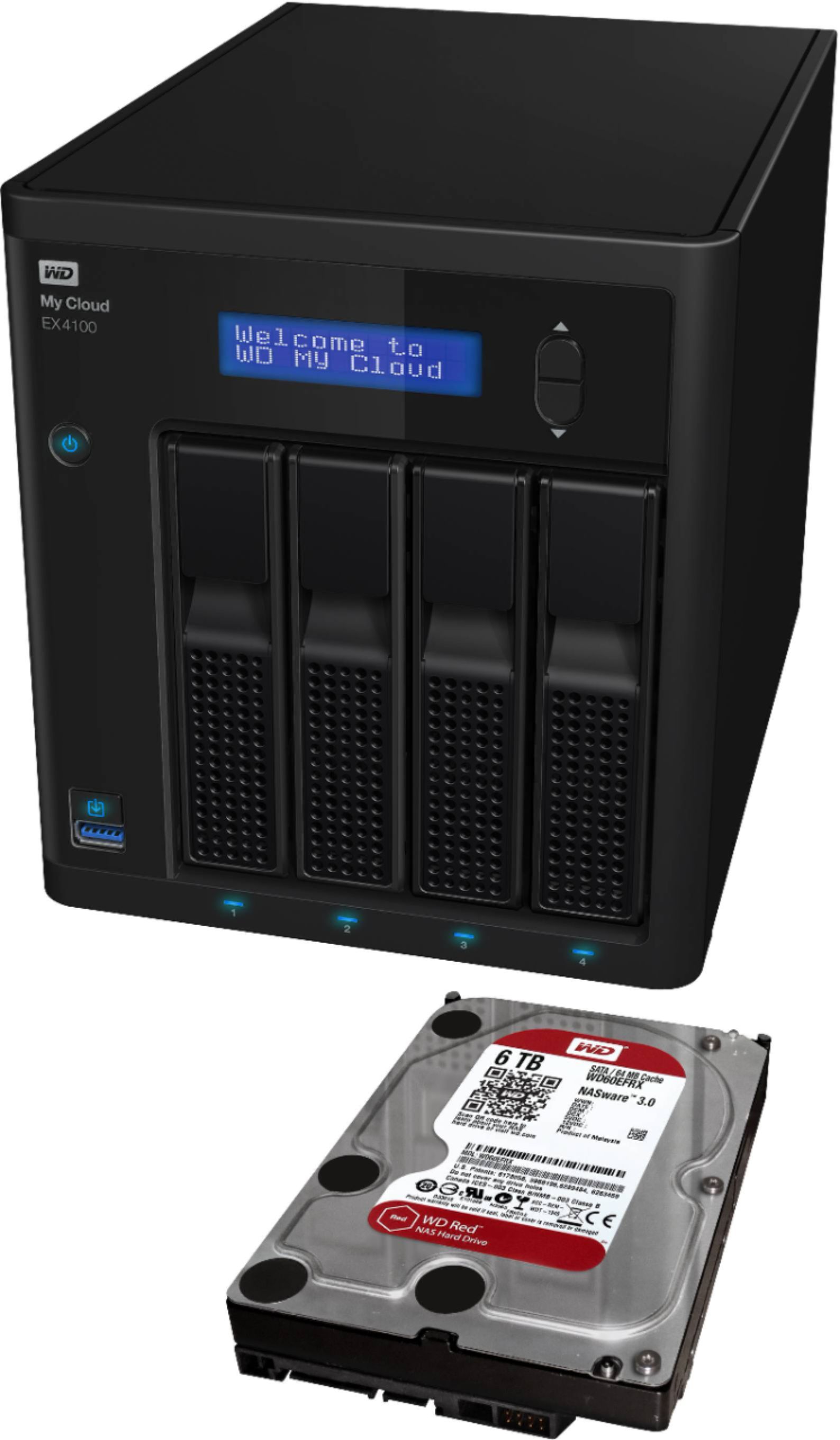
Q: QuestionWhat is the total TB this will hold? I am thinking of using 4 8TB or 10TB drives.
Asked by Turdcurd.
- A:Answer Hello,Please know, my cloud PR4100 is a 4 bay device where you can use 4 drives at a time to make a storage capacity of your choice which can go up to 56 TB. There are multiple read modes which you can use. For more information please refer to the user manual of the device:https://products.wdc.com/nas0s5/nasum/en/.-Need Help? Please see our "'Contact Us" page for information.
Answered by Western Digital Team
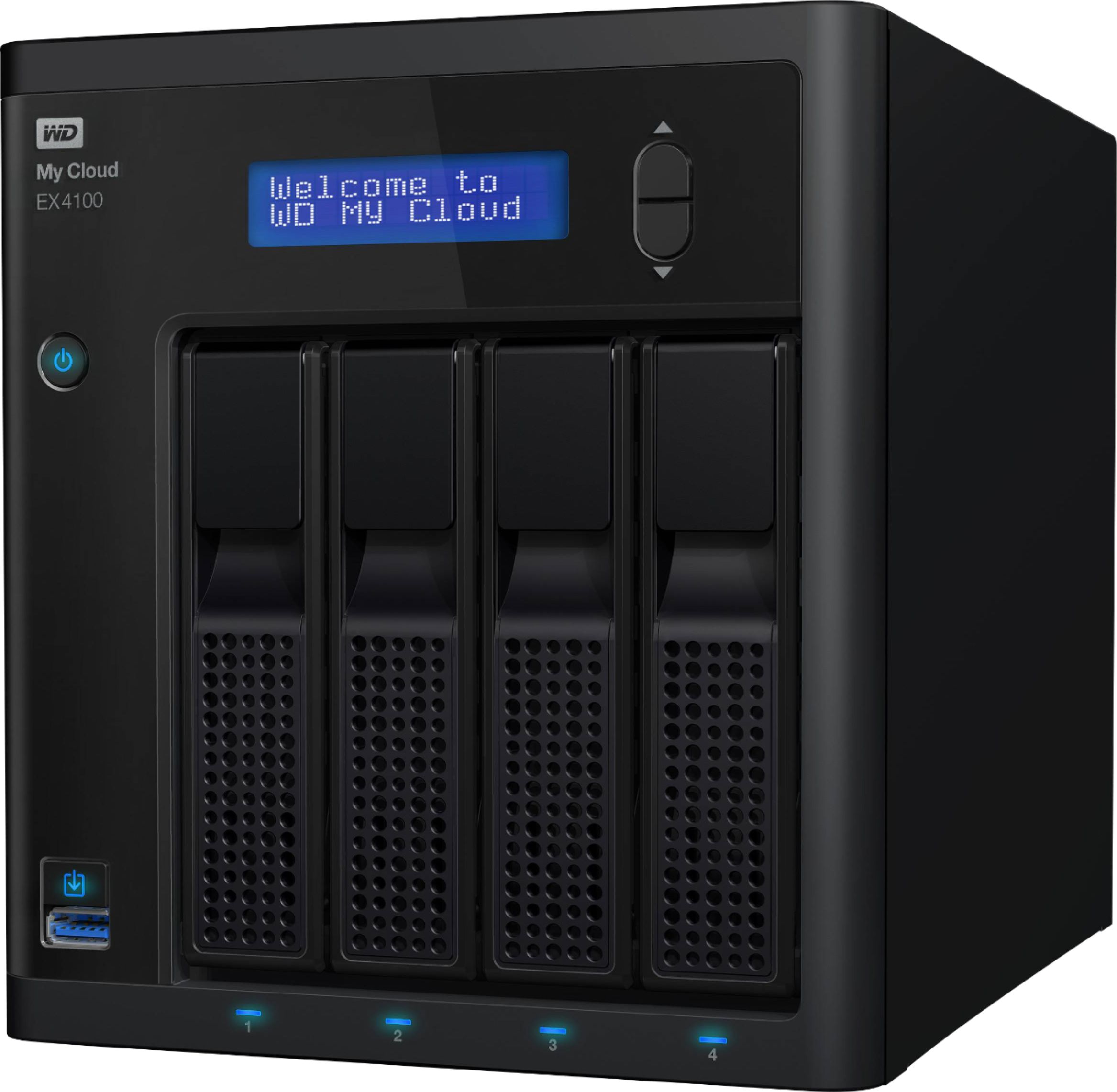
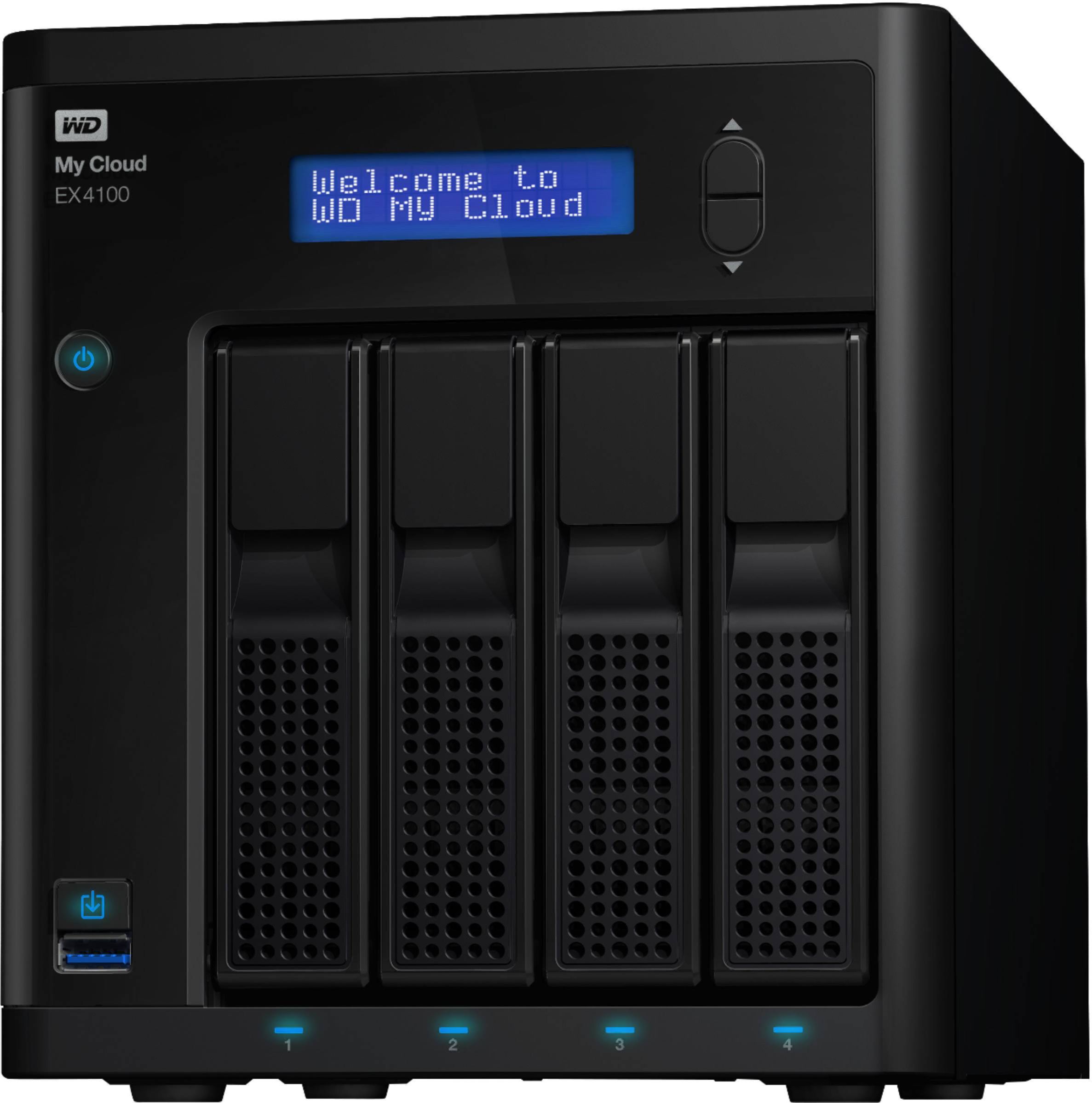
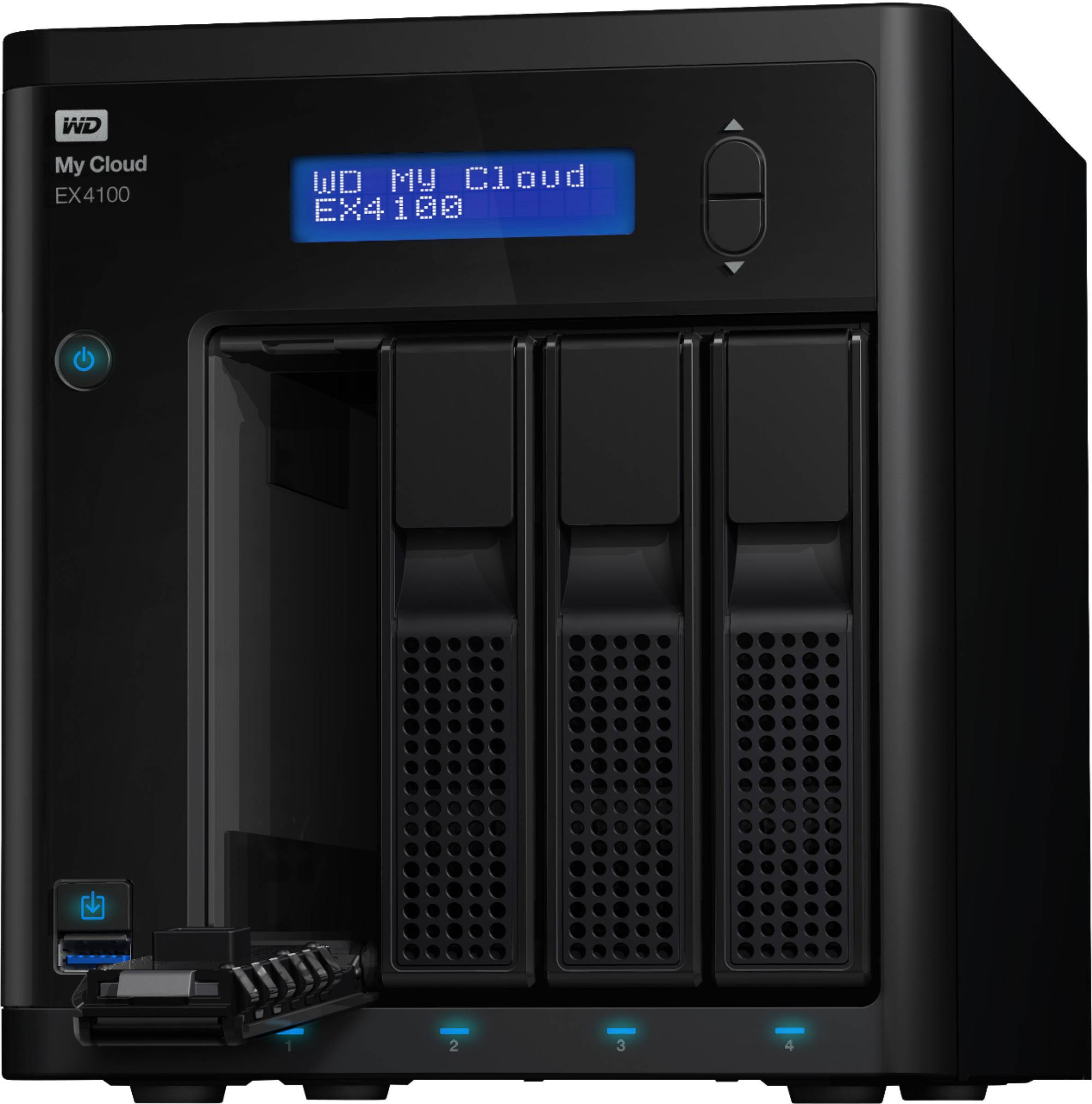
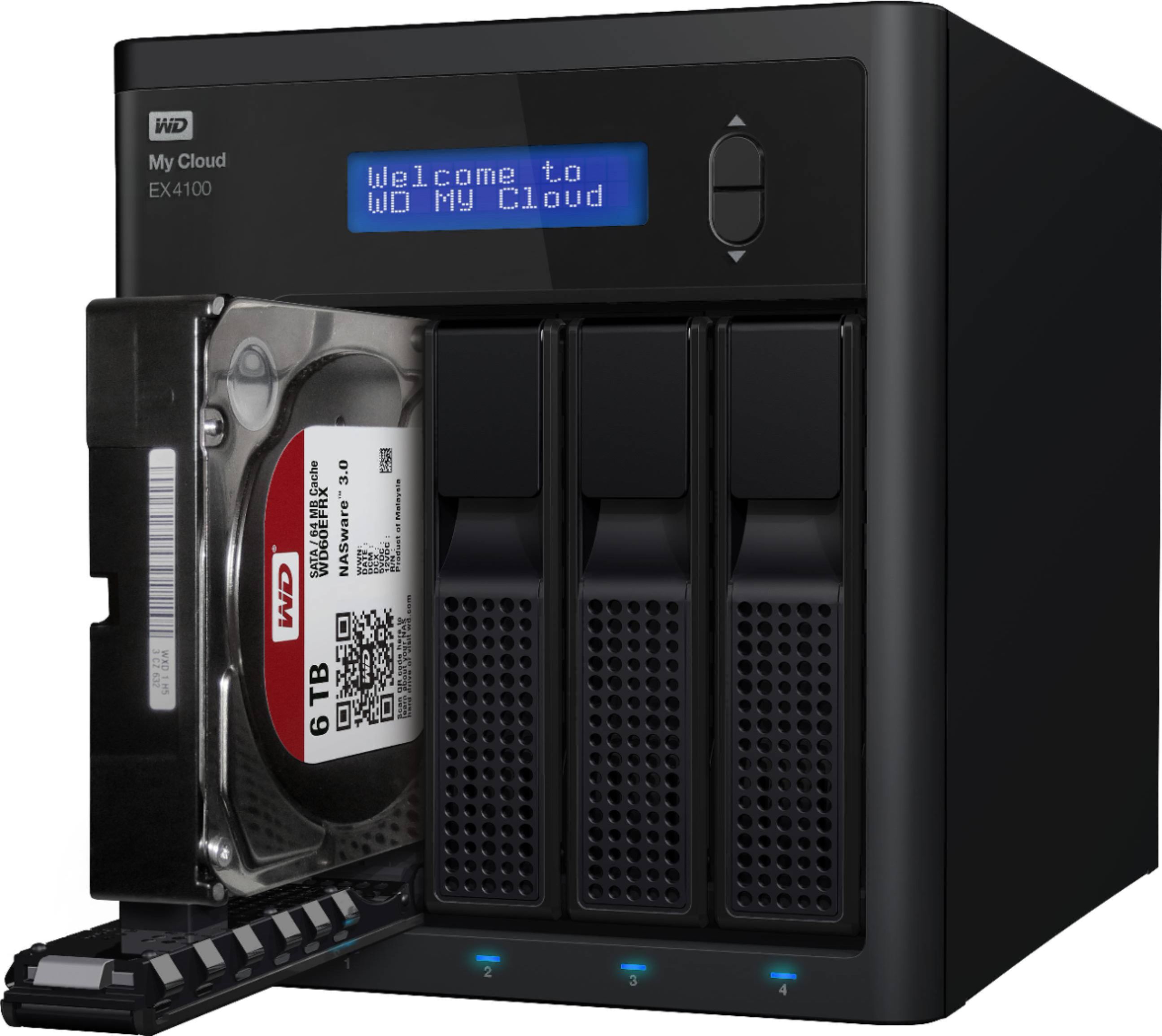
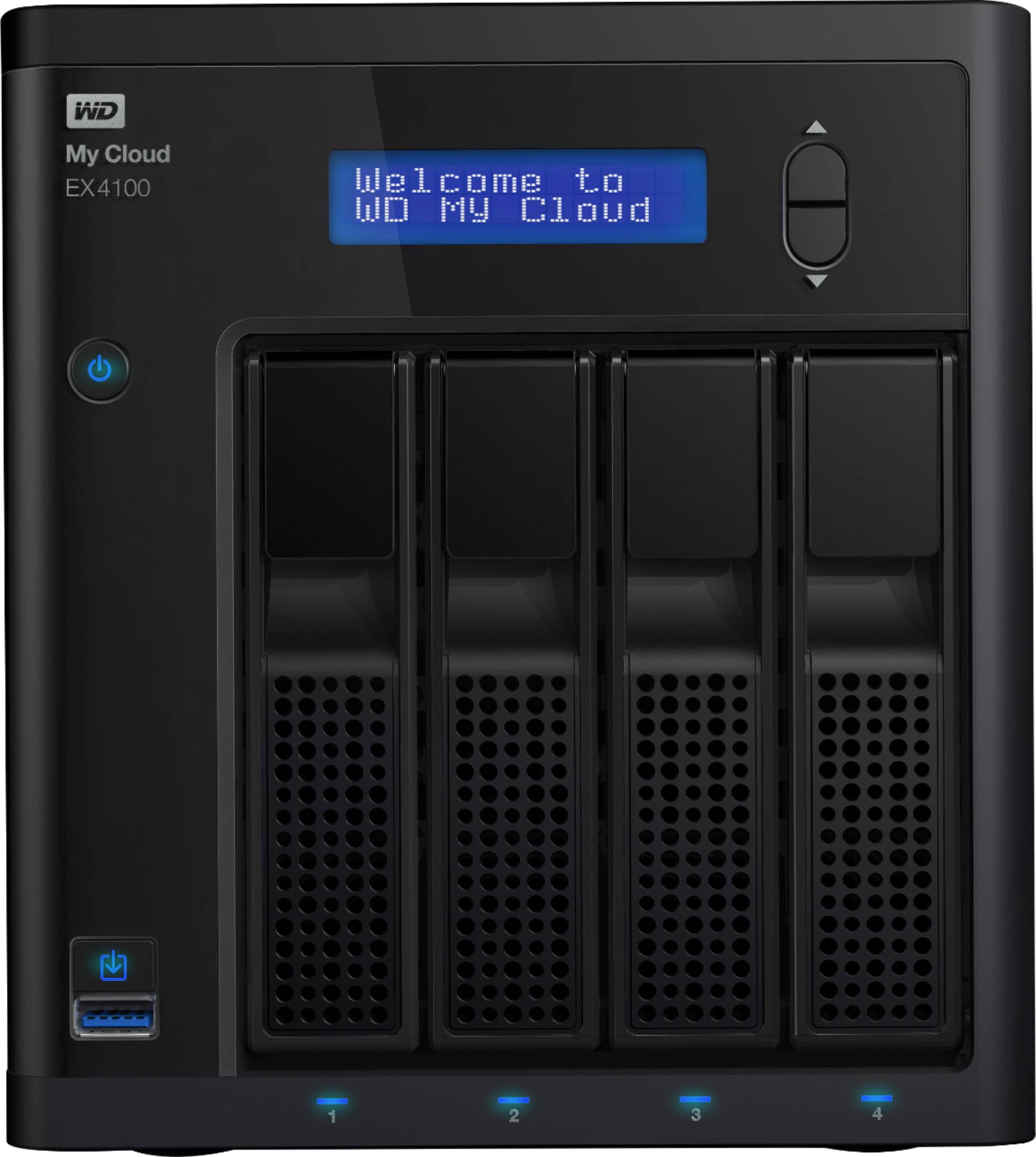
Q: QuestionHi IF I buy a WD Diskless EX4, can I fill it with 4 HDD of different capacities and manufacturers?
Asked by Robinstates.
- A:Answer Hi Robinstates, Please be informed that with My Cloud EX4100 you can create a custom NAS with compatible hard drives. Moreover, in order to configure RAID on the NAS the capacities of HDD should be same, otherwise you may use different size HDD. To know more about the drive refer the below link: https://documents.westerndigital.com/content/dam/doc-library/en_us/assets/public/wd/product/nas/my_cloud/my_cloud_ex4100/data-sheet-my-cloud-expert-series-ex4100.pdf -Need Help? Please see our "'Contact Us" page for information.
Answered by Western Digital Team
Q: QuestionHello, For this device is there an alternative cloud backup option? Also, what's included in this unit in terms of drive space? Thank you
Asked by Glonetex.
- A:Answer Hello, Please be informed that you could store and organize your files and data with this Western Digital My Cloud Expert Series 4-bay diskless NAS server. An intuitive dashboard makes it easy to set up, and the 256 AES volume encryption keeps your information secure. This Western Digital My Cloud Expert Series 4-bay NAS server features multiple RAID options for effortless customization and Dual Gigabit Ethernet ports for seamless media streaming. To know more about the drive please refer to the below link: https://bit.ly/3RzP0XV -Need Help? Please see our "'Contact Us" page for informatio
Answered by Western Digital Team
Q: QuestionCan you use Solids State Drives (SSD).
Asked by Don.
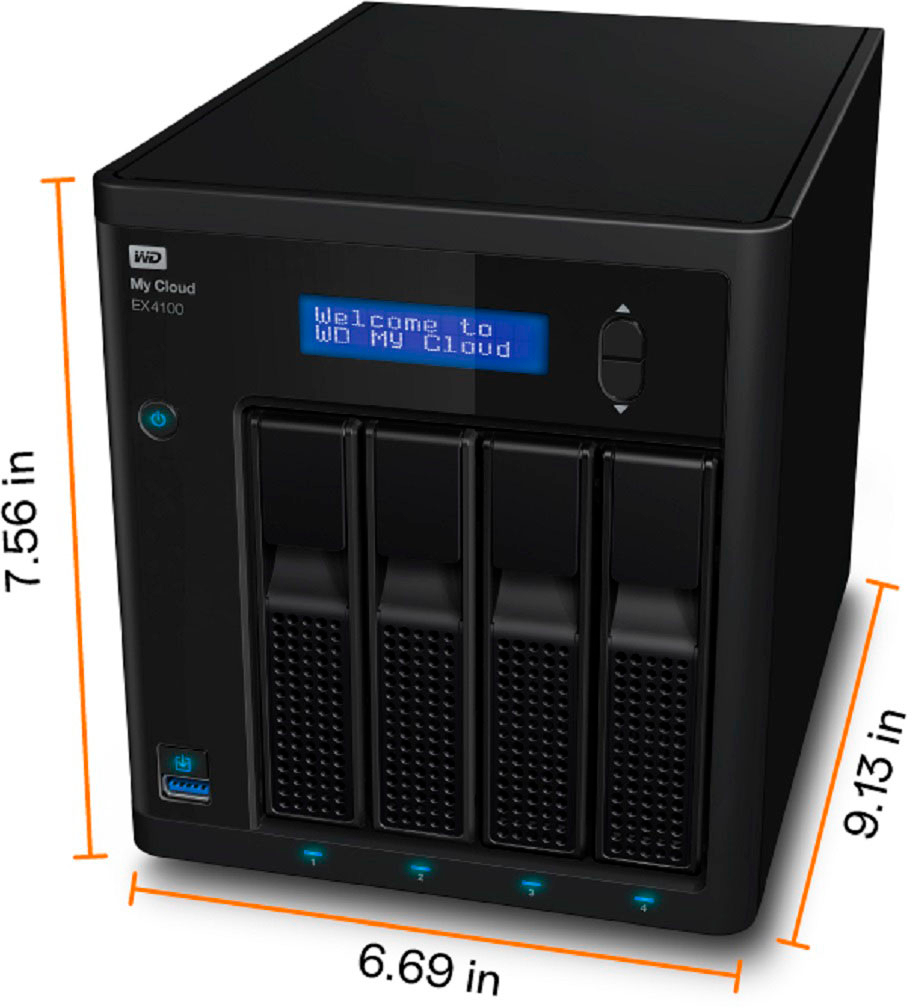
- A:Answer Hello Don, We would like to inform you that you could not use SSD in my cloud devices, However WD Red, Red Plus and Red Pro are designed for My cloud. -Need Help? Please see our "'Contact Us" page for information.
Answered by Western Digital Team
Q: QuestionI started my Accounting Firm this year and I am growing faster than I thought. I am looking for a server to handle Large Accounting Programs Drake Tax QuickBooks Enterprise etc.. I would have 3 emp. to remote in All at the same time I need assistance
Asked by Vitatax.
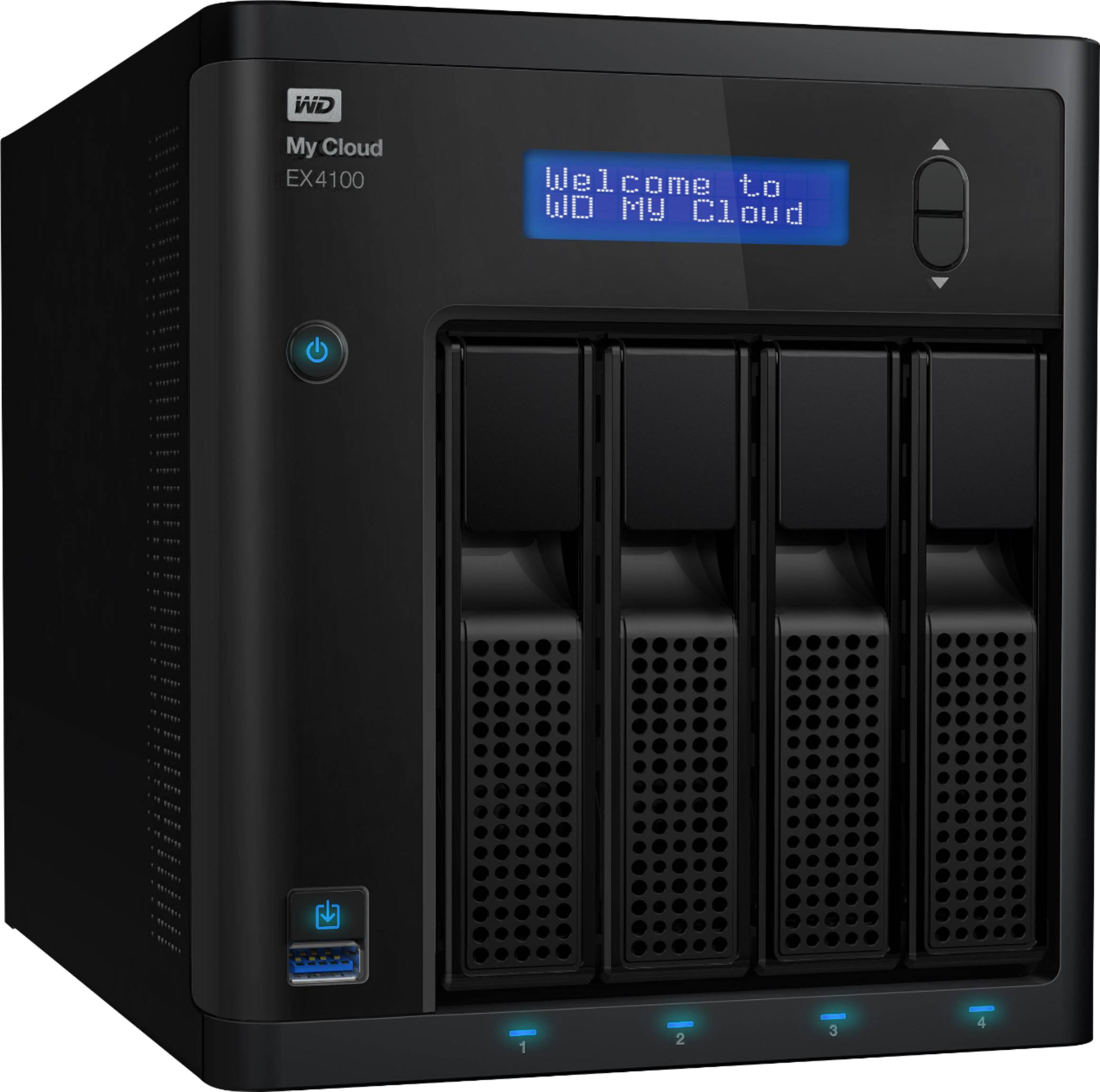
- A:Answer Hello Vitatax, Based on your concern we would like to inform you that you could add multiple users from dashboard of the device https://support-en.wd.com/app/answers/detail/a_id/29448/kw/add%20user . Users could login to mycloud.com to access the device remotely. Please refer to the link to login :https://os5.mycloud.com/ -Need Help? Please see our "'Contact Us" page for information.
Answered by Western Digital Team
Q: QuestionAre hard drives included?Are hard drives included? It shows an 8GB capacity in the description, but doesn't say anything else about drives being included, or purchased separately. Thanks!
Asked by Sam I Am.
- A:Answer Nope, this is diskless...BYOD.
Answered by RoeLarry
Page 1, Showing 1-6 of 6 questions
Top Rated
- $329.99$329.99The price was $469.99
- $139.99$139.99The price was $149.99
- $299.99$299.99The price was $349.99
- $279.99$279.99The price was $329.99
- $949.00$949.00The price was $1,099.00
- $1,099.99$1,099.99The price was $1,299.99
- $1,499.00$1,499.00The price was $2,799.00