Questions & Answers
- Model:
- WDBYVG0020BRD-WESN
- |
- SKU:
- 6356881
Q: QuestionIs it compatible with a HP laptop upload and download
Asked by Spanky.
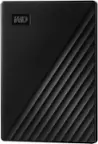
- A:Answer Hi Spanky19385, Thanks for showing your interest in WD My Passport Drive. In order to get compatibility answer, we would request you to please contact to your laptop motherboard manufacturer. Need Help? Please see our "'Contact Us" page for information.
Answered by Western Digital Team
Q: QuestionHow can I get this to work for my Mac? When I plug in the drive into my Mac or my PC the drive doesn't show up at all for either computer.
Asked by Anonymous.
- A:Answer Hi, We're sorry to hear about your experience with WD My Passport Portable External Hard Drive and appreciate your time for providing the review. Best practice is to run diagnostics with WD Drive Utilities when a drive does not perform as expected or is behaving abnormally. We recommend avoiding USB hubs for external hard drives and therefore connect the drive directly to a USB 3.0 port on the computer. Please refer to the WD support page to know more. "Setting up and using WD Security and WD Drive Utilities": https://support-en.wd.com/app/answers/detail/a_id/13880 "Windows or macOS Cannot Find My Drive": https://support-en.wd.com/app/answers/detail/a_id/12455 "Reformatting Required for Mac OS Compatibility" https://support-en.wd.com/app/answers/detail/a_id/3879 If the test is inconclusive and the drive is under warranty, you can replace the drive by creating RMA with Western Digital. To know the steps to create an RMA, you can refer to the WD support page. "How to Get an RMA to Replace a Defective Product, Obtain a Power Supply, or USB Cable for a WD Product": https://support-en.wd.com/app/answers/detail/a_id/10336 We would like the chance to work with you directly to help address your concerns and help provide a good overall user experience. You can contact us by phone below and provide your details. Need Help? Please see our "'Contact Us" page for information
Answered by Western Digital Team
Q: QuestionHow do I get my pictures from my MacBook cloud on to the external hard drive?
Asked by TW.
This question was asked about the related product: WD - My Passport 2TB External USB 3.0 Portable Hard Drive - Black
- A:Answer Hi TW, Thanks for showing your interest in WD My Passport external hard drive. We are not expertise on this macOS. Any drive related to issue or troubleshooting you can contact us. Need Help? Please see our "'Contact Us" page for information.
Answered by Western Digital Team
Q: QuestionDoes this work with PS4?
Asked by Tay.
This question was asked about the related product: WD - My Passport 2TB External USB 3.0 Portable Hard Drive - Black
- A:Answer Yes ,this will work with PS4.
Answered by CommunityAnswer
Q: QuestionWill this work for a ps4. I want to buy this for my husband and need to make sure it compatible with the ps4. Don’t want to waste my money.
Asked by Brittbrat09.
This question was asked about the related product: WD - My Passport 2TB External USB 3.0 Portable Hard Drive - Black
- A:Answer Hi Brittbrat09, Thank you for showing your interest in WD My Passport drive. We understand that you want to use this drive with your PS4. We have tested this drive with windowsOS, macOS. For more information about the WD My Passport drive you can refer to the link given below. http://products.wdc.com/library/AAG/ENG/4078-705155.pdf Moreover, for PS4, you can consider the WD My Passport PlayStation4. Please refer to the link mentioned below to know more about the WD My Passport Play Station 4. http://products.wdc.com/library/AAG/ENG/4078-705139.pdf Need Help? Please see our "'Contact Us" page for information.
Answered by Western Digital Team
Q: QuestionMy Xbox won’t connect saying it’s 3.0 or slower why is that
Asked by Jamie.
This question was asked about the related product: WD - My Passport 2TB External USB 3.0 Portable Hard Drive - Black
- A:Answer Which XBOX do you have?
Answered by UniQLoki
Q: QuestionDoes this hardline work with ps4 video games
Asked by Eric.
This question was asked about the related product: WD - My Passport 2TB External USB 3.0 Portable Hard Drive - Black
- A:Answer Hi Eric, The WD My Passport external drive can be connected to PS4 as external storage. The hard drive comes pre-formatted for Windows computer, reformatting might be required to make it work with PS4. Please refer to the link mentioned below for more information. How to Format a WD hard drive to exFAT or FAT32 File System: https://support-en.wd.com/app/answers/detail/a_id/20821/kw/exfat Need Help? Please see our "'Contact Us" page for information
Answered by Western Digital Team
Q: QuestionIt keeps saying unsuccessful back up... I saw a small window that opened up and says...Time machine could not complete the back up my passport The back up disk in not in Mac OS Extended ( Journaled ) format, which is required...
Asked by MayraG.
This question was asked about the related product: WD - My Passport 2TB External USB 3.0 Portable Hard Drive - Black
- A:Answer Hi MayraG, We are sorry for the inconvenience caused to you. In order to troubleshoot the issue please refer to the link mentioned below. "How to Partition and Format a WD Drive on Windows and macOS" https://support-en.wd.com/app/answers/detail/a_id/8200 "Starting macOS Time Machine Backups to My Passport and External USB Drives" https://support-en.wd.com/app/answers/detail/a_id/18952
Answered by Western Digital Team
Q: Questioncan i download from my I Phone 11 pro max? if so do i just use a lightning to usb cable?
Asked by t.
This question was asked about the related product: WD - My Passport 2TB External USB 3.0 Portable Hard Drive - Black
- A:Answer I am not one hundred percent sure, I will make an educated guess of No. I tried it on my iPhone XS Max and a iPad Pro. Both were unsuccessful. I have also tried to use the WD Passport on different televisions and BluRay/DVD boxes that have USB ports. Some work and some don’t. I’m not any sort of engineer, but my educated guess is that the WD Passport does not have an external power source and is powered by whatever you plug it into. A iPhone, and other devices, don’t have the power to give power to other devices (like the WD Passport) to power that external device. Hope that helps.
Answered by DJHuey
Q: QuestionWill this work with macbook Air? I believe i hve the catalina or mojave.
Asked by Tatu.
- A:Answer Yep, just fine. I have a 4tb one I used with my Mac.
Answered by tgolf4fun
Q: QuestionWill this work with a PS4?
Asked by Cal2004.
This question was asked about the related product: WD - My Passport 2TB External USB 3.0 Portable Hard Drive - Black
- A:Answer Yes, it works with PS4.
Answered by CommunityAnswer
Q: QuestionWill this drive work on my iMac Os x 10.6.8? I want to use it with time machine to back up my system & then update my computer to Catalina-Will this work? I just want to know if this will work before I purchase it. Thank you.
Asked by AAAA.
This question was asked about the related product: WD - My Passport 2TB External USB 3.0 Portable Hard Drive - Black
- A:Answer Good question. I backed up my old laptop with this so I assume if you have a usb port it will but bbuy should confirm.
Answered by Pjo1
Q: QuestionIf used to back up vital data remotely, how long does it store data without degradation?
Asked by Duane.
This question was asked about the related product: WD - My Passport 2TB External USB 3.0 Portable Hard Drive - Black
- A:Answer It shouldn’t degrade any data like a normal HDD, I am inclined to believe that there is in fact an SSD enclosed within the unit so if you drop it or even just normal use shouldn’t affect this product that much if not at all.
Answered by Chris
Q: QuestionI need space on computer to play sims would this be a good a product for that?
Asked by Kawaiian9000.
This question was asked about the related product: WD - My Passport 2TB External USB 3.0 Portable Hard Drive - Black
- A:Answer Normally apps are not installed drives like this one. It's really more for storing things like pictures, videos and documents. Would not recommend installing SIMS on this unless you consider yourself a pro computer user.
Answered by David
Q: QuestionWill this work with windows XP?
Asked by SL.
This question was asked about the related product: WD - My Passport 2TB External USB 3.0 Portable Hard Drive - Black
- A:Answer No, this will not work with Windows XP.
Answered by CommunityAnswer
Q: QuestionI’m switching from Mac to PC. Can I move my pictures off the Mac onto this hard drive then on to a PC? Or if I don’t move them on to PC, will I be able to get/view from the hard drive?
Asked by Pickle.
This question was asked about the related product: WD - My Passport 2TB External USB 3.0 Portable Hard Drive - Black
- A:Answer You'll need to format the drive to ExFat to do that. Make sure to format it on your windows machine to ExFat and then you can use it on both Mac and PC.
Answered by Clay
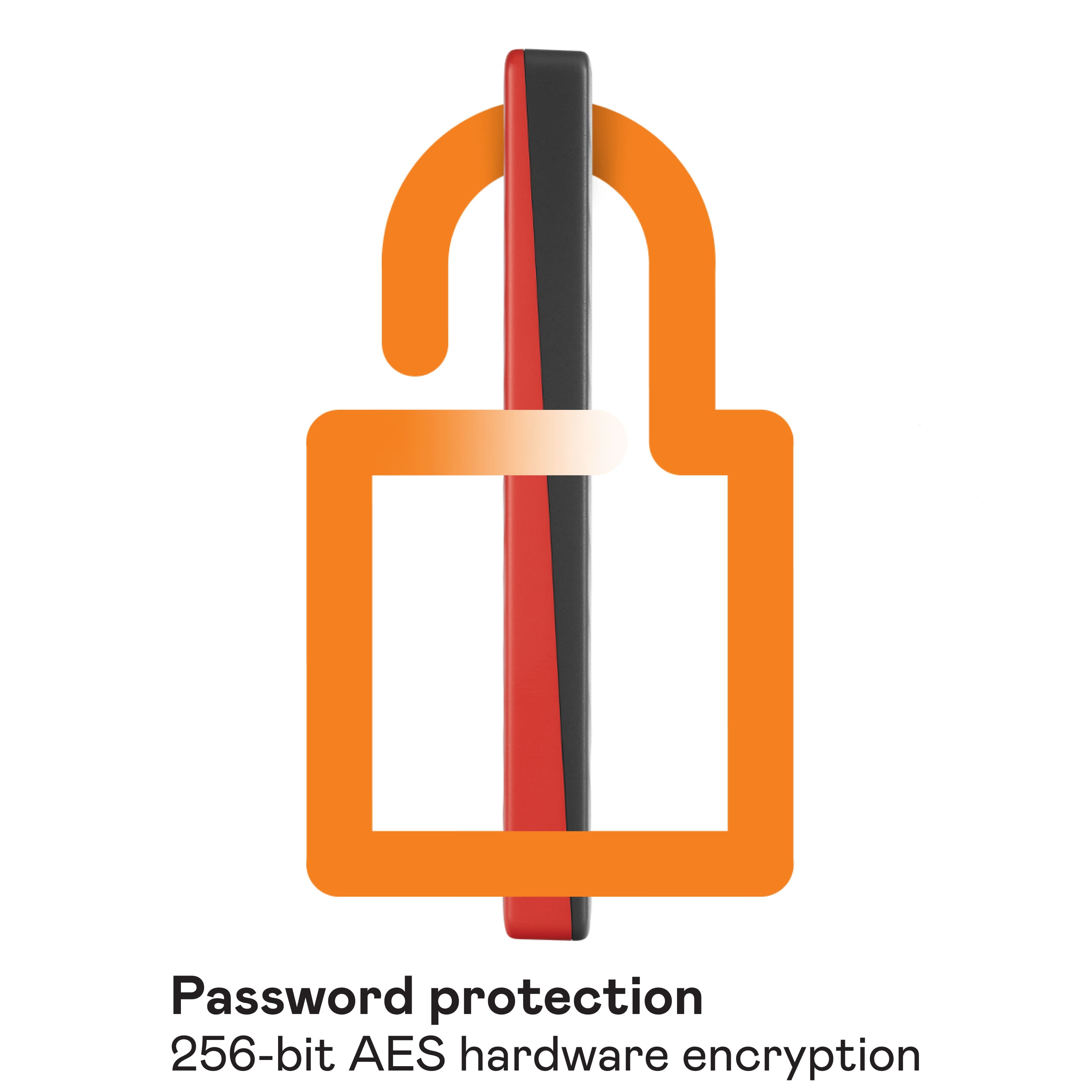
Q: QuestionWhat does "with hardware encryption" tell me?
Asked by Buzz.
- A:Answer You can password protect the drive. Data is protected/encrypted unless the drive is unlocked with password.
Answered by Adam
Q: QuestionCan you download games on this?
Asked by Peela.
This question was asked about the related product: WD - My Passport 2TB External USB 3.0 Portable Hard Drive - Black
- A:Answer Yes
Answered by Mak43
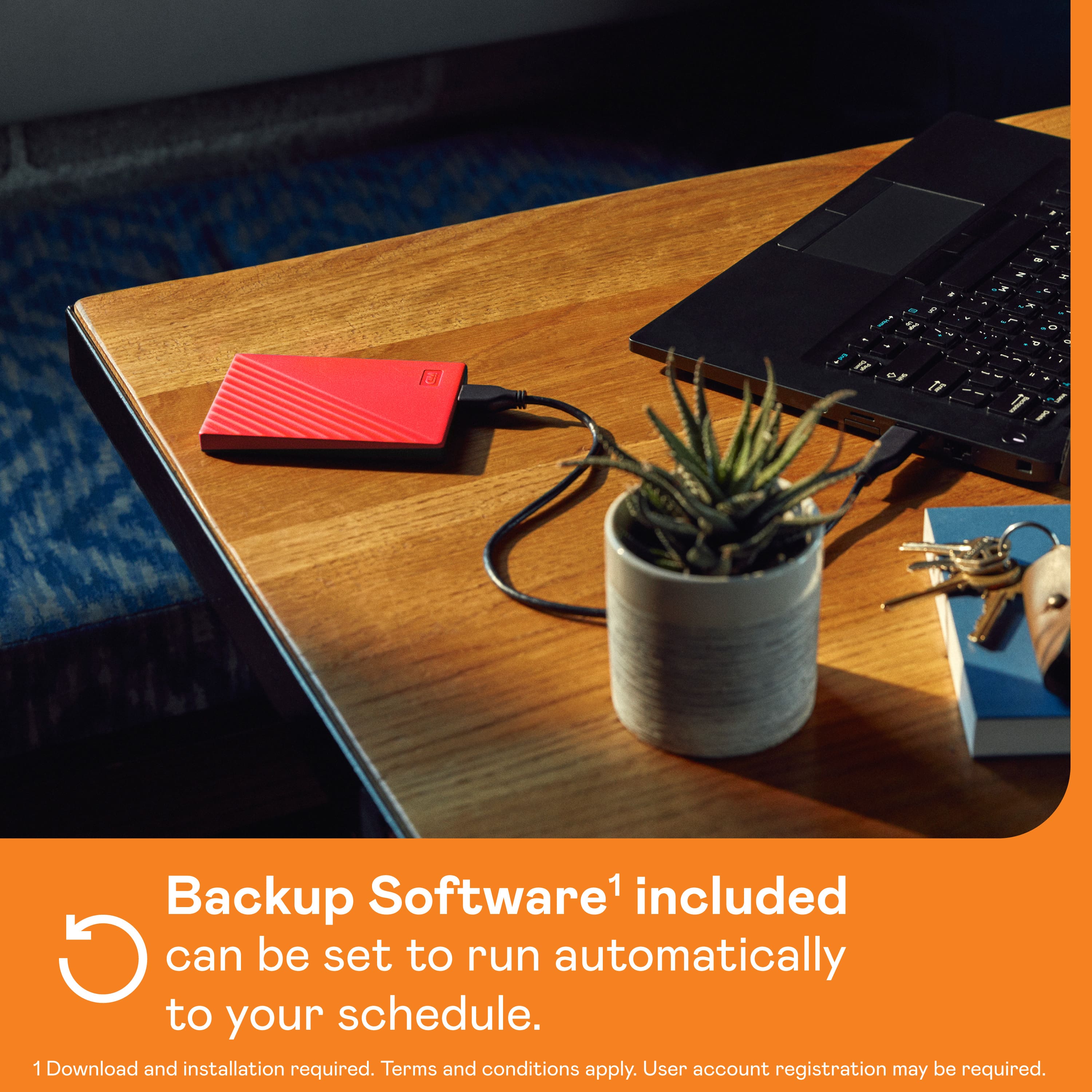
Q: QuestionCan I leave this device plugged in continuously for continuous backup and use?
Asked by coloradojim.
This question was asked about the related product: WD - My Passport 2TB External USB 3.0 Portable Hard Drive - Black
- A:Answer Not sure from a WD prospective, but it shouldn't matter if it stays plugged in. I try to put a couple of small blocks under the drive so there is air space around it let it pass on whatever heat it accumulates. But the best people to ask is the manufacturer !
Answered by MHWA
Q: Questionwill this work on ps4
Asked by dk.
- A:Answer Yes, it will work with PS4.
Answered by CommunityAnswer