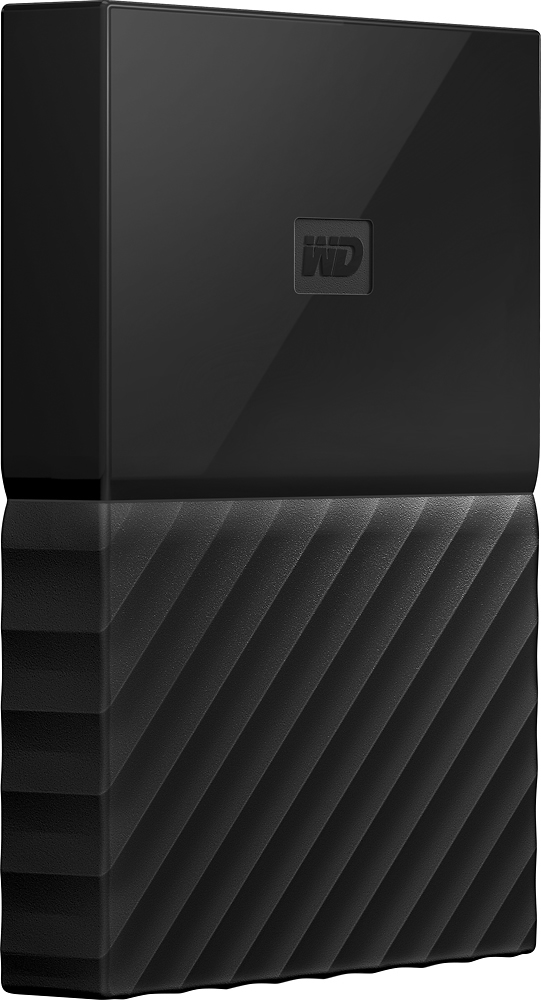
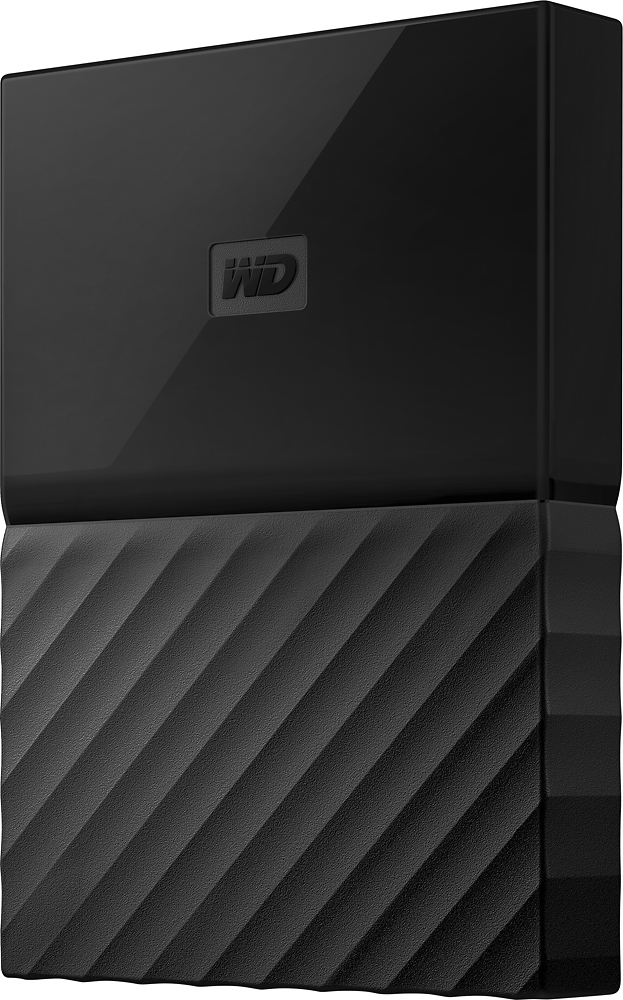
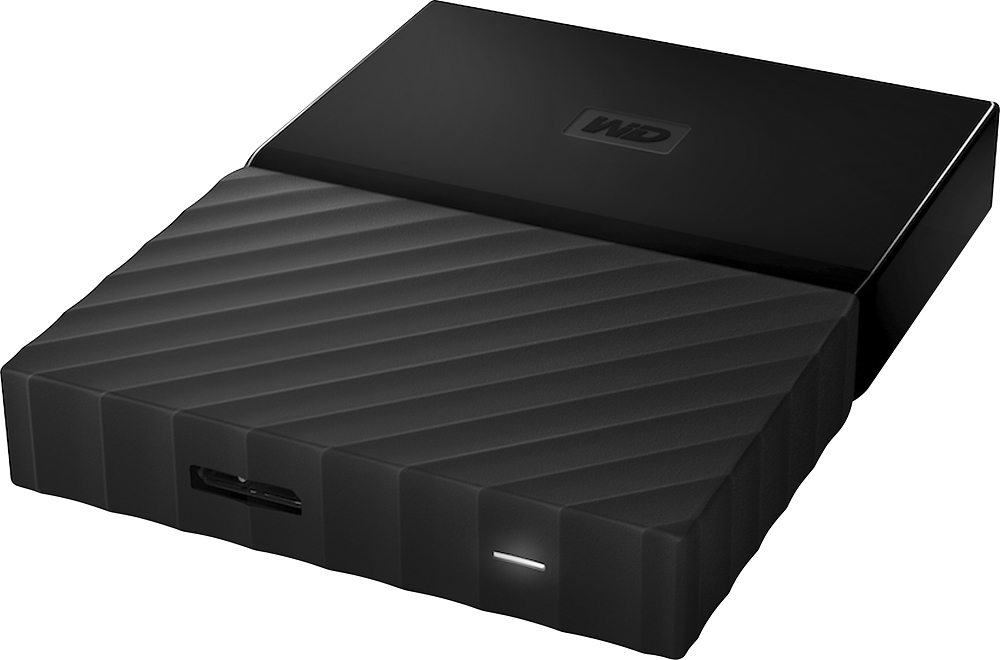
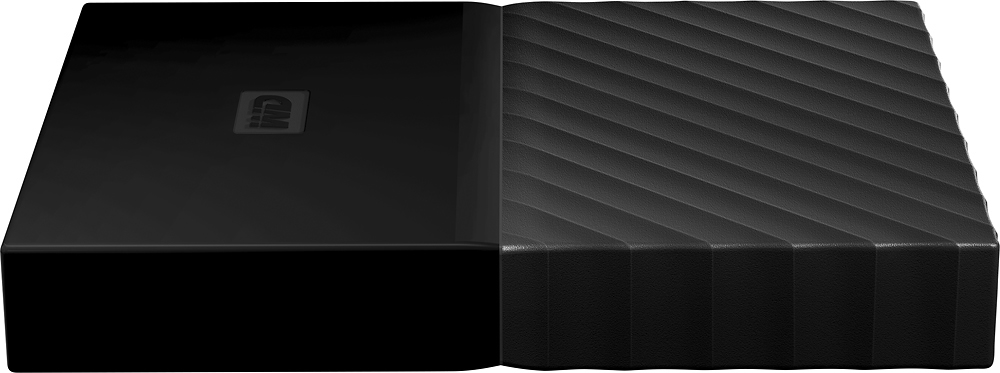
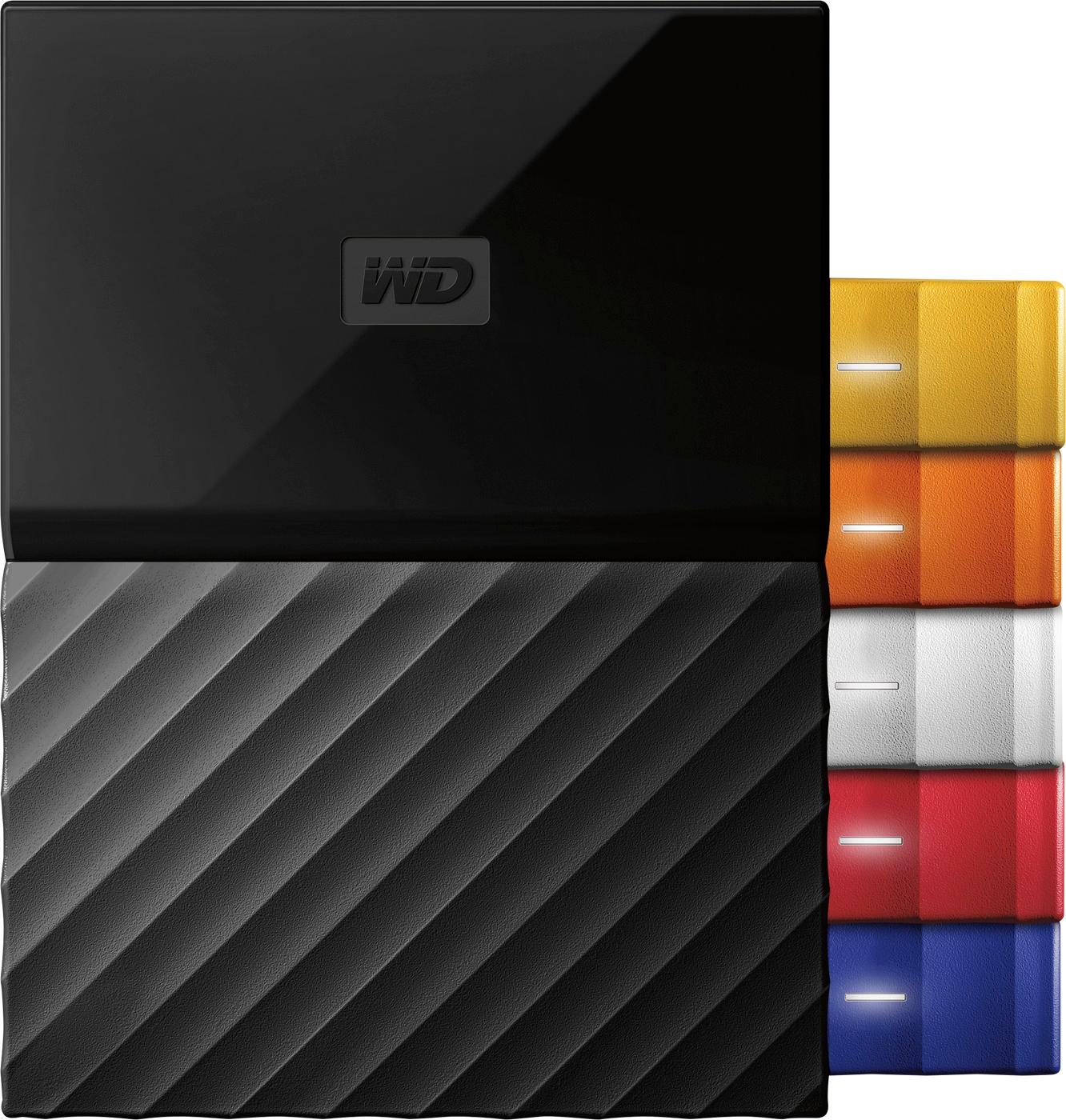
A:AnswerGood question and one that helped me learn something about the WD drive I just purchased. WD Discovery is the difference, according to the manufacturer. WD Discovery can see online storage services and automatically connect to those services to allow backup tp the WD drive and make for right click + copy and paste or drag and drop file management through Windows Explorer.
From WD: Social Media and Cloud Storage Import. Included WD Discovery™ software connects to popular social media and cloud storage services, like Facebook, Instagram, Dropbox and Google Drive™. Import your photos, videos and docs to the My Passport Ultra drive to help preserve your online life.
A:AnswerShort answer is yes, disconnecting is fine. However; if you're a stickler for details or just want to be absolutely sure you're not damaging the drive, right click the USB device icon in your system tray [bottom right of the screen by the date + time], find your external drive and disconnect it from there before removing the cable. Always be gentle when disconnecting the cable to prevent damage to the cable, the USB port or the cable port on the drive itself.
Long answer is detailed and complicated but goes back quite a few years to when device power was delivered through a power supply and not from the USB port.
A:AnswerYes depending on the Backup Software you are using, and how you connect this device to your network. If you have it connected to a dedicated computer, that is ON all the time, and you share the drive, then possibly you could use it for backup on a network. I have not tried this method, but have used it for backups all the time and works very fast with USB3.
A:AnswerI think you should be able to backup 2 computers. You need to make sure there is always enough room on the drive. You should label each computer with a different name for the backup file, You could even put the 2 backups in separate directories on the drive and have the backup software go to each specific directory. Hope that helps.
A:AnswerFirst it is a hefty 4TB. Some cloud storage is limited. You do not have to be connected to the internet and the files here can be password protected and even encrypted. To access cloud storage is limited by your internet speed. Here you have the speed of USB 3.0.