

Questions & Answers
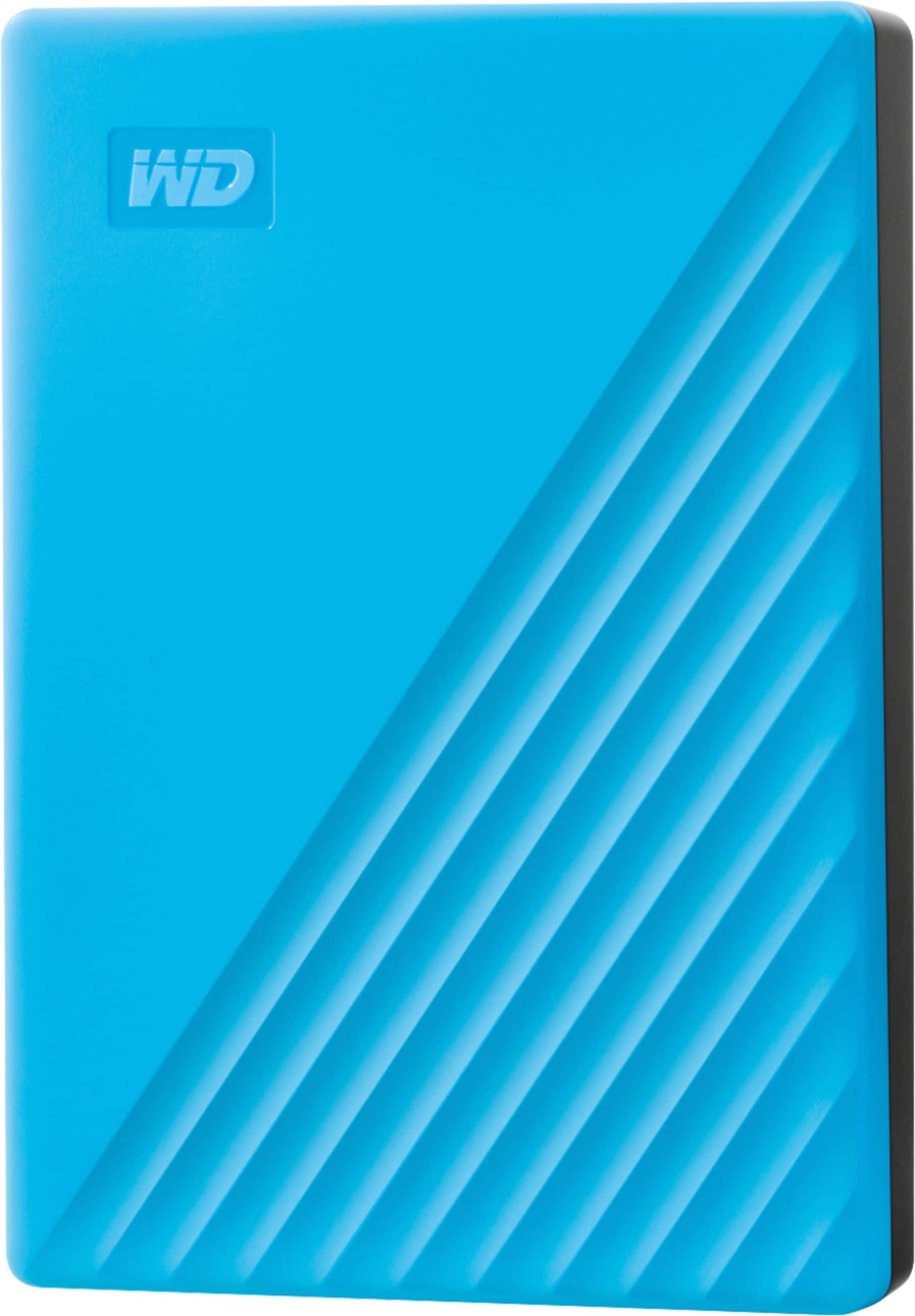
- Model:
- WDBPKJ0040BBL-WESN
- |
- SKU:
- 6356888
Q: QuestionIs it Mac and Pc compatible?
Asked by Cosmicwiz.
- A:Answer Hi Cosmicwiz, The WD My Passport external hard drive comes pre-formatted for Windows OS. The hard drive can be reformatted to be used on a Mac OS. If you want to use this hard drive on Windows and Mac OS then the drive needs to be reformatted in ExFAT filesystem. Please refer to the link mentioned below for more information: How to Format a WD hard drive to exFAT or FAT32 File System: https://support-en.wd.com/app/answers/detail/a_id/20821/kw/exfat Need Help? Please see our "'Contact Us" page for information
Answered by Western Digital Team
Q: QuestionIs it wireless?
Asked by george.
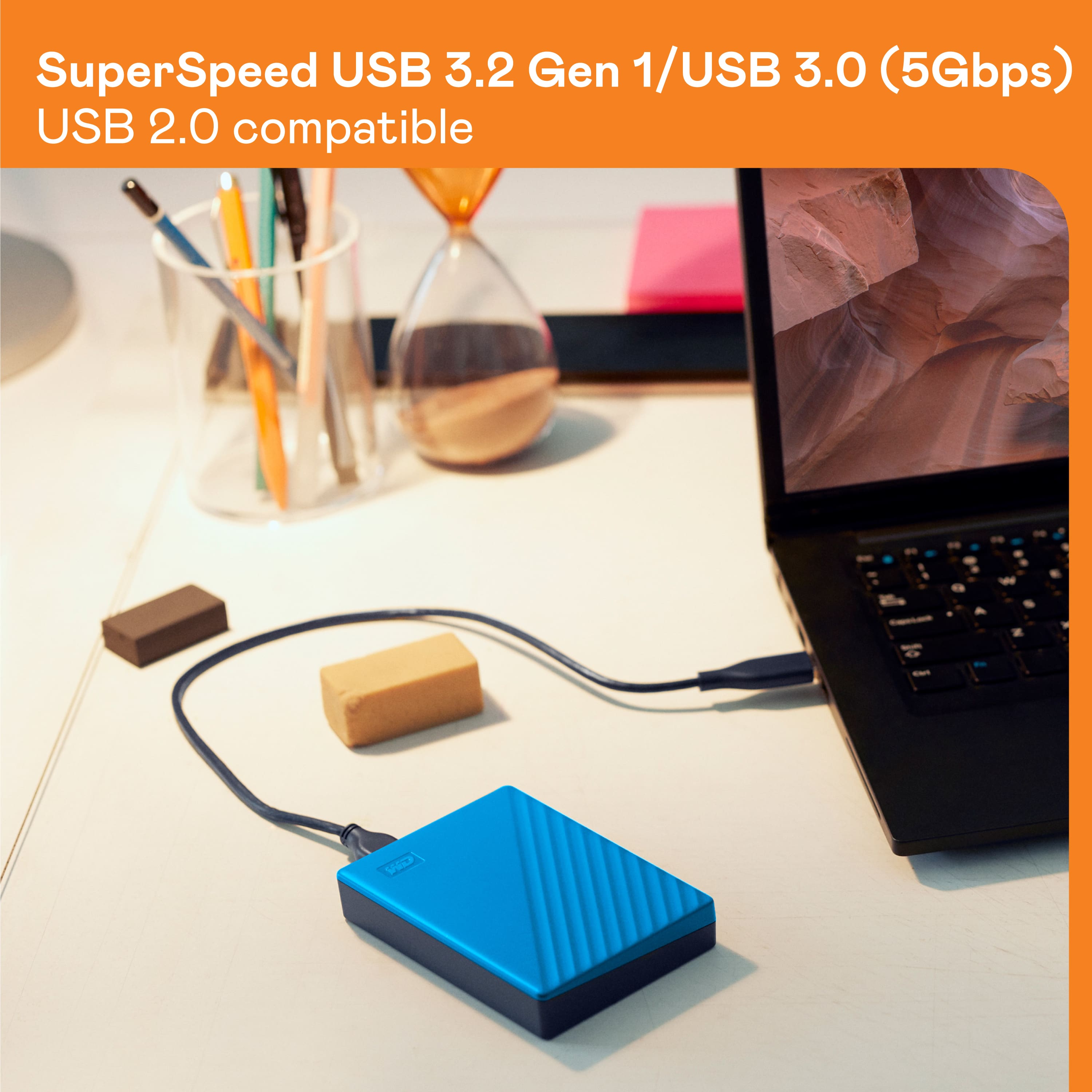
- A:Answer Hi george, Please be informed that the WD My Passport drive is a plug and play external portable hard drive that comes with a SuperSpeed USB cable. To know more about the drive please refer to the link: http://products.wdc.com/library/AAG/ENG/4078-705155.pdf -Need Help? Please see our "'Contact Us" page for information.
Answered by Western Digital Team
Q: QuestionWill this work with Windows 10 (latest versions) if I want to back up docs and pics?
Asked by Jim.
- A:Answer Yes, the drive works great with my Windows 10. It is loaded with pictures and no problem. So far I'm very pleased and would recommend this HD.
Answered by Seabee
Q: QuestionCan you store Xbox games AND Playstation games on one drive or would you need a separate one for each system? I understand he couldn't play the xbox games on the playstation, I'm just needing to know does he need one 4TB or two 2TB drives?
Asked by nana.
- A:Answer No... one or the other. I tried it and had to erase the Xbox content so I could use it on my sons ps 4
Answered by Kerls
Q: Questiondoes this work with a mac
Asked by john.
- A:Answer I would not recommend it for a Mac user. It requires a special WD driver even after reformatting for a Mac. If reformatting is not done in a specific way, the drive can become unusable. It is not a simple plug and play solution by any stretch of the imagination.
Answered by AppleUserSince1988
Q: QuestionWould this work on a PlayStation 5 and if so how do you set it up?
Asked by Anonymous.
- A:Answer Yes it works. Basically, plug the drive into your playstation. Go into settings, and format the drive. Once done, you can transfer games to it.
Answered by NKorriban
Q: QuestionDish network requires usb 2. I see that this is usb 3 but I see usb 2 compatible. Will this work with dish network that requires usb 2 to back up movies with?
Asked by Wally.
- A:Answer Hello Wally, Please be informed that the WD My Passport drive is a plug 'n' play device tested and designed for Windows and Mac computers for seamless operation. Please check with your host device vendor whether the drive will fit and support the device. To know more about the drive, refer to the link: http://products.wdc.com/library/AAG/ENG/4078-705155.pdf -Need Help? Please see our "'Contact Us" page for information.
Answered by Western Digital Team
Q: QuestionI was planning to use this drive to Clone a Windows 7 machine before upgrading to Windows 10. Will this drive work with W7?
Asked by Steve.
- A:Answer Yes, this drive will work with W7. We have been successfully doing this for our clients. We create an image of the Windows 7 system onto the Passport drive, then upgrade to Windows 10. It works without a problem. We have also upgraded systems to Windows 10 on the original system drive, created a new image on the Passport drive, changed out the laptop drive to a new drive (in these cases we're changing out the HDD drive to a new SSD drive) and restored the drive from the Windows 10 image from the Passport drive. It works seamlessly and easily. Hope this helps!
Answered by TekkieUS
Q: QuestionI am still running MS Windows 7 on laptop. "Minimum" requirements lists MSW 8.1-10. Has anyone used this device successfully with Windows 7? Thank you!
Asked by Armagosa.
- A:Answer Hi Armagosa, It will work, but we do not recommend as the Windows 7 is EOL from Microsoft. For more information you can contact to Microsoft. Need Help? Please see our "'Contact Us" page for information
Answered by Western Digital Team
Q: QuestionIf you reformat the drive for Mac compatibility, does hardware encryption still work?
Asked by MSRaleigh.
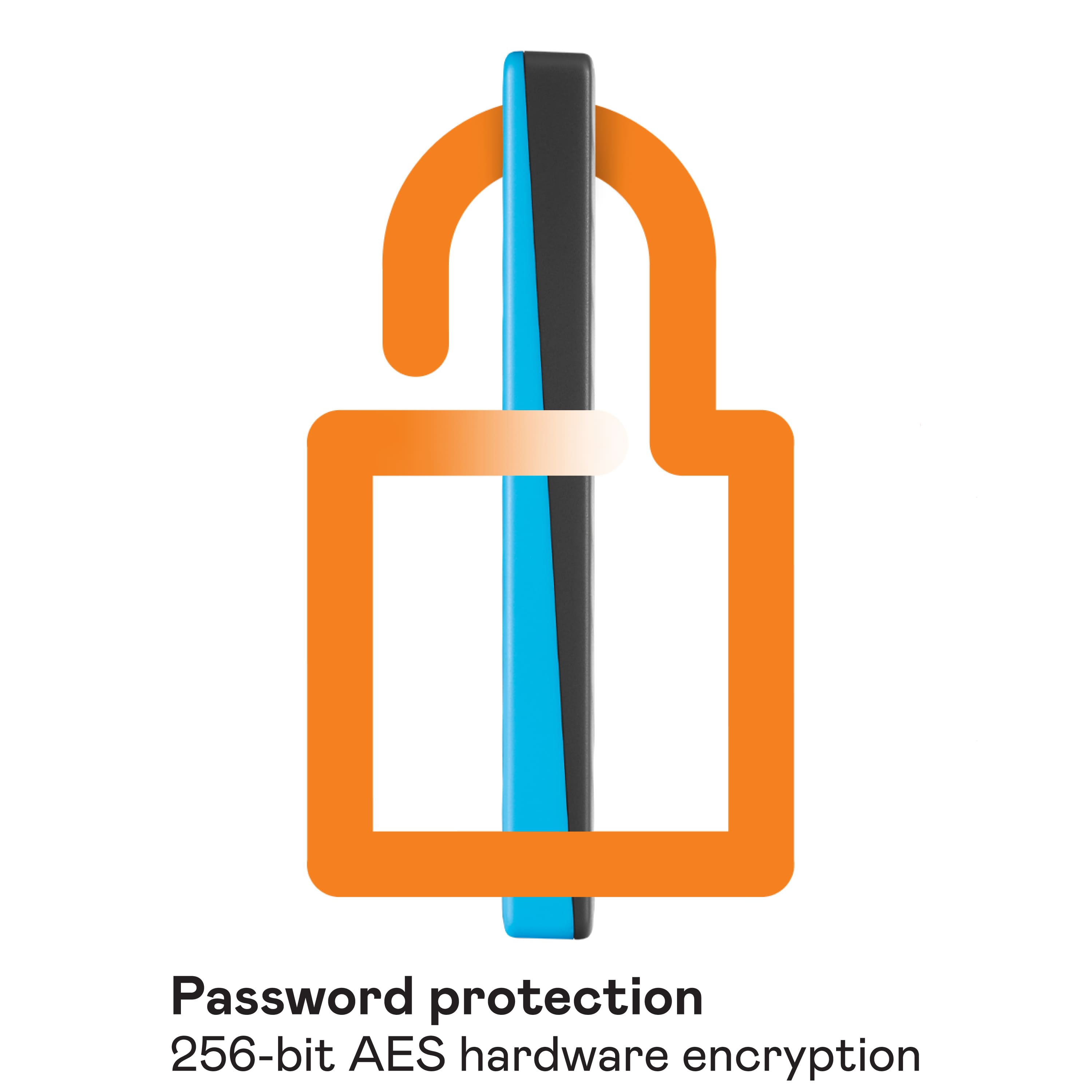
- A:Answer Hi MSRaleigh, Yes, it does. for more information you can refer to the link given below. http://products.wdc.com/library/AAG/ENG/4078-705155.pdf Need Help? Please see our "'Contact Us" page for information
Answered by Western Digital Team
Q: QuestionAm I able to download games and still play them with this plugged in
Asked by Buck.
This question was asked about the related product: WD - My Passport 4TB External USB 3.0 Portable Hard Drive - Red
- A:Answer Hi Buck, The WD My Passport external drive can be used as gaming drive. The hard drive comes pre-formatted for Windows computer, reformatting might be required to make it works as gaming drive. Please refer to the link mentioned below for more information. How to Format a WD hard drive to exFAT or FAT32 File System: https://support-en.wd.com/app/answers/detail/a_id/20821/kw/exfat Need Help? Please see our "'Contact Us" page for information.
Answered by Western Digital Team
Q: QuestionCan this drive separately back up, several users sharing the same PC?
Asked by Kmm1.
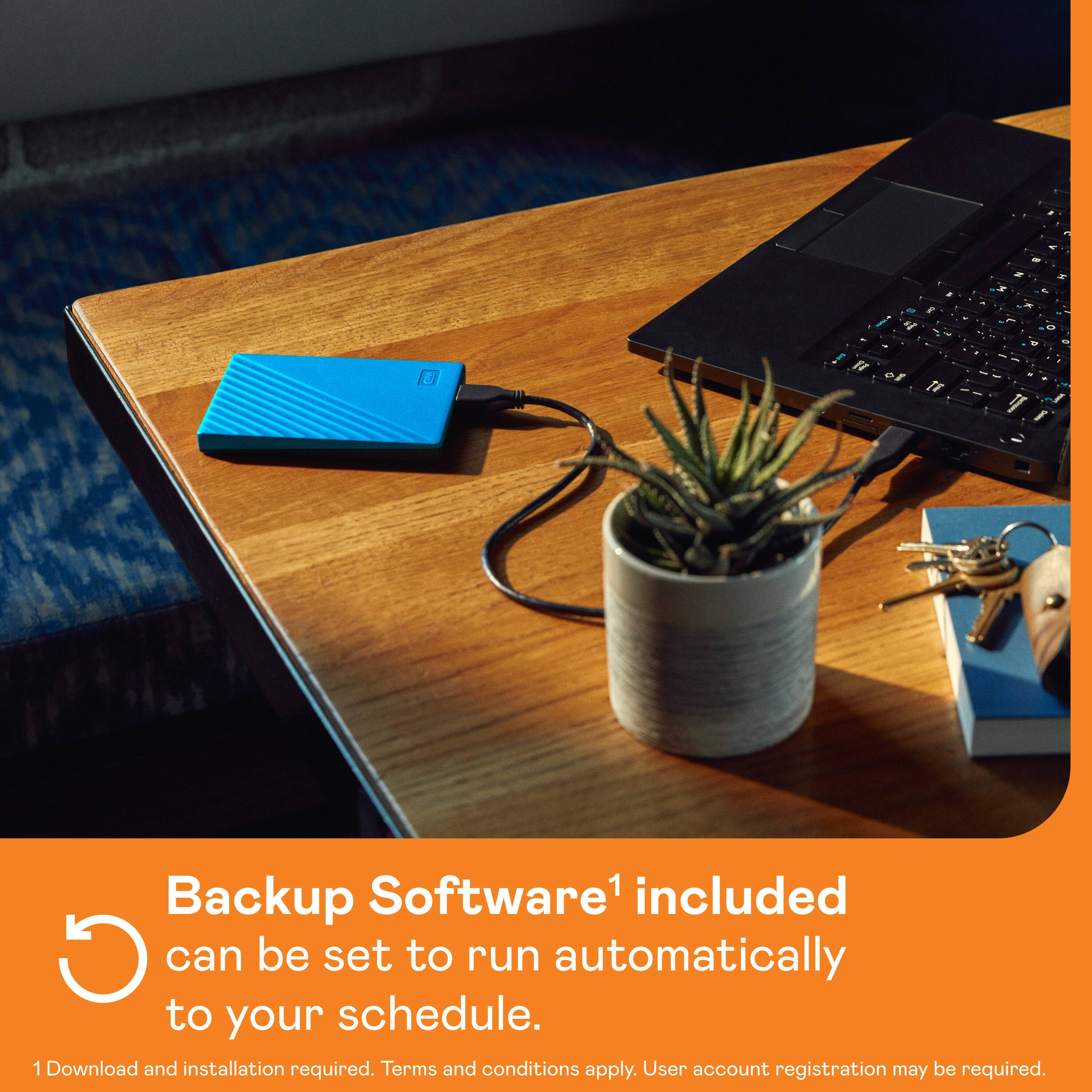
- A:Answer Hi, Please be informed that you can create separate backup folders for each user or they can backup data accordingly. You can use Acronis True Image for Western Digital for backup please refer to the link to Perform File Backup and Restore to External Drive Using Acronis True Image for Western Digital: https://support-en.wd.com/app/answers/detailweb/a_id/30022/related/1
Answered by Western Digital Team
Q: QuestionMy passport is no longer visible on my pc. It says no drivers
Asked by Emil.
- A:Answer Try going into your partition settings in windows and reformatting or reassigning a drive letter to it and see if that works.
Answered by JACKD
Q: QuestionI don't speak computer. My 9 yr old MacBookPro laptop, v 10.15.7, is full & Apple Genius advised downloading contents to external hard drive to free up storage so that it could be updated. Can I do this with WD - My Passport 4TB Ext USB 3.0 Portable HD?
Asked by TotallyLost.
- A:Answer Hello, Yes, You can use the WD My Passport drive with your MacOS. Please be informed that the WD My Passport External drive comes preformatted in NTFS format for Windows OS, However, in order to use the drive for macOS you can reformat the drive with macOS supported HFS+J file system by using this link: https://support-en.wd.com/app/answers/detailweb/a_id/8200/related/1 .Please note that reformatting is a data destructive process, please backup the data from the drive before reformatting it. Once formatted, you can manually drag and drop files like photos, videos, or documents onto the external drive to free up space on your Mac.
Answered by Western Digital Team
Q: QuestionHi can I backup my iPhone 13 this Hard drive?
Asked by JJ712.
- A:Answer Hi JJ712l, Please be informed that the WD My Passport drive is a plug 'n' play device tested and designed for Windows and Mac computers. We have not tested the drive on mobile devices or an iPad. We recommend you to use the computer to move the data from the phone to the drive. Refer to the link in order to know more about the drive: http://products.wdc.com/library/AAG/ENG/4078-705155.pdf
Answered by Western Digital Team
Q: QuestionDoes this work on ipad pro. Is there an app with it
Asked by Michael.
- A:Answer Hi Michael, Please be informed that the WD My Passport drive is a plug 'n' play device tested and designed for Windows and Mac computers. We have not tested the drive on mobile devices or an iPad. We recommend you to use the computer to move the data from the phone to the drive. Refer to the link in order to know more about the drive: http://products.wdc.com/library/AAG/ENG/4078-705155.pdf -Need Help? Please see our "'Contact Us" page for information.
Answered by Western Digital Team
Q: QuestionExternal hard drives compatible with steam deck?
Asked by Sb1974.
- A:Answer Hi Sb1974, Please be informed that the WD My Passport drive is a plug 'n' play device tested and designed for Windows and Mac computers. Please check with the manufacturer vendor whether the WD My Passport Hard Drive will fit and support the host device. In order to know more about the drive refer to the link: https://www.westerndigital.com/en-in/products/portable-drives/wd-my-passport-usb-3-0-hdd?sku=WDBYVG0010BBK-WESN
Answered by Western Digital Team
Most-viewed items
- Black Friday Deal$59.99Your price for this item is $59.99
- Black Friday Deal$239.99Your price for this item is $239.99
- Black Friday Deal$269.99Your price for this item is $269.99
- $289.99Your price for this item is $289.99$389.99The comparable value for this item is $389.99
- Black Friday Deal$249.99Your price for this item is $249.99
- Black Friday Deal$149.99Your price for this item is $149.99
- Black Friday Deal$109.99Your price for this item is $109.99
- $229.99Your price for this item is $229.99$299.99The comparable value for this item is $299.99
- $164.99Your price for this item is $164.99$169.99The comparable value for this item is $169.99
- Black Friday Deal$299.99Your price for this item is $299.99
- Black Friday Deal$89.99Your price for this item is $89.99
- $74.99Your price for this item is $74.99$84.99The comparable value for this item is $84.99
- $180.49Your price for this item is $180.49$296.99The comparable value for this item is $296.99
- $74.99Your price for this item is $74.99$79.99The comparable value for this item is $79.99
- Black Friday Deal$149.99Your price for this item is $149.99
- $69.99Your price for this item is $69.99
- $79.99Your price for this item is $79.99$89.99The comparable value for this item is $89.99
- $279.99Your price for this item is $279.99
- Black Friday Deal$149.99Your price for this item is $149.99