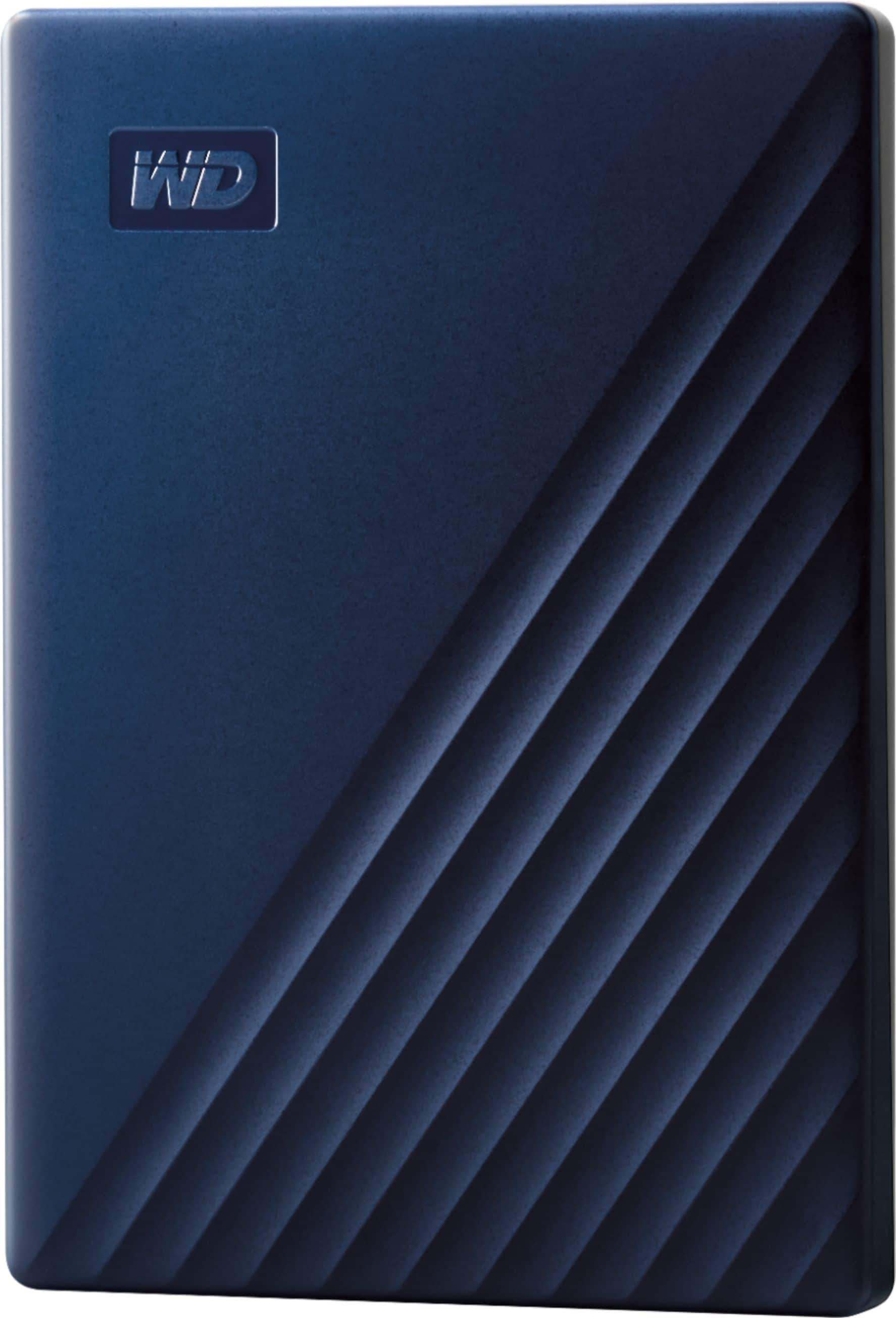
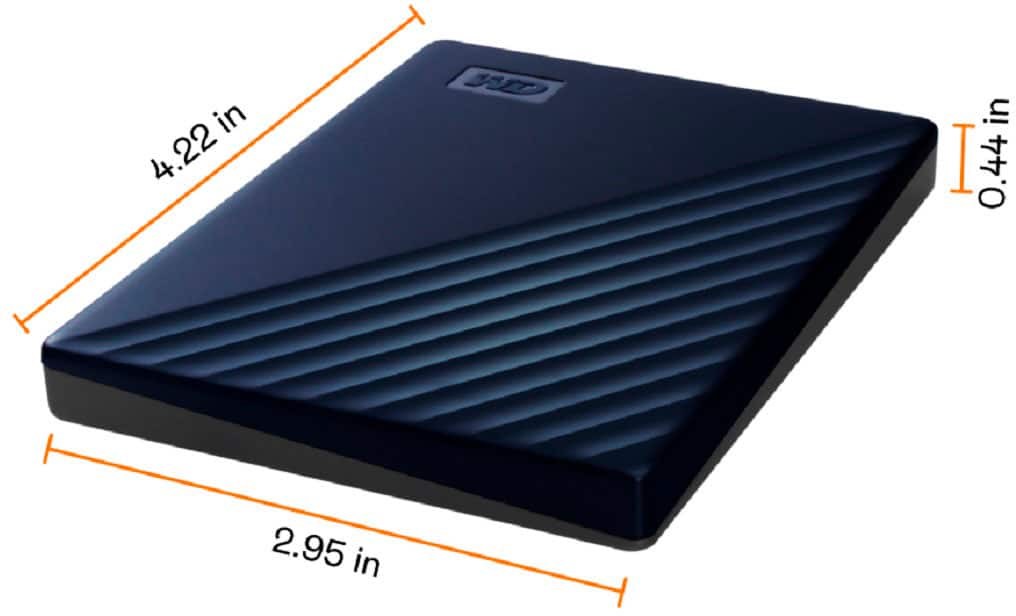
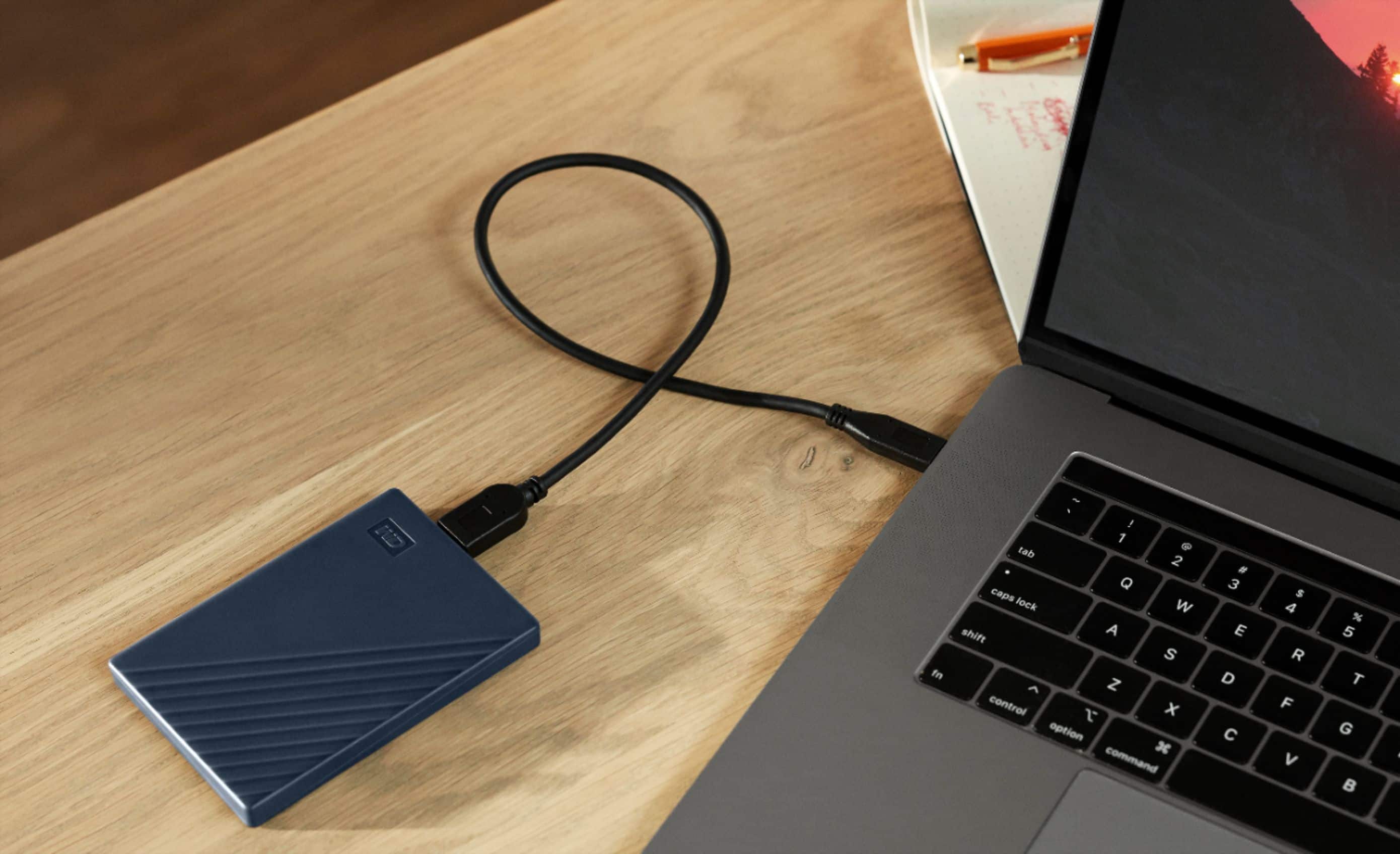
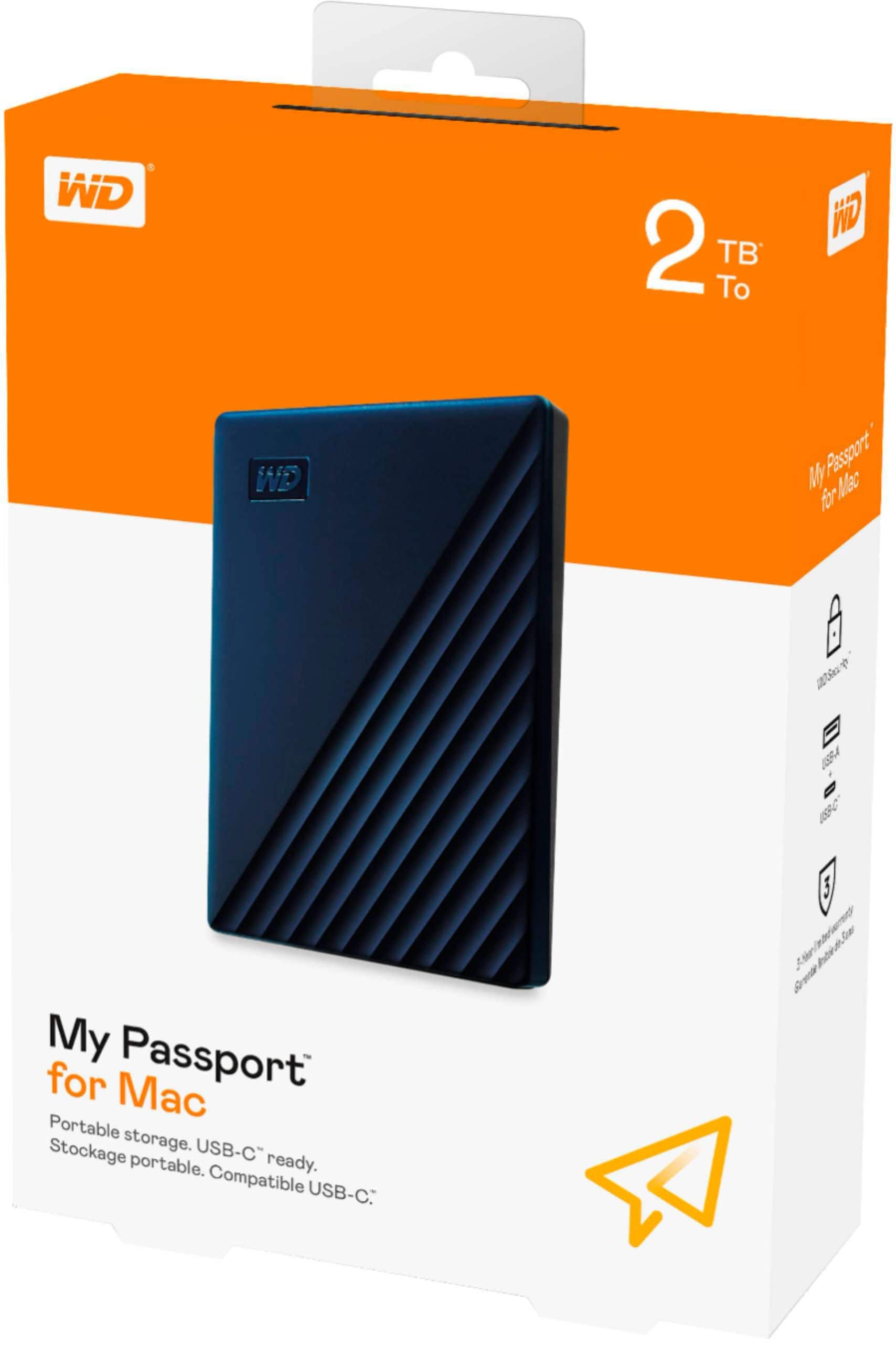
A:AnswerHi Rye, Please be informed that the WD My Passport for Mac drive is a plug 'n' play device tested and designed for Windows and Mac computers. We have not tested the drive on mobile devices or an iPad. We recommend you to use the computer to move the data from the phone to the drive. To know more about the drive refer to the link: https://products.wdc.com/library/AAG/ENG/4078-705156.pdf -Need Help? Please see our "'Contact Us" page for information.
A:AnswerHello Hemi, Please be informed that the WD My Passport for Mac drive is a plug 'n' play device tested and designed for Windows and Mac computers. The comes pre-formatted HFS+ Journaled for macOS ready out of the box and compatible with macOS 11+. To know more about the drive refer to the link: https://products.wdc.com/library/AAG/ENG/4078-705156.pdf -Need Help? Please see our "'Contact Us" page for information.
A:AnswerHi, Thank you for getting in touch with us. Please know that the WD My Passport for Mac External USB 3.0 Portable Hard Drive is compatible with macOS 11 and above. If you encounter any issues, you can open a ticket at (https://support-en.wd.com/app/askweb) with detailed problem and error screenshots.
A:AnswerDefinitely once you go ahead and set it up as an external storage drive on the device you are using you can have your games stored and played seamlessly through that method.
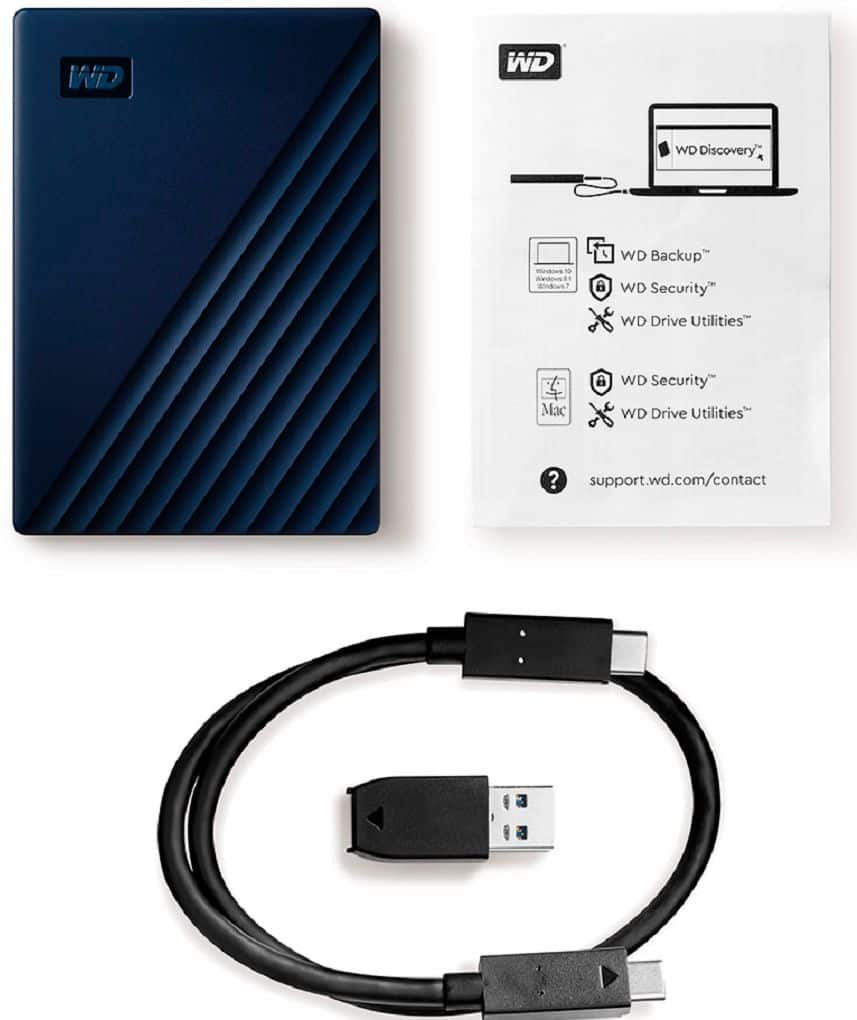
A:AnswerHello, Please be informed that this drive does not come with an adapter. You could purchase the adapter or connector from nearby store. Refer to the link in order to know more about the drive: http://products.wdc.com/library/AAG/ENG/4078-705156.pdf -Need Help? Please see our "'Contact Us" page for information.
A:AnswerHi Maxtravis, Please be informed that the WD My Passport For Mac drive is a plug 'n' play device tested and designed for Windows and Mac computers. It's not a solid state drive. Refer to the link in order to know more about the drive: http://products.wdc.com/library/AAG/ENG/4078-705156.pdf -Need Help? Please see our "'Contact Us" page for information.
A:AnswerHello TerryIMAC, Please be informed that to configure backup on this drive you could use Acronis True Image for Western Digital software and the software will give you the option to select the folders which you want to backup and not to backup. Please refer to the following link: https://support-en.wd.com/app/answers/detailweb/a_id/30022/related/1 -Need Help? Please see our "'Contact Us" page for information.