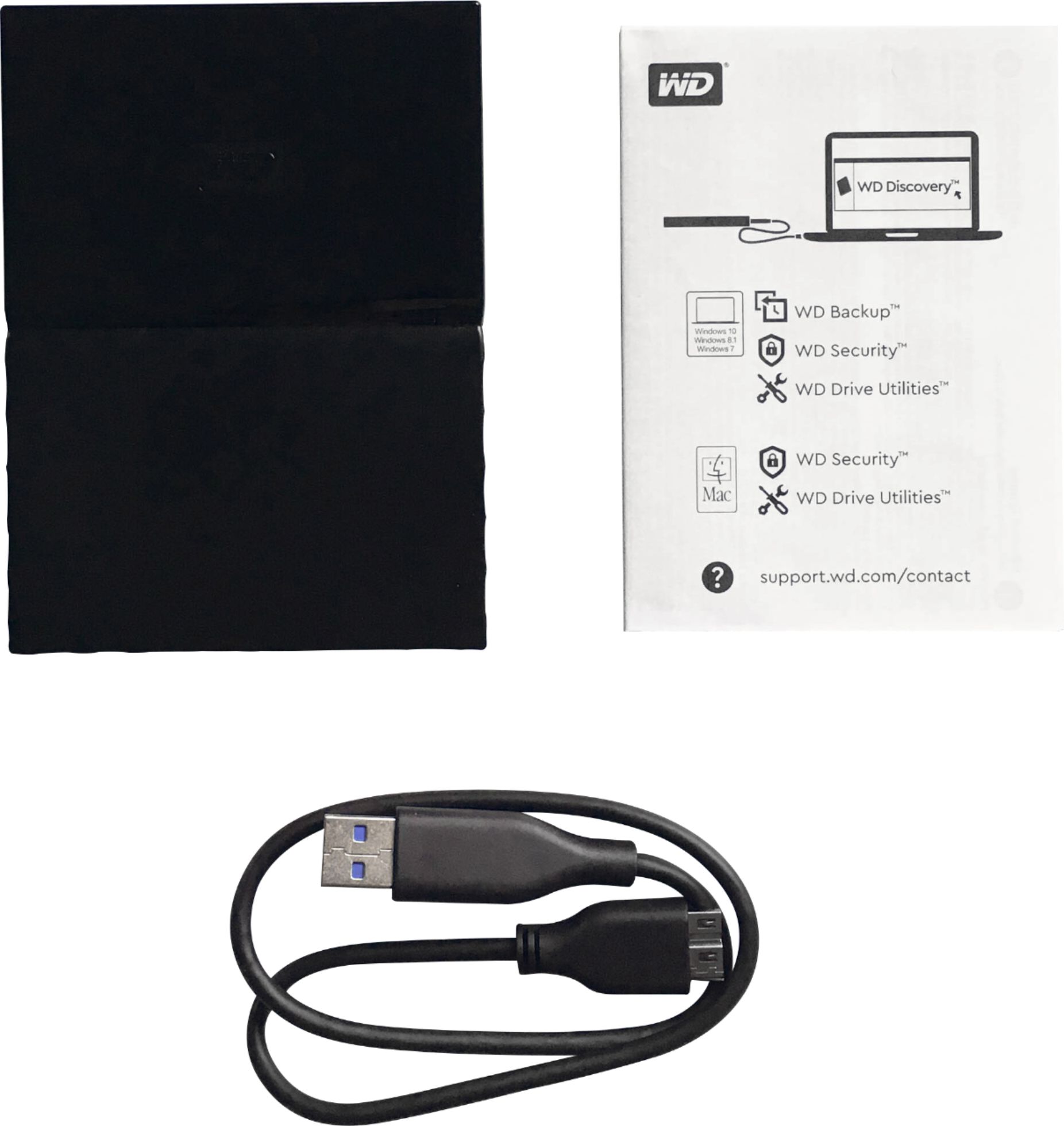
A:AnswerYou would have to partition the drive and set one part aside for Mac the other for PC. If you primarily use MAC they make/offer a MAC formatted version. I have used them before on both types of systems but the formatting is different for the different operating systems and my understanding is you can't simply plug and play in both systems unless the drive is partitioned for that purpose. WD Discovery software that is included with the drive allows you to do this however. It also has some drive health/maintenance apps that are helpful in keeping the drive healthy. Cheers. :-)
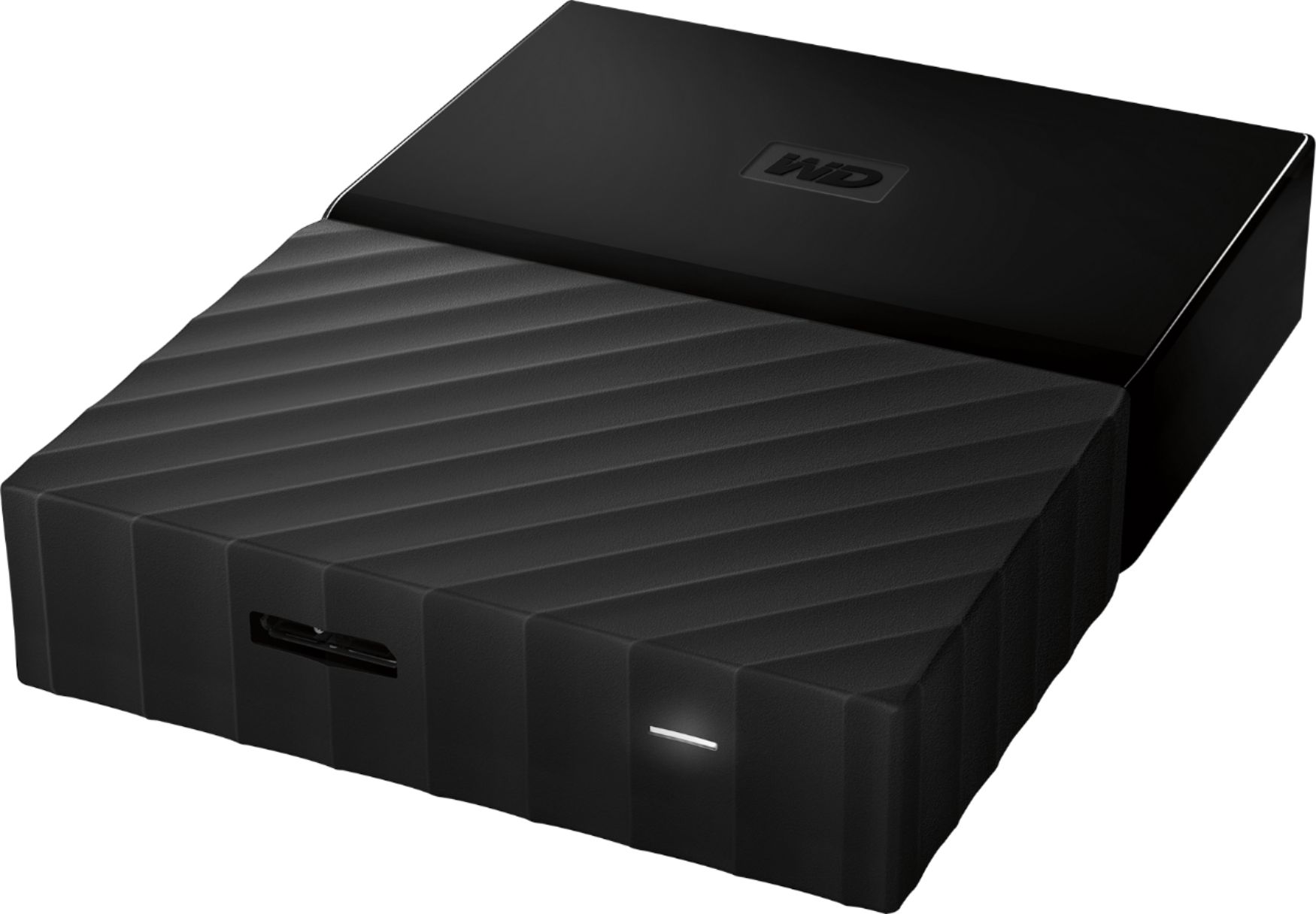
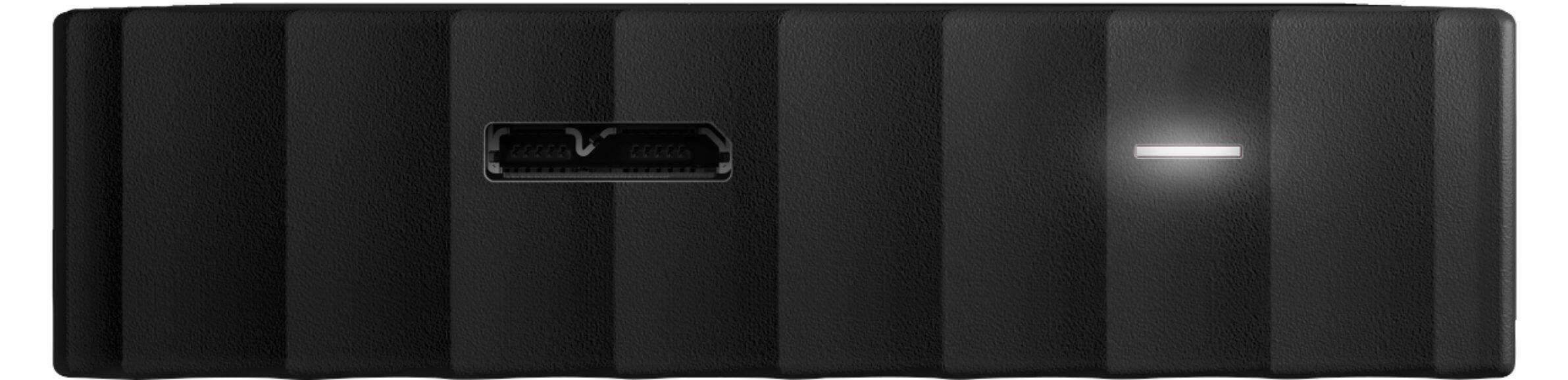
A:AnswerIt comes with two cords - one with the usual USB high speed (the flat one with two sections that you're used to that attaches to the PHD) to a USB-A (the most common one).
The other cord has a USB high speed to a USB-C. So it plugs directly into your new MacBook Pro. You can also use this cord for other PHDs that you have.
A:AnswerIt comes with 2 cables. #1. The normal USB 3.0. #2. USB Type-C. So if your iPad Air has any of these types of ports, (like there iPad Pro) then the answer is yes. Otherwise, the answer would be no.
A:AnswerAll portable hard drives will fail. That's why you use more than one (I have four of them and alternate). Or just use iCloud.
I'm using Time Machine and it works fine. I think the only difference is the cables that are included. The MyPassport for Mac has a USB-C cable included so it plugs into the new MacBook Pro and New MacBook Air.