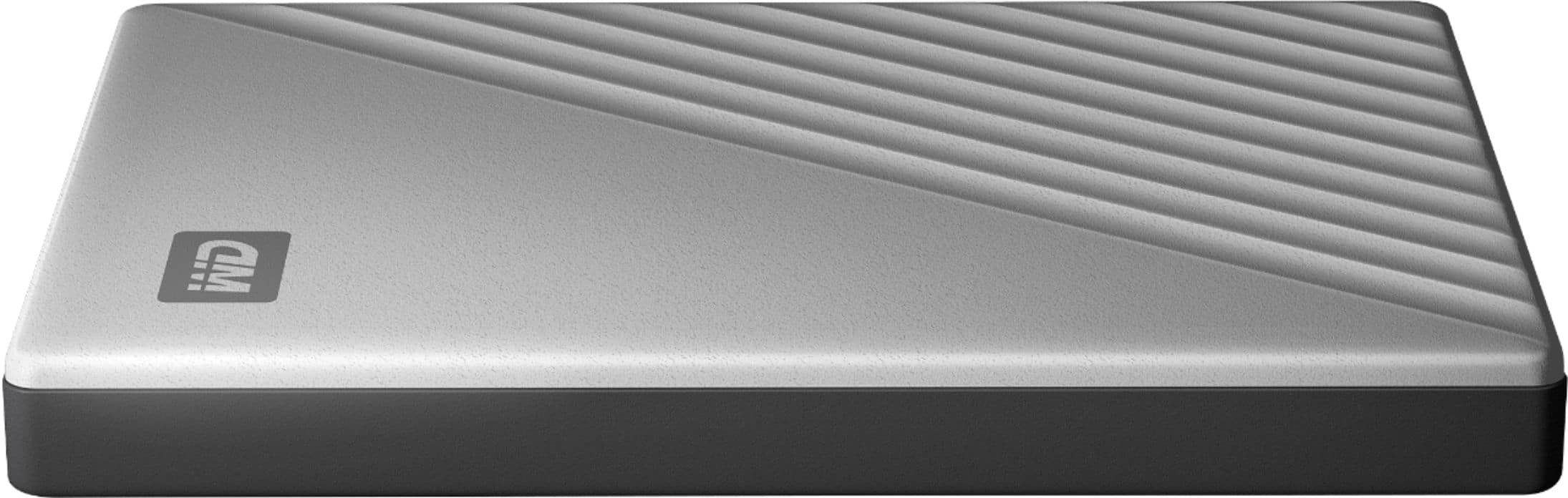
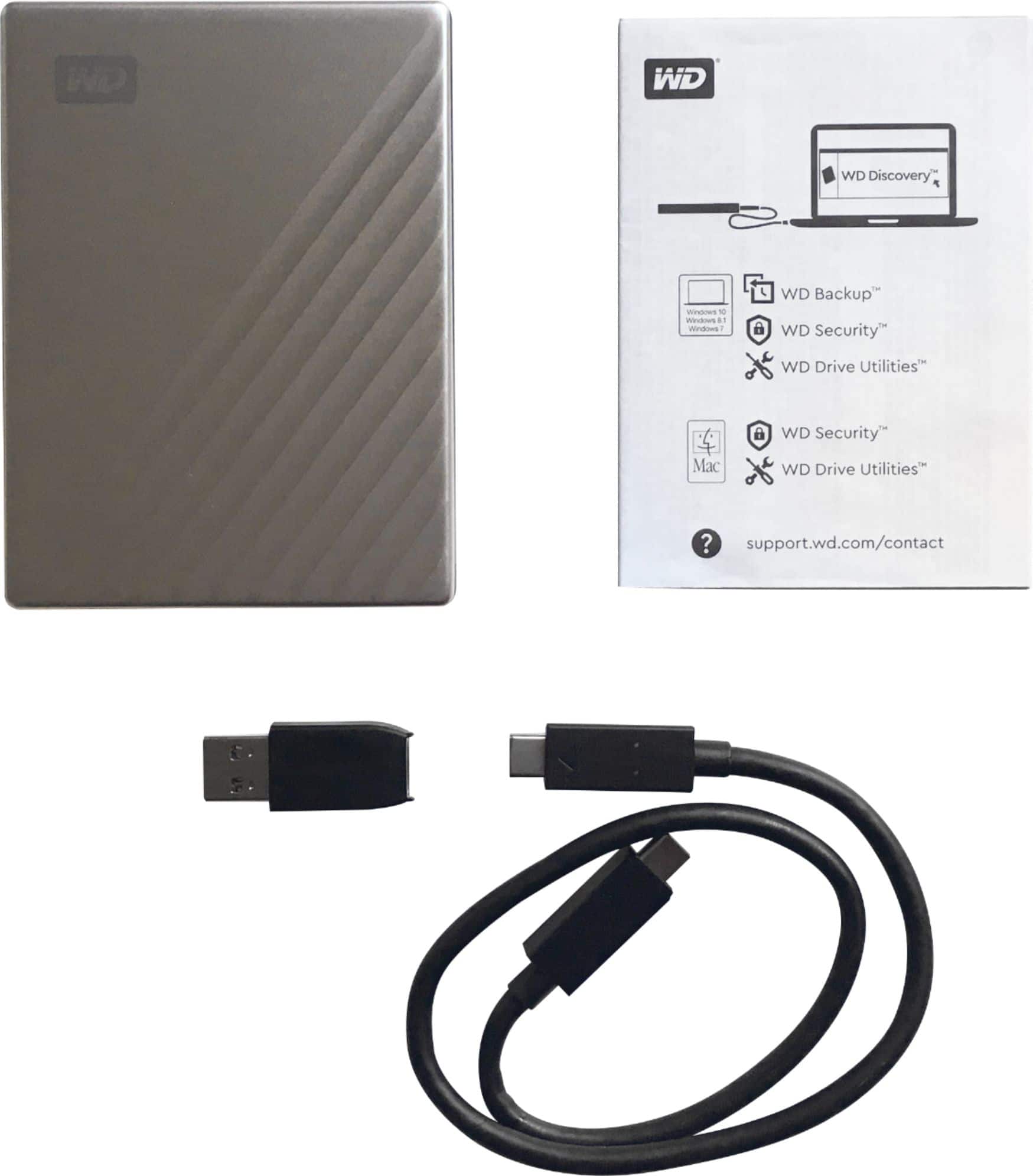
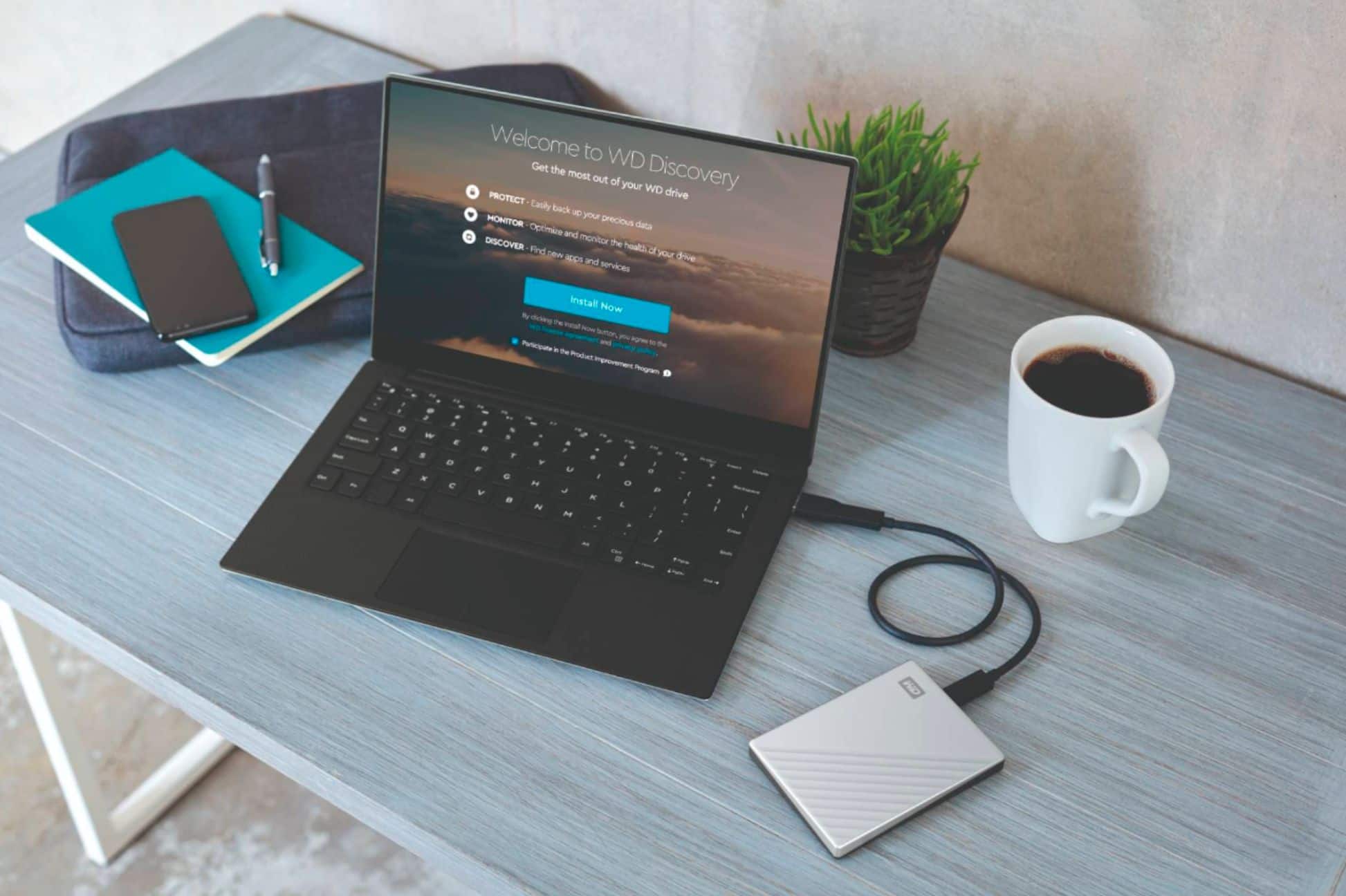
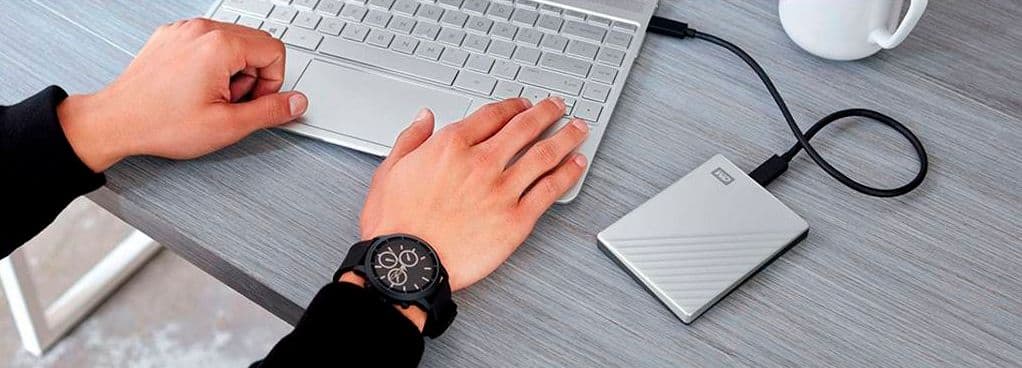
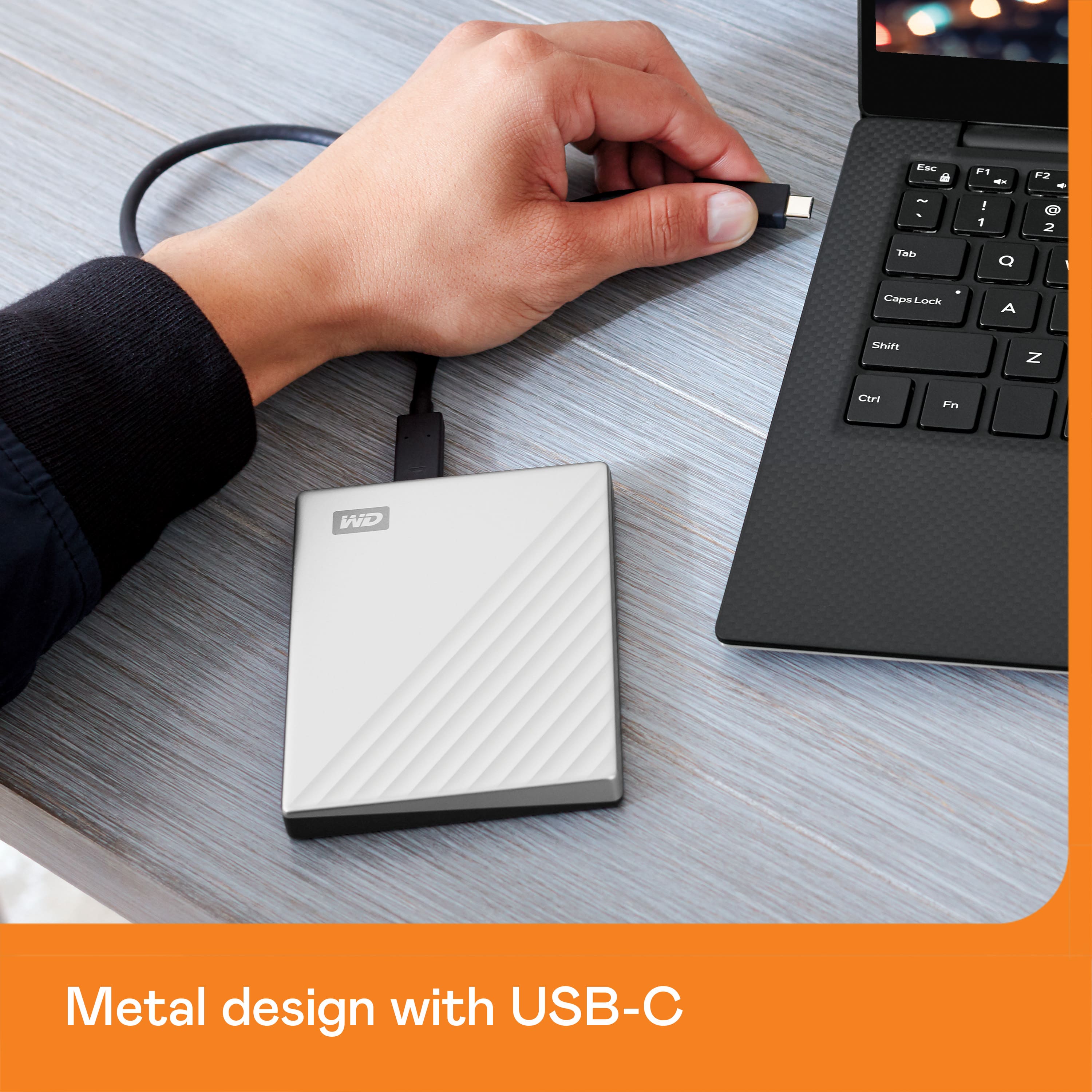
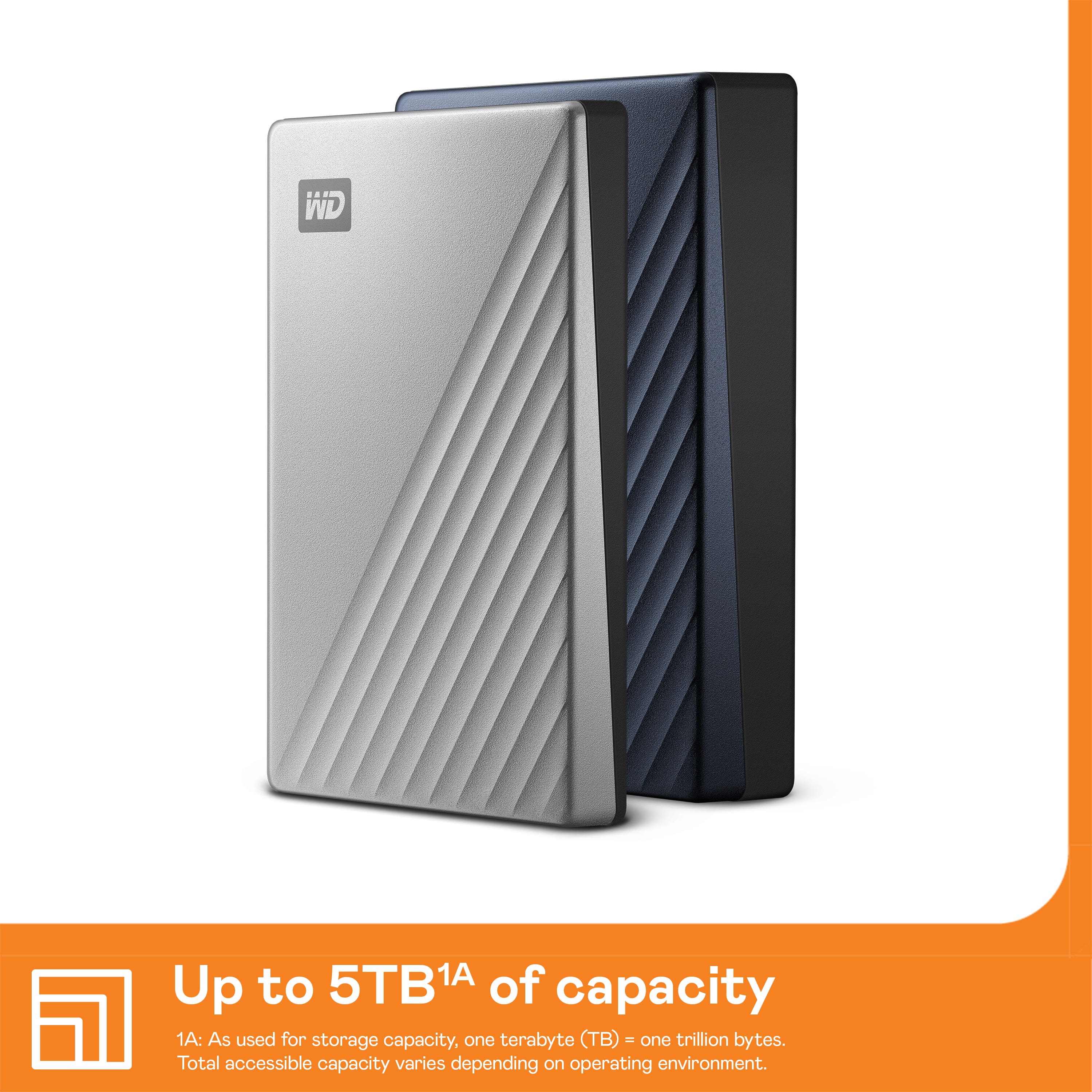
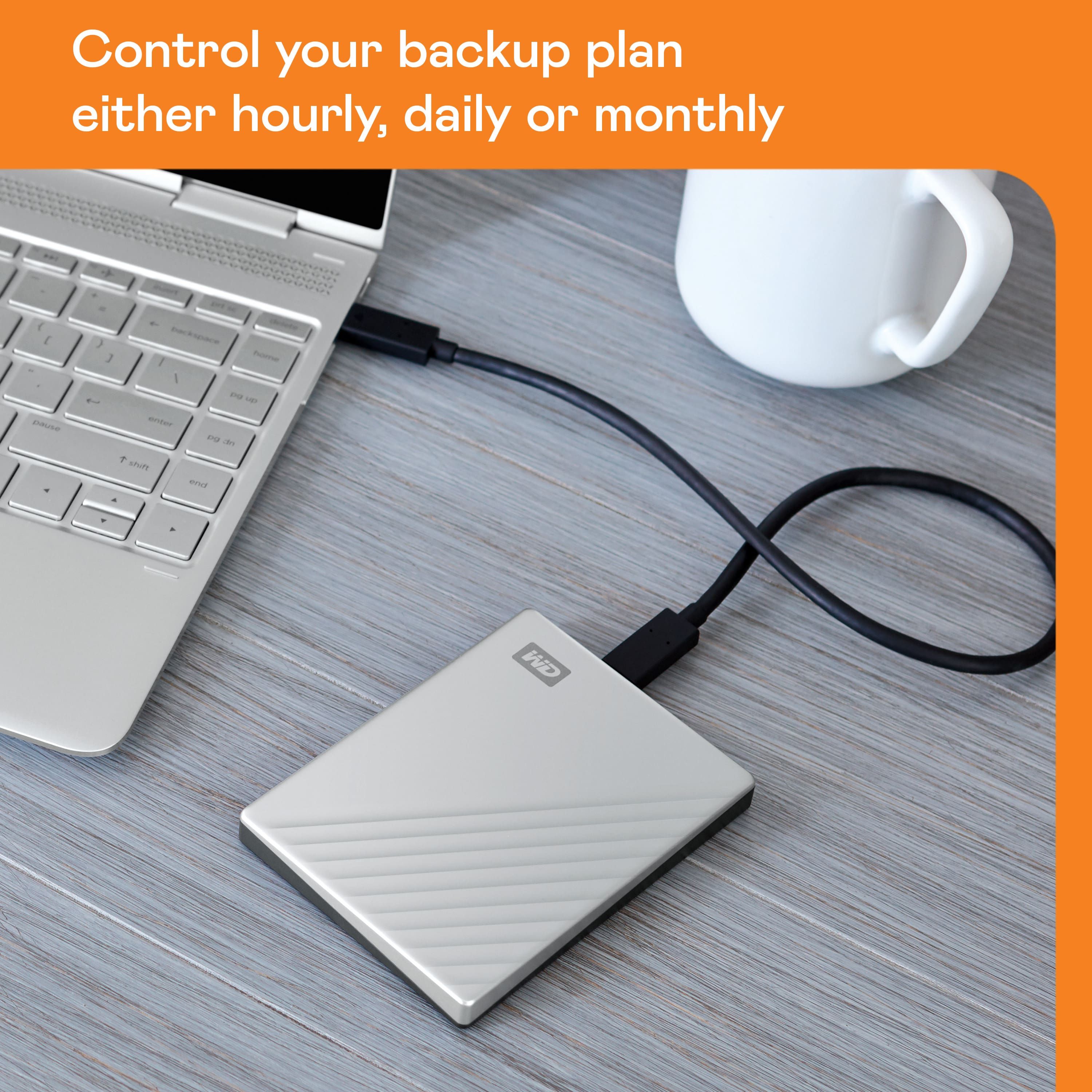
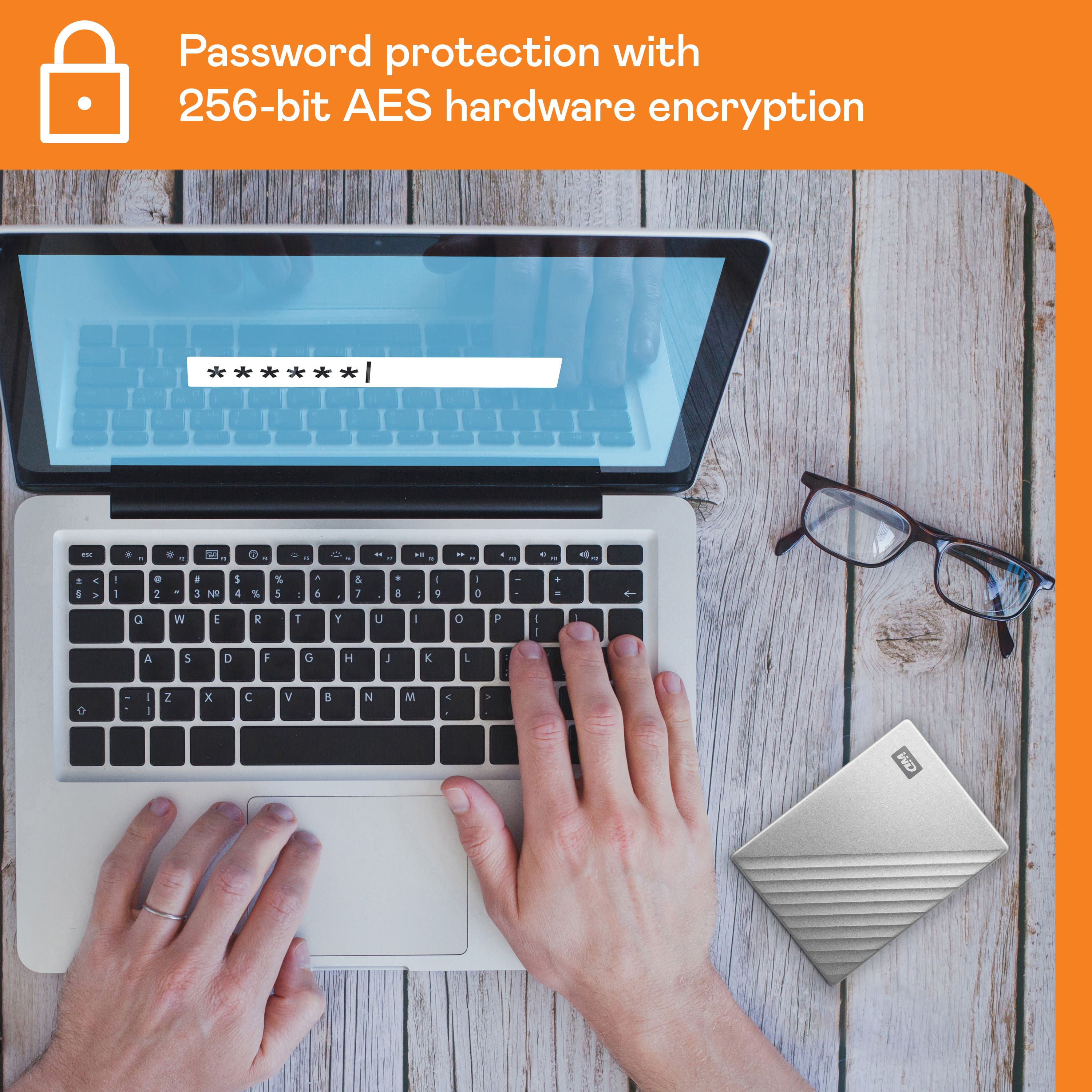
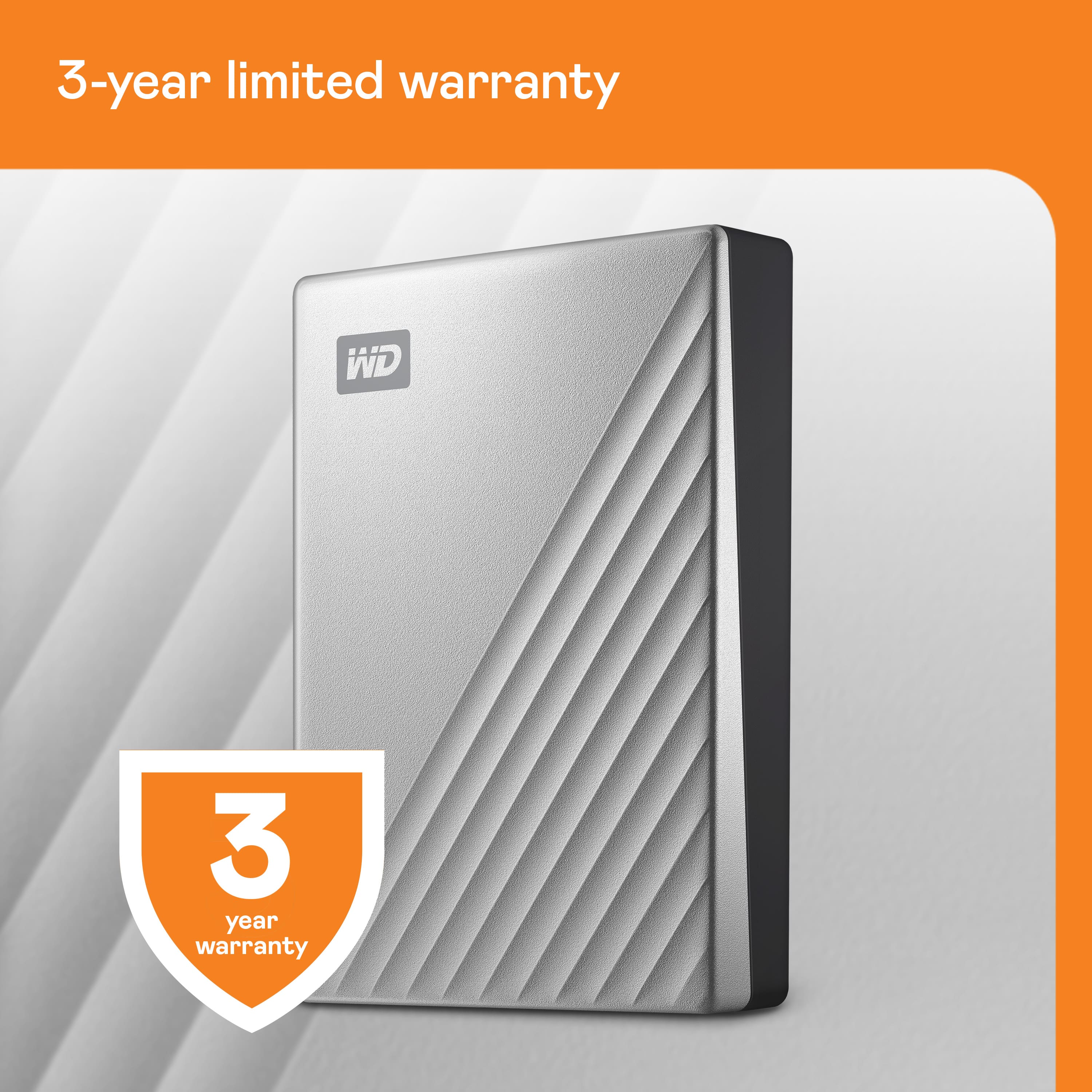
A:AnswerHello Ozzbozz, Please be informed that the WD My Passport ultra drive is a plug 'n' play device tested and designed for Windows and Mac computers. We recommend you to please check with your host device vendor for more compatibility info. For more information about the drive please refer to the mentioned link below:https://products.wdc.com/library/AAG/ENG/4078-705133.pdf . -Need Help? Please see our "'Contact Us" page for information.
A:AnswerHello Jay, Please be informed that the WD My Passport ultra drive is a plug 'n' play device tested and designed for Windows and Mac computers. Please check with the manufacturer vendor whether the WD drive will fit and support the host device. For more information about the drive please refer to the mentioned link below:https://products.wdc.com/library/AAG/ENG/4078-705133.pdf . -Need Help? Please see our "'Contact Us" page for information.
A:AnswerHi Prateek,
The WD My Passport Ultra drive is a plug and play device which comes preformatted in NTFS file system for Windows computer. It is best your WD My Passport Ultra to be re-formatted in macOS Extended (Journaled) file format, to be compatible with Time Machine or exFAT to be read/write ready on both Windows and macOS.
How to Format a WD Drive on Windows and macOS":
https://support-en.wd.com/app/answers/detail/a_id/8200
Need Help? Please see our "'Contact Us" page for information.