A:AnswerWebroot does not usually interfere with other apps and programs. You can check https://answers.webroot.com/ for troubleshooting if your issue persists.
Thank you,
A:AnswerImmediately after the install in in place
It's best to use the customer support if you renew this product I've found because I wasn't able to use this product without having a lapse of protection and bought another subscription in-store which confused the renewal due to multiple device keys having been installed It wasn't until my current subscription timeframe that I learned I didn't have to buy new Webroot keys The same one can and should be sufficient Also, make sure that each device you use the key with is also renewed or removed from access each time I had a rent to own laptop that I didn't remove protection from when I turned it back in, so someone got free protection from my subscription for the remaining 9 months
A:AnswerI, also, am what I have termed "tech-tarded" (hopefully not insulting) My first install was from a disc purchased from Best Buy It was super easy to install, although I did eventually need some tech support to set up the associated account for account control and administrator usage Geek Squad was right there explaining step by step the 'how-to's' once all of my data was set up
A:AnswerHello,
typically this is the same number, but just to be sure feel free to contact our free support and we'll answer this definitively
https://www.webroot.com/us/en/support/contact
(Geeksquad numbers included as well)
A:AnswerHi,
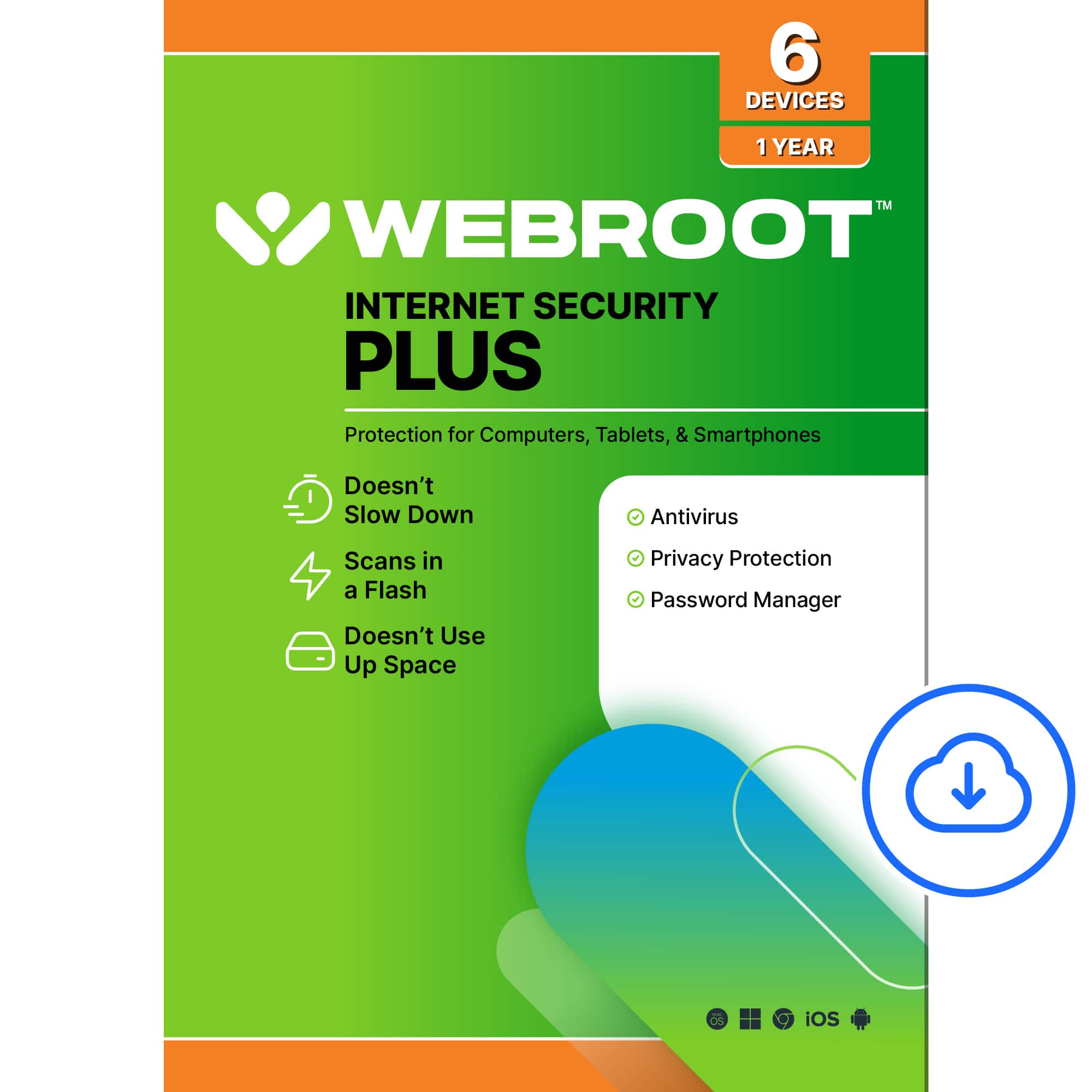
Yes this package will allow you to download the iOS secure browsing app that can be found here
https://www.webroot.com/us/en/home/products/ios-mobile-security
A:AnswerWhich one? If you are asking about webroot the digital one, no it does not work on iPhone or iphad I end up paying more and haven even install it yet