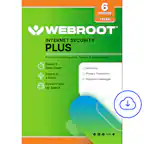
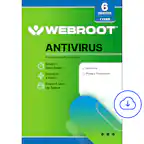
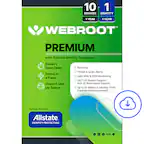
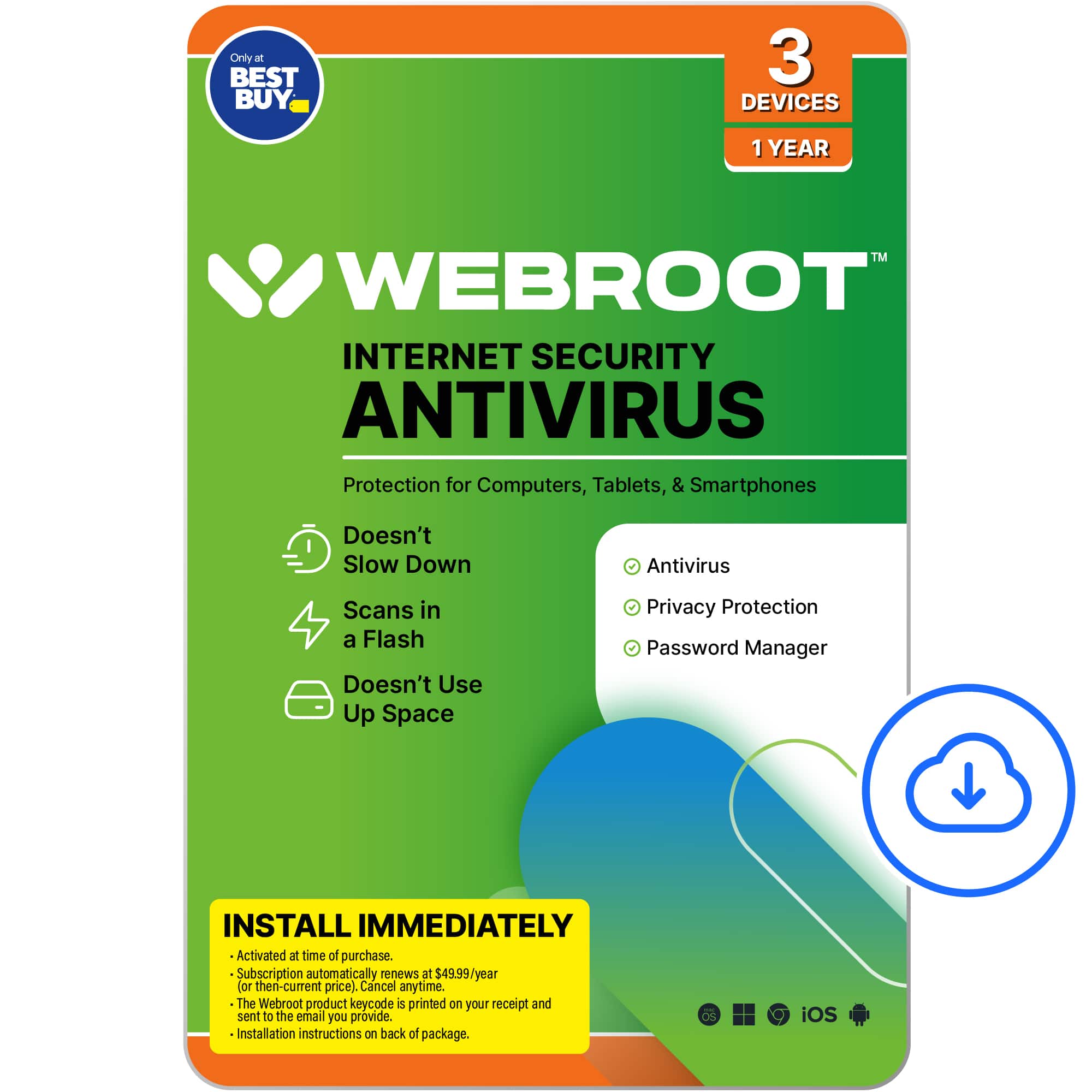
A:AnswerWebroot is seperate from what you can get from Bestbuy. I learned this the hard way. Geeksquad can help you with this but the cost of Webroot will be a seperate charge.
A:AnswerHi, you can connect to your Webroot MyAccount dashboard to check your subscriptions, your devices, your protection status and more at webroot.com/myaccount.
Thank you.
A:AnswerHI, thank you for your question. Webroot protection works well with Windows 10 and and it's a good idea to keep using it, not only to protect your PC from known and unknown viruses and malware, but also to protect you and your private data from malicious sites, fraudulent and phishing links. Webroot and Windows 10 combined even recorded the fastest boot time (Passmark tests, February 2023).
The Webroot Team
A:AnswerYes. Call and make an appointment. You can also walk in. It's best if you are covered by their insurance plan(s). Otherwise it can be expensive. You can call and get all of this information.
A:Answeri do not believe it will remove what has already been downloaded to your device. best buy will need to find and remove it. then apply the virus protection
A:Answeron sept 6 te atendant force me to pay 24.99 for webroot , to renew i din't had to renew at this time . i was sorpriced . i explain why. is not time to rene. and i was at best buy . and today i so the statemnt on my credit card with the charge of 49.99 . this is wrong. at the store todl me the mamanger and the person on the phone taht will credit . but the credit still pending and still not a fool refaunf