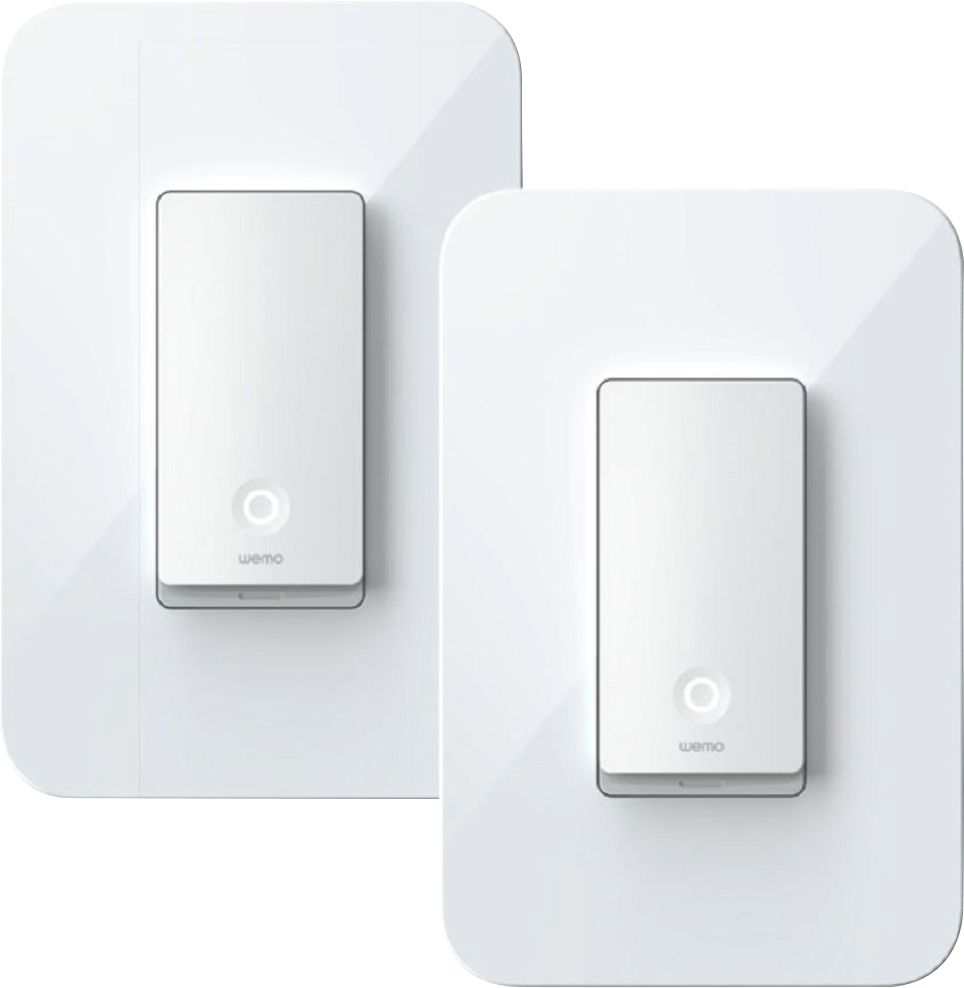
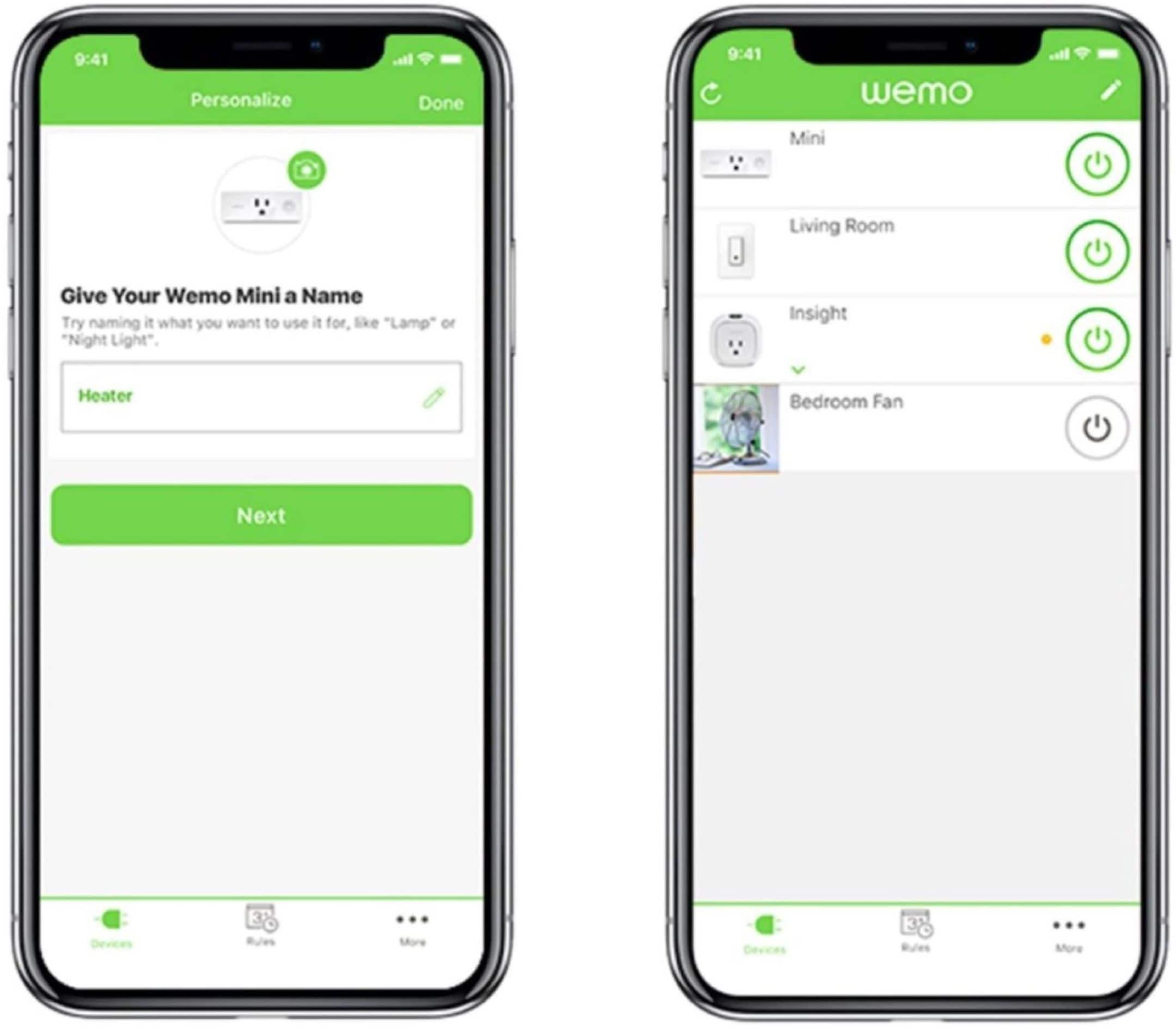
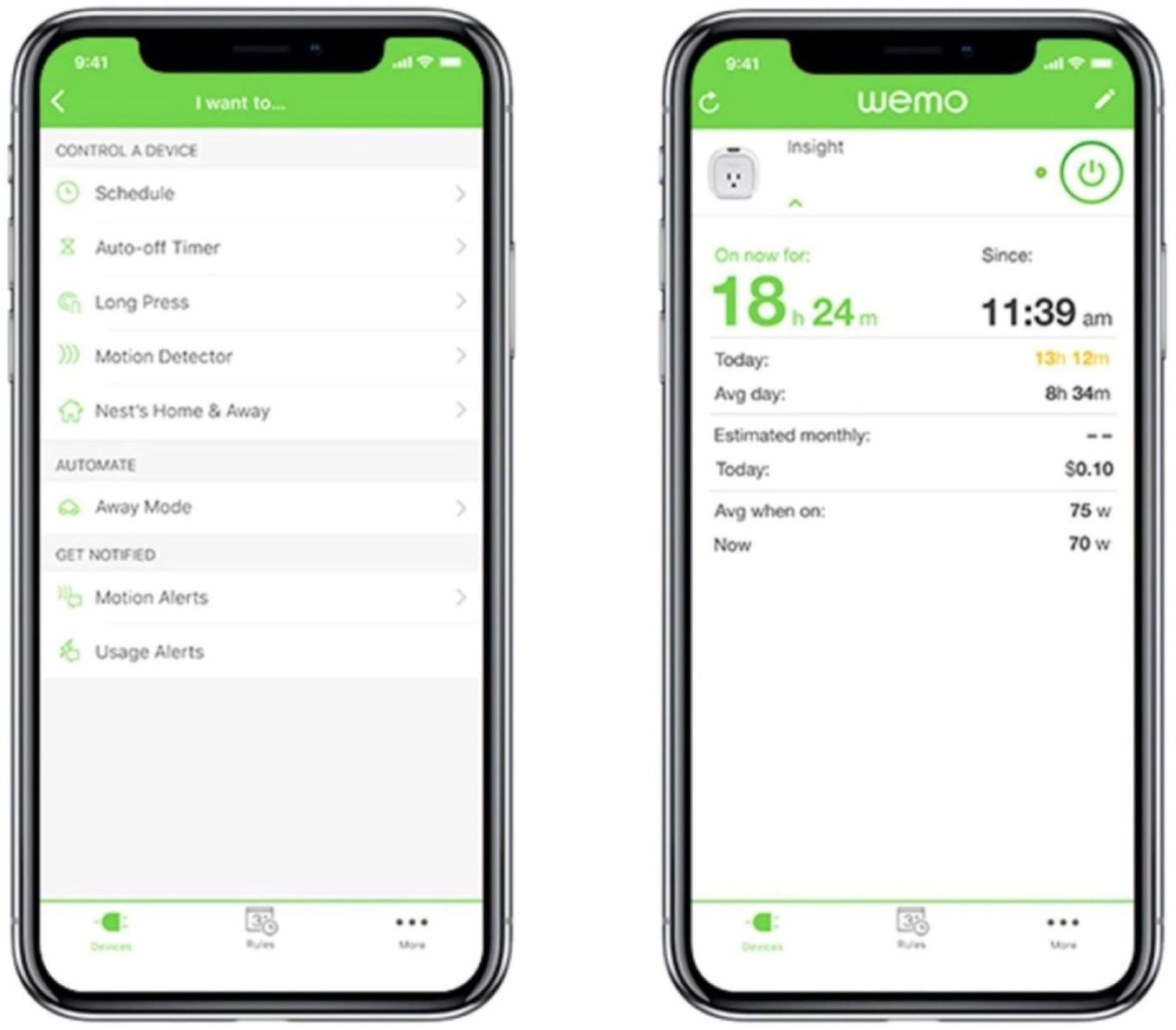
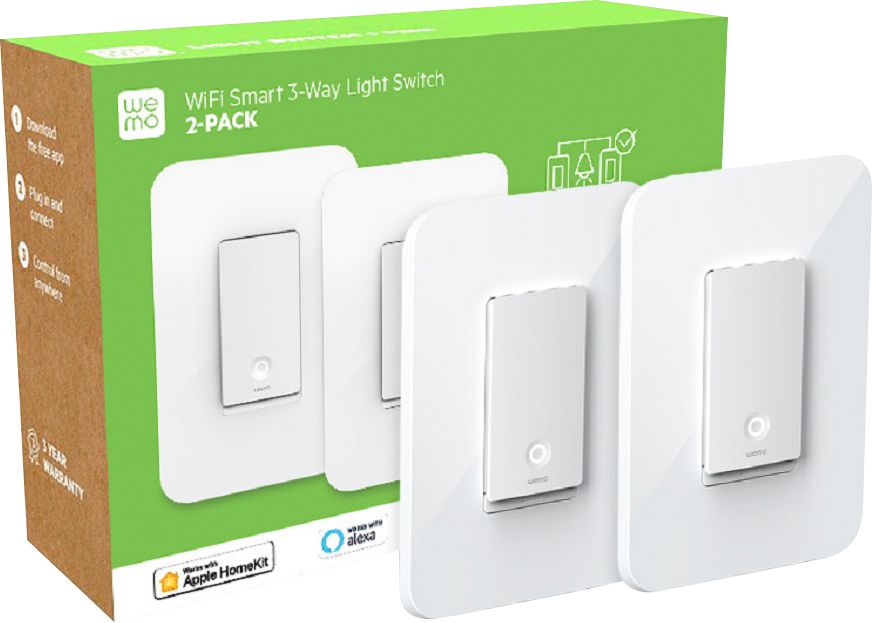
A:AnswerHi, Chris. You can install a ceiling fan on our light switches. However, you can cannot calibrate the fan speed nor dim any lights as it is not supported by the units. You can only control them to turn on and off via Wemo App or Alexa. For more details, please reach out to us at [email protected]
A:AnswerYou can use a product called Lutron Caseta Wireless Smart Switch. Buy the package that comes with the switch, hub and pico (remote control). Just replace the switch, it uses less wires than the wemo which is a plus. Plug the hub into your router and link the pico remote to the switch. Done!
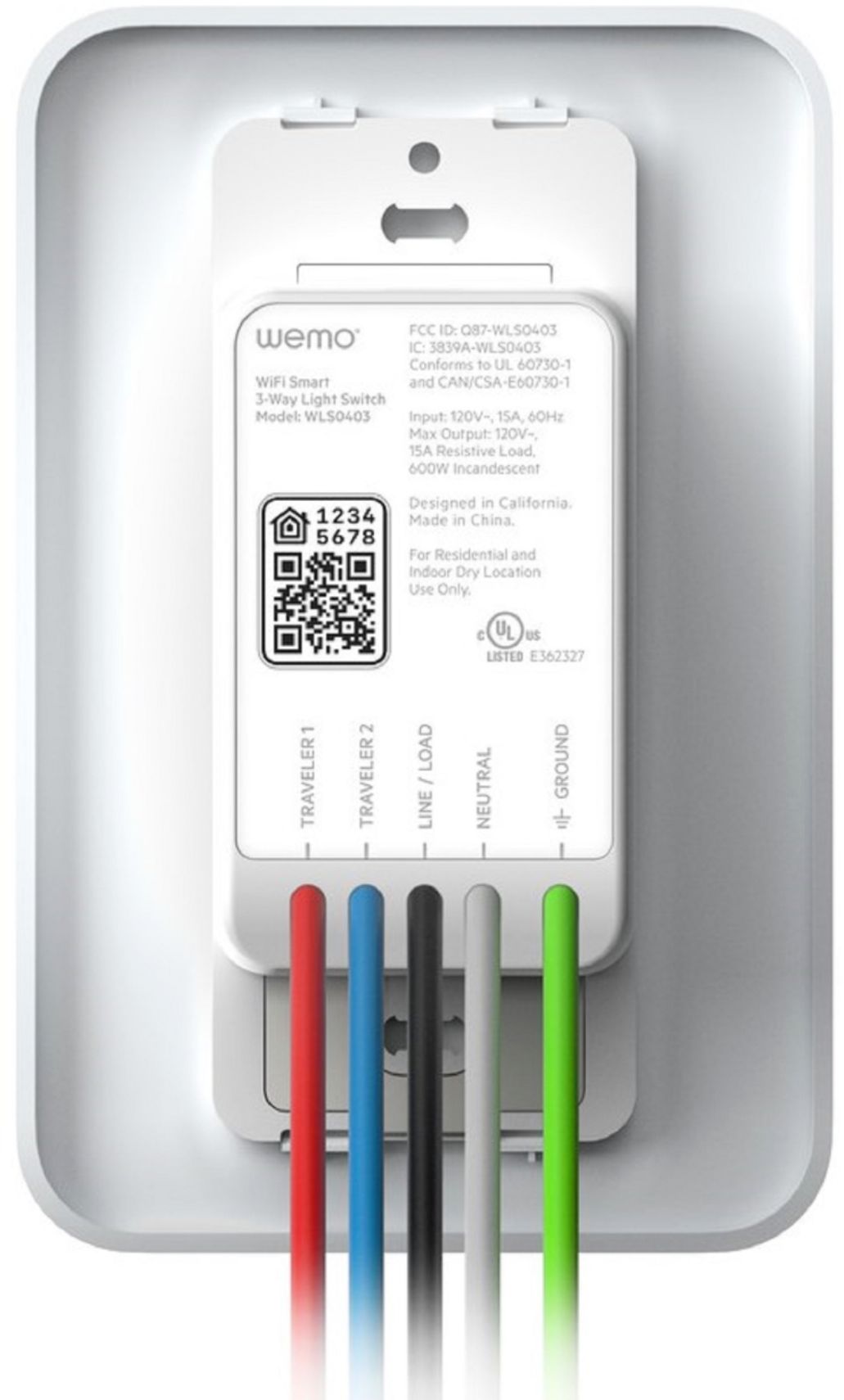
A:AnswerHi. The electrical rating of the Wemo 3-way Light Switch is 120V/15A/60Hz/1800W. Yes, it can handle multiple bulbs as long as it won’t exceed to its maximum wattage.
A:AnswerNo, Jason. The Wemo 3-Way Light Switch is not dimmable and cannot be used in a circuit with dimmer switches. This will cause the Wemo to malfunction or not work at all.
A:AnswerDO NOT BUY!
Avoid Belkin/WeMo. This switch will not work well with Alexa and will be obsolete in under 1 year as Belkin will not update it to work with new Matter communication protocols.
Indoor/Outdoor is immaterial... do not bring through the door into your home!!!
A:AnswerHello, Leticia. We recommend contacting your local electrician to properly configure the Wemo Light Switch. You may want to visit this link to view the support configuration of the Wemo device: (https://www.belkin.com/us/support-article?articleNum=315204).
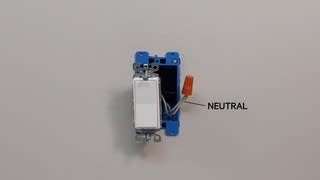
A:AnswerYes it will work. The instructions will show you which cables to connect for just one light one switch setup. I got four setup just like these and two setup as a 3 way switch.