Questions & Answers
Page Showing 41-49 of 49 questions
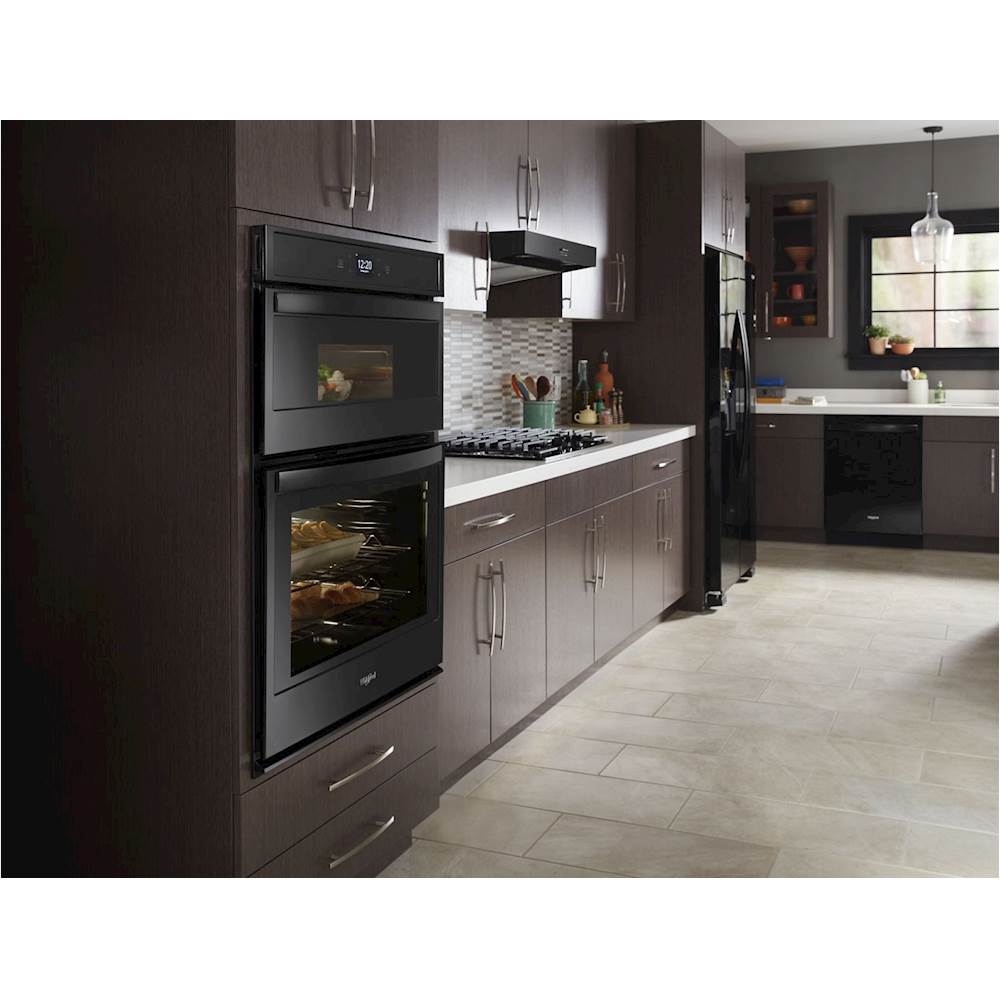
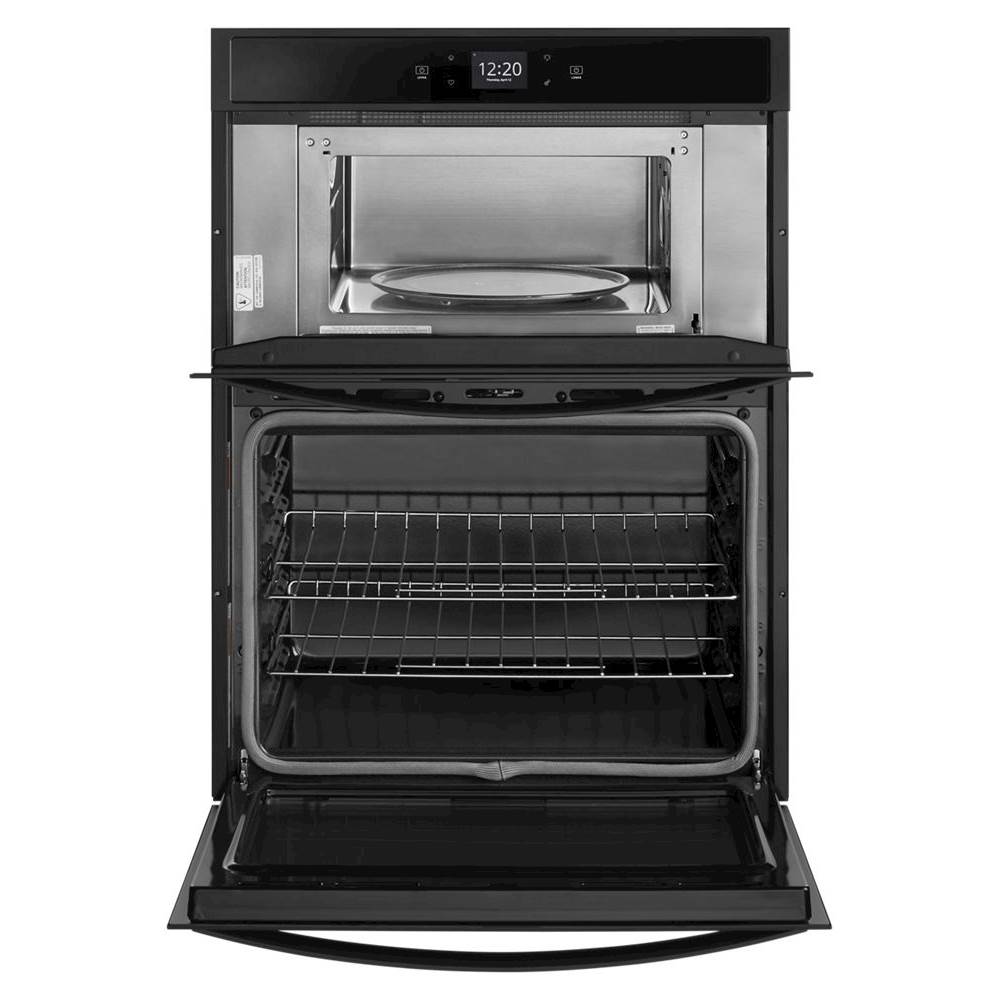
Q: Questiondimension for a whirlpool microwave oven combination
Asked by bob.
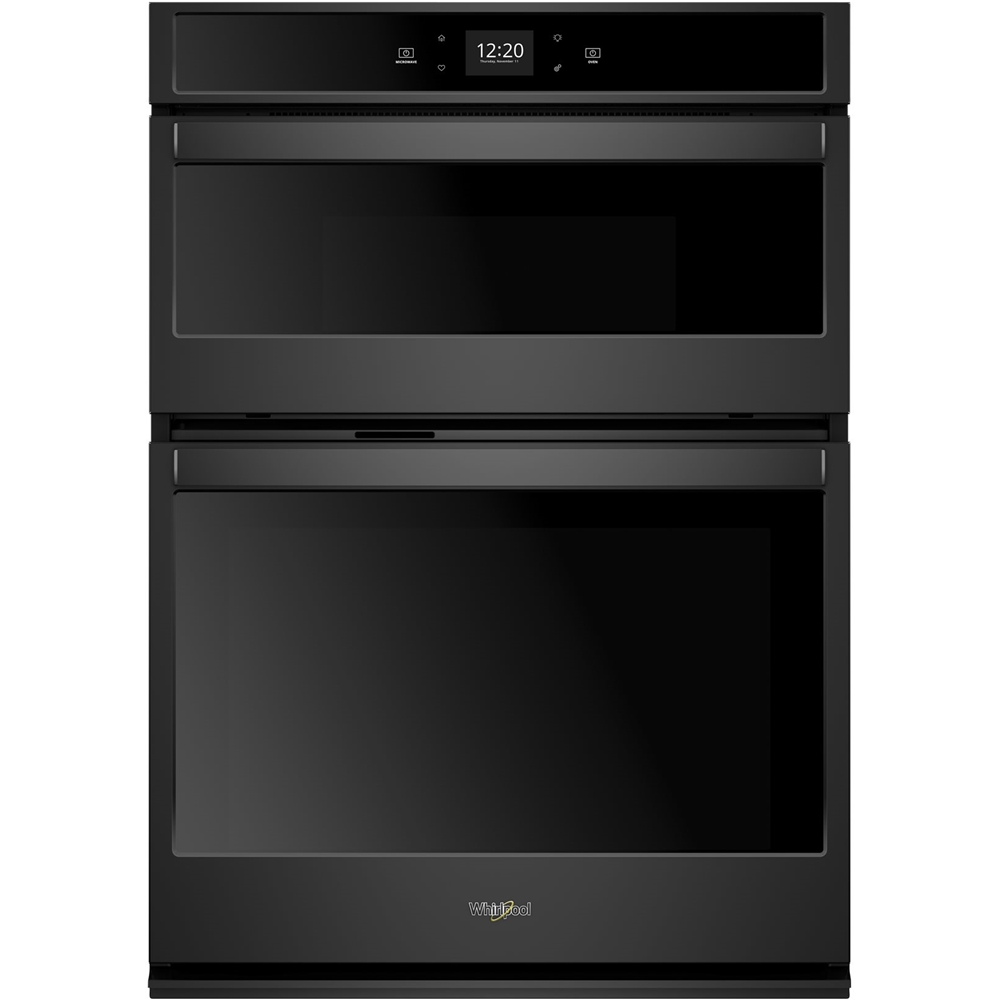
- A:Answer Hello bob! It would depend on the model you are looking at. For this specific model they are: Cutout Depth (in) 24, Cutout Height (in) 41 5/16, Cutout Width (in) 28 1/2, Depth 26 1/2", Height 42 9/16", Width 30", Depth Closed Excluding Handles 24 1/2", Depth With Door Open 90 Degree 46 3/4".
Answered by WhirlpoolTeam

Q: QuestionDoes this have roll out shelves
Asked by jimmy.
- A:Answer Hello jimmy, we are sorry but this model does not have roll-out shelves.
Answered by WhirlpoolTeam

Q: QuestionThe microwave is shot. Unit is about three years old. Why can’t I replace just the microwave? From the earlier comments, the person expressed that wasn’t an option. $3500 combo set- seems high for a throw away if each piece can’t be replaced separately.
Asked by Curious.
- A:Answer Thank you for sharing your insights with us, Curious. It's hard for us to hear that you had a negative experience, as we always try to do our best to provide our customers with the best support possible. Please reach out to us directly via Facebook https://www.facebook.com/whirlpoolusa or Twitter @WhirlpoolCare so we can look into this matter further for you. We’re looking forward to hearing from you.
Answered by WhirlpoolTeam

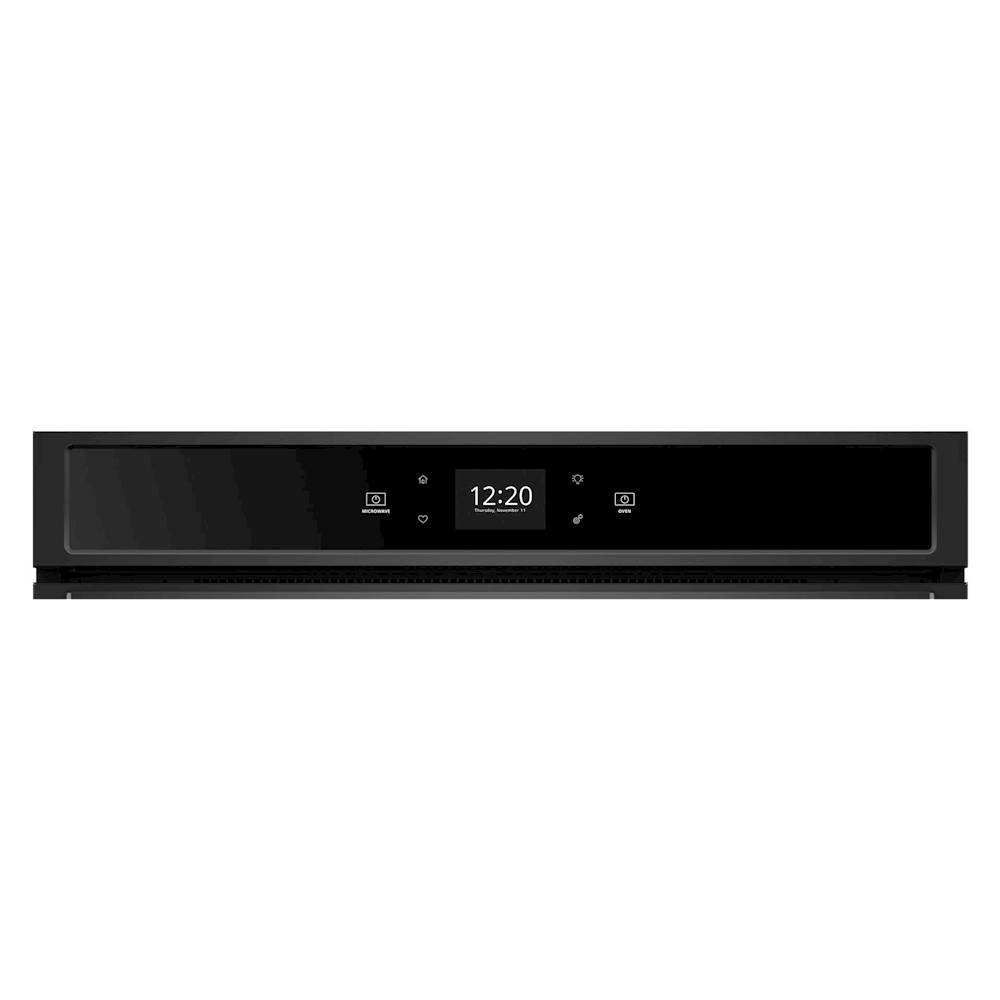
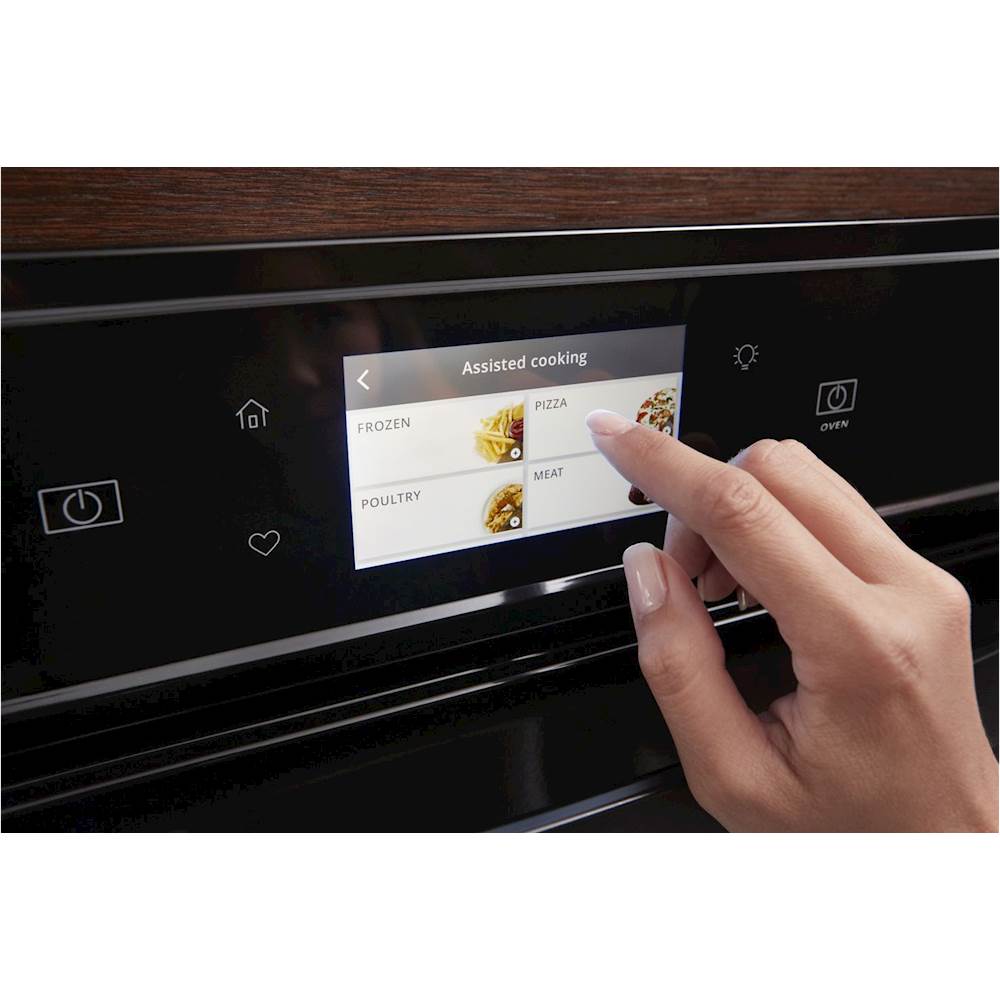
Q: Questionhow do you change date and time on oven/microwave w10749946A, probably sold around 2017
Asked by mickey.
- A:Answer Hit tool button----Scroll down to preference and hit it-----then hit time and date----Then set time and date.
Answered by Anonymous
Q: QuestionWhen I close the oven door it closes without making a noise, however when I close the microwave door it feels heavy and slams shut, is it supposed to do that or be similar to the oven door? I purchased this unit a couple weeks ago and it came like that
Asked by Anonymous.
- A:Answer This is how the Microwave door should shut.
Answered by WhirlpoolTeam

Q: QuestionI was trying to change the time, and now am stuck in demo mode AND cannot use microwave or oven. How do I get out of the demo mode???
Asked by Laura.
- A:Answer Select STORE DEMO MODE to enter Demo Mode. OR 1. Select NEXT to enter into product use. 2. Follow the prompts on the display screen to select a language, set up Wi-Fi/connect to network, accept the terms of service and set the time. NOTE: The display screen will show the time and date (default screen/standby mode). 3. Select TRY THE PRODUCT to explore various features and options of the product. OPTIONAL: Select VIEW PRODUCT VIDEOS to view a video about how to navigate and interact with the product and explore Voice Control. 4. Scroll and Select EXPLORE. 5. Select the Tools keypad. To exit Demo Mode, see the “Tools” section
Answered by WhirlpoolTeam

Q: QuestionWhy are the cut out dimensions for this oven wrong in the specifications!!! so confusing! Please confirm that a 30" oven combo will fit into a 28 1/2 width opening, Thanks!
Asked by Cecile.
This question was asked about the related product: Whirlpool - 30" Double Electric Wall Oven with Built-In Microwave - White
- A:Answer Hello Cecile! Please see the link for more information on Installation. https://bit.ly/2MAtxSt Thank you for your inquiry on our Whirlpool appliances.
Answered by WhirlpoolTeam

Q: QuestionHow do I turn the oven off?
Asked by Oven.
- A:Answer Just hit the “oven” button
Answered by Oven
Q: QuestionWhat are the electrical requirements for this unit? Voltage/amperage? Does it need a neutral wire?
Asked by Bobby.
- A:Answer Bobby- Here is a link to the Installation Guide. The electrical requirements are located on page 3. https://bit.ly/35caa6V
Answered by WhirlpoolTeam

Page 3, Showing 41-49 of 49 questions
Most-viewed items
- Tech Fest Deal$99.99
- New Limited Time Deal$1,299.99