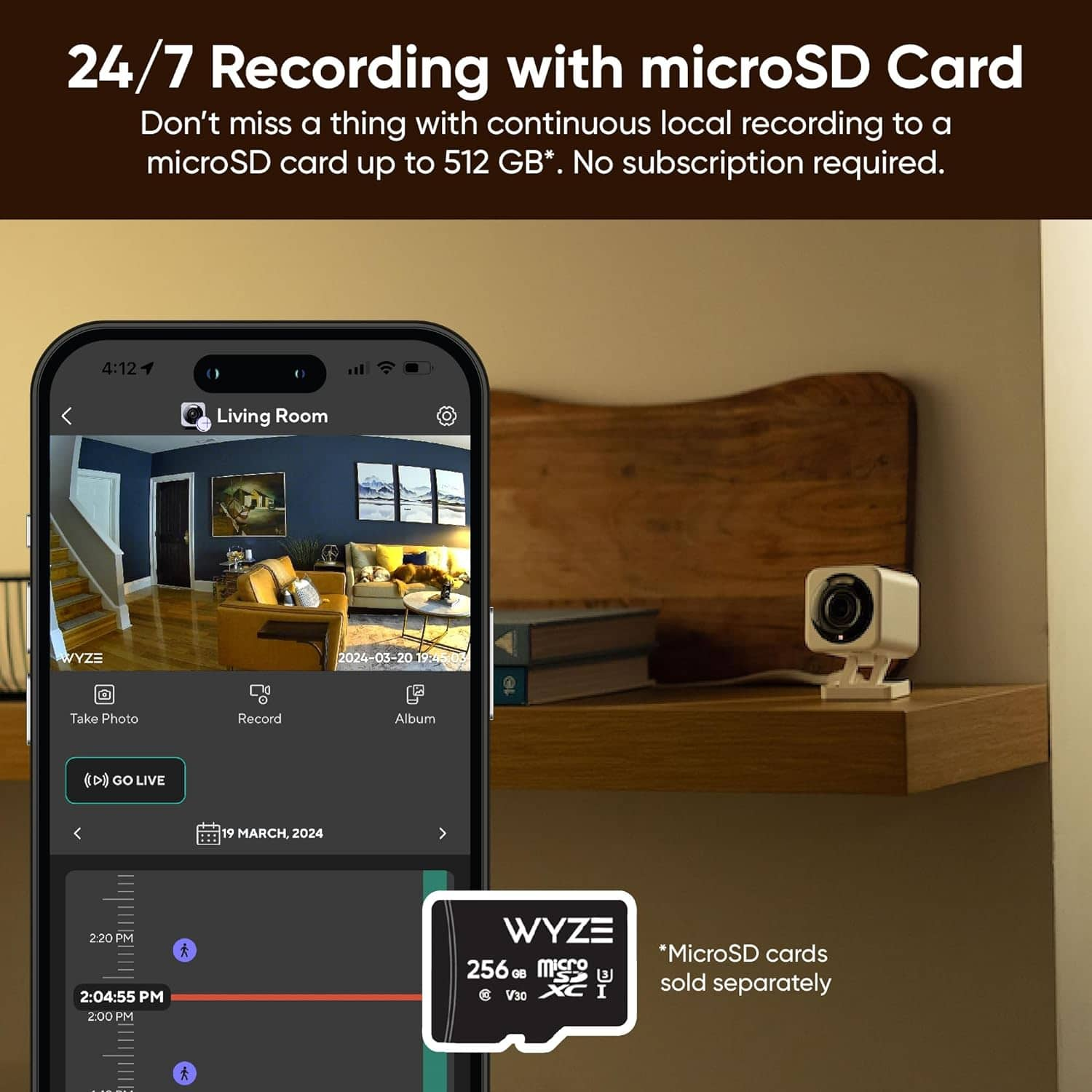
A:AnswerThe answer is Yes and No. If you want all the features like saving to the cloud and other features then yes. What I did was use an old micro SD card and you insert it into the camera. Then you have to format using the app. Once you do all that, you can basically use the camera for free without the subscription. It may be a little annoying because you will constantly see ads to upgrade. Just make sure you select to save the videos on the SD memory card in the options within the app. Also, it will not notify you of any movement within a 5 minute period. For example, if you walk past the camera and then 1 minute later walk pass the camera , it will only show you the first time walking past. It takes 5 minutes to reset for the next movement. I hope this helps you out before you buy the camera.
A:AnswerHello there! The Wyze Cam v4 does not come with a microSD card included. However, it can still be used without a microSD card. Here are some details:
Without a microSD card: The camera will still function and you can view live streams, receive motion alerts, and use cloud storage for event recordings if you have a subscription to Cam Plus or Cam Protect.
With a microSD card: You can enable 24/7 local recording and store more footage locally.
If you want to take full advantage of the 24/7 recording feature, we recommend using a microSD card.
A:AnswerHi there! The Wyze Cam v4 can be used without a continuous internet connection by scheduling recordings to a microSD card. However, to set up and configure the camera initially, an internet connection is required. Once set up, the camera can record to the microSD card even if the Wi-Fi drops, as long as it has power.
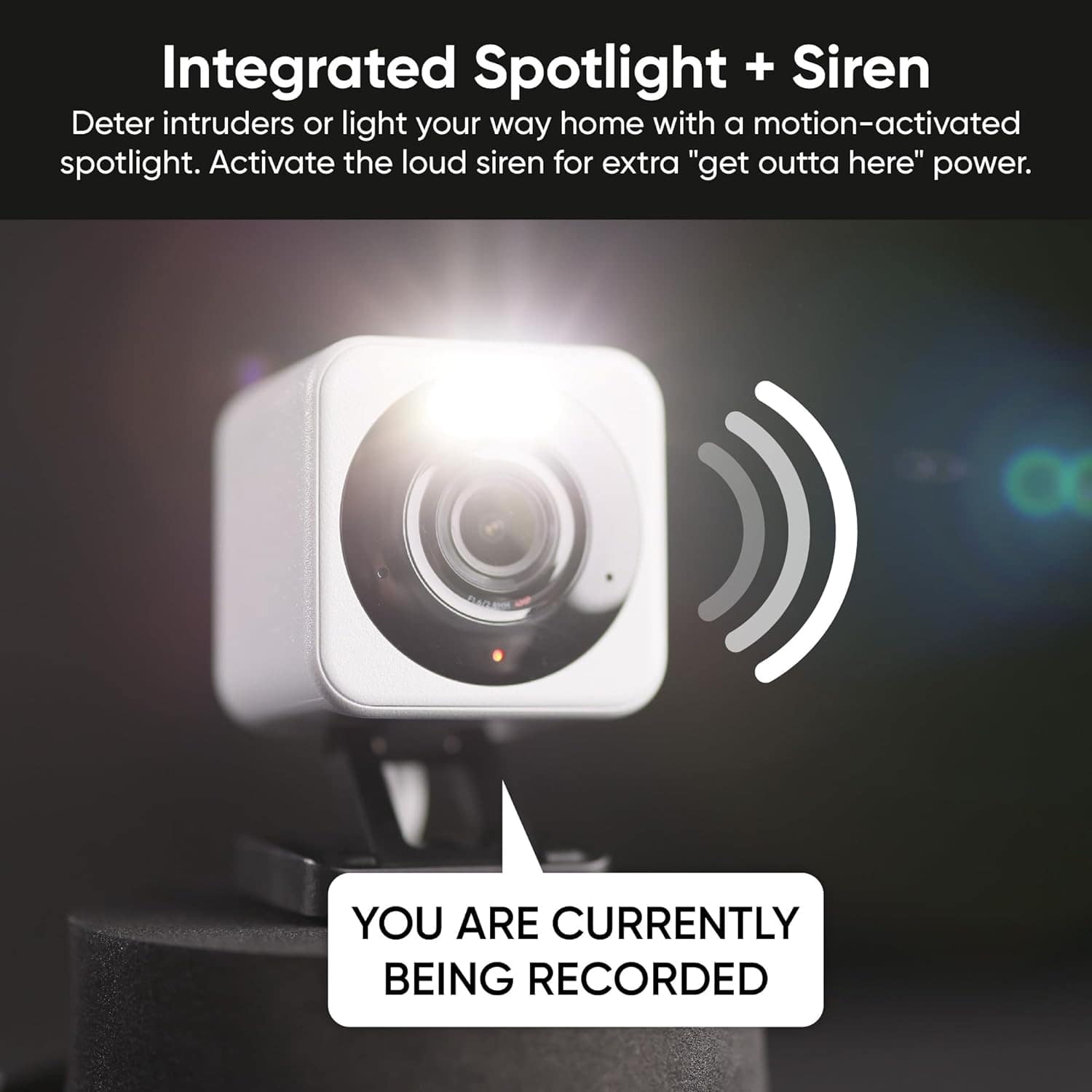
However, to use features like activating the siren remotely, you would need an active internet connection. This is because remote access and control through the Wyze app require the camera to be connected to the internet. If you have a Wi-Fi hotspot available, you could potentially use it to connect the camera to the internet for remote access.
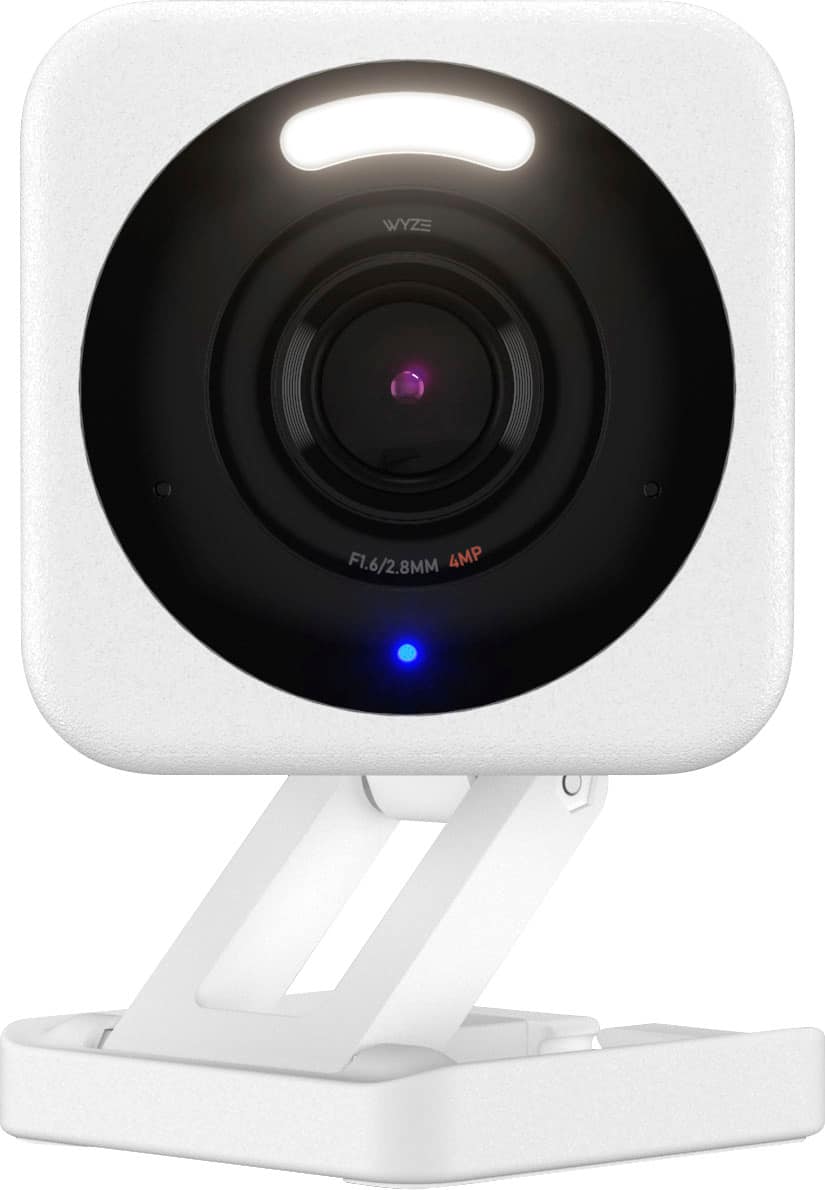
A:AnswerThe recording time on a local memory card for the Wyze Cam v4 depends on the card’s capacity, resolution setting, and recording mode:
Resolution Setting: Higher resolutions use more storage. Lowering the quality will extend the recording time.
Recording Mode:
Continuous Recording: A 32GB microSD card typically stores around 2-3 days in HD quality.
Event-Only Recording: The card lasts much longer as it only records when motion or sound is detected, potentially lasting several weeks depending on activity level.
Card Capacity: Wyze cams support up to 256GB microSD cards, significantly extending recording time.
In general, a larger card and event-only recording will maximize recording duration.
A:AnswerWhat I did was put in a 128GB micro SD card. Then you need to format it using the Wyze App. After that you can choose an option in the settings to save videos to the SD card. Once you do that you can view the videos on the SD card within the app. You can do this on the free version but it gets a little tricky on where to go view the videos. Once you do it a few times you will know.
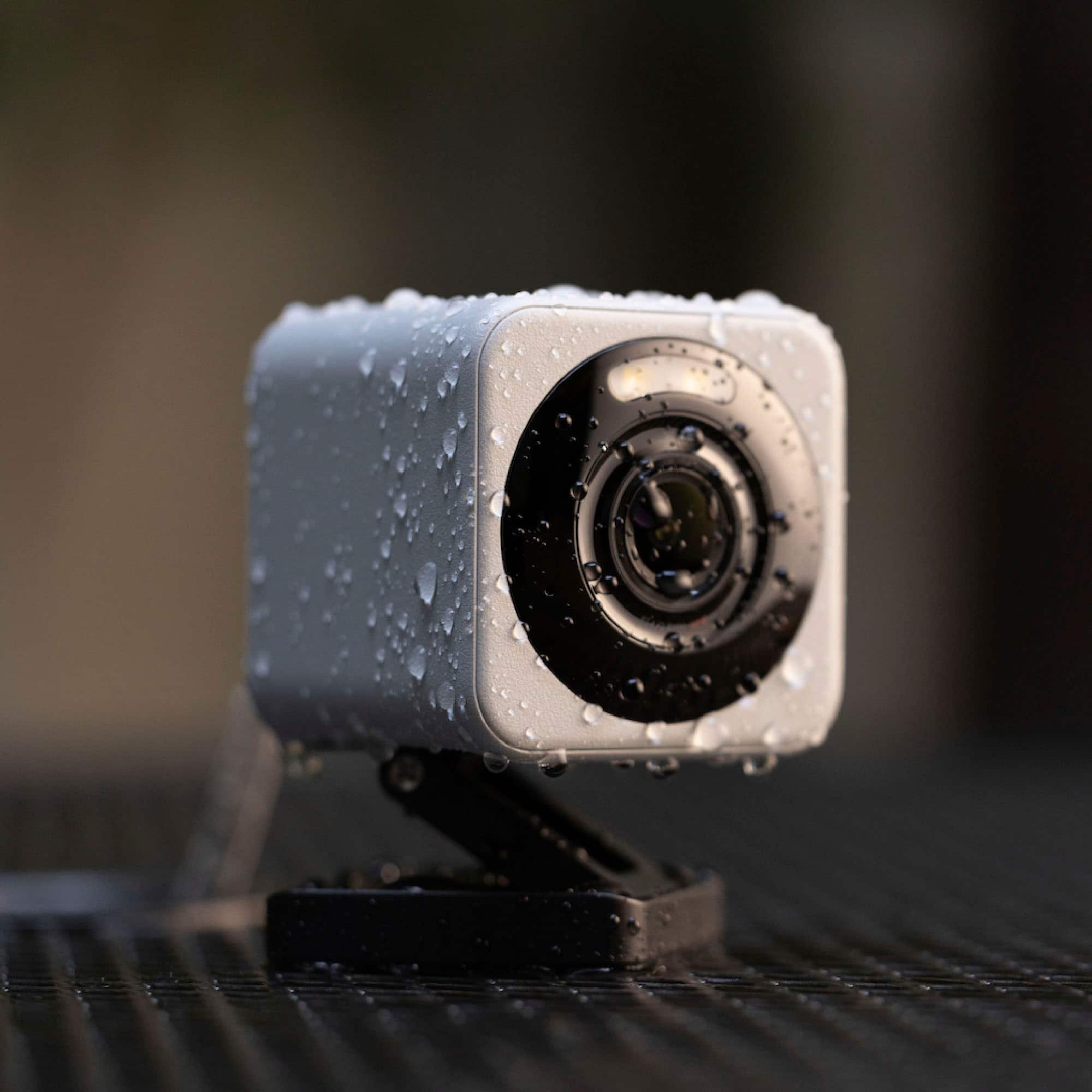
A:AnswerHi there! The Wyze Cam v4 operates in a temperature range of -4°F to 122°F (-20°C to 50°C). For permanent, hardwired power to an outdoor electrical box, you would plug the specialized Outdoor Power Adapter into the outdoor outlet, and then connect the adapter's micro USB cable to the camera. If you have other questions, concerns, or would like to speak more about our products please reach out to our Wizards team (https://wyzelabs.zendesk.com/hc/en-us) so we may help. Thank you and have a great day!
A:AnswerIf you want to use audio, Wyze cams are not a good choice at all. I have 5 Wyze cams and audio does not work at all. Have tried all different settings but nothing works.
Too bad because the video works great for what I need.
A:AnswerI have been using this in a detached garage at about 85° F outside and approx 75% humidity average through the last summer weeks. It continues to perform as expected. The camera itself feels very warm to the touch but I’ve noticed no problem with performance.
A:AnswerHi there! No, the Wyze Cam v4 cannot be directly powered by a solar panel. It's designed as a wired camera and requires a continuous power source via USB. While solar panels can be used with other Wyze battery-powered cameras like the Battery Cam Pro, the v4 doesn't have a built-in battery and relies on a constant power connection. If you have other questions, concerns, or would like to speak more about our products please reach out to our Wizards team (https://wyzelabs.zendesk.com/hc/en-us) so we may help. Thank you and have a great day!
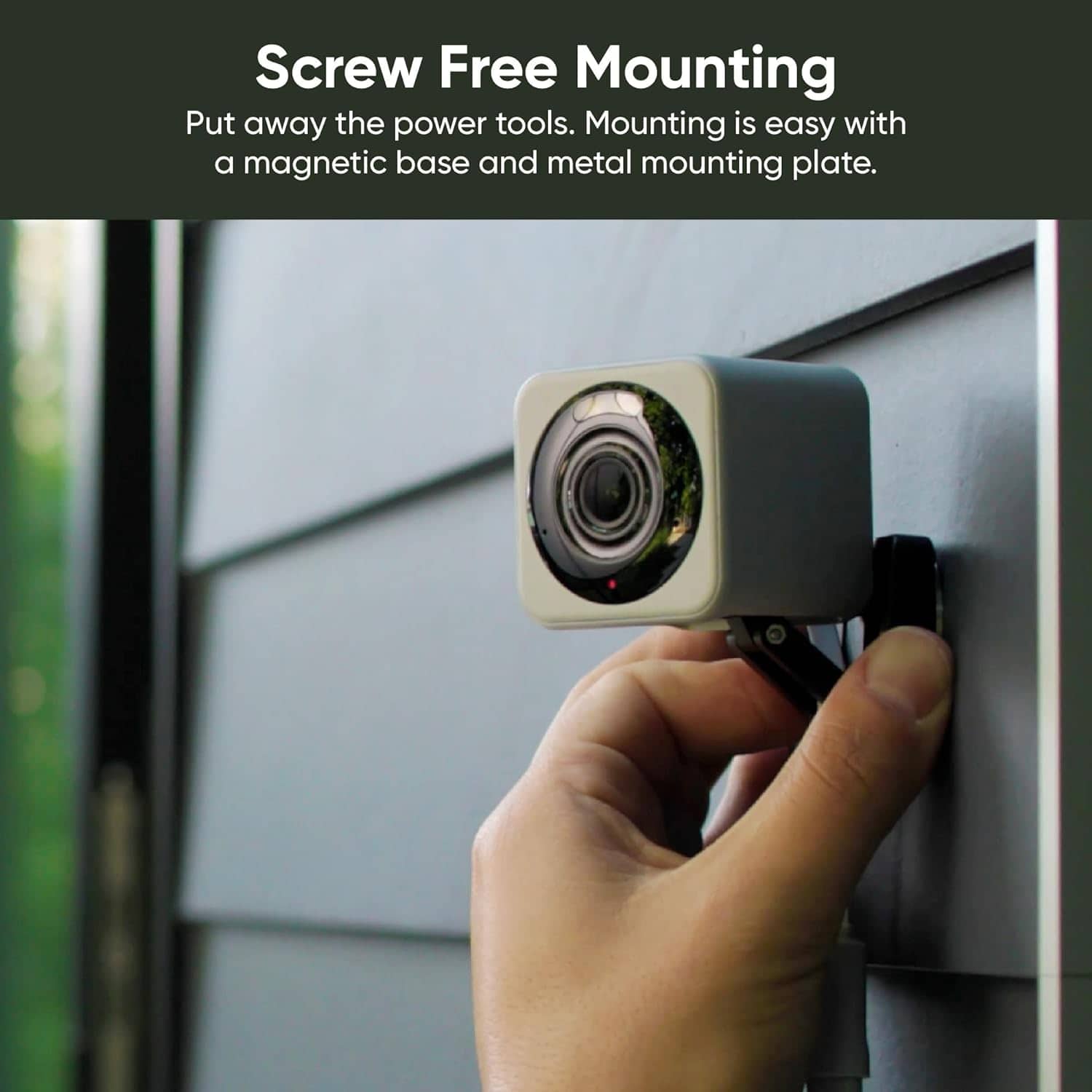
A:AnswerFrom Wyze: "Wyze Cam v4 includes a magnet in its base that allows it to be mounted to steel or iron surfaces, so you can use the included metal plate for mounting." - it's a peel & stick thingy. On a low open 'pony wall' my v4 magnet holds the cam in place. An optional dual side sticky tape could be used if you feel more adhesion is needed. I have mounted a cam outside attaching it to a gutter down spout with a nylon tie-down. Save all packaging and try one; return if it doesn't meet your needs. I have 9 v4's and love the clarity.
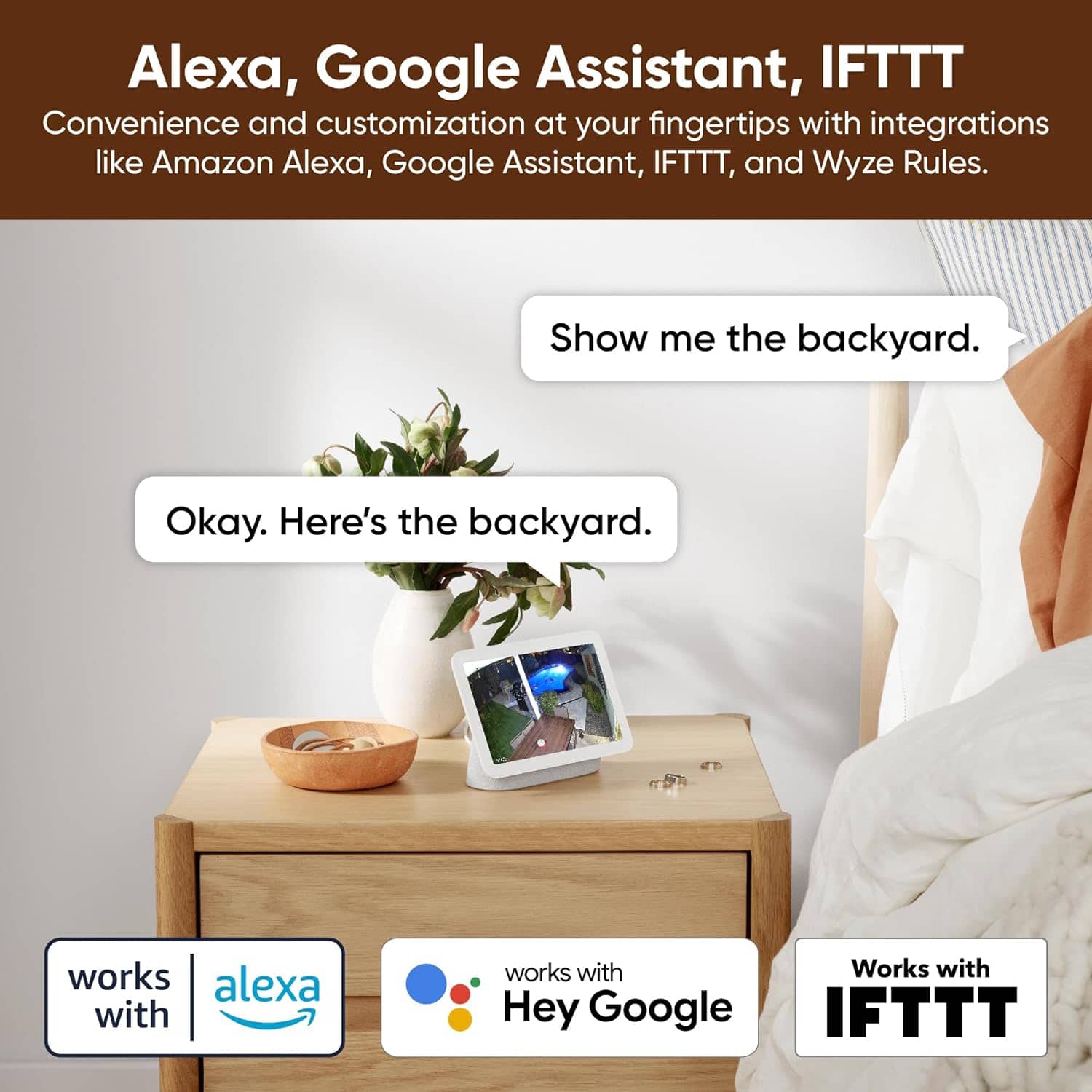
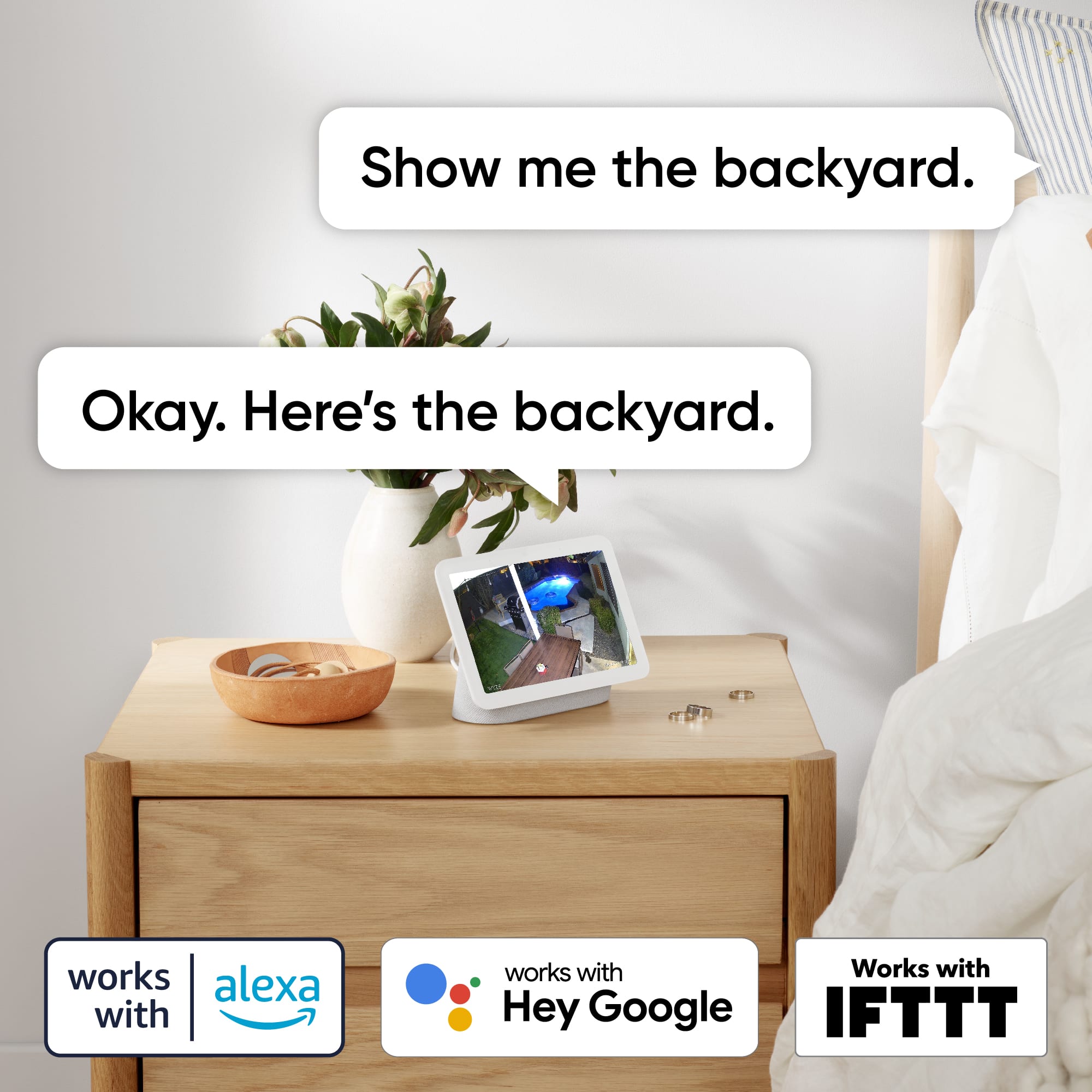
A:AnswerHi there! Yes, Wyze cameras are compatible with the Google Home app. You can pair and control your Wyze Cam using Google Assistant. Here are some key points:
Compatible Wyze Products: Wyze Cam v2, Wyze Cam v3, Wyze Cam Pan, Wyze Cam Pan v3, Wyze Battery Cam Pro, Wyze Cam Floodlight v2, Wyze Lock, Wyze Plug, Wyze Bulb, and Wyze Sense Contact Sensors work with Google Assistant.
You may also reach out to our team at (https://wyzelabs.zendesk.com/hc/en-us) so we may further assist you with this matter.