Main Content

Questions & Answers

$36.99
Save $2.99
The comparable value is $39.98
Page Showing 1-20 of 23 questions
  • QuestionCan this camera be mounted upside down?

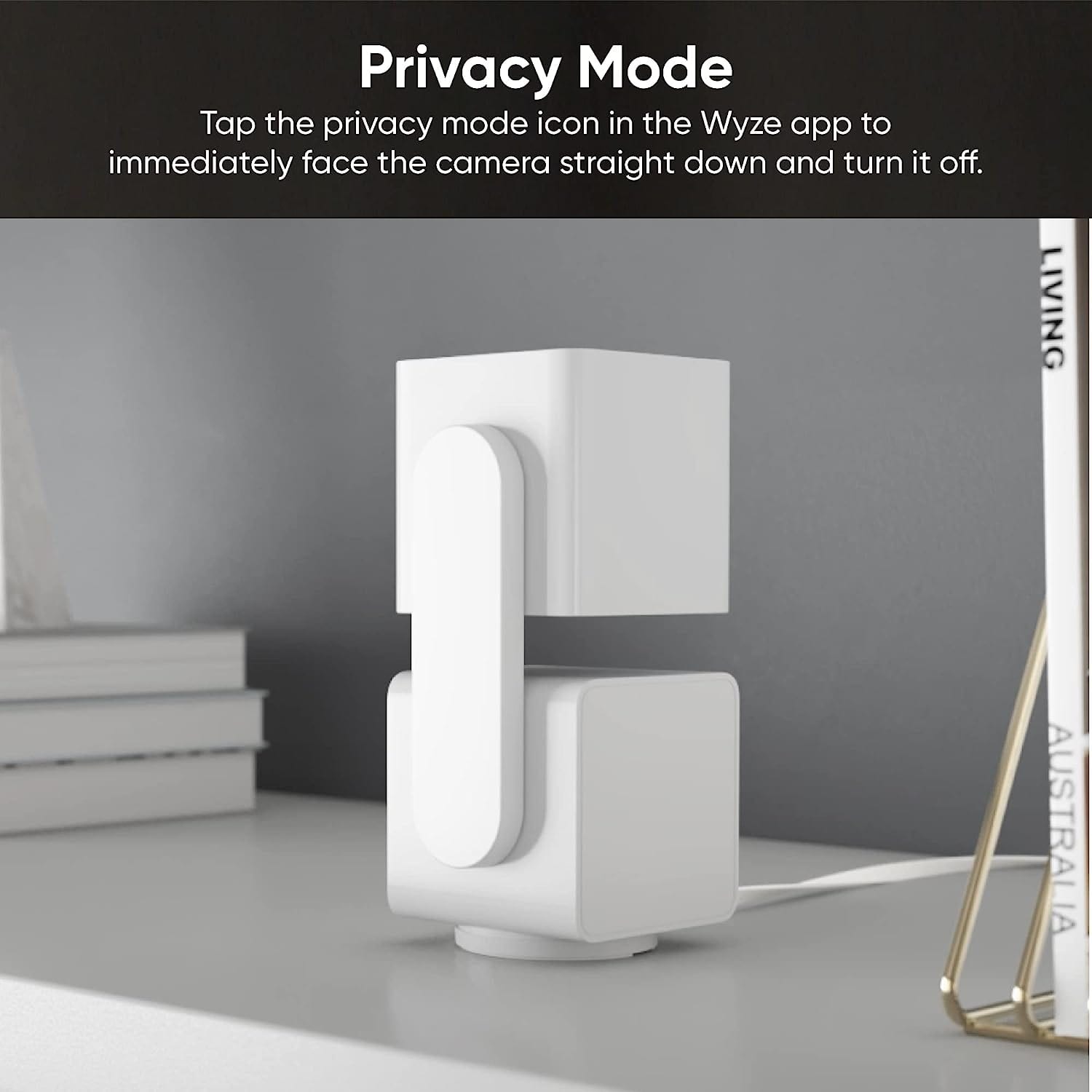
    • Answer Yes, it can be mounted to a wall or ceiling with the included mount.
    This question and answer was generated by AI based on customer and product data.

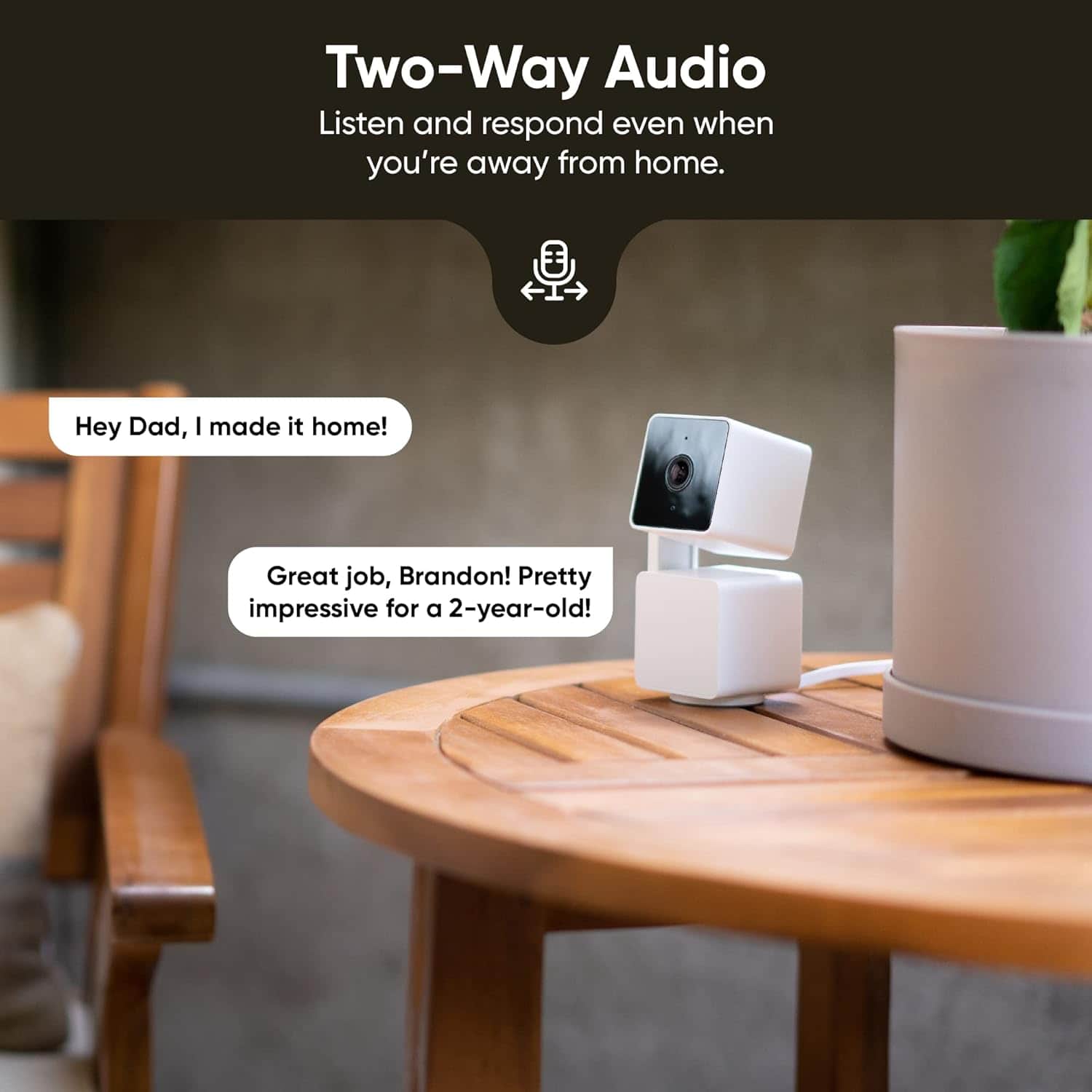
  • QuestionDoes this security camera have two-way audio?

    • Answer Yes, this camera allows you to speak with anyone through the WYZE app.
    This question and answer was generated by AI based on customer and product data.
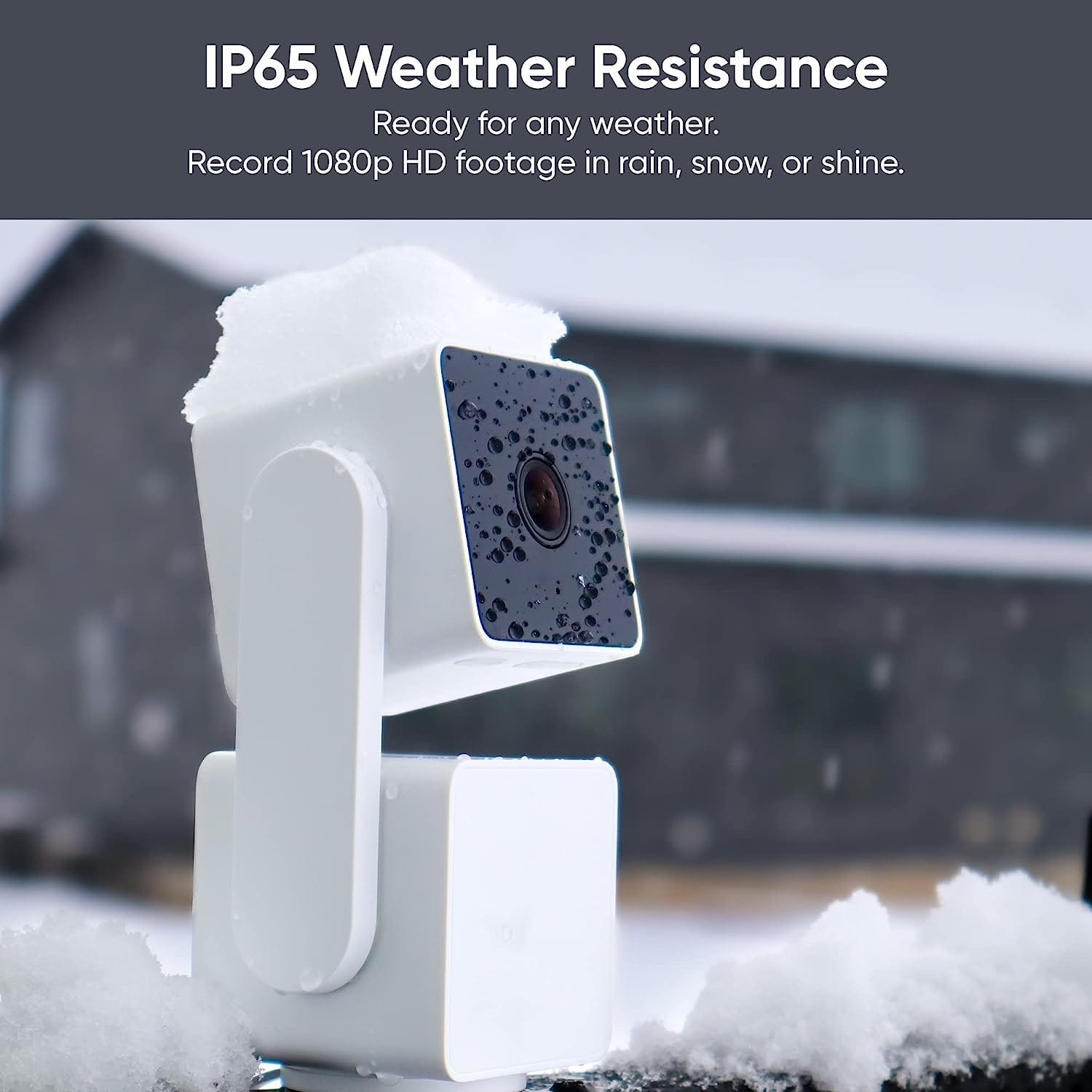
  • QuestionWhat is the operating temperature range for this camera?

    • Answer This camera has a minimum operating temperature of -4 degrees Fahrenheit and a maximum operating temperature of 130 degrees Fahrenheit.
    This question and answer was generated by AI based on customer and product data.

  • QuestionHow is the camera powered?

    • Answer This camera is powered by a cable with an AC adapter plug-in.
    This question and answer was generated by AI based on customer and product data.

  • QuestionWhat is the night vision distance of this camera?

    • Answer This camera has a night vision distance of up to 30 feet.
    This question and answer was generated by AI based on customer and product data.

  • QuestionDoes this camera have text alerts or email alerts to your phone with it's motion sensor?

    Asked by JB.

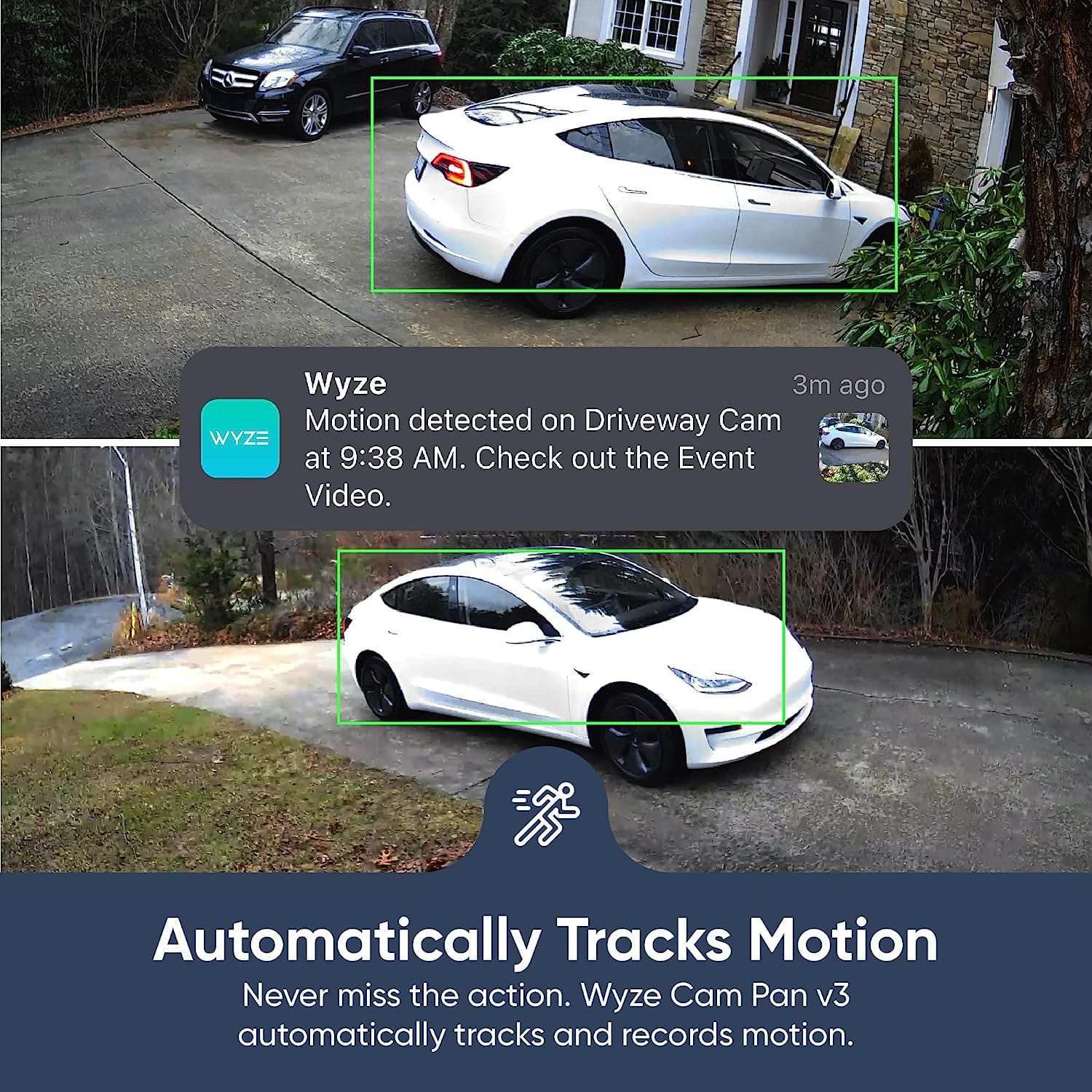
    • Answer The Wyze Cam Pan v3 does not have text or email alerts directly. Instead, it uses push notifications through the Wyze app on your smartphone. When the camera detects motion, it sends a notification to your phone via the app. You can customize these notifications within the app to suit your preferences. You may also check this link to learn more about how the device works: (https://support.wyze.com/hc/en-us/sections/11758939073179-Wyze-Cam-Pan-v3). You may also reach out to us at: (https://wyzelabs.zendesk.com/hc/en-us) so we may further assist you if you have other queries or concerns. Thank you and have a great day!

      Answered by Wyze Labs

  • QuestionCan you use a battery power bank for operation?

    Asked by Anonymous.

    • Answer Hi there! The Wyze Cam Pan v3 does not have a built-in battery and requires a constant power source to operate. However, you can use a battery power bank as an external power source. Here are the details: The Wyze Cam Pan v3 uses 5V 2A DC power through a USB cable. A power bank with sufficient capacity can power the camera temporarily. For example: A 10,000mAh power bank can power the camera for approximately 16 hours. A 20,000mAh power bank can power it for about 33 hours. Please note that this is a temporary solution, as the camera is not designed for long-term use with a power bank. For continuous operation, it is recommended to keep it plugged into a stable power source. Let us know if you have further questions.

      Answered by Wyze Labs

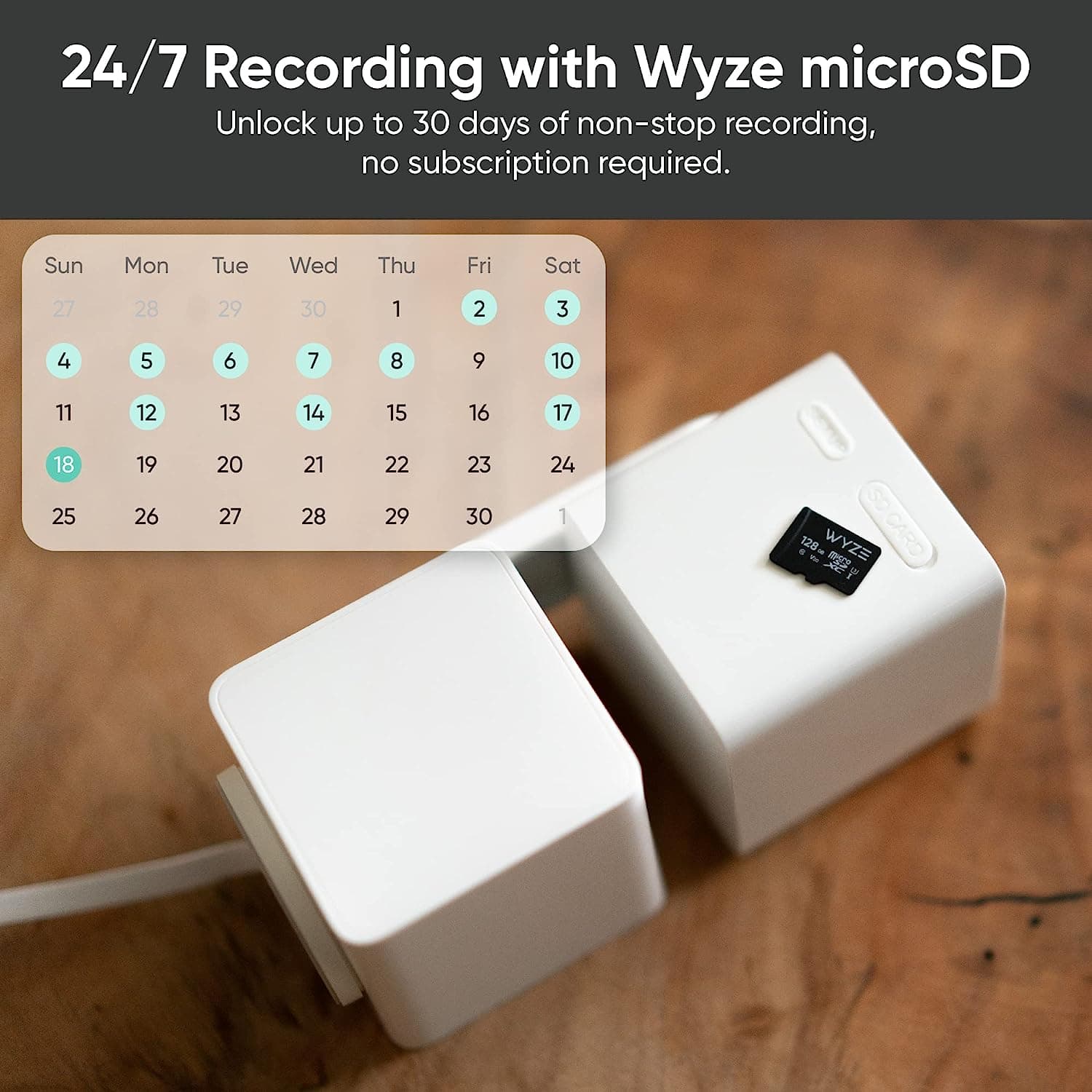
  • QuestionDoes it come with the wyze memory card like advertised in one of the pictures? Or do i need to purchase a memory card?

    Asked by Haider.

    • Answer Hi there! The Wyze Cam Pan v3 does not come with a memory card included by default. You would need to purchase a microSD card separately if you wish to use local storage for recording. Here are the compatible microSD card sizes for the Wyze Cam Pan v3: 8 GB, 16 GB, and 32 GB MicroSD Cards in FAT32 format. Up to 256 GB microSD cards in exFAT format.

      Answered by Wyze Labs

  • QuestionDoes this work on a 5G network?

    Asked by Blake.

    • Answer Hi there! Wyze Cam Pan v3 does not support 5 GHz (5G) Wi-Fi networks. It only works with 2.4 GHz Wi-Fi networks. If you have any other questions about Wyze Cam Pan v3, please let us know! For more details, you can visit our Wyze Cam Pan v3 FAQ (https://support.wyze.com/hc/en-us/articles/11790200152347).

      Answered by Wyze Labs

  • QuestionI want to place this about 30' from a bird feeder and then zoom in on the feeder. Is this resolution and zoom good enough for this?

    Asked by DaveM.

    • Answer Yes — the Wyze Cam Pan v3 should work reasonably well for your setup, but here’s the breakdown: Resolution: 1080p HD. At 30 feet, you can see the bird feeder clearly and identify birds, but very small details (like tiny markings on birds) might be a bit fuzzy. Pan & Tilt: You can zoom in digitally and pan/tilt to follow the birds. Digital zoom will reduce image clarity somewhat, so getting the camera as close as practical helps. Night Vision: The Pan v3 has color night vision up to ~20–30 ft with ambient light, so if you want nighttime viewing, make sure there’s some light near the feeder. Field of View: 120° wide, which is plenty to capture the feeder area without missing birds landing around it.

      Answered by Wyze Labs

  • QuestionCan two phone monitor the cameras? My sister and I want to be able to both look and monitor the cameras at our elderly mom’s apartment.

    Asked by Rfmatthewsjr.

    • Answer Yes, 2 different phones can monitor the same camera as long as you both have the app on your phone to do so.

      Answered by SuzyQ

  • QuestionHow long is the wire? If needed, could I purchase a longer wire?

    Asked by KatK.

    • Answer Hi there! Included Cable Length: The Wyze Cam Pan v3 comes with a 6-foot (1.8 m) micro USB power cable. Longer Cable Option: Yes, you can purchase a longer wire. We offer the Wyze Cam USB Extension Cable - 20ft for extended reach, compatible with the Wyze Cam Pan v3. You can find the 20ft extension cable here: https://www.wyze.com/products/wyze-cam-usb-extension-cable-20ft If you need a replacement for the original cable, the Wyze Cam Pan v3 USB Cable is also available: https://www.wyze.com/products/wyze-cam-pan-v3-usb-cable Let us know if you need any more help!

      Answered by Wyze Labs

  • QuestionCan it be installed wirelessly? There is no port or electrical where I want to place it.

    Asked by KatK.

    • Answer Hi there! The Wyze Cam Pan v3 cannot be installed wirelessly. It is not a wireless camera and does not have a battery. It must be powered via a USB cable and requires a power source to operate. If there is no electrical outlet or port where you want to place it, you will need to install one or consider a different Wyze camera model that supports battery power or wireless installation. For more details, you can visit the Wyze Cam Pan v3 FAQ (https://support.wyze.com/hc/en-us/articles/11789017212443). If you need a truly wireless option, we recommend looking at models like the Wyze Battery Cam Pro or Wyze Solar Cam Pan. Let us know if you’d like more information about those options!

      Answered by Wyze Labs

  • QuestionCan we put to the window

    Asked by Leo.

    • Answer Hi there! Yes, you can mount a Wyze Cam Pan v3 to a window using the Wyze Window Mount or a compatible third-party mount to reduce glare and get a clear view of the outside. If you want a better outdoor view without issues, the Pan v3 is actually IP65 weather-resistant, so it can be mounted outside under eaves or on a wall using the included mounting plate (or a third-party bracket). That will give the best picture and full motion tracking. If you have other questions, concerns, or would like to speak more about our products please reach out to our Wizards team (https://wyzelabs.zendesk.com/hc/en-us) so we may help. Thank you and have a great day!

      Answered by Wyze Labs

  • QuestionWill it continuously record to the sd card or only motion activated clips?

    Asked by MnQq.

    • Answer continuous recording

      Answered by froggy

  • QuestionDoes this camera require a subscription to use?

    Asked by JamBiscuit.

    • Answer No but if you would like to get more use out of it then yes it takes a subscription.

      Answered by ChrisB

  • QuestionWill this camera work in a location that has wifi but no internet access?

    Asked by Blahblahblah.

    • Answer No

      Answered by ChrisB

  • QuestionDoes this camera work with Wifi 6 (6E) connection?

    Asked by Imoreno9.

    • Answer I don't think so

      Answered by ChrisB

  • Questionis it possible to archive the video captured or download any captured video via the app or through an SD card?

    Asked by Leto.

    • Answer Yes

      Answered by ChrisB

  • QuestionDoes the Wyze App facilitate/support more than one camera?

    Asked by Ash.

    • Answer Yes it does

      Answered by BigOG