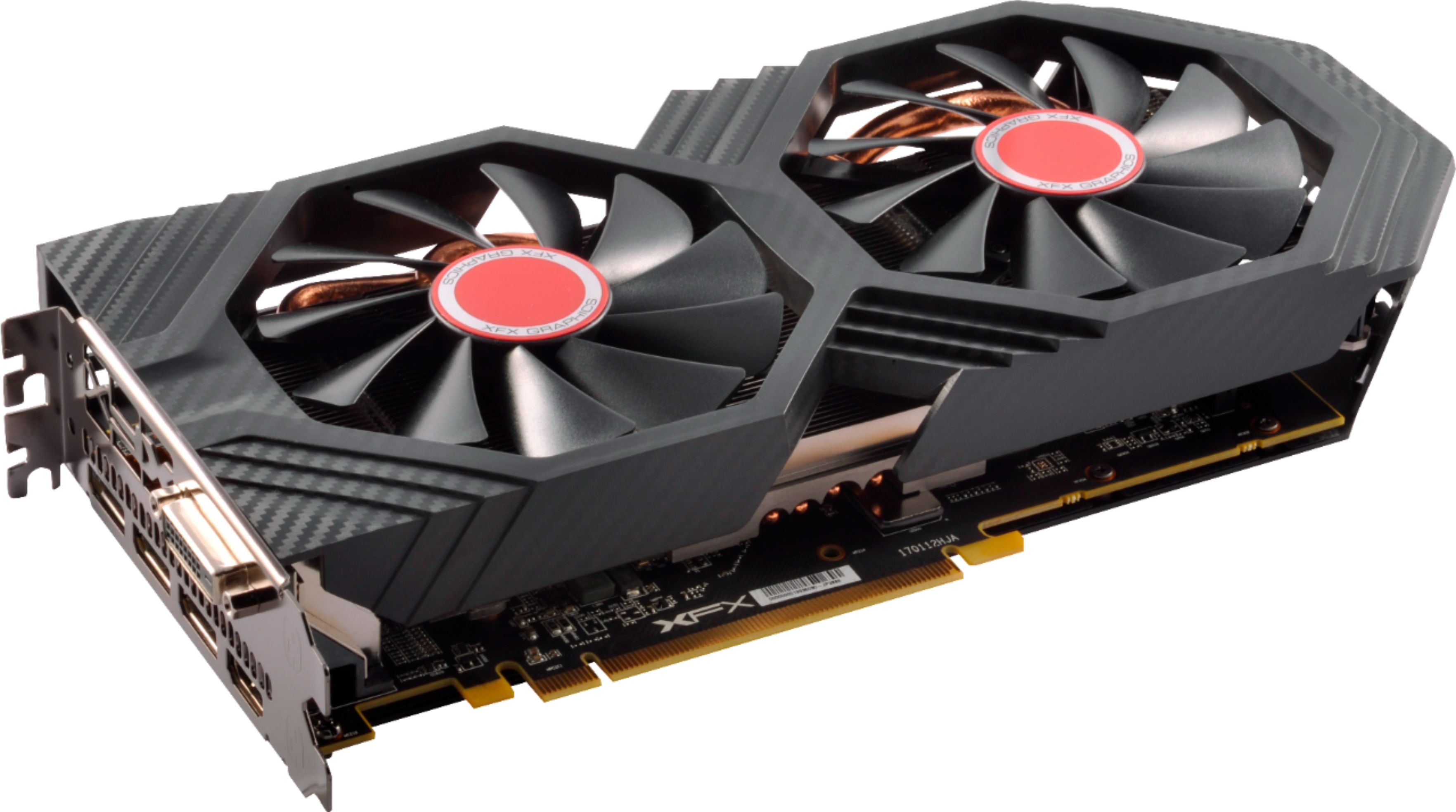
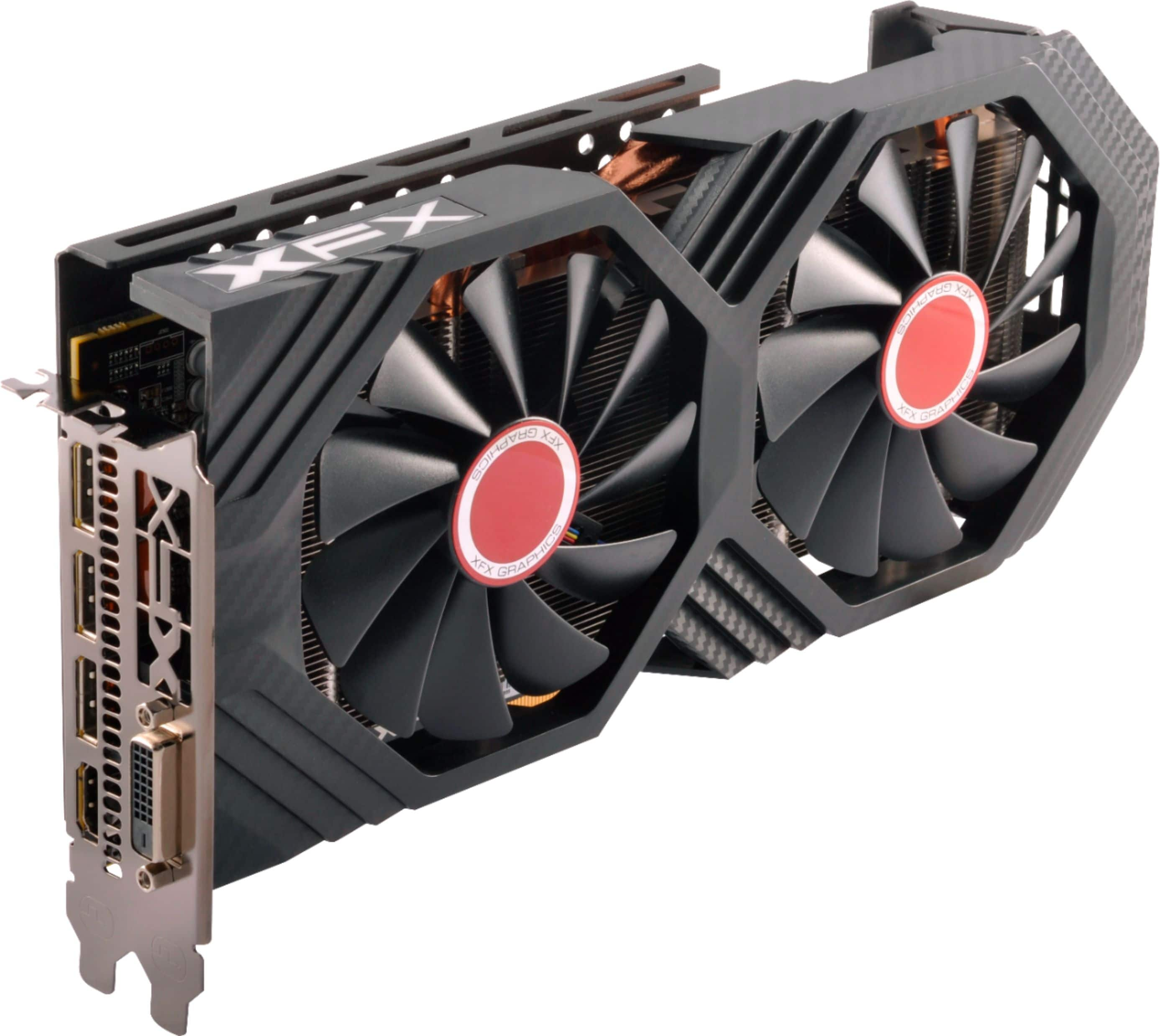
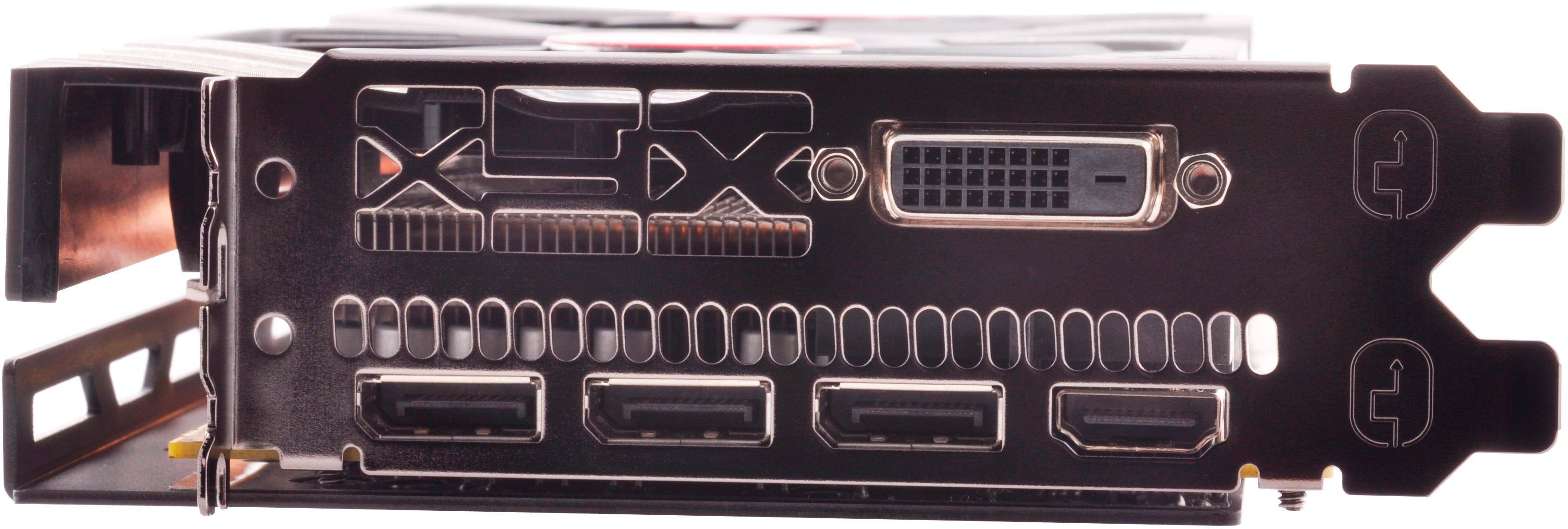
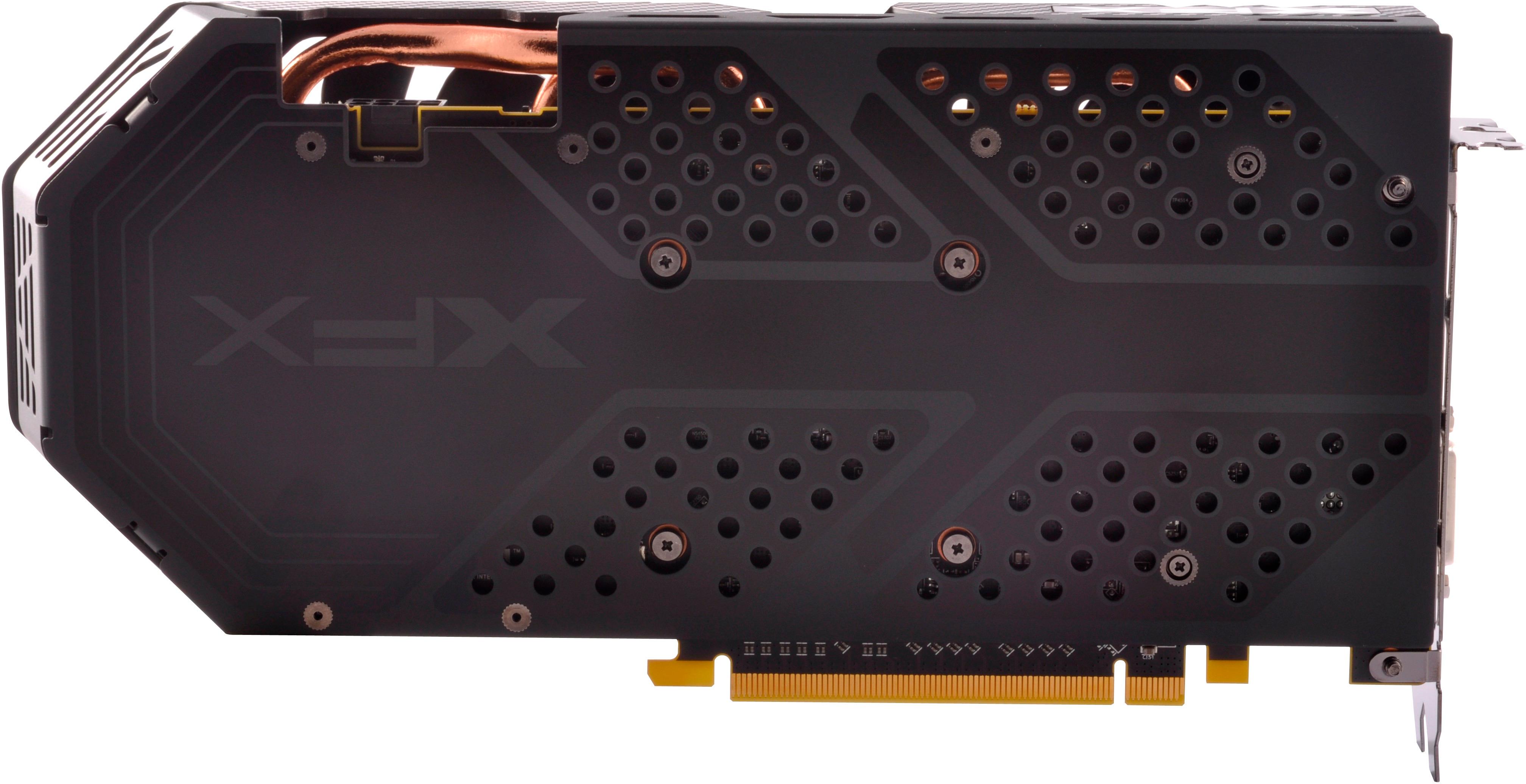
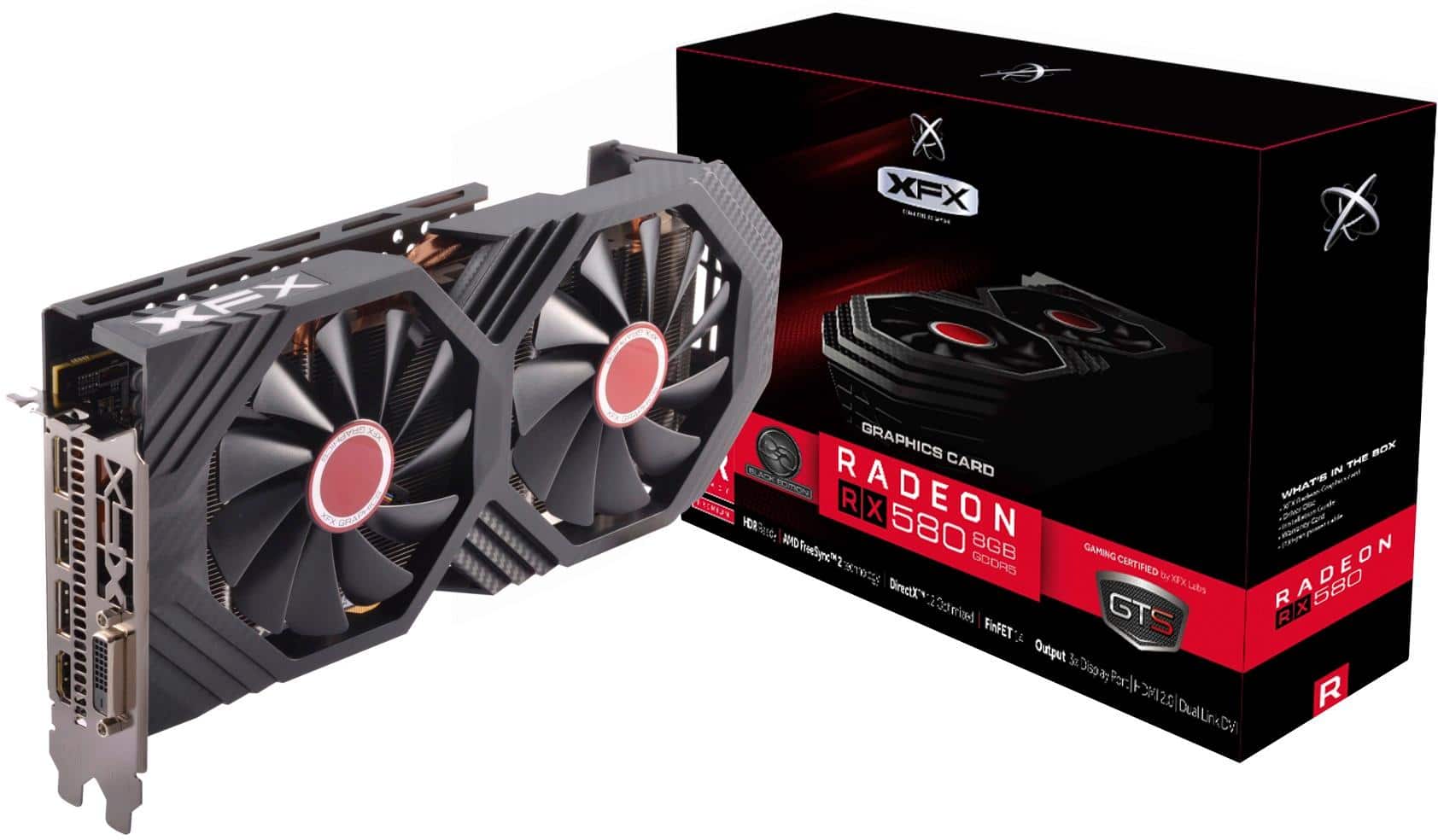
A:AnswerThis video card works fine on my Mac Pro (Mid 2010).
Note, this graphics card is capable of supporting Metal, which is required if you intend to upgrade to macOS Mojave.
Also note, For this installation you will need an additional mini 6 pin connector and a GutsParker Dual 6-Pin Female to 8-Pin Male Cable Micro Blue connector or equivalent.
I ordered this part from Amazon.
A:AnswerThe blue light means there is power going to the video card, it is on during normal operation.
Do you see anything at all when your computer is first starting up?
Does your screen say no signal?
First thing to check is if your video card output is being disabled by your motherboard BIOS settings.
If you were using onboard graphics before, remove the video card and start computer with screen connected only to the onboard video output on the motherboard.
Check your video settings in motherboard BIOS settings if you can get into it and make sure dedicated graphics option is enabled or do a CMOS Reset on the motherboard.
Reinstall your video card after that and reconnect it to the screen and see if that fixed it.
If not, check your video cables and connections, sometimes in rare occasions cables can be bad or the video settings on motherboard is set to use onboard video instead of the dedicated graphics card.
For more help you can try contacting XFX support or your motherboard manufacturer's support to help you with further troubleshooting.
A:AnswerIt is not water cooled, it might have some liquid in the system to cool it similar to and AIO but it’s self contained and slots right into the motherboard with no extra connections (other than power)
A:AnswerI just bought three of these from bestbuy and two of them were hynix and one was samsung memory i talked with XFX also about it. i just returned the two Hynix ones. and now am needing two Samsung memory ones. there are actually three Memory brands out there. it is a gamble what you will get from Best buy apparently. because they have the same UPC (7865607631) but are sending out different memory with the same UPC. the one i am needing to get has a Model number of RX-580P8DB and a Part number of RX-580P8DBDR and that one has samsung memory. but the others did not. the others have the same model number but the part number (RX-580P8DBD (no R) and has Hynix memory) the one that has the R at the end of it is samsung apparently. remember same UPC different part number. they just scan it an send it. there is also a RX-580P8DBDRR but i dont know what that one has.
A:AnswerIf you've got an HP with PCI-E slot, you may be able to replace your existing card with this one. However, this RX-580 card takes more power (185W max) than the pci-e slot provides (max power of 75W). The card comes with an adapter to allow you to combine open connectors to supply additional power, but your HP might not have any spare connectors, and there may not be enough margin in the power supply to provide the needed power to this card. In that case, it may require replacing your existing power supply also.
To figure it out--add the power demand of your CPU (look on HP's website/CPU website) to the power demand of this card to determine how much power is needed. keep in mind that the rating on the 12 volt is what's being tested here--not total power supply rating. So, if your existing CPU is 95 watts, this is 185; you would need at least 280 watts of power on the 12 volts line of the power supply. If the power supply lists at least 25 Amps at 12 volts (12 Volts x 25 Amps = 300 watts) it would work in this hypothetical case.
Also note this is assuming that some other device in the box isn't using 12V power for anything (like a BluRay disc or motherboard). If the graphics card wants more power than you have, you'll probably shut down in the middle of heavy gaming. So, it's best to check on that before you buy this card.
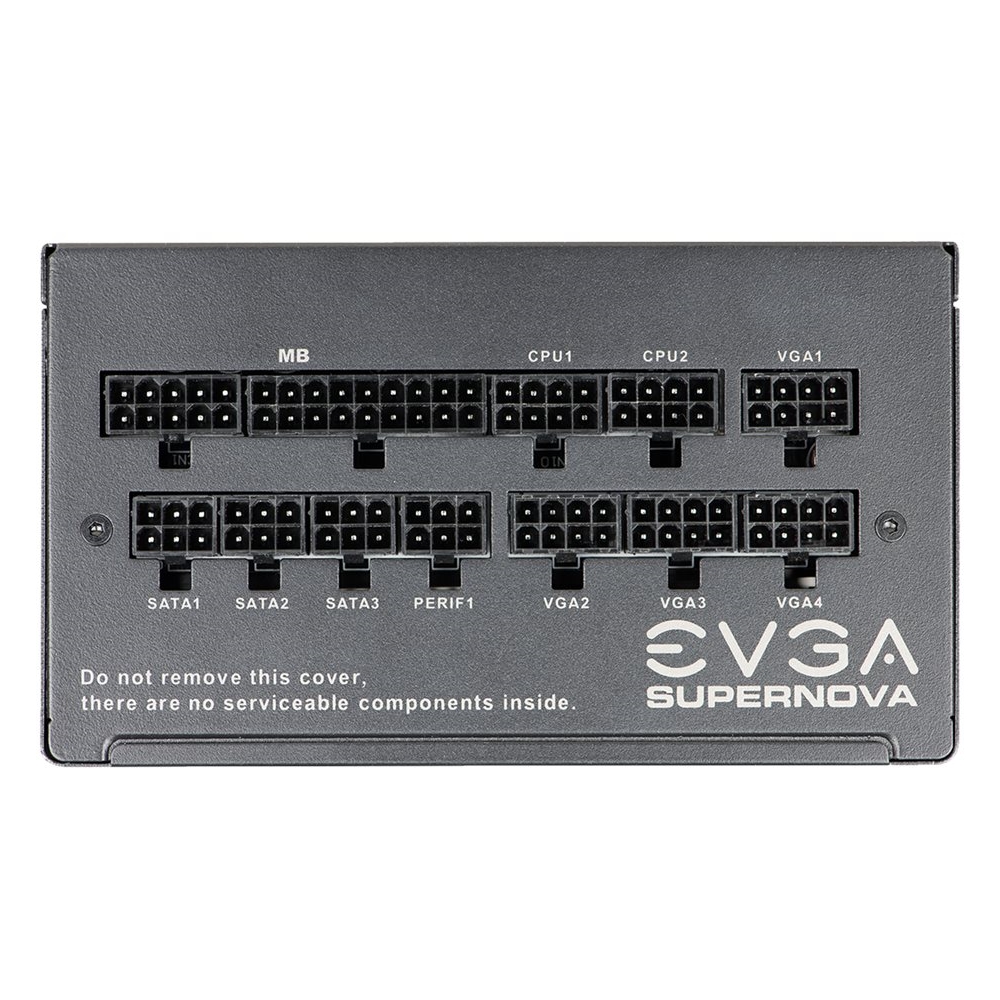
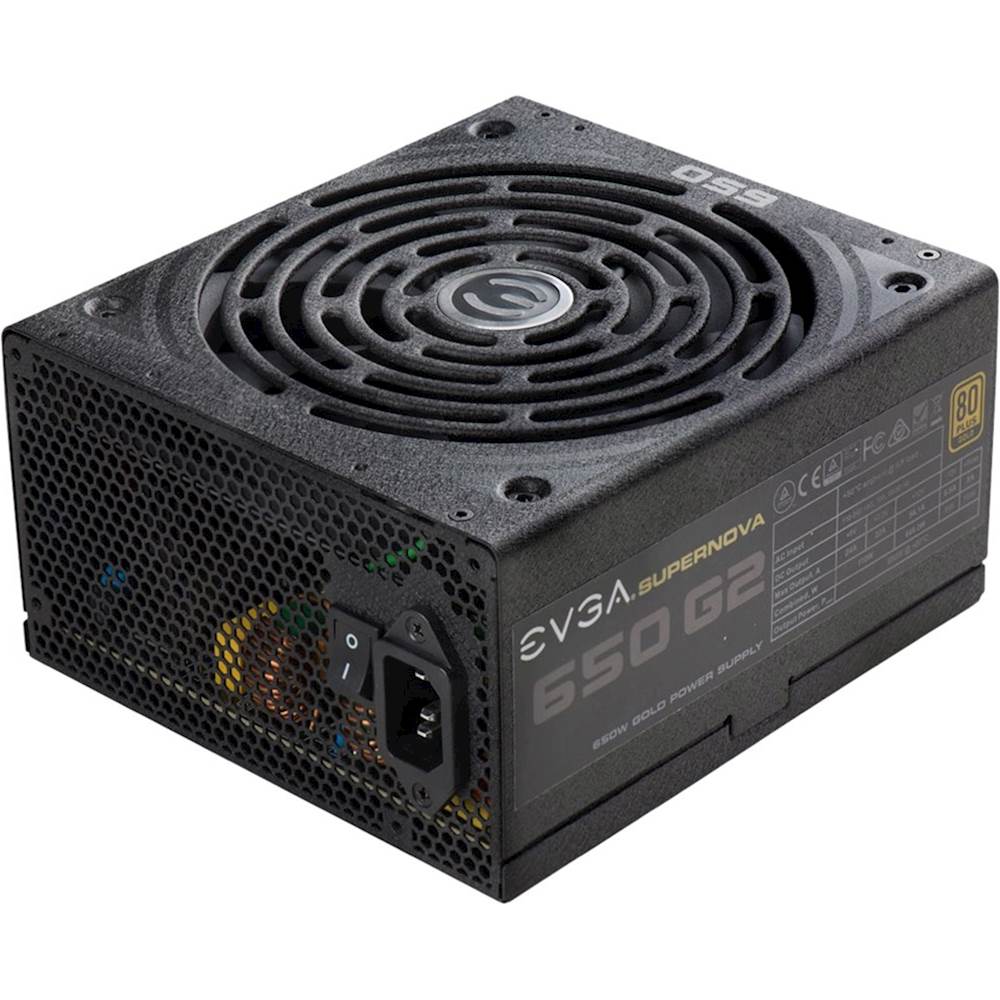
A:AnswerThe documentations states that a 500 watt power supply is required. I tested the card in a bench test system I have that had a 600 watt EVGA and it was just fine. If you are even thinking about a crossfires system; I would go with a EVGA 750 watt or a Corsair TX850M. The EVGA would run four RX580-8GB cards just fine; however the Corsair has less connectors and cables than EVGA provides; hence the price difference between the two; both PSU's are very quiet, if that is of any concern. Be sure to download the AMD pixel patcher, otherwise text is kind of funky. I couldn't locate the EVGA 600 watt ad or the CORSAIR 850 watt ad link; but I bought both at Best Buy. I linked the closest models I could find to this response. I hope this helps.
A:AnswerHi,
The graphical capabilities of this card would only be very slightly better than a 570, except for one key difference, which is the VRAM. More VRAM basically means it's going to be much better at displaying textures and such at higher resolutions and with more monitors, so if you have (or plan on getting) a decently high-resolution monitor (1440p or above), or have 2 or 3 monitors in your setup, then I'd say it's worth the upgrade. If not, then there's less of a point, and you probably won't see a very noticeable difference, but an upgrade is still an upgrade.
A:Answerit will work fine but it is a low cpu but would work with a budget build but would highly suggest using a i5 9th gen at least 6 cores 12 threads
A:AnswerOn the box it says works with Linux, windows10, and 7. I'll snap a picture of requirements, the print is small I'll try get the best resolution of my phone.
A:AnswerI would (and am) wait, wait, wait on getting a newer gpu, but yes, you should have no problem with that setup and a 550 watt PS. I estimate that your actual maximum power draw with both CPU & GPU (gpu is actually 180W max, not the crazy spec listed here) at 100% load will be 400 watts or less (depending on ancillary loads like physical drives, coolers, etc). I have a new 3800x with an older 1060 gpu (120W max gpu) and have actual measurements of only around 340 watts max at max simultaneous loading for both CPU & GPU. Yeah, the 3800x is kind of a power hog for the performance. I have three other older desktops with 1060 gpus and just reused one of the 1060s to put into my new 3800x build. Working just fine. Yeah, once the prices come back down to more normal levels I'm going to get a new gpu and ps, but going to wait until I can get the best bang for my $$.
Good luck to you either way. This is the fun stuff!!!
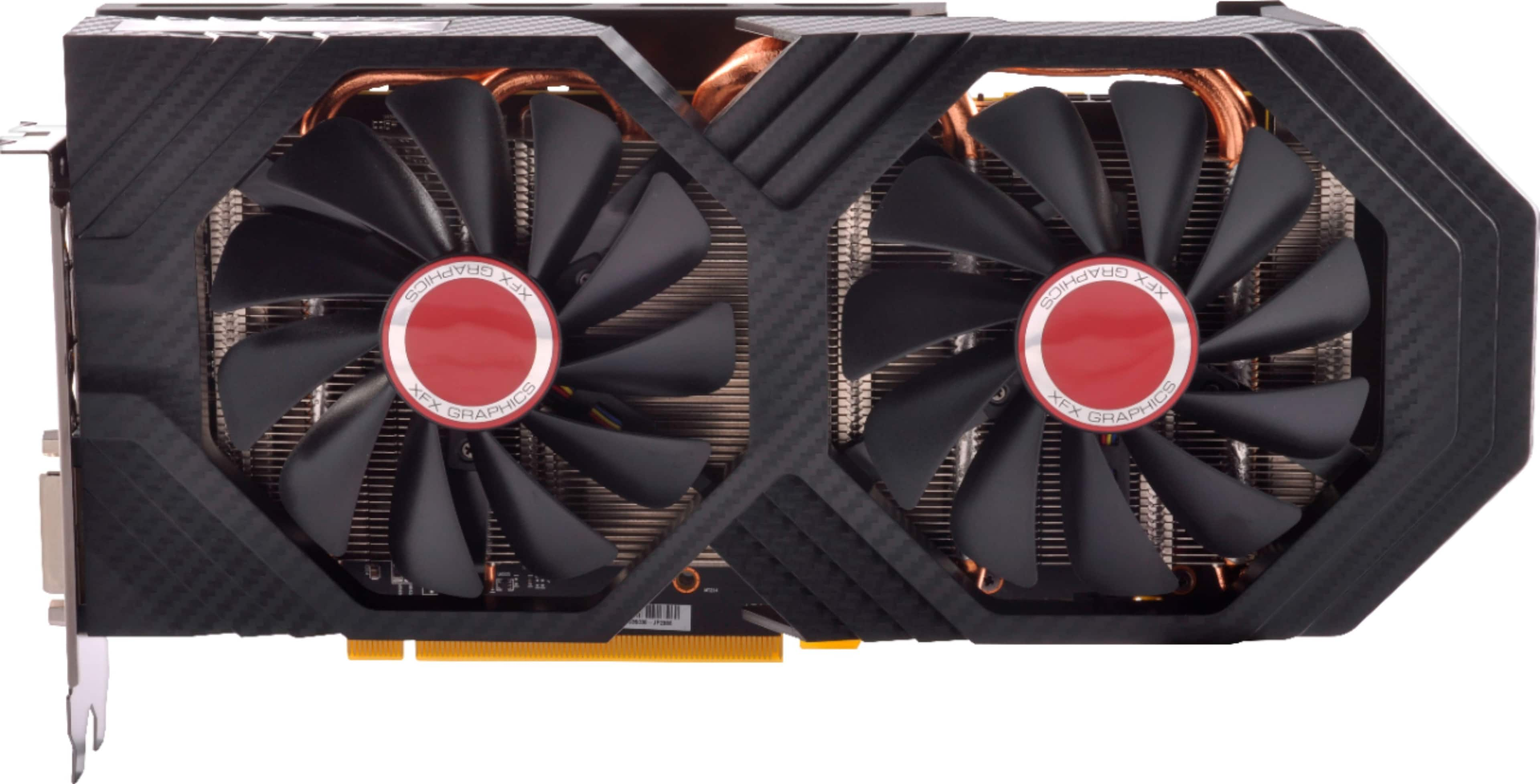
A:AnswerNope, not a chance. Small form factor and proprietary power supply not capable. Either are no-go. Upgrade to a tower PC and then you can add on things. Small form factor desktops aren’t upgrade friendly.
A:AnswerThe red light means you don’t have your power connection right. First make sure you are in a PCI-E x 16 slot on your motherboard, won’t work properly in an 8, second make sure you are using your 6 + 2 pin power connection, and all connections are seated properly. Finally if you don’t have enough power to run the card, no it won’t work properly. I hope this helps not an expert by any means, just went through all of these problems myself, before I had it working. It is a great card once you get it running. Mine is running 4 monitors and the graphics are great!!!
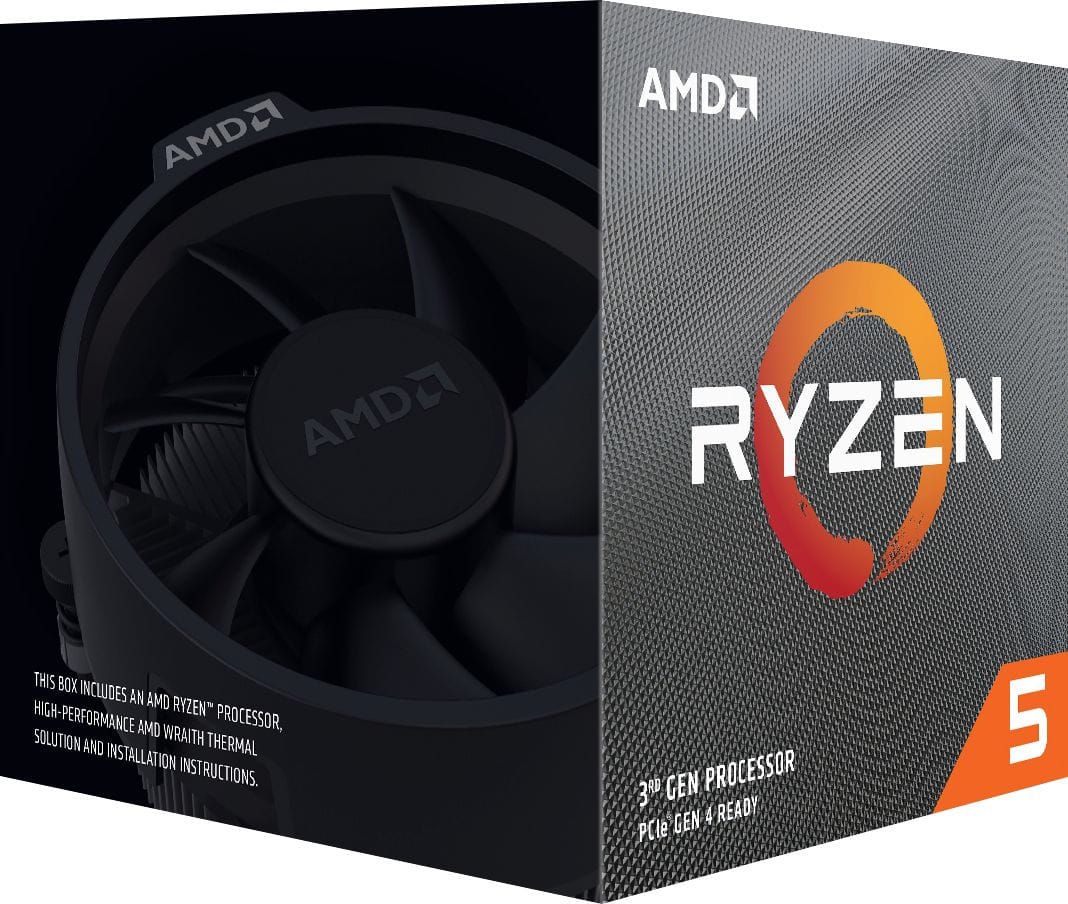
A:AnswerI bought this card specifically for Modern Warfare and while I don't play warzone, I get around 80-90 fps on ground war with max settings. As long as you have an equally or more powerful CPU, you should be good. (I have the Ryzen 5 3600 which is overkill for the GPU)
Also look into price matching for it.