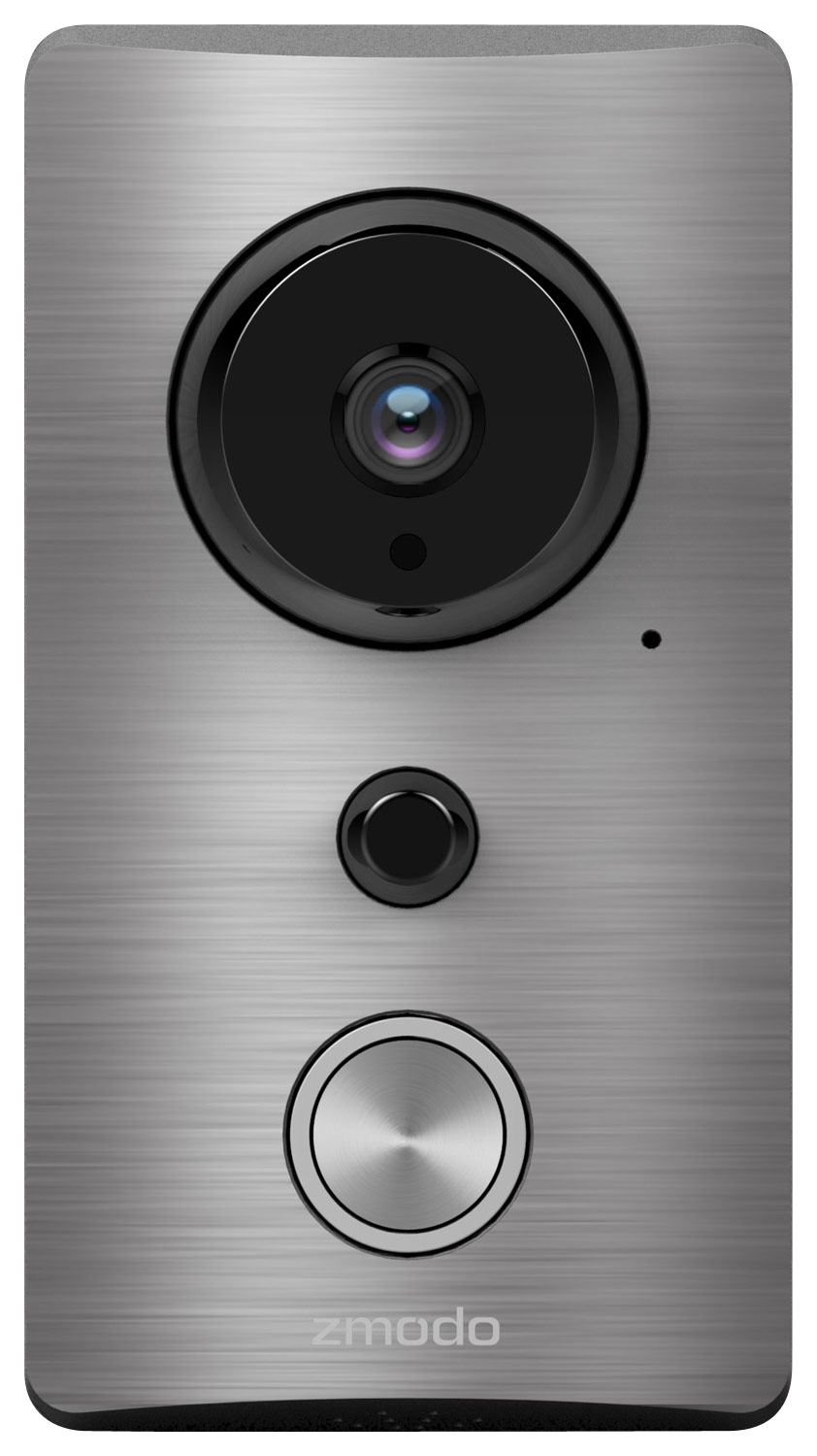
A:AnswerWe have just released a new update for the Zmodo app and everything is working properly. Please visit http://support.zmodo.com/index.php?action=artikel&cat=27&id=174&artlang=en if you are having issues.
A:AnswerLive View
There are two main functions on the live view screen:
1) Manually toggle the infrared night vision. The camera will automatically
adjust when it is dark outside, however you have to option of choosing to
disable or enable the night-vision for a clearer image.
2) Take a snapshot. You can take a snapshot at anytime. This image will
save to your cloud storage, and can be found in Events -> Gallery in your
app. Visit http://support.zmodo.com/index.php?action=artikel&cat=31&id=176&artlang=en on the cloud service details.
A:AnswerNita, This setting is not available for this device. Please visit http://support.zmodo.com/index.php?sid=952124&lang=en&action=show&cat=18 for other FAQ & Troubleshooting.
A:AnswerUnless they've changed it since I set mine up a few months ago, there is no way to define the range in this version. I'm fairly sure some of the more expensive brands have this capability, but the zmodo does not appear to.
A:AnswerYes, but you have to have wifi. I would not recommend this unit as i have problems keeping it online, it's not worth the time of always having to reboot it. Also with not having a doorbell you will have to take it down to recharge it