Customer Ratings & Reviews
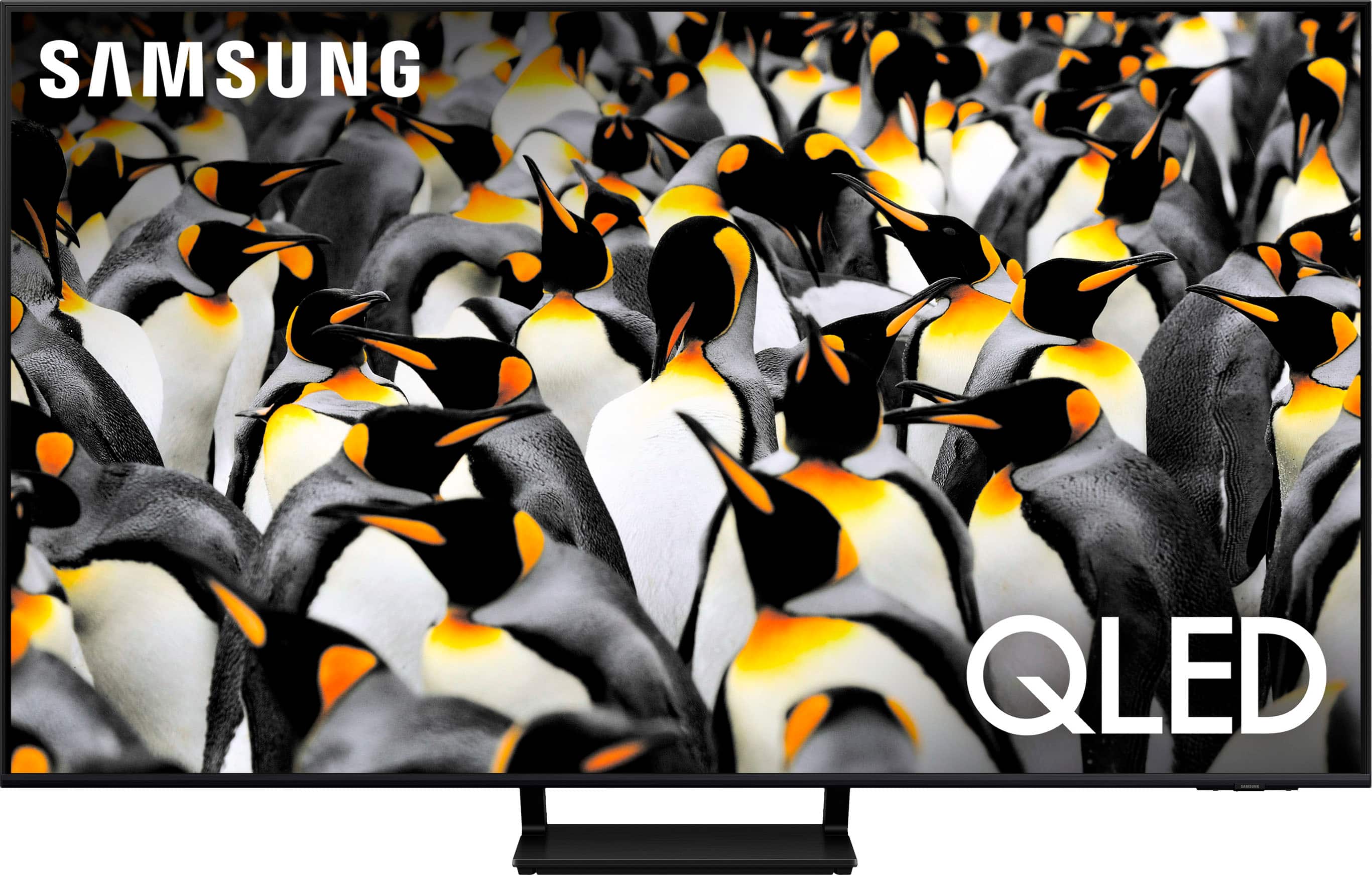
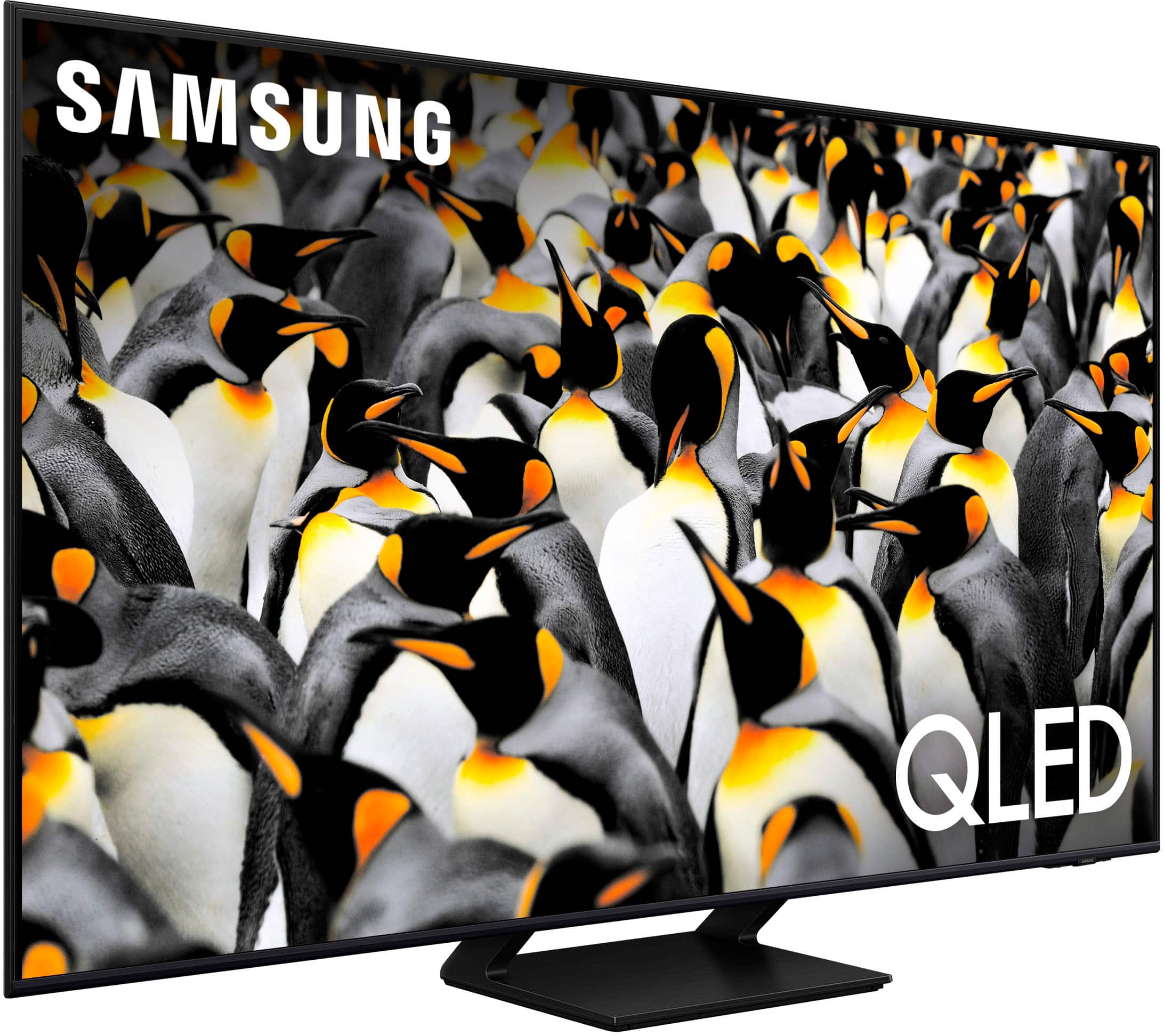
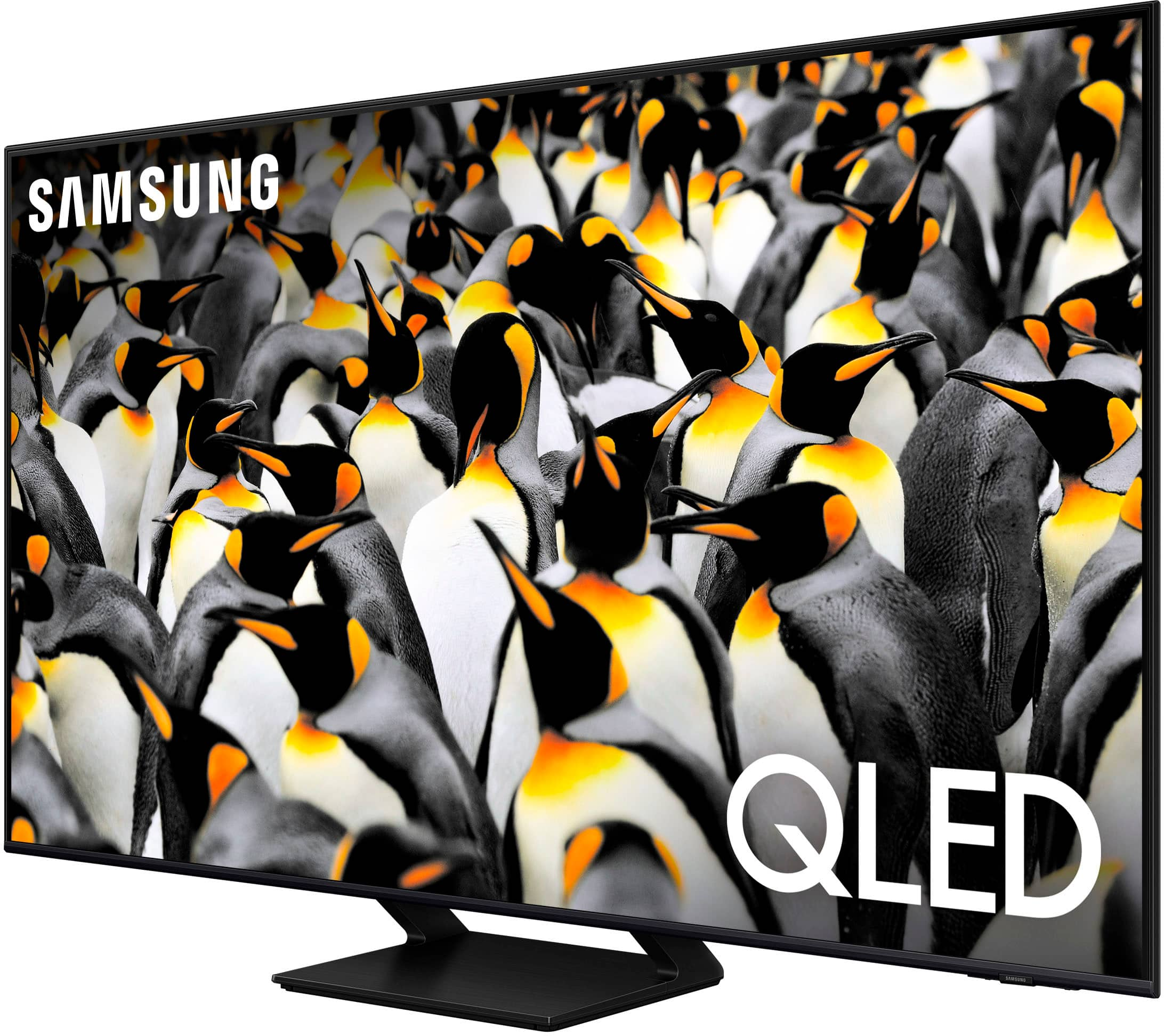
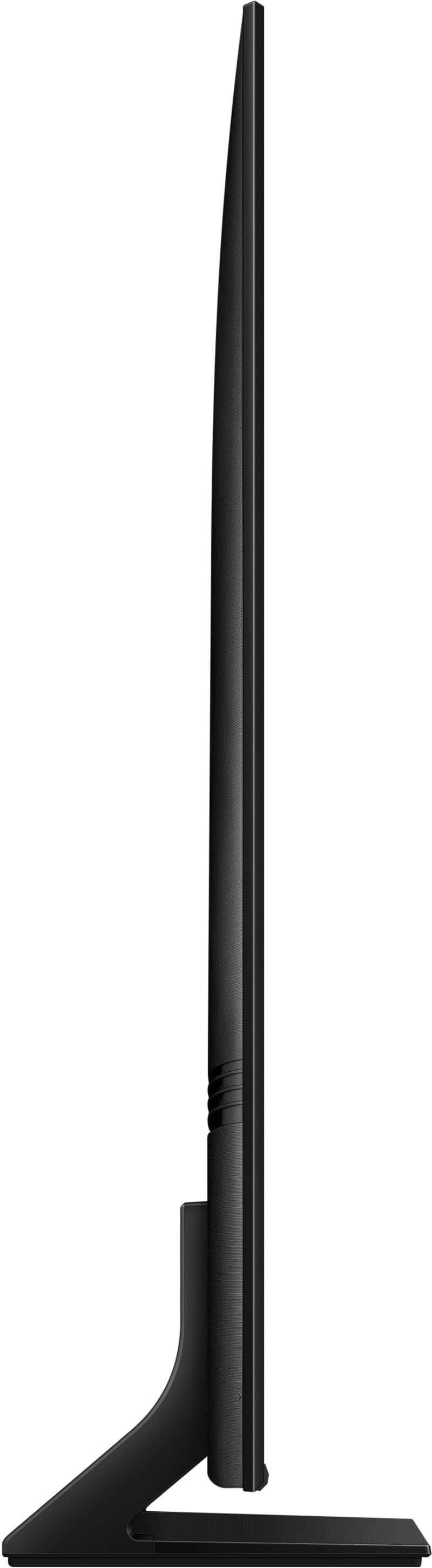
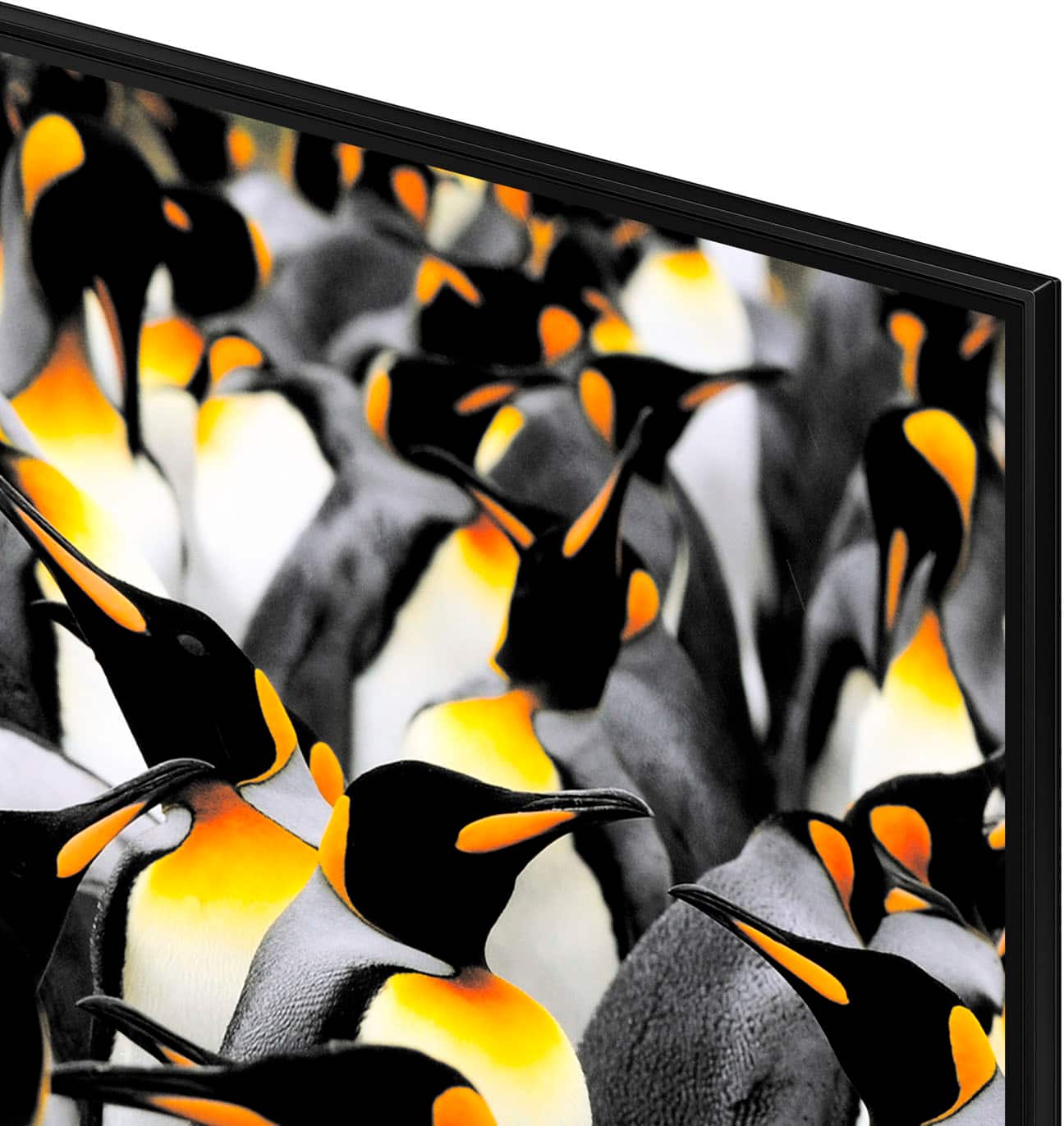
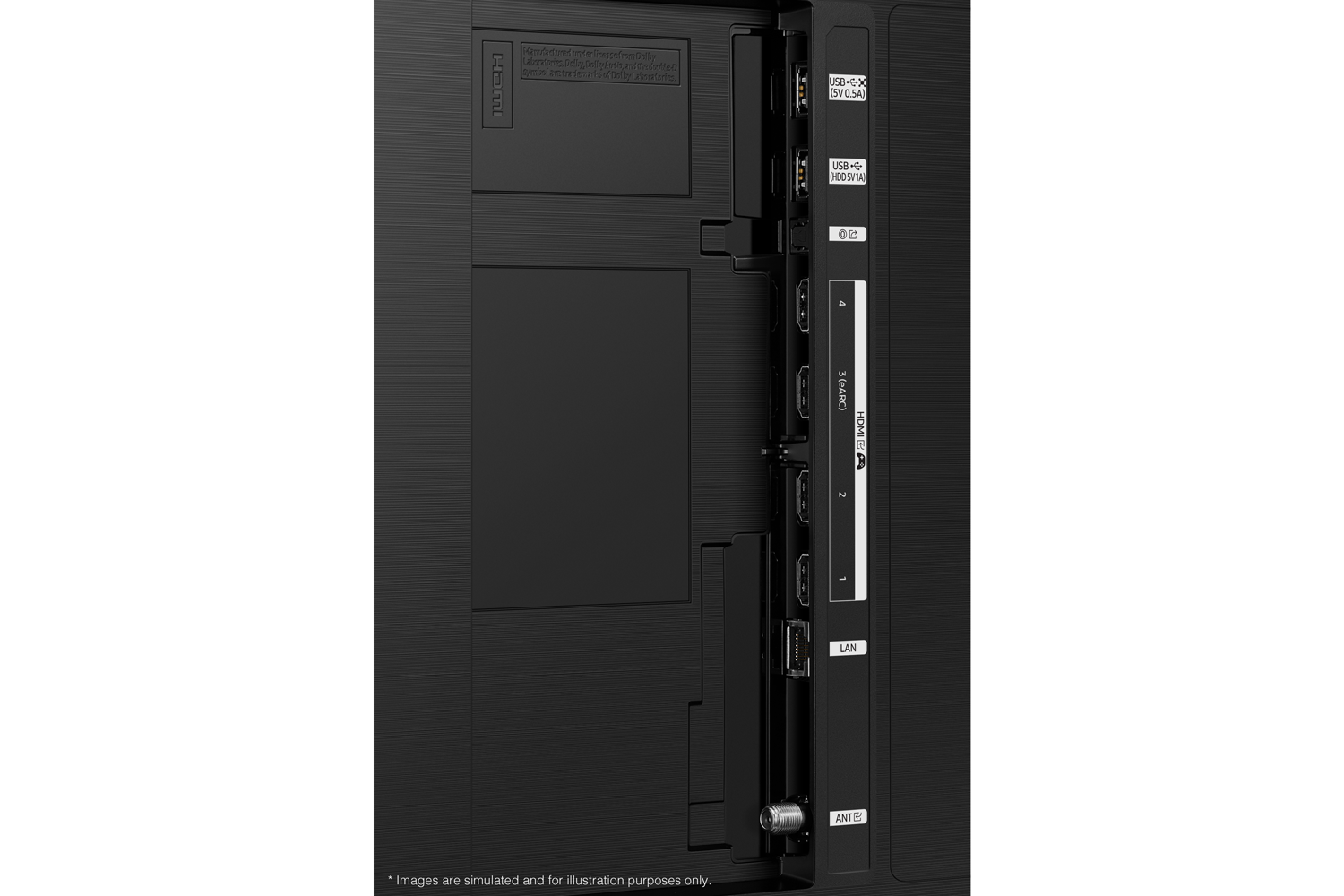
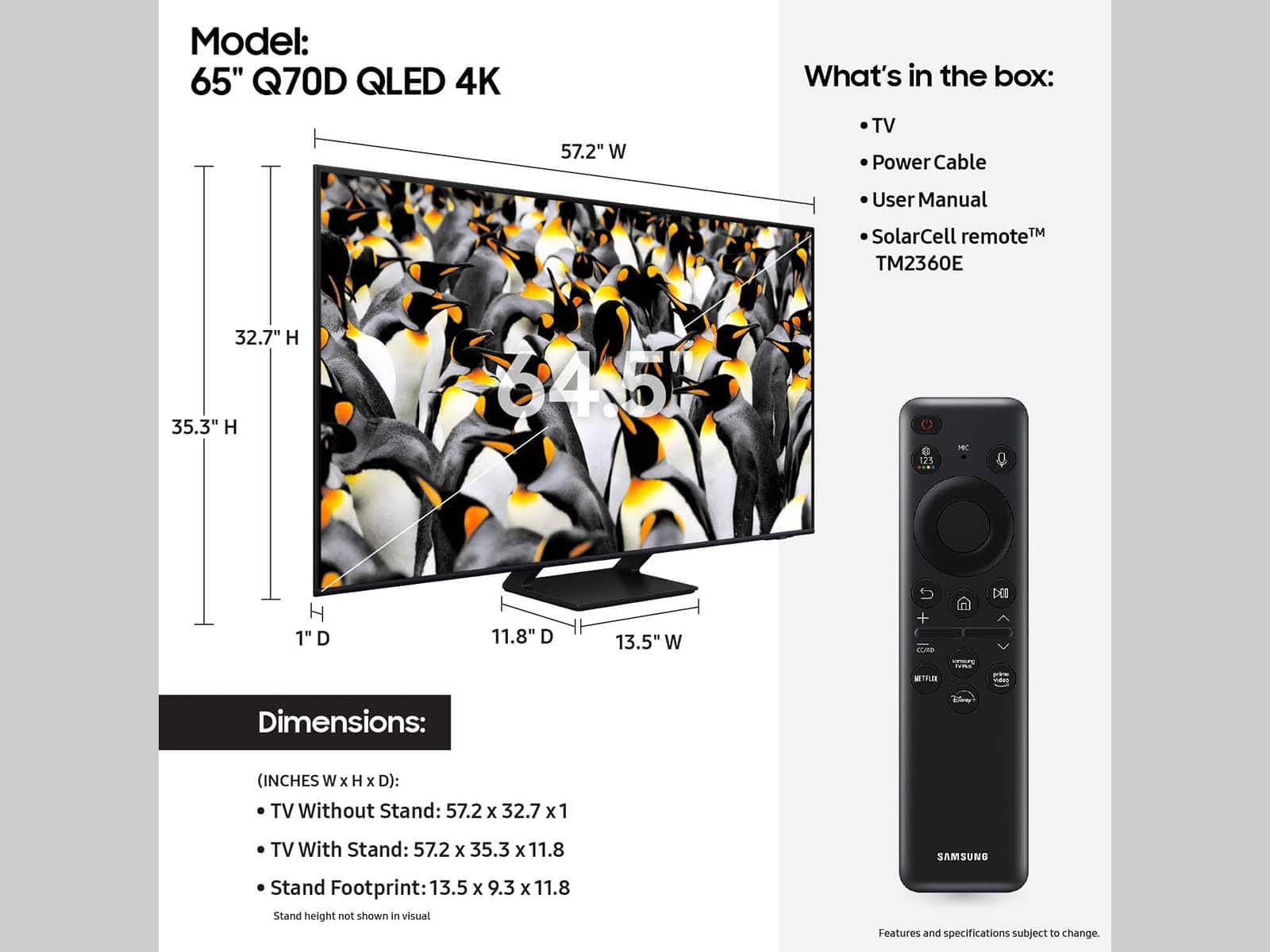




- Model:
- QN65Q70DAFXZA
- SKU:
- 6576591
Rating by feature
- Picture Quality
Rating 4.8 out of 5 stars
- Sound Quality
Rating 4.6 out of 5 stars
- Brightness
Rating 4.8 out of 5 stars
Customers are saying
Customers enjoy the excellent picture quality and ease of use of the 65” Class Q70D Series QLED 4K Smart Tizen TV (2024). Many appreciate the vibrant colors, fast refresh rate for gaming, and overall TV quality. Some customers have noted issues with the remote control and backlight. The TV is also praised for its easy setup, numerous features, and good price.
This summary was generated by AI based on customer reviews.
- Pros mentioned:Picture quality
TV Purchase
||Posted . Owned for 1 month when reviewed.This reviewer received promo considerations or sweepstakes entry for writing a review.The purchase was worth the funds expended. Absolutely no complaints thus far.
I would recommend this to a friendBrand response from Samsung
Posted .GilbertH,
Thank you for your review. If you’re experiencing specific issues which caused you to give this a 3-star rating, please know Samsung Customer Support is here to help.
You can reach us at 1-800-SAMSUNG, 8AM - 12AM EST, 7 days a week. Our LiveChat agents are also available by clicking on the ‘Support’ link on our website.
~ Samsung Specialist
TV
||Posted . Owned for 3 weeks when reviewed.This reviewer received promo considerations or sweepstakes entry for writing a review.Had to update my Game Tv excellent purchase for that..
I would recommend this to a friendGood experience
||Posted . Owned for 1 week when reviewed.This reviewer received promo considerations or sweepstakes entry for writing a review.Completely satisfied with my experience. Samsung TV
I would recommend this to a friendBest Buy TV purchases
||Posted . Owned for 3 weeks when reviewed.This reviewer received promo considerations or sweepstakes entry for writing a review.Good prices, professional service with delivery and set up.
I would recommend this to a friendNever Buy A Samsung Again
||Posted .This reviewer received promo considerations or sweepstakes entry for writing a review.Totally regret buying a more expensive Samsung because I was told it was compatible with Spectrum and Xumo. It is not and it is much harder to navigate than the inexpensive VISIO TV I bought for my bedroom. I would never buy a Samsung again.
No, I would not recommend this to a friendDo not buy. Setup instructions are horrible.
Posted .This reviewer received promo considerations or sweepstakes entry for writing a review.The setup doesn’t tell you that you have to turn the mic on with a switch on the bottom right side of the TV that is impossible to find. Instead you will try to use voice commands and get a meaningless error message that your mic is not working and you need to turn it on but there are no instructions on how to do so. DO NOT BUY THIS TV.
No, I would not recommend this to a friendBrand response from Samsung
Posted .Garry68,
I'm sorry to hear of your user experience. To assist you in learning the various features, functions, and settings of your TV and remote, you can download the Q70D TV's User Manual, e-Manual, Remote Control Leaflet, and Quick Setup Guide on Samsung's website under ‘Support’ (top right corner) > Manuals & Software > TVs & Home Theater. From there, you can search for and select the Q70D TV to download the guides you would like.
The e-Manual and Remote Guide are both also embedded into the TV itself under Menu > Settings > Support
If you need more help, Samsung is here for you. Please call us at 1-800-SAMSUNG, 8AM - 12AM EST, 7 days a week. Our LiveChat agents are also available by clicking on the ‘Support’ link on our website.
~ Samsung Specialist
Samsung 65" Q70D
||Posted . Owned for 1 month when reviewed.This reviewer received promo considerations or sweepstakes entry for writing a review.The Samsung 65 " TV is excellent. The delivery service was poor at best
I would recommend this to a friendBest TV
||Posted . Owned for 3 weeks when reviewed.This reviewer received promo considerations or sweepstakes entry for writing a review.Excellent clarity Best for watching movies and playing games
I would recommend this to a friend- Cons mentioned:Backlight
Did not last long!
||Posted .This reviewer received promo considerations or sweepstakes entry for writing a review.Worked fined for a few months and then screen started to go dim and irregular light/brightness, cannot be fixed apparently.
No, I would not recommend this to a friend Pretty good picture, but not perfect.
||Posted . Owned for 3 weeks when reviewed.This reviewer received promo considerations or sweepstakes entry for writing a review.Good overall TV. Picture could be a little better especially in dark scenes.
No, I would not recommend this to a friendIt's not worth the bucks
||Posted . Owned for 3 weeks when reviewed.This reviewer received promo considerations or sweepstakes entry for writing a review.On some of the channels, the pictures look like mud drawing. There is no option to enter a channel when I watch regular TV. My firestick stopped working in two of the HDMI slots. When I watch NBA basketball, none of the players are clear from a the stadium view. The only time the players are clear, is when they are close to the camera.
No, I would not recommend this to a friendBrand response from Samsung
Posted .TonyW,
Thank you for sharing your thoughts on the picture quality of your Q70D TV. To ensure you’ve got the latest image quality updates, please confirm that your TV is up to date with the latest firmware version. You can check by going to: Home > Menu > Settings > Support > Software Update.
If the picture you’re seeing is still not to your liking after updating firmware, there are several picture settings you may want to try adjusting.
Go to Home > Menu > Settings > All Settings > Picture > Picture Mode
...and select the mode that best fits your usage:
1. Standard: Is the default mode suitable for general viewing environments
2. Dynamic: Makes the picture brighter and clearer in bright viewing environments
3. Eco: Provided to save energy
4. Movie: Suitable for watching TV or movies in a dark room
5. Filmmaker Mode: Provides source content just as the creators intended. If the image is defined as Filmmaker Mode, it’ll automatically switch to Filmmaker Mode while watching.
Intelligent Mode enables the TV to recognize and analyze the surroundings, noise, content, and your usage patterns to provide the best viewing experience. You can enable Intelligent Mode by going to Menu > Settings > All Settings > General & Privacy > Intelligent Mode Settings > Intelligent Mode.
If adjusting image settings does not improve your picture, please contact Samsung Customer Support at 1-800-SAMSUNG, 8AM - 12AM EST, 7 days a week. Or visit us on the Samsung website and click on the ‘Support’ link for:
• LiveChat
• Manuals, Software, & Warranty Info
~ Samsung Specialist
Samsung 66-QLED
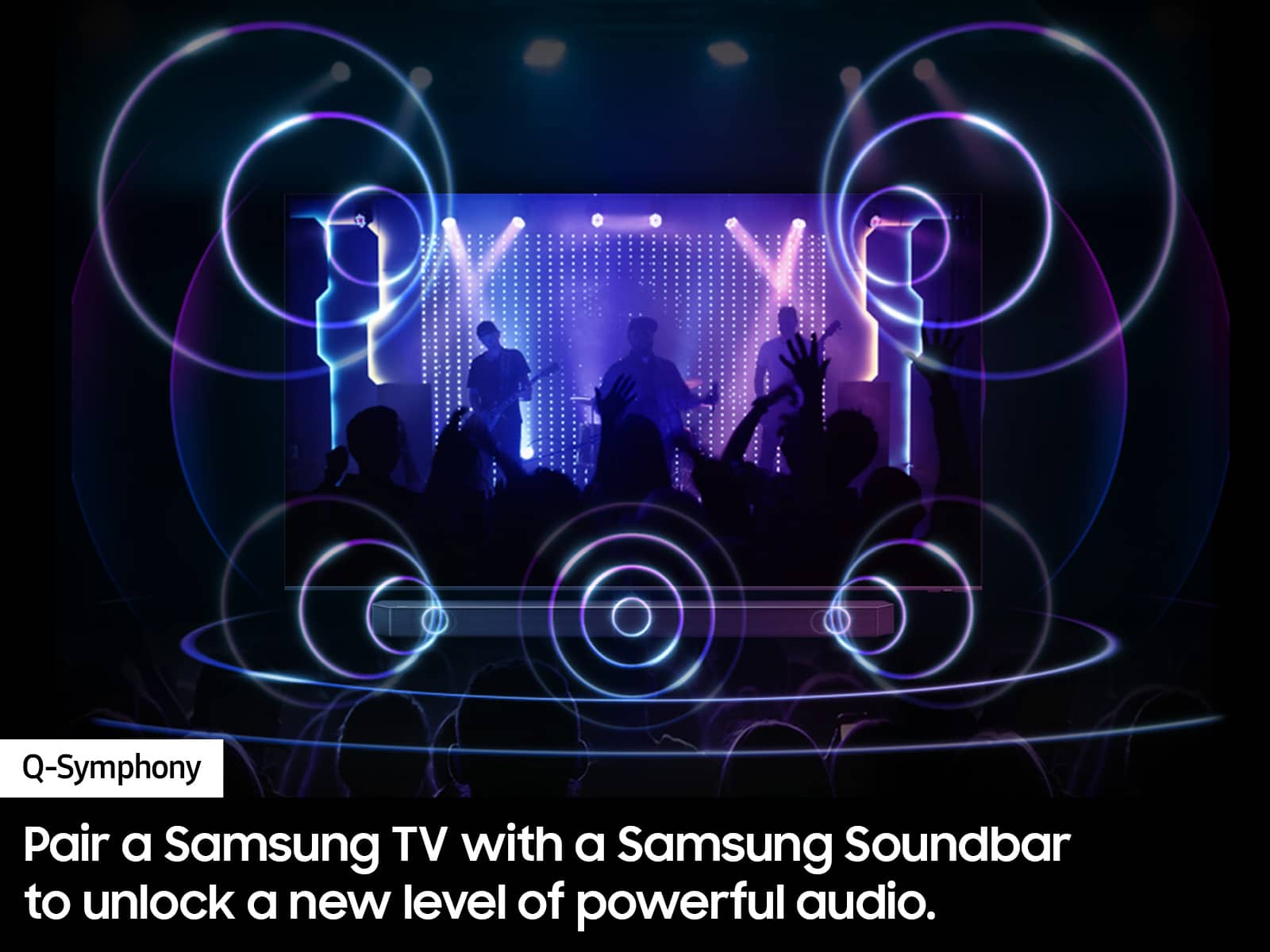
||Posted . Owned for 1 month when reviewed.This reviewer received promo considerations or sweepstakes entry for writing a review.Awesome product. Had to buy 2. Works better with Samsung soundbar.
I would recommend this to a friendTV purchase
||Posted . Owned for 3 weeks when reviewed.This reviewer received promo considerations or sweepstakes entry for writing a review.Bad open box purchase. Probably better if I bought it new
No, I would not recommend this to a friendBrand response from Samsung
Posted .LeonardoA,
We're sorry to hear about your Open Box experience. We recommend contacting Best Buy directly for assistance. We hope your issue is resolved in a timely manner.
Should you have questions or concerns on usage or setup of your TV once your issue has been resolved, please call us at 1-800-SAMSUNG, 8AM - 12AM EST, 7 days a week. Our LiveChat agents are also available by clicking on the ‘Support’ link on our website.
~ Samsung Specialist
Dissatisfied
||Posted .This reviewer received promo considerations or sweepstakes entry for writing a review.Samsung tv’s have been a good brand. We bought this one last December cause we wanted a bigger one for the games and gaming and enjoyment not a year later and it’s dying
No, I would not recommend this to a friendDoesn't work long
||Posted .This reviewer received promo considerations or sweepstakes entry for writing a review.Nice quality, great picture but stopped working 9 weeks after delivery which is just outside of the Best Buy warranty period......now having to deal with Samsung customer service to get it "repaired".
No, I would not recommend this to a friend- Cons mentioned:Backlight
Good but low quality
||Posted . Owned for 1 month when reviewed.This reviewer received promo considerations or sweepstakes entry for writing a review.Plagued with dirty screen effect after 10 days of use. Could not watch any movies or tv shows that had dark scenes.
No, I would not recommend this to a friendBrand response from Samsung
Posted .Kozy,
Thank you for sharing your thoughts on the picture quality of your Q70D TV. To ensure you’ve got the latest image quality updates, please confirm that your TV is up to date with the latest firmware version. You can check by going to: Home > Menu > Settings > Support > Software Update.
If the picture you’re seeing is still not to your liking after updating firmware, there are several picture settings you may want to try adjusting.
Go to Home > Menu > Settings > All Settings > Picture > Picture Mode
...and select the mode that best fits your usage:
1. Standard: Is the default mode suitable for general viewing environments
2. Dynamic: Makes the picture brighter and clearer in bright viewing environments
3. Eco: Provided to save energy
4. Movie: Suitable for watching TV or movies in a dark room
5. Filmmaker Mode: Provides source content just as the creators intended. If the image is defined as Filmmaker Mode, it’ll automatically switch to Filmmaker Mode while watching.
Intelligent Mode enables the TV to recognize and analyze the surroundings, noise, content, and your usage patterns to provide the best viewing experience. You can enable Intelligent Mode by going to Menu > Settings > All Settings > General & Privacy > Intelligent Mode Settings > Intelligent Mode.
If adjusting image settings does not improve your picture, please contact Samsung Customer Support at 1-800-SAMSUNG, 8AM - 12AM EST, 7 days a week. Or visit us on the Samsung website and click on the ‘Support’ link for:
• LiveChat
• Manuals, Software, & Warranty Info
~ Samsung Specialist
Great picture
||Posted . Owned for 2 weeks when reviewed.This reviewer received promo considerations or sweepstakes entry for writing a review.Have had the tv for 1 week and the sound went out. The experience and product was great unfortunately I think we just got a bad batch.
No, I would not recommend this to a friendBrand response from Samsung
Posted .AlexandreaK,
We appreciate you sharing your experience with Samsung's Q70D. We recommend you contact Best Buy Customer Support or your local Best Buy store directly for assistance in correcting this situation. We hope your issue is resolved in a timely manner.
Should you have questions or concerns regarding the usage or setup of your TV once your issue has been resolved, please contact Samsung Customer Support at 1-800-SAMSUNG, 8AM - 12AM EST, 7 days a week. Or visit us on the Samsung website and click on the ‘Support’ link for:
• LiveChat
• Manuals, Software, & Warranty Info
~ Samsung Specialist
Don't waste your money
||Posted . Owned for 8 months when reviewed.This reviewer received promo considerations or sweepstakes entry for writing a review.I have only had this TV for about 8 months. It was a replacement for a Samsung QLED 70 C that had a faulty panel. I had to pay another fee to get the protection on my replacement TV. Now this replacement TV has a similar issue as the one I returned last December. I am not happy! A TV should function properly longer than 8 months! No more Samsung for me!
No, I would not recommend this to a friendReturned
||Posted . Owned for 2 weeks when reviewed.This reviewer received promo considerations or sweepstakes entry for writing a review.TVs arent made like they use to make em and cost more!
No, I would not recommend this to a friendBrand response from Samsung
Posted .It’s unfortunate to hear of the issues that have caused you to return your TV. Your experience is very important to us and will be shared with our product team.
Should you ever decide to give Samsung TVs another try and have questions or need help with settings, setup, or features, please know we’re here to help. Call us at 1-800-SAMSUNG, 8AM - 12AM EST, 7 days a week.
LiveChat with an agent as well as manuals, software, and warranty info can be found at the ‘Support’ link on our Samsung website.
~ Samsung Specialist
Blurry sometimes with motion
||Posted . Owned for 3 weeks when reviewed.This reviewer received promo considerations or sweepstakes entry for writing a review.Picture can be blurry while commercials/shows are running and takes a bit to clear up
I would recommend this to a friendBrand response from Samsung
Posted .EmilyC,
We appreciate your thoughts on the picture quality of Samsung’s Q70D TV. If the image you’re seeing isn’t to your liking, there are several picture settings you may want to adjust.
Go to Home > left direction button > Settings > All Settings > Picture > Picture Mode
...and select the mode that best fits your usage:
1. Standard: Is the default mode suitable for general viewing environments
2. Dynamic: Makes the picture brighter and clearer in bright viewing environments
3. Eco: Provided to save energy
4. Movie: Suitable for watching TV or movies in a dark room
5. Filmmaker Mode: Provides source content just as the creators intended. If the image is defined as Filmmaker Mode, it’ll automatically switch to Filmmaker Mode while watching.
You can also fine-tune your picture with expert settings such as brightness, contrast, sharpness and more (All Settings > Picture > Expert Settings).
For optimal motion image performance, you may also want to adjust the picture clarity setting by going to: Menu > Settings > All Settings > Picture > Expert Settings > Picture Clarity Settings
- Off: Picture Clarity Settings will always be off
- Auto: Picture Clarity Settings will automatically activate and deactivate based on the type of program being watched
- Custom: Allows custom adjustments and settings to be used. By selecting the Custom option, you can access these advanced settings for Judder Reduction, LED Clear Motion, and Noise Reduction.
For further assistance with settings adjustments, please contact Samsung Customer Support at 1-800-SAMSUNG, 8AM - 12AM EST, 7 days a week. Or visit us on the Samsung website and click on the ‘Support’ link for:
• LiveChat
• Manuals, Software, & Warranty Info
~ Samsung Specialist