Customer Ratings & Reviews
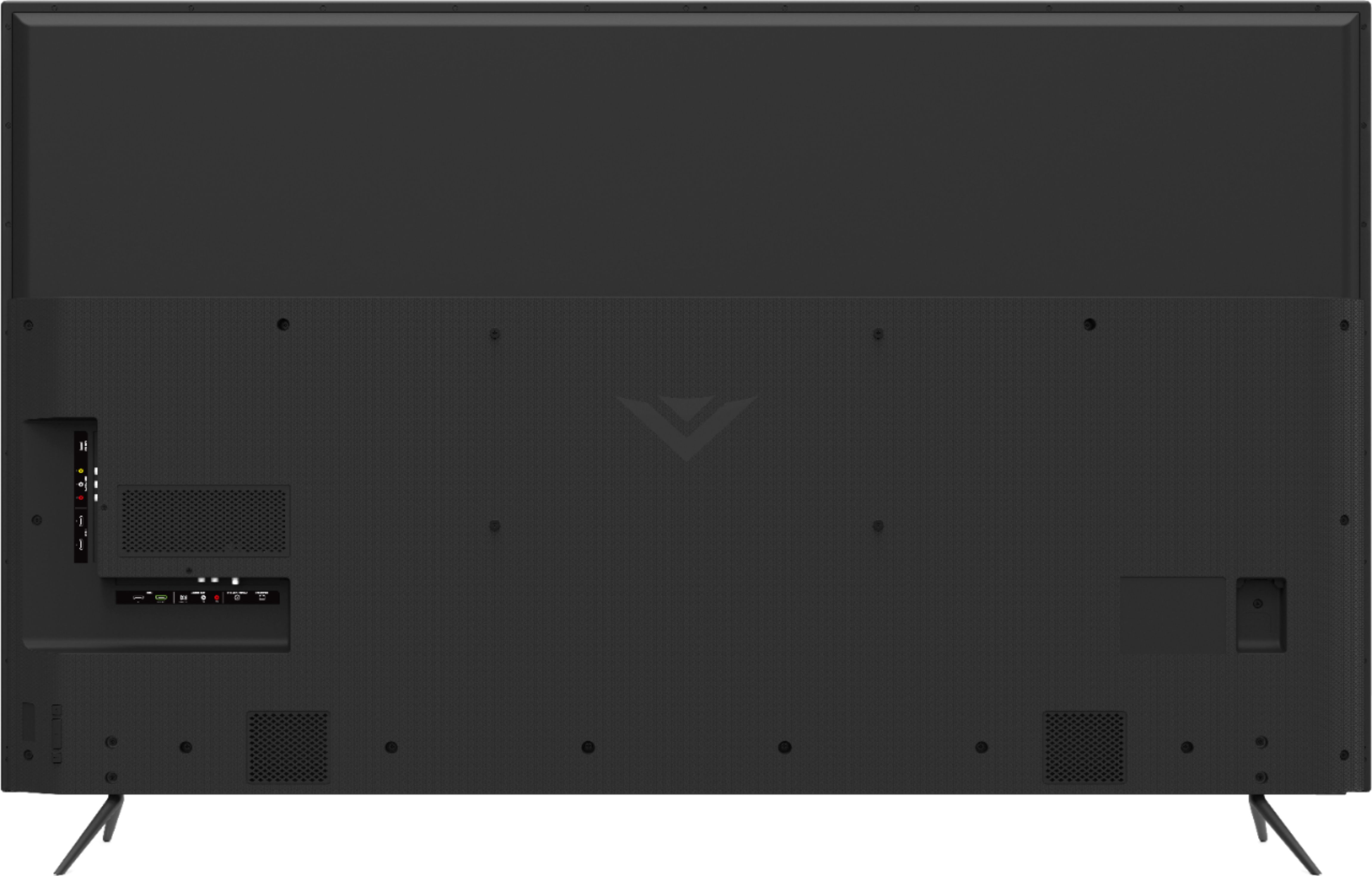
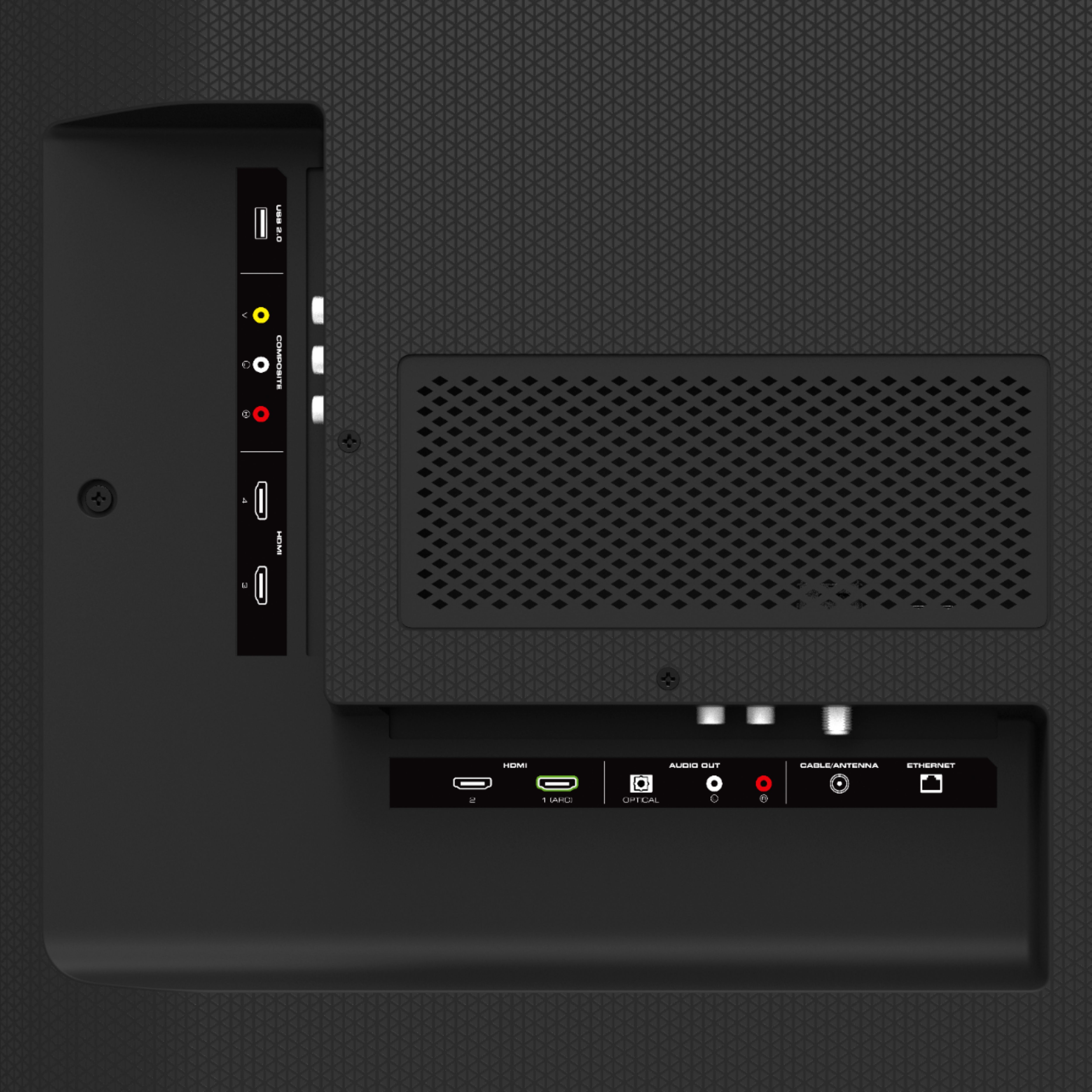


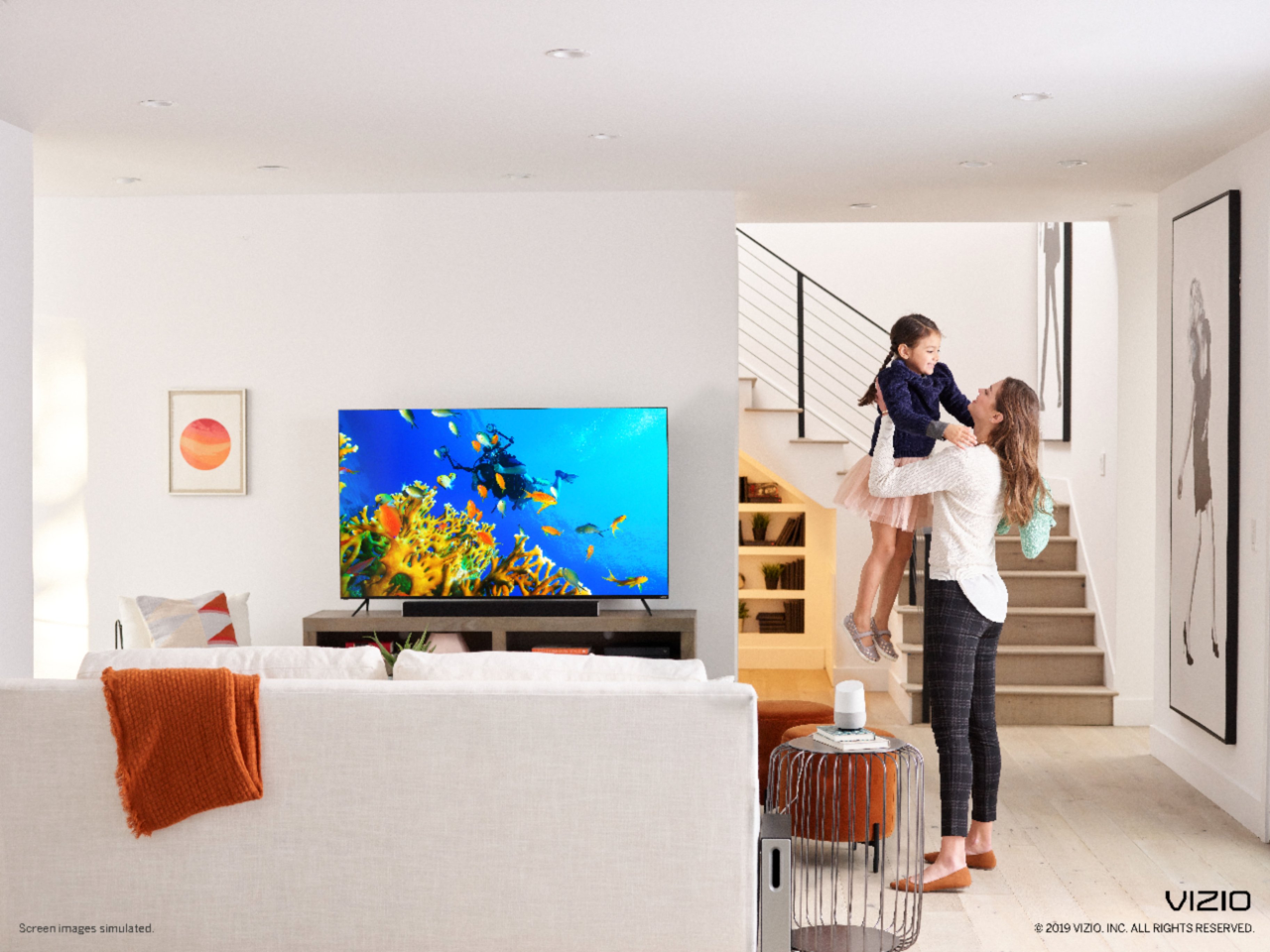








- Model:
- M658-G1
- SKU:
- 6345460
Rating by feature
- Picture Quality
Rating 3.7 out of 5 stars
- Sound Quality
Rating 3.3 out of 5 stars
- Brightness
Rating 3.7 out of 5 stars
Customers are saying
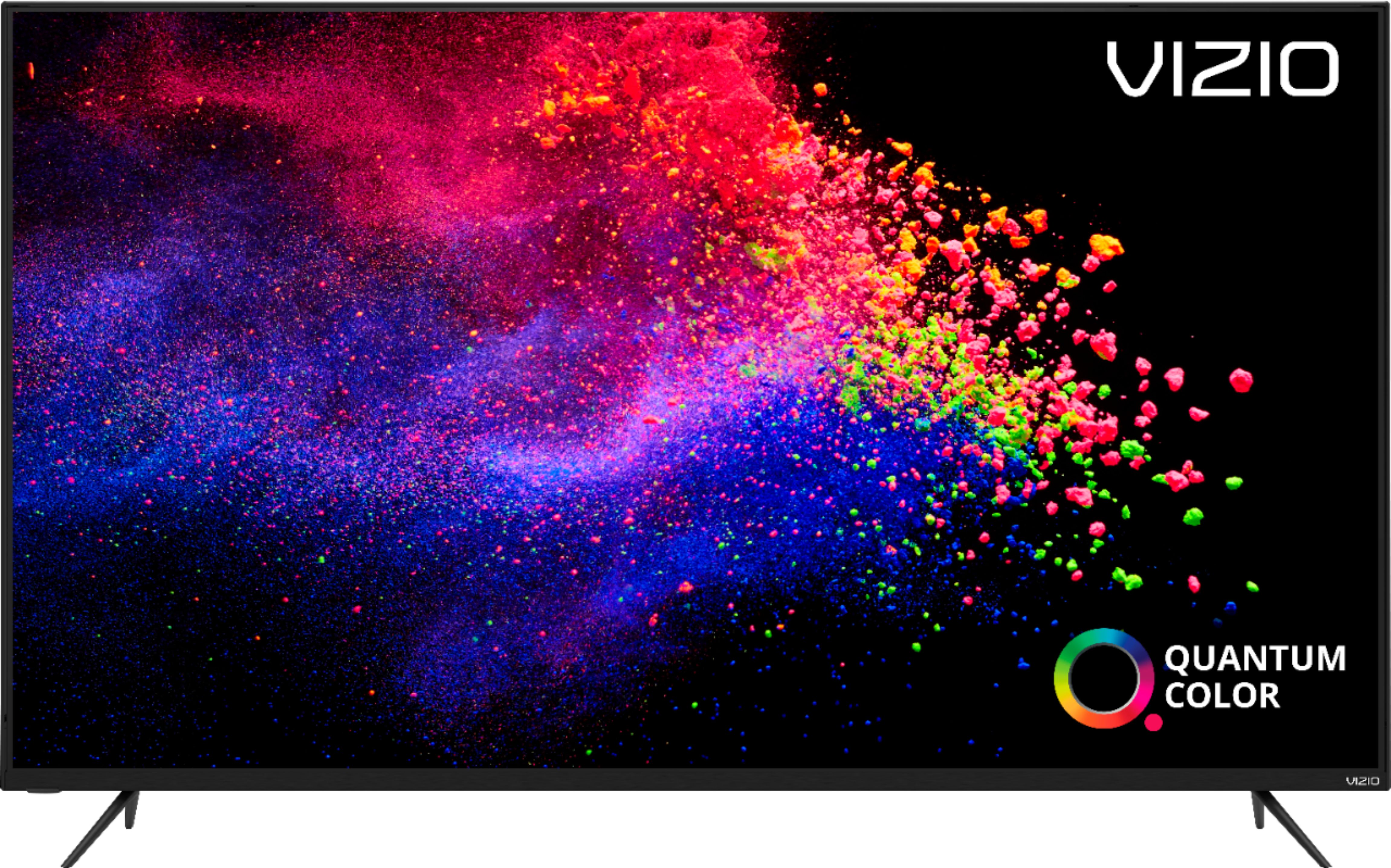
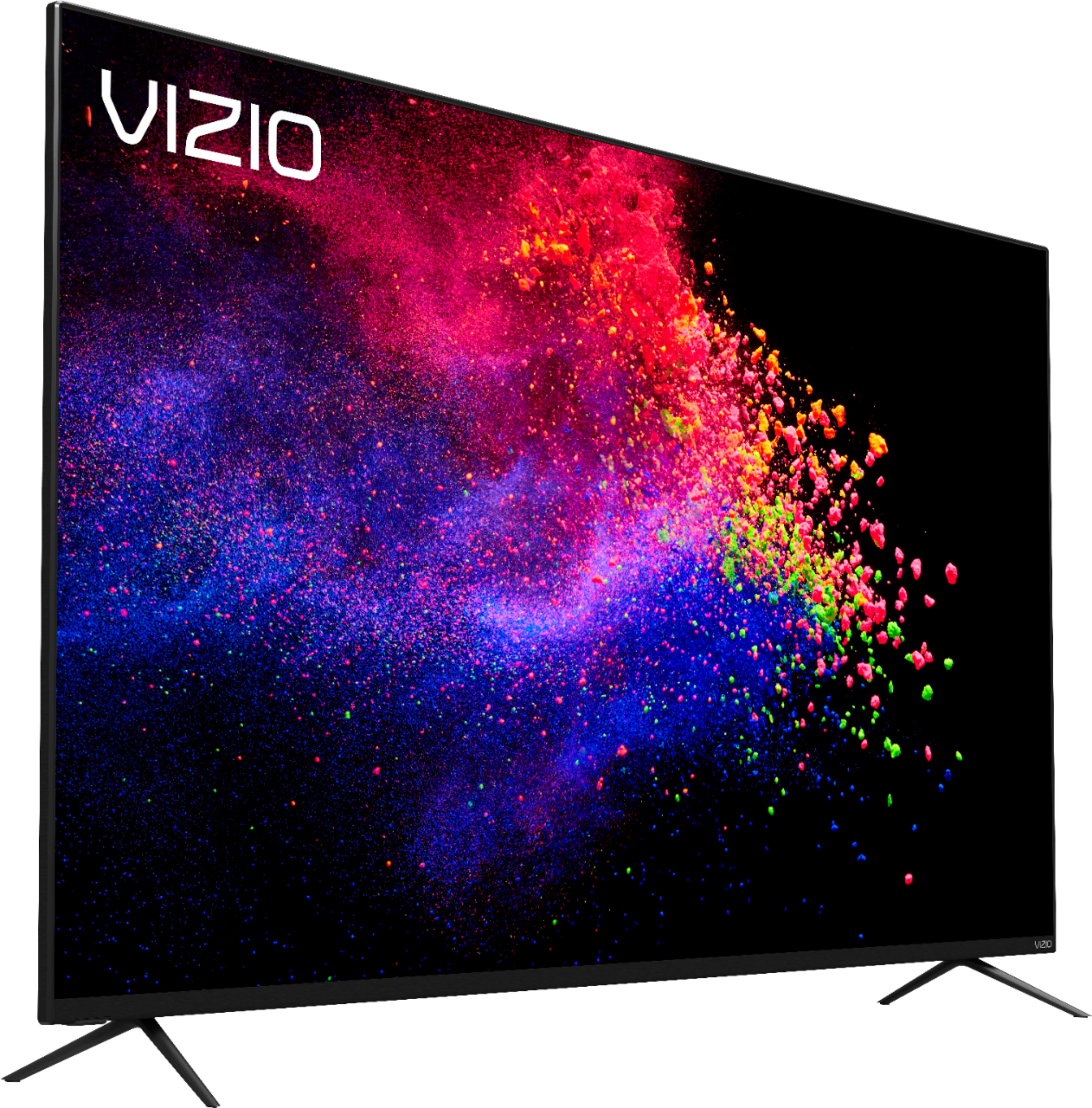
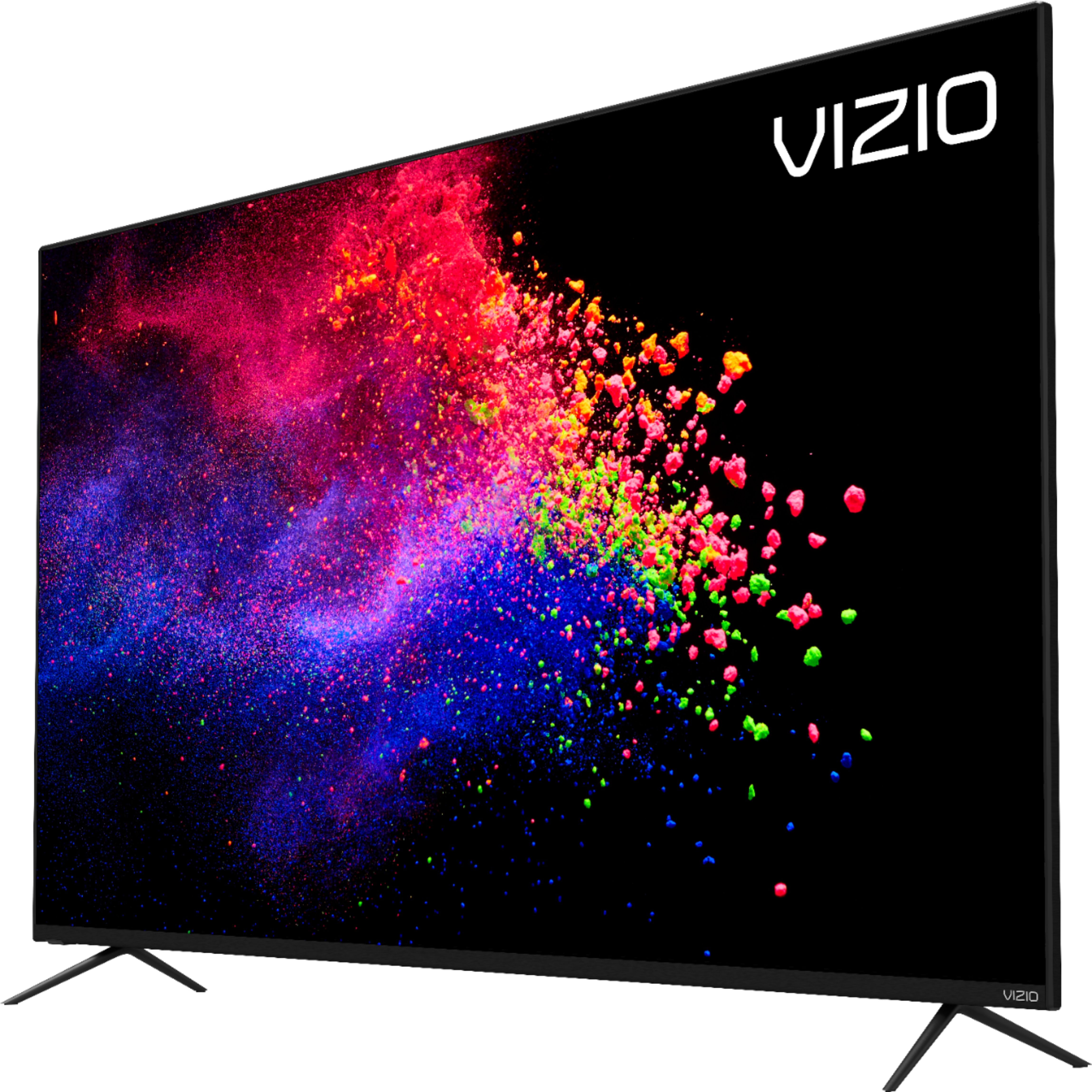
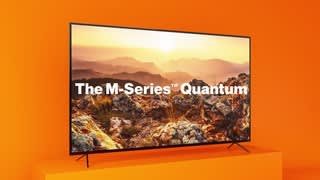
Customers are enthusiastic about the 65" Class M-Series Quantum LED LED 4K UHD Smart VIZIO SmartCast TV's picture quality, price, easy setup, and color. They appreciate the great value for the price and find the setup process a breeze. The TV's color reproduction is also widely praised. However, some customers have expressed concerns about the remote control's quality, the TV's tendency to turn on by itself, and limited apps.
This summary was generated by AI based on customer reviews.
- Pros mentioned:Picture quality
Wow
||Posted . Owned for 1 month when reviewed.This reviewer received promo considerations or sweepstakes entry for writing a review.Best tv ever I like Sony but this one beat the records
I would recommend this to a friend Honest review
||Posted . Owned for 1 week when reviewed.This reviewer received promo considerations or sweepstakes entry for writing a review.Out of the box, there are noticeable issues with color accuracy, sharpness and color gamut. All picture presents are extremely dim. Apparently that’s how TV it’s intended to be viewed. After one week as much as I tried to like the unit, Best Buy kindly exchanged the Vizio for SamsungRU7100. So after two week with two panels, I figured I'd do unbiased testing running Death Stranding on both screens for comparison.
No, I would not recommend this to a friendBrand response from VIZIOEntertainmentExpert
Posted .Hello Phunkyfeel1, At VIZIO we pride ourselves on our highly rated picture quality. Sites like CNet, RTings, and Reviewed.com consistently rate VIZIOs picture quality among the best in the industry. To make sure you’re getting the most out of you VIZIO TV, we’d recommend making sure your devices are connected with an HDMI cable, and are set to broadcast in 4K (2160p) or Full HD (1080p). You can also individually adjust your picture settings in the menu. For brighter rooms try using the ‘Calibrated’ setting, for darker rooms try ‘Calibrated Dark’. If you’d like any assistance adjusting these settings, our customer support team would love to help you dial in the TV to your preference, you can reach them at 877-878-4946.

Screen backlight has failed in less than two years
||Posted . Owned for 1 year when reviewed.This reviewer received promo considerations or sweepstakes entry for writing a review.Owner of less than 2 years, and the a section in the center of the backlight on the television is going out. I did normally have my back light high, and it isn't burn in. The "brown-out" right in the center of the screen is a rounded rectangle the screen is outputting less light on this section. It messes with the color and distracts from the experience of anything on the TV now as it has grown progressively worse. All of this is an indication of backlight failure, and that is indicative that these televisions are susceptible to turning into heavy paperweights over a short period of time if you want to enjoy them fully, which is very disappointing. Other than that, for the first year we used it, it was nice, but the interface is slow and buggy. External HDMI performance was fine. The TV had to be restarted a few times. Wifi performance was not normal and had to be factory reset a few times. We won't be buying another Vizio ever again due to this TV. We are owner of 3 and we've had consistent issues with two of them, our 55" inch tv stopped having an issue with the firmware patch. Nonetheless, what we have can't be fixed with firmware. I know what to expect of I call Vizio. We didn't have the wear and tear policy on the TV. It's too bad. Looking to switch over to LG, Sony, or Samsung now. Not sure which 4K 65" with Dolby Vision is within our budget range and stays better. Attached image examples.
No, I would not recommend this to a friend- Pros mentioned:Picture quality
Nice looking TV, lots of issues out of the box.
||Posted .This reviewer received promo considerations or sweepstakes entry for writing a review.I really wanted to enjoy this TV, i was excited to hang it up and start watching some 4k movies etc. The first issue out of the box was that I couldn't get any internet on the TV. I could connect to my router just fine, but no matter what I did, the TV said no internet. I connected it to an Ethernet cable and had the same issue. I called Vizio customer support and they offered to have a tech come out and replace my internet module. (The techs never called to schedule this). The second issue was a week after getting the TV. I was watching a show on my Xbox (since I cant connect the TV to the internet) and these lines started to appear at the bottom of the screen and moved to the top of the TV. I loved the picture the whole week I had it, and was willing to see if they could fix my internet, but it seems like more issues keep showing up.
No, I would not recommend this to a friendBrand response from VIZIOEntertainmentExpert
Posted .Hi Mndef, Sorry to hear you are having issues with the internet connection. Defects like this are extremely rare. In the event that an issue does happen, VIZIO strives to provide our customers with the award-winning service and support to ensure issues are handled as quickly and easily as possible. We appreciate that you reached out to us and gave us the opportunity to correct this unfortunate situation.
Disappointed
||Posted . Owned for 1 month when reviewed.This reviewer received promo considerations or sweepstakes entry for writing a review.I really expected a great product with this Vizio. It's a good size and has a sleek look, and there are great features and good apps. The picture is okay, but not as good as expected and it is subject to glare from household lighting and sunlight. Unfortunately the TV has nearly constant technical issues. It turns itself back on randomly, sometimes after being off for hours. It drops the internet connection, often claiming there is no available internet, but when I check the internet it's fine and all other TV's and devices have no issues. Even more frustrating is that it keeps going back into set-up mode and I have to go through set-up all over again!
No, I would not recommend this to a friendBrand response from VIZIOEntertainmentExpert
Posted .Hello SueB33, At VIZIO we pride ourselves on our highly rated picture quality. Sites like CNet, RTings, and Reviewed.com consistently rate VIZIOs picture quality among the best in the industry. To make sure you’re getting the most out of you VIZIO TV, we’d recommend making sure your devices are connected with an HDMI cable, and are set to broadcast in 4K (2160p) or Full HD (1080p). You can also individually adjust your picture settings in the menu. For brighter rooms try using the ‘Calibrated’ setting, for darker rooms try ‘Calibrated Dark’. We would love to help get to the bottom of your television turning on and your connection as sometimes other wireless signals can interfere with your connections. Please reach out to our customer support team at 877-878-4946.
Did not last a year
||Posted . Owned for 8 months when reviewed.This reviewer received promo considerations or sweepstakes entry for writing a review.Bought in April, It started to lose sound randomly. Called Visio. They sent a repair company. 1 person did show up, oh It’s a 65” tv. The person needed help to lay it down. Also no mat to protect our new carpet? Oh yeah grab a sheet. I read a review like this but did not really think it would be just like it! Oh they fixed it. Weeks later the picture goes out and remote stops working. Called Visio , going to send me a new set. I am going to buy a different brand and sell my replacement, anyone interested??
No, I would not recommend this to a friendWorst & Most Expensive Television Ever!
||Posted . Owned for 11 months when reviewed.This reviewer received promo considerations or sweepstakes entry for writing a review.See photos. I think you'll get the idea. I found out, like others who purchased this television, that the magical big yellow burned looking circle showed up, smack in the middle of the picture, just over a year after purchase, and past the 'warranty' period. Now, we're stuck watching the television like this. First time Vizio product buyer and I'll never purchase another Vizio product. Most expensive television ever, to only last 18 months! And Vizio isn't doing anything to make this right? REALLY?!
No, I would not recommend this to a friendI wish I could return it.
||Posted . Owned for 2 months when reviewed.This reviewer received promo considerations or sweepstakes entry for writing a review.I believe I received a bad unit but, with the pandemic just starting in my area when I purchased it made it extremely difficult to return so now I am stuck with a very poor quality TV. Let's start with image quality in every dark scene the black a are pixelated to a point where is it unwatchable and if there is any white in the scene with the black I get a ghosting pixelated image. It pains me to watch TV sometimes. Another major issue is the APPs especially Google Play Movies. I do not want to have to cast from my phone to watch my purchased content, make an app for it as other major TV makers do. It is also so slow to turn and recognize a device that is plugged in via HDMI, 5 mins from the time I turn on my streaming device that I get to see the menu screen from that device. These 3 items make it very disappointing to watch anything on this TV. This is the worst VIZIO I have owned.
No, I would not recommend this to a friendBrand response from VIZIOEntertainmentExpert
Posted .Hi Phobosxdeimos, At VIZIO we pride ourselves on our highly rated picture quality. Sites like CNet, RTings, and Reviewed.com consistently rate VIZIOs picture quality among the best in the industry. To make sure you’re getting the most out of you VIZIO TV, we’d recommend making sure your devices are connected with an HDMI cable, and that you’re getting an HD ( or UHD) signal. You can also individually adjust your picture settings in the menu. For brighter rooms try using the ‘Calibrated’ setting, for darker rooms try ‘Calibrated Dark’. If you’d like any assistance adjusting these settings, our customer support team would love to help you dial in the TV to your preference, you can reach them at 1-855-833-3221
Buggy
||Posted . Owned for 6 months when reviewed.This reviewer received promo considerations or sweepstakes entry for writing a review.The TV glitches all the time and we have a crazy line that runs down the screen all the time. They randomly just power cycle and sometimes wont then on. When THAT stuff isn't happening they're fine. We got two identical TVs and they both do the same thing.
No, I would not recommend this to a friendGreat picture but unfortunately...
||Posted . Owned for less than 1 week when reviewed.This reviewer received promo considerations or sweepstakes entry for writing a review.After hangning the TV in our family room I found a 3" crack in the bottom left side of the screen and to make matters worse...the remote is also broken. This was an opened box purchase during a family trip during Thanksgiving and we just time to open it and hand it up tonight. We were told that this was an open box RV that had been rated in like new condition. I don't see how the Geek Squad reviewed this TV and gave it such a high rating. Yes, the TV was discounted $25 additional dollars but I would have paid full price had I known both the TV and the remote were broken. We are beyond disappointed and you can tell it was broken before we unboxed it because the white spots you see in the pictures are Styrofoam particles from the box.
No, I would not recommend this to a friendTrash
||Posted . Owned for less than 1 week when reviewed.This reviewer received promo considerations or sweepstakes entry for writing a review.TV was delivered on 5.7.2020 and thankfully returned on 6.9.2020 after 800bestbuy stated it couldn’t be. Panel went bad after 32 days, see attached pictures. Prior to the panel going bad the picture wasn’t not very good, constantly had to make adjustments to the settings and did not hold up when gaming (game maids didn’t help) Avoid, stay with Samsung or LG 7 serious, comparable in price but drastic difference in quality.
No, I would not recommend this to a friendBrand response from VIZIOEntertainmentExpert
Posted .Hi JT8843, At VIZIO we pride ourselves on our highly rated picture quality. Sites like CNet, RTings, and Reviewed.com consistently rate VIZIOs picture quality among the best in the industry. To make sure you’re getting the most out of you VIZIO TV, we’d recommend making sure your devices are connected with an HDMI cable, and that you’re getting an HD ( or UHD) signal. You can also individually adjust your picture settings in the menu. For brighter rooms try using the ‘Calibrated’ setting, for darker rooms try ‘Calibrated Dark’. If you’d like any assistance adjusting these settings, our customer support team would love to help you dial in the TV to your preference, you can reach
Terrible tv
||Posted . Owned for 3 months when reviewed.This reviewer received promo considerations or sweepstakes entry for writing a review.This tv is HORRIBLE!! While watching it will cut off automatically and the latest is when turning on it’s a green screen, I will never get this band again it’s not even been a complete 4 months and I’ve had issues I’m not happy at all
No, I would not recommend this to a friendBrand response from VIZIOEntertainmentExpert
Posted .Hi Chaun, thank you for leaving a review. Defects like this are extremely rare in or out of warranty. We’d really love the opportunity to have our tech support team run through some troubleshooting steps to see if we can get the TV up and running for you. When you have a free moment, they’re available through text message, chat, or over the phone. Just go to support.VIZIO.com and click on ‘Contact Us’.
Do not buy Vizio
||Posted .This reviewer received promo considerations or sweepstakes entry for writing a review.The M-series quantum had a backlight failure right after the warranty period of 1 year. This seems to be a common issue with Vizio TVs (there are many Reddit threads on it). Vizio refused to replace/repair the TV.
No, I would not recommend this to a friendBad Active Array Tech
||Posted . Owned for 1 year when reviewed.This reviewer received promo considerations or sweepstakes entry for writing a review.My suggestion, unless you want to buy a TV on a yearly basis, avoid vizio. Their active array is bad technology and of course about 6 months after warranty a brown/yellow area started to appear. I have attached a picture. They of course only offered a discount on a new tv.
No, I would not recommend this to a friend3 months in and dead pixels
||Posted . Owned for 3 months when reviewed.This reviewer received promo considerations or sweepstakes entry for writing a review.Only had this tv since april 7th and all of a sudden the bottom portion of my screen is darker than the rest with a yellow tint of some sort. wont be buying a vizio product again. The problem can be seen in the pictures I provided
No, I would not recommend this to a friendBrand response from VIZIOEntertainmentExpert
Posted .Hi Glass, I apologize you are experiencing issues with your new TV. Please feel free to reach out to our Award Winning Customer Service at 877-698-4946, and we will be more than happy to assist you.
Poor screen
||Posted . Owned for 10 months when reviewed.This reviewer received promo considerations or sweepstakes entry for writing a review.Poor quality screen. Just little knock on screen & full screen damage & not working. I just waste my money. Highly recommend not to buy this one.
No, I would not recommend this to a friendTV started going out 30 days after I bought it.
||Posted . Owned for 1 month when reviewed.This reviewer received promo considerations or sweepstakes entry for writing a review.I have red lines running through my TV now. Pay $800 for a TV and it barely lasts over 30 days. Very up seat.
No, I would not recommend this to a friendBrand response from VIZIOEntertainmentExpert
Posted .Hello Supa, please contact our customer support at 877-878-4946 for assistance with your television.
- Pros mentioned:Hdr, Picture quality
Fantastic TV At Price Point With Some Caveats
||Posted . Owned for 1 week when reviewed.This reviewer received promo considerations or sweepstakes entry for writing a review.I’ve really been through the wringer with televisions in the last year. Went through two Sony Z9F’s, two Sony 900F’s, and they were all unacceptable. Sony’s quality control proved to be pretty awful. I then decided to go OLED with an LG C8, and I do like that television overall, but one side of the screen is brighter than the other so uniform black scenes in films can look grayish on one side, which is disappointing. Have LG replacing the panel in the coming days. But I never had a problem with Vizio televisions. Have a 30-ish inch model from a super long time ago that still works, and we only recently retired it because we hung a 55” M series Vizio from 2016, which was the primary television in my home theater for a while, in our bedroom. And that’s a great television too. Why did I even seek to upgrade in the home theater then? Because I wanted WCG and better HDR. So, knowing how happy I’ve been with Vizio to date, I rolled the dice on this new M Quantum 65” set. I’m not disappointed. First of all, uniformity is really, really good. I couldn’t notice any jail bars in material watched in a dark room. Curiosity got the best of me so I threw up an all-white screen and it was still impressively uniform. No darkened corners like the competitors, and the jail bars are so light that I have to really look just to see them. Typically, the larger you go up in size, the more imperfections you should expect to deal with. You have a much better shot at good uniformity with sets 55” and under… but I’m impressed with just how clean this 65” is. When the screen is completely black though, I do notice some clouding. However, as soon as there’s anything on-screen, it either clears up or I’m unable to perceive it. In real usage, everything looks fantastic. OLED may have spoiled me a little, because I will say that I don’t get black bars that are so dark they disappear into a pitch black room, but they are plenty dark for an LCD/LED television. It’s worth noting that this may actually improve over the course of time once the LED’s get a couple hundred hours of use, but even as is, I think what I’m seeing is plenty acceptable. What disappoints me about competitor models is that in this price range, they really cheap out on the FALD zones. Hell, even the more expensive televisions tend to favor something between 40 to 50 zones. This M series Quantum has 90 though, and the difference is very much appreciated compared to other televisions I’ve had experience with. You’re still going to get a little blooming, but the bloom isn’t overly bright since this set allegedly tops out at a little over 600 nits, and the size of the bloom area isn’t a distraction. The fact that Vizio are offering a 65” television with 90 zones for under a grand… it’s amazing value and the picture quality is great. The TV is calibrated well enough out of the box as long as you select one of the ‘Calibrated’ modes. There are a couple of complaints, though. One, Dolby Vision looked way too dark on my television… and that’s from a UHD disc. I was experiencing black crush. This can be alleviated by increasing some of the settings, but Dolby Vision is supposed to be sort of an automatic thing, so that’s slightly concerning. I’m sure this can be fixed via firmware in the future though. And my biggest complaint of all is that this television is screwing up how everything is talking to each other in my home theater chain. My AVR does not handle Dolby Vision, so I usually use an HDMI cable from the player to the tv directly for video (HDMI input 1), and then another HDMI to the receiver just for audio. I also run an HDMI cable from the AVR to the TV (HDMI input 2) for all my video game console needs. So what happens is that when I watch a film from my UHD player, I get video from the HDMI 1 input, but no sound. If I switch to HDMI input 2, which is where the AVR is plugged in, I get the audio kicking on from the AVR finally, but obviously then I have no picture. The Vizio basically seems to accept everything active in its HDMI ports, and is trying to be ‘smart’ about how it handles it… but it doesn’t work. I should be able to view a picture on Video 1 and hear that sound that’s fed to my AVR at the same time… but because the Vizio knows that the AVR cable is in HDMI 2, it’s basically telling my receiver not to play sound unless the TV is on Video 2. And this is with all CEC options across the board turned off. If I reintroduce the LG C8 in place of the Vizio M Quantum, it works as intended again, so the Vizio is the problem. I contacted Vizio support via online chat but they refuse to acknowledge that this is an issue with their firmware. But, whatever. I can watch a movie just fine by running a single HDMI from the player to my AVR, and then an HDMI from the AVR to the TV. I still get HDR, I get the lossless audio… I just can’t get Dolby Vision with that configuration, and I’m not looking to upgrade my two year old receiver just to have resolution. But overall, I’m extremely satisfied by what this television delivers for $899 in regards to its picture quality and size. Vizio are really underrated, and with their products, I believe you really do get more than what you pay for. I’m going to use this TV in my home theater for as long as it lasts, which is hopefully a very long time!
I would recommend this to a friend - Pros mentioned:Color, Picture qualityCons mentioned:Remote control, Smartcast
Great TV at a Great Price
||Posted . Owned for 1 month when reviewed.This reviewer received promo considerations or sweepstakes entry for writing a review.Needed a larger screen for the living room but didn’t want to pay the price some of the 65-70” TVs are currently going for. This TV provides a great picture although not as rich and vibrant as my LG OLED. It tends to lean more on the red side as far as color hue and if you try to change the tint to balance, you lose your reds. The blacks are solid and don’t pixelate that much like other TVs when there are black backgrounds. Remote takes some time getting used to but once you get it, everything is simple. It will automatically integrate itself into your Fire Stick if you have one. Home screen Interface could be a little more user friendly or faster and I could not get my smart cast to work from my phone but for me that wasn’t a big deal. Overall for the price and size it’s a great deal.
I would recommend this to a friend “CHROMECAST VS. SMARTCAST
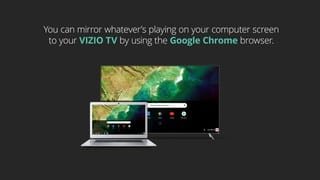
Posted .This reviewer received promo considerations or sweepstakes entry for writing a review.First off, I’ve had to say I truly love the Visio products. I purchased more than multiple TVs in the past 10 years as they have been an outstanding product in terms of quality, functionality, performance and so forth. I purchased the 65 inch 4K (M658 - G1) today. I cannot provide any negative review on the TV itself with the exception of what I would consider false advertisement on Chromecast versus SmartCast. The documentation states that this TV contains Smartcast 3.0 and Chromecast built-in. When speaking with representatives from Visio, they appear to be confused between SmartCast and Chromecast. One instance I get description of using your iPad or iPhone to cast the streaming app to your TV which is actually using SmartCast. Another instance I have an explanation of the smart apps on the TV are basically from Chromecast. I am not sure if this is a Beat Buy marketing error or Visio or both. From Best Buy web page “ Chromecast built-In Offers thousands of streaming apps and the ability to display anything from your phone or Google Chrome browser on the big screen”. Buyer be ware - this Vizio TVs does not have Chromecast built-in. If you want to view Sling TV as advertised on this TV you must purchase an Amazon Fire Stick, Roku, or ChromeCast HDMI devices in order to access any apps that are not loaded onto Vizio home screen. Also, this not contain Google browser.
No, I would not recommend this to a friendBrand response from VIZIOEntertainmentExpert
Posted .Hello Jeff, there are 3 ways that you can view content on the television. 1 . You can use the web based apps in the SmartCast 3.0 interface. 2. You can view content using the built in chromecast that allows casting of content from your mobile device or a chrome browser. 3. You can view content through the recently updated Apple Airplay 2 support. If you are unable to cast Sling TV or in another streaming form please reach out to our customer support at 877-878-4946 as this application is cast capable.