The vast majority of our reviews come from verified purchases. Reviews from customers may include My Best Buy members, employees, and Tech Insider Network members (as tagged). Select reviewers may receive discounted products, promotional considerations or entries into drawings for honest, helpful reviews.
Page 4 Showing 61-80 of 478 reviews
Rated 5 out of 5 stars
Love It a must have.....
|
|
Posted .
This reviewer received promo considerations or sweepstakes entry for writing a review.
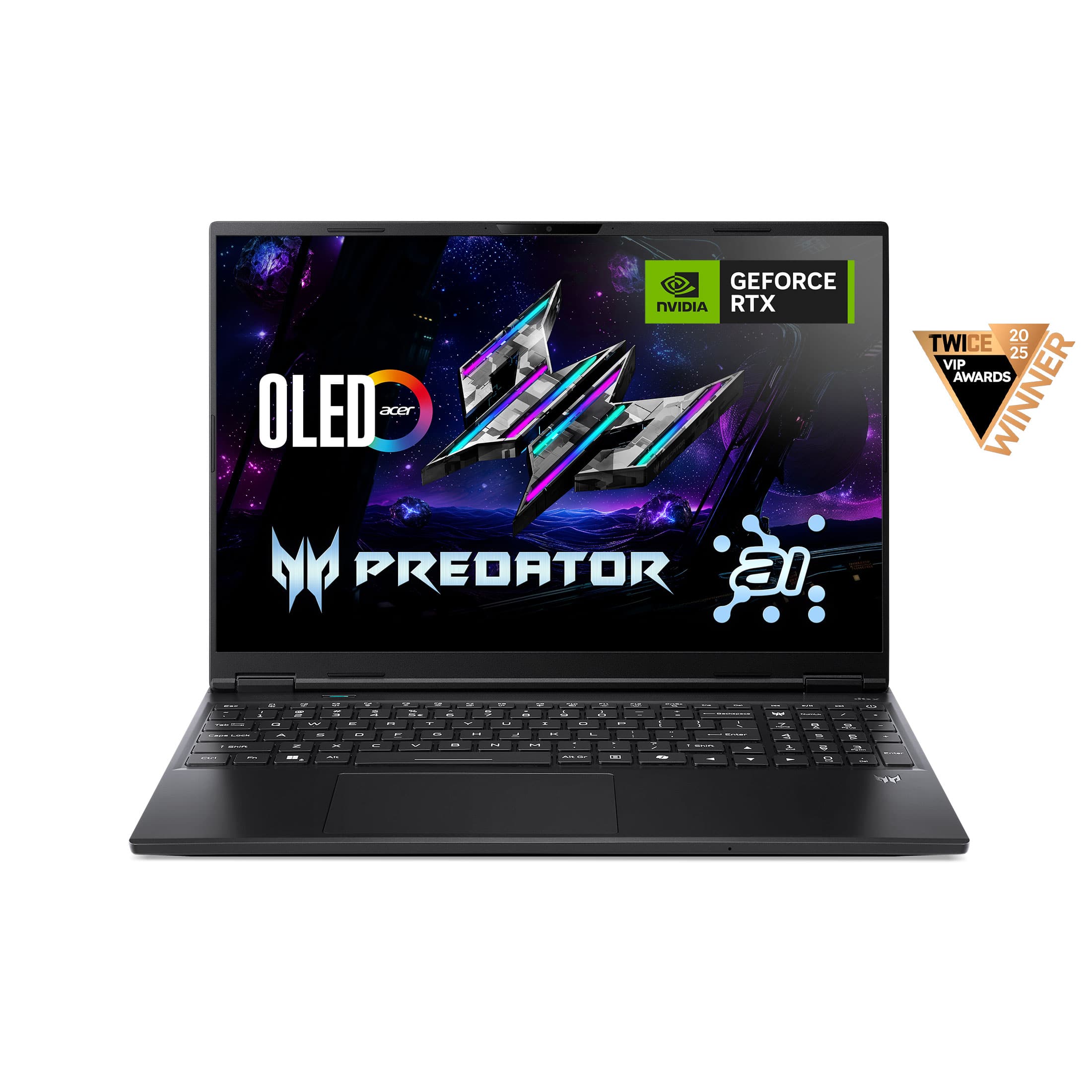
Love this Gaming Laptop so far i have bought like 3 but nothing like this one and hdmi i hook it up to my monitor and can't believe it actually runs 4k at 240hz love it so far and for the price i think is a really food deal buy it won't be disappointed.
This reviewer received promo considerations or sweepstakes entry for writing a review.
I made a good choice buying this laptop, it has every option for gamer in it. You can control de fan speed. Select different types of modes of perfomance. Do Daily or month checkup on components life. Choice the battery charge to avoid damage. The laptop has his own avatar lol. Also you can expand the RAM memory.
This reviewer received promo considerations or sweepstakes entry for writing a review.
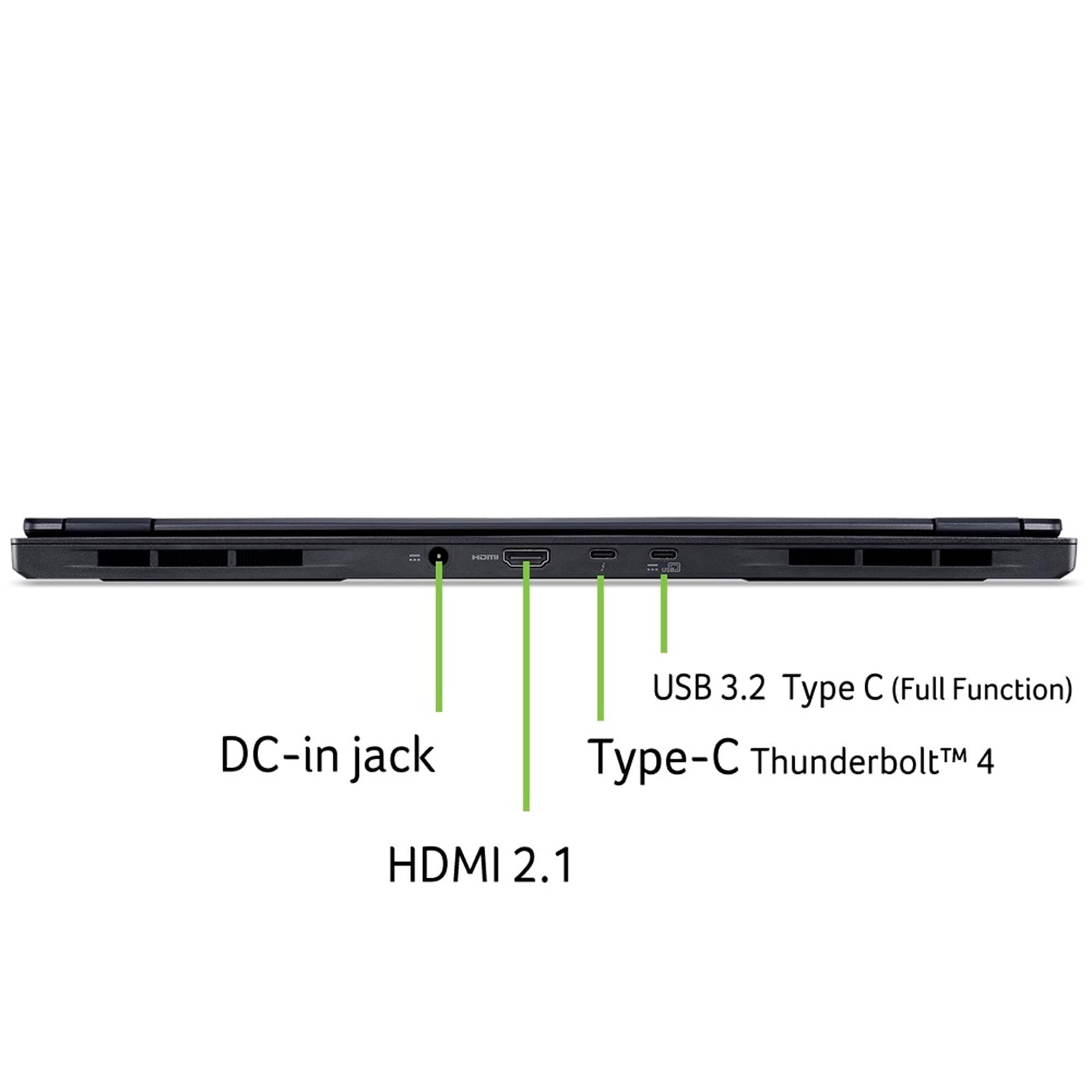
DO NOT BUY THIS MODEL - Critical Stability Failure - USB-C/Thunderbolt Ports:
You cannot use USB-C/Thunderbolt port for external monitor/headset/etc...They will be disconnects randomly and failed.
I have exchanged one of this model with Bestbuy thinking it's a hardware issue, but in fact it's probably design flaw in power management/EC/Driver that Acer show no sign of fixing. They pushed 2 BIOS firmware updates since Oct 2025 but none of them fix it (including v1.21). Horrible support despite number of posts about it on Acer's forum.
Consider another brand.
Dear WilliamL, We are very sorry to hear that your newly purchased Acer Predator laptop did not meet your expectations. We are constantly working to improve the designs and appreciate hearing directly from customers what they need and expect out of a product. We have sent this feedback to our product development teams for review. If you should need any assistance with your laptop, don't hesitate to contact our support team at 866-695-2237 so we can help.
We appreciate you taking the time to write this review.
Regards, Acer America
Rated 1 out of 5 stars
DONT BUY - Repeated Crashes from day one!!!!
|
|
Posted .
This reviewer received promo considerations or sweepstakes entry for writing a review.
I bought this Acer laptop brand new in the United States and it started crashing with Blue Screen errors from the first days of use. The crashes happen during normal usage and gaming, with repeated system instability and lag. This is not a software issue caused by user changes, as the laptop was new and barely configured.
I have used Windows diagnostic tools and BlueScreenView to review the crash dump files stored on the system. All recorded crashes show the same bug check code (0x133) and occur at different dates and times during normal usage. The crashes are reported by ntoskrnl.exe, which indicates a low level system or hardware related fault rather than a user installed application. (BlueScreenView report attached). The laptop also shows unstable GPU behavior where the system lags and plays hardware connect sounds when starting games.
The most disappointing part is Acer support. I currently live in Saudi Arabia and Acer refused to service or repair the laptop locally unless I am a "bona fide traveler". This means a brand new defective device cannot be repaired or replaced internationally, leaving the customer stuck with a faulty product.
A laptop should not crash from day one, and warranty support should not depend on where you are physically located, especially for an internationally sold product.
I would not recommend this laptop to anyone and I strongly advise caution due to quality control and lack of global warranty support.
Dear Firas, We are very sorry to hear you are unhappy with the warranty for your Acer laptop. The manufacturer's warranty is a domestic warranty good in the country of purchase. These laptops do have an International Travelers Warranty that applies to genuine travelers only. Our customers who live outside North America and need warranty service will ship the laptop to the US repair location. Once repaired we can ship it back to a US address and they usually provide a friend or family members contact information, address and phone for us to return after repair. Once received the family member/friend ships the laptop to the owner. You can go to our website under Support to book a repair online, or you can contact Chat Support for help with this as well. We appreciate you taking the time to write this review. Regards, Acer America
Rated 4 out of 5 stars
Good computer
|
|
Posted .
This reviewer received promo considerations or sweepstakes entry for writing a review.
good price , which is cheaper and help save your money
This reviewer received promo considerations or sweepstakes entry for writing a review.
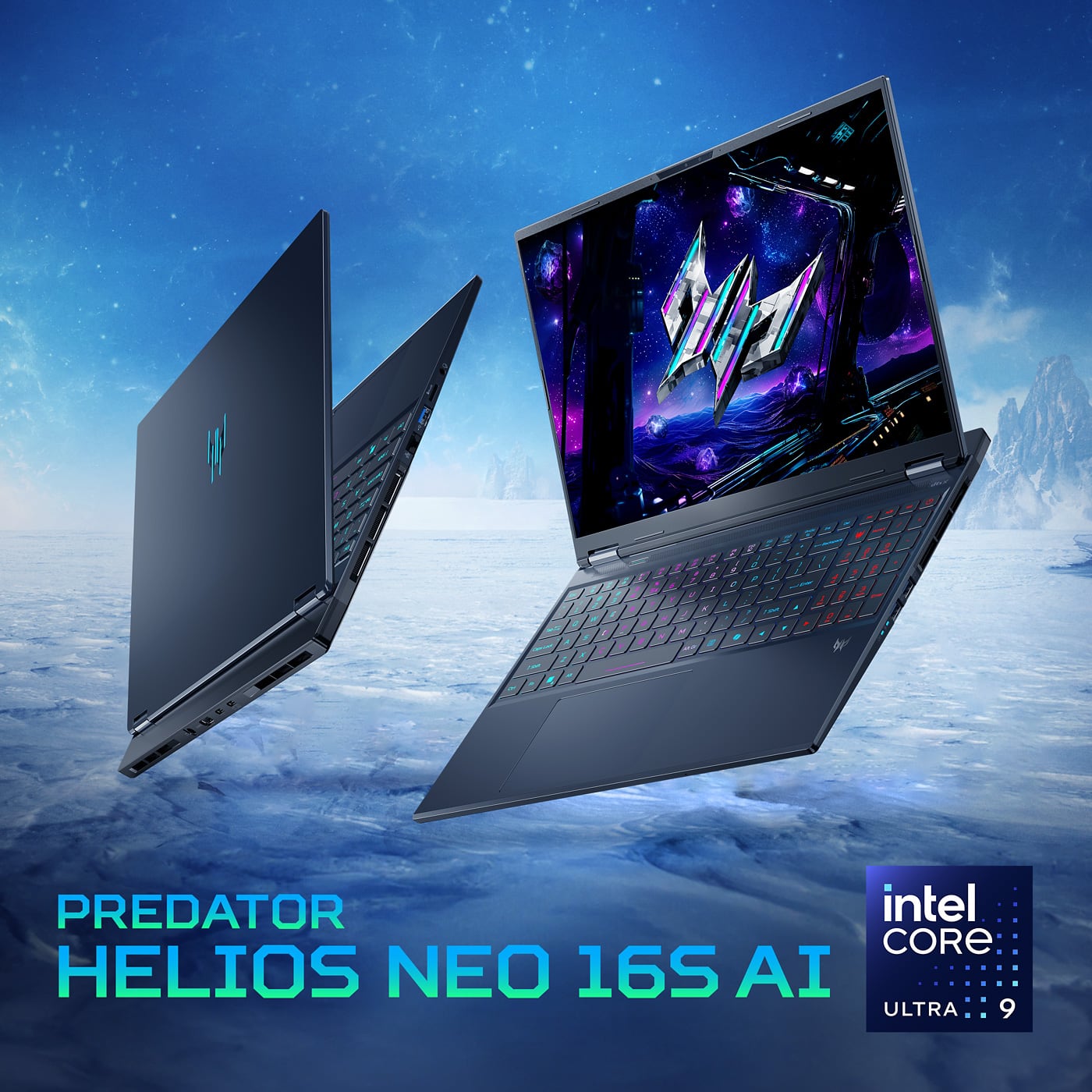
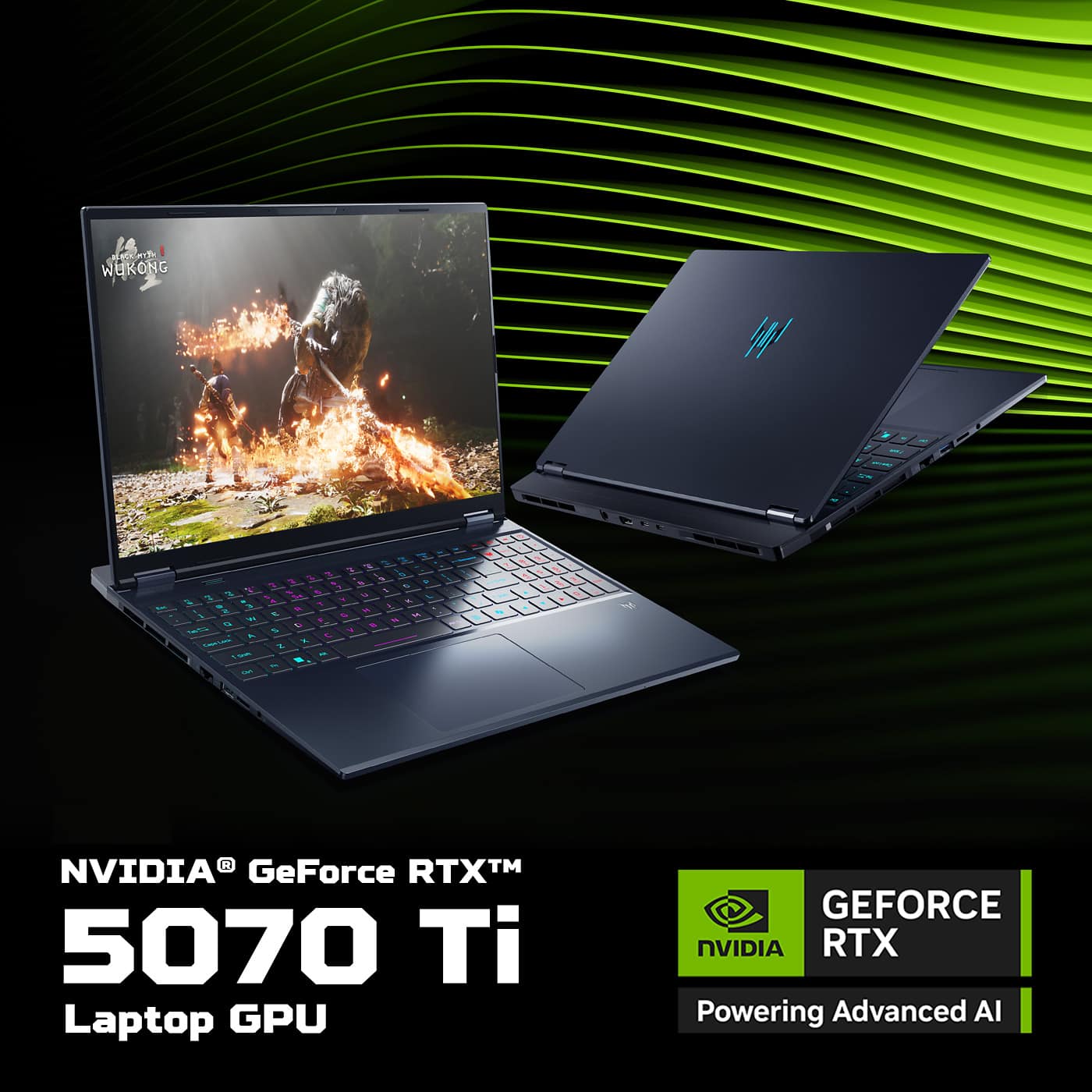
The Acer Predator Helios Neo 16S AI has completely exceeded my expectations and has easily become the most powerful and well-rounded laptop I’ve ever owned. With an Ultra i9 processor, RTX 5070 Ti GPU, 32GB of RAM, and a fast 1TB NVMe SSD, this machine handles absolutely anything I throw at it.
From a gaming standpoint, performance is outstanding. I can play every modern game on max settings while comfortably staying over 100Hz, especially with NVIDIA DLSS enabled. Whether it’s fast-paced shooters or visually demanding open-world games, gameplay is smooth, responsive, and consistent. The RTX 5070 Ti provides more than enough GPU horsepower for high refresh rate gaming without compromise.
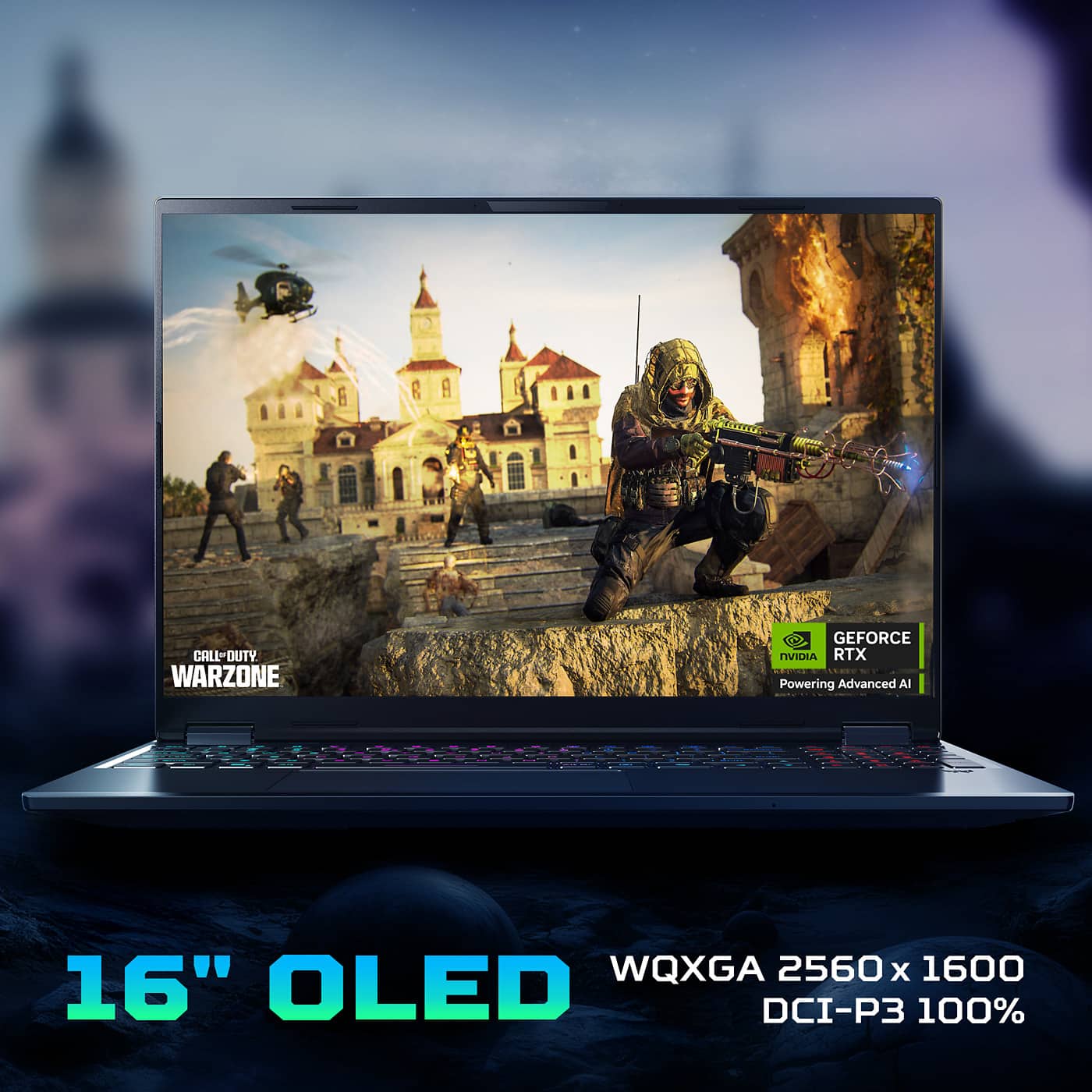
The OLED 240Hz display is honestly one of the biggest highlights. The screen is stunning — incredibly vibrant, deep blacks, and excellent contrast. Colors are rich and accurate, making games look phenomenal and media consumption a joy. Once you experience an OLED panel at 240Hz, it’s very hard to go back to anything else. There is one flaw however- you cannot lower the refresh rate to save on battery life. Not much of an issue for me as I always use it plugged in.
Despite how powerful this laptop is, it’s surprisingly lightweight and portable for its class. Acer did an excellent job balancing performance and portability, making it easy to carry without feeling like you’re lugging around a desktop replacement.
For content creation, this laptop shines just as much. With 32GB of RAM and a powerful GPU, DaVinci Resolve runs flawlessly. Video editing, color grading, and rendering are smooth with no hiccups, making this an excellent choice for creators who also want top-tier gaming performance.
Heating- The laptop does run on the hotter side out of the box but I run the laptop on balance mode with the built in tools that come pre installed which does help a lot with the heat and fan noise. Playing on balanced mode with ultra settings maxed out on black ops 7 with dls on balanced mode gives me 100+ fps and fan noise very minimal (you won't even hear it with a tv show playing or headphones in)
Now you could go turbo perfomance which does ramp up the fan noise quite noticeably but also runs the temps higher with better fps. However, the fps difference is only 5-10 frames in my experience. I did buy a $10 laptop stand that allows me to lift the back of the laptop up and that made all the difference in temps. I am talking around 10-20 degrees cooler just having the back of the laptop elevated.
Battery- Not much to say here to be honest. The battery life is okay, but I wouldn't recommend this laptop if you want to use it without the charger more than 90% of your time using. Not an issue for me as I planned to use this with the charger for the maximum performance. For web browsing you can get around 2-4 hours without plugged in.
Overall, the Acer Predator Helios Neo 16S AI delivers elite-level performance, a breathtaking display, and excellent versatility in a relatively lightweight form factor. If you’re looking for a high-end gaming laptop that can also handle professional creative work with ease, I highly recommend this machine. It truly feels like a no-compromise laptop. AND with the current market we are living in... DRAM prices sky rocketing and NVIDIAs plan to cut GPU production by 40% in 2026, I would argue this worth every dollar spent!
This reviewer received promo considerations or sweepstakes entry for writing a review.
TL;DR - Good build quality, amazing screen, terrible performance, noise levels, and battery life. You'd do better to find a regular 5070 laptop that's able to use it's full 140watt TDP. Ultimately I returned this laptop because of too many compromises, but if you're just playing eSports titles or older games and never use it unplugged for any notable length of time, it can be a good option for the price.
I was looking to upgrade from my 2024 HP Omen 16 with a RTX 4070 in hopes of getting a laptop ahead of the inevitable price surge from the rampocolypse we're in. Upgrading to a 5070 Ti seemed like a solid win, but boy was I disappointed.
First, the good:
Screen (kind of) - The OLED screen really does look amazing. As someone who's never owned a computer with an OLED screen, it was a huge upgrade. Gaming laptops also make pretty decent machines for processing astrophotography photos, so the additional clarity and brightness was a huge win.
Form Factor - thin for a gaming laptop but is a bit bigger in footprint to get some extra, much needed cooling.
Keyboard/Trackpad: Keyboard is nice to type on and the RGB lighting was totally fine. Trackpad I'd put as "fine"; it's perfectly usable but not particularly great.
Overall build quality was surprisingly good for this price point.
Now for the bad:
Performance: This machines performance is entirely knee-capped by the form factor and power limitations. Even at 1080p (the resolution of my 4070 laptop), the 5070 Ti performed WORSE than the 4070 in every aspect; not just benchmarks, but real and noticeably worse in video games. The big difference is due to power: my HP Omen 4070 laptop can use the chip's full 140watt TDP, where as this one is limited to 115 watts. There's already barely any difference in performance between the 40 and 50 series GPUs, so this power limitation has a massively negative affect on performance. If you're playing at the monitor's native 1600p resolution, then be prepared for even worse performance if you don't lower graphic quality settings. In Cyberpunk, while DLSS and Frame Gen were an optional to use on my 4070 laptop, they are a requirement for this one, and the performance is still worse.
Noise: At idle when plugged in and set to eco mode, the fans still run pretty much constantly, and while aren't loud, they are loud enough to be noticed. If I want to use most of the capabilities of the already limited 115watt 5070Ti, I'll set Acer's software to Performance mode, but then the fans are loud all the time, and significantly louder than my previous laptop. Basically this is a super loud laptop if you actually use it for gaming. The only way I could get the fans to be quiet was to have the laptop unplugged, in Windows Battery Saver mode, and with Acer's software set to eco.
Battery Life: Also terrible, at least before tinkering. This is a gaming laptop so I don't expect it to be great, but as others have pointed out, you can have the laptop just idling and not doing anything, and still watch the battery % drop quickly. I was able to improve it noticeably by forcing Windows to use Battery Saver as soon as the power is unplugged, and, oddly enough, enabling HDR and going through the HDR calibration. Those two changes improved battery life from about 75 minutes before implementing, to 140 minutes after, but that was just me doing basic web browsing without even streaming video.
Screen: While the OLED screen looks amazing, it's refresh rate is stuck at 240hz which contributes significantly to the terrible battery life. Windows doesn't recognize any additional refresh rate options and there's no alternative drivers you can install that will change that. It is, as best, firmware-limited to 240hz.
Posted . Owned for less than 1 week when reviewed.
This reviewer received promo considerations or sweepstakes entry for writing a review.
I already have a console at home so I was looking for a portable device and this product is excellent for the money. It has a sleek design and OLED display is fantastic. From performance wise I think having a less powerful version of the graphic card is not much of a big deal. It still has plenty of power yet easy to carry on. It's really like a trade-off between performance and portability and I personally do not like to carry bulky notebooks just for some extra ~15% performance. DLSS 4 frame generation just works excellent for most of the modern games and this device is ready to play any game seamlessly on 2k resolution with high frame rates. Only downside of this product could be that the internal display is locked on to 240Hz refresh rate. This can drain the battery quite fast.
This reviewer received promo considerations or sweepstakes entry for writing a review.
Extremely strong laptop at the best price. Not only on paper but in straight performance. Ran Cyberpunk 2077 on the highest setting possible with Ray Tracing, I was getting an average of 80 fps to 120 fps max, lows at 55 fps but rare. Insane performance that can handle basically everything. It’s as if I’m bringing my PC anywhere I go now. If this is on sale, don’t hesitate to buy it, it’s the best one you can honestly go for. It’s also really light which is great for travel compared to my old gaming laptop which was Lenovo. My only “issue” with this is the battery life, just like every review on here. Battery life is horrid if you aren’t plugged in to an outlet and you’re playing games. If you’re using it for regular office work and you aren’t plugged into an outlet then it isn’t bad, it’ll last you a couple of hours. Another nuisance I suppose is when you turn the laptop on, it makes a sound effect of what sounds like a jet engine which isn’t really ideal when you're in silent places like a library or a classroom. I’ve read somewhere that you can turn it off but I haven’t done it yet. Overall, amazing laptop! I would highly recommend it!
This reviewer received promo considerations or sweepstakes entry for writing a review.
This is my 2-week review.
This laptop has a number of excellent strong points to recommend it. First is performance - this is one of the better priced RTX 5070Ti laptops and it performs very well with the latest games. The screen is perhaps the laptop's best feature - it is such an upgrade from the IPS gaming laptop screens of just a few years ago. I love gaming on it and watching shows/youtube. Size is also a plus. This laptop fits in my bag for overnight trips and is only slightly larger than the 2021 Asus Zephyrus G15 it replaced. The keyboard is great - no complaints at all, and I personally appreciate the addition of the 10-key. This is my first laptop with a Windows Hello camera, and I had no idea what I was missing out on. It is so convenient and so much more reliable than the fingerprint reader on my Zephyrus.
There are a few issues that I consider compromises. First, the speakers aren't great - they have no bass and I would describe them as tinny. This was a huge downgrade from my old Zephyrus, but they are "ok" and I often use headphones anyway. The trackpad is pretty mid for the price - tracking is fine, but it's plastic and another downgrade from the Zephyrus. Since I almost exclusively use an external mouse, this doesn't matter that much to me. Screen lid opening is just okay - it feels like you really need two fingers to get a good grip under the lid. Battery life is also poor, but my machine spends most of its time plugged in anyway.
Issues I've had: the machine comes with a lot of bloatware, but 20 minutes in the settings menu uninstalling unwanted software will fix that. My biggest problem I've had has been with Advanced Optimus. Some games need to be manually switched in the Nvidia Control Panel to use the discrete GPU or they'll default to the integrated chip and run super slow. I was also getting BSODs every day while browsing (Brave browser) until I turned off hardware acceleration in the browser. To be fair, I had these same Optimus issues on my Zephyrus and I believe they're fairly common.
To get a 5070Ti laptop with this good an OLED screen is going to involve some compromises, and, for me, it's been worth it. I've really enjoyed the machine so far.
This reviewer received promo considerations or sweepstakes entry for writing a review.
This machine is fantastic for gaming, playing games at full resolution and ultra settings looks amazing on the oled screen: smooth motion, vibrant colors, and great detail. I actually prefer playing games on this to the gaming desktop pc I built even though it is not quite as powerful: and with all the peripherals you need for a gaming experience on desktop, this was actually a fantastic deal at around $1500.
That being said: don’t think of it as a laptop, more a portable desktop. Which it excels at.
It has poor battery life, and the keyboard gets hot, the bottom very hot. The fan noise is not as bad as some gaming laptops.
This reviewer received promo considerations or sweepstakes entry for writing a review.
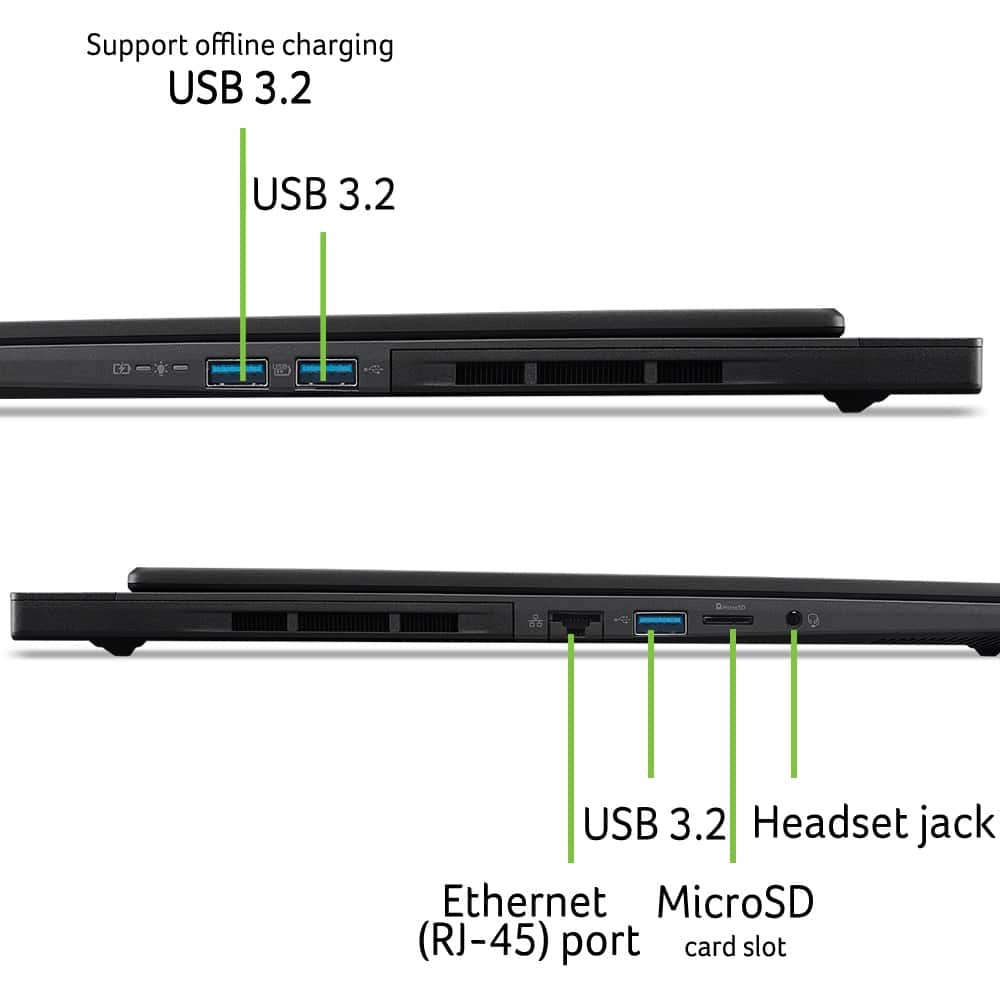
I piced up mine with a 5070ti from Best Buy for $1,449, which in my opinion is an outstanding deal for a 5070ti wirh 32gb ram and an OLED 240Hz refresh rate display! Initially, I got carried away listening to all the commets and youtube videos talking about battery life and not being able to adjust the refresh rate and almost returned it. But you know, after using it for 2 months its really a non-issue. First of, you cannot get nearly close to max performance with any gaming laptop unplugged, and as far as day to day tasks, I can’t remeber the last time i had to use a laptop for more than 3 or 4 hours not being near an electrical outlet (and you dont have to charge it using the giant brick, if youre going to work in a coffee shop for more than 4 hours, you can charge it via USB as well). If I hadn’t heard about the issue, I probably wouldnt have noticed. As far as its performance, i cant complain, it plays every game i play effortlessly, I can easily and quicly render Devinci Resolve and CAD and SolidWorks work seemlessly. Anything close was $600, and for that I dont need a fancy chassis and 24 zone RGB. Love th laptop.
This reviewer received promo considerations or sweepstakes entry for writing a review.
After several months, absolutely no issues with the machine as it has played every game and done every task I have asked of it. Beautiful screen, super fast. A tiny bit loud when running at max capacity with demanding games, but nothing unusual compared to other laptops.
This reviewer received promo considerations or sweepstakes entry for writing a review.
On paper, this is without a doubt the best bang for the buck laptop on the market as of writing this review. A 5070Ti and a STUNNING OLED panel for under $1,500 was a steal. When this thing runs, it's an absolute dream. When it runs...
First issue - Heat. A thin and light is expected to get hot but sweet lord this thing was spike to 90c opening a word document. Fans? Dead silent or Cat 4 hurricane, your choice. The "manual" fan contol is a slider with no spectrum on it. You can set it to the lowest setting and still ramp to 5000 rpm because the laptop said "That's a nice suggestion, but no thanks"
Due to that heat, I attempted to look for some power management settings. The settings in the predator sense app have very vague names such as Quiet, Balanced, Performance, and Turbo. Quiet is indeed, quiet. The latter 3 all perform relatively the same with a different fan profile and slightly different boost clocks. I never once saw the Ultra 9 275HX boost over 4.3ghz, even in file decompression or general web browsing. Strange.
All of this leads me to my biggest complaint. This thing has an issue where it apparently won't thermal throttle properly and will just run like Usain Bolt until it decides on it's terms to punch the time clock, lock up, and power cycle. Mid document? That sucks, rebooting. Important call for work with your boss? Too bad, so sad bro it's quitting time. This also occurs occasionally while waking from sleep. Incredibly annoying.
This has not been a 1 off thing. Over a 32 day period of ownership I have experienced this 3 to 4 times per day averaging about 3-4 hours of use.
Also, a major selling point of this laptop is the 275HX (emphasis on the HX) series CPU in here. HX series CPUs have power control officially supported by Intel through their XTU application.. unless you are Acer and decide to lock it out at a firmware level, completely negating a selling point of using this specific processor in the first place. It's a marketing tactic, and I get it; but it's scummy.
To round all of this out, Acer's official website for drivers and bios updates for their products is absolute dog water. Trying to find the official support page for this device brought me to a forum search utility to "see what others are saying." Acer, I don't want to see what other people are saying about your device; I want to find bios updates so I can manage my device with the utility you are supposed to provide. The predator sense app for updates is good if you are content with "no updates available." Nice, but maybe I want to rollback a driver to troubleshoot something.
I'm still giving it three stars because this computer has SO much potential, but the cut corners and sheer pants on head decision making process on thermal throttling not working appropriately or locking out XTU support ruined this device for me. Unfortunately, these issues are not isolated to this being a lemon. I have come across a few reviews on Best Buy as well as other forums with users complaining of the same issue.
Acer you were so close, hopefully your next version will iron out these issues. Until then, I will unforunately be returning this device.
PS, the name of this device is overly complicated. Reminds me of "my fathers, brothers, nephews, uncles, cousins former roommate" from Spaceballs. Less is more.