Customer Ratings & Reviews













- Model:
- ADO951800F116
- SKU:
- 6288083
to a friend
Customers are saying
Customers love Photoshop Elements 2019's ease of use, especially for beginners, and its excellent photo editing capabilities. Many appreciate its powerful features and affordable price point, finding it a cost-effective alternative to more comprehensive software. While some users suggest improvements to the interface and compatibility, the overall experience is positive.
This summary was generated by AI based on customer reviews.
- Pros mentioned:Ease of use, Photo editing
Great software
||Posted .This reviewer received promo considerations or sweepstakes entry for writing a review.This software is wonderful. It does take a lot of experimentation, and training videos are very helpful. So far I have a lot more to learn, but the results I have already gotten make for spectacular finished pictures.
I would recommend this to a friend - Pros mentioned:Ease of use, Photo editing

Great for beginner to aspiring photo editor
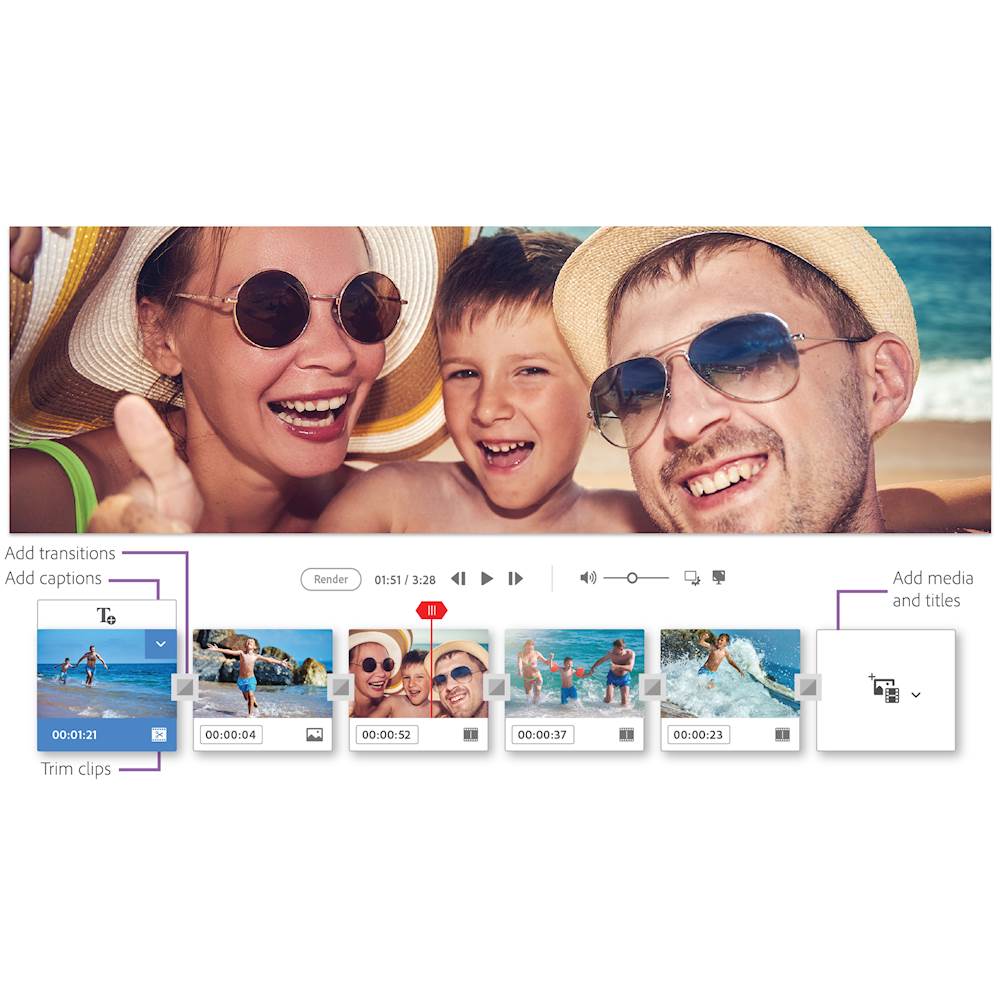
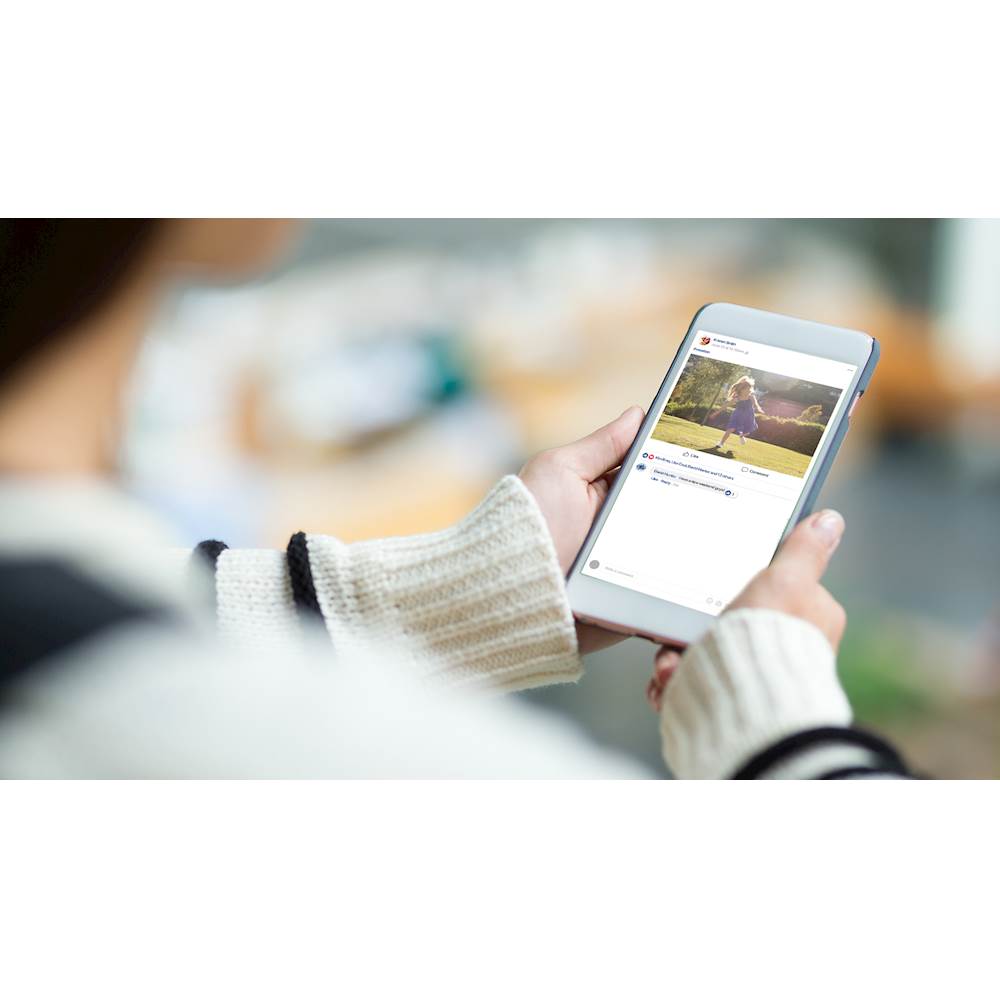
|Posted .This reviewer received promo considerations or sweepstakes entry for writing a review.Photoshop Elements is a fantastic photo editing software suite for what most users would be looking for including those who have little to no previous experience. The photobook organization is a bit of a work in progress. Beginner - Adobe has lots of pre canned tools that are super easy to use. If you want to make fancy collages and slide shows to showcase your pictures, the software is very intuitive. The slick photo editing tools, like removing red eye, or fixing problems within a picture is done pretty much for you, simply by selecting the picture, and choosing the effect. Adobe has also included a huge assortment of picture modifications for you to have fun with, like making a picture look as if it were hand drawn, or taken in the 1850’s. If is a ton of fun to play with the software and just create photos, that look like you were a pro. It also has easy hooks into twitter and other social media sites for quick optimized posting. Novice - Adobe has also included a huge assortment of more advanced tools that you would find in the full photoshop product. Advanced photo editing, layering, and manipulation can be done, but there is certainly a learning curve here. You aren’t going to be clicking a few buttons and moving a slider as with the some of the more basic picture manipulation techniques, so it will take some figuring out - but the suite is very feature rich, and will fit the bill for any aspiring graphical artist, or hardcore photo junky. I would certainly say though it is not complicated - after a few hours I found myself quite comfortable moving throughout some of the more advanced tools, but Adobe has done a good job of navigational design, so that those who are not interested in these features, don’t get lost here looking for the basics, and those that do want them, aren’t searching them out. Tutorials - For those that find themselves somewhere in between but want to become familiar with some of the more advanced functions, don’t fret. Adobe has included some great tutorials on using the basic and more advanced tools, that do a great job of bridging the gap in experience. As for the photobook/organizer I found it to be a bit clumsy, but overall decent. For myself at least, I was primarily looking to this software for its photo editing abilities, so the photobook style storage took little away from the products overall benefit. I highly recommend this software for both basic and advanced users - I was very happy with my ability to find myself using the software to do what I wanted within minutes of installation, and a few tutorials later doing things I thought would be way over my head.
I would recommend this to a friend - Pros mentioned:Ease of use, Price
Great for the Non-Professional
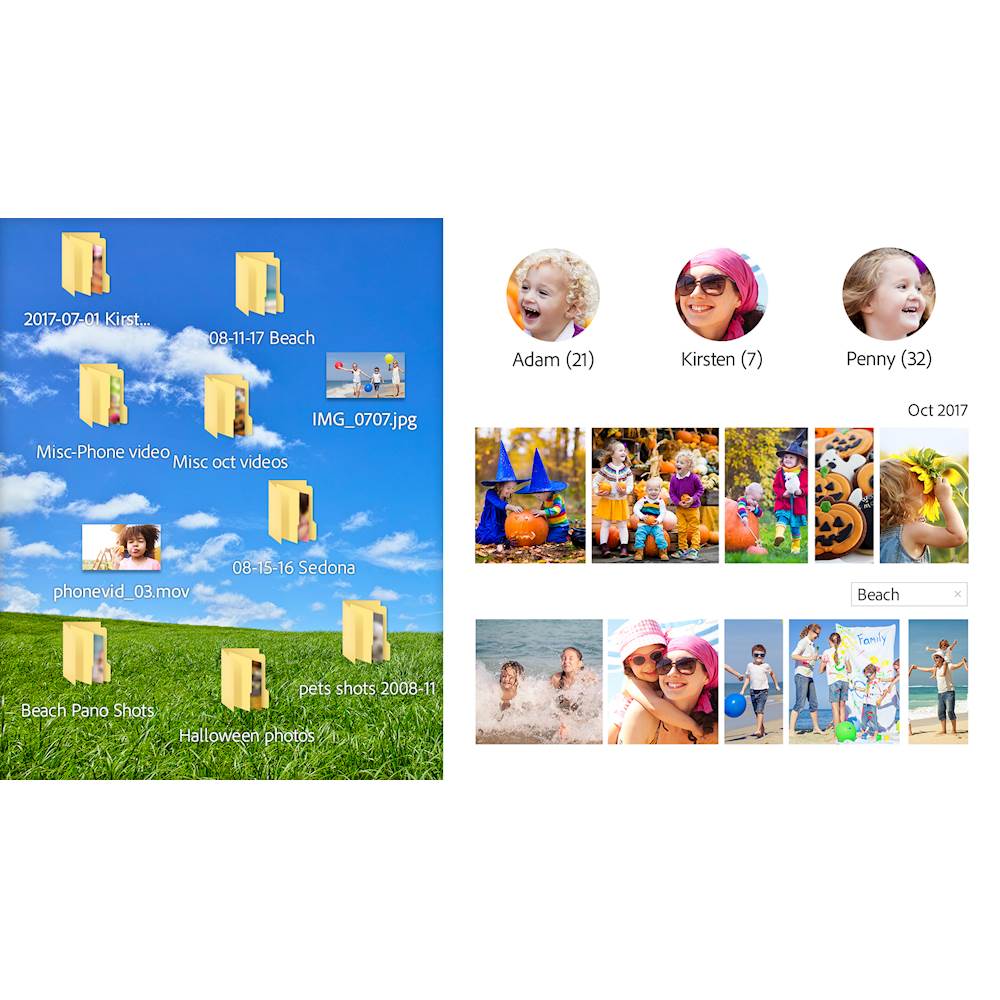
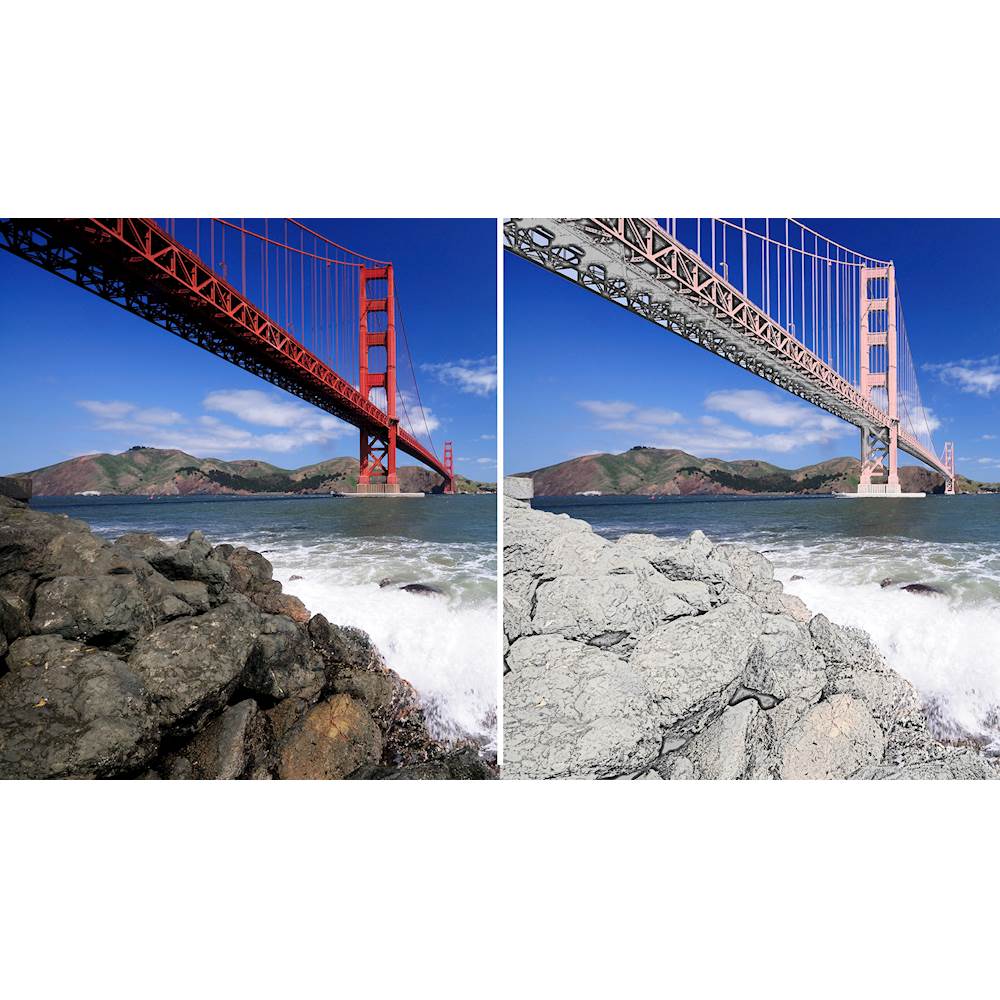
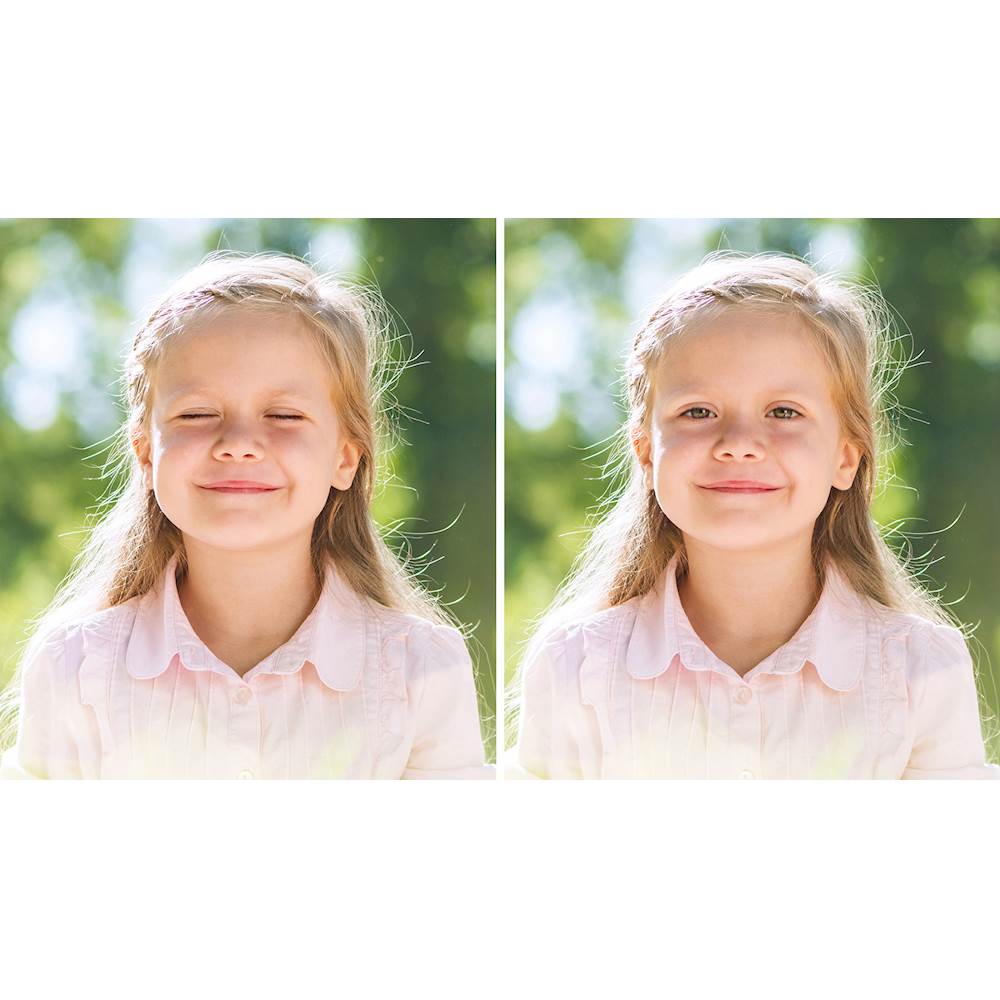
|Posted .This reviewer received promo considerations or sweepstakes entry for writing a review.I’m pretty well versed with Photoshop and Lightroom, so I was excited to give this a try. I run a food blog, so editing photos is extremely important for the success of my blog. My initial thoughts are positive. There are quite a bit of options upon load, but it made me think this is perfect for the beginner as well as the seasoned photographer. Once you figure out what you want to do with your photos, you’ll really enjoy the features. There are three options when you first get started: Quick, Guided and Expert. Quick provides basic editing options for a photo. Guided provides a before/after option showing the changes you’ve done. It’s a great step-by-step process. Expert allows free range for you to edit the photo in anyway you want. This is essentially the keys to the castle, if you will. Another feature is the Organizer feature. This like it’s named, will organize all the photos based on year, people (will recognize faces) and places. Please be aware that this can take a lot of time pending how many photos you select. Although the face recognition isn’t 100% accurate, it’s very impressive. The price tag is far better than the full Adobe Suite products, so I’d recommend this as a start. There are a lot of great features, but it’ll take some time getting well versed. The photo I uploaded is a before and after of an edited image. The one on the left shows before and the right is the after. Enjoy!
I would recommend this to a friend - Pros mentioned:Price
Amazing Tools in an affordable package
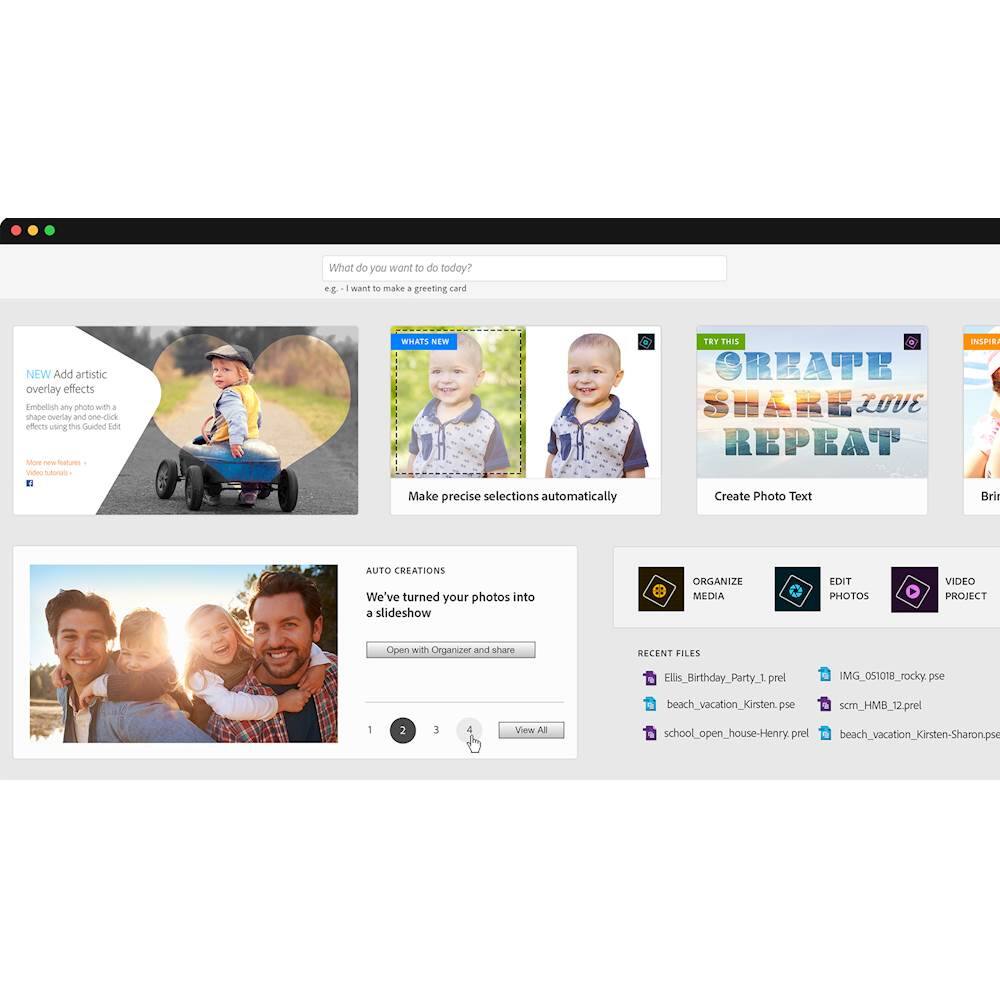
|Posted .This reviewer received promo considerations or sweepstakes entry for writing a review.Adobe Photoshop Elements 2019 As a Corel Paintshop pro 2018 user, I was very anxious to try the new and improved Adobe Photoshop Elements 2019. I have use previous versions of Photoshop but wasn’t satisfied with the interface. Most of the time it was too complicated. That is all changed now. The download instructions were a bit vague and you need to read them carefully to make sure you enter the serial number provided, or you will just have the “trial” version. There is no user guide but there is a search box at the top of the home page where you can type in what you want to do. Adobe does have a tutorial on their website which I suggest the user check out if not familiar with Photoshop. The Home screen is easy to navigate, search photos or allows the user to choose between Organizer, Photo Editor and Video Editor (available with the Premier package). I was able to import 1200+ pictures and documents in just a few minutes. However, there were some pictures that Photoshop considered “damaged” and would not import. I’m going to have to see why that is (screen shot of Home page below). I have only used it for a few days fixing some photos that were blurry, red-eye and dark. The corrections feature for those worked very well and it was easy to see the difference of before and after by choosing that option from the interface menu. This is my first time using Photoshop Elements so I have a long way to go to use the vast features that it offers. I’m not a pro but even a novice like me finds it easy to use the basic correction features, color correction, red-eye reduction, sharpness and color enhancements. I’m looking forward to experimenting with as many features as I can. I recommend it to both the amateur and professional photographer because of all the features in a very affordable price. I gave it four stars due to the fact there there is no online user guide included and the download instructions are vague.
I would recommend this to a friend - Pros mentioned:Ease of use, Photo editing
More then meets the red eye
|Posted .This reviewer received promo considerations or sweepstakes entry for writing a review.This is a full suite of photo edit tools for both the novice and the pro. The program provides step by step guided instructions to help you through picture fixes and photo projects. Once you create your adobe ID and password you can activate your product and you’re off to the races. The program provides extensive picture fixing tools in three categories, Quick, Guided and Expert. Depending on your knowledge level you will find a tool set that meets your needs. The accompanying web site has tons of fun apps to make slide shows with music, set up special effects, tag family and friends, trim photos and share on social media. There is so much that can be done with this application that it can be overwhelming at first glance. This is a great tool for anyone wanting to create photo projects or just touch up pictures to remove red eye and enhance color, balance, contrast, etc.
I would recommend this to a friend - Pros mentioned:Ease of use, Photo editing
A challenge for the beginner
||Posted . Owned for 3 weeks when reviewed.This reviewer received promo considerations or sweepstakes entry for writing a review.I'm still learning the details of this software. It is so comprehensive that I will probably never use all of its capabilities, but those I have managed to learn (using the built in Help button instructions) are effective and pleasing. I look forward to becoming more adept with the software and am pleased at being able to rescue some of my vacation photos that didn't fully attain my sense of perfection.
I would recommend this to a friend - Pros mentioned:Ease of use
Simplified photoshop specific for photo editing.
||Posted . Owned for 2 months when reviewed.This reviewer received promo considerations or sweepstakes entry for writing a review.This is a reduced version of photoshop with all the same tools you would normally find. It has some pre configured tools specific to photo editing. If you someone who uses full photoshop just to edit photos. This is for you. Very easy to use. Also, since its simplified it boots faster than full photoshop and uses less resources, which is another plus to the application.
I would recommend this to a friend - Pros mentioned:Ease of use, Photo editing
Great Photo Editing Software
||Posted .This reviewer received promo considerations or sweepstakes entry for writing a review.I used Photoshop Elements at work for years, but on a very limited basis. I have purchased this program for my personal use, and am excited to learn so much more. I have already used it to edit pictures for use in Powerpoint presentations, and plan to use for family photos and videos.
I would recommend this to a friend Another Great Adobe Product!
||Posted . Owned for 9 months when reviewed.This reviewer received promo considerations or sweepstakes entry for writing a review.I have been an Elements user for over 10 years. Over the last decade I have watched Elements grow and evolve into the stunning program it is now. Mostly I use Elements for editing pictures and homeschooling, but it never lets me down. I stick with Elements because I don't need all the bells and whistles of Photoshop, and because I love that I don't have to fork out a monthly charge to use it! I only wish that it had the puppet tools that the original Photoshop had before it went subscription based. My last edition was Elements 12, and I am as happy with 2019 as I was with 2012. I upgraded only because there were a couple new features I was interested in, not because I needed to. I highly recommend this software and will continue purchasing every couple of years as the newer programs are released.
I would recommend this to a friend- Cons mentioned:Interface
Powerful editor, can be confusing to use
||Posted .This reviewer received promo considerations or sweepstakes entry for writing a review.I have been using this software for many years and am able to do some of what I intend to do. The basic editing is easy enough to do but there are many features that have been brought over from PhotoShop that require more knowledge and skill to use. The interface is somewhat confusing and less helpful than I would prefer. But it is a much better value that PhotoShop and does not require a subscription. You can find several helpful videos on YouTube on using this software. Be aware that Adobe has an irritating tendency of moving features around in the software fairly often.
I would recommend this to a friend - Pros mentioned:Ease of use, Features
Easy to use
||Posted .This reviewer received promo considerations or sweepstakes entry for writing a review.This is a great software for people just getting into photography. It’s easy to learn and offers many features to really create some beautiful pictures.
I would recommend this to a friend - Pros mentioned:Ease of use
Good photo program
||Posted .This reviewer received promo considerations or sweepstakes entry for writing a review.I was looking for an easy to use photo program like the one that came in my computer in 2015. It easily did everything I needed with my photos. The Photoshop Elements 2019 does lots of things that I may never need or want. It is more difficult to speedily get what I need from it than my older program. I am giving it a "Good" rating because it will serve well anyone that likes to do fancy or different things to photos. Currently, I am a little disappointed in some of its features, but with continued use, I may see it differently.
I would recommend this to a friend - Pros mentioned:Photo editing
Works for me, but not a lot new for years
||Posted .This reviewer received promo considerations or sweepstakes entry for writing a review.The problem for Adobe is that once you have the best photo editing software out there, what do you do next. Perhaps all these new little bits and bobs are useful to some but this artsy tartsy stuff like collages and mems generation are just not useful to me. So if you are just looking for good photo editing, you don't need to upgrade to the latest software. I had 205 and for my money, it is just as good as 2019. If you need the new bits and bobs, hen by all means, go for it. I still have a license for the real photoshop, but elements works well enough it isn't worth my continuing to upgrade the full Photoshop. And I never agreed with the new form of distribution.
I would recommend this to a friend - Pros mentioned:Features, Photo editing
Great program to do photo editing.
||Posted .This reviewer received promo considerations or sweepstakes entry for writing a review.I bought this program because I wanted to do editing. It gives many different things to do to bring out in your photos.
I would recommend this to a friend - Pros mentioned:Ease of use, Features
Great program
||Posted .This reviewer received promo considerations or sweepstakes entry for writing a review.This is a great program. Especially for scrapbooks like me. It has a lot of features that I really like. It was easy to download and transferred all my files.
I would recommend this to a friend - Pros mentioned:Ease of use, Features
UPGRADE
||Posted .This reviewer received promo considerations or sweepstakes entry for writing a review.This item was purchased to upgrade from a very old version of Photoshop. It seems easy to use, with many features.
I would recommend this to a friend - Pros mentioned:Ease of use, Features
works for what i need it for
||Posted . Owned for 3 weeks when reviewed.This reviewer received promo considerations or sweepstakes entry for writing a review.Works for what I need it for. still learning the new upgrades from the previous version I hade.
I would recommend this to a friend - Pros mentioned:Performance
Great Software
||Posted .This reviewer received promo considerations or sweepstakes entry for writing a review.Purchased CD, rather than download as can be problematic. Installation without a hitch. System (Apple IOS) still runs smoothly.
I would recommend this to a friend - Pros mentioned:Ease of use
Good product
||Posted . Owned for 1 month when reviewed.This reviewer received promo considerations or sweepstakes entry for writing a review.This was a gift. This is the second copy purchased for one person. This advertises that you can use on 2 devices 1 at a time. After trying to make the first copy work on a second device I gave up after several hours and purchased again. The product was on sale and is very good for someone wanting to learn and have fun editing. Have patience installing this on one device.
I would recommend this to a friend - Pros mentioned:Ease of use
Has tutorials to learn as you go.
||Posted . Owned for 1 week when reviewed.This reviewer received promo considerations or sweepstakes entry for writing a review.Always at a learning curve, with a new program. I like what I've done so far with it. It would be nice to have larger writing for the info when reading. But all in all, a great product. you can find tutorials for all the different things you can do with Adobe Elements. I didn't have a CD player on my laptop, but they have a code/SN you can put in and loaded it that way. Still learning how to make it work. But I love what I've done so far.
I would recommend this to a friend