Winter SaleEnds 1/19. Limited quantities. No rainchecks.Shop now

Skip to contentGo to Product SearchGo to Footer
Main Content

Customer Ratings & Reviews
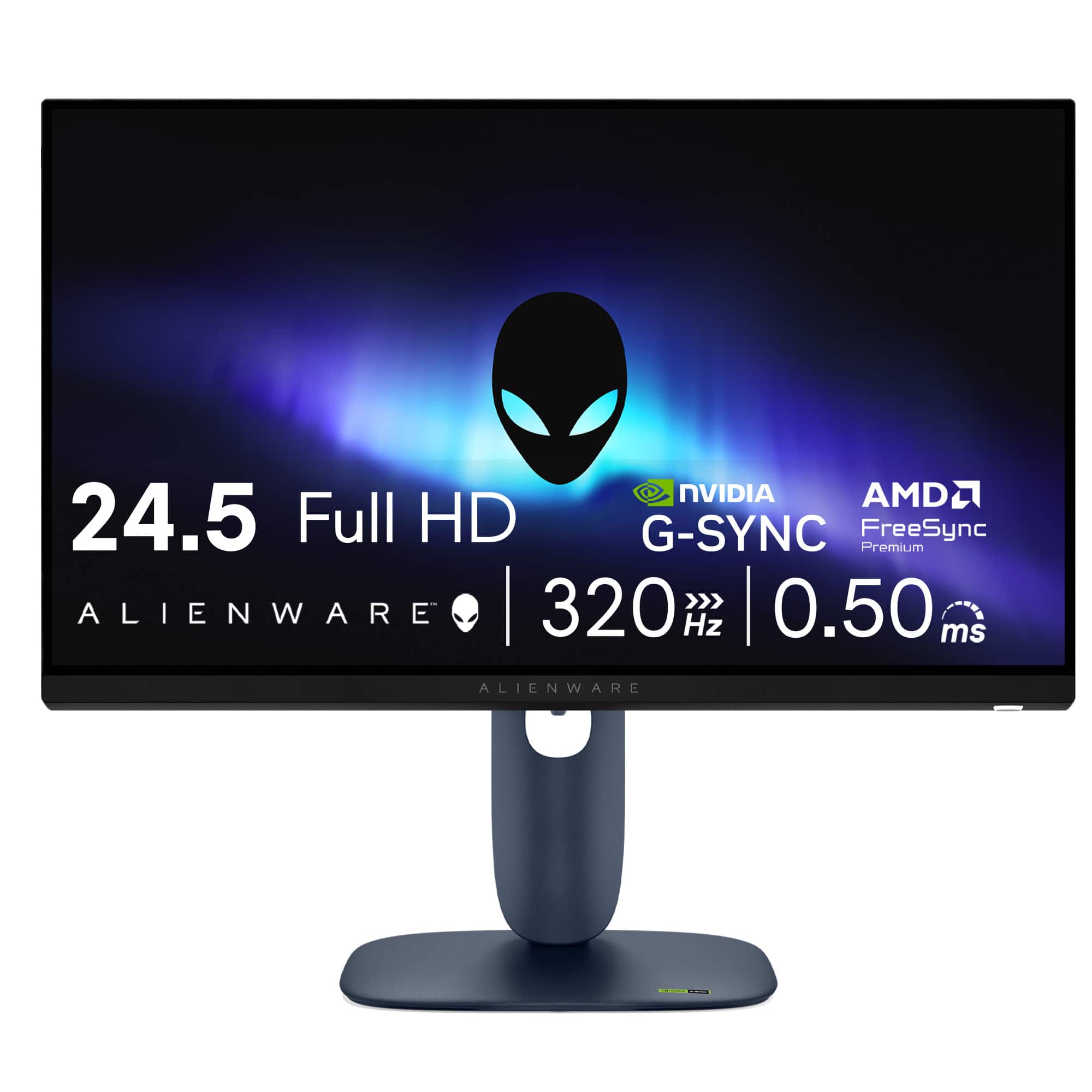
Your price for this item is $249.99

Customer reviews

Rating 4.9 out of 5 stars with 67 reviews

Rating Filter

Rating by feature

  • Display Quality

    Rating 4.9 out of 5 stars

  • Ease of Use

    Rating 4.9 out of 5 stars

  • Features

    Rating 4.9 out of 5 stars

Pros mentioned filter

Cons mentioned filter

There aren't enough negative mentions yet.
100%would recommend to a friend
The vast majority of our reviews come from verified purchases. Reviews from customers may include My Best Buy members, employees, and Tech Insider Network members (as tagged). Select reviewers may receive discounted products, promotional considerations or entries into drawings for honest, helpful reviews.
Page 4 Showing 61-67 of 67 reviews
  • Pros mentioned:
    Color quality, Performance, Refresh rate
    Tech Insider Network Member

    Rated 5 out of 5 stars

    Buttery smooth action at a great value!

    |
    Tech Insider Network Member
    Posted .
    This reviewer received promo considerations or sweepstakes entry for writing a review.

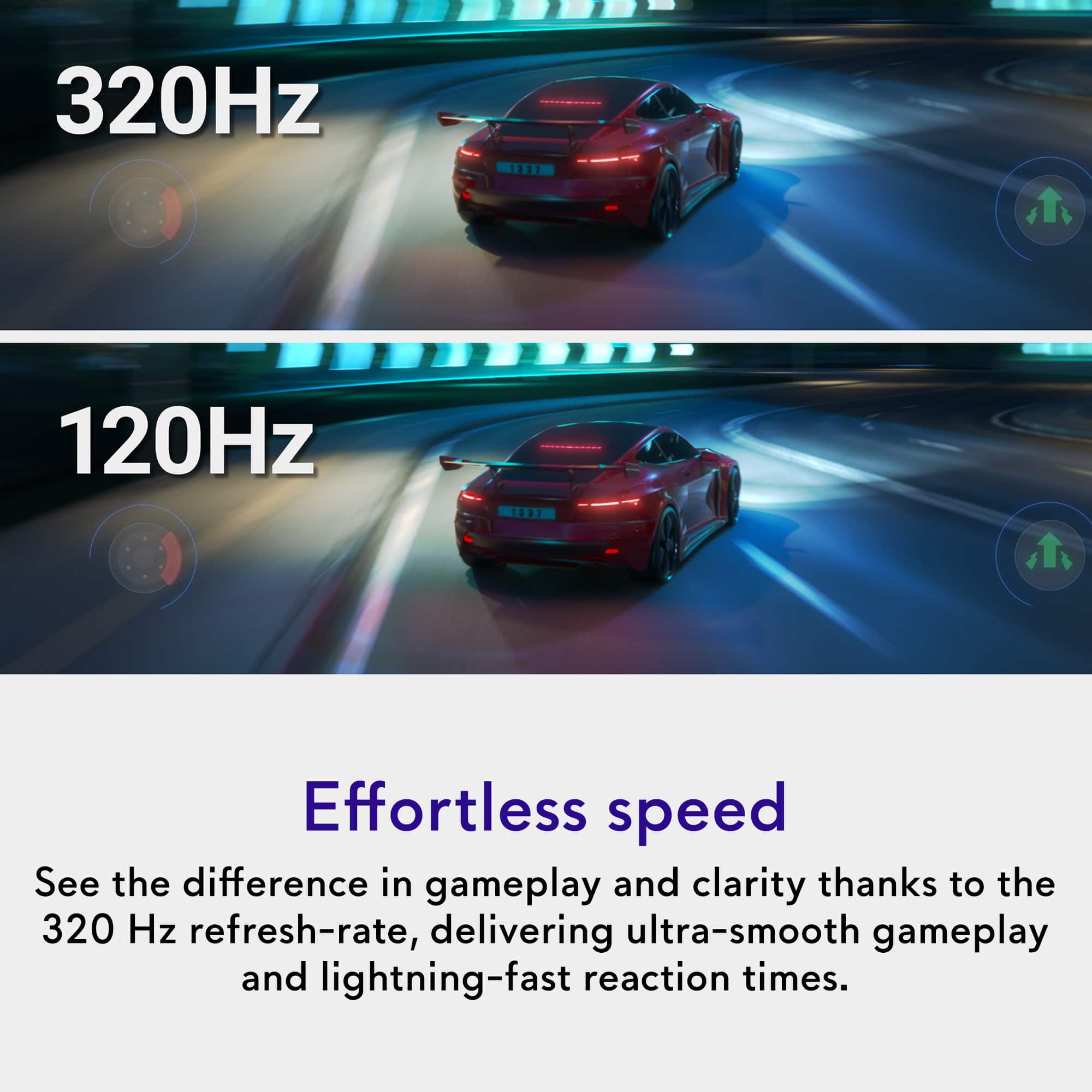
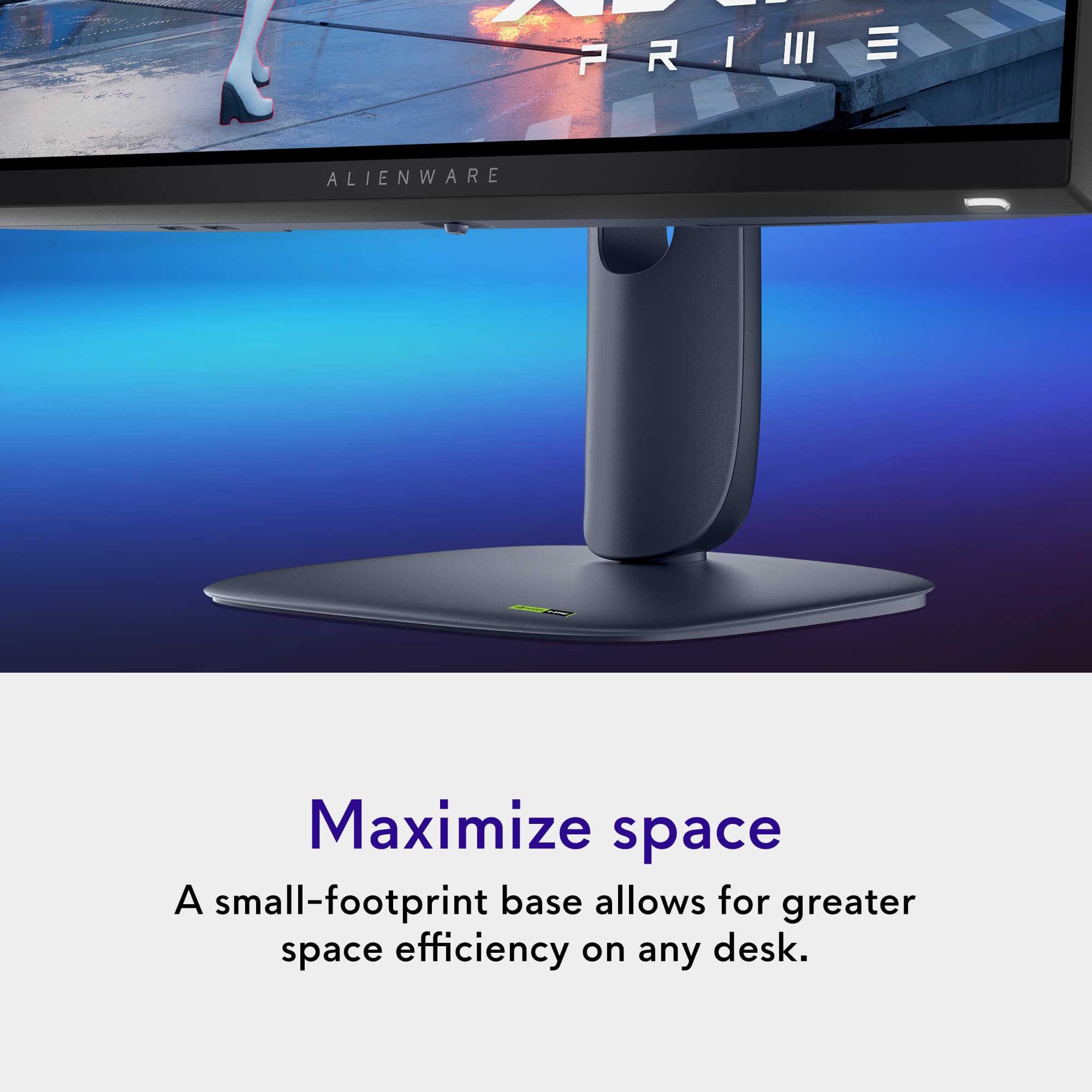
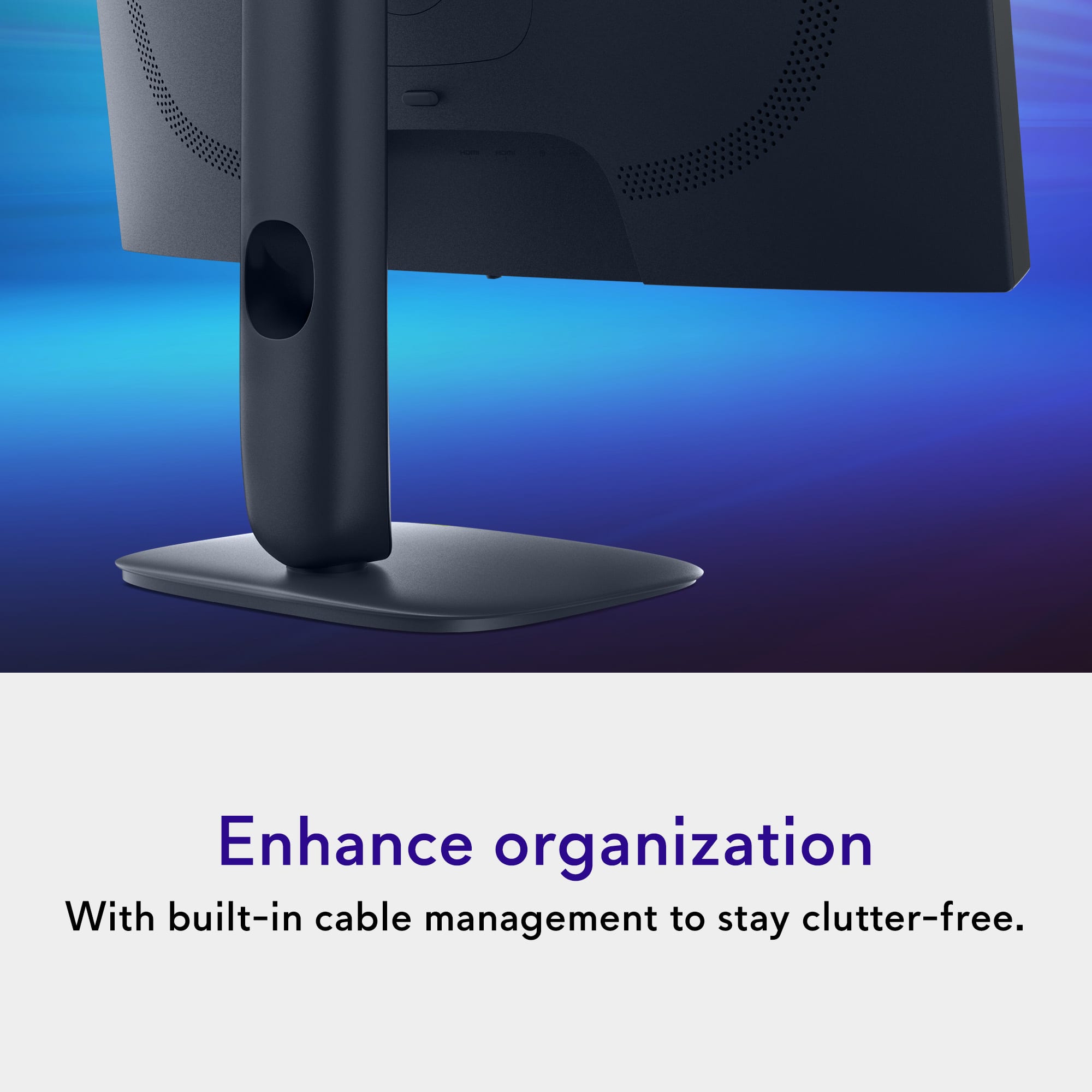
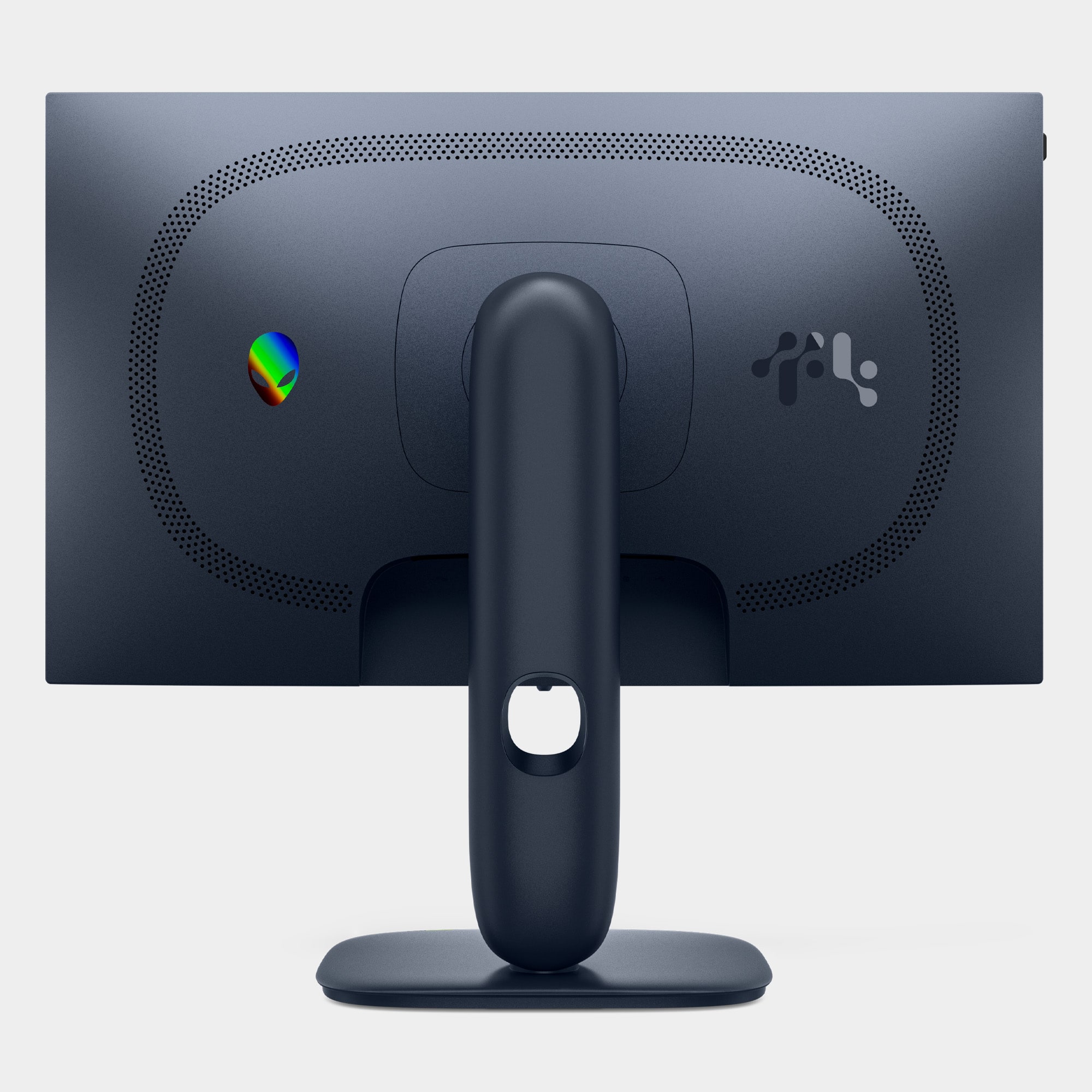
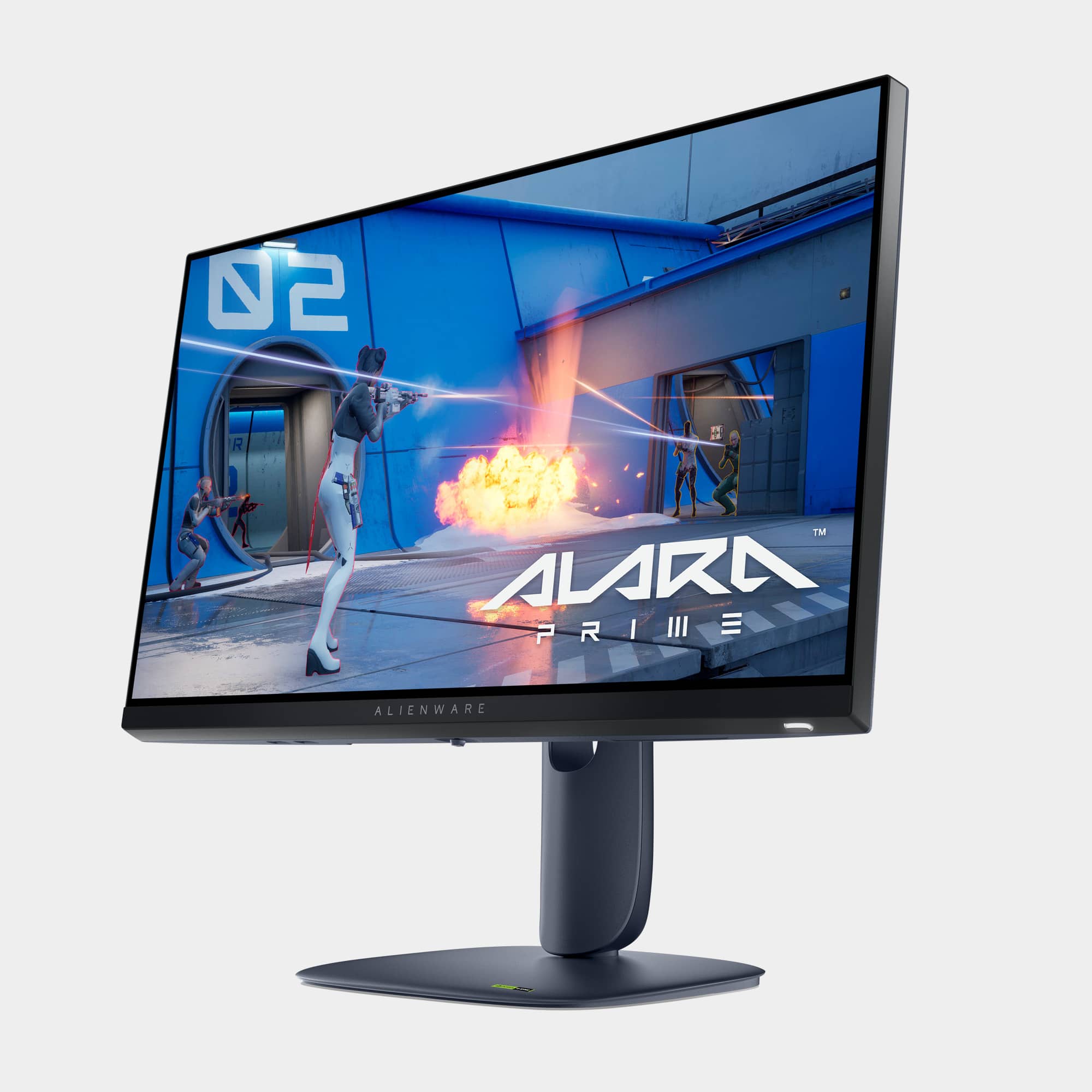
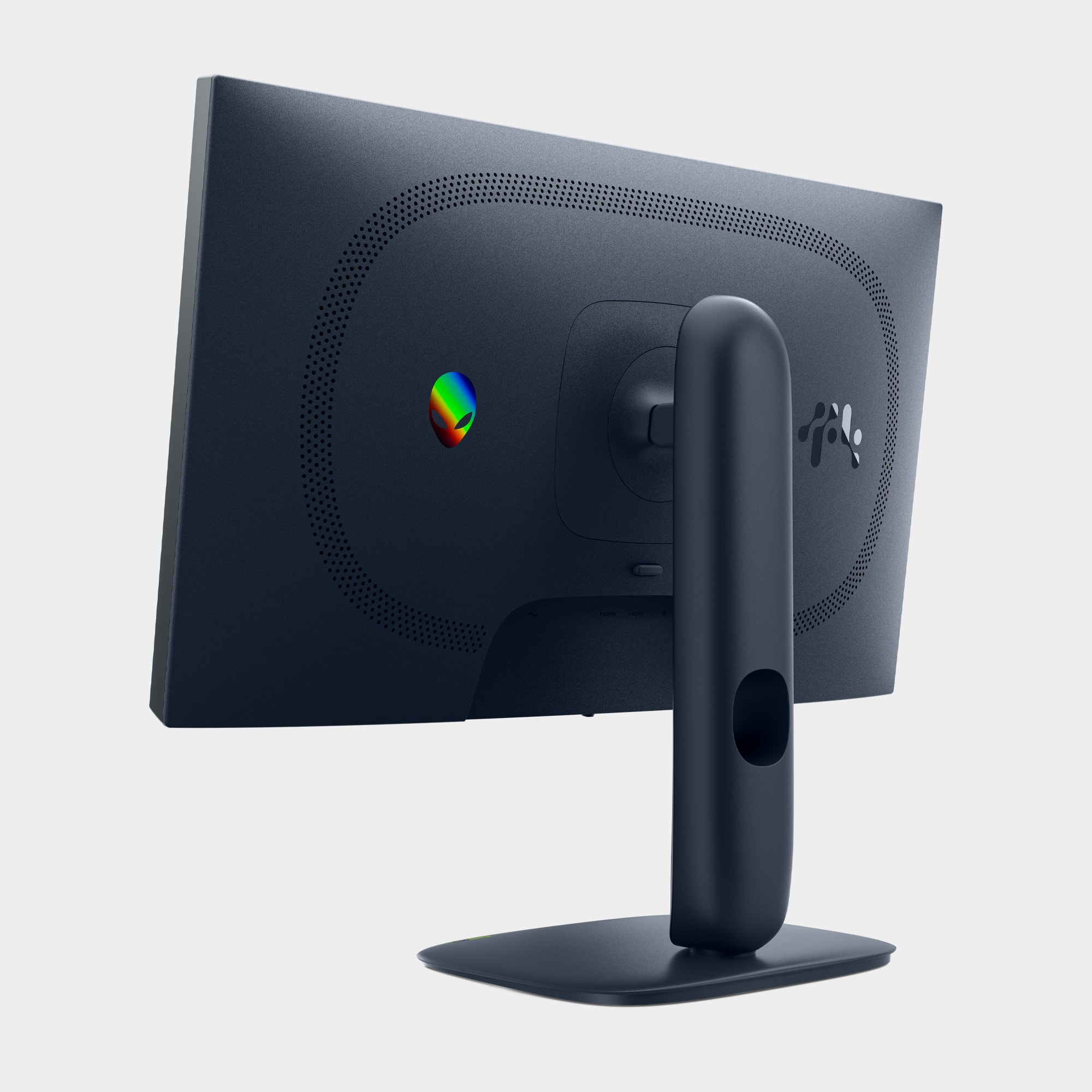
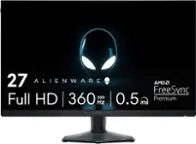
    I've had the pleasure of using the Alienware AW2525HM 25" gaming monitor for a couple of weeks now. If you're looking for a solid performer on a budget, this device should definitely be on your short list. This monitor feels premium, starting right out of the box. Included in the package are a weighted base plate, a vertical arm mount, the display itself, a power cable, DisplayPort and HDMI cables, and a USB A to B 5Gbps cable. Assembly is straightforward and requires no tools. The vertical arm attaches to the baseplate with a thumbscrew, and the vertical arm clips into the monitor. Simply connect the power and your preferred display cable, and you're ready to use it. If you want to use the built-in USB hub, you can also connect the USB cable between your computer and the monitor. Tilting the monitor is simple: grab each side and adjust. It tilts downward about 10 degrees from flat, and upward around 25 degrees from flat. The height adjustment works similarly—just grab the display and move it up or down. The mount has smooth vertical movement that automatically locks into place. If you prefer using a VESA mount, it's compatible with the standard 100x100 VESA mount. When you first turn on the display, it prompts you to press the button on the bottom to select a language and input, at which point your input source appears on the display. For a 25-inch monitor at average viewing distance, pixels are noticeable since it's FHD resolution. However, once you are immersed in content, you tend not to notice this anymore. Off-angle viewing is excellent - I could move as far to either side of the monitor as I wanted and still see a sharp, colorful picture with no darkening. Browsing through the menus, there's a lot of granularity and picture preset modes (Sport, Movie, Warm, Cool, Game 1-3, etc.); however, when the SmartHDR function is turned on, you can't change the picture mode until you turn it off. The monitor does have brightness and contrast settings, and increasing the brightness past a certain point triggers a power consumption warning. Even with the brightness and contrast set fairly high, this isn't the brightest display I've seen, but if you game in a darker room, it won't be an issue. The display has a matte finish that tends to look darker, but it has the big advantage of not reflecting surrounding light sources. There was also a setting in the menus for "Alienvision" that would display crosshairs on the screen and highlight the center, supposedly to improve FPS gaming, but I found it useless and turned it off as quickly as I turned it on. The highlight here is the refresh rate - 320Hz. If you've been using a display with a 60Hz refresh rate, you'll immediately notice the difference. My video card only supported 255Hz output, but the jump from 60Hz to 255Hz is definitely noticeable. Beyond gaming, even everyday tasks benefit - scrolling text on webpages or quickly moving windows around your desktop become blur-free. Gaming is where this monitor truly excels, provided your system can handle the higher refresh rate — meaning you have enough CPU, RAM, and a sufficiently powerful graphics card to support FHD gaming at high refresh rates. Fast-paced FPS games, like Call of Duty, really show the advantages — jitter or stutter is almost nonexistent at 240Hz or higher. It's a significant improvement over 60Hz, even when gaming at 120Hz. This monitor offers a beautiful, buttery smooth display at a great price. I'm very pleased with this monitor, and the 320Hz refresh rate should make this a long-term investment in any gamer’s rig.

    I would recommend this to a friend
  • Pros mentioned:
    Color quality, Refresh rate
    Tech Insider Network Member

    Rated 5 out of 5 stars

    An affordable gaming monitor with top tier stats!

    |
    Tech Insider Network Member
    Posted .
    This reviewer received promo considerations or sweepstakes entry for writing a review.

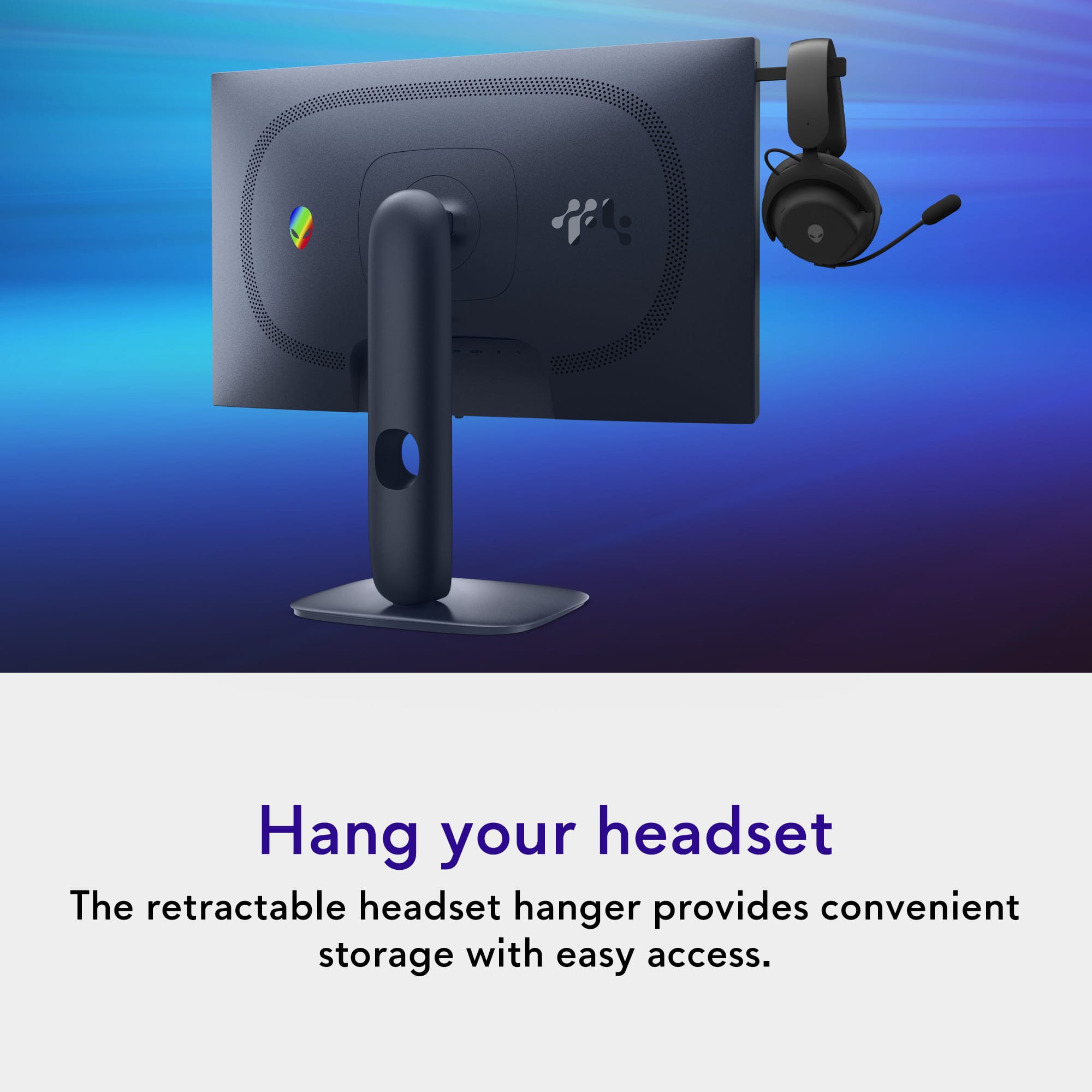
    Here I am in 2025, blown away that a computer monitor with performance like this can be had for such an affordable price! Everything about this monitor, from the stand to the bezels to the panel itself is just full of quality and makes me incredibly happy to have this on my desk! Even the cables are included that are needed for most PC or console gaming set ups! There are so many features here that make it evident that Alienware (Dell) is concerned with the gamer’s experience with this monitor. A thoughtful headphone hook pops out of the left side of the monitor ready for use. The high refresh rate 1080p panel with g-sync and free-sync makes games like Doom Eternal just look and perform beyond anything else I have experienced with my intel 13700F and NVIDIA 4070 super equipped PC. Every buttery frame with fast response time just feels like riding a bolt of lightning; exhilarating! As others have noted, this is no OLED panel, but this also fits the budget of a lot more gamers and frankly in 2025 is actually a steal for the performance you are getting, especially on sale! Overall, I would highly recommend you check out this monitor and consider it for your gaming set up!

    I would recommend this to a friend
  • Pros mentioned:
    Color quality, Performance
    Tech Insider Network Member

    Rated 5 out of 5 stars

    Great gaming monitor - but odd for work

    |
    Tech Insider Network Member
    Posted .
    This reviewer received promo considerations or sweepstakes entry for writing a review.

    Picked this up as a secondary monitor to serve for gaming and work. Lets start with gaming since that is what this was made for. Its great! All the features really make this a great gaming unit. Great refresh so no lag and the brightness is really good. The LCD provided a really bright screen. I play mostly shooters so that is important. If you want darks maybe look into a OLED. But the blacks are good here as well. Really like the buttons and lights for the power button. Easy to find and see on the bottom. Out of the box assembly is easy. no tools really needed. The Base is thumb screw and it basically clips into the top. I although did mount this on a VESA mount. For work, it was usable although a little weird. i guess because of the size, I'm pairing it to my laptop and when in 2 montior extended - i get a small section that doesn't align with my laptop Monitor. Not a big deal but the mouse catches some. otherwise this works really well. no pixelization and tons of options. I was NOT able to get HDR to work but all other options seemed to be there.

    I would recommend this to a friend
  • Pros mentioned:
    Refresh rate
    Tech Insider Network Member

    Rated 5 out of 5 stars

    Smooth Motion

    |
    Tech Insider Network Member
    Posted .
    This reviewer received promo considerations or sweepstakes entry for writing a review.

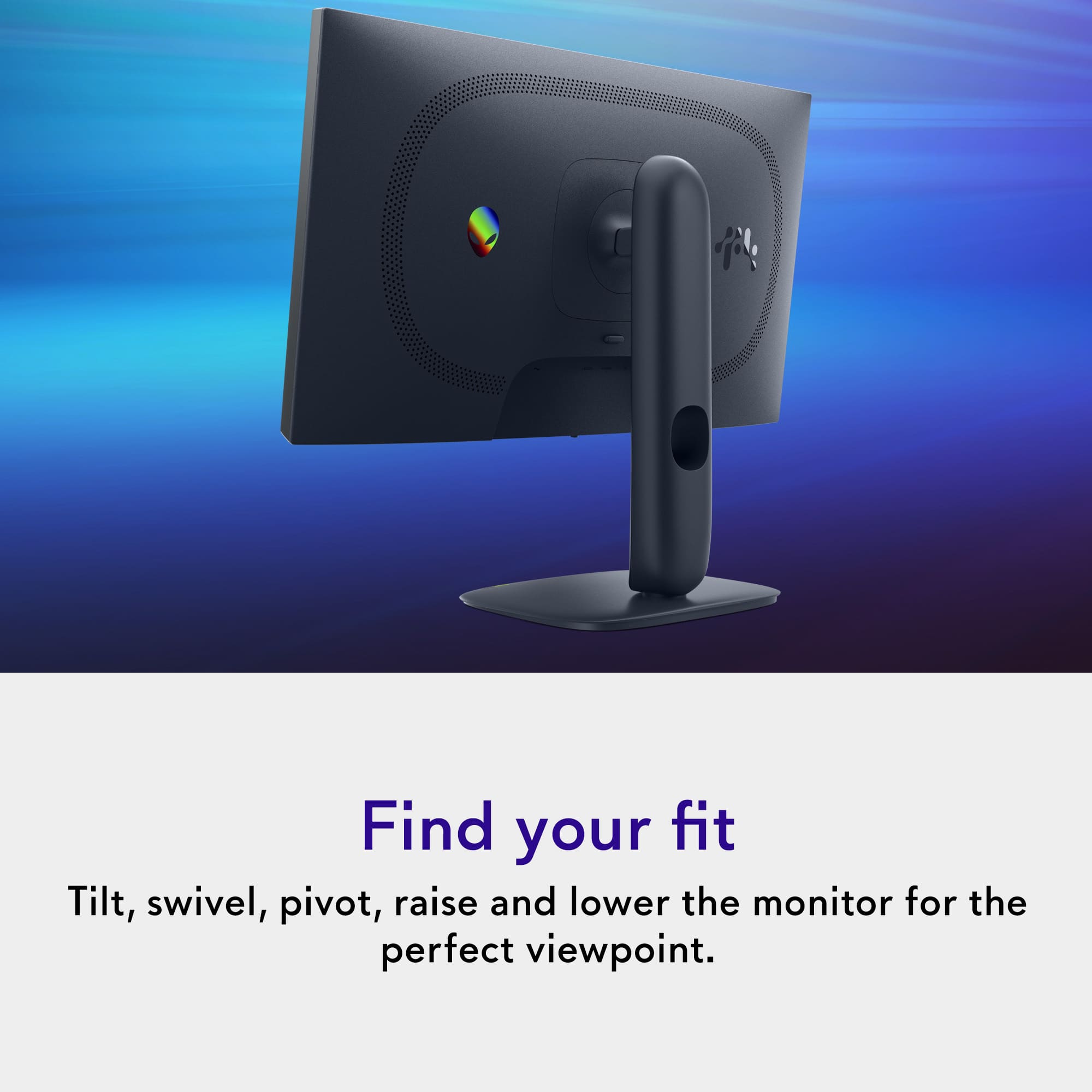
    Unboxing and setting up the monitor was very easy. It comes with all the cables needed (HDMI, display port and usb) to get you started right away. Set up was extremely easy because of the way the items were packed it made set up easy. Instructions for set up was also included but set up is pretty standard for most of these monitors. The monitor has height adjust, tilt and rotates 180 degrees. Very easy to adjust and is a decent size monitor at this price point. The monitor is made well and had no glare in a brightly lit room. If you want to test out the 320Hz refresh rate you must use the display port. PC specs - AMD Ryzen 9 7900X, ASUS RTX 5070 12GB. I was extremely impressed with how smooth the movement was when playing Cyberpunk and Forza Motorsport. When playing on a monitor that can only handle 144Hz and playing one that can handle 320Hz it’s night and day. Im able to lock in on the target quickly without shadowing or ghosting. The only downside but not a deal breaker for me is that it’s only 1080p so it can’t double as my productivity monitor because I like sharper resolution when editing photos and reading. Overall, I am extremely impressed with how well this monitor performed with first person shooter games and racing games. I recommend and gave 5 stars solely because of the 320Hz refresh rate.

    I would recommend this to a friend
  • Tech Insider Network Member

    Rated 5 out of 5 stars

    Amazing entry-level gaming monitor

    |
    Tech Insider Network Member
    Posted .
    This reviewer received promo considerations or sweepstakes entry for writing a review.

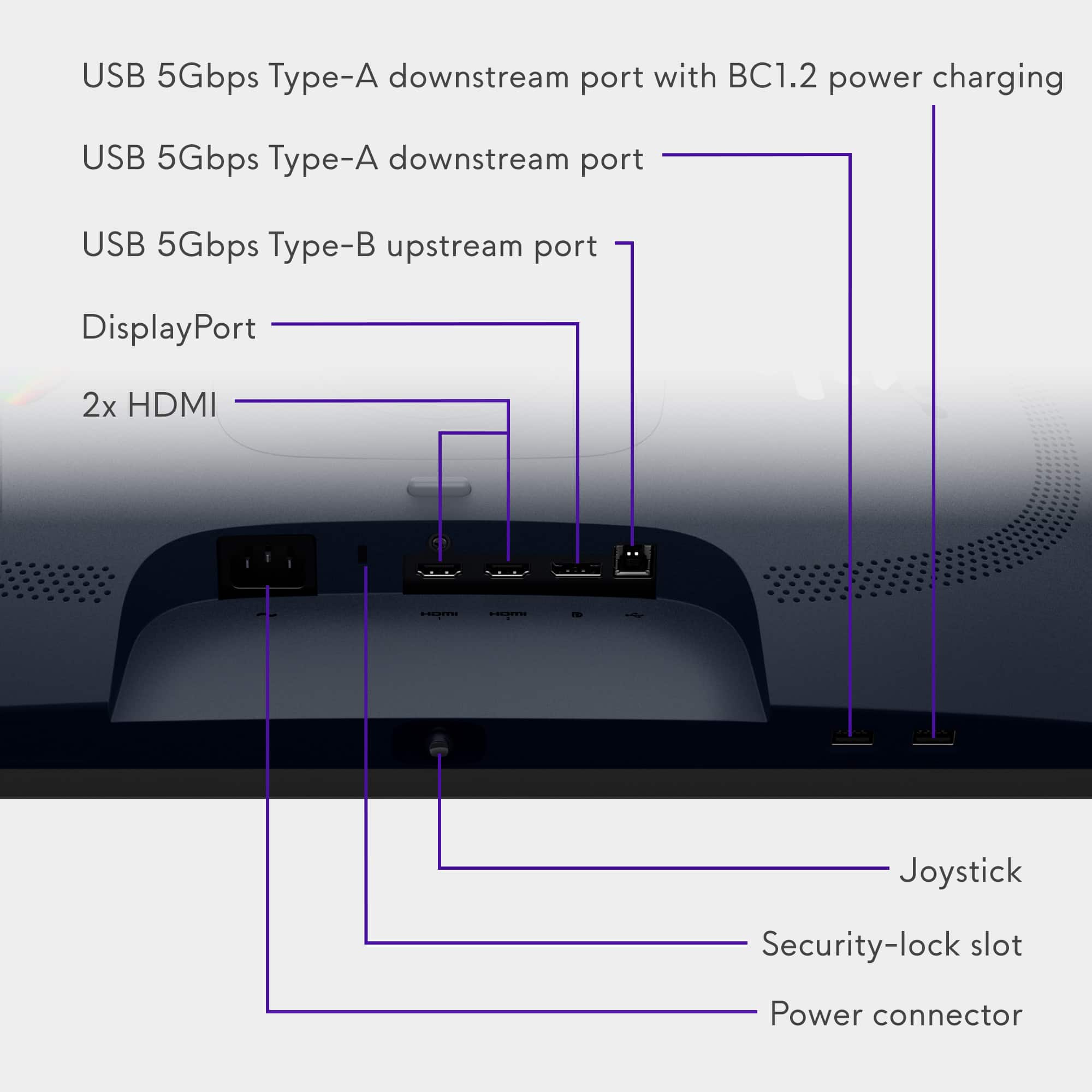
    First impression: My first impression of the Dell Alienware AW2525HM Monitor is that it is a very well-made gaming monitor with good specifications for an entry level monitor. The packing was excellent, and the monitor included all the cables necessary to use all ports. It includes a standard VESA mount and the stand is very sturdy, offering numerous viewing angles. What’s in the Box: • Dell Alienware AW2525HM Widescreen LED Monitor • Stand • Alienware Sticker • QR Card • Safety, Environmental, and Regulatory Information • Power cable • 1 x DisplayPort-DisplayPort 1.4 cable - 1.80 m • 1 x HDMI 2.1 TMDS cable - 1.80 m • 1 x USB 5Gbps Type-A to Type-B cable -1.80 m Specifications: • Display type: Active matrix - TFT LCD • Diagonal Size: 25” • Aspect Ratio: 16:9 • Resolution: 1920 x 1080 • Refresh rate: 320 Hz • Response Tine: 1 ms • Contrast Ratio: 1000: 1 • Brightness: 400 cd/m2 • Color Support: 16.7 million colors • SDR Brightness: 459 nits. • Ports: 2 x HDMI, 1 Display Port • Voltage Required: 100 to 240 VAC/50 or 60 Hz @ 1.5 A • Weight: 13.38 lbs Pros • Stand is solid & has a wide range of ergonomic adjustments • Easy-to-use menu system • Includes all the necessary cables. • High brightness, good color accuracy • Excellent response time • 320Hz refresh rate for just $250 • HDR10 Cons • Plain design • Limited contrast ratio Performance: This monitor is an affordable entry-level gaming monitor with better than average specifications for a monitor at this price point. Although this monitor does support HDR, it’s not heavily supported. That might seem surprising, but it isn’t unusual for a monitor with 320 Hz refresh rate. The SDR brightness is very high, and that covers the HDR deficiency and makes for a bright monitor. For this test, I ran different drone racing simulators. They use a lot of graphics for the surrounding area, and the flying is very fast and full of very high-speed direction changes. I have found some of them like DRL and VelociDrone use very realistic looking surrounding graphics, and high-speed flying and direction change can wreak havoc on the graphics. The Alienware AW2525HM monitor handled the speed and graphics very well. I was quite surprised with the quality of the graphics as I flew the course. The motion clarity was very smooth and bright. But after thinking about it, it shouldn’t have surprised me. The SDR brightness is very high, and the 320 Hz refresh rate along with a low pixel refresh rate, this monitor was made for such high-speed motion like in the drone simulators. I find the color in this monitor to be quite good for an entry-level monitor. It is not Hi-Res graphics, nor is it adobe certified or rated for professional use. But again, for an entry-level gaming monitor, I find the colors quite good. This monitor also has 2 USB A ports that can be used as a USB hub. It uses a USB B upstream and does not contain USB C. This is no big deal for me as I never use a monitor’s USB, but I know a lot of gamers use it for keyboard/mouse. Conclusion: I really like this monitor. When I saw it was an Alienware, I really wanted to test it. Then I found out it was an entry-level, and I was a bit disappointed. But after testing this monitor with my drone simulations, I was very impressed with the quality of the picture and how well it handled the high-speed direction changes. This monitor is not for serious gamers, but for an entry-level gaming monitor it’s an amazing deal; especially for under $250. With a refresh rate of up to 320Hz, fast pixel refresh rate, good color, and smooth motion clarity, you can’t go wrong here. I highly recommend this monitor.

    I would recommend this to a friend
  • Tech Insider Network Member

    Rated 5 out of 5 stars

    Beautiful colors, especially for this price

    |
    Tech Insider Network Member
    Posted .
    This reviewer received promo considerations or sweepstakes entry for writing a review.

    This was by far one of the easiest unboxings and setups for a monitor that I've ever done, especially for one this size. Usually there is a lot of wrangling oversized, off-balanced, parts. However, in this case, everything was done in the box, and it was completely assembled before it even came out. The packaging allowed for the stand to snap into the monitor, and the base to be screwed on. Because everything was still in the box, even the cables could be attached before everything needed to be placed on my desk. Once placed, it was just a simple matter of plugging in the power and signal cords. The only setup complaint I had was regarding locating the service tag so I could register the monitor. I had to navigate the little finger-joystick thing through the on-screen menus before I could find it, and it wasn't an intuitive experience. Using the monitor was very straightforward. I use it as one of four monitors I have setup for use for gaming, work, and browsing the internet. The first thing I noticed was that the colors were incredibly rich and saturated compared to my other monitors. When I compare the same pics across the multiple monitors I have on my desk, this one really stands out. The colors were far superior on the Alienware monitor. One thing I wasn't impressed about was the reduction in motion blur. I still feel like the blur is there, and I don't see any significant improvement or difference from monitor to monitor. I will say, though, I don't experience any lag when using this monitor either as my primary or as a secondary. I do like the low blue light feature on the monitor. It's too soon to feel the benefits but with the amount of time I spend in front of monitors when working or playing, it's an increasingly important feature to have in a monitor. I've always been impressed with Alienware products, and this monitor is no exception. While it's not the best monitor I've ever used, the color reproduction is the best by far and at this price point you just can't beat it!

    I would recommend this to a friend
  • Tech Insider Network Member

    Rated 5 out of 5 stars

    Nice / fast gaming monitor

    |
    Tech Insider Network Member
    Posted .
    This reviewer received promo considerations or sweepstakes entry for writing a review.

    This Alienware 25” 320hz monitor comes in with a great feature set for the price point. When I first saw that shipping box I wondered if they sent a 32” instead of a 25” but upon opening I realized everything was just packed nicely to avoid any type of damage. Assembly was quick/easy and tool-less. With all assembled you have a smooth tilt, swivel, pivot and height adjustable monitor. The metallic blueish color was a good change from your usual black or silver. The bezel is fairly thin, but not as thin as some monitors I’ve had in the past. All the cables you could possibly need are included, hdmi/display port/power/usb. The usb cable allows you to extend 1 of your PC usb’s to 2 5gb USB A’s at the bottom of the monitor, a nice feature that gives you easy access to a couple USB’s. There is also an added little feature I didn’t notice right away, a headset hanger that pops out from the top left of the monitor, a perfect place to hang them and keep the clutter off the desk. After finally getting things all hooked up and in place I was greeted with good bright and accurate colors. In the center bottom of the screen is a joystick button that lets you go through all the settings, preset modes, inputs, alienvision etc etc. I found this very easy to use versus some monitors that only give you a left, right and enter button. Game play color, speed etc is a big step up from my previous monitor. The features at this price point make this monitor a 5 star for me. I have nothing at all bad to say about it

    I would recommend this to a friend