Customer Ratings & Reviews
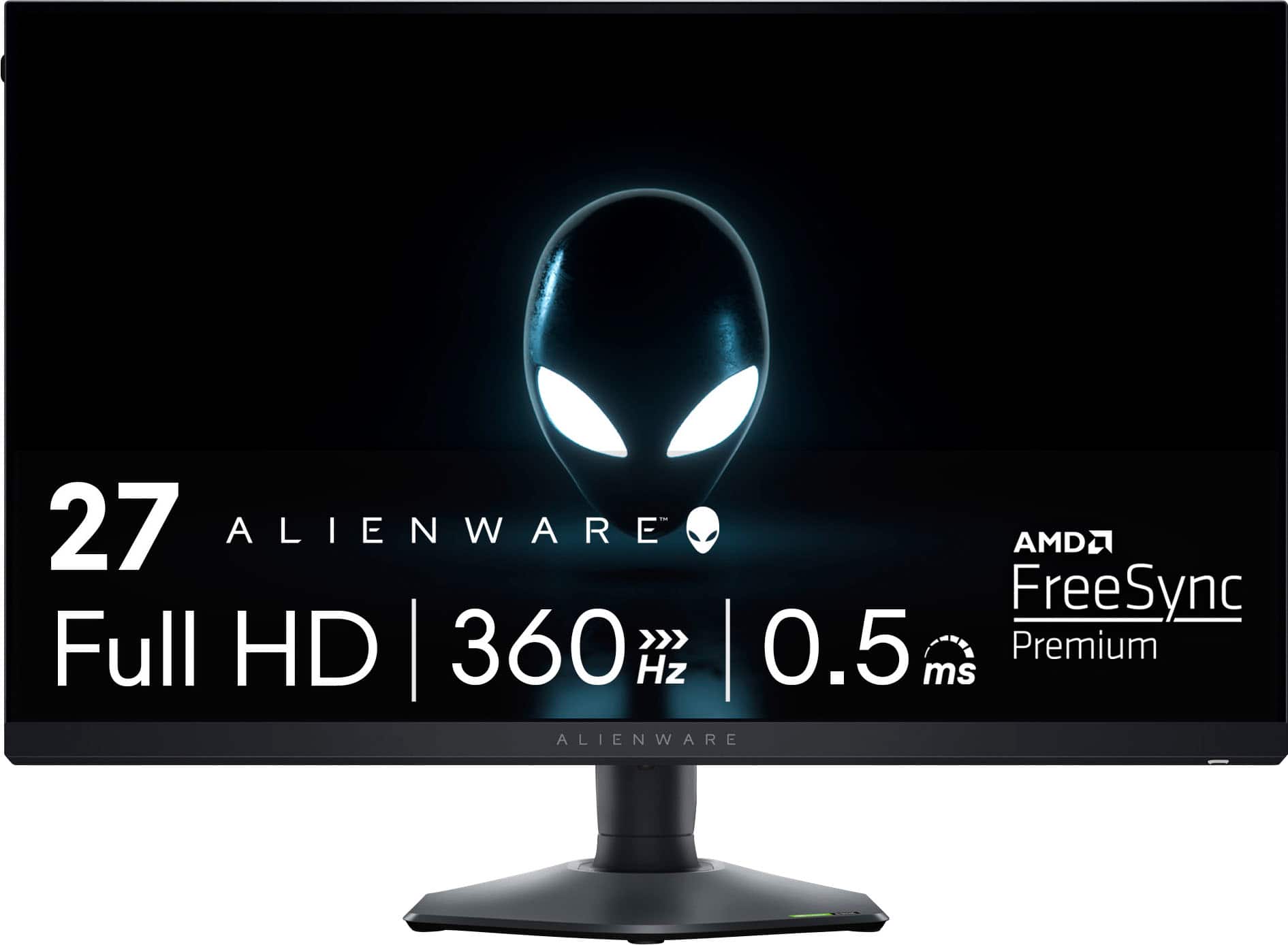
- Model:
- AW2724HF
- |
- SKU:
- 6576610
Customer reviews
Rating 4.8 out of 5 stars with 106 reviews
(106 customer reviews)Rating by feature
- Display Quality4.8
Rating 4.8 out of 5 stars
- Ease of Use4.8
Rating 4.8 out of 5 stars
- Features4.7
Rating 4.7 out of 5 stars
Customers are saying
Customers regard the AW2724HF monitor's high refresh rate and overall performance as exceptional, frequently praising its build quality and vibrant colors. The easily adjustable stand also receives positive feedback. However, some customers point out the lack of built-in speakers and express a desire for higher resolution.
This summary was generated by AI based on customer reviews.
Rated 5 out of 5 stars
Best!
||Posted . Owned for 6 months when reviewed.This reviewer received promo considerations or sweepstakes entry for writing a review.Best monitor I’ve ever owned. 10/10 recommend! Love it!
I would recommend this to a friendRated 5 out of 5 stars
Alienware Gaming Monitor
||Posted . Owned for 3 weeks when reviewed.This reviewer received promo considerations or sweepstakes entry for writing a review.Excellent gaming monitor. It really brings my games to a new clarity.
I would recommend this to a friendRated 5 out of 5 stars
Very good
||Posted . Owned for 1 month when reviewed.This reviewer received promo considerations or sweepstakes entry for writing a review.Very good monitor, quality looks good. Fast response.
I would recommend this to a friend- Pros mentioned:Color, Refresh rateCons mentioned:Ghosting
Rated 5 out of 5 stars
Well made, fast, beautiful picture quality!
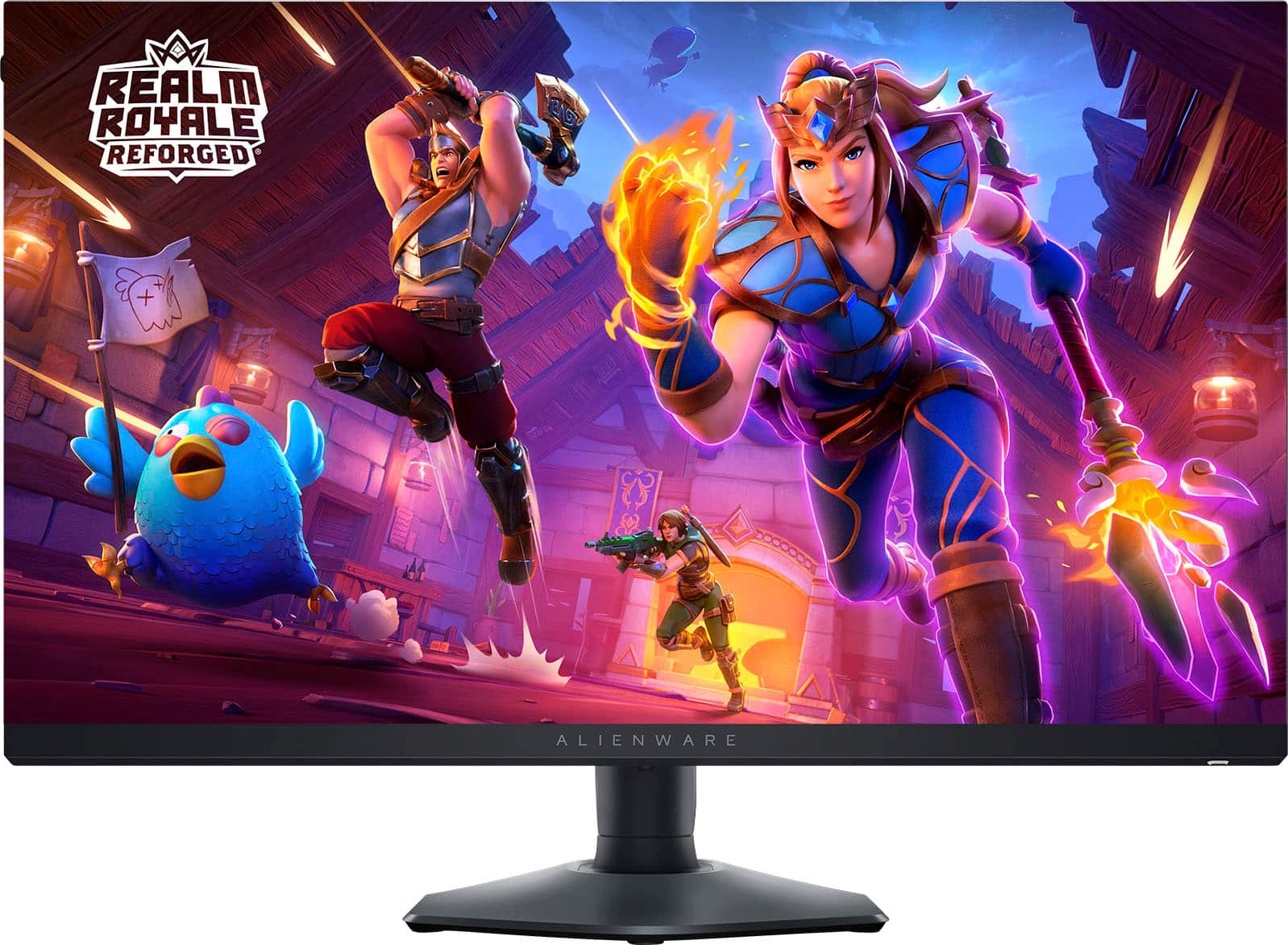
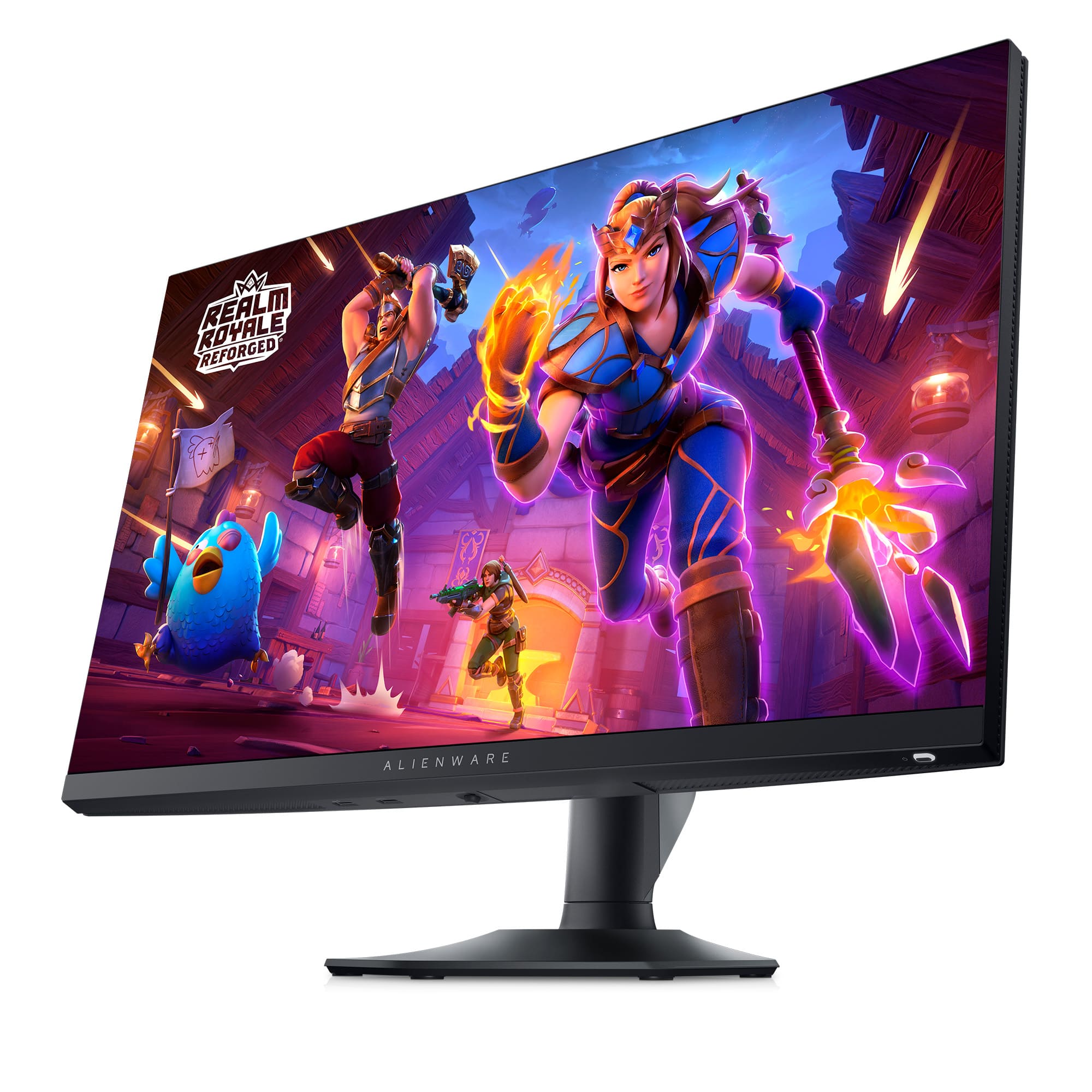
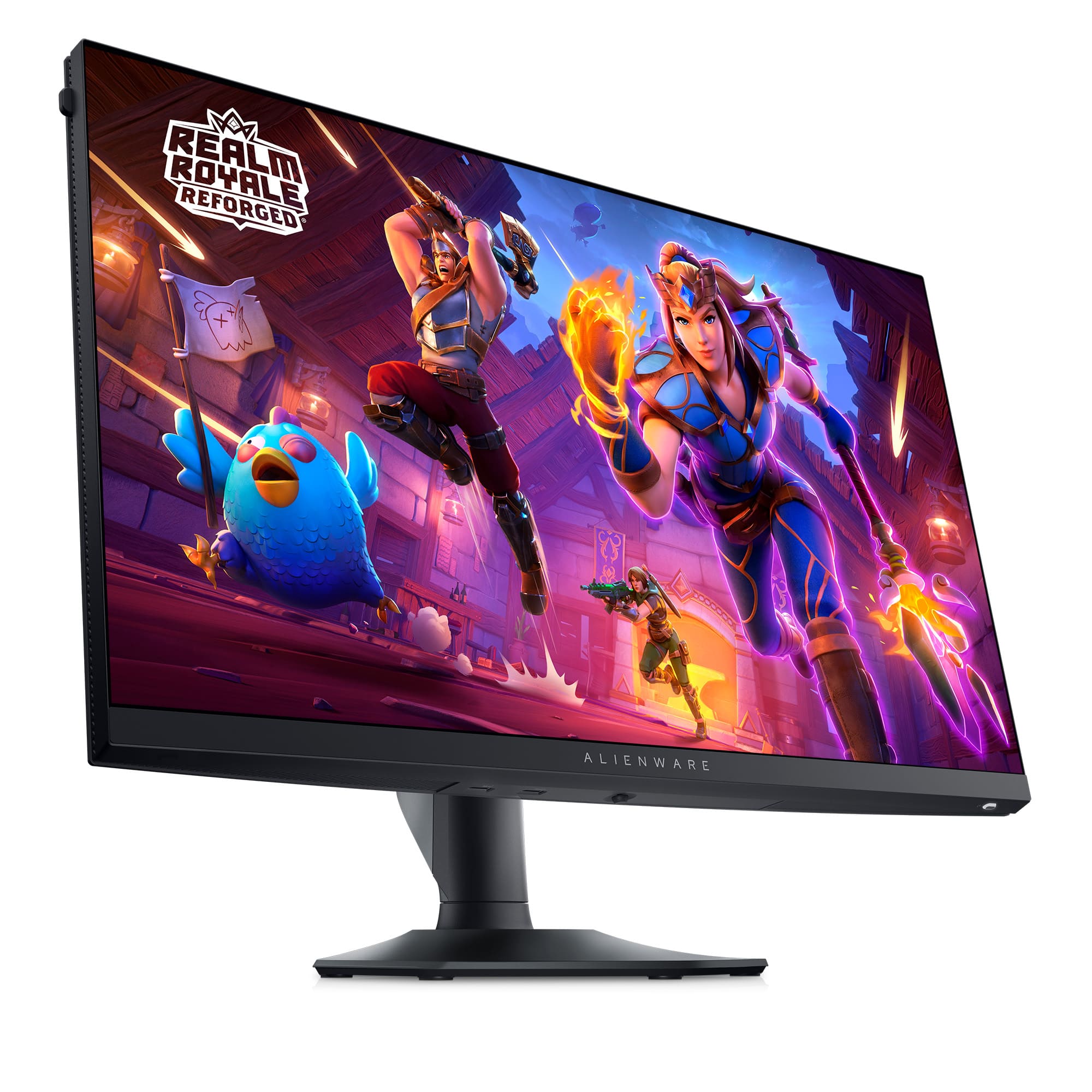
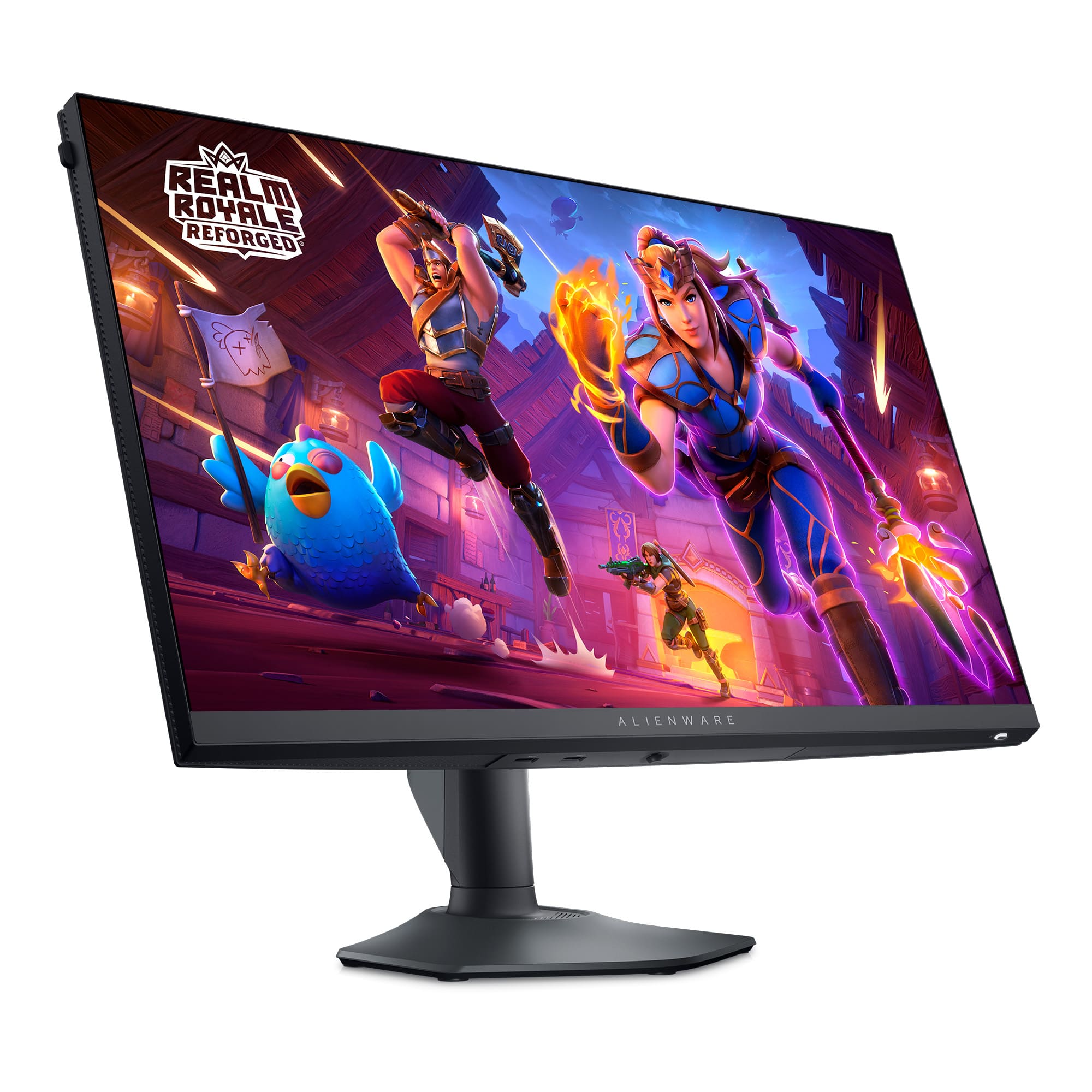
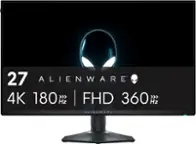
|Posted .This reviewer received promo considerations or sweepstakes entry for writing a review.The Alienware - AW2724HF 27" IPS FHD Gaming Monitor - 360Hz - AMD Free-Sync Premium - VESA - HDMI, DisplayPort - Dark side of the Moon is a superb gaming monitor. This moitor just exudes quality. It was easy to assemble right out of the box. With the help of the quick start guide I had it put together and on my desktop ready to game in less than 5 minutes. It's listed as only being 400 nits of brightness, but it seems much brighter. The colors are nice and vivid. I didn't notice any back light bleed over or ghosting. I didn't notice any banding either. Everything was crisp and sharp. The .05 millisecond response time grey to grey is unbelievably fast. I was unable to determine any lag at all when using this monitor. The 1080p Full HD resolution is nice for a monitor this size as it keeps the font size large enough it's easy to read, and it's also a friendly resolution for Graphics cards as it's easy to render for most modern cards, with smooth frame rates. the 360hz refresh rate makes sure that the monitor can support those higher frame rates as well. This monitor is easy to recommend, I wish everything I bought was as nice as this!
I would recommend this to a friend - Pros mentioned:Color, Overall performance, Refresh rateCons mentioned:Ghosting

Rated 5 out of 5 stars
Outstanding game play and video creation
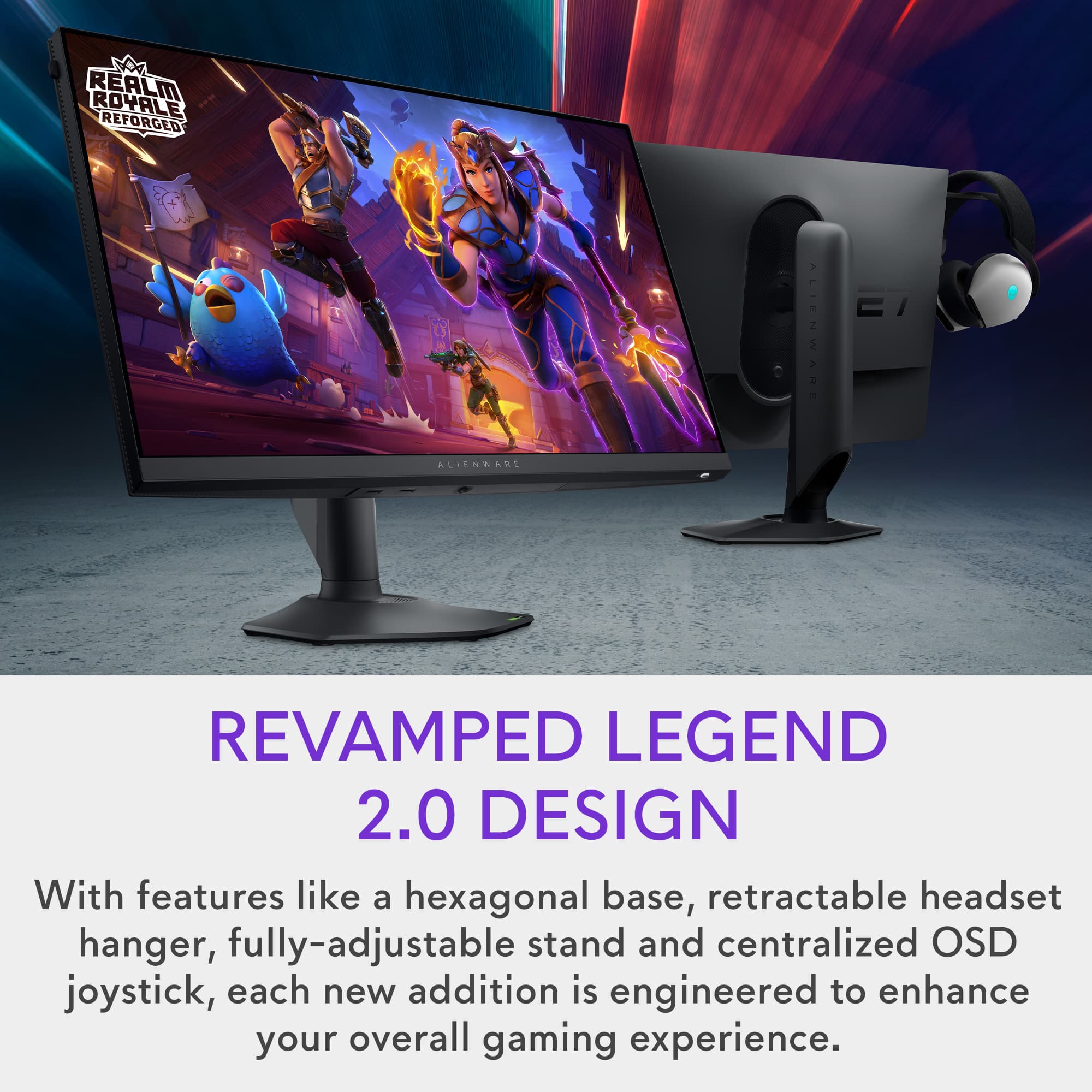
|Posted .This reviewer received promo considerations or sweepstakes entry for writing a review.Getting lost in PC gaming never looked this good. For the price, it offered a range of connectivity options, features and size. I was immediately struck by the colors and picture quality. After using it for hours, I hadn’t realized how much better gaming could be with the higher refresh rate this monitor provides. No blurs, ghosts or stutters affecting the game. The ComfortView plus feature manages Blue light, minimizing eye strain. I found that it wasn’t noticeable in affecting any on screen colors, yet my eyes never felt tired. I next used it creating some videos. It did not disappoint. Flawless in every aspect, I enjoyed the visual upgrade from my previous monitor. When I used it on a gaming system, it draws you into the game. Much better than playing on a TV screen. It has a nice touch with a built-in headset hanger. No more kicking it around when I’m not using it. For the size and features, this monitor exceeded my expectations. It won't break the bank. I’m very happy with it, and sure it’ll be able to meet my future video needs.
I would recommend this to a friend Rated 5 out of 5 stars
First piece of Alienware
||Posted . Owned for 1 month when reviewed.This reviewer received promo considerations or sweepstakes entry for writing a review.Easy to set up, screen is easy on the eyes and has several settings for easier operations
I would recommend this to a friend- Pros mentioned:Refresh rate
Rated 3 out of 5 stars
Good 1080p monitor
||Posted . Owned for 4 months when reviewed.This reviewer received promo considerations or sweepstakes entry for writing a review.It’s a good. 1080p monitor and it has a high refresh rate.
I would recommend this to a friend Rated 5 out of 5 stars
Great price and quality!
||Posted . Owned for 1 week when reviewed.This reviewer received promo considerations or sweepstakes entry for writing a review.Love this monitor, paired it with my aurora R16. No regrets best machines I’ve ever owned!
I would recommend this to a friendRated 5 out of 5 stars
Crispy graphics
||Posted . Owned for 2 weeks when reviewed.This reviewer received promo considerations or sweepstakes entry for writing a review.Love it!!! Graphics are great!!! If you have a Alienware Pc even better
I would recommend this to a friendRated 4 out of 5 stars
Decent monitor
||Posted .This reviewer received promo considerations or sweepstakes entry for writing a review.Build quality kind of mid, expected more from Alienware.
I would recommend this to a friend- Pros mentioned:Displayport, Refresh rateCons mentioned:Speakers
Rated 5 out of 5 stars
Great monitor for the right price.
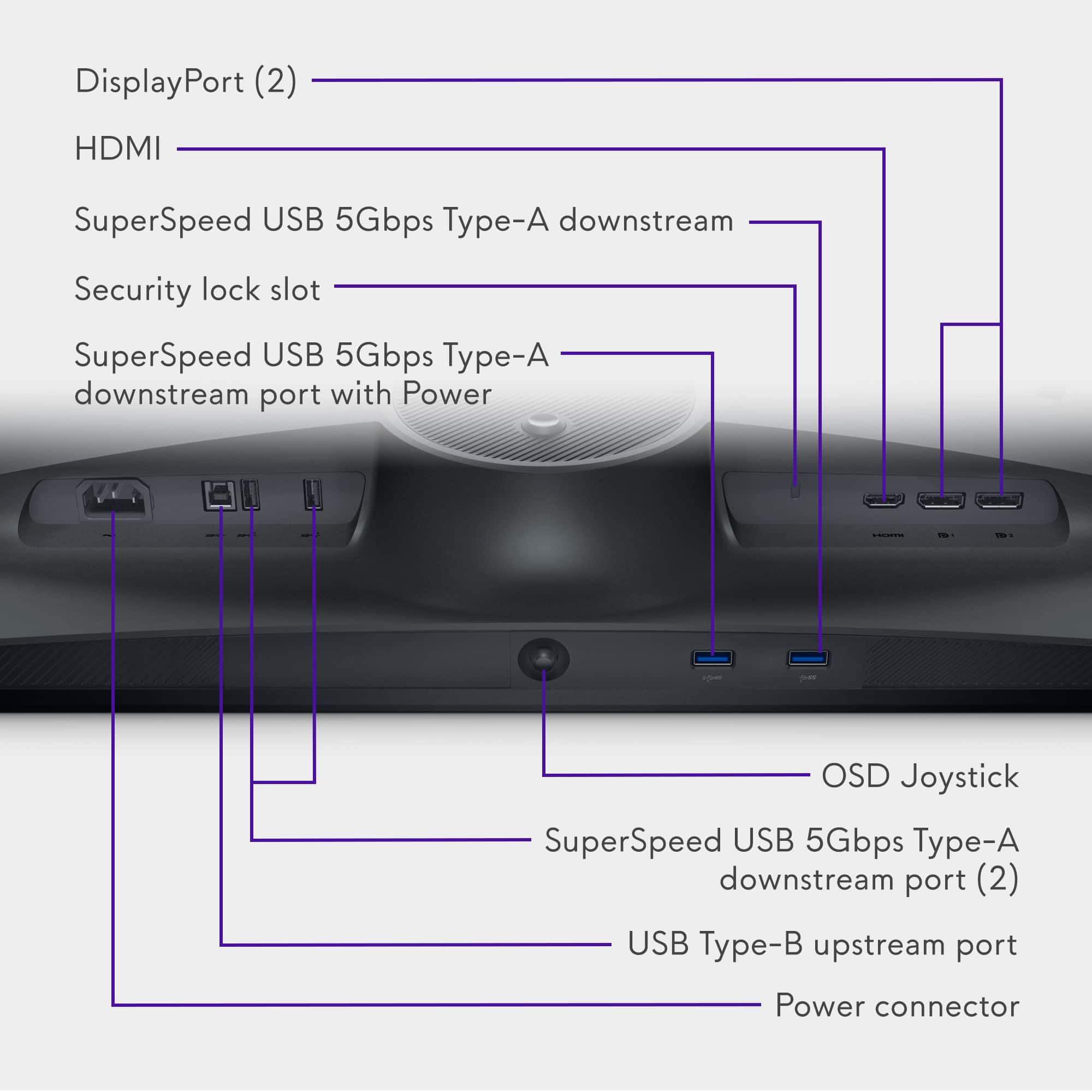
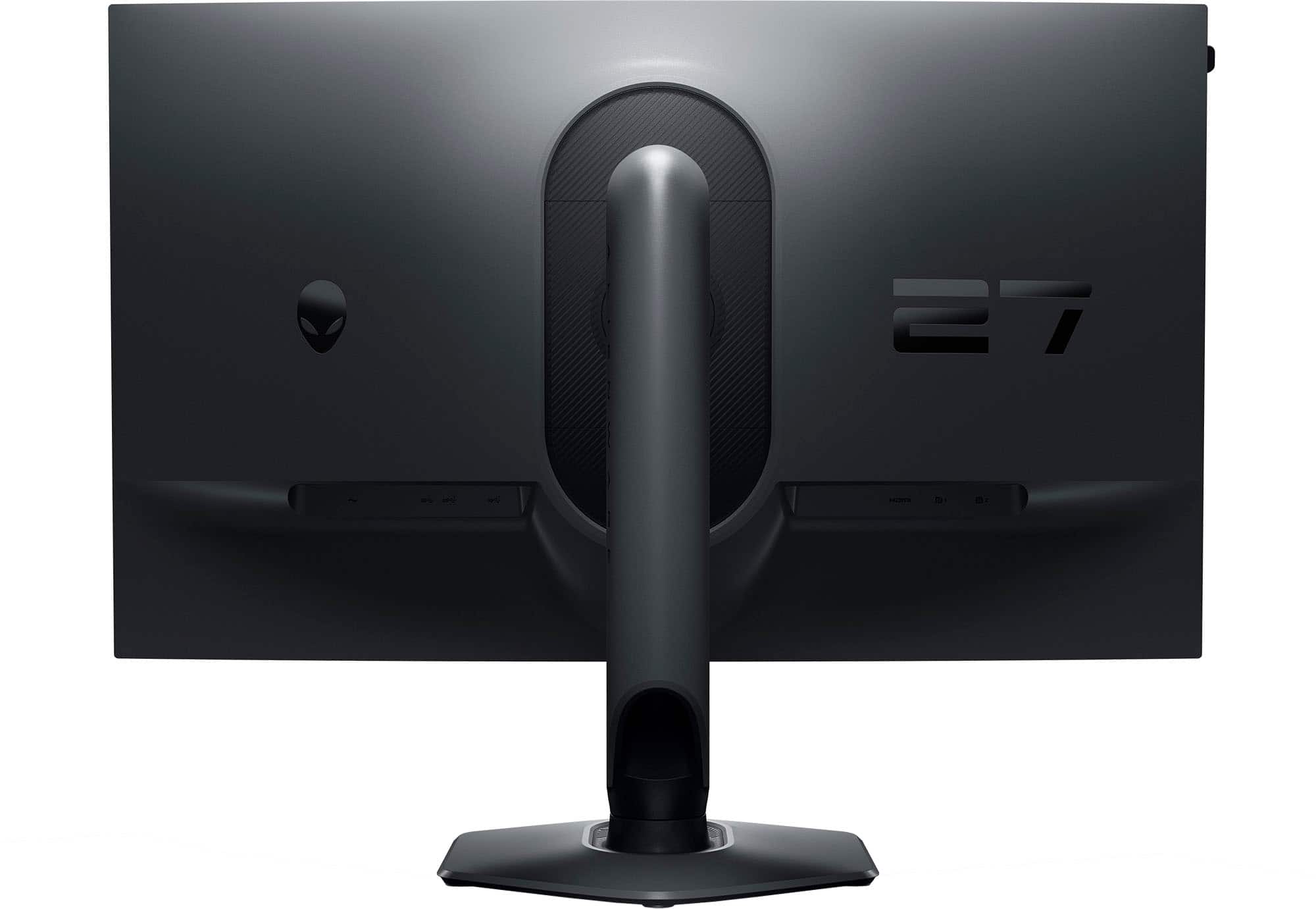
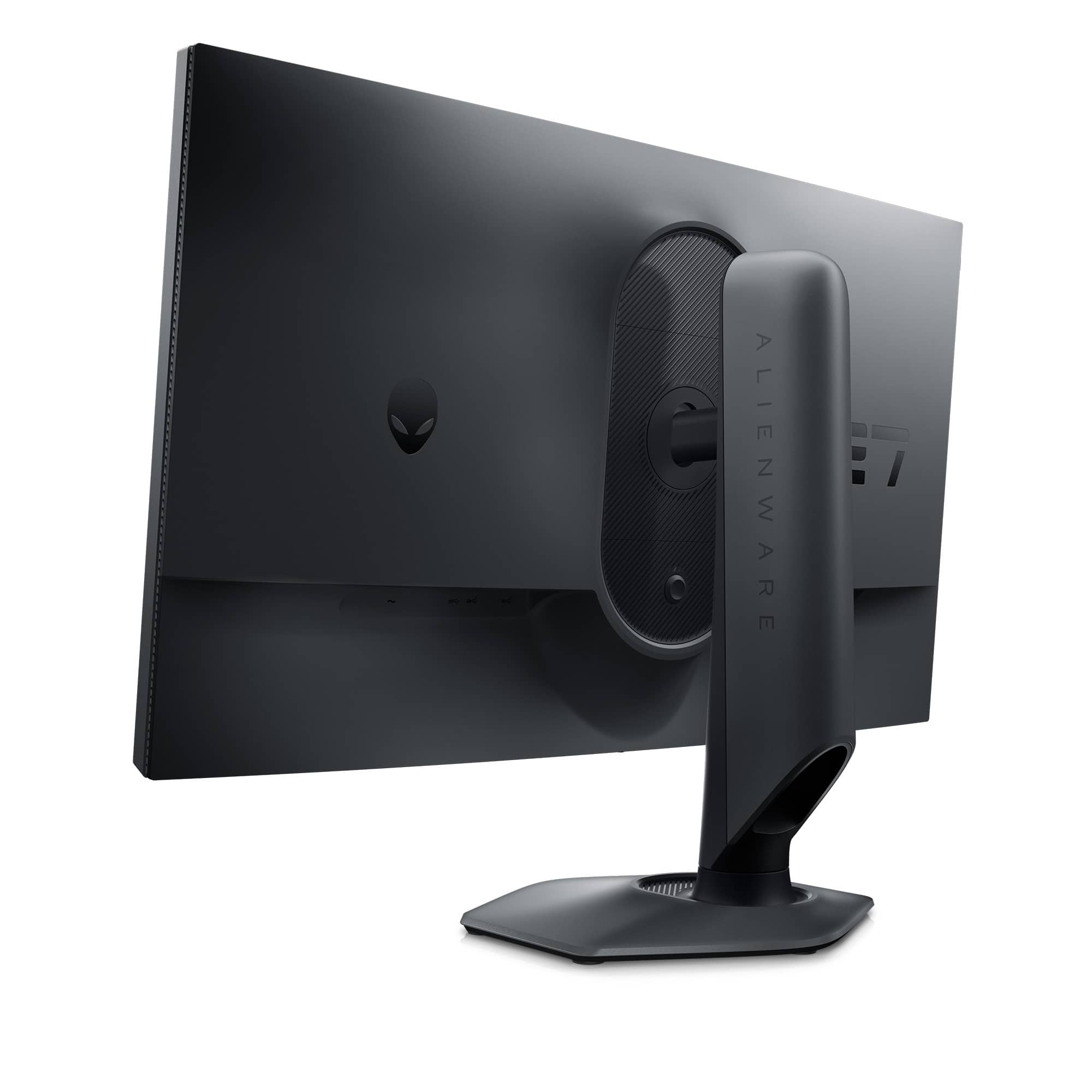
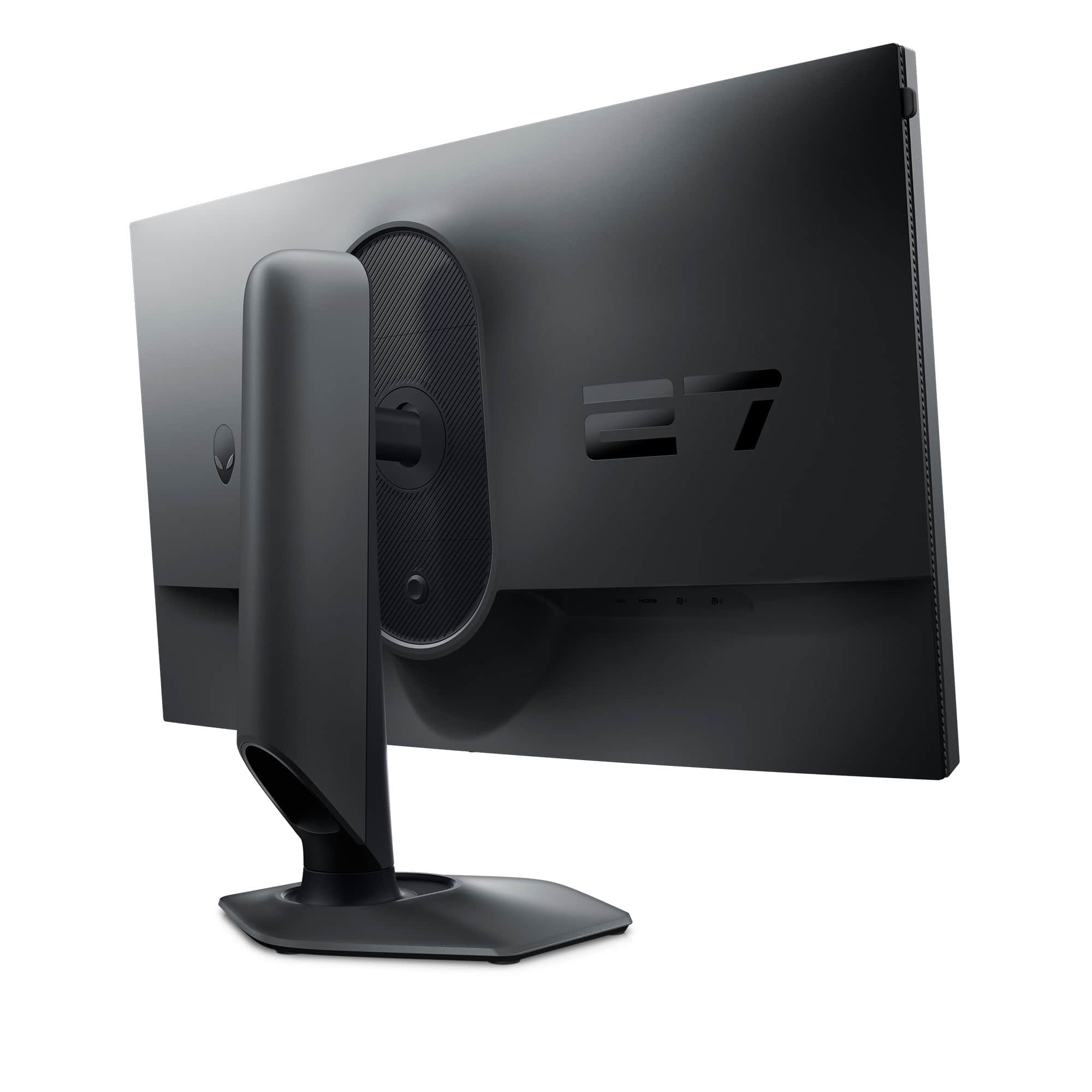
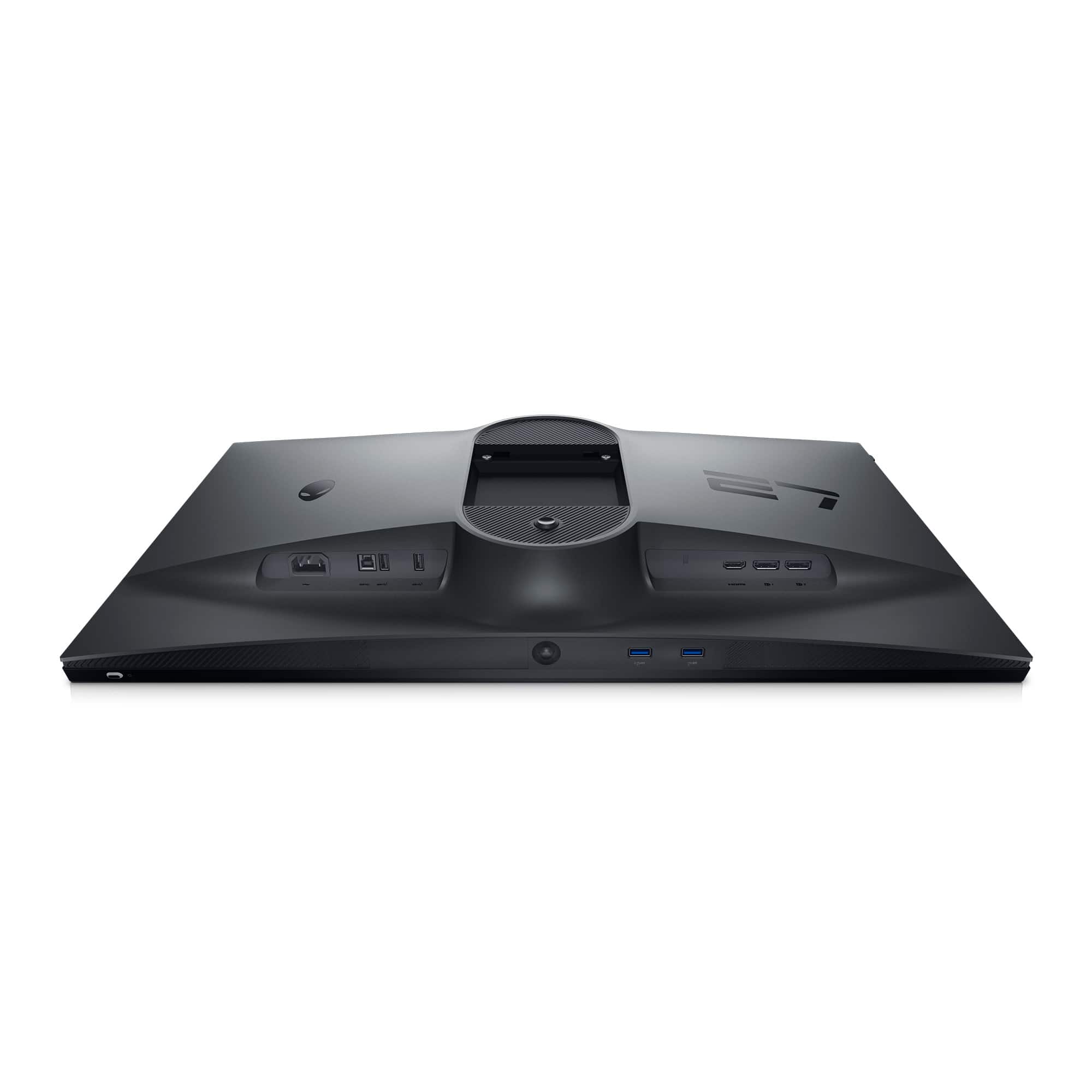
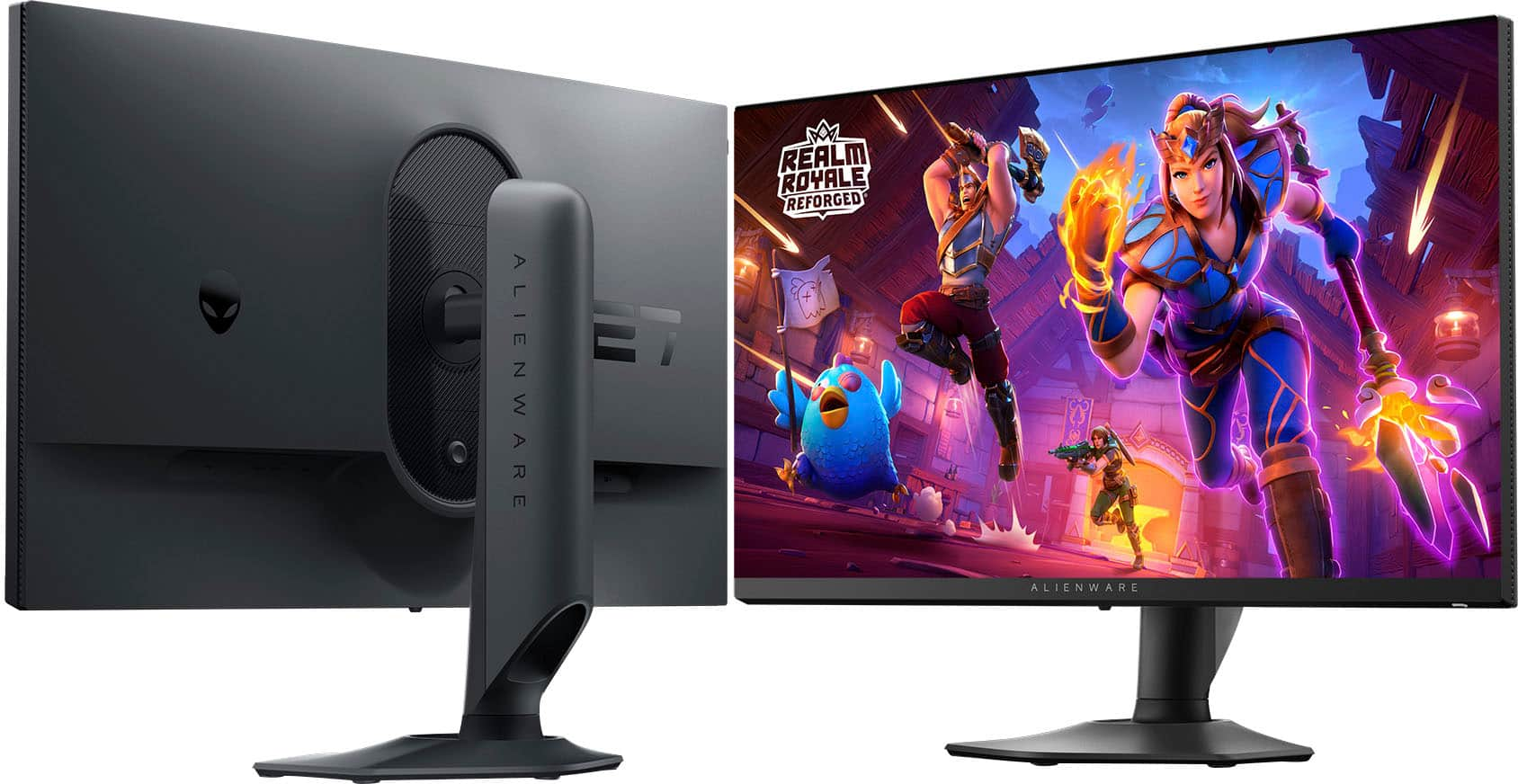
|Posted .This reviewer received promo considerations or sweepstakes entry for writing a review.Alienware - AW2724HF 27" IPS FHD Gaming Monitor - 360Hz - AMD Free-Sync Premium - VESA - HDMI, DisplayPort - Dark side of the Moon The Alienware 27” IPS monitor is crisp and has a great color and backlight. The stand it comes with can tilt back 22 degrees and forward 5 degrees. The stand allows the monitor to lower to 1-3/4” and raise to 6” from the tabletop. It also allows the monito to be rotated either right or left to 90 degrees, you must tilt it back fully for this to happen, but once rotated you can then return it to a normal viewing position. It has 3 inputs for video, 2 display ports and 1 HDMI. It also contains a USB 3 hub with 4 ports. 2 on the back and 2 on the bottom. It is supplied with a USD-A to USB-B cable for the hub use. It also is supplied with 1 display port cable and 1 USB-C to display port cable, as well as the power cord as expected. The monitor has a VESA mount available. Be sure your VESA mounting stand can handle the weight of this monitor. The weight of the monitor itself is 9 pounds. If your VESA mount is close to the stand or mounting point on your desk this will not be an issue. If your VESA stand is going to hold the monitor fully extended this could cause issues. Just make sure your VESA stand is up to the task. The monitor does not have speakers. This is not really an issue, just something you should be aware of. When installed on Windows 10 it is recognized natively to the full frequency of 360 Hz, no additional drivers required. The monitor has 400 nits of brightness. For a desktop monitor this is very good. The menu system is easy to use once you understand it. There are several custom settings you can change to be able to select the one that’s right for what you are doing at the time. It also has many other options you can just pick from. A few of the custom settings are for gaming. You can adjust each one and just select it when necessary. I was able to maintain 165fps with no motion blur or tearing at all. My test GPU is an RTX 3060 Ti on Windows 10 Pro, not tuned or overclocked at all. With a better card I’ll bet you could get a better fps. The monitor supports AMD Free-sync Premium. The cost of this monitor is good for the quality of the monitor. The stand that comes with it is very heavy duty and solid.
I would recommend this to a friend Rated 4 out of 5 stars
Monitor review
||Posted . Owned for 1 week when reviewed.This reviewer received promo considerations or sweepstakes entry for writing a review.Awesome game monitor! Displays great quality graphics
I would recommend this to a friendRated 4 out of 5 stars
good monitor
||Posted . Owned for 3 weeks when reviewed.This reviewer received promo considerations or sweepstakes entry for writing a review.very high quality material felt really nice and very easy to setup
I would recommend this to a friendRated 2 out of 5 stars
Bad quality
||Posted . Owned for 3 weeks when reviewed.This reviewer received promo considerations or sweepstakes entry for writing a review.I thought the difference between fhd and qhd is not that much, but this monitor made me realize that fhd is very bad
No, I would not recommend this to a friend- Pros mentioned:Color, Overall performance, Refresh rate
Rated 5 out of 5 stars
Definitely one of the best!
|Posted .This reviewer received promo considerations or sweepstakes entry for writing a review.The Alienware - AW2724HF 27" IPS FHD Gaming Monitor has a 360Hz Display with AMD Free-Sync is a very impressive Gaming Monitor. Seeing that I am used to using a Dell U series 27” 2560x1440 monitor array I was not sure if this monitor would live up to my standards. However, what I did know is that it was a Dell so I had very high hopes and expectations for it. Once I got it set up I messed around with the settings and got things adjusted to my liking. I was very pleased to see that the settings adjusted according to what I was used to on my other Dell monitors and once dialed in the screen is very nice. The Dark Side of The Moon gaming monitor as named by Dell has all of the display connections one could ask for with Two DisplayPort 1.4 connections and an HDMI 2.1 connection. It also has four USB-A 3.2 connections and a USB-B connection for your input to activate the other USB-A ports all aligned along the bottom back of the screen facing downward in typical Dell fashion. This allows you to easily connect accessories on your desk to your computer via your monitor which is nice. This screen is also very robust and has a very sturdy stand that allows a generous amount of vertical movement allowing you to tilt the screen vertically with ease. The adjustments are high quality and work well compared to other brands I have used. There is also a small joystick control in the center bottom of the screen which makes for a very simple way to adjust the screen settings. The Alienware - AW2724HF is a high-performance gaming monitor that shines in games with its 360Hz refresh rate screen. I seriously doubt you will see any artifacts or tearing with this monitor ever. The color gamut is awesome as well and colors are accurate and pop very nicely with no noticeable issues at all no matter what you are using it for. It also has smart HDR which is very nice if your hardware supports it. It is also very bright at 400 candela per square meter which is high compared to other monitors I have used. Playing games with this monitor is just amazing but it also shines for watching movies and videos and has smart HDR settings for both. This is not a cheap monitor but it is definitely worth the price, especially on sale. Everything about it is high quality and it will make you want another one or maybe two to go with it. I have always not only been impressed with Dell's screens but I think they are the best and I have had monitors from just about all of the leading manufacturers to compare them to. So basically what I am saying is. If you are looking for a great monitor for gaming that shines at everything else as well. You can buy this monitor and not have to buy the most expensive graphics card out there and be happy with the results.
I would recommend this to a friend - Pros mentioned:Refresh rateCons mentioned:Ghosting
Rated 5 out of 5 stars
DELL DOES IT AGAIN, GREAT MONITOR
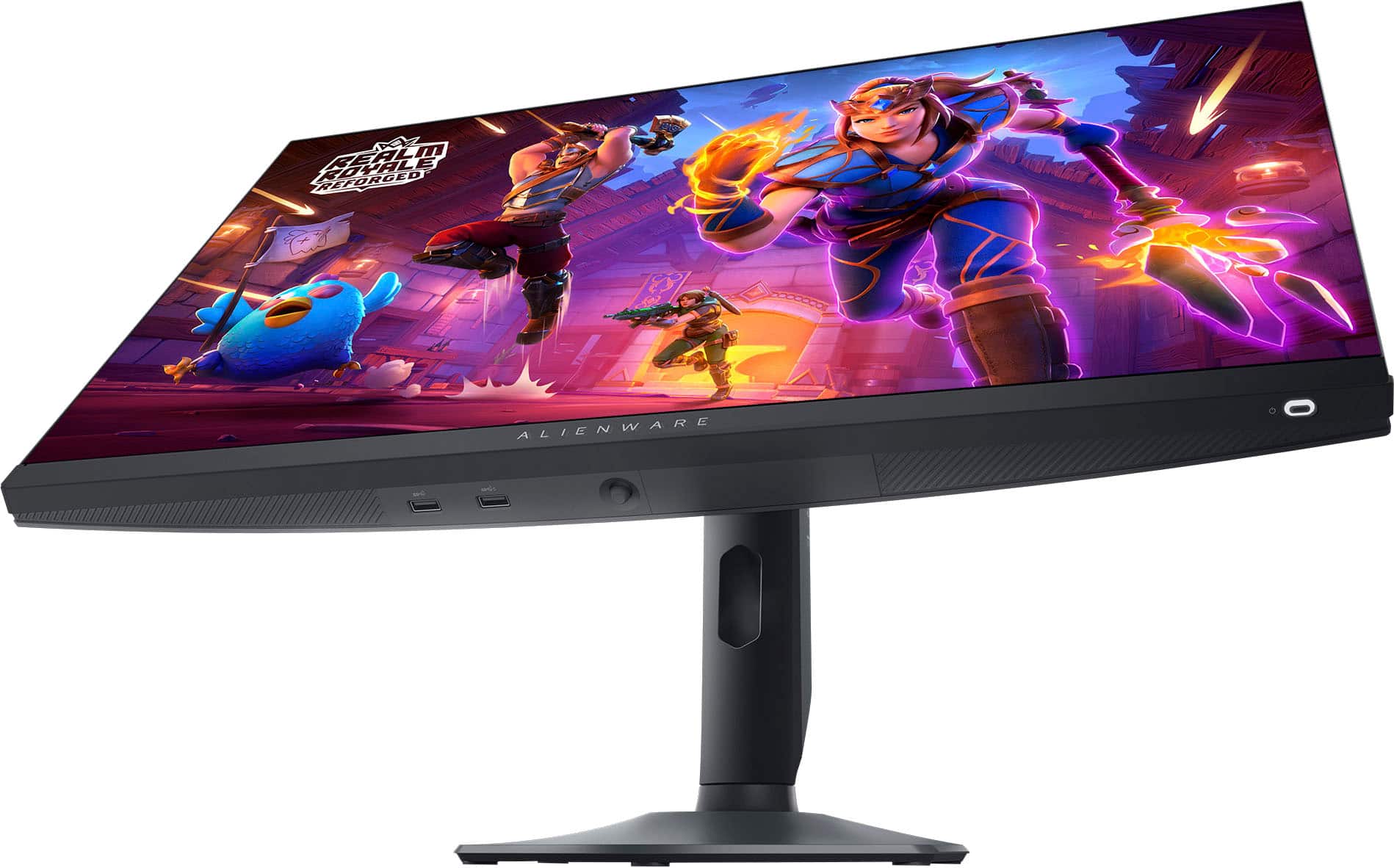
|Posted .This reviewer received promo considerations or sweepstakes entry for writing a review.I'm really happy with this monitor, i am not professional gamer but i do enjoy upgrading my experience with this monitor. BUILD The quality like most of DELL monitors is very good. It has the same sturdy build as do their higher end monitors. There is no FLEX in the screen when handling, it has a solid feel when adjusting angles or height. The stand is amazing, by far the best monitor stand I have ever used. The smooth movement when adjusting the height is great and reduced my neck pain when dealing with other monitors that have limited range of adjustment. The angles are also pretty adjustable but i find i keep it facing forward and don't need to tilt left or right much. The only annoyance is the toggle control button on the underside of the monitor, I wish it were on the top of the monitor but the bezel is probably too thin to accomodate. COLOR/BLACK LEVELS The color is good but not great, i had to use software to adjust the levels but it wasn't hard to do even so the colors don't seem as rich but not sure if that is due to the brightness level of the monitor. The black levels aren't true black but i think that is pretty much expect4ed unless it's an OLED screen at a higher price. The black levels are slightly gray-ish but very acceptable. REFRESH RATE PERFORMANCE Here is where i had the best experience, the refresh rate is really good and you would think it would not make that much of a difference but it does. The ghosting effect is virtually gone, gone are the slight trails and the eye fatigue while focusing on the screen. I am not professional gamer but i do enjoy the upgrade in refresh rate while playing COD. The refresh rate settings are easy to adjust and there is plenty of programs out there that let you see the difference between the refresh rate and the results are pretty eye opening. OVERALL I love the monitor all the features more than meet my expectations and the performance is indicative of a very good gaming monitor.
I would recommend this to a friend - Pros mentioned:Display, Refresh rate
Rated 5 out of 5 stars
Monitor
|Posted .This reviewer received promo considerations or sweepstakes entry for writing a review.If first impressions are any indication of the quality of the product, I’d say my first impression makes me think this monitor is going to be wonderful. The box it comes in is huge, obviously, It’s 27 inch monitor, but it just makes me so excited to open it up and see what’s inside. It’s also heavy, heavier than I expected but that becomes clear as we unwrap the contents. The box indicates that you should lay it flat prior to opening it. This will come in handy during the assembly process and was counter to the way I was going to open the box. Once the box is open you first notice that the stand, base, and cables are packed securely in egg crate packaging. I was happy to see that the packing material was fully recyclable either through local recycling options or it can even be used in the garden as a layer under mulch to prevent weeds. That was a nice touch. The amount of plastic is very minimal. There is also a quick setup sheet at the top of the box. It’s in a universal format so there are no words, just about 8 or so pictures to walk you through assembling the monitor. If you’ve ever put together a monitor before I would think it would be similar. I have not so I followed the guide. There are really only three pieces, the arm, the stand, and the monitor itself. You remove the arm, which is solid, it weighs a good 5 pounds at least. You then take out the base and slide the arm into the slot. It’s pretty cool that the screw needed to connect the two does not require a screwdriver. There’s a metal flap attached to the screw that lays flush under the base so you pop it out and use that to tighten the screw. Once those two are connected this is where it was important to lay the box flat as instructed. The top of the arm has a flat panel at the top that you slide into the back of the monitor while it’s in the box. There are tabs that connect secure to the back of the monitor and then you use the arm to slide the monitor out of the box and then place on the surface where it’s going to live. It took all of about 4 minutes to get it assembled. You’ll attach the power cord next and built into the arm is a hollowed out area that you can run your cords through so that they stay out of the way and just make your setup look a lot more neat and tidy. Now you’re ready to rock. The monitor comes with 3 different cable options. However, it does not include and HDMI cable so if you’re going to connect that way you’ll have to supply your own. It was a little bit difficult for me to determine which cable to use to connect my computer and the quick start guide did not provide enough detail for me. There’s an easy fix to this. I just went online to the Dell website and searched for my monitor and found the complete user guide. Dell, like everyone else, does not include the multi page user guide in their packaging. I’m fine with this, save the trees, save the planet. In the user guide you’ll learn that you have a SuperSpeed USB upstream and downstream cable. This is convenient because you can use the downstream cable to charge your USB device. You also have a DisplayPort-DisplayPort cable and a USB-C-DisplayPort cable. So the choice is yours of how you want to connect your laptop/computer. The only thing I will mention about the connections is that it’s kind of hard to determine where the ports are on the back of the monitor. They’re recessed under a lip so my choices were either to lay the monitor down on its face or have someone hold it up high enough so I could find the space I was looking for. Not a big thing but it was a thing. I ended up using an HDMI connection from the laptop to the monitor. Whatever connection you choose the monitor is plug and play so your computer should detect it with no issues. Once you turn on the monitor the setup screen appears. You can choose your options using the joystick at the bottom of the monitor. The joystick is very responsive and easy to use. You can always bring up the menu by pressing the joystick if you decide to change your settings. Using the joystick also lets you customize the monitor for gaming. There are a multitude of settings that correspond to the type of game you’re playing such as RPG mode, Sports mode, MOBA/RTS mode plus you can also customize settings if none of those are to your liking. With so many different options that you change whenever you like, you’re sure to find a display that meets your needs. The joystick is also used for so many other game settings and they’re more than this casual gamer would ever need. There is also an AlienVision mode which you can select through and see a preview of each one. If you have an AlienWare laptop this is the perfect combination! You could really get lost in all the customizable features that are available. Another thing before I forget to mention it is that the monitor rotates from landscape to portrait. That is definitely a high-end feature for me and I love it. Refresh rate is awesome. The gaming experience is wonderful. You can game at a faster rate that someone with a lower refresh rate and it could allow you to see characters on the screen compared to other monitors. At least that’s what my son tells me. Again, I am a casual gamer so the differences for me are not distinguishable. But if those things are important to you then this monitor might be the one for you. Now the colors are awesome on this monitor. The blacks are super black and the other colors are bright and vibrant. And if you have an AlienWare laptop you know how vivid the colors are on the laptop screen so this monitor is a great companion to enhance your game play. You probably don’t spend your whole life gaming and may use your computer/laptop for other purposes. Well this monitor is versatile and works great with those mundane work or school tasks. The 27 inch display allows for a comfortable split or triple screen setup with things feeling cramped. There’s so much that this monitor can do that I would definitely recommend it for anyone in the market for a high quality, responsive monitor
I would recommend this to a friend - Pros mentioned:Displayport, Refresh rate
Rated 5 out of 5 stars
A fast, robust, gaming monitor.
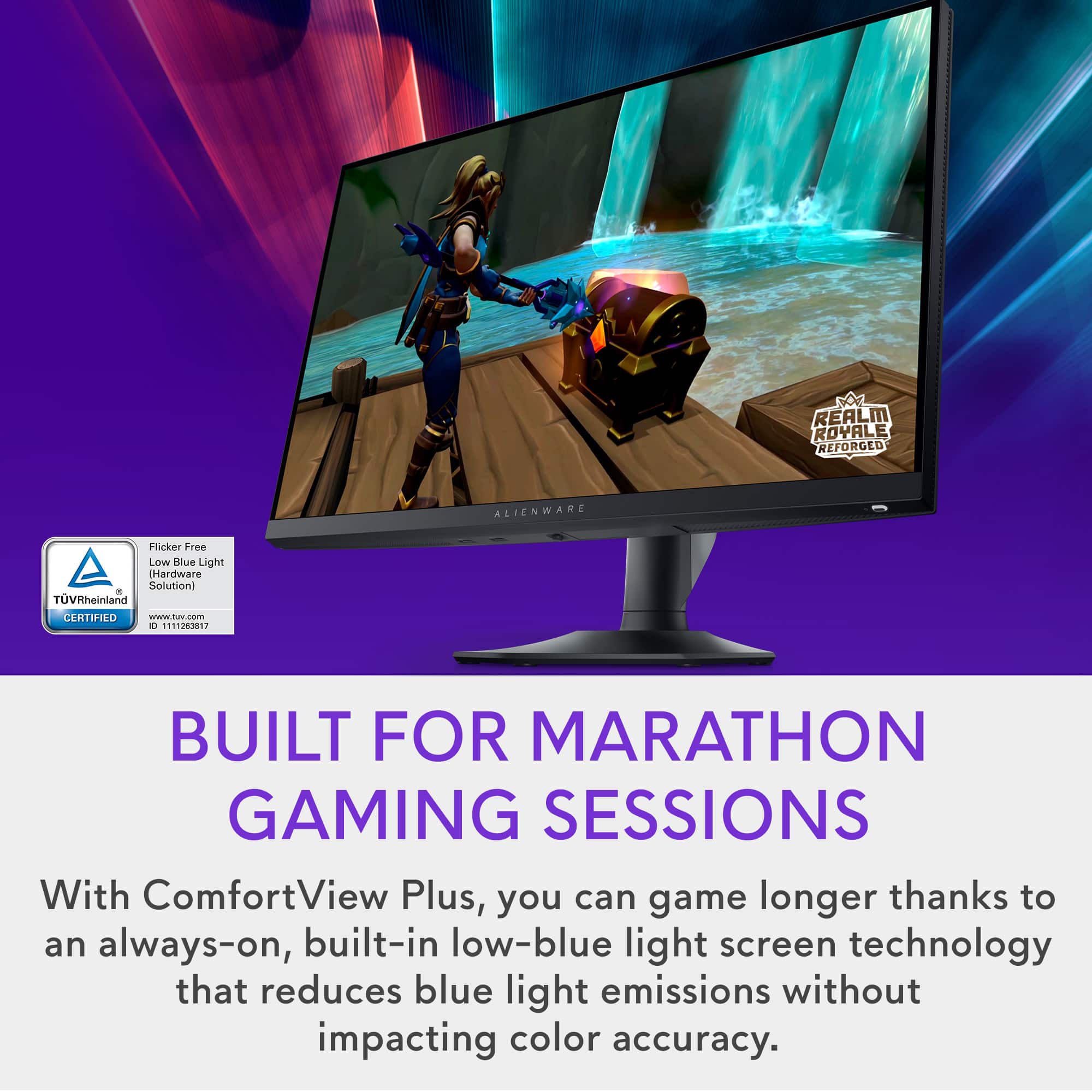
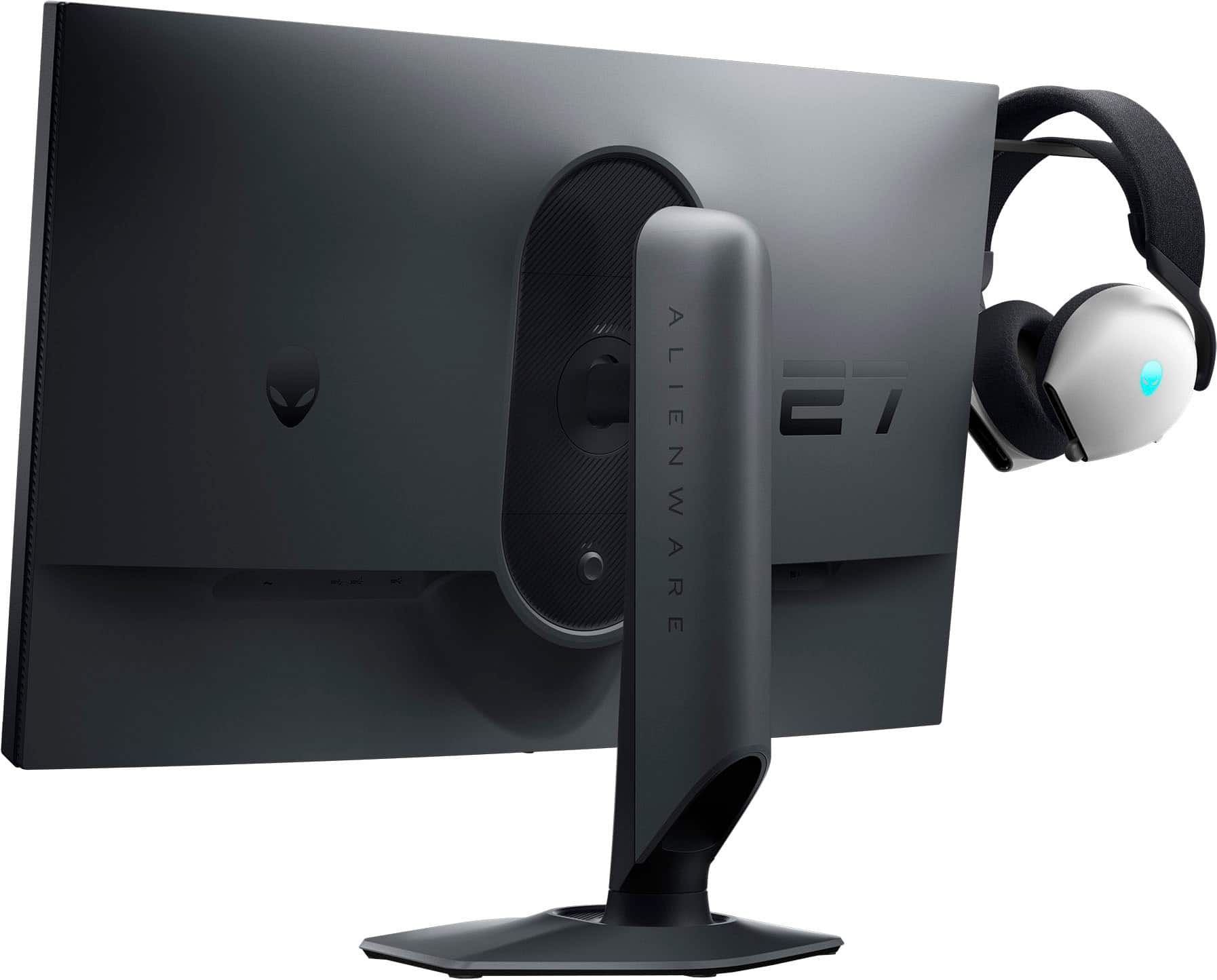
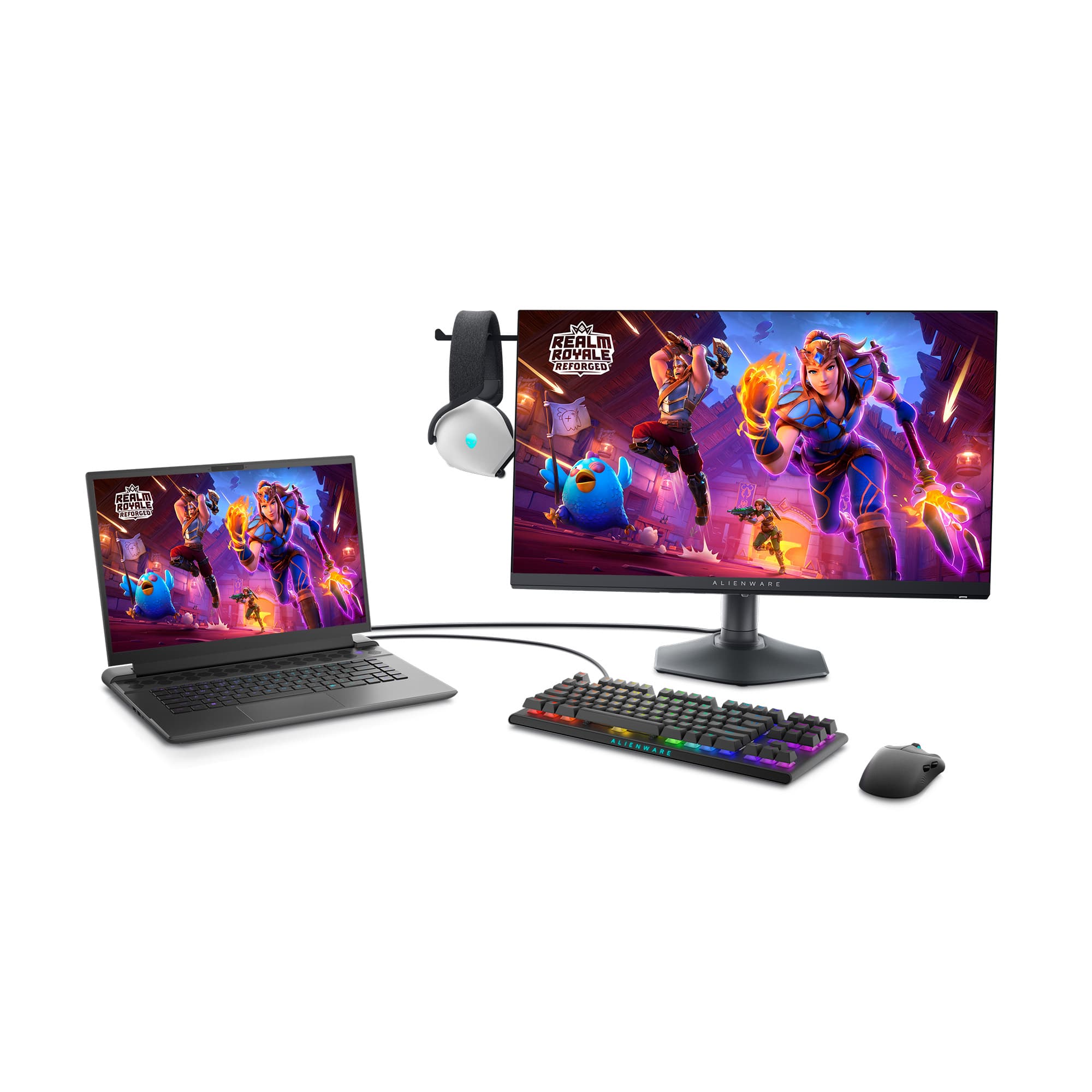
|Posted .This reviewer received promo considerations or sweepstakes entry for writing a review.Alienware, out of this world production, created within the realm of earth’s surly bounds. So, you run out and pick yourself up a sports car and when you go to fire it up the first time and hear the engine roar to life, you think, speed. You run down to your local Best Buy store and pick up this new Alienware monitor, unbox it, hook it up to your favorite fast computer and set the monitor’s refresh rate to not 60 Hz, not 144 Hz, but 360 Hz and you think to yourself, speed! And you would be right, because yes, this monitor is very fast. However, at 27”, it might be a little light on pixels as it remains a full HD monitor (1080p) 1920 x 1080, and not a higher resolution. The AW2724HF Alienware 27-inch gaming monitor is built for competitive gamers seeking top-tier performance with high refresh rates and ultra-low response times. The main feature of this monitor is its 360 Hz refresh rate, which can be reached when using the included display port cable or the display port to USB-C cable, which I found very helpful when connecting to my gaming laptop. (Note that the use of an HDMI cable will limit the refresh rate to 255 Hz.) To fully take advantage of this feature, you will need a pretty decent CPU and GPU, for modern FPS games such as Fortnite, CSGO, Rainbow Six Siege, and Call of Duty. To run at 1080p at 360+ Frames per second, you will need upwards of a 70 class 30 series GPU (RTX 3070, RTX 3080, RTX 3090 or any variations of these), or above a 60 class 40 series GPU (RTX 4060, RTX 4070, RTX 4080, RTX 4090 or any variations of these). Please note that GPUs below these thresholds will also work, however refresh rates vary highly depending on other factors such as the CPU, the drive space, the RAM size and speed, as well as other software on the PC. Also note that for competitive gaming, 144 -240 Hz refresh rates are more than sufficient for most games. The games where you will see the most noticeable difference, are those such as CSGO, Call of Duty, and Fortnite, where every movement and millisecond counts and can provide you with an edge over your opponent. Another plus in the speed department, is its 0.5ms response time. This will give you an even greater advantage in games like CSGO. The monitor’s 1920 x 1080 screen resolution is sufficient for modern games and lets your GPU focus on pumping out more frames per second rather than a higher detailed resolution. The drawback to this is that you will obviously get a lower quality image than that of a 1440p or 4k monitor. The IPS screen provides great viewing angles, and is a great addition, as many fast refresh monitors use TN or VA panels instead, which are not as proficient for viewing angles and color accuracy. I ended up testing this monitor mostly on my 2021 Razer Blade 14” with an RTX 3070 and an AMD Ryzen 9 5900HX and I was able to achieve 300+ FPS on games like CSGO, Rocket League, and Fortnite, which all displayed well on this 360 Hz monitor. Always make sure to go into Windows settings to change the refresh rate to 360 Hz rather than use the 60hz stock setting. Go to: Settings > Advanced Display Settings > Refresh Rate > 360 Hz. One additional thing that I have to mention, is that the build quality of this monitor is very substantial. The stand has convenient cable routing through the back, features horizontal and vertical physical rotation allowing portrait orientation mode, and comes with multiple USB 3.2 ports conveniently located on the bottom of the monitor enabled with the use of a single (included) USB cable plugged into your PC. It also has one HDMI (HDCP 1.4) port and two DisplayPort 1.4 (HDCP 1.4) inputs. There is also support for VESA mounting, although spacers may be required depending on the design of the mount. One additional novel feature is the headphone holder, which consists of a retractable horizontal plastic appendage located at the top left of the monitor sufficient in size to allow resting your over-the-ear cans on it while you take a break. The main goal of this monitor is to provide performance-oriented gamers with a super-fast refresh rate for those who wish to get every advantage possible on the battlefield. Oh yeah, it’s also really good for about everything else too! I definitely like this monitor. It’s maybe not the best choice for super-color-critical creatives, but for game players, it will probably be a hit.
I would recommend this to a friend Rated 1 out of 5 stars
Don't buy
||Posted . Owned for 1 month when reviewed.This reviewer received promo considerations or sweepstakes entry for writing a review.I received it and it has a pixel burnt in it. I reach out
No, I would not recommend this to a friend- Pros mentioned:Overall performance, Refresh rate
Rated 5 out of 5 stars
A Great Gaming Monitor
|Posted .This reviewer received promo considerations or sweepstakes entry for writing a review.The AW2724HF 27" Gaming Monitor by Alienware is a beauty! It is quite easy to assemble out of the box and sets up quickly. The monitor comes with all the cables you could need. With a 360Hz panel and 1920 x 1080p resolution, the Alienware monitor is very responsive with a nice selection of overlays and plenty of ports. The monitor comes with cable holes in the stand to allow you to string cables behind the monitor out of sight. It does have a discrete illuminated on/off switch on the right lower bottom of the monitor which stays on until the monitor is turns off and the monitor can be swiveled to display in the horizontal or vertical possition. Up, down and side-to-side swivels allow adjustment to most any position you find comfortable. It moves much easier than my previous monitor. As for performance, the Alienware AW2724HF is a winner beating out my old HP monitor by a landslide. It is faster to start up and quicker when displaying images, print and internet content. I didn't expect that its speed would be that easy to recognize. A hidden headphone stand pops out of the upper left side of the monitor when in the horisontal position - very handle when you are done using full sized headphones while gaming. The refresh rate of the monitor is adjustable from the 60 Hz default rate to the higher 360 Hz rate using a joystick hidden underneath the montor's frame. An extreme refresh rate can be adjusted to give a 0.5ms response rate using the joystick. My overall impression of the alienware AW 2724HF 27" FHD Gaming Montor is very very positive. It will now be my full time monitor for quite a while!
I would recommend this to a friend