Customer Ratings & Reviews








- Model:
- AWM16-7025BLK-PUS
- SKU:
- 12301437
Rating by feature
- Battery Life
Rating 4.2 out of 5 stars
- Speed
Rating 4.7 out of 5 stars
- Display
Rating 4.6 out of 5 stars
Fast!!
||Posted . Owned for 3 weeks when reviewed.This reviewer received promo considerations or sweepstakes entry for writing a review.This Alienware is a speed machine, despite being a laptop. Although it can run hot, the internal fans kick in as needed. Overall a great machine for both work and play!
I would recommend this to a friendAmazing!
||Posted . Owned for 3 months when reviewed.This reviewer received promo considerations or sweepstakes entry for writing a review.Great laptop couldnt beat the price got it on black Friday for a steal
I would recommend this to a friend
Good but no battery life
|Posted . Owned for 1 month when reviewed.This reviewer received promo considerations or sweepstakes entry for writing a review.I think it’s a great laptop but I definitely expected a better battery life. It tends to die after about 2 hours just from surfing the web on the lowest of settings.
I would recommend this to a friendNot a bad laptop
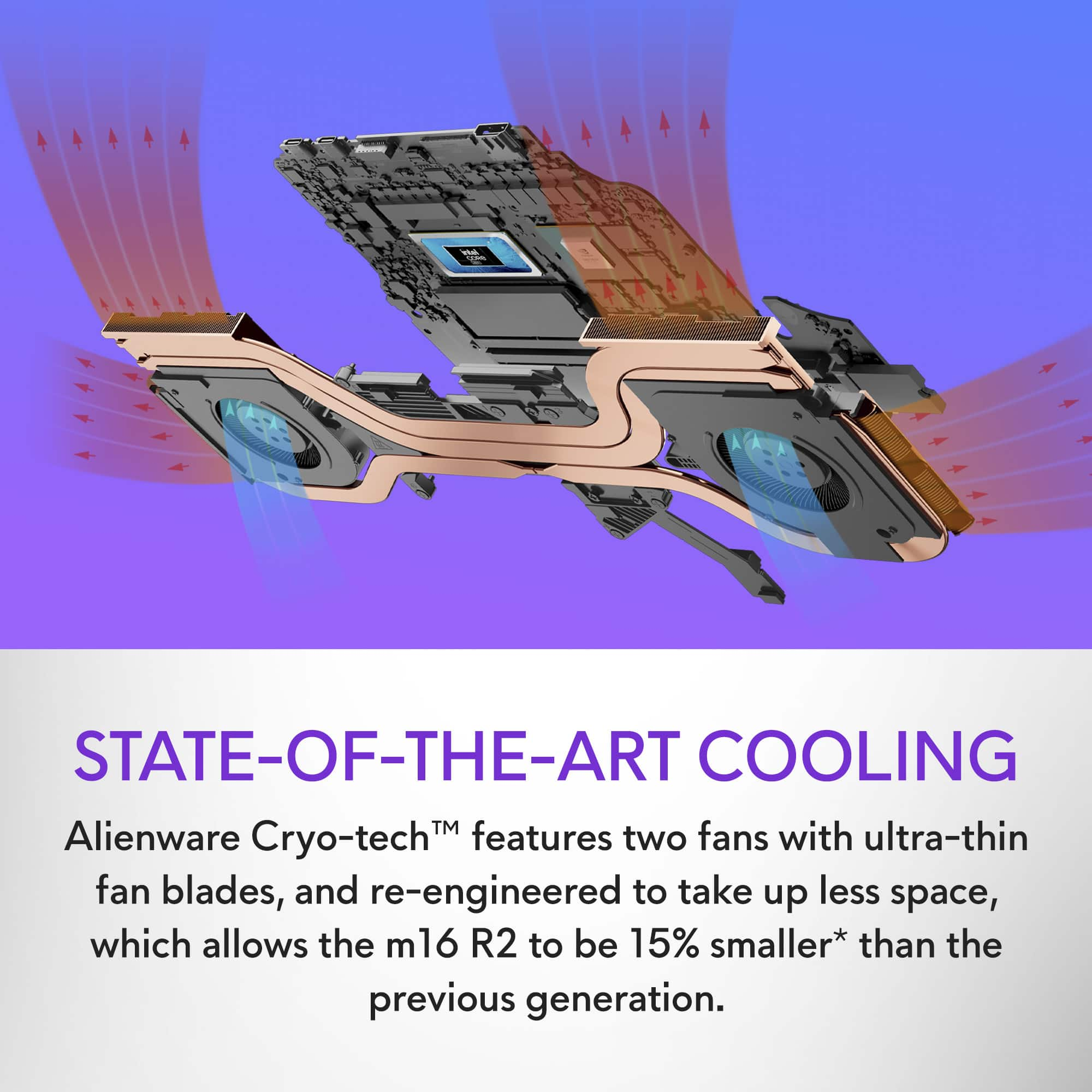
||Posted . Owned for 4 months when reviewed.This reviewer received promo considerations or sweepstakes entry for writing a review.It’s a good laptop, I was lucky enough to get an open box deal on it so that made it worth it. The laptop tends to get extremely hot when running most games, if you get it I would invest in a good cooling pads as well. All in all not bad, but I would not have bought it for full price.
I would recommend this to a friendToo hot and wifi does not work good
||Posted . Owned for 2 weeks when reviewed.This reviewer received promo considerations or sweepstakes entry for writing a review.The truth is I used this computer for a week and even with cooling it is too hot. And its battery doesn't last more than 30 minutes. It freezes a lot and the wifi is too unstable. I definitely had to return it.
No, I would not recommend this to a friendWorth it
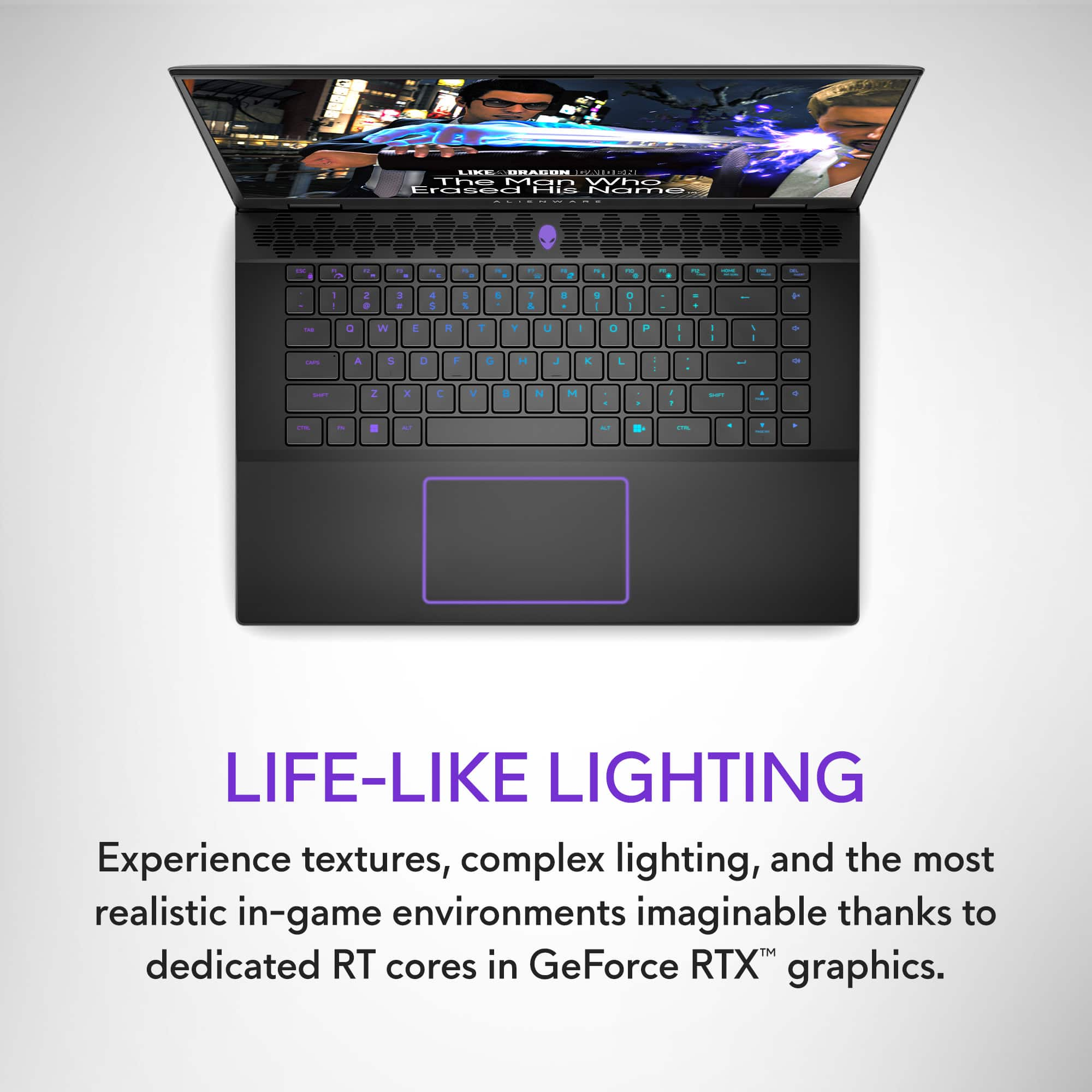
||Posted . Owned for 1 month when reviewed.This reviewer received promo considerations or sweepstakes entry for writing a review.Its smooth and well built. Track pad is very nice.
I would recommend this to a friendLove me some AlienWare
||Posted . Owned for 7 months when reviewed.This reviewer received promo considerations or sweepstakes entry for writing a review.This laptop is amazing, it is fast and the vraphics are unbelievable.
I would recommend this to a friendAdd more ram!
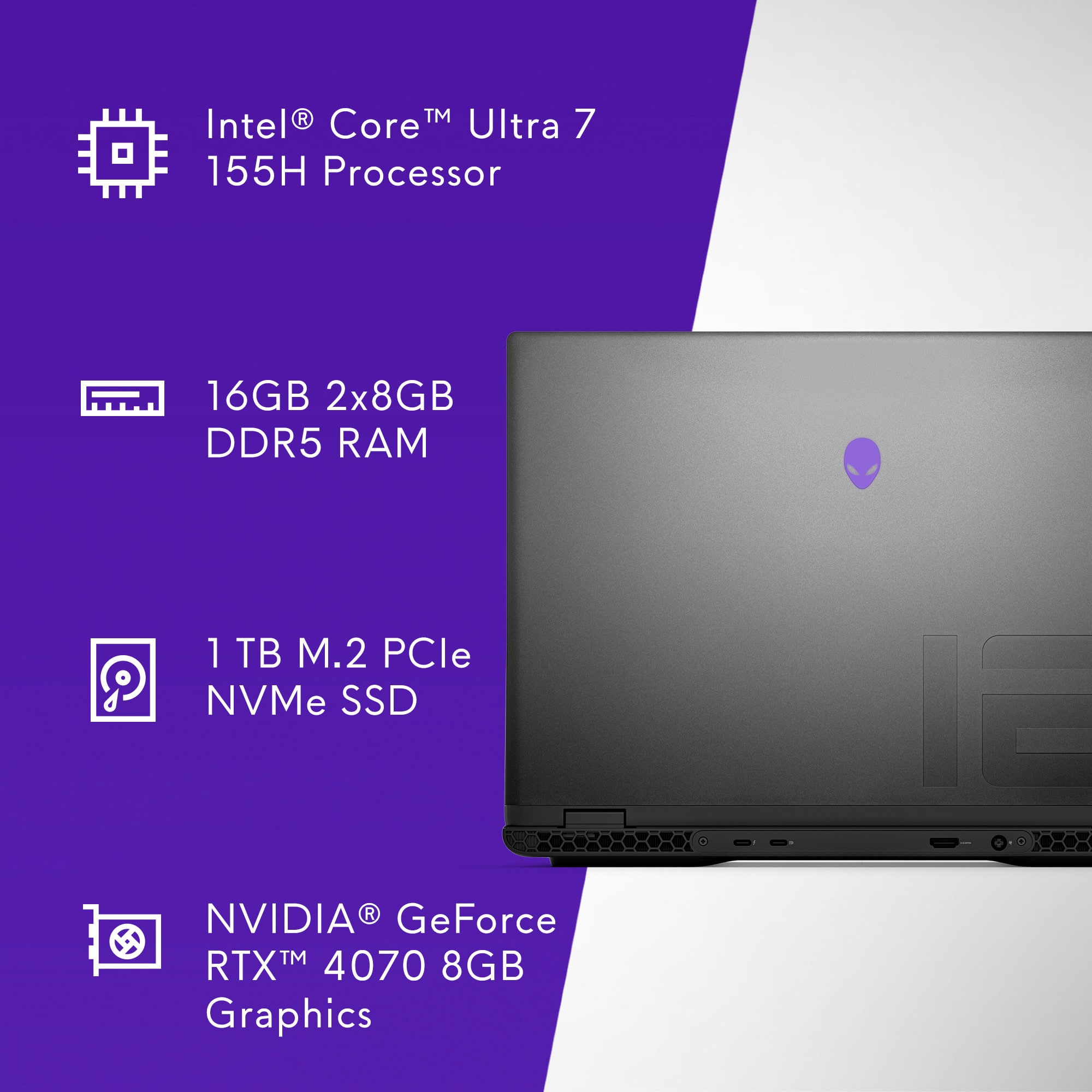
||Posted . Owned for 1 month when reviewed.This reviewer received promo considerations or sweepstakes entry for writing a review.Awesome laptop! I upgraded my ram from 16 to 32 and it made it a little more enjoyable!
I would recommend this to a friendGreat too for engineering school and gaming
||Posted . Owned for 3 weeks when reviewed.This reviewer received promo considerations or sweepstakes entry for writing a review.I bought this for my son, an engineering student at NC State University, and he really loves it. He also enjoy it for gaming breaks.
I would recommend this to a friendLaptop
||Posted . Owned for 9 months when reviewed.This reviewer received promo considerations or sweepstakes entry for writing a review.It ran perfect but started to slow down but best buy always hooks it up with the fixes
I would recommend this to a friendAlienware
||Posted . Owned for 1 month when reviewed.This reviewer received promo considerations or sweepstakes entry for writing a review.Very nice laptop. Upgraded the ram to 32 gb for the laptop for max performance.
I would recommend this to a friendShipping
||Posted . Owned for 1 month when reviewed.This reviewer received promo considerations or sweepstakes entry for writing a review.The Shipping was fast and safe. It took two days to get to me. The laptop is super fast and clean. I expect nothing less from alienware.
I would recommend this to a friendGreat laptop
||Posted . Owned for 2 months when reviewed.This reviewer received promo considerations or sweepstakes entry for writing a review.So far no issues. Would recommend in the mid end laptop range. Love that it’s 240hz refresh rate.
I would recommend this to a friendGood Computer!
||Posted . Owned for 3 weeks when reviewed.This reviewer received promo considerations or sweepstakes entry for writing a review.Great computer so far. Running 4 screens and playing games. So far not a glitch!
I would recommend this to a friendNot bad , not great
||Posted . Owned for 1 week when reviewed.This reviewer received promo considerations or sweepstakes entry for writing a review.Graphically the performance was good , the problem is the built in alienware software...it takes up alot of resources. 16GB is not enough for this laptop , 32GB needs to be the baseline. Also had issues with this running warmer than normal , yes I'm aware gaming laptops run warmer in general but I couldn't keep this thing at a reasonable temp without having the fans run almost full blast. If you buy it , go ahead and get an extra 16gb stick of ram and keep it cool !
I would recommend this to a friendBrand response from YourDellTeam
Posted .Hey There JoshuaF,
We appreciate you taking the time to leave us your review. Your feedback is valuable to us at Dell. We are sorry to hear that your Alienware m16 gaming laptop is running warmer than you expected. It's important for us to hear about inconsistencies in our products for consideration of future development. To help you with the heating issues that you are having, I have provided troubleshooting steps with the full article below that can resolve the issue.
Here are the steps to troubleshoot your heating issue:
1. Update the system BIOS.
2. Configure Alienware Command Center.
• Open Alienware Command Center
• Set the Active System Theme - Thermal as Performance Mode
3. When the system boots up, using the preinstalled software Dell SupportAssist run the stress test.
• Dell SupportAssist > Hardware Checkup > CPU > CPU stress test
4. Launch the Alienware Command Center, go to Fusion, and monitor the CPU frequency.
• The CPU peak temperature should be less than or equal to (≤) 100 ℃
• When under high stress, the system average temperature can be expected to be less than (≤) 100 ℃
• Note: The CPU average temperature can be expected to reach 95 ℃ under cool mode for the Alienware m15, m17, and x17 systems
Resolving a high temperature or overheating issue: https://dell.to/3F25rqN
If you need further assistance, please reach out to us at: https://bit.ly/DellSupportTeam.
Chat or call: https://bit.ly/DellSupportTeam
Phone number to Dell: 1-800-624-9896
Best,
Summer@Dell
This is a well-balanced choice
||Posted . Owned for 4 months when reviewed.This reviewer received promo considerations or sweepstakes entry for writing a review.This is a well-balanced choice; I recommend an external cooling device. While playing Kingdom Come: Deliverance II, the temperature was high, causing my Bluetooth headset to disconnect. I purchased an additional laptop cooling device, and now I can play games without any issues.
I would recommend this to a friendExcellent value and well built
||Posted . Owned for 3 weeks when reviewed.This reviewer received promo considerations or sweepstakes entry for writing a review.Perfect gaming laptop for me. I love the keyboard and trackpad responsiveness for day-day use, and it’s very light for a gaming laptop.
I would recommend this to a friendGreat Laptop
||Posted . Owned for 1 month when reviewed.This reviewer received promo considerations or sweepstakes entry for writing a review.I upgraded the Ram and added another SSD the process took minutes. I love everything about this laptop and had no issues so far.
I would recommend this to a friendFavorite laptop I've ever had
||Posted . Owned for 2 weeks when reviewed.This reviewer received promo considerations or sweepstakes entry for writing a review.Great laptop! I also upgraded the RAM to 32GB and it runs very smooth. I highly recommend
I would recommend this to a friendAlienware
||Posted . Owned for 7 months when reviewed.This reviewer received promo considerations or sweepstakes entry for writing a review.Prettu solid gaming laptop for the price fir sure.
I would recommend this to a friend