Customer Ratings & Reviews
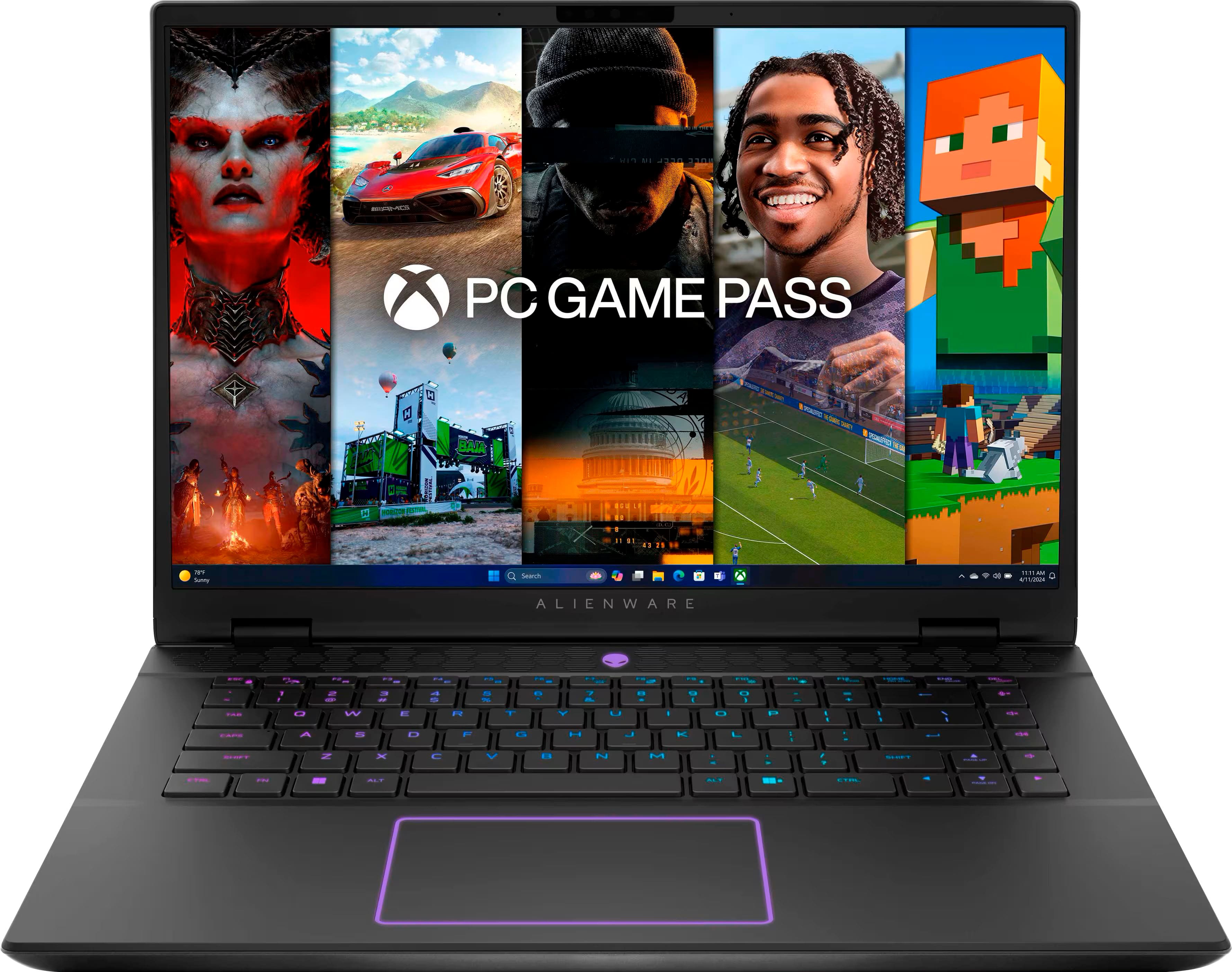







- Model:
- AWM16-7025BLK-PUS
- SKU:
- 12301437
Rating by feature
- Battery Life
Rating 4.2 out of 5 stars
- Speed
Rating 4.7 out of 5 stars
- Display
Rating 4.6 out of 5 stars
Awesome gaming laptop
||Posted . Owned for 1 month when reviewed.This reviewer received promo considerations or sweepstakes entry for writing a review.My son was thrilled with this gaming laptop. After much research, this was the product we chose. It came highly recommended from multiple sources. Incredible graphics.
I would recommend this to a friendPrice Match !! <3
||Posted .This reviewer received promo considerations or sweepstakes entry for writing a review.Was able to price match like employee said and was so happy how smooth and how wonderful my PC is!! I havent been to best buy in awhile but would definitely recommend to friends or family!!!
I would recommend this to a friendGaming For You
||Posted . Owned for 2 weeks when reviewed.This reviewer received promo considerations or sweepstakes entry for writing a review.Never owned a gaming laptop until now and I wanted to go big so I went with Alienware. Been playing COD with no lag so makes traveling easy when I wanna hook up to WiFi.
I would recommend this to a friendKeyboard driver not available
||Posted . Owned for 1 week when reviewed.This reviewer received promo considerations or sweepstakes entry for writing a review.I like the product. The only issue I had was the keyboard is not the standard QWERTY keyboard. At the beginning the keyboard and key presses were the same. The keyboard changed to QWERTY and there wasnt an available driver to update.
I would recommend this to a friendAvoid if you play games... Too HOT!
||Posted .This reviewer received promo considerations or sweepstakes entry for writing a review.Purchased this for light gaming on the go. I used it for about a week and tried everything without opening it to try and keep this thing cool. sitting on the desktop nothing open it would have high cpu usage attributed to low ram. out of box it would used 11 out of 16gb on the desktop. it would lag on YouTube videos, gaming was almost impossible to enjoy as it would lag and stutter on games like the sims 4, cities skylines 1 and 2. Wow played ok. Anything else was too intensive and took too long to play as the ram would cap out. The screen was very good and the size of the machine was impressive. Windows Hello was nice but having a overheating terrible battery life doesn't make up for its design. Ended up trading it in for an ASUS with more specs for $100 more than this machine.
No, I would not recommend this to a friendGaming laptop
||Posted . Owned for 2 months when reviewed.This reviewer received promo considerations or sweepstakes entry for writing a review.Absolutely great laptop to play video games and many options to customize to your liking!
I would recommend this to a friendVery good laptop
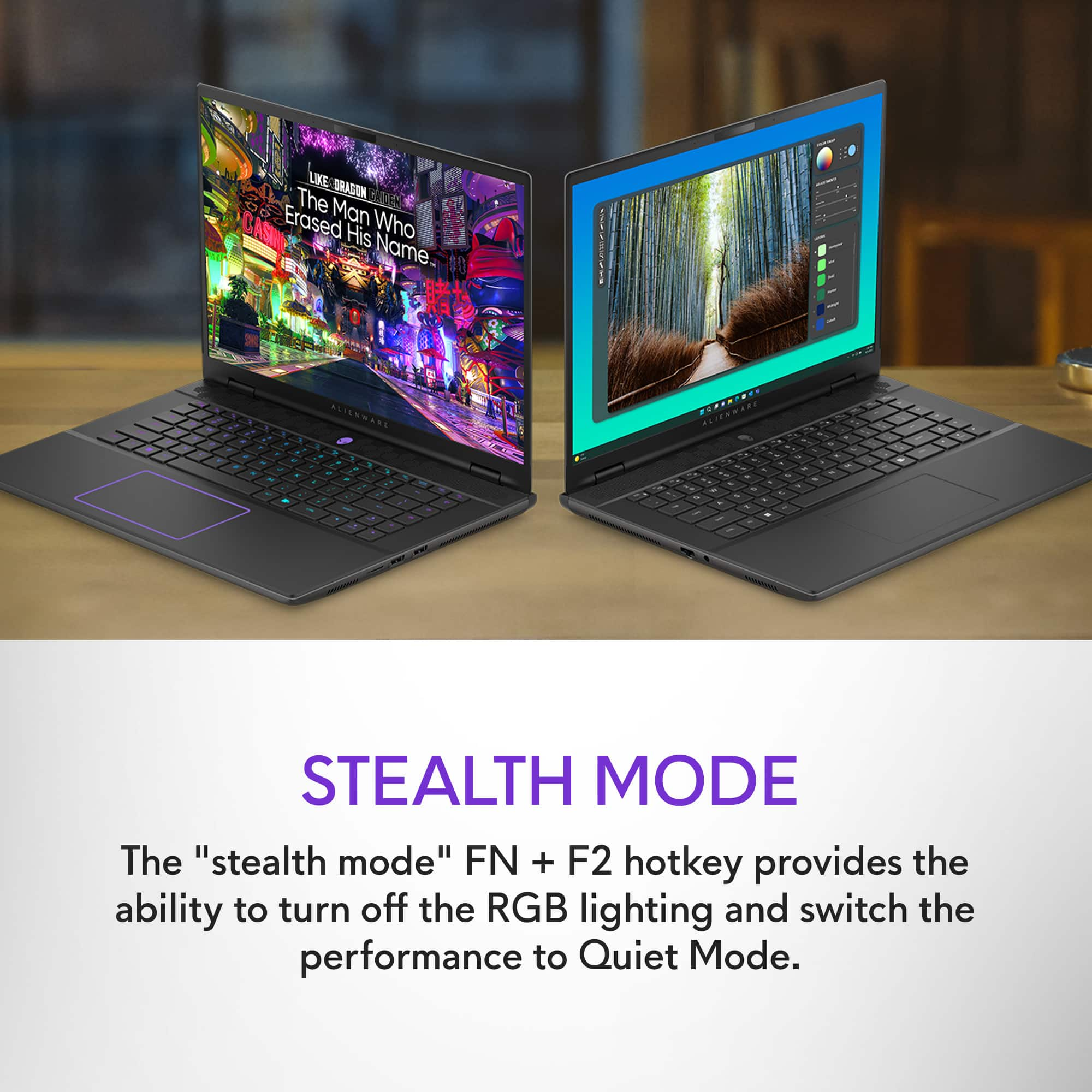
||Posted . Owned for 3 weeks when reviewed.This reviewer received promo considerations or sweepstakes entry for writing a review.This is an incredible and versatile machine. Between the stealth and performance mode, there is plenty of opportunity to use this for both work and gaming. The screen is simply amazing with the refresh rate.
I would recommend this to a friendIt’s not bad but not great
||Posted . Owned for 7 months when reviewed.This reviewer received promo considerations or sweepstakes entry for writing a review.Good for travel but started over heating after like 6 months
No, I would not recommend this to a friendWorks
||Posted . Owned for 4 months when reviewed.This reviewer received promo considerations or sweepstakes entry for writing a review.Works fine for running my RC simulator. Even better when I connect it to my TV for the larger screen.
I would recommend this to a friendDecent Laptop,great for open box value
||Posted . Owned for 2 weeks when reviewed.This reviewer received promo considerations or sweepstakes entry for writing a review.Laptop was good for the value of the open boxed version, but the ram is underpowered and the build quality could be better, overall I would reccomend this if you are not buying new.
I would recommend this to a friendFreeze frame
||Posted . Owned for 2 weeks when reviewed.This reviewer received promo considerations or sweepstakes entry for writing a review.I really thought I was getting a great laptop. Only to find out it won’t work unless it’s plugged in. Unplugged using just battery will result in the computer to freeze up to the point you have to restart it. I need to be able to use a computer without having to be plugged in. Unfortunately this computer did not work out.
No, I would not recommend this to a friendBrand response from YourDellTeam
Posted .Dear Captain,
We value your feedback and want to thank you for taking the time to leave a review of your Dell Alienware m16 R2 QHD+ 240Hz Gaming Laptop. We sincerely apologize for the issues you have encountered with your gaming laptop. This is not the type of feedback we like to hear from our customers, or the type of product Dell intends to deliver. Feedback like yours helps us improve our current and future products.
Below I have provided troubleshooting instructions with the full article that can help resolve this issue.
1. Search for Windows Error Codes.
2. Run a Computer Diagnostic.
3. Run Routine System Maintenance.
4. Update Drivers and BIOS.
5. Check Air Vents.
6. Check Safe Mode Symptoms.
7. Update Windows.
8. Uninstall, Reinstall and Update Software.
9. Look for Multiple Anti-Virus Programs.
10. Check for Malware.
11. Use System Restore.
12. Factory Install or Reinstall Microsoft Windows.
You can read the full article on solving freezing issues here: https://dell.to/33Y2KFn
We would also love the opportunity to help you. Please take a moment to speak with a Dell representative via call or chat at your earliest convenience with the provided contact details, and we'll ensure your issue is resolved to your complete satisfaction.
Chat or call: https://bit.ly/DellSupportTeam
Phone number to Dell 1-800-624-9896
Best,
Minhaj@Dell
Review
||Posted . Owned for 3 weeks when reviewed.This reviewer received promo considerations or sweepstakes entry for writing a review.Could use more storage for the cost of 1900. Also, very low battery life.
No, I would not recommend this to a friendBrand response from YourDellTeam
Posted .Hello GledyC,
Thank you for taking the time to us your review. We are sorry you are having issues with the battery performance of your Alienware m16 R2 QHD+ 240Hz Gaming Laptop. We can assure you that Dell takes pride in manufacturing quality products. This is certainly not the experience we like to hear from our valued customers. We always strive to get better and reviews like yours help us develop products our customers love. Your feedback will be shared with our quality team for consideration in future enhancements in products.
Battery operating time varies depending on operating conditions and can significantly reduce under certain power-intensive conditions. Below I have provided steps with the full article that can help you improve the battery performance of your laptop.
1. On the notification area of the taskbar, right-click the Battery icon.
2. On the options list, click Power Options.
3. Select a power plan on the battery meter, such as Power Saver or Balanced. Windows 11 has a built in 'Battery Saver' mode that can be activated to extend your system's battery life. The Battery Saver mode will monitor and limit background activity and other features such as push notifications. You do have the option to enable or disable this mode within settings or within advanced Battery Saver settings, you can customize the mode to best suit your needs.
a) Click on the Action Center icon in the taskbar and select the tile for Battery Saver.
b) If running Cortana then type Battery Saver into the search box and select from the results.
Within the Battery Saver settings page, you will be able to turn on and off the feature and customize the feature to best meet your needs.
c) Turn Battery Saver On or Off.
d) Additional settings available via the Battery use and Battery saver settings links.
e) Battery use shows further info on apps and their power usage.
f) Battery Saver Settings screen allows you to customize further Battery Saver feature.
How to Improve the Performance of a Dell Laptop Battery: http://dell.to/2vfXWf4
Alienware m16 R2 Owner's Manual link to check the compatible storage and other hardware specifications : https://url.dell.com/a32e4b
If you are still experiencing issues or if you have any concerns or questions, we will need more information to help you resolve these problems to your satisfaction. Please do not hesitate to get in touch with a Dell representative using the information provided below.
Chat or call: https://bit.ly/DellSupportTeam
Phone number to Dell 1-800-624-9896
Best,
Minhaj@Dell
Good laptop
||Posted . Owned for 4 months when reviewed.This reviewer received promo considerations or sweepstakes entry for writing a review.Pretty good, had a little bit of a heating issue but otherwise I’ve run into very little issues. In terms of laptops, very good.
I would recommend this to a friendAlienware laptop
||Posted . Owned for 1 month when reviewed.This reviewer received promo considerations or sweepstakes entry for writing a review.This Laptop is beyond amazing. The graphic is crazy for gaming and also photo editing. I had an awesome guy at one the Best Buy location to help me find the perfect one.
I would recommend this to a friendGaming Laptop
||Posted . Owned for 1 week when reviewed.This reviewer received promo considerations or sweepstakes entry for writing a review.Great gaming laptop , Perfect for traveling gamers and business trips. Run any game at high FPS and very great Image Quality.
I would recommend this to a friendNice and quiet
||Posted . Owned for 1 month when reviewed.This reviewer received promo considerations or sweepstakes entry for writing a review.The laptop is good for gaming and working at an academic environment. I first bought a m16 r1 but the bios was corrupted and the guy who helped me at bestbuy was very supportive on trading the laptop.
I would recommend this to a friendOverheating Issues
||Posted .This reviewer received promo considerations or sweepstakes entry for writing a review.overheating issues. during gaming, the laptop cpu would reach temps of 215 degrees F
No, I would not recommend this to a friendSale price did it
||Posted . Owned for 1 week when reviewed.This reviewer received promo considerations or sweepstakes entry for writing a review.The sale price made this a deal! Then bought a 64 GB ram update for the win.
I would recommend this to a friendGood number cruncher.
||Posted . Owned for 1 month when reviewed.This reviewer received promo considerations or sweepstakes entry for writing a review.Happy so far. It exceeds the processing needs for the simulations that I rum.
I would recommend this to a friendWorks great
||Posted . Owned for 4 months when reviewed.This reviewer received promo considerations or sweepstakes entry for writing a review.Runs any game I want to play and great graphics!!!
I would recommend this to a friend