Customer Ratings & Reviews
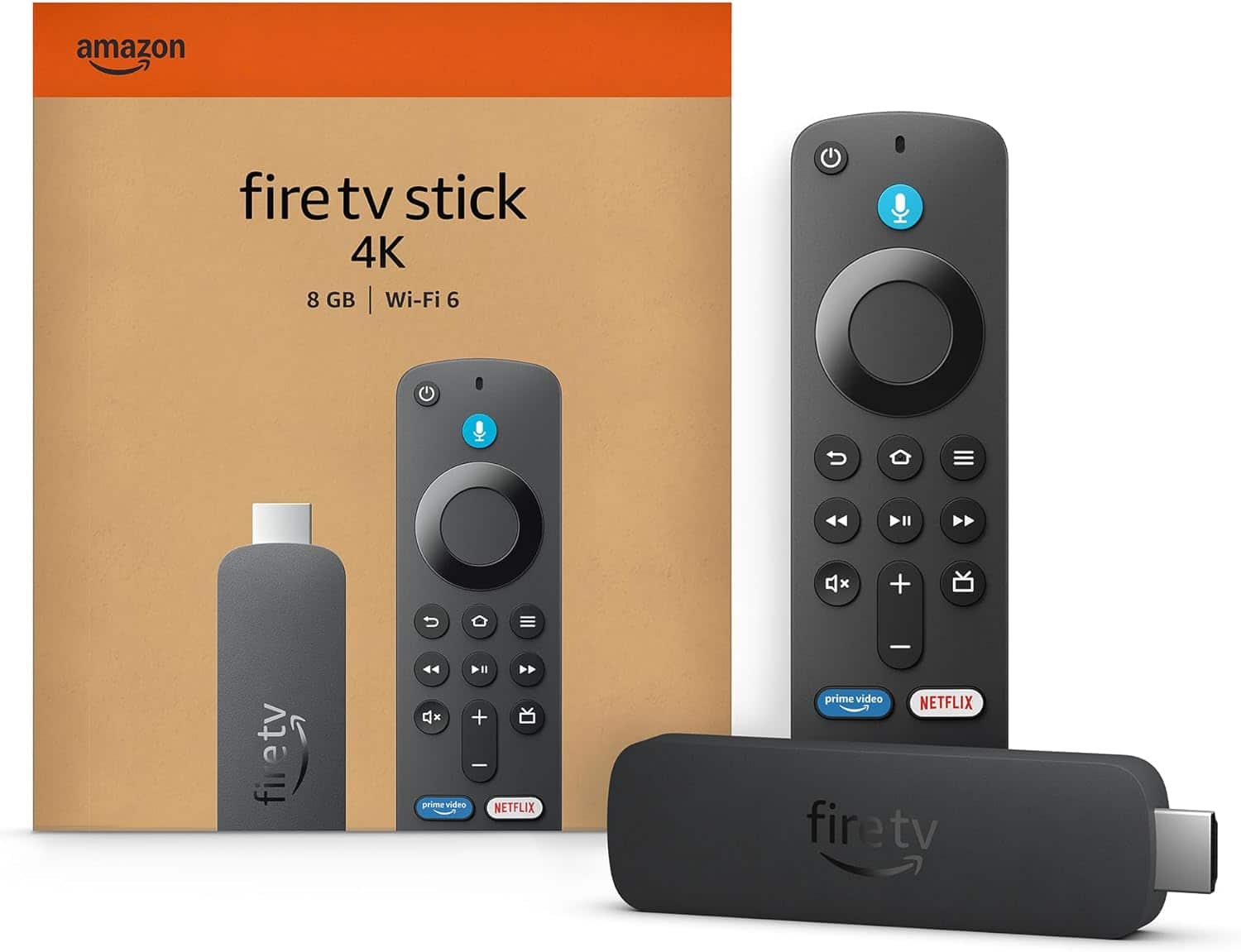
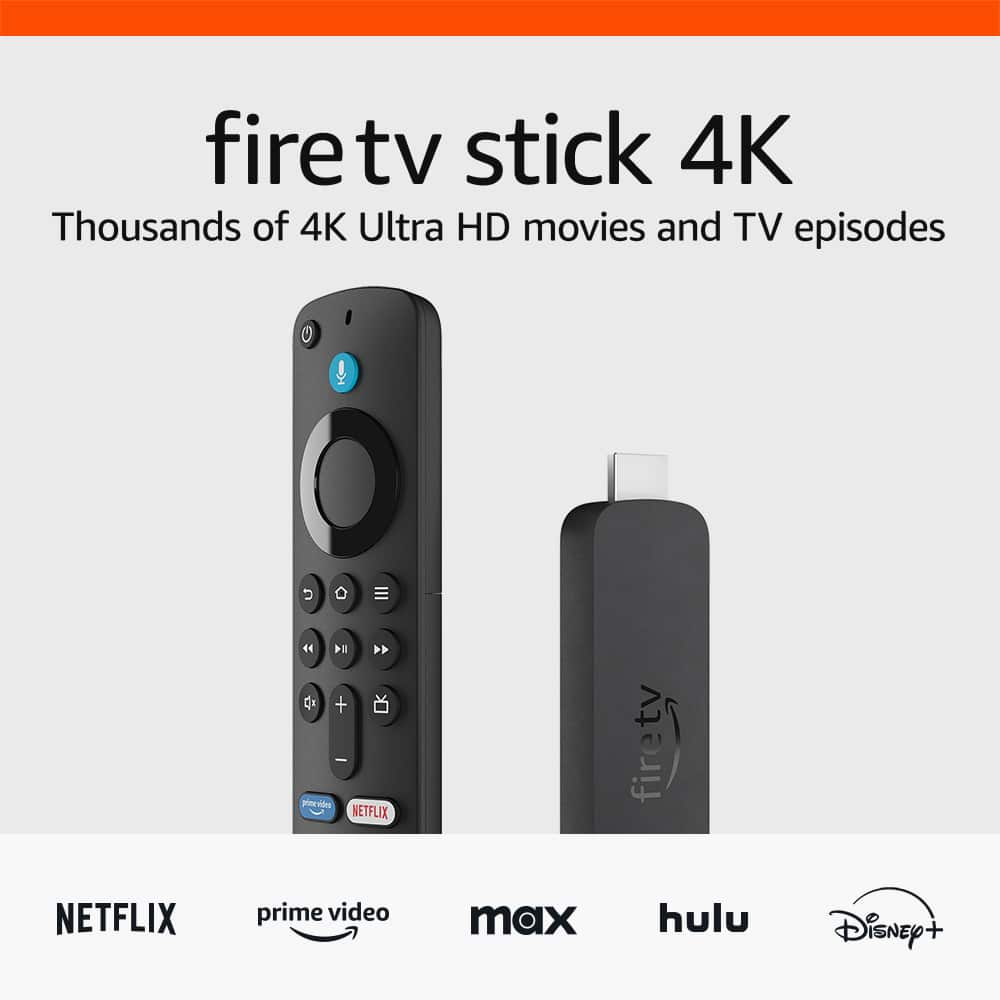
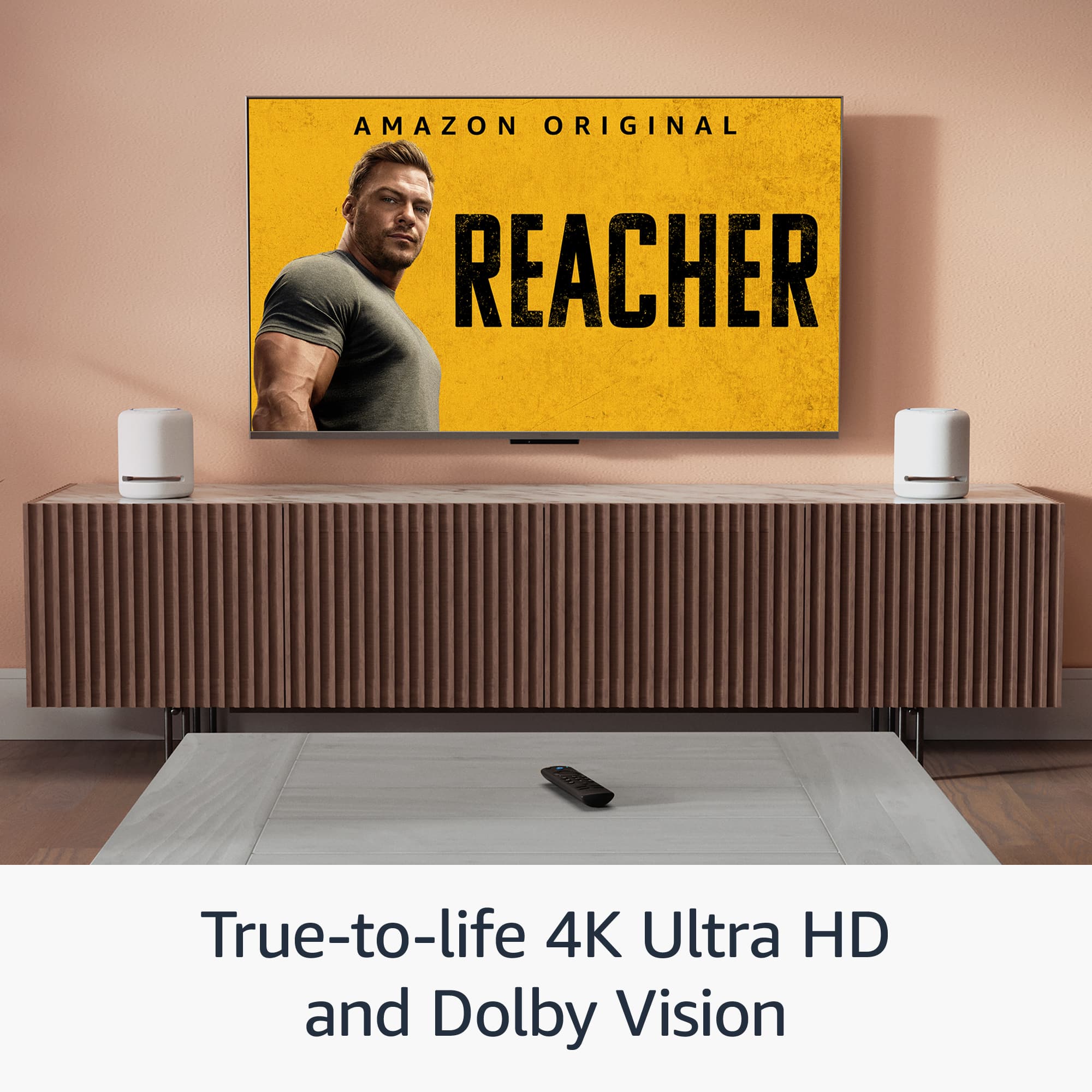
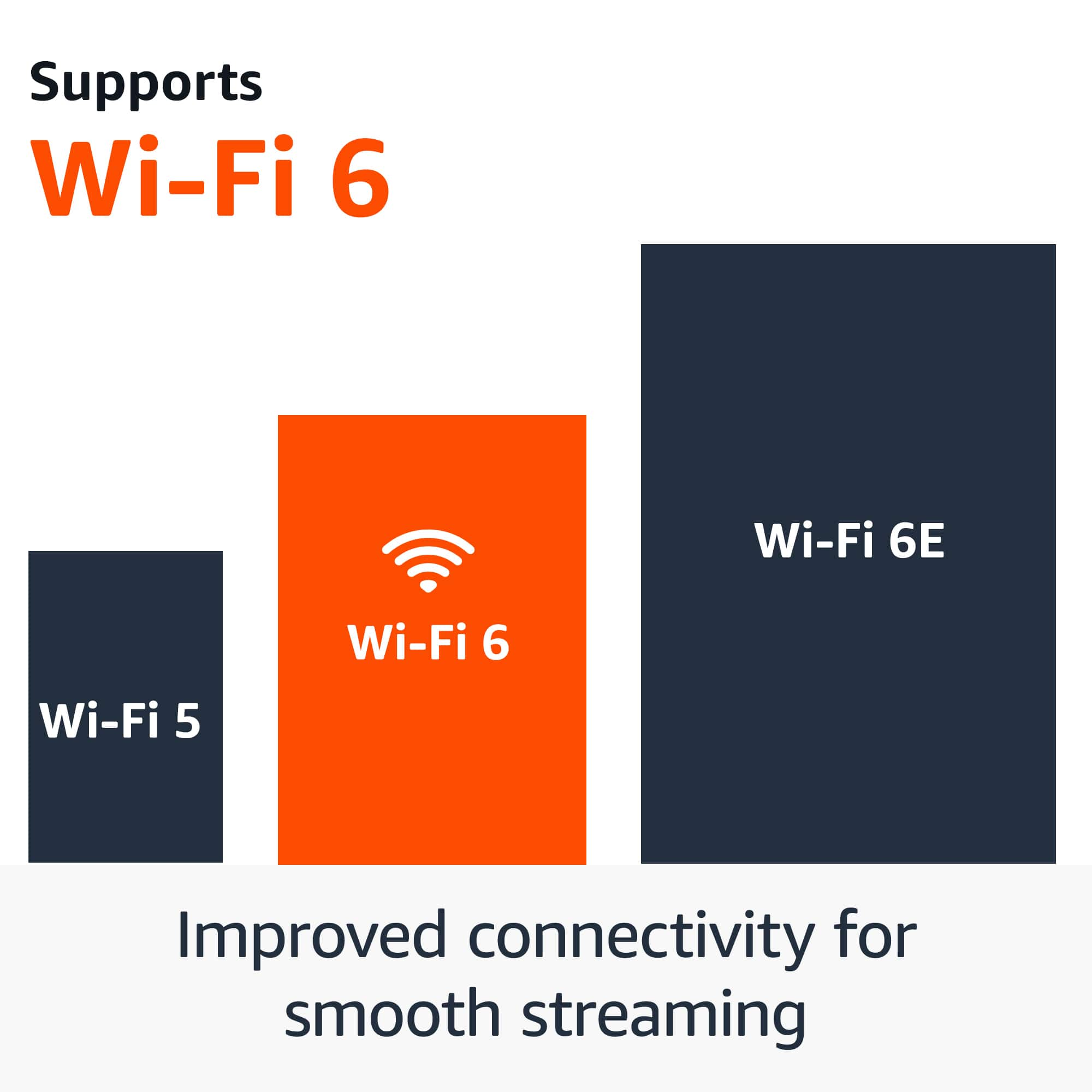


- Model:
- B0CJM1GNFQ
- SKU:
- 11120474
Rating by feature
- Value
Rating 4.8 out of 5 stars
- Quality
Rating 4.8 out of 5 stars
- Ease of Use
Rating 4.8 out of 5 stars
Awesome
||Posted . Owned for 2 weeks when reviewed.This reviewer received promo considerations or sweepstakes entry for writing a review.Awesome for what I needed it for at the present time.
I would recommend this to a friendOk, but…….
||Posted . Owned for 3 weeks when reviewed.This reviewer received promo considerations or sweepstakes entry for writing a review.Bad remote. Kept burning up batteries. Otherwise ok.
I would recommend this to a friendI love it
||Posted . Owned for 1 month when reviewed.This reviewer received promo considerations or sweepstakes entry for writing a review.Fast Response in connection and it is good quality
I would recommend this to a friendTrouble loading apps
||Posted . Owned for 3 weeks when reviewed.This reviewer received promo considerations or sweepstakes entry for writing a review.Having trouble setting it up with my apps. Wish that there was a support phone number where I could get help,
No, I would not recommend this to a friendBrand response from Amazon Devices Customer Support
Posted .Hello BS09,
Thank you so much for taking the time to share your experience with the Fire TV Stick. I completely understand how frustrating it can be when you're trying to set up your new device and running into difficulties with the apps. It's especially disappointing when you can't find an easy way to get immediate help over the phone.
We really appreciate your feedback about wanting more accessible phone support. I'd love to help you resolve these app issues so you can start enjoying your Fire TV Stick. You can reach our customer service team at 1-888-280-4331 for personalized assistance 24/7
Thanks again for letting us know about your experience – it helps us improve our products and services for all customers.
okay
||Posted . Owned for 1 year when reviewed.This reviewer received promo considerations or sweepstakes entry for writing a review.Okay device, it runs rather slowly however. Stuttering in some apps
No, I would not recommend this to a friendremote
||Posted .This reviewer received promo considerations or sweepstakes entry for writing a review.did not work for my fire tv, I am not rating the remote but the customer service I received at the best buy in Riverside, CA. The guy, David was rude and short when I was asking for assistance in replacing remote.
No, I would not recommend this to a friendBrand response from Amazon Devices Customer Support
Posted .Hi TanyaB,
We are sorry about your experience. If you need further assistance or have questions about the remote, please call us! You can call Amazon customer service, available 24/7 for assistance on the device. You can reach us at 1-888-280-4331!
Hope that helps!
It was better
||Posted . Owned for 1 month when reviewed.This reviewer received promo considerations or sweepstakes entry for writing a review.Amazo keeps changing policies. Not able to used freely anymore
No, I would not recommend this to a friendBrand response from Amazon Devices Customer Support
Posted .Hi Emelex,
Thank you for sharing your feedback about the Amazon Fire TV Stick 4K. I'm sorry to hear you're experiencing frustration with recent changes.
I understand your concern about policy changes affecting how freely you can use the device. Amazon does occasionally update terms of service, content availability, and feature access as streaming partnerships and licensing agreements evolve. These changes can sometimes impact the user experience in ways that feel restrictive, especially if features you relied on have been modified.
If you're experiencing specific limitations—such as changes to app availability, content access, or device functionality You can reach out to Amazon customer support at 1-888-280-4331 for detailed assistance with any specific policy changes affecting your streaming experience.
I appreciate you taking the time to share this feedback, as it helps us understand how updates impact our customers' day-to-day use of Fire TV devices.
Okay Steam Link alternative
||Posted . Owned for 1 week when reviewed.This reviewer received promo considerations or sweepstakes entry for writing a review.Bought this as a budget steam link device using moonlight. Its not bad for the price but is a bit of a hassle to set up. Not quite as streamlined as id like.
I would recommend this to a friendAmazon tv
||Posted . Owned for 3 weeks when reviewed.This reviewer received promo considerations or sweepstakes entry for writing a review.I also have roku on my other tv it works much better
No, I would not recommend this to a friendDidn't work for me
||Posted .This reviewer received promo considerations or sweepstakes entry for writing a review.I still don't know why but this item did not work with my T.V. so I had to return it
No, I would not recommend this to a friendBrand response from Amazon Devices Customer Support
Posted .Hello DavidP. Thank you for your review. I'm sorry to hear that the Fire TV Stick 4K didn't work with your TV. This must have been frustrating, and we understand how disappointing it can be when new devices don't function as expected. To use a Fire TV Stick 4K, your TV needs an HDMI port and must support HD or 4K UHD resolution. Thank you for letting us know about your experience. Have a great day.
Sluggish navigation
||Posted . Owned for 1 month when reviewed.This reviewer received promo considerations or sweepstakes entry for writing a review.This is a great product, but has slugglish navigation due to a lack of CPU power. If you want a smart tv stick that has more power and is smoother, just buy the better version of this stick.
No, I would not recommend this to a friendRemote
||Posted . Owned for 1 month when reviewed.This reviewer received promo considerations or sweepstakes entry for writing a review.Remote is not backlit which makes it difficult to use in a dark room.
No, I would not recommend this to a friendBrand response from Amazon Devices Customer Support
Posted .Hello Owner! Thank you so much for your feedback! We are always working hard to improve upon the customer experience through feedback such as yours. While the Alexa Voice Remotes that come with this device does not have backlit keys, we do offer a sold separately Alexa Voice Remote Pro that has this feature as well as numerous other benefits in the event that you would like to look into and take advantage of those options. Thanks again for your valued feedback and I do hope that you have an amazing day!
Not connecting to 5 g
||Posted . Owned for 11 months when reviewed.This reviewer received promo considerations or sweepstakes entry for writing a review.Not connecting automatically to 5G, I tried to fix but I can't doit.
No, I would not recommend this to a friendBrand response from Amazon Devices Customer Support
Posted .Hello VictorIF! Thank you so much for your valued feedback and time as we are always working to improve upon the customer experience based on feedback like this. The Fire Stick is set to automatically select what is the best available frequency based on distance from your router and amount of devices currently using the 5Ghz frequency in your home. One way to try to fix this is to restart your router. This typically reprioritizes the devices on your network and may help in getting your Fire Stick to pick it up. I presume that by 5G that is what you meant. You can also always reach out to Amazon Customer Support at 888.280.4331 for further troubleshooting as well. I do hope this helps resolve your problem and that you have a terrific day!
Amazing price fire stick
||Posted . Owned for 2 months when reviewed.This reviewer received promo considerations or sweepstakes entry for writing a review.Great sticke with great subscribers that came with it
I would recommend this to a friendBrand response from Amazon Devices Customer Support
Posted .Hi RaymondS,
We are happy to hear you are enjoying the Fire TV Stick 4K! This device offers access to over 300,000 free movies and TV episodes from popular ad-supported streaming apps like Fire TV Channels, Amazon Freevee, Tubi, and Pluto TV! If you have any further questions, call us! Amazon customer service is available 24/7 for assistance on the device. You can reach us at 1-888-280-4331!
Hope that helps!
Fire stick
||Posted . Owned for 1 month when reviewed.This reviewer received promo considerations or sweepstakes entry for writing a review.The fire stick freezes up from time to time and ned to reset it.
No, I would not recommend this to a friendBrand response from Amazon Devices Customer Support
Posted .Hi RussellCoburn, thank you for providing feedback on the Fire TV Stick 4K. I am sorry to see you've had issues with the device freezing up from time to time. This could be due to several reasons including network issues, overloaded apps, outdated software, or even a faulty HDMI cable; try restarting your Fire Stick, checking your Wi-Fi connection, clearing app caches, updating your Fire Stick software, and ensuring your HDMI cable is properly connected. If these steps do not help and you are still experiencing issues, you can reach out to Amazon Customer Support 24/7 at 1-888-280-4331. Thank you again and have a wonderful day!
Garbage
||Posted . Owned for 2 weeks when reviewed.This reviewer received promo considerations or sweepstakes entry for writing a review.Worse product on the market !! Let Amazon control what you do on it !!! Omg trash
No, I would not recommend this to a friendBrand response from Amazon Devices Customer Support
Posted .Hi Dom64,
Thank you for sharing your feedback about the Fire TV Stick 4K Plus. I'm sorry to hear you've had such a frustrating experience with the device and feel limited in how you can use it.
I understand your concerns about the platform's ecosystem and control settings. If you're experiencing specific technical issues—like restricted app installations, performance problems, or settings that aren't working as expected—our support team can help troubleshoot these concerns and explore available options with you.
Please feel free to reach out to us at 1-888-280-4331 or through the Amazon app so we can better understand what's happening with your device and work toward a resolution that meets your needs.
We appreciate you taking the time to share your experience, as feedback like yours helps us improve.
Make the remote bigger!!!
||Posted . Owned for 1 month when reviewed.This reviewer received promo considerations or sweepstakes entry for writing a review.Please Please!!!!!!!!!!!! redesign the REMOTE!! The buttons are tooooo small and opening it to replace the battery is horrible! Make the remote BIGER!!!!!
No, I would not recommend this to a friendPut the Fire out
||Posted . Owned for 1 month when reviewed.This reviewer received promo considerations or sweepstakes entry for writing a review.Nice if you want movies and news from other places but not if you want your local stations good price though
No, I would not recommend this to a friendBrand response from Amazon Devices Customer Support
Posted .Hello Grizz57! Thank you so much for taking the time to provide feedback on your experience with our Fire Stick 4K! I am glad you got a nice deal on this device! I am so sorry for the misunderstanding of exactly what live programming is available for each area. One thing that you can do to access your live local programming is via a live service subscription through services and apps such as Hulu Live, YouTube TV, or Sling TV. While those services do require subscriptions, they do give the full experience of streaming a cable service provider. In addition to this, you can access a wide plethora of free live programming through apps like PlutoTV and there are even select markets with free Live Local news and weather available via the News app. These are all just the tip of the iceberg of what one can do with a Fire Stick as well! There are thousands of movies and shows available with an immense amount of them all being free. Also, if you do have a cable service provider, we have access to apps like DirecTV Stream and Xfinity that you can use. There are games available for download and via our Luna cloud based gaming service. And with Alexa fully integrated into this, you can use your voice and remote to control your smart home services through brands like Ring or Blink amongst many others. I hope this gives you a small taste of the many ways you can utilize the terrific priced value you got on your Fire Stick and that you have an improved experience the more you dive into your options. Thanks again for your feedback and I hope you have an amazing day!
Awful
||Posted . Owned for 3 weeks when reviewed.This reviewer received promo considerations or sweepstakes entry for writing a review.it doesn't work!!!!!!!!!!!!!!!!!!!!!!!!!!!!!!!!!!!!!!!!!!!!!!!!!!!!!
No, I would not recommend this to a friendBrand response from Amazon Devices Customer Support
Posted .Hi caob,
Thank you for your feedback, and I'm sorry to hear that your Fire TV Stick 4K Plus isn't working. I understand how frustrating it is to purchase a new streaming device and have it not function properly right out of the box.
Let's try a few quick troubleshooting steps that often resolve setup issues:
Basic troubleshooting:
Ensure the Fire TV Stick is plugged directly into an HDMI port on your TV (not through an HDMI switch or extender)
Make sure you're using the included power adapter plugged into a wall outlet (not the TV's USB port, as it may not provide enough power)
Try a different HDMI port on your TV
Unplug the Fire TV Stick from power for 30 seconds, then plug it back in
If you've tried these steps and the device still doesn't work, please contact Amazon Customer Service at 1-888-280-4331 or through your Amazon account to arrange for a replacement or refund. They'll be able to help you get this resolved quickly.
We apologize for this experience and appreciate you giving us the opportunity to make it right.
Fire Stick review
||Posted . Owned for 1 month when reviewed.This reviewer received promo considerations or sweepstakes entry for writing a review.when listening to Sirius music, it shuts off after 15 minutes. seems to be an issue with the fire stick settings that can't be updated.
No, I would not recommend this to a friend