Customer Ratings & Reviews



- Model:
- B0CJM1GNFQ
- SKU:
- 11821427
Rating by feature
- Value
Rating 4.8 out of 5 stars
- Quality
Rating 4.8 out of 5 stars
- Ease of Use
Rating 4.8 out of 5 stars
Works great, had to replace old one that died
||Posted . Owned for 3 weeks when reviewed.This reviewer received promo considerations or sweepstakes entry for writing a review.I bought this because my previous Fire TV Stick failed. While the new one seems to work great, I am reluctant to rate it a 5 star item since the only reason I have it is because the previous one died. One day it worked the next it was a brick. Tried every reset, power cycling, and other recovery method to no avail.
I would recommend this to a friendMy source for electronic items.
||Posted . Owned for 1 month when reviewed.This reviewer received promo considerations or sweepstakes entry for writing a review.I bought a new fire stick for my new tv 55”. The sales person in the store was very nice and gave me exactly what I needed. I definitely recommend Best Buy to my friends.
I would recommend this to a friend- Pros mentioned:Overall performance
Firestick
||Posted . Owned for 1 month when reviewed.This reviewer received promo considerations or sweepstakes entry for writing a review.Works fine, so far so good.. If it stops working fine I will update
I would recommend this to a friend - Pros mentioned:Ease of use
Fire stick
||Posted . Owned for less than 1 week when reviewed.This reviewer received promo considerations or sweepstakes entry for writing a review.I have these in my home and in my airbnb and are easy to set up
I would recommend this to a friend Fire stick review
||Posted . Owned for 1 month when reviewed.This reviewer received promo considerations or sweepstakes entry for writing a review.It’s a great product works great with all my needs
I would recommend this to a friendGood
||Posted . Owned for 3 months when reviewed.This reviewer received promo considerations or sweepstakes entry for writing a review.I bought it for my TV, easy installation and super practical
I would recommend this to a friendGreat Fire Tv
||Posted . Owned for 2 weeks when reviewed.This reviewer received promo considerations or sweepstakes entry for writing a review.Loved it! usually l used for my car to get tv there in high quality in my screen
I would recommend this to a friendEasy to use
||Posted . Owned for 2 weeks when reviewed.This reviewer received promo considerations or sweepstakes entry for writing a review.Great streaming device . Fast downloads and easy to use
I would recommend this to a friendFire Stick is perfect
||Posted . Owned for 1 year when reviewed.This reviewer received promo considerations or sweepstakes entry for writing a review.Great accessory for our Samsung TV. Excellent for streaming.
I would recommend this to a friendAmazon
||Posted . Owned for 1 month when reviewed.This reviewer received promo considerations or sweepstakes entry for writing a review.Excellent product good memory excellent graphics thanks
I would recommend this to a friendFirestick HD
||Posted . Owned for 1 month when reviewed.This reviewer received promo considerations or sweepstakes entry for writing a review.Can’t go wrong with these if you don’t have a smart tv already with the new apps
I would recommend this to a friend- Pros mentioned:Overall performance
Fire stick
||Posted . Owned for 1 month when reviewed.This reviewer received promo considerations or sweepstakes entry for writing a review.Brought it brought it home plugged it in it works fine
I would recommend this to a friend Fire stick
||Posted . Owned for 10 months when reviewed.This reviewer received promo considerations or sweepstakes entry for writing a review.Love the fire sticks works great.had no issue connecting it and using it.
I would recommend this to a friend- Pros mentioned:Ease of use
Fire sticks
||Posted . Owned for 1 month when reviewed.This reviewer received promo considerations or sweepstakes entry for writing a review.Enjoy fire sticks,and very easy to use, would recommend to anyone
I would recommend this to a friend Great product
||Posted . Owned for 2 months when reviewed.This reviewer received promo considerations or sweepstakes entry for writing a review.The firestick is the best option for streaming and playing games
I would recommend this to a friendFire Stick
||Posted . Owned for less than 1 week when reviewed.This reviewer received promo considerations or sweepstakes entry for writing a review.I can’t believe this device is so affordable, it makes your smart TV even smarter.
I would recommend this to a friendI got this new device for gaming
||Posted . Owned for 1 week when reviewed.This reviewer received promo considerations or sweepstakes entry for writing a review.This cones with the classic menu but new features and you dont need a xbox to play anywhere
I would recommend this to a friend- Pros mentioned:Overall performance
Great product
||Posted . Owned for 3 weeks when reviewed.This reviewer received promo considerations or sweepstakes entry for writing a review.Fire stick are always a great product… lost count on how many I’ve bought…
I would recommend this to a friend Works well, easy to install, decent remote
||Posted .This reviewer received promo considerations or sweepstakes entry for writing a review.Works well, although it needed a restart yesterday when it couldn’t connect to wifi.
I would recommend this to a friendFirestick
||Posted . Owned for 3 weeks when reviewed.This reviewer received promo considerations or sweepstakes entry for writing a review.Not happy that it wants me to watch ads for upcoming movies and things and I can’t seem to always back out of that without a lot of hassle. I may just toss it. I don’t need it to downstream
No, I would not recommend this to a friendBrand response from Amazon Devices Customer Support
Posted .Hi JuanitaT,
Thanks for sharing your feedback about the Fire TV Stick 4K Plus. I understand your frustration with the promotional content and ads appearing on the home screen - that's a common concern we hear from customers who prefer a more streamlined viewing experience.
The promotional content you're seeing is part of the Fire TV interface design, but there are a few ways to minimize your exposure to it:
Quick navigation tip: When ads or promotional content appear, pressing the Home button twice quickly will usually take you directly to your apps row, bypassing most promotional screens.
Customize your home screen: Go to Settings > Preferences > Featured Content and disable "Allow Video Autoplay" and "Allow Audio Autoplay" - this will stop promotional videos from automatically playing when you navigate the home screen.
Use app shortcuts: Long-press the app buttons on your Alexa Voice Remote to assign your most-used streaming services (Netflix, Prime Video, etc.) for instant one-button access, completely bypassing the home screen.
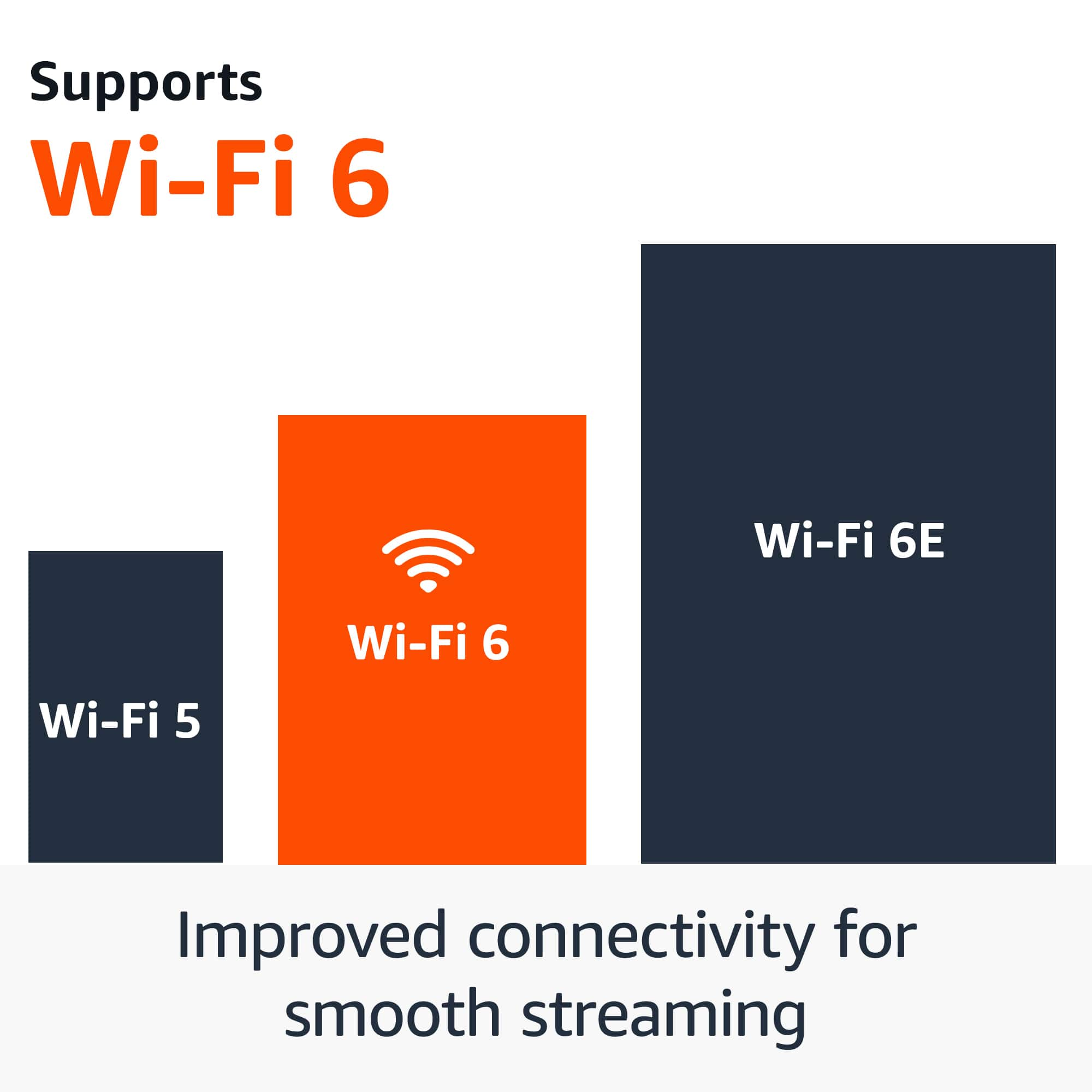
I know these workarounds don't eliminate the promotional content entirely, but they can significantly reduce how often you encounter it. The Fire TV Stick 4K Plus offers excellent streaming performance with Wi-Fi 6 and AI-powered search capabilities - hopefully these tips will help you enjoy those benefits without the hassle.
If you'd like more detailed guidance on customizing your interface, our support team at 1-888-280-4331 can walk you through additional settings options.
Thanks again for taking the time to share your experience with the Best Buy community.