Customer Ratings & Reviews

- Model:
- C536EA-BI3T3
- SKU:
- 6449514
Rating by feature
- Battery Life
Rating 4.4 out of 5 stars
- Speed
Rating 4.6 out of 5 stars
- Display
Rating 4.5 out of 5 stars
Customers are saying
Customers are positive about the large screen size, touchscreen functionality, ease of use, and battery life of this 2-in-1 Chromebook. Many appreciate its performance and find it attractive for the price. However, customers are negative about the device's weight and some experienced excessive fan noise. The sleek design was also frequently praised.
This summary was generated by AI based on customer reviews.
- Pros mentioned:Processor speed, Screen size, Touchscreen
It's a beast! In a good way
||Posted . Owned for less than 1 week when reviewed.This reviewer received promo considerations or sweepstakes entry for writing a review.This is a big beautiful Chromebook and I am very, very happy with it. I saw the comments here and on Chrome Unboxed but the trackpad is fine....it works just like it should. The screen feels huge and allows me to have windows open side by side, which I really like. And to say it's fast doesn't feel accurate. It blazes...everything opens instantly and somehow my wifi feels much faster! I love the backlit keyboard everything about the build feels high quality. Super sturdy. Battery life seems OK but I've only had it two days so don't have a good sense yet. It's a five star Chromebook for me. It's not small and not particularly light, but it gets the job done. As you can see from the picture, I have a little Chromebook (Lenovo Duet) for fun and games.
I would recommend this to a friend - Pros mentioned:Processor speed, Touchscreen
Excellent Laptop
||Posted . Owned for 1 year when reviewed.This reviewer received promo considerations or sweepstakes entry for writing a review.This product is amazing for the price, I have been using it for a while now with no lag or any slowdown, I use this laptop almost everyday and you can even flip it to make it a touchscreen tablet ! I got it from best buy and the people over there were very knowledgeable and explained me well before I got this product, loving the customer service, I would always recommend Best Buy if you need any kind of electronics!
I would recommend this to a friend - Pros mentioned:Processor speed, Screen sizeCons mentioned:Fan noise
Asus Chromebook, g8 price pre black friday sale
||Posted . Owned for 1 month when reviewed.This reviewer received promo considerations or sweepstakes entry for writing a review.Good Chromebook but not my old Toshiba by any means, doesn't always stay connected to wifi. Nice sized screen, fan can get annoying at times. Keyboard takes getting used to, some displaced extra keys I'm not used to yet. I use a wireless mouse, not the track pad. Pretty fast as a whole. Easy to use but I still miss my Toshiba which never missed a beat in 7 years. Asus processor is decent. Speed is appox. 2.6 ghz or a little higher. I just use it for shopping, paying bills and typing up basic docs.
I would recommend this to a friend - Pros mentioned:Battery life
great higher end android Chromebook
||Posted . Owned for more than 2 years when reviewed.This reviewer received promo considerations or sweepstakes entry for writing a review.Man, I love this laptop. I'm an android guy and this has all the features I need. It can be converted to a tablet but functions perfectly as a laptop. The screen is bright, the speakers sound great, and the battery life is perfectly acceptable.
I would recommend this to a friend - Pros mentioned:Ease of use, Processor speed
Easy computer for college
||Posted . Owned for less than 1 week when reviewed.This reviewer received promo considerations or sweepstakes entry for writing a review.Easy to set up. Love the big screen. Doesent lag and goes fast. Thin and sleek
I would recommend this to a friend - Pros mentioned:Processor speed, Screen size
So far so GREAT
||Posted .This reviewer received promo considerations or sweepstakes entry for writing a review.Will not disappoint! This thing runs smooth & fast! Touch screen is super responsive build is solid in my opinion. Speakers are superb. I’m not too nit picky just need something to do work related research on in my free time. A little bit of day trading. The streaming service apps are a +. Web browsing, YouTube, Gmail, streaming, it does not get any better at this price point. Love it!
I would recommend this to a friend - Pros mentioned:Touchscreen
Great Chromebook for the Price
||Posted . Owned for less than 1 week when reviewed.This reviewer received promo considerations or sweepstakes entry for writing a review.Great Chromebook. Starts Up fast. Great Graphics. Nice Keyboard. Great Sound (Speakers Really Sounds Good). Goes Pretty Loud Too. Got it on Sale for $399. Well Worth The Price.
I would recommend this to a friend - Pros mentioned:Battery life, Screen size, Touchscreen

I'm honestly blown away at the quality here
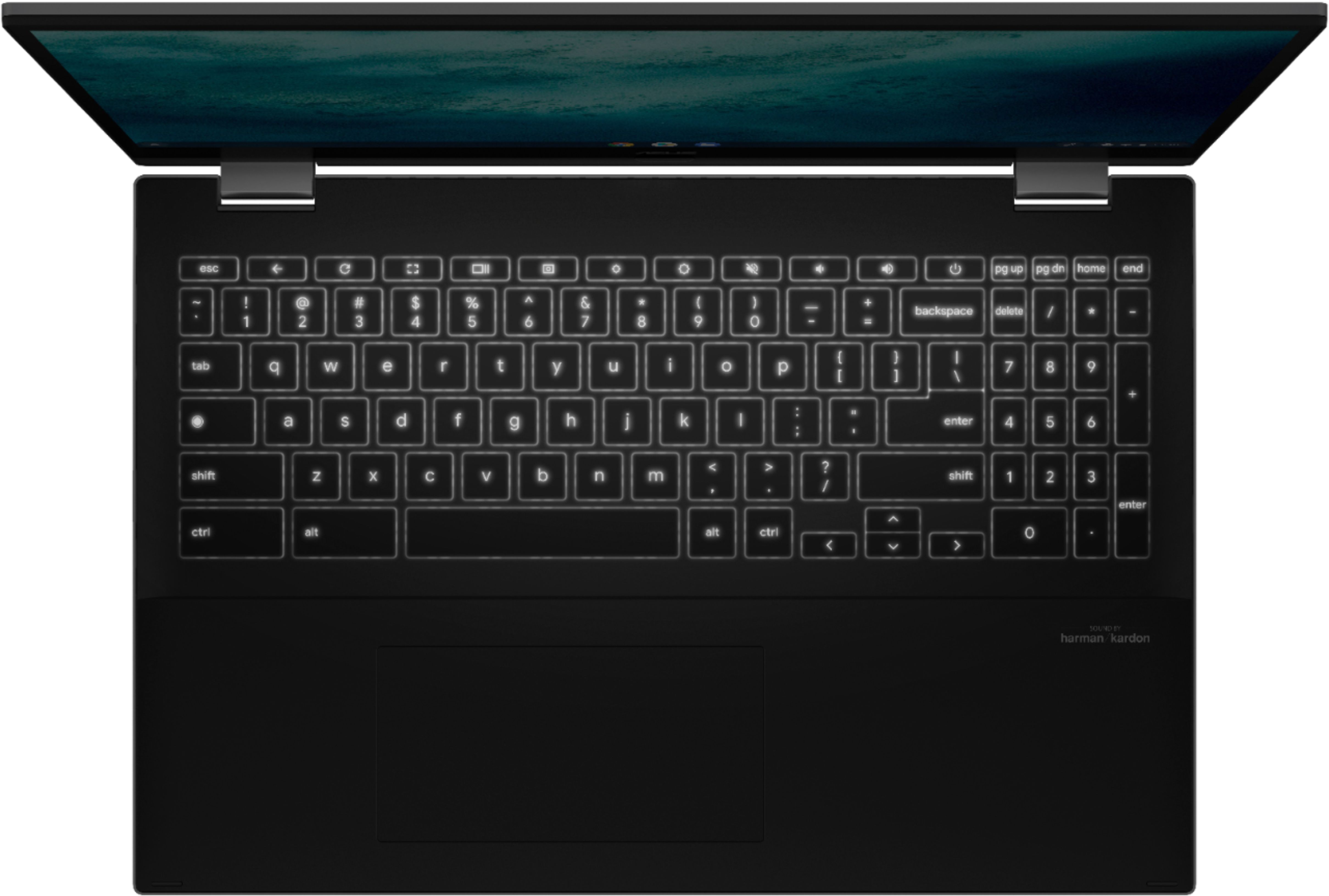
|Posted .This reviewer received promo considerations or sweepstakes entry for writing a review.PROS: Build quality, keyboard, screen, touch screen, aesthetics, design, ports, sound, battery life, cost for what you get. In general with the exception of the touchpad all of the hardware. Fan would come on occasionally but was rather quiet. Device never got hot but would get warm. CONS: Touchpad, Chrome OS takes a learning curve and limited in scope still but a lot better than previously, overall usability as a “power user” leaves me frustrated as I feel like I’m using a cellphone in a laptop design. Webcam is poor. CPU can get overwhelmed when trying to do too much. But is still EXTREMELY good for what this device is designed for. Which is doing more singular tasks, with light multitasking. USEABILITY/CONCLUSION: Chromebooks have come a long way. Especially, since we carry pocket computers around all the time (cellphones). But they aren’t perfect and there continues to be a trade. The easiest way to sum it up is if you hate doing things on your smartphone because the applications themselves are frustrating you should probably avoid a Chromebook. If you are someone who is just fine with how applications work on your phone but would like a larger device with mouse and keyboard, then save the money and go with a Chromebook, as I think you’ll love it. Especially, if you are an android user. For me, I’m still a bit too much of a PC guy. As I fall under the category where I can’t stand a lot of cell phone apps as they dramatically reduce my productivity. I found that most of the apps I tried were clearly made for a smartphone and that didn’t sit well with me. As some would only be available in a smartphone orientation, of those that could be maximized to full screen would be so zoomed in that it was uncomfortable. When it came to things like Microsoft Word which I use all the time I could only have one document open at a time and cutting and pasting was a chore. As I couldn’t highlight just a sentence with the touchpad. Instead, I had to hold my finger on the word using the touchscreen, which would come up with the two tabs like it does on your smartphone, and then drag those to where I wanted, and then do shortcut keys from there. Which dramatically slowed down my writing and editing. As I’m constantly deleting, rewriting, and moving things around. This may be better for Google Docs, but I didn’t try that out. I also fall under the “power User” and found that while the core I3 is extremely snappy in Chrome OS, it still wasn’t as fast as I wanted it to be. If I had too many things open and running at the same time I would run into slow-downs, apps would crash, or when I went back to them, they would need to reload. Which was surprising to me as I figured 8 GB of RAM would be more than enough for what I was doing. This left me two options close out and reload or wait for it to catch up. However, if I used Chrome OS and this processor the way it was intended, which is for like one or two tasks at a time, instead of several, with only a few tabs open at a time, I ran into no issues and everything was quick and responsive. Last, I found that Chrome OS isn’t as intuitive as iPad OS where a lot of the gestures that work on that wouldn’t work here. The keyboard shortcuts while numerous didn’t always have what I was looking for. I don’t think there is a shortcut to get to your home screen for example. I also found it strange when I was on Chrome and would login to some sites, it would take me out of chrome, and into an application. Just like your cell phone. Which was frustrating as the applications often weren’t as good as the webpages. Chrome OS has dramatically improved from years past. To the point that I think for a lot of people these are great devices. But there is still a lot of areas where it can improve. Thankfully, nothing about this laptop holds it back and the only thing that leaves me hesitant for some users (like myself) is the limitations of the OS system. If this was a windows PC I would absolutely LOVE it. So, hardware wise they knocked it out of the park and if ChromeOS is your jam you’ll probably love this device. If you are on the edge I would recommend a Chromebook for A. Those who do basic web browsing and video watching. B. Those who don’t manage a YouTube channel or something similar that juggles multiple programs at the same time to finish products. C. Those who type one word document at a time without a lot of edits that require cutting, copying, and pasting. D. Are like my Grandma or aren’t very tech savvy and want a device that is simple, updates itself, and has its own security. Otherwise, I’d stick with windows or mac. TOUCHPAD: It comes with a 5.68-inch large glass touchpad that supports palm-rejection and multi-touch gestures. Moving my finger across the touchpad is smooth. But it just isn’t very accurate and really detracts from this device. As having a good mousepad really makes or breaks a device. They did a lot of things right, such as the size, it being made from a glass panel to allow your finger to move nicely across it, and gesture control. Unfortunately, they added a crazy amount of ankle snapping to it. For those unaware ankle snapping is when you can make perfectly straight lines with your mouse movement. In this case I can literally make perfect squares or rectangles every time. Without ankle snapping it is extremely difficult to do a straight line at all which adds a lot of precision. When you have angle snapping fine movements are nearly impossible as your mouse will get confused on which straight direction it is supposed to go. This made me either use the touchscreen to get around or connect a mouse. The touch screen is very good on this device which made navigating that way kind of fun. But still not as precise as a dedicated pointer. When I was using an external mouse I had no issues with angle snapping. I was using a premium gaming mouse that had angle snapping disabled. So, I’m not sure you used a regular office mouse if you’d also run into problems there. KEYBOARD: Arguably the second most important part of a laptop is the keyboard. The one on this guy is excellent from a typing standpoint. I type about 115 – 130 wpm and can be rather picky but this guy feels good. It has 1.4 mm key travel with nice tactile feedback once it registers a click. It requires a light amount of actuation force and is nearly silent where even in a quiet room you wouldn’t bother anyone. They are backlit with white light, but aren’t even throughout. My “F” and “T” key are brighter than the rest which is one of the few cases that this Chromebook shows its price. They report the palm rest area has an “obsidian velvet texture”. From a marketing perspective I’m sure that is supposed to sound extra premium but in reality, it just feels like matte rubber, which I like. I could type on this guy all day and not grow tired. It registered all of my keypresses. I have nothing negative to say about the performance or typing experience. But there are some weird things with this keyboard due to the size and it being a Chromebook that you should look into before buying to make sure it is right for you. SCREEN: It comes with a 15.6” Full HD (1920x1080p) IPS Touch screen with three-sided NanoEdge providing an 81% screen-to-body ratio, 178-degree viewing angle, and USI Stylus Support. I mostly put that sentence in there because it makes me sound smart and knowledgeable. The short of it is that this screen seriously impresses me, and I was not expecting it to be this good. As it beats most other laptop screens out there. It has a glossy look which makes everything very sharp but at the cost of poor reflection handling. Personally, I’m down with this trade but others may be upset by it as using it in a bright room can prove irksome. Thankfully, the screen gets bright to help combat this. It can also get very dim. No matter if you have it bright or dim you still get excellent picture quality and contrast. Which shocks me as most laptop screens don’t get terribly bright, and when you make them dim the entire screen starts to not look so great. I found that keeping it near 50% was plenty in normally lit rooms and I could go below that for darker rooms. Which helps improve battery life. Any types of text, pictures, or videos were very sharp and easy to read with good contrast and accurate bright colors. I don’t know what kind of screen they put on this guy but I was perfectly happy watching content on this guy which is super rare for me. As I hate most laptop displays because they are terrible.
I would recommend this to a friend - Pros mentioned:Battery life, Screen size, TouchscreenCons mentioned:Weight
Solid laptop for basic functions
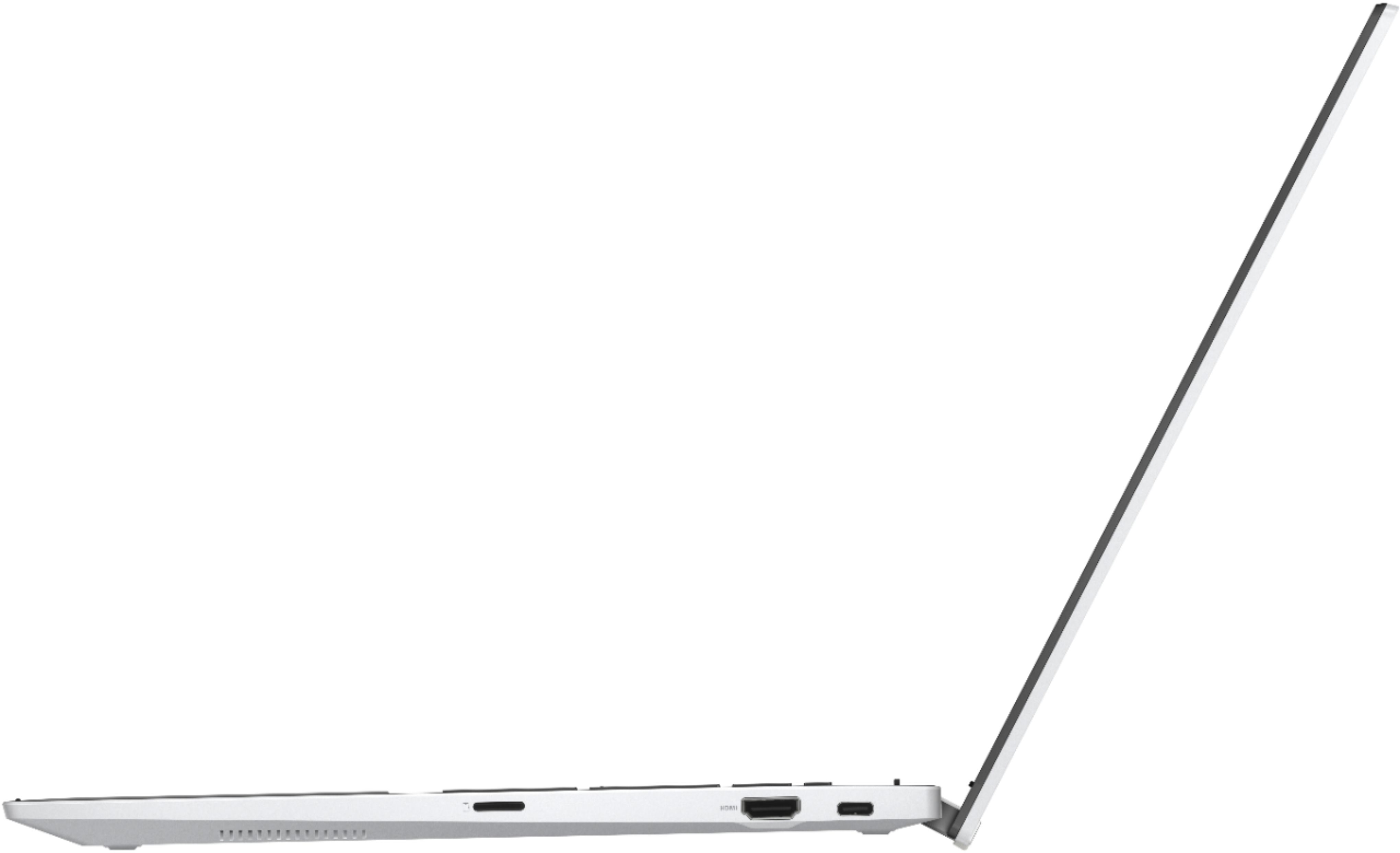
|Posted .This reviewer received promo considerations or sweepstakes entry for writing a review.I was VERY surprised to see that this was classified as a chromebook ---- this is a full blown laptop with a solid build quality, keyboard, and my favorite, TOUCH SCREEN. Not sure why I read about issues with the trackpad because it was just fine for me…takes a small learning curve yes, but it was an easy learn. Just be aware that the feel of this chromebook is that of a very large and heavy Android phone. You download apps from Google Play just like on your android. PROS -Sharp, sleek screen -Smooth keyboard feel; easy to type over 100 wpm -Exceptional battery life --- I can work at least for 3-4 hours straight, probably even more without charging -USB-C ports on either side, HDMI (an essential for video editors), as well as microSD CONS -Low CPU – not the best for heavy duty video editing that I do -Mediocre webcam; I decided to keep my separate one because it’s better quality I repeat (because it bears repeating), low CPU --- don’t expect to be able to have several different applications going and it be able to roll with the punches. Not a good multitasking computer option. -Not many keyboard shortcuts -VERY heavy in tablet mode; I almost never use it as such because of this Overall, if you are not doing hefty video editing in Premiere, running several apps and games at a time, and just need a solid device for surfing, Word docs, streaming videos, etc. this is an exceptional option.
I would recommend this to a friend - Pros mentioned:Battery life, Processor speed, Screen size
Great all in one machine!
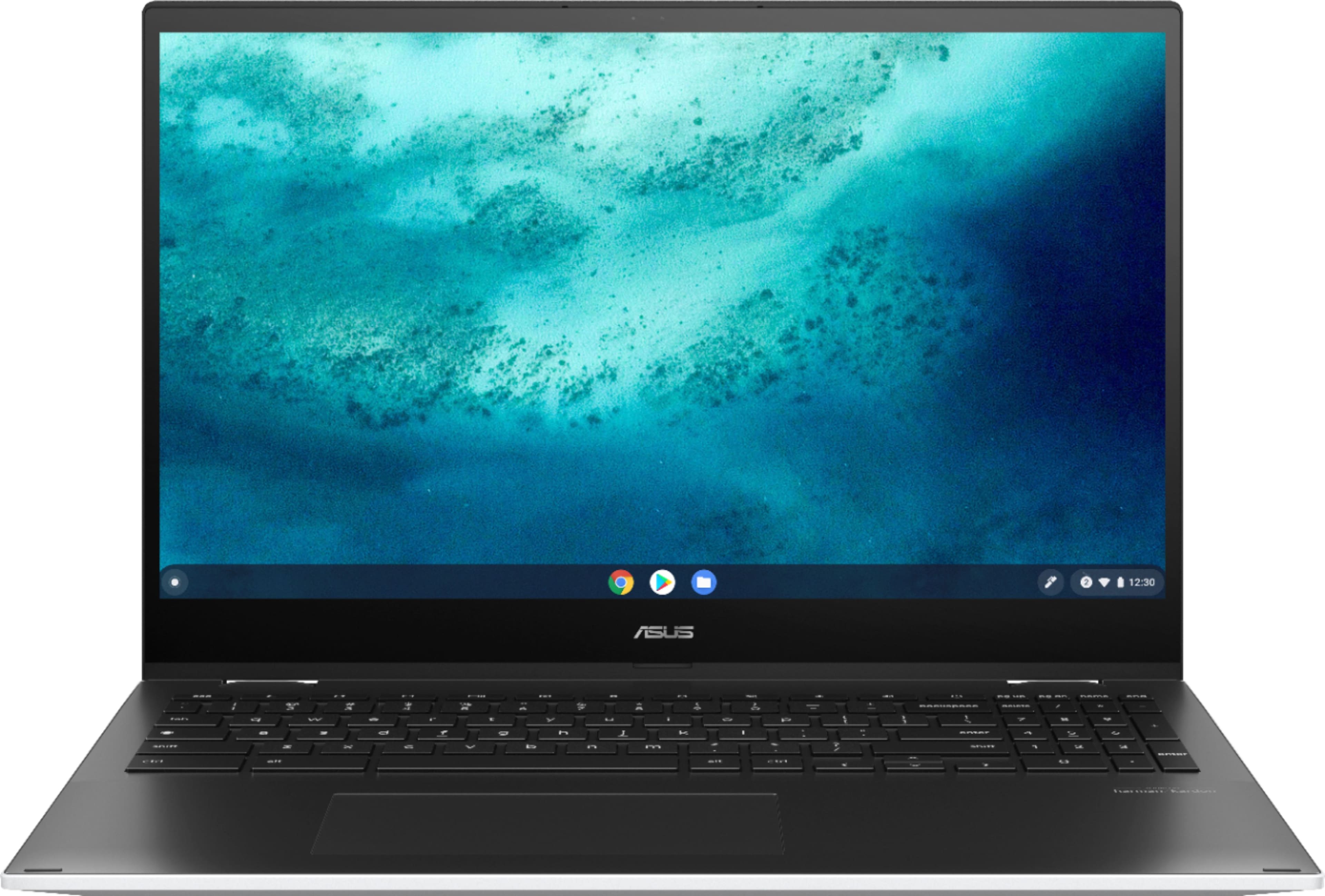
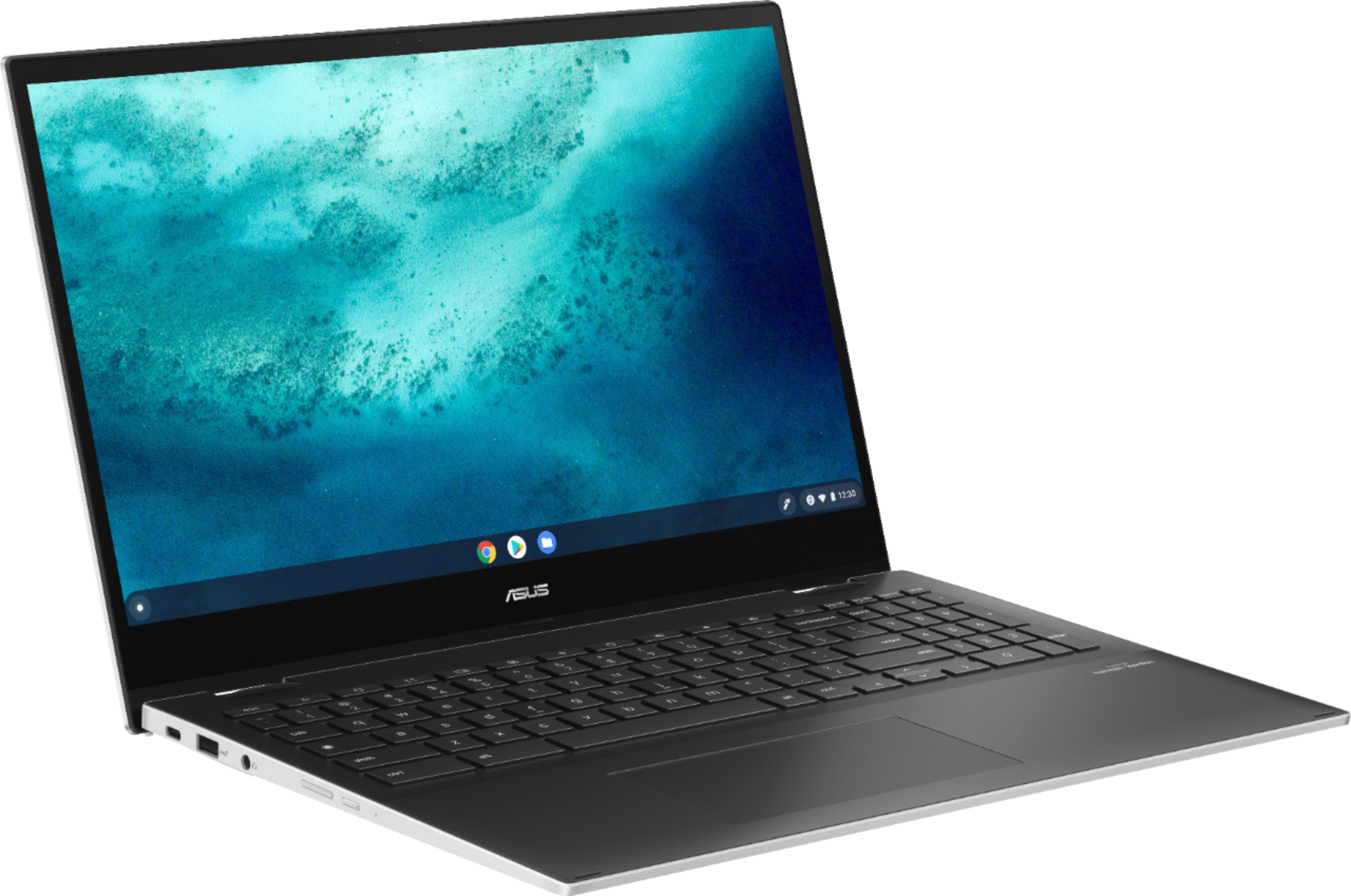
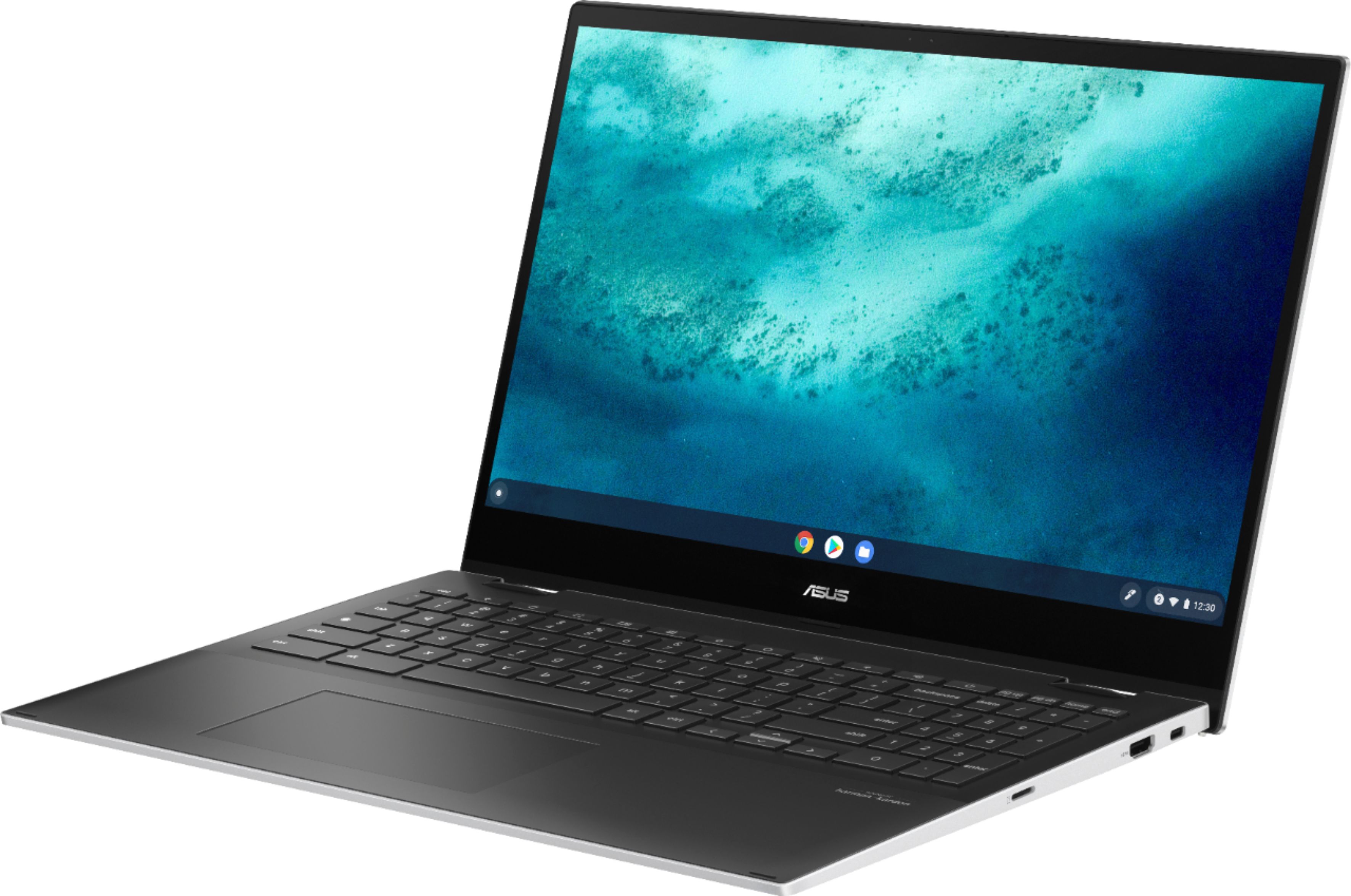
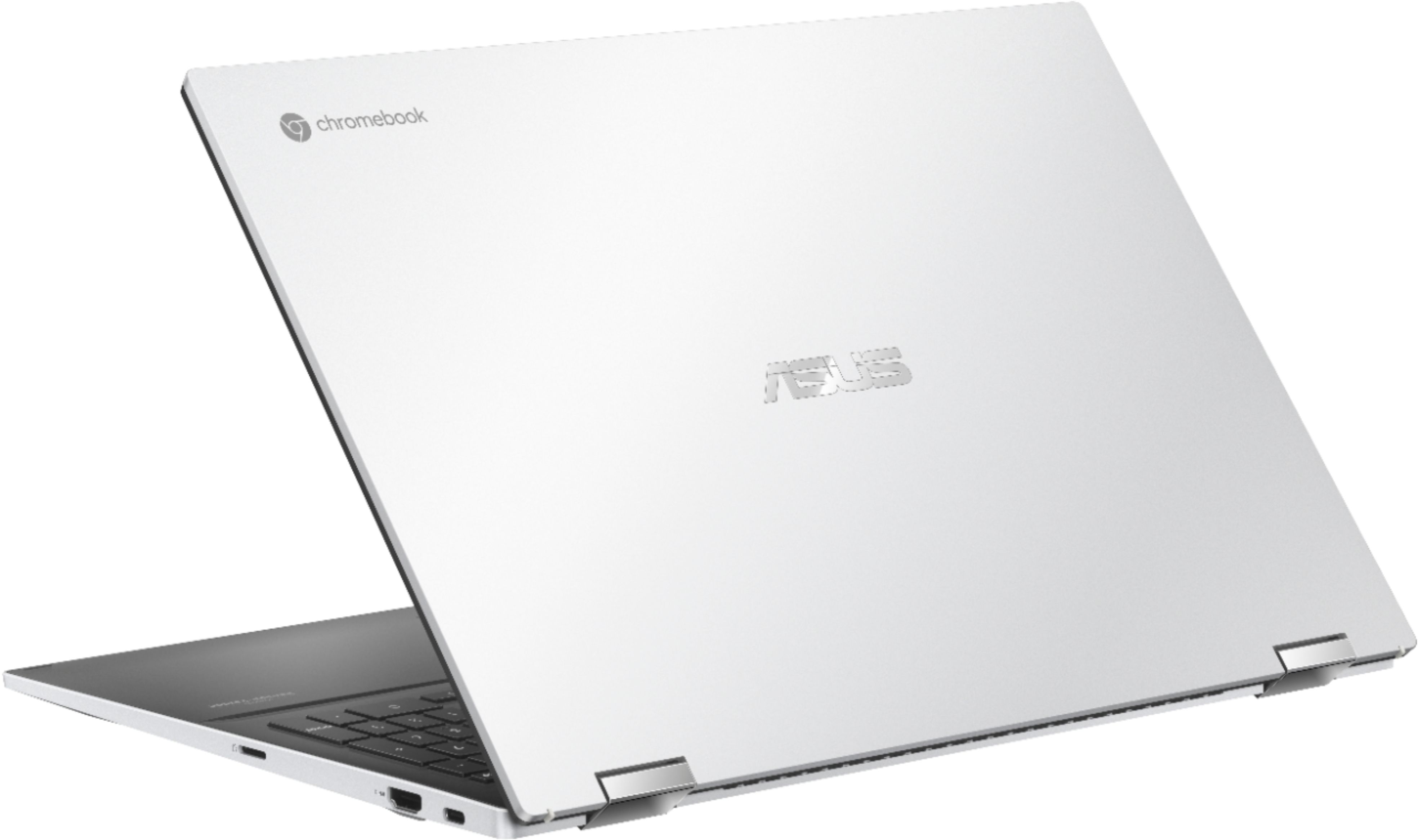
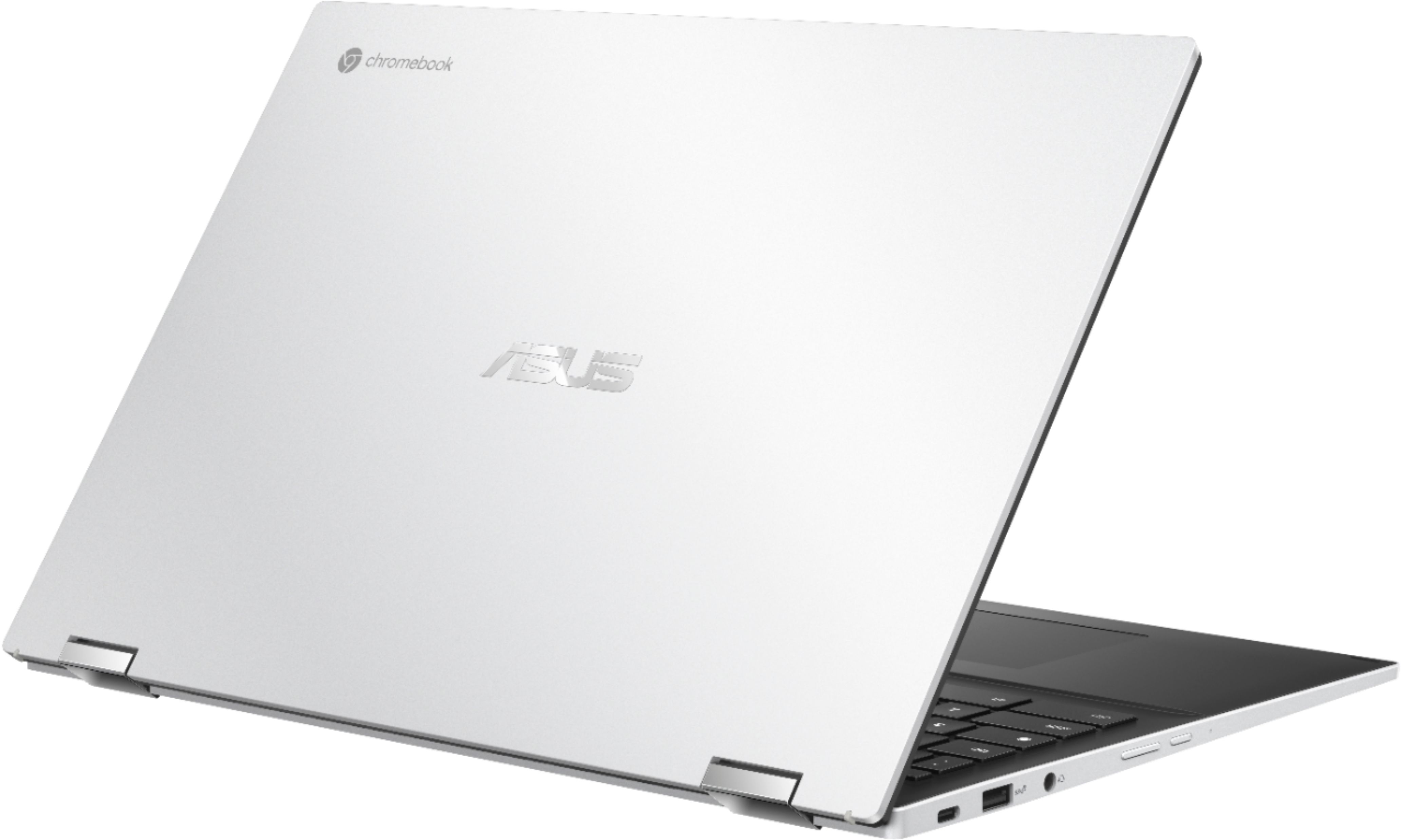
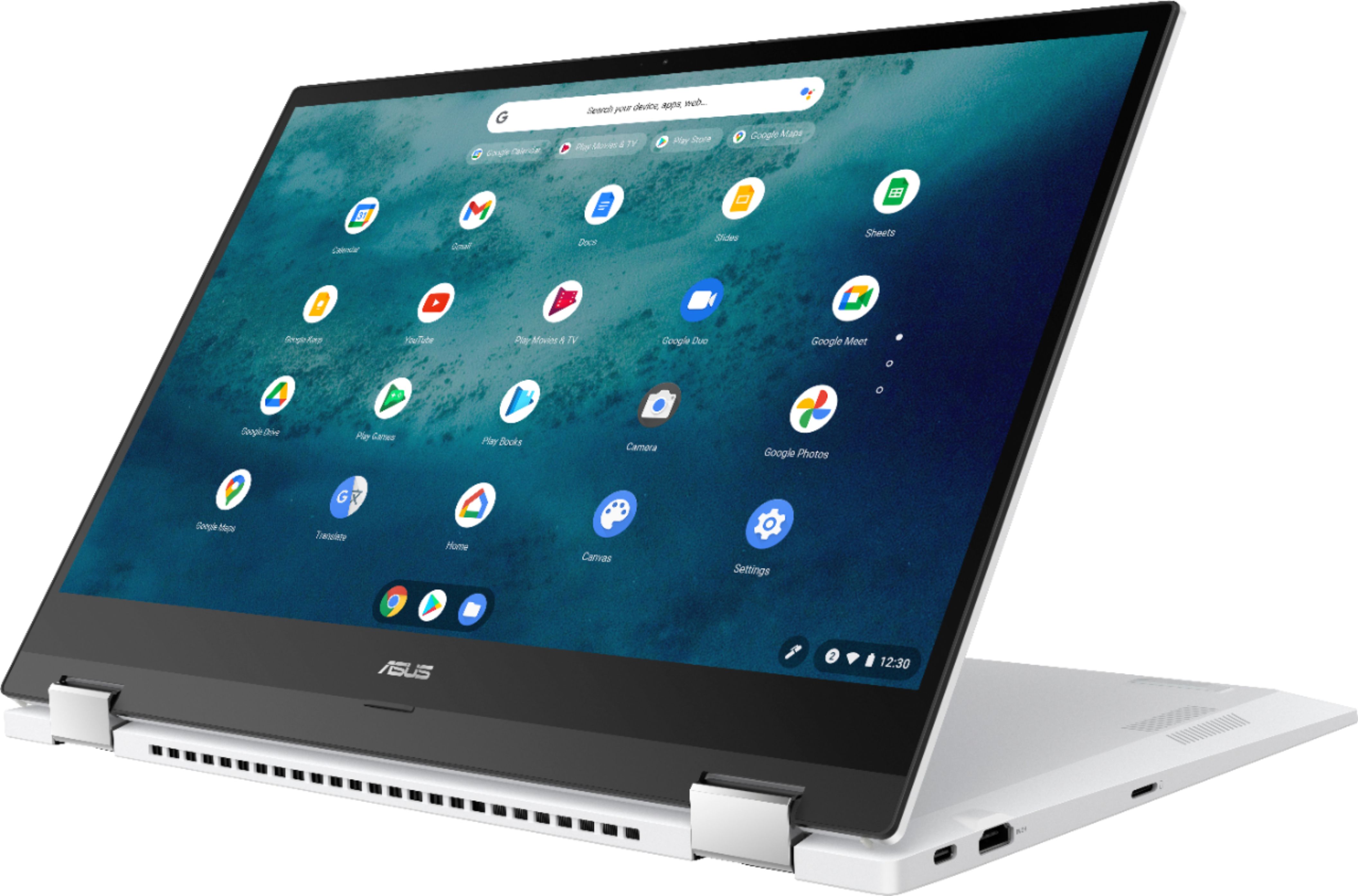
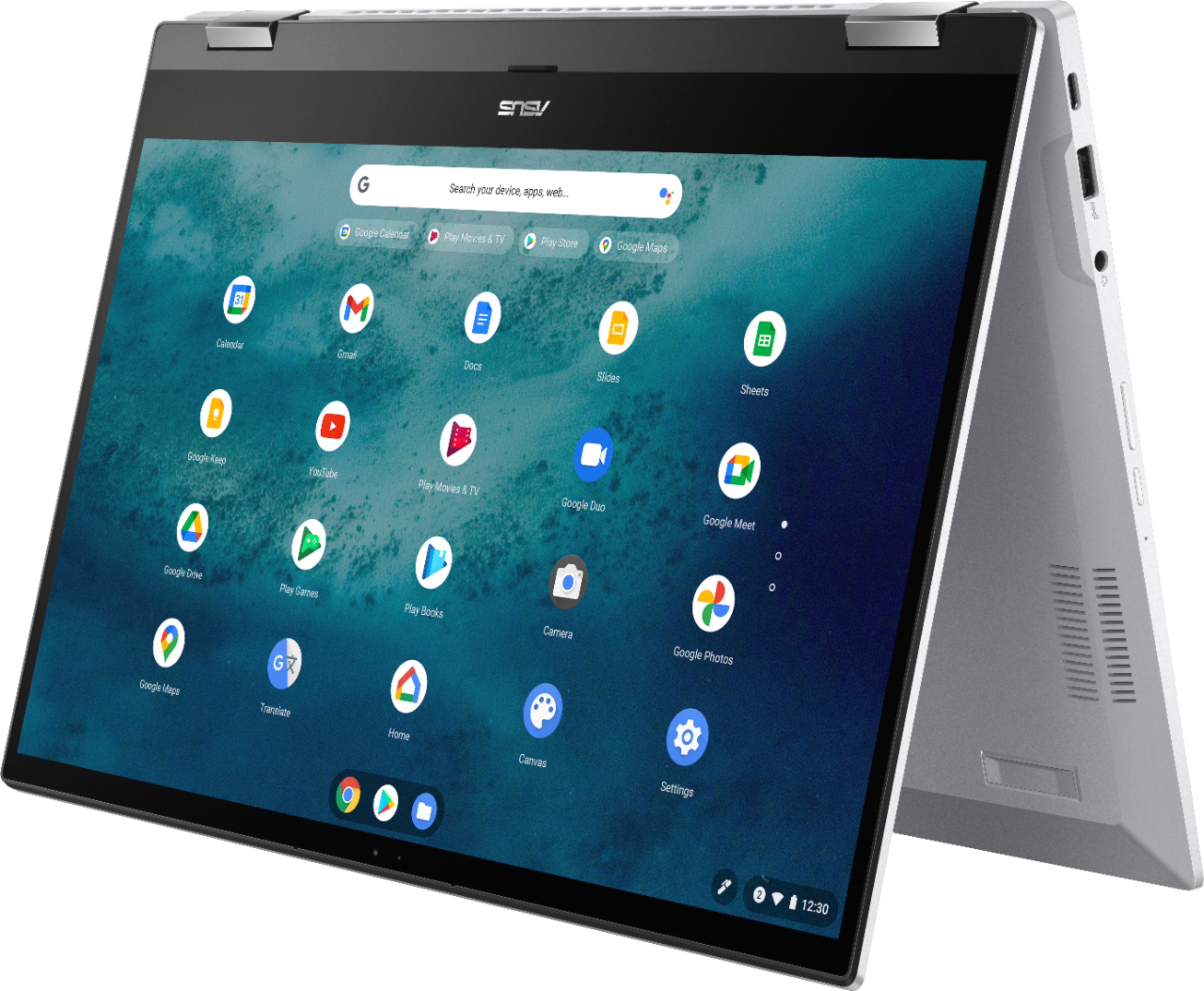
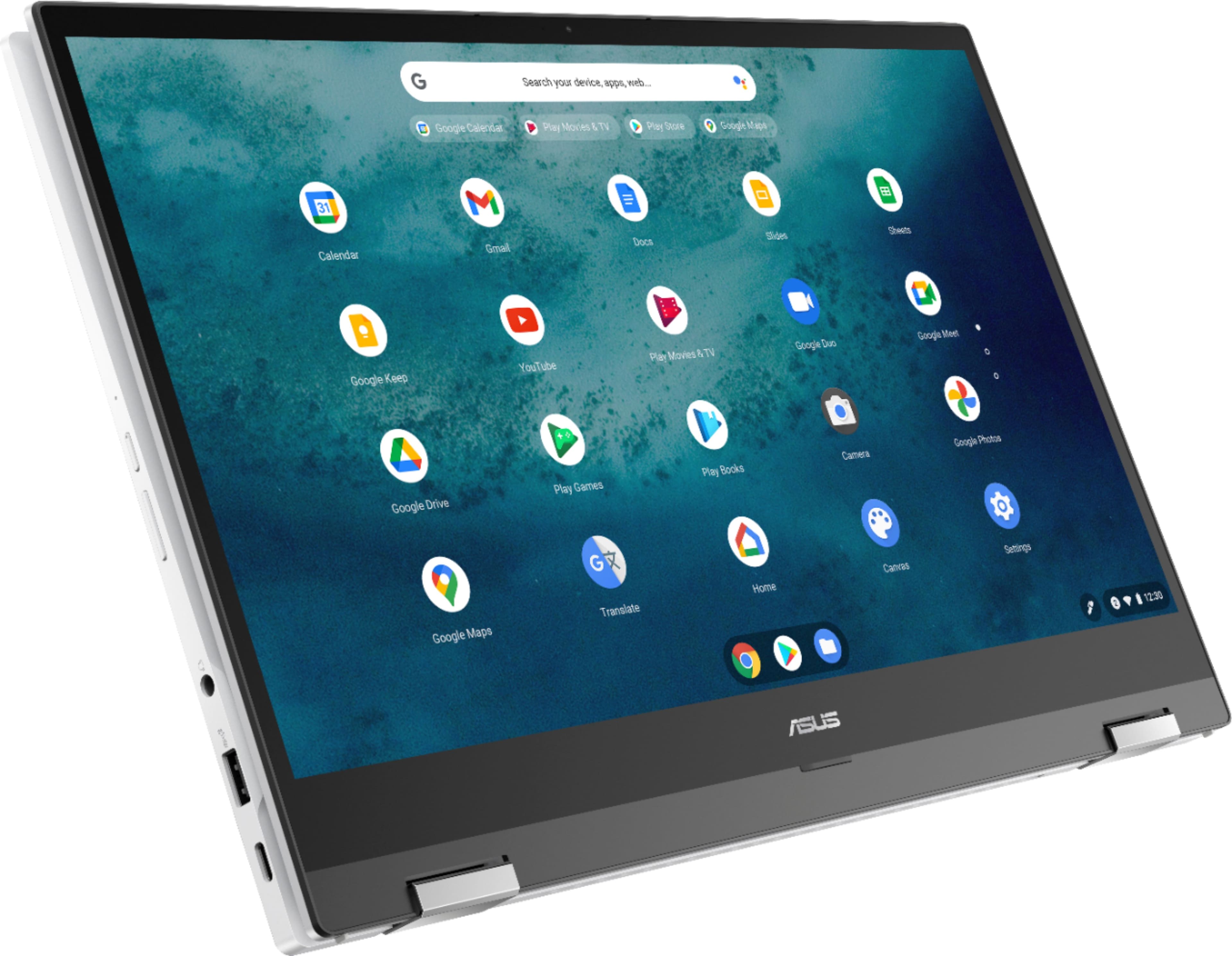
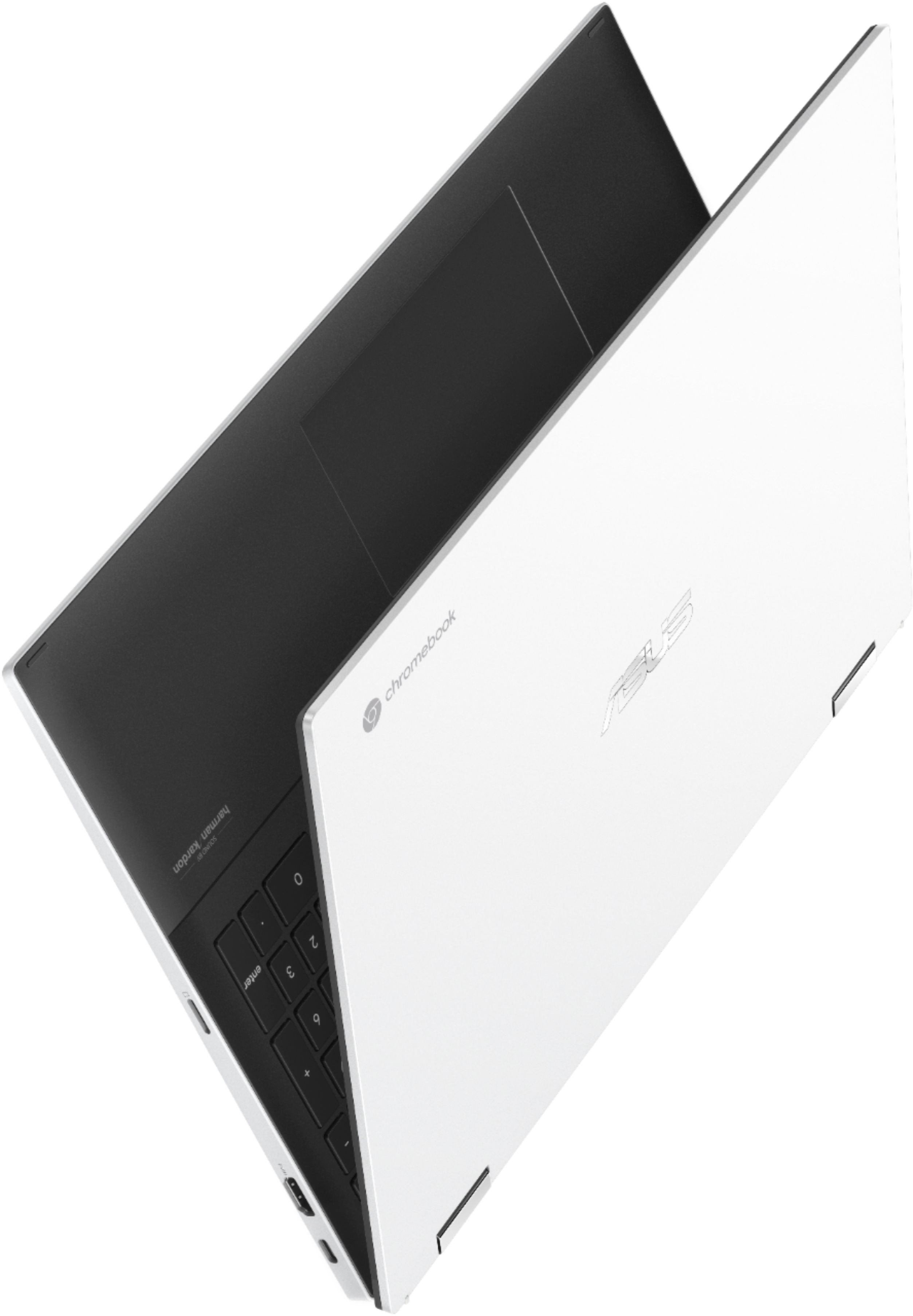
|Posted .This reviewer received promo considerations or sweepstakes entry for writing a review.Chromebook’s have finally advanced to the point where they can fully replace any PC or Mac for most users that don’t rely on PC/MAC-specific software. This unit is FAST, has great sound, battery life, and graphics, and is lightweight. The 11th Gen i3 processor coupled with the 8GB ram and the 128GB SSD work flawlessly for light gaming, videos, spreadsheets, word documents, light photo editing, video conferencing (no lag unrelated to internet connectivity), and remote desktop applications. 15.6” Touchscreen / FHD (1920 x 1080) and a Harman/Kardon sound system provide a really good audio/visual experience! The screen can do a complete “flip” so you can use it in laptop mode, presentation mode, tent mode or tablet mode. And when in laptop mode, the hinges actually lift the keyboard to provide a more ergonomic typing angle. The unit also has a backlit keyboard, USB-C power input, a micro SD card reader, HDMI out, USB port, and a 3.5mm headset jack.
I would recommend this to a friend Exactly what I needed
||Posted . Owned for 1 month when reviewed.This reviewer received promo considerations or sweepstakes entry for writing a review.The laptop has an excellent sleek design and amazing graphics for the price. I also love the tablet ability.
I would recommend this to a friendGreat performance but came with screen issues
||Posted . Owned for 2 months when reviewed.This reviewer received promo considerations or sweepstakes entry for writing a review.Firstly, this is a great Chromebook at the quality/performance for its price point. Love the color scheme as well. However, I began to notice Screen Flickering issues at random times, in which I initially thought was normal as this was my first chromebook. Furthermore, as I began to pay closer attention to the screen, there are lines of "dead pixels" look alike of distortions that appears and moves around on the left side of the screen at random times in addition to uneven brightness levels between the left and right side of the screen. Unfortunately, it has passed 30 days since purchase to return it so I would have no choice but to deal with it. Unlucky on my part I guess. Still a great chromebook though!
I would recommend this to a friendBrand response from ASUS Answers
Posted .Dear Valued Customer,
I'm sorry to hear that the screen is flickering. What you've experienced was not intentional and this was a random case. Have you updated your Chrome OS? I'm happy to assist you further, feel free to reach out to me at [email protected] and provide this link for reference. I'll do my best to provide a quick resolution to your case. Your feedback is important as it helps with improvements to ASUS Support channels.
Thank you for choosing ASUS!
Best Regards,
Jamalie,
ASUS Customer Loyalty US Support
Great Laptop!! So proud of my purchase!
||Posted . Owned for 3 weeks when reviewed.This reviewer received promo considerations or sweepstakes entry for writing a review.Im inovw with this laptop!! The tablet mode option is so cool.. this thing is super user friendly, so thin and sleek, stays powered "forever" off a charge and looks way chic in the black and white. I just love it!!
I would recommend this to a friendPlayStation Replacement!!!!
||Posted .This reviewer received promo considerations or sweepstakes entry for writing a review.Purchased this for my Grandson and he extremely happy!! Thanks Betsy buy for the best deals!!! Couldn’t find a route play station five so I purchase this instead so he could play games and use it for homework.
I would recommend this to a friendGreat laptop but overpriced
||Posted . Owned for 1 week when reviewed.This reviewer received promo considerations or sweepstakes entry for writing a review.I love this laptop but I just don’t like how it’s hard to get iTunes on the chrome book and it’s pretty expensive for what it only does.
I would recommend this to a friendFunctional yet affordable
||Posted .This reviewer received promo considerations or sweepstakes entry for writing a review.Awesome laptop. Syncs with an android phone. Very user-friendly interface.
No, I would not recommend this to a friend- Pros mentioned:Battery life, Screen size, Touchscreen
Looks and works good
|Posted .This reviewer received promo considerations or sweepstakes entry for writing a review.This is my first ever chrome book. In short, I like it as an alternative computer/laptop for a specific work type. Pros: Very simple interface. Open, turn on, work through the prompts to sign up and sign on (google account log in) Google Chrome is great. Quick touch response time. Plenty of apps for download. Full keyboard. Huge track pad & screen display. Turns into tablet, keyboard fully rotatable. Fairly quiet. Long battery life. Small charging brick/cord. Feels sturdy. Usb, usb-c and hdmi outlet(excited) White exterior cover, black inside. Cons: Keyboard gets greasy look after touching it. Screen resolution could be better. If you’re not used to google, it might take a min to understand their functions. Limited functions (based on regular laptop using different systems) Sound has little to no bass. Camera is ok but the colors are bland. In summary, I use this laptop to manage a social media, web-page and simple browsing of the internet. Nothing too intense and it’s a great accessory.
I would recommend this to a friend - Pros mentioned:TouchscreenCons mentioned:Weight
MEGA ULTRA HEAVY DUTY UPPER END CHROMEBOOK
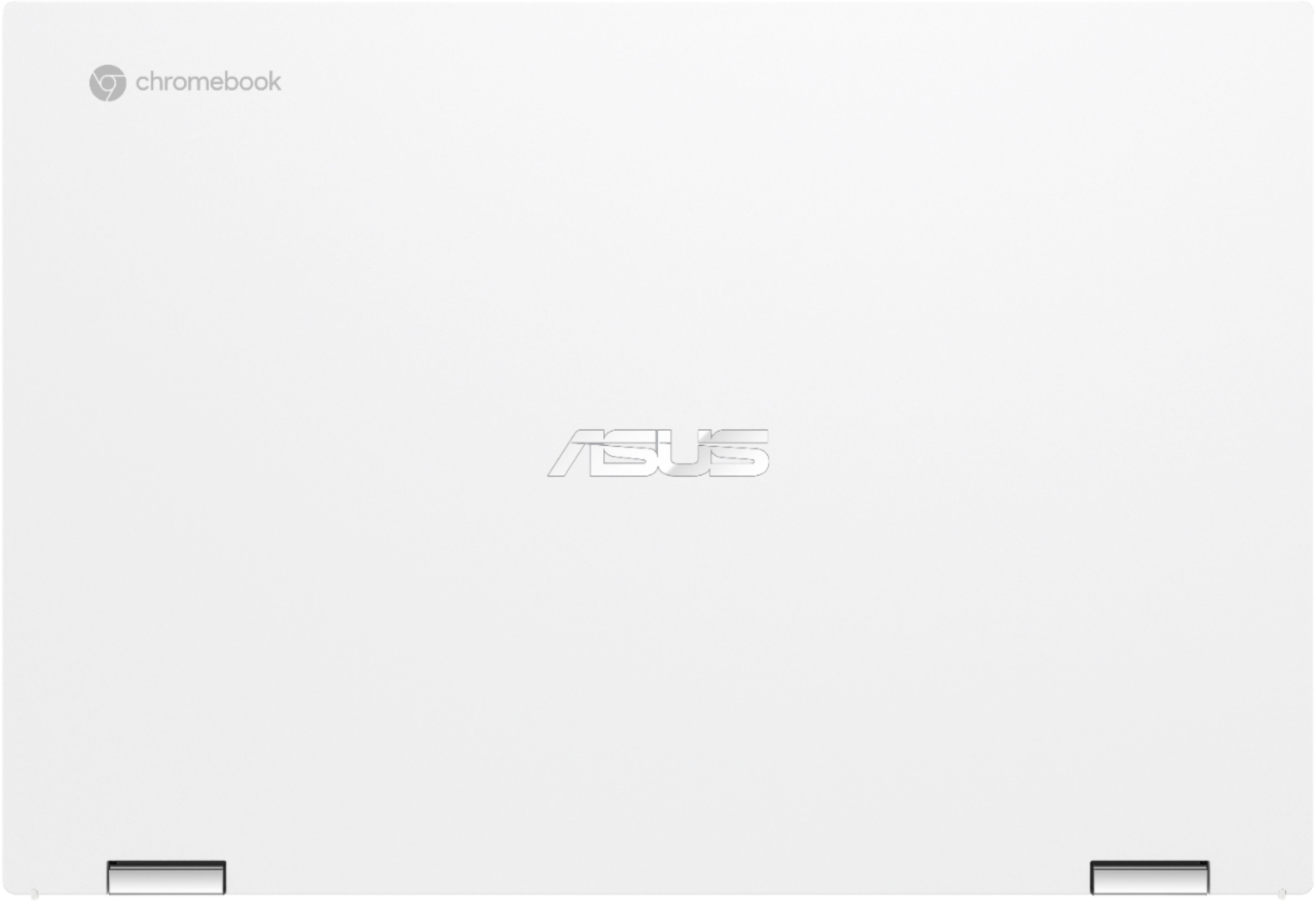
|Posted .This reviewer received promo considerations or sweepstakes entry for writing a review.MEGA ULTRA HEAVY DUTY UPPER END CHROMEBOOK ASUS - 2-IN-1 15.6" TOUCH-SCREEN CHROMEBOOK - INTEL CORE 11TH GEN I3 - 8GB MEMORY - 128GB SSD - MATTE WHITE - MATTE WHITE (ASUS Chromebook Flip C536) MODEL:C536EA-BI3T3 Best Buy Tech Insider Network REVIEW: WOW, I have never experienced such high quality build in any laptop, let alone a Chromebook. I have been using laptops for over 35 years (going back to suitcase style portables). This thing (ASUS Chromebook Flip C536 ) is built like a tank and screams quality throughout. If you are looking for a high end Chromebook, you owe it to yourself to take a close look at this one. My primary use for a Chromebook is “couch surfing” while watching TV or when I just don’t feel up to the whole “windows experience” (eg power on, 20 minutes of updates, reboot, then out of battery). Being able to use this as a true “convertible” to fold it in half and use it as a tablet is really nice. GOOD or BAD for you to decide what is important to you and how you use it. First as others have mentioned, the ASUS Chromebook Flip C536 is heavy at more than 4 pounds it weighs more than any laptop I’ve had in the past 6 years. The increase in build quality comes at a trade off in increase weight. My other < 2 year old Chromebook from google only weights about 1 pound. That being said it is already failing, so maybe there is a case for higher build quality. Second, the ASUS Chromebook Flip C536 is big. With almost a 16 inch diagonal screen, it has a pretty large footprint. This is not something you would casually toss in a beach bag for example. However, as a desktop replacement it is a worthy contender if you don’t need Windows Apps. I think it would also make a great / tough student computer for example. The specs are great, especially for a Chromebook. With USB 3.2 C you can directly run a monitor or you can also use the full size HDMI port. The Audio is fantastic. It sounds better than a recent wireless speaker I tested. PRO’s - Very High Build Quality - Very Sturdy - Plenty of Ports (SD, 3x USB-C, HDMI) - Backlit Keyboard - Great Audio RECOMMENDATION The ASUS Chromebook Flip C536 is about as good as it gets for a Chromebook. The price is bumping into entry level Windows laptops but there is nothing entry level about the ASUS Chromebook Flip C536. Give is try, I think you will like it.
I would recommend this to a friend Chrome notebook
||Posted . Owned for 1 week when reviewed.This reviewer received promo considerations or sweepstakes entry for writing a review.I love this chrome notebook. It’s almost everything I need. To bad my iPhone is a Apple!
I would recommend this to a friend- Pros mentioned:Battery life, Ease of use, Processor speed
Best Chromebook
||Posted . Owned for more than 2 years when reviewed.This reviewer received promo considerations or sweepstakes entry for writing a review.This Chromebook is premium easy to use and super reliable. Just like all Chromebooks the update directly from Google and have long term support (Google software and security support till June 2031). Backlit keyboard, a lot of storage, touch screen, fast processor, tough and beautiful design. The screen is nice enough and battery charges fast and last a while with moderate use. Great device for work, school and entertainment.
I would recommend this to a friend