Customer Ratings & Reviews
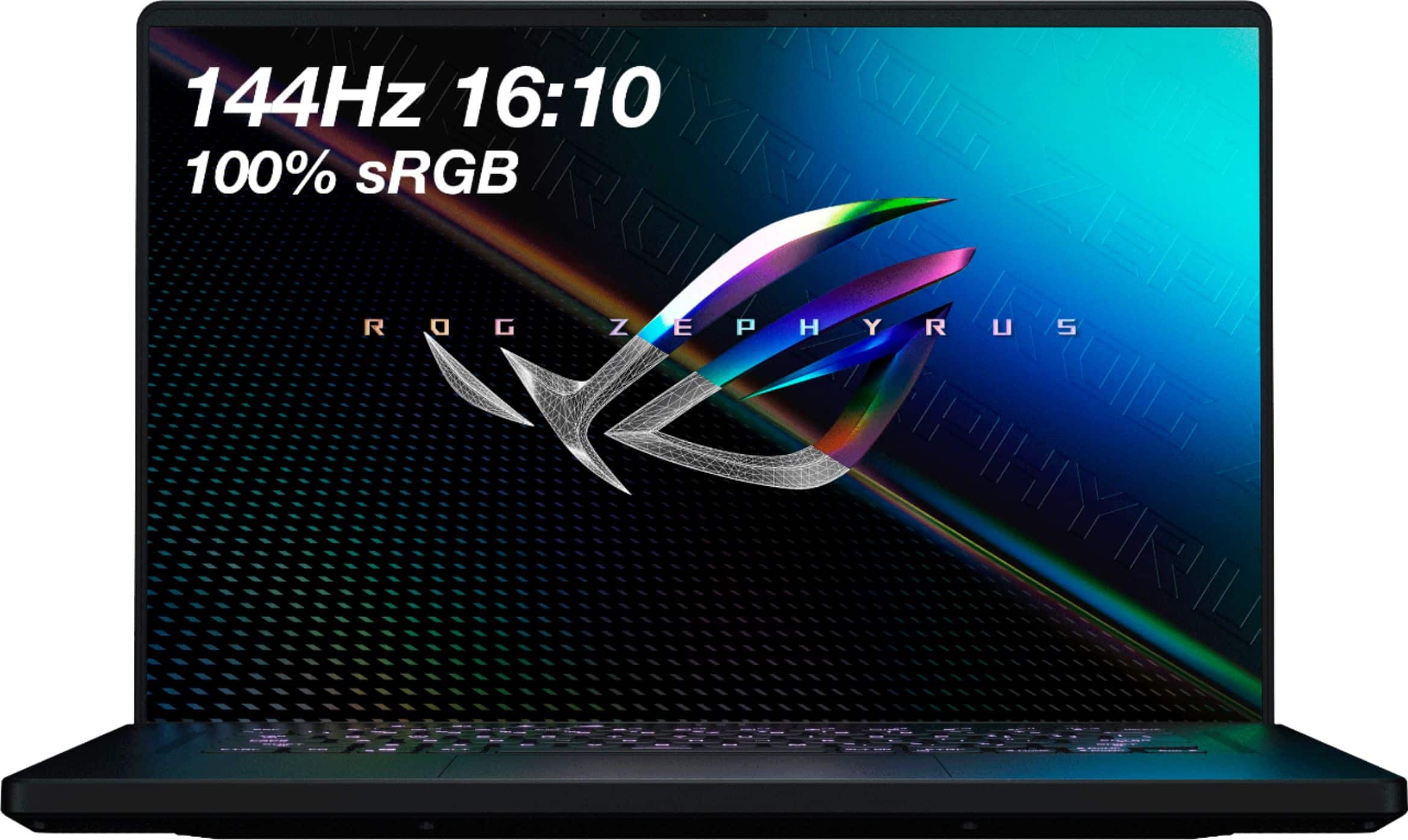
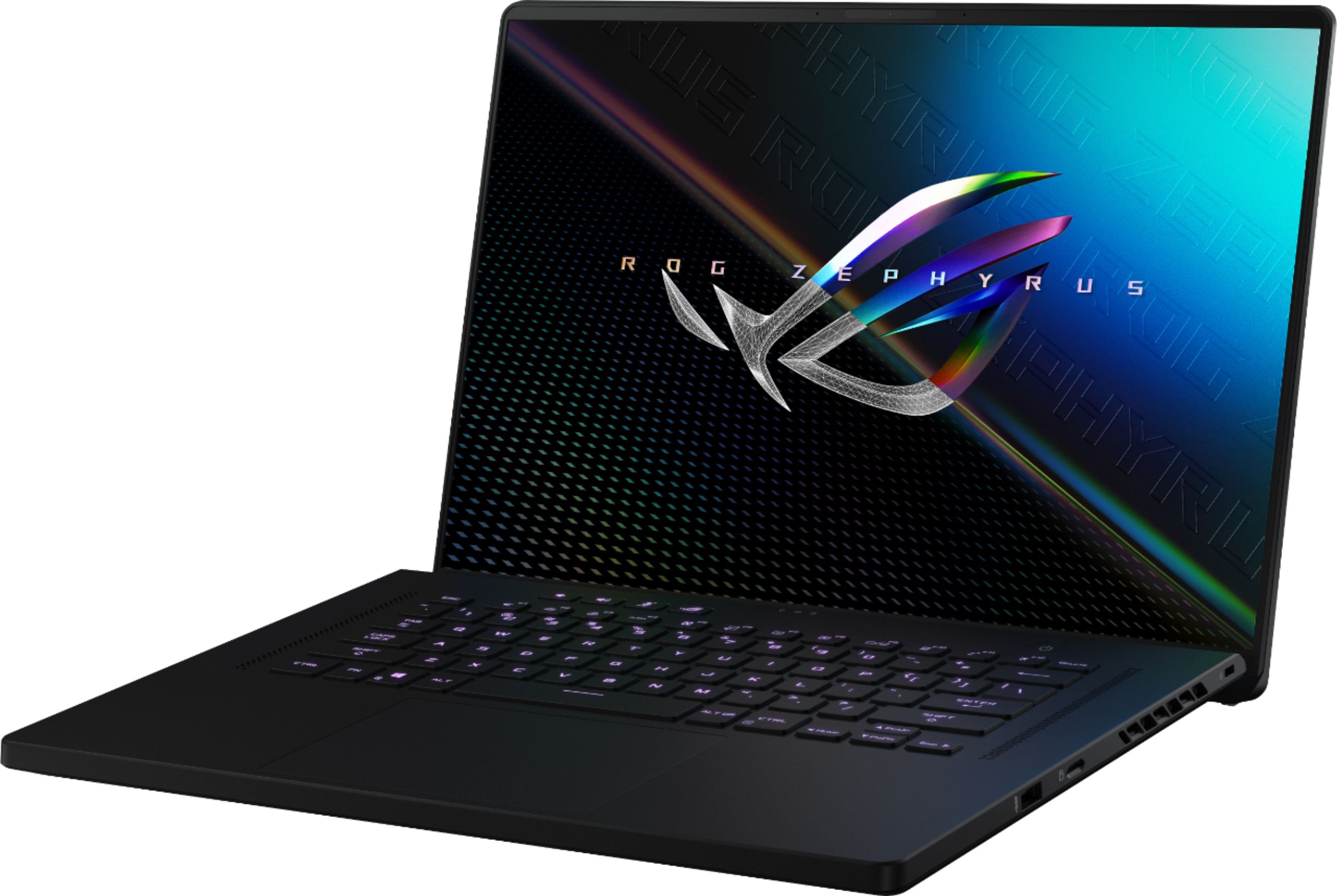
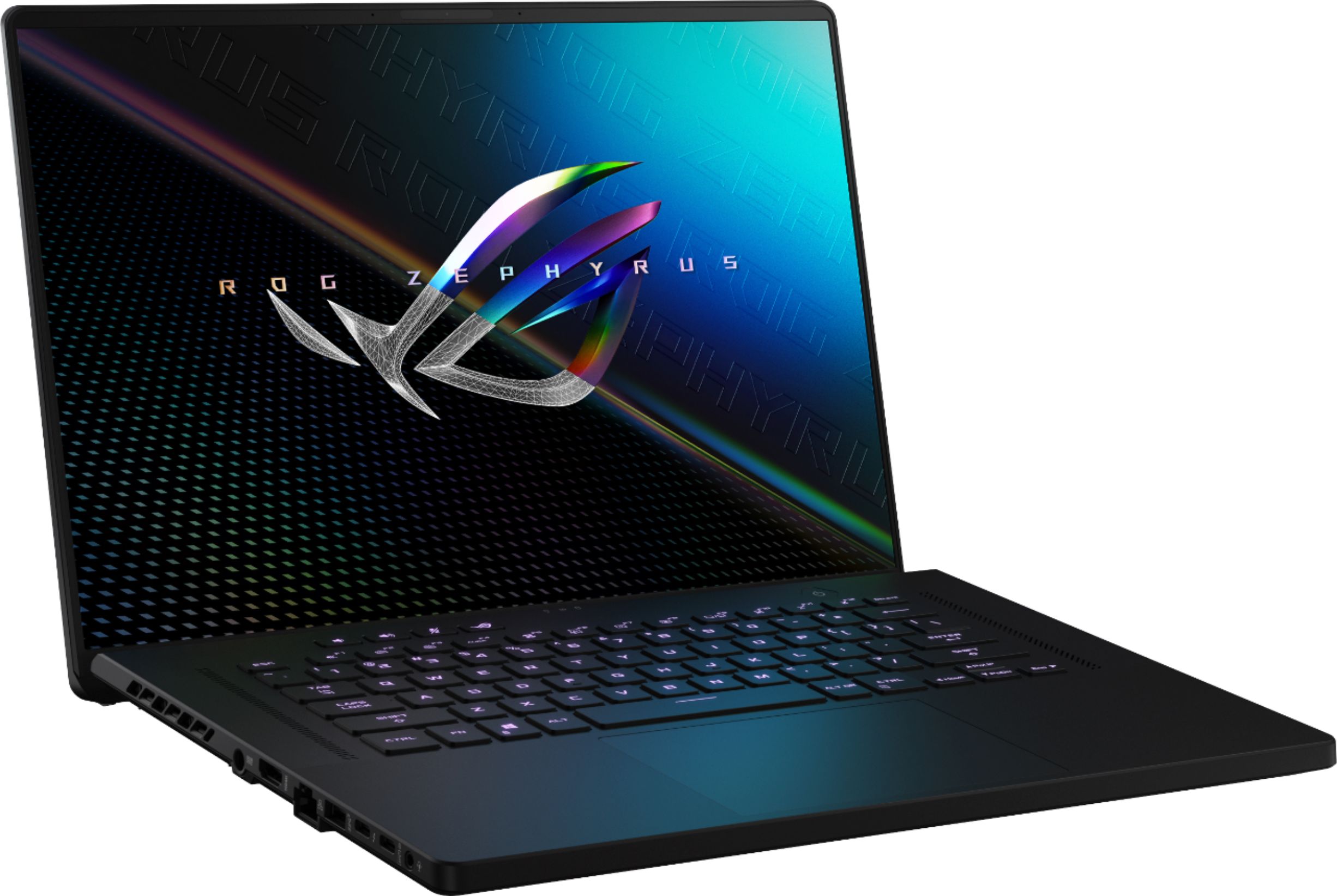
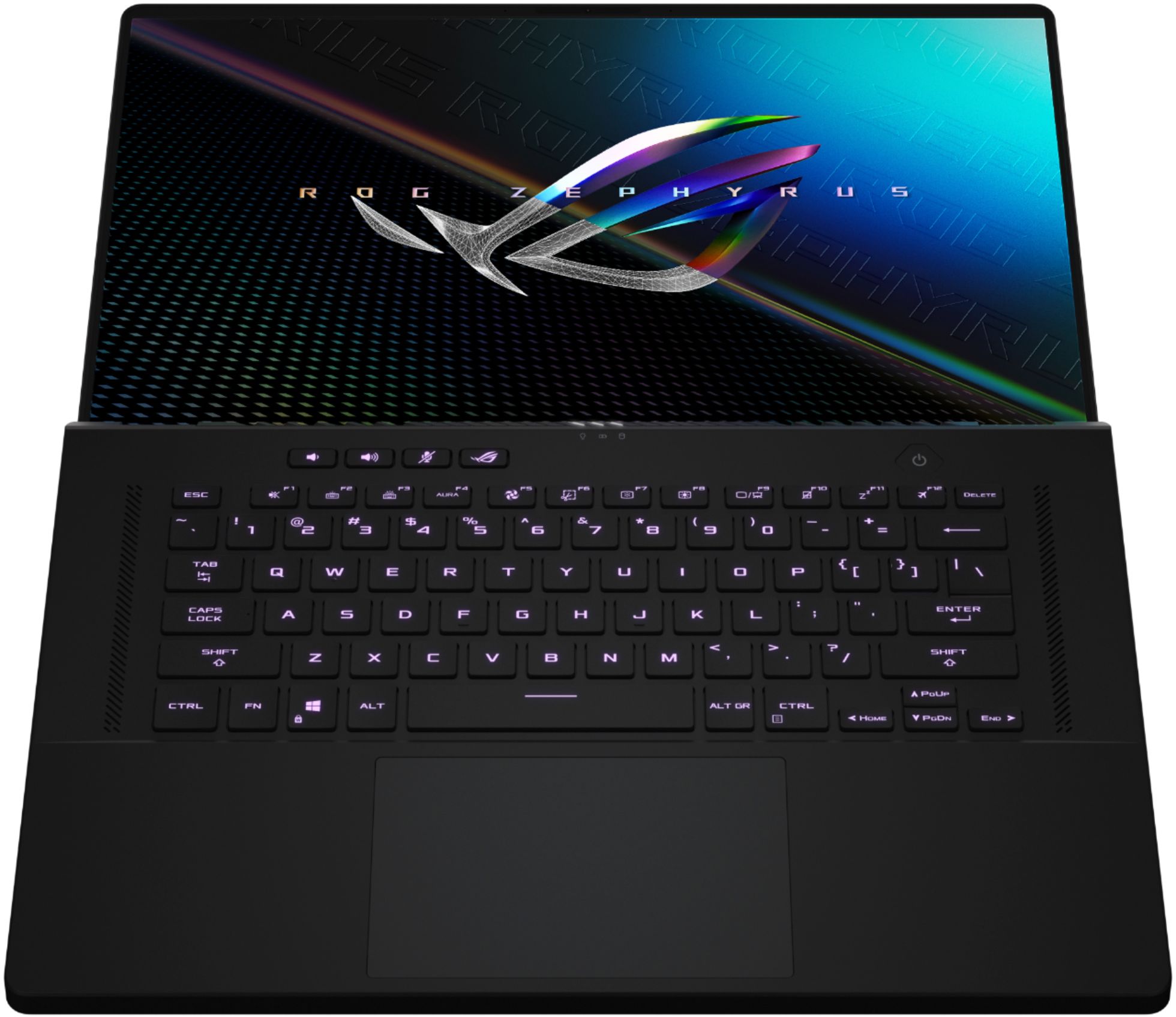


- Model:
- GU603HE-211.ZM16
- SKU:
- 6464201
Rating by feature
- Battery Life
Rating 4.0 out of 5 stars
- Speed
Rating 4.7 out of 5 stars
- Display
Rating 4.7 out of 5 stars
Customers are saying
Customers have good things to say about the gaming capabilities, screen quality, performance, design, and speed of the ROG 16" WUXGA 144Hz Gaming Laptop. They appreciate its ability to run games smoothly, its vibrant and immersive display, its efficient and fast performance, its sleek and stylish design, and its speedy operation. However, some customers have concerns about the laptop's battery life, fan noise, heating issues, and limited storage space.
This summary was generated by AI based on customer reviews.
- Pros mentioned:Screen sizeCons mentioned:Heat, Trackpad
Asus M16- i7 3050ti, more affordable, still great
||Posted . Owned for 1 week when reviewed.This reviewer received promo considerations or sweepstakes entry for writing a review.First off, I purchased this laptop without being able to find super good information about this model. All of reviews are on the i9 version. I wanted a laptop that "could" game, but was focusing on a powerful work machine that would handle everything I do for work replacing my office desktop and travelling with me. This laptop absolutely does that; and does it well. Overall: Top to bottom, this thing is a power house. I have really enjoyed using it. Light, responsive, and very respectable battery life. There are some... glitches? touchpad kind of does it's own thing and registers clicks or touches you aren't doing. Yes it plays games just fine, ran about 60 fps in Escape From Tarkov on recommended settings, ran between 80-90 with DLSS performance on recommended settings in Call of Duty Warzone, that's all I've tried so far. Pros: This screen is spectacular, for one feels giant, the 16:10 ratio just feels right for a chassis of this size, no wasted space, the brightness is insane for a mobile setup, 144Hz feels very smooth. Don't be scared away by the "lower" resolution. The guts are toned down from the step up version, but at a $400+ lower price, they absolutely get the job done. Keyboard is fantastic, snappy, responsive, and great key travel. Battery life is respectable, especially if you push the settings down and utilize the iGPU switcher. Cons: The trackpad, although one of the biggest ones on a windows machine, is very temperamental; sometimes working flawlessly, others it just won't respond or over responds to your inputs. Somewhere in the software, there is a hiccup where when your laptop goes to sleep, like mine does at my USB C (Non Thunderbolt) docking station, the backlit keyboard will flash over and over again; really annoying. Lastly, the machine does get hot, like to the touch on the keyboard tray and trackpad. The airflow does a spectacular job of keeping the internals within limits, but it does warm up the air around it under load, I have not experienced any thermal throttling, but I have had the fans running at 35+ dB according to the amoury app.
I would recommend this to a friend - Pros mentioned:PerformanceCons mentioned:Battery life, Storage
A great option!
||Posted . Owned for 1 week when reviewed.This reviewer received promo considerations or sweepstakes entry for writing a review.So my review is one from a former console-only gamer. As this Asus was my first foray into PC gaming I had no idea what to expect. I did many weeks of research on what the best hardware combos were, the best deals, and what I should expect from different iterations or combos of hardware. I stumbled upon this particular laptop through another purchase I made on an HP Victus that quite didn't meet my standards. Although, this was on sale at the time for $1249.99, which was a steal for value vs performance. This laptop is a wonderful option for first time PC gamers like me, or even the veterans as a nice mid-tier gaming laptop. With the i7/3050ti RTX combo, I have been pleasantly surprised and happy with the performance: -Doom Eternal ran on High-Ultra settings with an outstanding avg of 100+ fps on just Performance mode, likely even better on Turbo mode. (The Armory Crate is a great tool that can be used to really streamline your experience) -Forza Horizon 4 I was getting a consistent 72 fps with the adapter plugged in. I noticed a big drop in fps when running on straight battery, so you definitely want to keep it plugged in while gaming as it also seems to be about at most 3 hrs of battery life with gaming. -Red Dead 2 (Online) I havent ran any sort of benchmark tests but I am currently running it on Ultra settings with no visible frame rate drops and has been very smooth. Some other thoughts: Storage may be an issue for some, as 512G is not a whole lot of storage with today's big titles. The DLSS feature is quite nice and does work really well with some games. The fully lit RGB keyboard is nice, never been a huge "RGB Guy" but it has a nice look and feel while typing. You can manage the different RGB effect modes in Armory Crate. The 144hz refresh monitor is perfect for the 1080p gaming and is perfect for what I use it for. Overall this is a nice introduction into PC gaming being that you hardly can find PC parts to build a desktop. Pre-built desktops and laptops are going to be bought up in the mear future and this will be heavily on peoples radar!
I would recommend this to a friend - Pros mentioned:PerformanceCons mentioned:Battery life
Beware - Windows 11 support is iffy
||Posted . Owned for 2 weeks when reviewed.This reviewer received promo considerations or sweepstakes entry for writing a review.The laptop is nice, light, and snappy. It can handle the games I play just fine. The display is gorgeous and much brighter and crisper than displays I've used on other laptops. The Asus Armory software lets you set different performance levels. There are Performance and Turbo levels that will crank up the speed, but this also makes the fans quite loud. Battery life is mediocre, but I plan on mostly using it plugged in. I'm giving this laptop 3 stars because the advertising around its Windows 11 support is deceiving. The laptop prompted me to upgrade to Windows 11 out of the box during the initial setup. After upgrading, everything seemed fine. A few days after setup, I noticed the fingerprint reader was not working. Device Manager showed an error. Updated all software, drivers, BIOS, etc., but the problem keeps coming back. Asus is blaming the issue on Windows 11 and told me I'd have to wait until Microsoft or Asus release an updated driver. They said the "upgrade to Windows 11 is a choice" and that the notebook was manufactured to work with Windows 10. It's disappointing that Asus is taking this approach. I would have be fine if I had known that they're not sure the laptop will work with Windows 11 and likely would have held off from upgrading. If Windows 11 or the fingerprint reader are important to you, you may want to look elsewhere. I never used this laptop on Windows 10, so I can't confirm that Windows 11 is fully to blame. I'm now debating whether to return the laptop and move on or hope that Asus or Windows put out an update to fix this.
I would recommend this to a friendBrand response from ASUS Answers
Posted .Dear Andrew C,
Absolutely, the laptop is nice and snappy.
We certainly understand your disappointment and the inconvenience this may have caused if the fingerprint reader stop working in WIndows 11.
To resolve the issue, please revert to WIndows 10 in order to resolve the issue. Since Windows 11 just rolled out lately, minor bug will be experienced, this is normal on any OS that is in its infancy. ASUS is working deligently with Microsoft in order to roll out a bug fix with the fngerprint reader.
If you need further assistance with the product, please email me at cl-rodel@asus.com and I would be more than happy to help. Or, you are most welcome to call Product Support Hotline at: 1(888) 678-3688. Also, you can chat with an ASUS live support agent at: http://bit.ly/AsusLiveChat.
Thank you for choosing an ASUS product.
Regards,
Rodel
ASUS Customer Loyalty
- Pros mentioned:Ram, Screen size
A Laptop With No Compromises
||Posted . Owned for 2 weeks when reviewed.This reviewer received promo considerations or sweepstakes entry for writing a review.Overall: Coming from a Dell Inspiron 7570 to this beast of a laptop is a huge upgrade. I love almost everything about the laptop from the very big screen (Especially for a 15 inch laptop). To the mechanical keyboard that almost feels like my desktop PC. I also love the control that the typical ASUS BIOS comes with (I've got an ASUS motherboard in my desktop). As an overall package its great, but I do have some problems about specific things in the laptop. Detailed Pros/Cons: Display: Love that its an extremely controllable display with up to 500 nits and that its a anti glare screen. However the backlight bleed is very strong when in a darker area. During normal use though its not extremally noticeable. (Pictures) Chassis: I absolutely love the design of the chassis and the feel of it. However the texture or material they used is a fingerprint/oil magnet. So to keep it clean I typically wipe my fingers off before using it. CPU: While there isn't anything wrong about the CPU being Intel I do prefer AMD more because of their control over the CPU. Storage: I do wish it came with a 1TB SSD, however its not a huge deal as it is easily upgradeable. This is the same for the RAM, 16GB is more then enough for what I'm going to do but you can easily upgrade half of the ram as half of it is on the motherboard. Heat: Man does this thing get hot but that's to be expected. With ASUS amazing cooling and a little bit of undervolting (Which can be done from their bios). I'm able to keep the laptop in a comfortable temperature for me. Battery Life: You can control how much the batter gets charged up to which I love as if you know you will be gaming (Id recommend being plugged into an outlet) on it you can decrease it down to 60% charge and not worry about hurting the life of the battery when you need it more mobile. Plus you can control when the dGPU kicks on which increases battery life. Summary: With me getting this on sale for 1,199$ I think that was a steal for this laptop because of the build quality and features it comes with. With this being an older model If you can get it on a sale I recommend picking this one up or even if you don't mind spending more. Picking up the 2022 version of this laptop!
I would recommend this to a friend - Pros mentioned:Graphics, PerformanceCons mentioned:Fan noise
Loud
||Posted . Owned for 3 weeks when reviewed.This reviewer received promo considerations or sweepstakes entry for writing a review.The laptop is great, fantastic speed, and great performance, including the graphics. I am amazed at such a powerful machine in such a slim design! The fan is pretty loud though even on silent, and I don't of much on it. Anyways good buy.
I would recommend this to a friend - Pros mentioned:Performance
Love it
||Posted . Owned for more than 2 years when reviewed.This reviewer received promo considerations or sweepstakes entry for writing a review.I've had this thing for 2 years and loved every bit of it. I've madesome upgrades and I can't complain at all about the gaming aspect or office work on this thing. Does everything i want it to do.
I would recommend this to a friend - Cons mentioned:Battery life

Good value gaming laptop, poor battery life
|Posted . Owned for 4 months when reviewed.This reviewer received promo considerations or sweepstakes entry for writing a review.[Employee of bestbuy] Overall great laptop, been playing GTA 5 with medium settings on it, haven't had any issues. The only thing is the battery does not last long at all, even when doing normal tasks.
I would recommend this to a friend - Pros mentioned:Performance
Good
||Posted . Owned for 1 year when reviewed.This reviewer received promo considerations or sweepstakes entry for writing a review.Good performance but really heavy and it blacks out when I plug it in or unplug it. But great quality, definitely not a to-go student laptop though.
I would recommend this to a friend - Pros mentioned:Graphics, Ram, Screen sizeCons mentioned:Battery life, Fan noise

Fantastic gaming laptop
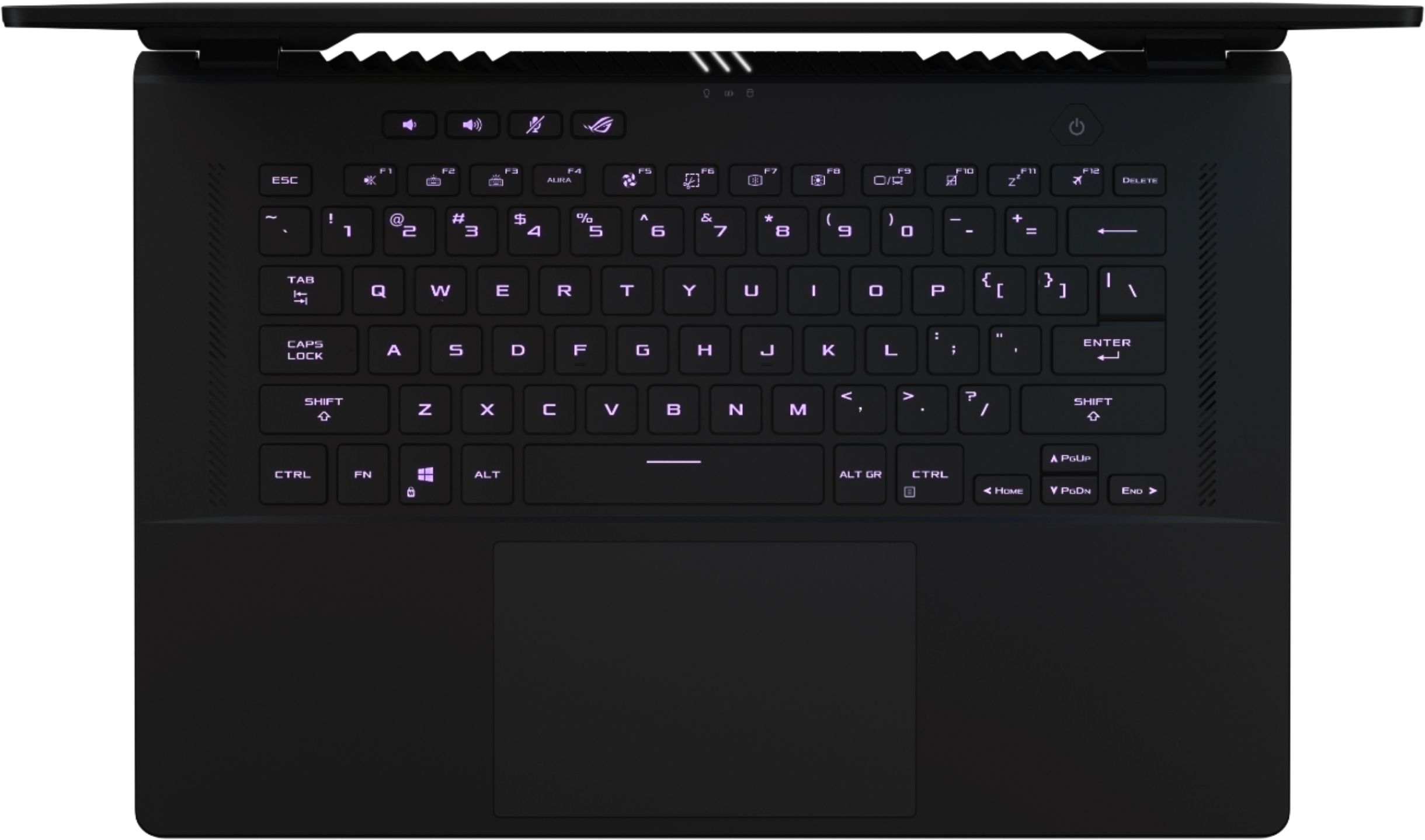
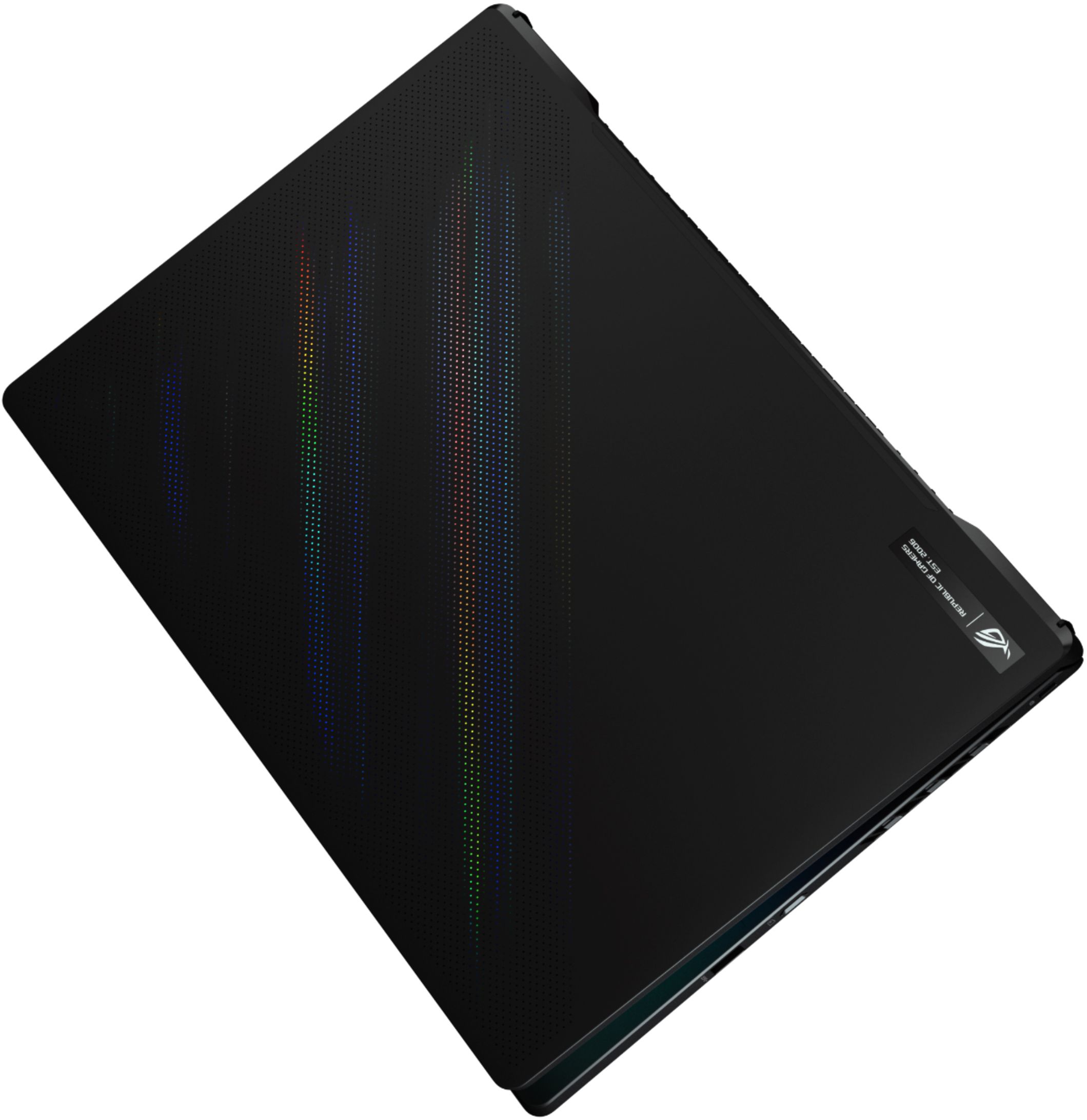
|Posted .This reviewer received promo considerations or sweepstakes entry for writing a review.Title: Fantastic gaming laptop Verdict: I had been using a big brand gaming laptop, and hadn’t considered an ASUS computer before. I am blown away by this ASUS ROG gaming laptop. It is small enough to bring everywhere, but still packs a punch of performance with a 16” screen, and a dedicated graphics card. First impressions. It is fairly thin, light (about 4lbs), with a large screen, great colors, and beautiful esthetics. I immediately loved it. The unboxing experience was also very nifty, with the carboard packaging lifts the laptop as you open the box… Great job ASUS! Esthetic. This computer looks super sleek. I love the exterior color and the dots on the front. The laptop is fairly thin for the level of performance that it packs. The keyboard is clean, spacious, and types well. The screen feels very thin and opens in a way that reduces the visibility of the bottom bezel. The touchpad is very generous, providing tons of space for accurate operation and gestures. The 16” screen is fantastic; it’s a really nice upgrade from normal 15” laptop screens. The webcam and mic work as expected. General computer performance. The 11th Gen Intel Core i7 delivers 2.3GHz of processing speed, allowing for a great user experience. While 16GB of RAM is good, at this point it is the minimum requirement for multitasking use, graphic design, and especially gaming. For serious gamers, a little more RAM is advisable. The hard drive only has 512GB of storage, which isn’t enough to download more than a few games, but the SSD aspect means that start-up and other operations are very zippy. The fan stays pretty quiet, unless you are pushing the computer. The speakers are actually pretty nice, and provide a great experience for a portable device. Gaming performance. The Armoury Crate button allows for comprehensive adjustments of all performance (GPU, CPU, fan) to optimize performance for gaming. Settings adjustments can also be saved under different profiles so that you can optimize the computer and keyboard for each game you play. The laptop handled all games tested (primarily FPS) relatively well (when plugged-in). The computer and RTX3050Ti graphics card provided smooth performance and graphics, without any noticeable glitches on the “performance” profile (games on medium settings). The computer does even better on “turbo” to run most games on high settings. To keep the computer cool, the fans become pretty noticeable; I wouldn’t say they are loud, but the fans are also not quiet. As expected, when gaming on battery power only, battery life goes down to only about 2 to 3 hours, instead of the expected 6 hours. Also, some features like “turbo” are not available on battery power. Things I love. - Super Sleek looking - Lighted keys that change colors! - The keyboard feels nice and types well, and the touchpad is very large - The fingerprint function in the power button is a nice “touch” - The full HD screen has vibrant colors, and a great refresh rate of 144hz - The solid-state drive allows for faster startup and zippy operations - 16 GB of RAM is decent, but serious gamers will want more - The SSD hard drive is great, but more space would be better - Very decent performance for most games on medium to high settings - Great speakers for a laptop - Powerful fan when you need it - Wifi 6 capable - The “Armoury Crate” button provides quick and powerful customization of every aspect of the computer performance, keyboard layouts, and more - No touchscreen! Not everything needs a touchscreen. I am happy to skip the touchscreen on this computer to save money and avoid fingerprints all over the high definition screen. Things I don’t love. - As much as I want to love the fingerprint reader, it doesn’t work so well for me. I think that it should be more prominent and accessible, and perhaps the scanner should be wider to increase the success rate. Unfortunately, I am able to log on by fingerprint only every other times. This has been an issue for me on other laptops, so maybe it’s just my fingers - I wish the webcam had a privacy slider. All laptops should include these Overall, ASUS ROG M16 laptop is a very compelling portable gaming platform that can handle the latest games, with tons of customizable features. I love this laptop and I highly recommend it.
I would recommend this to a friend - Pros mentioned:PerformanceCons mentioned:Battery life
Great price and build quality
||Posted . Owned for 8 months when reviewed.This reviewer received promo considerations or sweepstakes entry for writing a review.This is a great gaming laptop, great thermals and performance, the track pad is on MacBook levels, the RTX 3050ti is a little disappointing with only 4GB of vram you cant really play all the new games at good settings without running the memory out, battery life is poor only lasting around 3 hours with the gpu disabled and in silent mode while web browsing
I would recommend this to a friend - Cons mentioned:Trackpad
Keyboard durability
||Posted . Owned for more than 2 years when reviewed.This reviewer received promo considerations or sweepstakes entry for writing a review.Keyboard is not durable, better use an external one.
I would recommend this to a friend - Pros mentioned:Performance
Great one
||Posted . Owned for 2 months when reviewed.This reviewer received promo considerations or sweepstakes entry for writing a review.This works pretty good till now no issue with anything .
I would recommend this to a friend - Pros mentioned:Graphics, PerformanceCons mentioned:Battery life, Fan noise
Well Balanced Gaming Laptop
|Posted .This reviewer received promo considerations or sweepstakes entry for writing a review.Summary - This is a great mid-range gaming laptop. This is my first dedicated gaming laptop and I was concerned reviewing the specs that it was not enough, but it handles most games without a problem. It is a good blend of capability, price and portability. I love the speakers and screen. The design is not overdone, but adds a little flair with nice accents, color changing keyboard, and noticeable vents. I wish that ray tracing performance was better and that it was more upgradable, but I would choose a desktop gaming computer if those were deal breakers. Pros - Good specs that should allow you to play any game with a few tweaks. - Soft touch material - Color changing keyboard backlight looks cool. - Speakers are the best I have tried on a laptop with decent volume and bass - Keyboard is quiet and there is no fan noise in silent mode (limits performance) - Decent battery life (5-6hrs with GPU set to off) - Beautiful screen - Video card supports ray tracing (see note below) - Second M2 PCIe slot allows you to easily add storage - Asus Armory Crate software allows you to monitor temperatures and utilization - Useful short cut keys for fan speed, Armory Crate, volume and microphone Things to Consider - Most games work great with the recommended settings and easily exceed 60fps even with quality set to high. I played Metro Exodus and Mech Warrior 5 with no issues averaging around 70fps. I went back and played Wolfenstein II from a few years ago and saw over 100fps. - Enabling ray tracing is a major performance hit and requires sacrificing quality or frame rate with this laptop. Games that support NVIDIA DLSS do better, but it is a challenge for the GPU to get 60fps with ray tracing on. Examples: Mech Warrior 5 without DLSS was around 40fps - it was playable, but it was not worth the performance hit. Metro Exodus Enhanced is another story - the landscapes are incredible and ray tracing really adds to the realism - it supports DLSS to help performance, but still required some tweaking to get a over 60fps (Ray Trace - Normal, Reflections - Hybrid, DLSS - Performance, 1080p, quality high, VRS off). I also tried the Quake II RTX demo - also around 45fps; not as smooth as I would like, but playable and the ray tracing really changes the whole game (it is fun and it is free if you want to see ray tracing in action). - Limited upgrade potential. The video memory(4GB) and RAM(8GB Soldered + 8GB Upgradable) could be limiting for future games especially with ray tracing enabled. I considered upgrading the RAM but since only one RAM module is upgradable, it would have cost way too much for a single 32GB module to get to max (40GB) and only the first 16GB supports dual channel. - The hard drive is a reasonable size (512GB), but after downloading 5 games I had already used up about 75% of that space. Fortunately, there are lots of affordable performance SSD hard drives and I easily added a second 1TB drive (Hynix Gold P31) in the second slot. If you decide to add a second drive, make sure to get a copper heat spreader and connect it to the bottom of the case with a silicone pad (the copper film that is preinstalled only covers the primary slot). Also, I would avoid the cheaper DRAM-less drives to minimize the impact on system memory. - When in performance mode, cooling fan noise and heat from the back vents becomes very noticeable. I was expecting this given the relatively small form factor and lite weight. It does manage temperatures under heavy load much better than my mixed-use laptop with a 10th Gen Core i7 and GTX 1650Ti. - Battery life with the GPU enabled is a little less than 3hrs with moderate use (I recommend you bring the AC adapter for any kind of gaming). - Nice keyboard, but no number pad. This is not a big issue, but one of my daughter’s favorite games requires dedicated +/- keys. I solved the problem by ordering a cheap USB number pad.
I would recommend this to a friend - Pros mentioned:Performance, Ram, Screen sizeCons mentioned:Heat
Decent Entry Level Gamer Rig
|Posted .This reviewer received promo considerations or sweepstakes entry for writing a review.I am mixed on this unit to be frank. I really love the screen, it looks great! It has muscle with the i7, fast SSD HDD and 16 gigabytes of ram and the keys have a great feel. I was really excited to get my hands on this to utilize the Oculus Link with my Oculus 2 to plus up my VR experience BUT... Oculus Link doesn't recognize the 3050 Ti (which is the actual graphics card in this unit not the 3060 TI. It should not matter though because according to Oculus's own website all 30 series cards are supported....well not all of them apparently. Or the card is not able to handle the work load because it is a laptop GPU maybe?? It should though even if just barley. I tried Asus tech support and they advised to update the drivers ect....all of which I did. The message boards are more help for these kinds of thing but no luck. To be fair... that is not entirely ASUS fault to be sure. They put together a decent gaming rig and Oculus dropped the ball... so take that into consideration as I did in this review. But either way it still leaves me with a "VR ready" laptop that cannot run Oculus Link with the Oculus Link cable....Bummer. This may change as Oculus gets on board. If so I will update the review. I also did not try to buy another VR headset to see if I could work around Oculus. All I know is that I could not utilize Oculus 2 with Link cable which in turn made it problematic to run Steam VR. So if your main goal is to run VR...play it safe and ID the graphics card precisely and get the top end rig you can afford. So no VR (to date anyway) but I was still excited to hit up some higher end computer games I cannot play on the ps4. Cyberpunk 2077 was first up. I plugged in my headset and mouse and was off to the future. It did an awesome job!! The screen was crisp and bright and really brought the game to life. Skin tones and details were really impressive. All the usual suspects ran great as well, Fortnight, COD, Minecraft ect. I ran the unit through Userbenchmark.com and it came out at about the middle of the spectrum (49%). Overall according to Userbenchmark.com this unit ran below expectations when compared to 100 computers with exactly the same components, 65 performed better. I take the benchmarks with a grain of salt though...the unit performed really good for me. I would consider myself just an "average gamer". I don't lose sleep about percentage on a random benchmarks, I just want to have a good experience and I did. As I was playing away and trying to get my Oculus Link to work as well, I did notice that the unit generates a lot of heat. Especially (where you would expect) where the vents were on the rear of the unit. It was significant enough to be of note. Be sure to have good ventilation and probably not lay on bare legs. I would have liked 1 or 2 more USB ports as well. Overall, I think it's an ok entry level gaming rig if your not into VR and don't want to spend 3K.
No, I would not recommend this to a friend - Pros mentioned:Speed
The best
||Posted . Owned for 2 weeks when reviewed.This reviewer received promo considerations or sweepstakes entry for writing a review.The best....my son need it to work, he is Engineer, and make design of homes ..this computer is perfect for it!! Thank s best buy, love all your help
I would recommend this to a friend - Pros mentioned:SpeedCons mentioned:Heat, Storage
A Frustrating Gaming Laptop
|Posted .This reviewer received promo considerations or sweepstakes entry for writing a review.I should say upfront that I received the ASUS - ROG 16" WUXGA 144Hz Gaming Laptop for the purposes of providing honest feedback and an unbiased review. I want to like this computer. It plays some games better than my current gaming desktop computer. But some games don't play well at all. And then, there are the bugs. I probably spent more time over the past month squashing bugs through updates and tweaks than I have gaming. When it's working great, I love this laptop. But when it isn't working, I am pretty frustrated with the machine. Right now, I am more frustrated. The good: I like the build. I like the keyboard. I like the fast refresh rate of the display. I really like having a thunderbolt 4 port and WiFi6 built in. The trackpad is huge. The computer isn't a fingerprint magnet. For gaming, this machine is a mixed bag. It has a solid i7 processor, but the 3050Ti with just 4GB of RAM struggles a bit. Some games like "Red Dead Redemption 2" and "Apex Legends" would average around 70FPS with nearly every setting cranked. I found that really impressive. But, some games like "Control" would barely play at all. And that performance on "Red Dead Redemption 2" came with a lot of graphical glitches that I am struggling to fix. The takeaway was that if the game was optimized for NVIDIA, it would probably run well. If it was optimized for AMD, all bets were off. As a gaming computer, the machine isn't terribly practical. With a 500GB hard drive, you can only have one or two games loaded at any given time. The laptop gets hot and it gets loud. I ended up purchasing a riser with built in fans to keep the laptop cooler. The riser helps. Without it, the machine was getting too hot to touch. Us gamers like our gaming headsets and this laptop makes gaming headphones a buggy experience. I have multiple USB headsets and the included Intel Smart Sound USB driver would mess them all up. On my Logitech headphones, I couldn't change lighting or surround sound settings. On my Corsair headphones, I couldn't set spatial audio. The only solution was to go into device manager and uninstall and delete drivers for the Intel USB device. Although, on reboot, I would have to run the process all over again. If you use 3.5MM headphones or Bluetooth headphones, this probably won't be a concern. That bug was annoying. Then there was the audio popping over speakers when the laptop was on battery mode. That required a realtek driver update from within the "My Asus App". Then there was the windows key that did not work. That bug required an update from "Armory". Then other updates would run through Windows Updates. There have been a lot of updates over the course of the last five weeks and for every bug squashed, another seemed to take its place. Armory could be annoying with various pop-ups. Built-in lighting software was a mixed bag. It also could be finicky and of course it isn't compatible with non-Asus hardware. The laptop was advertised as VR ready. If you have an Oculus Rift or Quest 2, you should know that VR will not work for you. Oculus software will detect your machine does not meet the requirements. I thought that could just be a glitch with Oculus, but I forced performance mode within the applicable Oculus apps and I could get some VR apps to run, but they didn't run well. They were glitchy and stuttery. The machine comes with some updates and features that I found impressive. For one it has a Thunderbolt 4 port. You could, in theory, hook this laptop up to an external graphics enclosure like the ones from Razer. That and hard drive and memory upgrades could keep this laptop working and gaming well into the future. I believe it comes with an extra NVME slot for additional storage. The laptop has a thumbprint reader, but it only worked half the time. I had to rescan my thumb print several times and it never got any better. But right now, it's a frustrating mess. I want to love this laptop and I have times where I do, but then I have times where I just want to throw it out the window. I see a lot of promise in this computer. But man has it been frustrating. If I told a friend or relative to buy this computer, I would be providing tech support 24/7. I can't recommend anyone go through that. It's possible this laptop will improve with updates. It's changed a lot just in the last month. But in its current state, I can't recommend this laptop.
No, I would not recommend this to a friendBrand response from ASUS Answers
Posted .Dear RedScorpion,
Thank you for bringing this to our attention and I certainly understand your frustration. I will be letting the related department know about the issues you are experiencing for continuous improvements to the product line. Should you need any assistance, feel free to contact me at cl-adrian@asus.com, and I will help you to the best of my abilities. I am here to assist our customers with our products and dedicated in bringing a resolution to all issues that they may come across. Your case for reference is N2108028578-0001.
Thank you for choosing ASUS!
Best Regards,
Adrian
ASUS Customer Loyalty – US Support
Computer crashes every time
||Posted . Owned for 10 months when reviewed.This reviewer received promo considerations or sweepstakes entry for writing a review.the computer started crashing and closing every tab I had opened
No, I would not recommend this to a friendBrand response from ASUS Answers
Posted .Dear Eric,
It's unfortunate to hear that your unit is crashing. All our products do go through an intensive quality control testing process to ensure that customers get units that are in proper working condition, what you've experienced was not intentional. Have you tried updating your Drivers using the MyAsus application? Please follow the steps in the FAQ below.
For more information send us an email at customerloyalty@asus.com and provide the link of this review for reference. We’ll do our best to provide a quick resolution to your case. Your feedback is important as it helps with improvements to ASUS Support channels. Please refer to this case number (N2107044186-0022) for us to better assist you.
Thank you for choosing ASUS.
Best Regards,
Ramon
ASUS Customer Loyalty US Support
https://www.asus.com/support/FAQ/1038855/
- Pros mentioned:Performance
Laptop Review
||Posted . Owned for less than 1 week when reviewed.This reviewer received promo considerations or sweepstakes entry for writing a review.Dead Pixel - Passed Backlight Bleed Test - Failed. Lot of Backlight bleed test. Please see attached screenshot Trackpad Test - Passed CPU Performance & Stress Test - Passed CPU Temperature Monitor - Passed GPU FPS Test - Passed Overall - I think this laptop is very powerful in terms of gaming. I really don't like the backlight bleeding.
I would recommend this to a friendBrand response from ASUS Answers
Posted .Dear AaronMeimban,
Thank you for sharing your feedback on this model. We're sorry to hear about the unfortunate experinces you're having with the backlight bleed on this model and rest assured we will have this review passed on tour team. We would recommend that you reach out to us via email with these images and we'll see how we can resolve this issue.
For more information send us an email at customerloyalty@asus.com and provide the link of this review for reference. We’ll do our best to provide a quick resolution to your case. Your feedback is important as it helps with improvements to ASUS Support channels. Please copy a link to this post as a reference.
Thank you for choosing ASUS.
Best Regards,
Joan
ASUS Customer Loyalty US Support
- Pros mentioned:Screen size
Light and fast! For creating!
||Posted . Owned for 1 week when reviewed.This reviewer received promo considerations or sweepstakes entry for writing a review.Great fast stylish lightweight and powerful laptop! Screen is incredibly sharp and color accurate! So far so good. Worth $1200 for sure!
I would recommend this to a friend - Pros mentioned:Graphics, Speed
Tiny but MIGHTY
|Posted .This reviewer received promo considerations or sweepstakes entry for writing a review.The Asus ROG M16 gaming Laptop is the product of masterful engineering and design with the gaming consumer at heart. Want to join the republic? You’re in, so long as you’re willing to shell out those hard-earned dollars. When it comes to overall value, you’ll have a hard time finding a better laptop around this price range. But, better to me may not be better to you. So then, lets break it down. At first glance Asus knows how to fabricate a beauty of a machine, and a thin one to boot. You’re getting really nice metallic backing that’s smooth too the touch and surprisingly not a fingerprint magnet. Underneath is a solid base almost rubber-like with a large touch pad in the center. The laptop itself is very sturdy a durable despite its light weight. The keyboard is standard, though it is missing a numbered keypad. I personally, prefer more lifted tactile keyboards but what you’re getting here will do just fine. Laptops are meant to be portable and traveling with the M16 was a piece of cake. Weighing in at less than 4.5 pounds and under an inch thick, packing it away is easy and the power supply is generously small as well. Whether you need a notebook for on the go/work life or a portable gaming powerhouse, this thing can handle just about anything. But that doesn’t mean its not without its limits. Specifically, this model features an intel core i7 11th gen at 2.30 ghz, combined with an Nvidia RTX 3050 Ti gpu. After about a month of testing and enjoyment on this bad boy, you’ll be able to run most, if not all, the latest games with ease on low to medium settings and some even on high settings. You can bump up the performance with the included turbo mode, which boosts clocking. That’s where the m16 really shines. However, this mode will only run when connected to power, not on battery life. This is because it’s working harder to squeeze out the most it can do and power consumption is the cost, as well as bumping the fans to max so it does get a bit loud. Speaking of battery life, id say its decent. I was able to crank out around 5 hours on a full battery while gaming with medium settings and performance mode on. This mode is a step down from turbo and was a sweet spot in my opinion, where the fans wouldn’t get too noisy. The speakers sound incredible with Dolby Atmos, anything you hear from these will be outstanding and I’m very pleased with the audio. The built-in mic is fair and the camera is just okay. To be honest I only used this laptop for gaming. The display is extremely clear with a peak brightness of 500 nits and a 1920 by 1200 resolution, rest assured, your content will look gorgeous. One downside is the 512 gb ssd, which can fill up quite easily these days given that game sizes are only getting larger. In summary, Asus and ROG have surpassed expectations and packed a ton of user-friendly features, supreme power and solid gaming performance in a tightly knitted piece of architecture that’s sure to leave you in awe. While it may not handle everything, this M16 model is easily one of the best laptops to date, raising the bar for consumer value.
I would recommend this to a friend